

Instant Alerts for Crews, Managers and Clients
Instant alerts software for field teams: automatic alerts about new jobs and changes, in the app and as push on the device.
Instant Alerts About Jobs and Changes
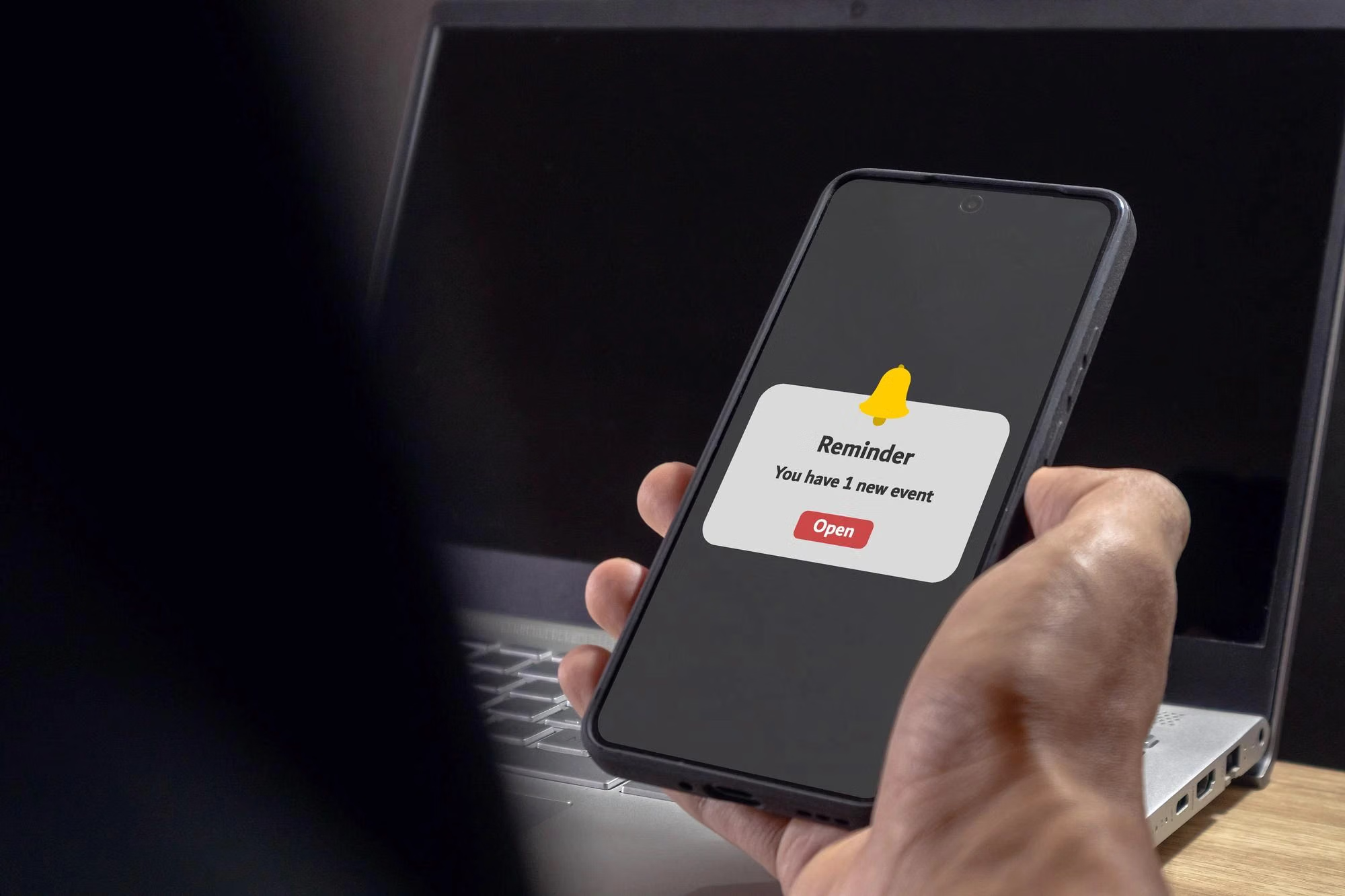
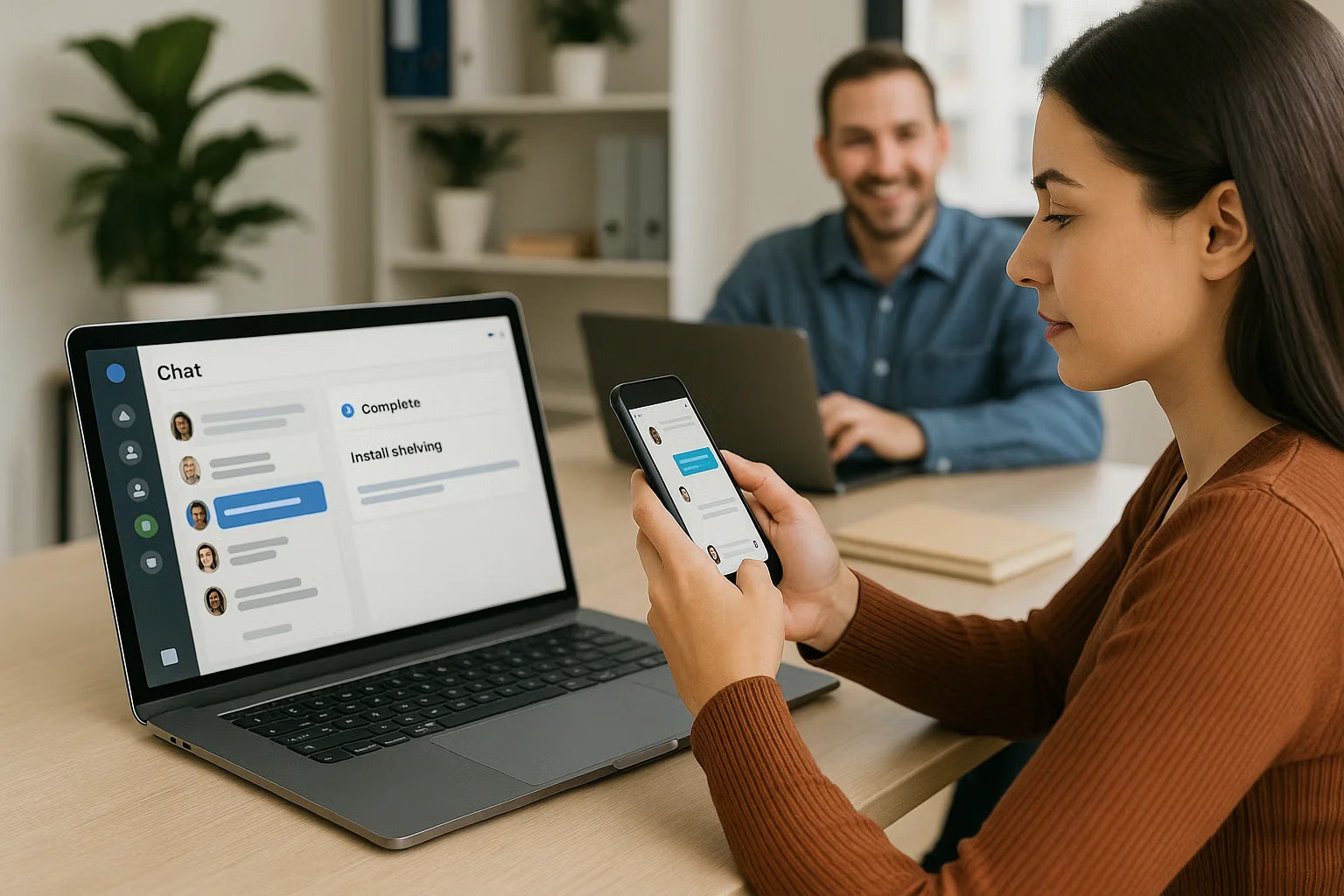
Shifton sends notifications about new events and changes related to a user's profile and tasks. They are delivered automatically once notifications are enabled, appearing in the Notifications section of the mobile app and as push messages on the device.
Reassignments and changes reach the technician without a separate phone call.
Notification Settings Controlled by the User
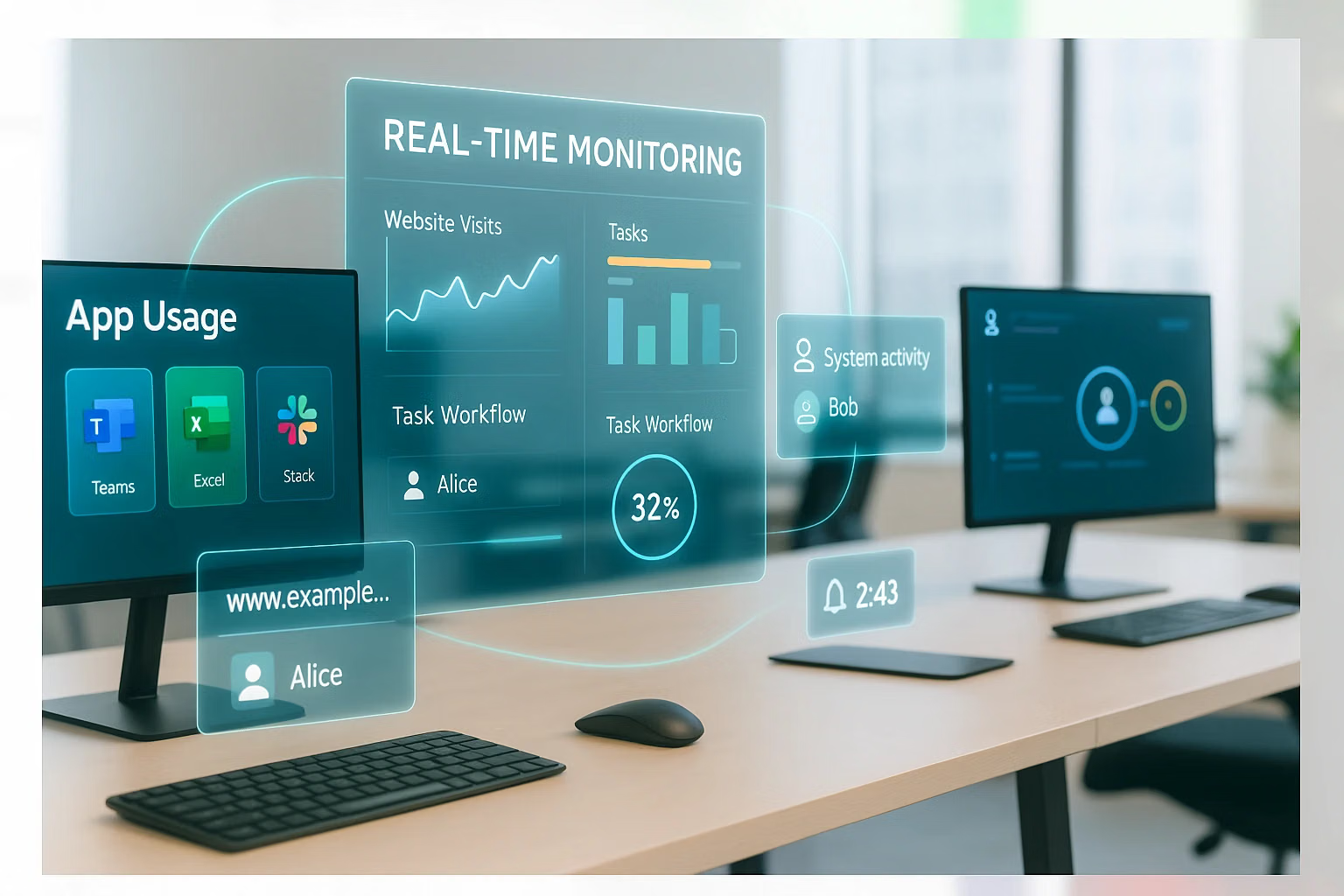
Notifications are enabled in My Profile, under Notifications. The setting covers all events and task types at once: subscribing to some categories and not others is not possible, which prevents an employee from silently missing a class of alerts.
Alert configuration stays predictable across the whole team.
Client Notifications From the Customer Portal
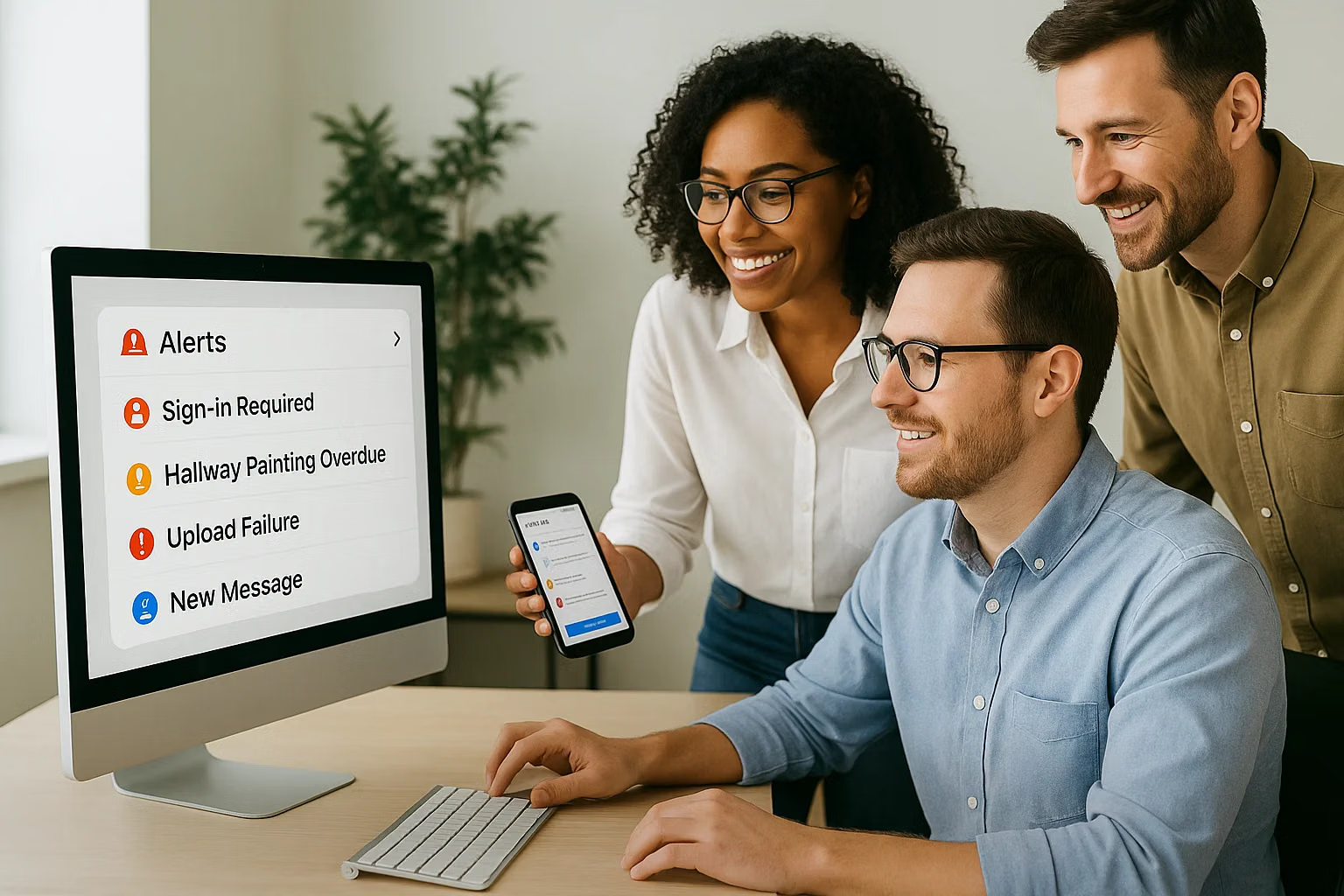
With the Customer Portal module, clients automatically receive reminders about the upcoming visit and a link to rate the service after completion. The tracking page also carries buttons to chat with or call the assigned technician.
Client communication runs from the job record rather than from the office inbox.
Start with the Free Plan
No time limits. Get full access to core features and upgrade when you're ready.
How alerts reach crews and clients
Alerts are what keep a schedule from drifting quietly
Instant alerts software exists because most coordination failures in field service come from information that was not passed on: a reassignment the technician did not receive, a schedule change the client was not told about, a job closed without the required sign-off. Notifications remove the manual step where that information is lost.
Shifton sends alerts about new events and changes related to a person's profile and tasks, automatically, as they happen. In the mobile app they arrive in the Notifications section and as push messages on the device.
Who gets told what
- Technicians. New assignments and changes to the jobs that concern them, in the app and as push notifications.
- Clients. With the Customer Portal module, automatic reminders about the upcoming visit, plus a review request once the job is done.
Turning notifications on
Each user controls their own in My Profile, under Notifications. The toggle covers everything: it is not possible to subscribe to some task types and not others, which is a deliberate simplification rather than an omission. If alerts are not arriving, the two things to check are that toggle and whether push is allowed for the app at the device level.
Client-facing alerts change the phone bill
A reminder before the visit and a tracking link during it answer the two questions clients contact the office about most often. Both are served by the Customer Portal, without involving a dispatcher or interrupting the technician.
Alerts and the job record
An alert is an event on the job, not a separate channel. Status changes made in the mobile app reach the dispatch board immediately, and what gets notified follows the same record. See job tracking for what is written down every time something changes.
What it costs
Notifications are part of the platform and come with the Tasks base module, free for up to two employees with no time limit and $5.00 per employee per month above that. See the pricing page.
Frequently Asked Questions
What events trigger a notification?
New events and changes related to a user's profile and their tasks. They are sent automatically once notifications are enabled for that user.
How do technicians receive alerts?
In the Notifications section of the mobile app and as push notifications on the device, provided push is allowed for the app at the device level.
Can I subscribe to only some task types?
No. The notification setting applies to all events and tasks at once, which keeps the setup simple and avoids a technician silently missing a category.
Where do I turn notifications on?
In the app, under My Profile and then Notifications. Each user controls their own.
Why am I not receiving notifications?
Usually one of two reasons: the toggle in My Profile is off, or push notifications are not allowed for the app in the device settings.
Are clients notified about a visit?
With the Customer Portal module, yes. Clients automatically receive reminders about the upcoming visit and a review request after the job is completed.
Do notifications cost extra?
Notifications themselves come with the Tasks base module. Client reminders need the Customer Portal module and zone alerts need Work location control, each $5.00 per employee per month.

Ready to transform your field operations?
Join thousands of field service companies that trust Shifton to run smarter every day.