

Customer Portal with Live Technician Tracking
A customer portal for field service clients: a reminder before the visit, a link showing the technician on the map with an estimated arrival time, buttons to chat or call, and a review form once the job is finished.
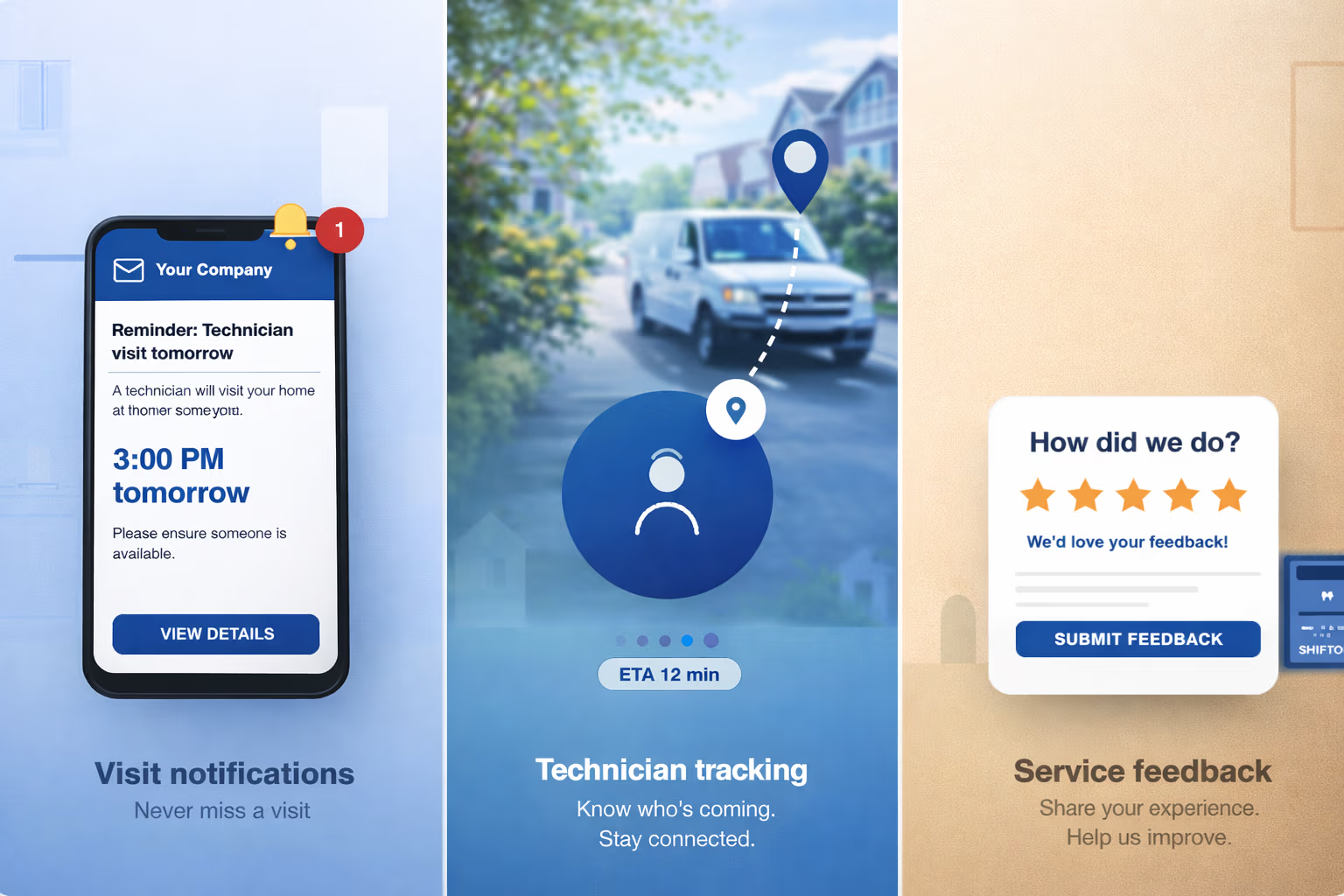
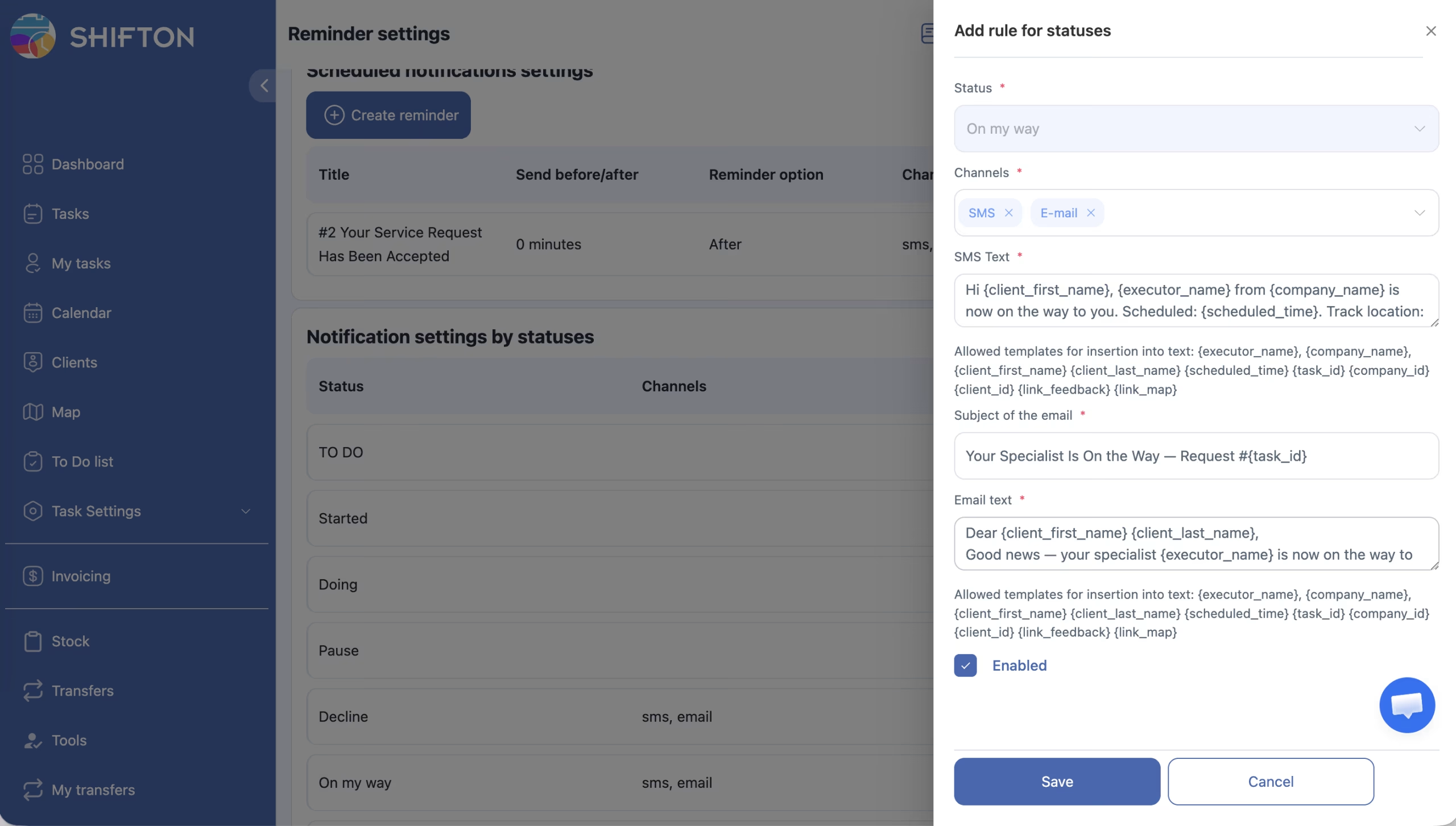
Visit Notifications From the Customer Portal
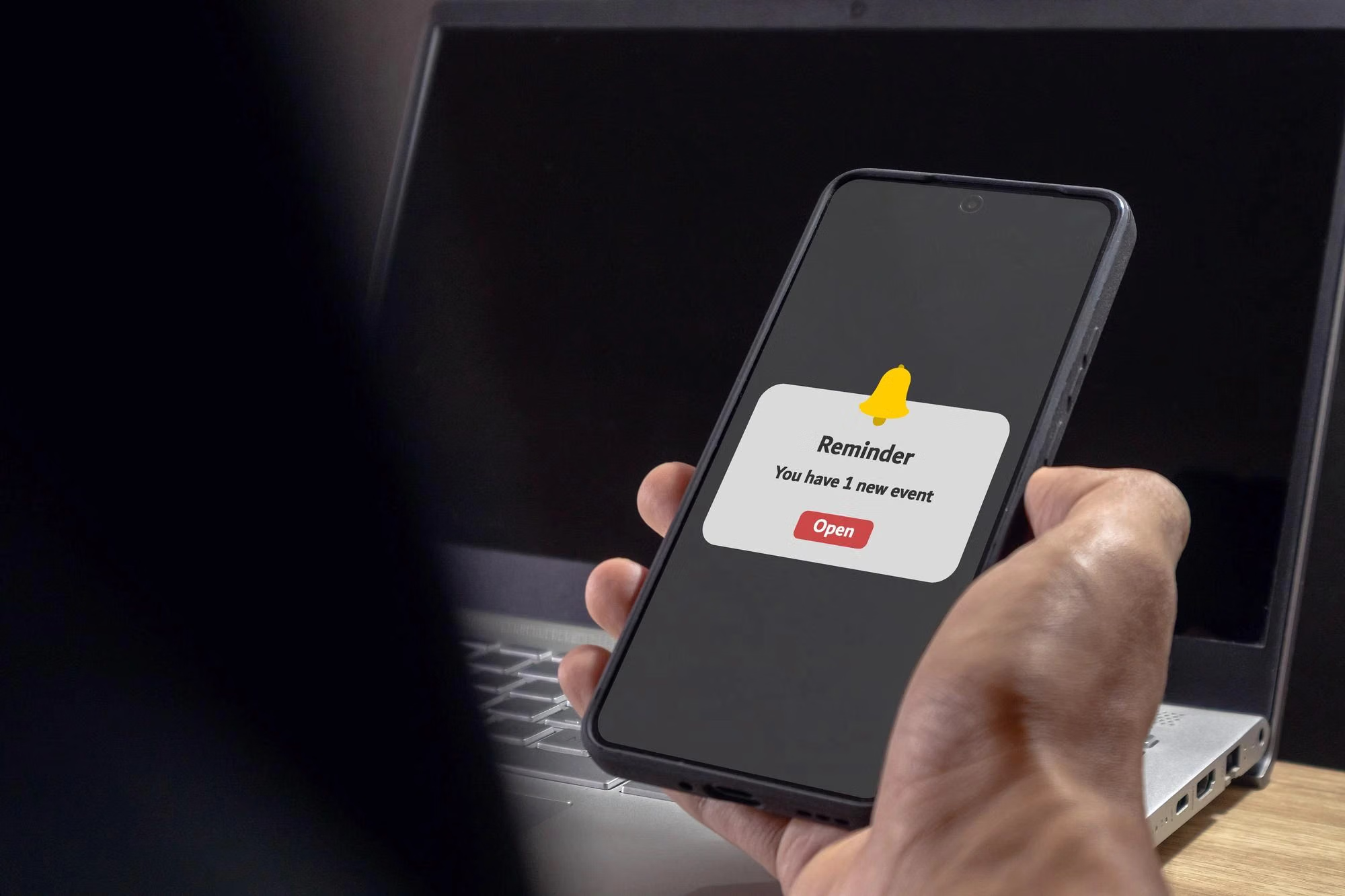
Clients automatically receive reminders about the upcoming visit of a technician. The reminder is generated from the scheduled job, so it reflects the assignment as it stands rather than a separately maintained list.
The client portal covers the part of the service the customer can observe.
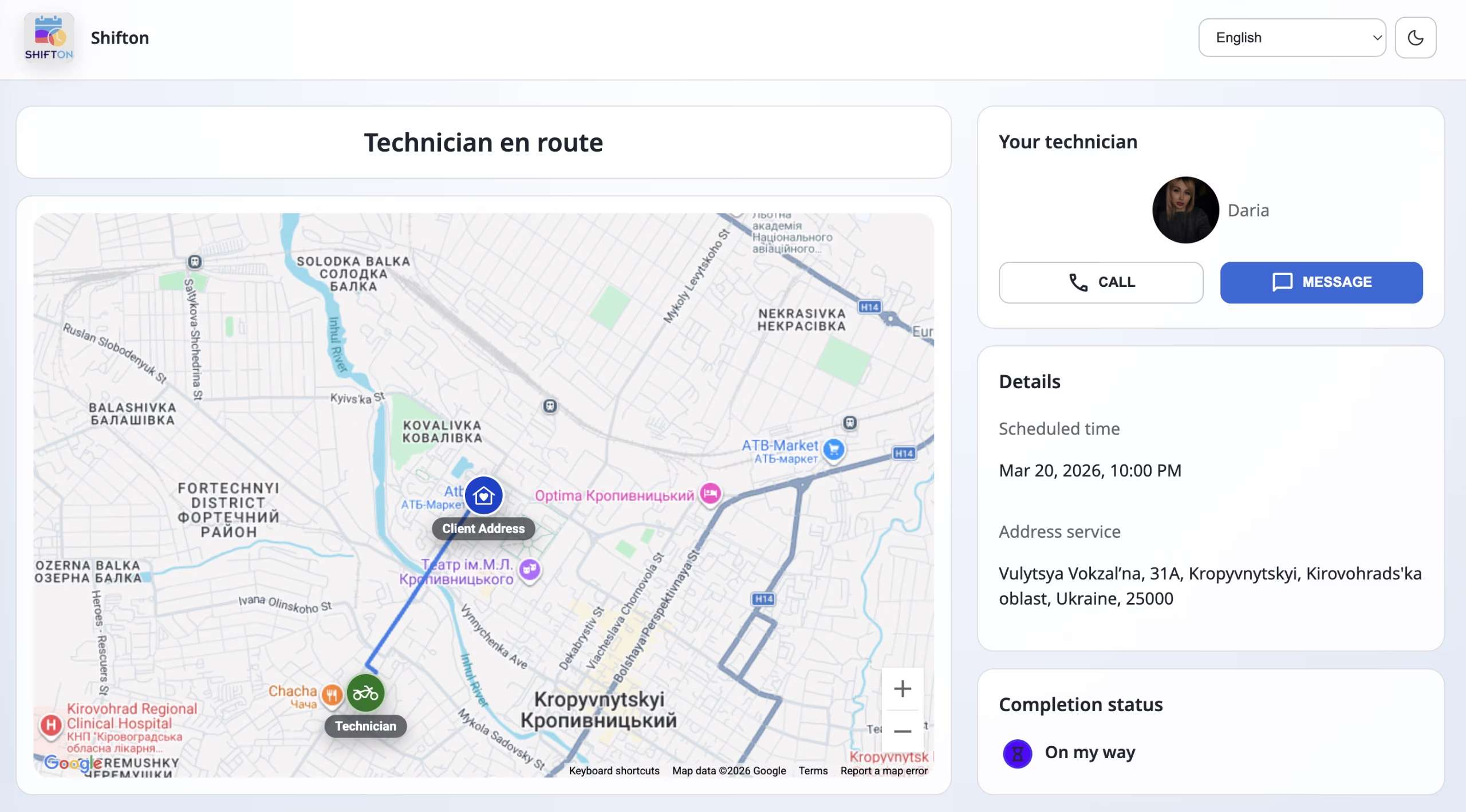
Technician Tracking and Direct Contact
The client receives a link showing the technician's location on the map with the estimated time of arrival. The tracking page carries buttons to start a chat or call the technician directly.
Arrival questions are answered by the portal rather than by a dispatcher.
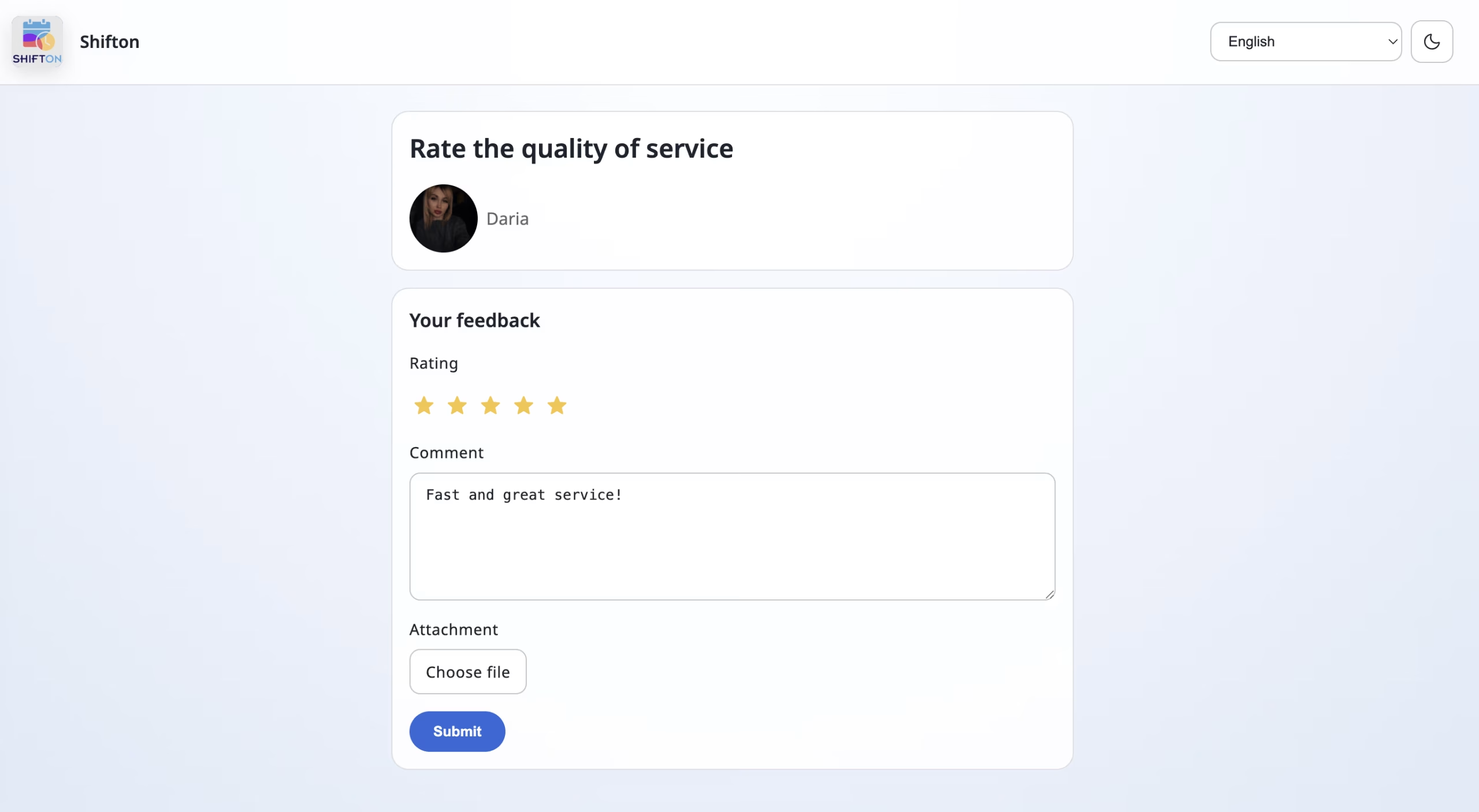
Review Requests After Completion
After the job is completed the client receives a link to rate the service and leave a written review. The request is triggered by the completion of the task, so it arrives while the visit is current.
Customer feedback is collected on every job instead of when someone remembers to ask.
Start with the Free Plan
No time limits. Get full access to core features and upgrade when you're ready.
How the customer portal works for clients
What the client sees of the service
Clients judge a service company on two observable things: whether the technician arrived within the promised window, and whether they were kept informed. Neither depends on the quality of the repair itself. The Customer Portal module covers both.
It is the client-facing side of the same job record: the scheduled visit generates the reminder, the dispatched technician generates the tracking link, and the completed job generates the review request.
What the client gets
- Visit notifications. Automatic reminders about the upcoming visit of a technician.
- Technician tracking. A link showing the technician's location on the map and the estimated time of arrival.
- Quick contact. Buttons on the tracking page to start a chat or call the technician directly.
- Review form. After completion the client gets a link to rate the service and leave a written review.
Why this reduces work rather than adding it
Arrival questions are the most common reason clients contact a service office. A tracking link answers them without involving a dispatcher, and the reminder sent before the visit reduces the number of missed appointments caused by an unclear time window.
Reviews collected at completion
The review request is triggered by completion of the task, so it reaches the client while the visit is current. Feedback collected at that point is specific enough to identify what went well and what did not.
Where the data comes from
From the job itself. The scheduled visit, the assigned technician and the completion event are all part of the task, and the portal reads them. Location on the map comes from the Work location control side of the same platform, and what the technician does on site is the mobile app. See client management for the record all of it hangs on.
What it costs
Customer Portal is an additional module at $5.00 per employee per month on top of the Tasks base module, with a trial of up to 55 days and 20% off on annual billing. The base module is free for up to two employees. See the pricing page.
Frequently Asked Questions
What is the Customer Portal?
The client-facing side of the job: visit reminders, a link to track the technician on the map with an estimated arrival time, quick chat or call buttons, and a review form after the work is done.
Do clients get told about an upcoming visit?
Yes. Clients automatically receive reminders about the upcoming visit of a technician or specialist.
Can clients see where the technician is?
Yes. They receive a link showing the technician's location on the map along with the estimated arrival time.
Can clients contact the technician directly?
Yes. The tracking page carries buttons to start a chat or place a call, so the client does not have to go through the office.
Are reviews collected automatically?
Yes. After the job is completed the client receives a link to rate the service and leave a written review.
Does the client need an account?
No. The portal reaches the client through the link they are sent for their own visit.
Does the portal reduce calls to the office?
Yes. Arrival questions are the most common reason clients contact the office, and the tracking link answers them without a dispatcher.
Is the Customer Portal included in the base plan?
No. It is a separate module at $5.00 per employee per month with a trial of up to 55 days. The Tasks base module is free for up to 2 employees.


Ready to transform your field operations?
Join thousands of field service companies that trust Shifton to run smarter every day.