

GPS Tracking for Field Crews During the Shift
Field service tracking software that works during the shift: with the employee's permission, see where the crew is and keep the full route from start to finish with times recorded along the way. Dispatch by who is actually nearby, and settle time on site with data instead of opinion.
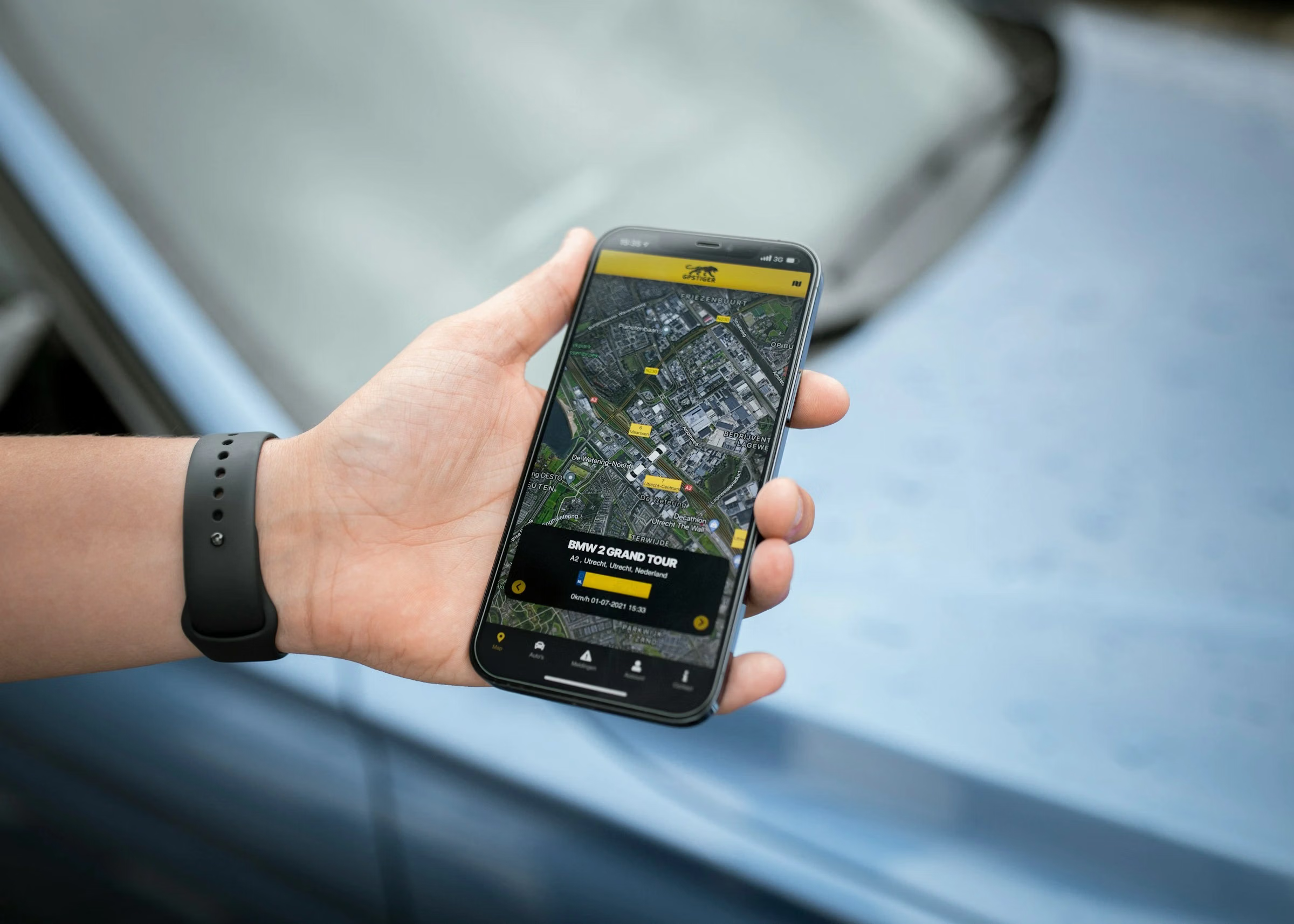
Field Service Tracking During the Shift
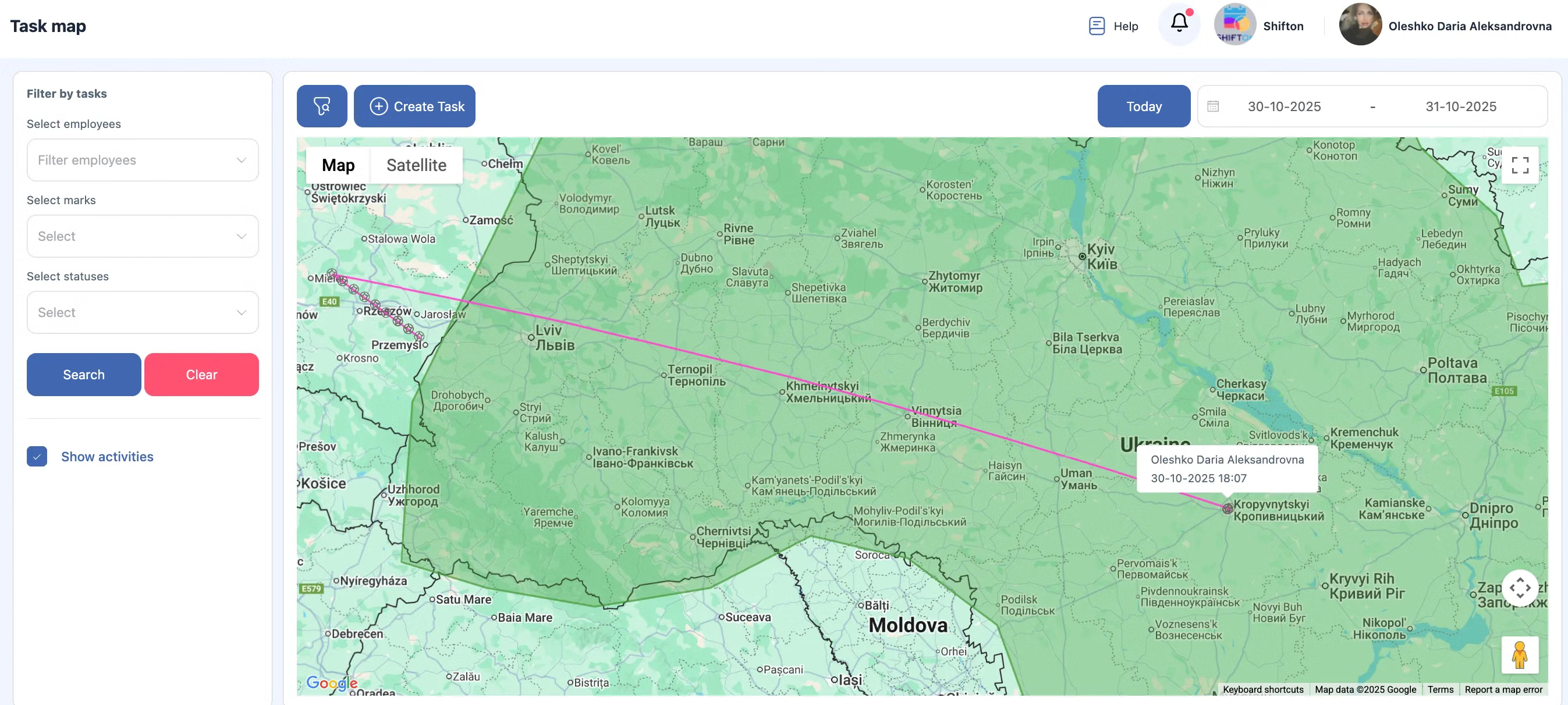
The Work location control module tracks employee location during the shift, with the employee's permission, and records the full route from start to finish with times along the way. It is a paid module and is not part of the free plan.
GPS tracking software that produces a record, not only a live dot on a map.
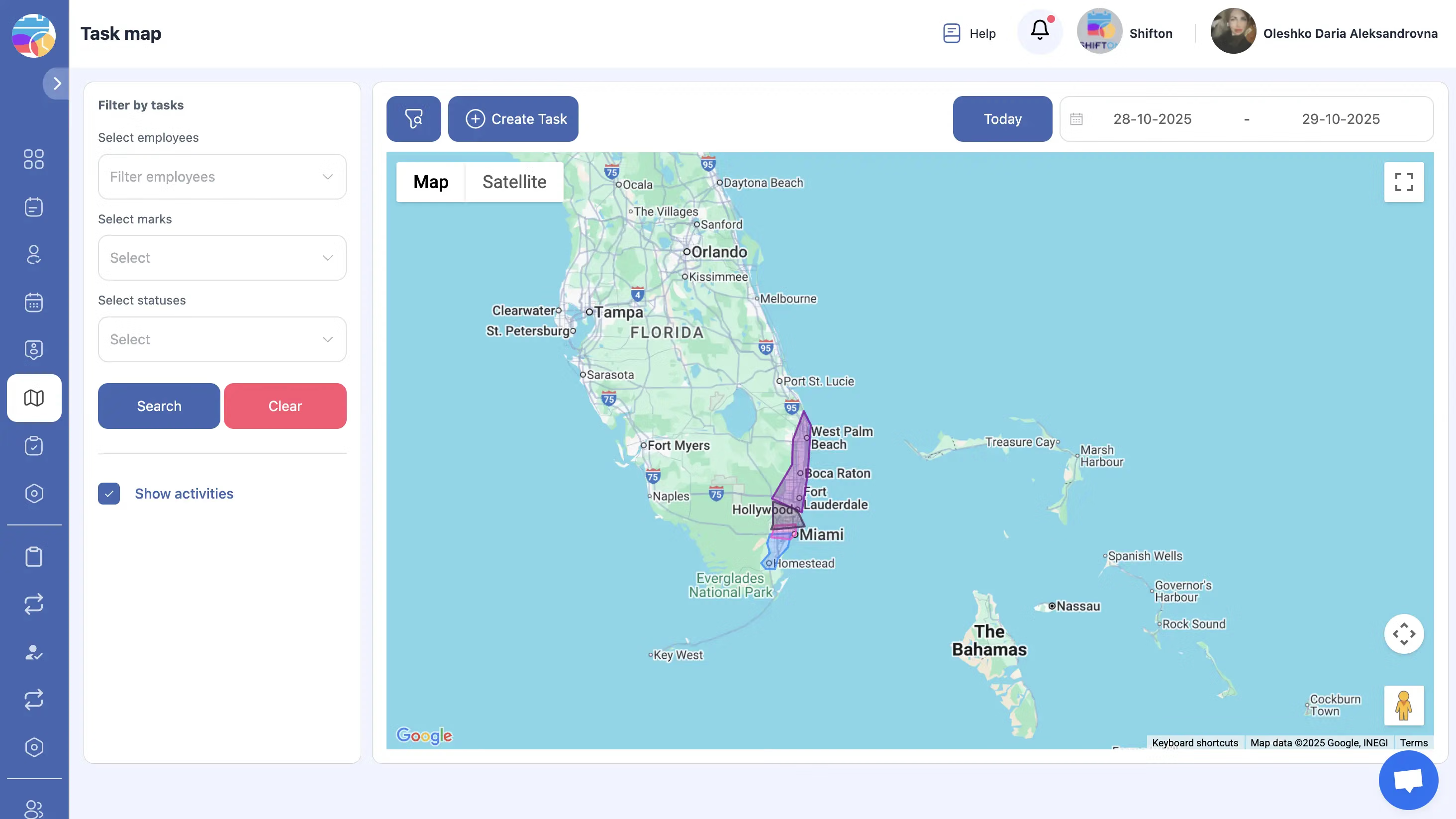
Live Map for Dispatch Decisions
Employees currently on shift appear on the map. Combined with service areas, which limit a job to the technicians authorised for the address, the map answers which of them is close enough to take it.
Field team tracking turns dispatch from negotiation into a decision.
Location Data and the Client Side
With the Customer Portal module the client receives a link showing the technician on the map and the estimated arrival time. Location data collected during the shift is the basis for that view, and it stops when the shift does.
The same data serves dispatch inside the company and expectations outside it.
Start with the Free Plan
No time limits. Get full access to core features and upgrade when you're ready.
How location tracking works during a shift
Knowing where the crew is, without guessing
Field service tracking software answers the question dispatch rests on: which technician is closest and available. Without current positions that question is answered by phone calls and estimates. Work location control answers it from recorded data.
The module tracks employee location during the shift, with the employee's permission, and keeps the full route from start to finish with times recorded along the way. Managers see where people are now, and afterwards can look at how the day actually went.
What the module gives you
- A live map of employees who are currently on shift
- The full route of each shift, from beginning to end, with time recorded at each point
- Movement statistics that can be used for planning and for payroll questions
Why it is a separate module
Because location data is not ordinary job data. It is enabled deliberately, with the employee's permission, and it is priced on its own so a company that does not need it does not carry it. The base plan does not include GPS tracking.
What it changes in dispatch
A new job comes in with an address. The address belongs to a service area, the area narrows the list to the technicians who work there, and the map tells you which of them is close enough to take it today. The decision takes seconds and does not depend on anyone's estimate of traffic.
What it changes after the job
Time on site stops being a matter of opinion. The route shows when the technician arrived, how long they stayed and when they left, which settles billing questions and complaints about missed visits. Together with the photos and the signature collected in the app, the visit is documented end to end. See job tracking for the rest of that record.
Privacy is part of the design
Tracking runs during shifts, not around the clock, and it is switched on with the employee's permission. That distinction matters legally in most countries and practically in every team: crews accept location tracking that ends when the shift ends far more readily than one that does not.
What it costs
Work location control is an additional module at $5.00 per employee per month on top of the Tasks base module, with a trial of up to 55 days and 20% off on annual billing. The base module is free for up to two employees, but it does not include GPS. See the pricing page.
Frequently Asked Questions
What does the Work location control module do?
With the employee's permission it tracks their location during the shift and keeps the full route from start to finish, with times recorded along the way, plus movement statistics.
Can I see where technicians are right now?
Yes. Employees who are currently on shift appear on the map, so a dispatcher can see who is near a new job before assigning it.
Is location tracked outside working hours?
No. Tracking applies to the shift, and it is enabled with the employee's permission.
Is GPS tracking included in the base plan?
No. Work location control is a separate module at $5.00 per employee per month, with a trial of up to 55 days. The free plan for 2 employees covers the Tasks base module without GPS.
Does tracking work when the technician is offline?
No. Positions are reported when the device has a connection and location services are on.
Can the client see where the technician is?
With the Customer Portal module, yes. The client receives a link showing the technician on the map with an estimated arrival time.
Does location tracking help with dispatching?
Yes. The service area narrows the job to the technicians who cover the address, and the live map tells you which of them is close enough to take it.
Can I use the route data for payroll?
Yes. Movement statistics and recorded times give an objective basis for hours worked and time on site, which is what most payroll disputes come down to.


Ready to transform your field operations?
Join thousands of field service companies that trust Shifton to run smarter every day.