

Inventory and Tool Tracking for Field Service
Work order and inventory management software in one system: tools, materials, warehouses and storage locations, with transfers between facilities and technicians that wait for confirmation, and a per-employee list of what each person currently holds.

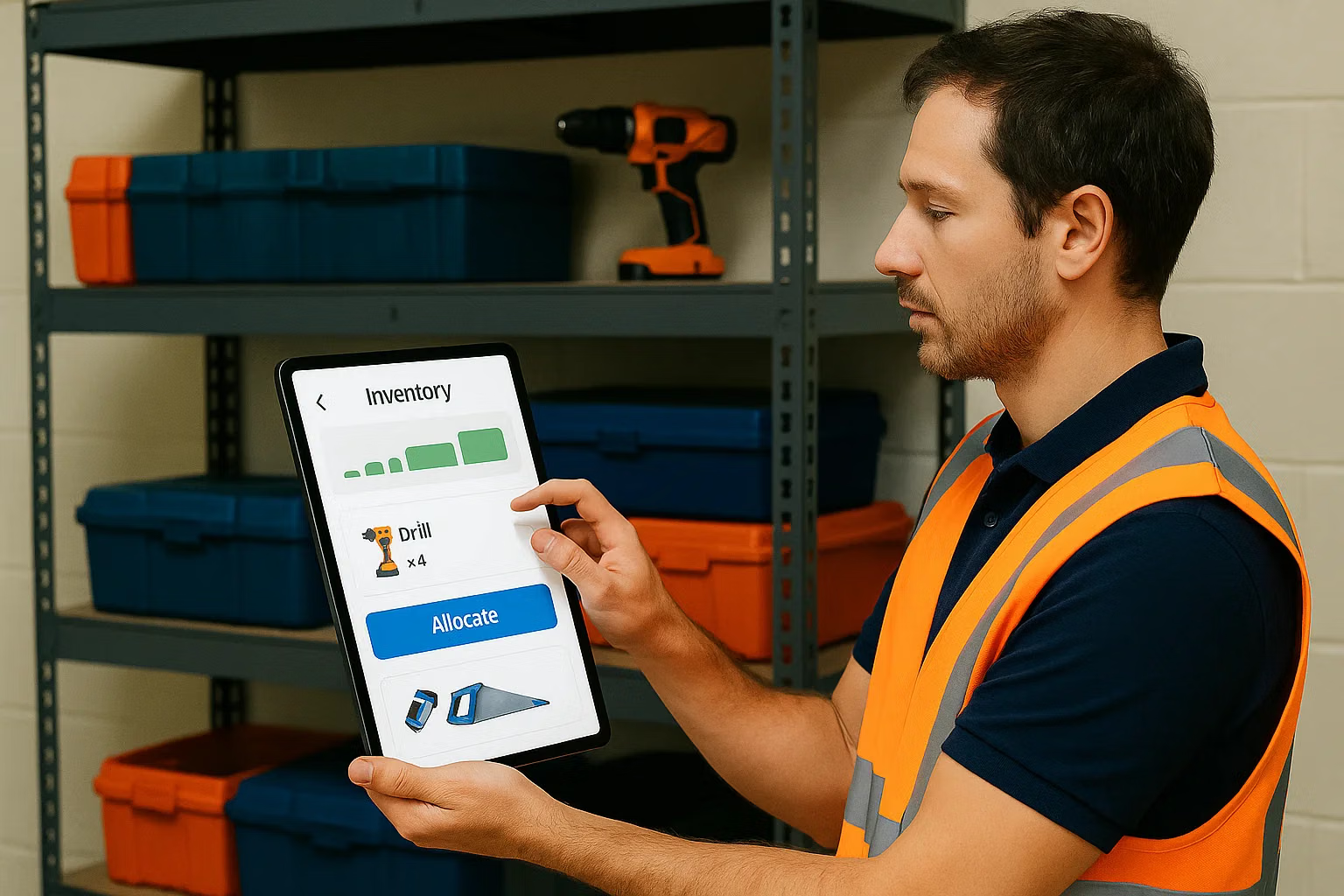
Inventory Management Software for Tools and Materials
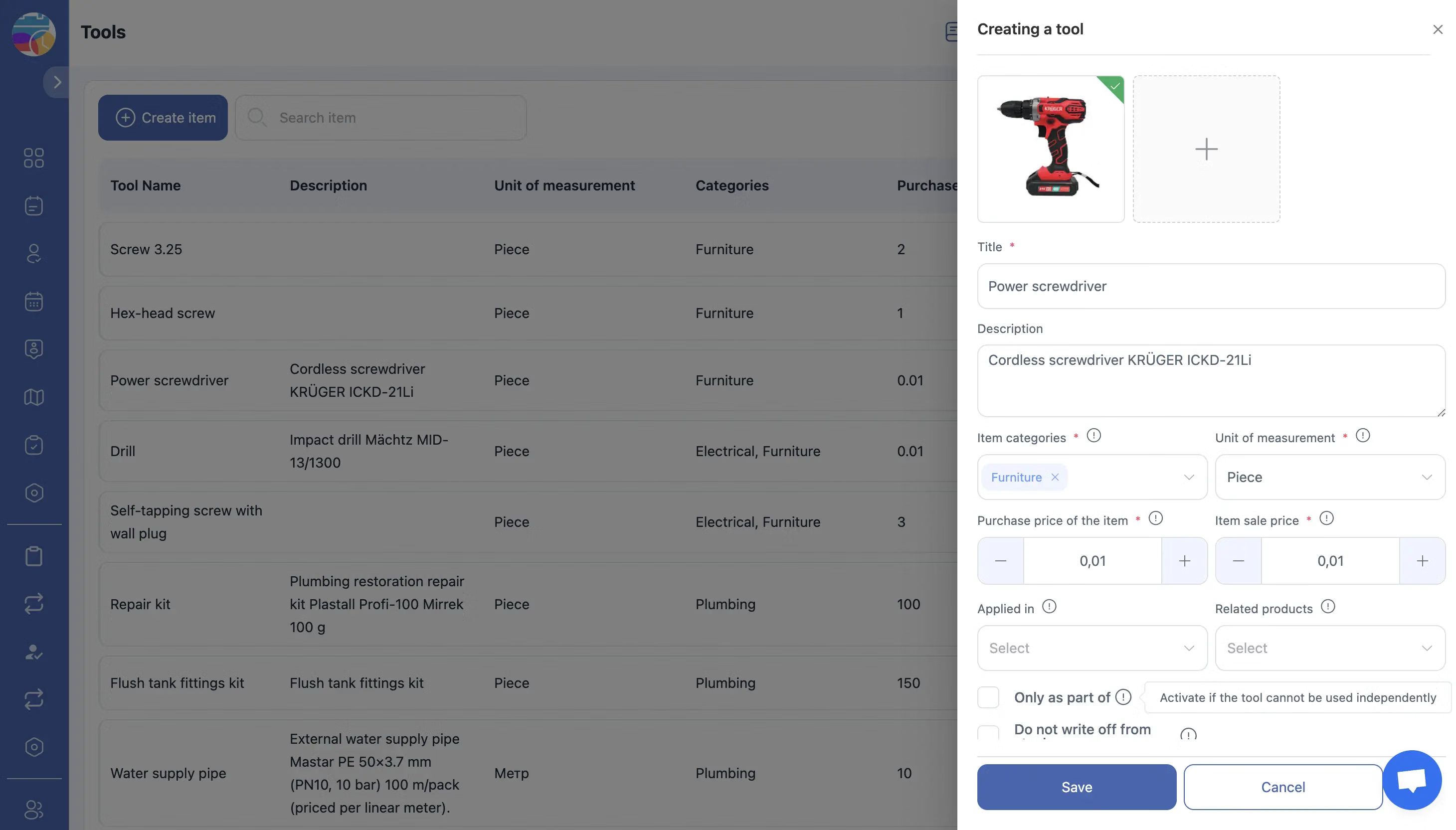
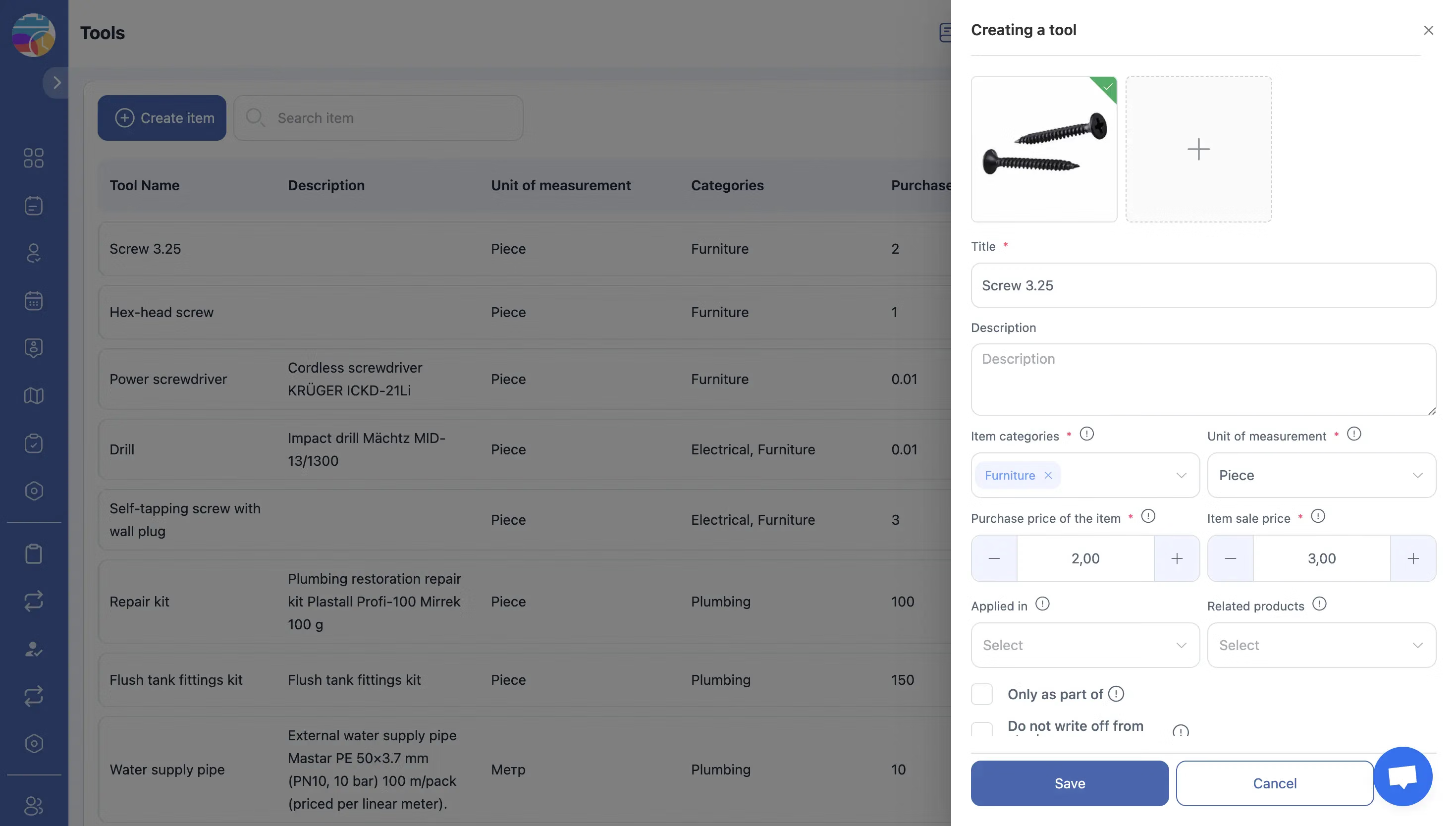
The Inventory module manages tools, materials, warehouses and storage locations. Setup follows a fixed sequence: category, unit of measurement, tool, then the list of storage locations and the warehouse built on top of them.
Stock control for a company whose inventory moves with the crews.
Transfers Between Facilities and Technicians
Items move as transfers, and a transfer waits for the recipient. It stays Pending until the receiving facility or technician confirms it, and the Transfers section lists every operation grouped by status.
A missing item leaves a record of where the handover stopped.
Who Holds Which Tools
The My Items section shows the tools assigned to a user. Every user sees their own; the owner and administrators see all employees, and a task approver sees the employees of the service areas they are assigned to.
Locating equipment becomes a search in the system rather than a round of calls.

Materials Used on the Job
Materials consumed during a visit belong to the task, which is where invoicing reads them when the document is built and where the job history keeps them for the next technician who opens the site record.
Work order and inventory management stay in one system rather than two.
Start with the Free Plan
No time limits. Get full access to core features and upgrade when you're ready.
How inventory and transfers work
Stock control for companies whose warehouse is a van
Work order and inventory management software has to account for stock that is distributed by nature: part of it sits in a warehouse, the rest moves with the crews. The Inventory module gives that distribution a structure that can be counted and audited.
It manages tools, materials, warehouses and storage locations, with transfers between facilities and technicians, and a record of who holds what right now.
The order things are created in
Setup follows a fixed sequence, and following it saves rework later:
- Category, the type or group of tools and materials
- Unit of measurement, how the item is counted: pieces, litres, metres, rolls, sets
- Tool, with its name, category, unit and description
- Storage locations, the places stock can physically live: office, workshop, vehicle, container
- Warehouse, built on top of the locations and the items
In short: category, unit of measurement, tool, list of storage locations, warehouse.
Transfers, with a confirmation step
Items move between facilities and technicians as transfers, and a transfer waits for its recipient. Pending means created but not yet confirmed by the receiving facility or technician; confirmed means accepted; declined and cancelled cover the remaining cases. The Transfers section lists every operation grouped by status, so each handover has a record on both sides.
Who has what
The My Items section shows every tool assigned to a person. Each user sees their own. The owner and administrators see all employees, and a task approver sees the employees of the service areas they are responsible for. Filters by employee and by facility make locating equipment a search in the system.
Parts used on a job
Materials consumed during a visit belong to the job, which is where invoicing reads them from when the document is built, and where job history keeps them for the next technician who opens the site record.
What it costs
Inventory is an additional module at $5.00 per employee per month on top of the Tasks base module, with a trial of up to 55 days and 20% off on annual billing. The base module is free for up to two employees. See the pricing page.
Frequently Asked Questions
What does the Inventory module manage?
Tools, materials, warehouses and storage locations, with transfers between facilities and technicians and a record of which items are assigned to whom.
In what order do I set it up?
Category, then unit of measurement, then the tool. For storage: the list of storage locations first, then the warehouse. A tool has to exist before it can be stored.
What units can I use?
Whatever the item is counted in: pieces, litres, metres, rolls, sets. The unit is part of the tool definition, so counting is consistent everywhere.
How do items move between a warehouse and a technician?
As a transfer. It stays Pending until the receiving facility or technician confirms it, and can also end up Confirmed, Declined or Cancelled. All of them are listed in the Transfers section by status.
Can I see what tools an employee is holding?
Yes. My Items shows your own tools to everyone. The owner and administrators see all employees, and a task approver sees the employees of the service areas they are assigned to.
Can I track stock across several locations?
Yes. Storage locations cover the places stock actually sits, including vehicles and containers, and warehouses are built on top of them.
Is inventory linked to jobs?
Yes. Materials used on a visit stay with the job, so billing and job history read the same numbers instead of a separate stock note.
Is the Inventory module included in the base plan?
No. It is an additional module at $5.00 per employee per month with a trial of up to 55 days. The Tasks base module is free for up to 2 employees.


Ready to transform your field operations?
Join thousands of field service companies that trust Shifton to run smarter every day.