

Field Service Reports Built From Real Job Data
Field service reporting software built on the job record: completion times, outstanding jobs, checklist answers, parts consumed and repeat visits, all read from the job record as it was filled in on site. Included in the base module, so a two-person company has them from the start.

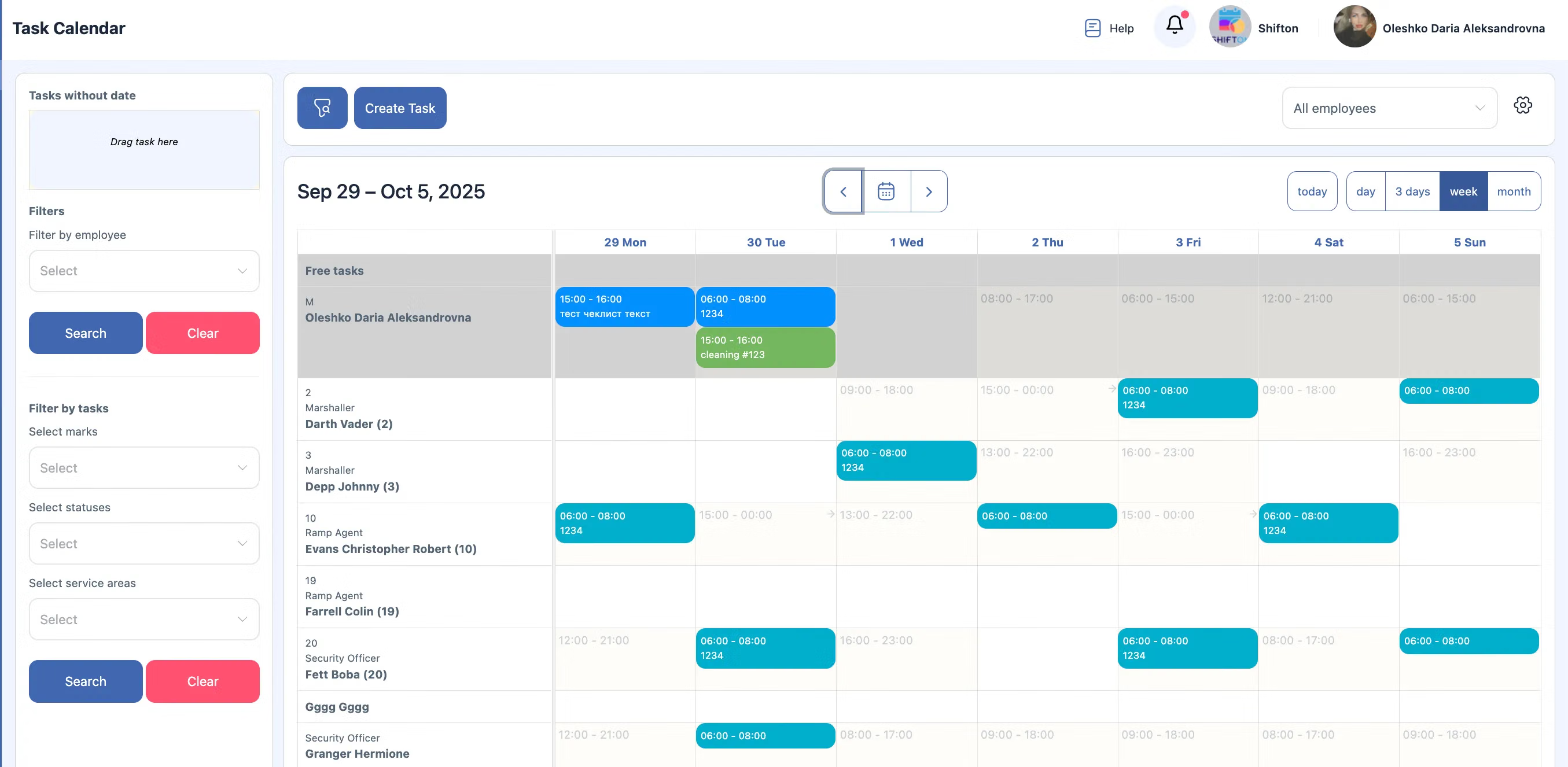
Field Service Reporting From the Job Record
Reports read the data the work already produced: status history, start and end times, checklist answers and materials recorded against each task. Nothing has to be assembled by hand at the end of the month.
Field service reporting software depends on how the data was captured, not on how it is summarised.
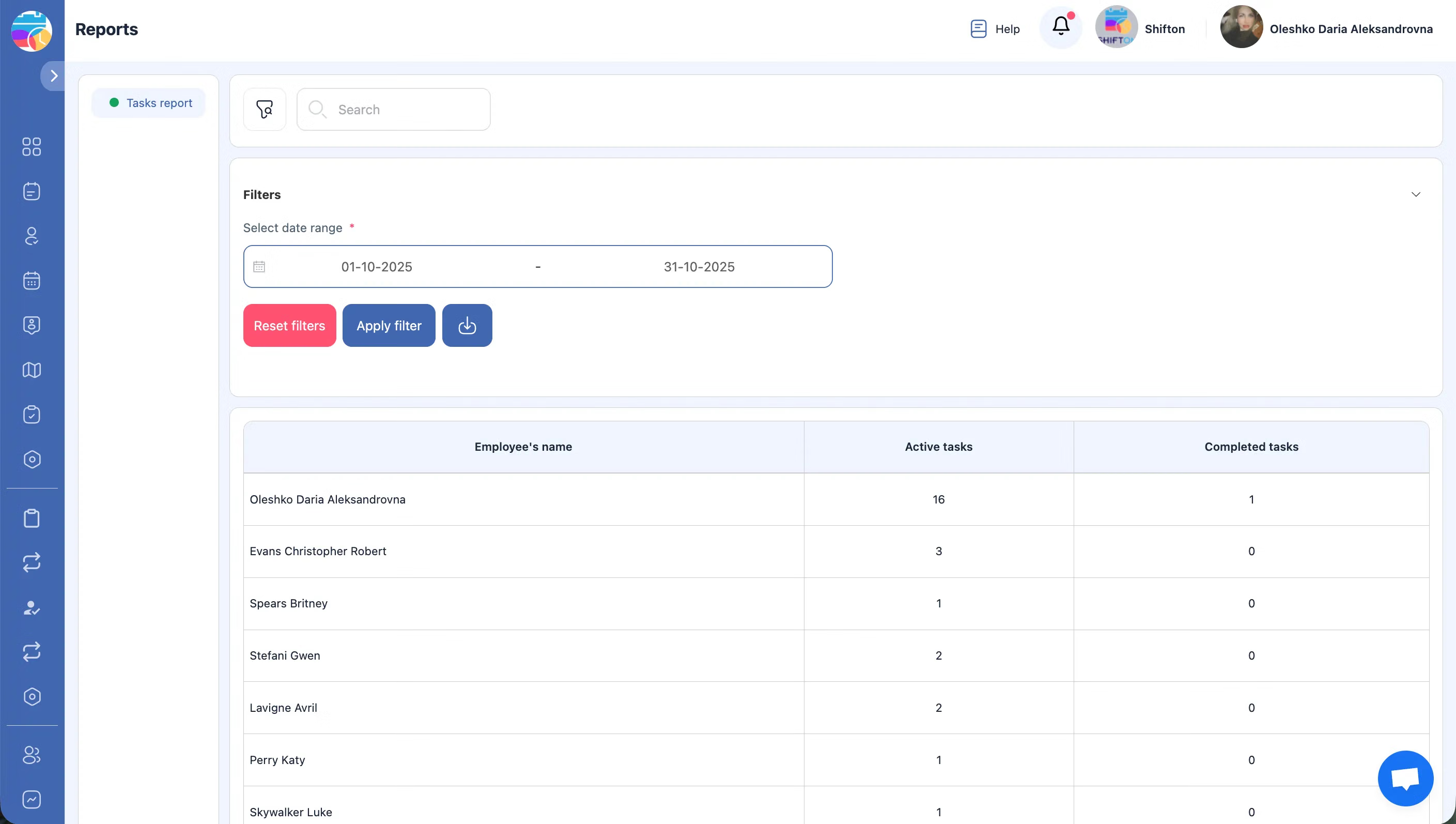
Completion Times and Outstanding Work
Time tracking runs on the task itself: technicians start and stop it in the mobile app, so duration reflects the work rather than a timesheet filled in later. Open, overdue and completed jobs are visible per period and per assignee.
Quoting and capacity decisions rest on measured durations.
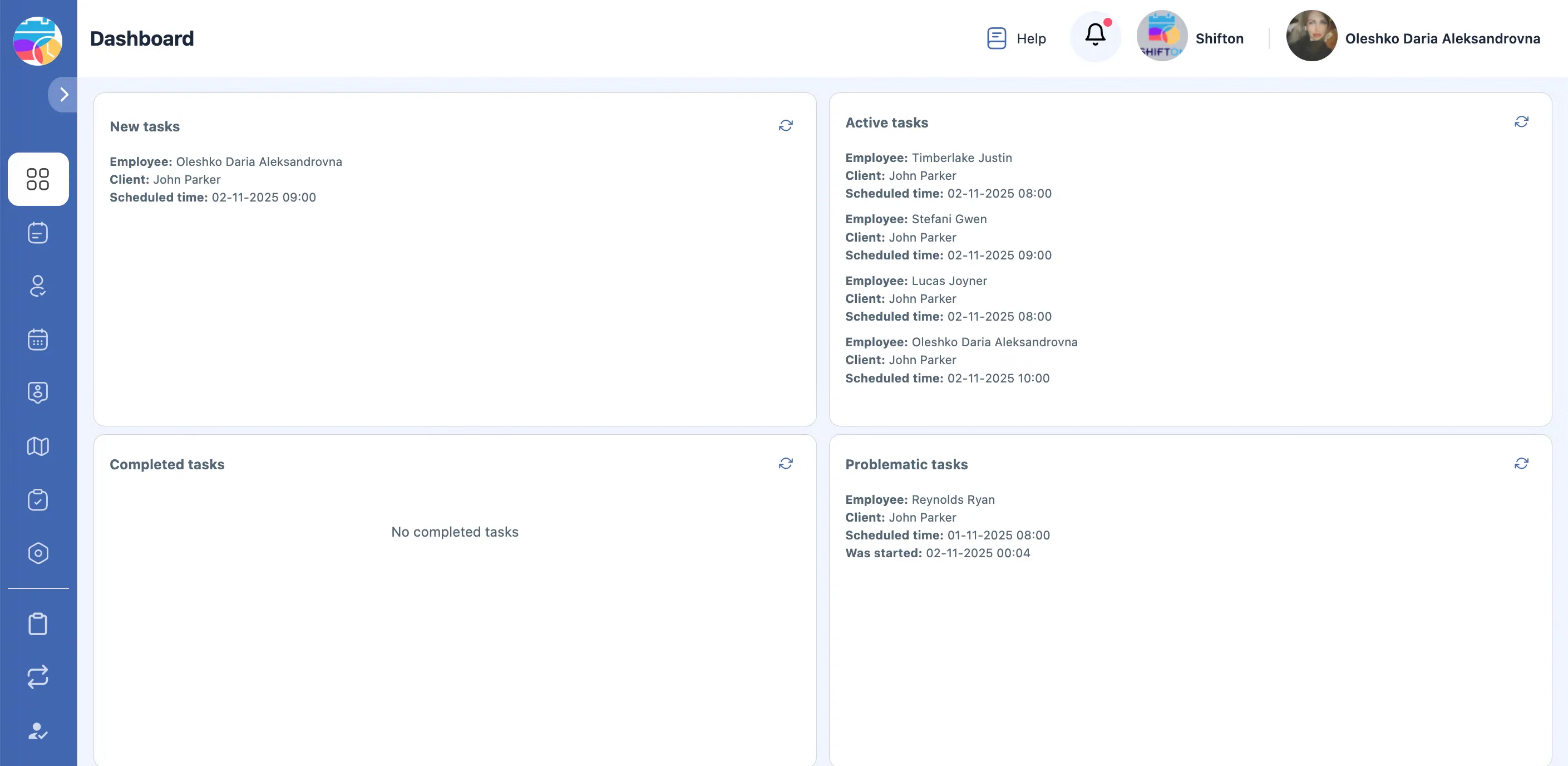
Checklist Answers and Materials as Data
Because checklist items are typed fields rather than free text, their answers can be compared across many visits. Materials issued from inventory are recorded against the job that consumed them.
Recurring problems become visible when the same question is answered the same way every time.
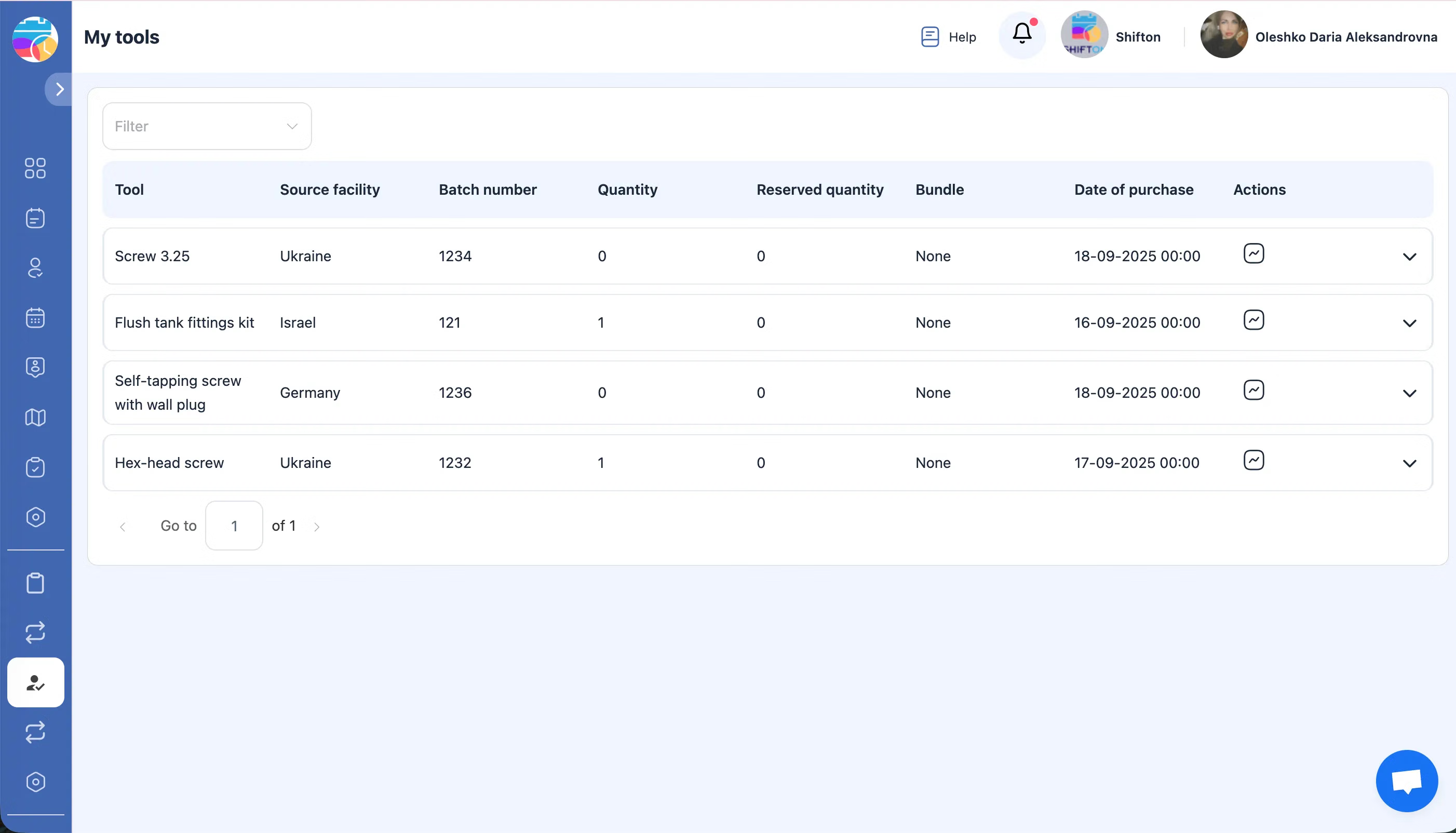
Reporting Data in Accounting
The QuickBooks Online integration transfers payroll and employee data from Shifton reports into accounting, and the Work location control module adds route and time data where it is enabled.
Analytics and accounting read one dataset rather than two.
Start with the Free Plan
No time limits. Get full access to core features and upgrade when you're ready.
How reporting works on job data
Reports that answer questions the office actually asks
Field service produces data continuously: when jobs started, how long they took, who performed them, what was consumed, what returned unfinished. Reporting turns that data into decisions about crews, pricing and routes.
Because every job in Shifton is a task with a status history, a checklist result and recorded times, reports read structured data rather than a manual summary. Nothing has to be assembled by hand at month end.
What the data lets you look at
- Completed and outstanding jobs over any period, by crew or by area
- Time on site and travel time, taken from recorded events rather than self-reported hours
- Checklist results, which show what was found across many visits instead of one
- Materials and tools consumed, tied to the jobs that used them
- Repeat visits to the same address, which are a recurring cost in service operations
Reporting is part of the free plan
Reports come with the Tasks base module, which means a two-person company gets them from day one rather than at some later tier. That matters more than it sounds: the habit of looking at completion times is easier to build while the company is small.
From reports to decisions
Reporting supports three decisions in particular: pricing, where measured durations show whether a job type is quoted correctly; capacity, where the distribution of overdue work indicates which areas are understaffed; and quality, where repeated checklist results point to a process that needs changing upstream.
Where the numbers come from
From the job record. Job tracking supplies the statuses and timestamps, digital forms supply the structured answers, inventory supplies the parts, and Work location control adds route and time data where that module is enabled.
What it costs
Reports are included in the Tasks base module: free for up to two employees with no time limit, then $5.00 per employee per month, 20% less on annual billing. Paid modules add their own data to the picture at $5.00 per employee per month each, with a trial of up to 55 days. See the pricing page.
Frequently Asked Questions
What can I report on?
Completed and outstanding jobs by period, crew or area, time on site and travel time, checklist results, materials consumed, and repeat visits to the same address.
Where does the data come from?
From the jobs themselves. Status changes, start and end times, checklist answers and parts used are recorded as the work happens, so reports read structured data instead of a manual summary.
Are reports included in the free plan?
Yes. Reporting is part of the Tasks base module, which is free for up to 2 employees with no time limit, then $5.00 per employee per month.
Can I see how long jobs actually take?
Yes. Time is recorded on the task itself when technicians start and stop it in the app, so duration comes from the work rather than from a timesheet filled in later.
Can I compare technicians or crews?
Yes. Job data carries the assignee, so completion counts, durations and outstanding work can be looked at per person or per crew.
Does location data appear in reporting?
With the Work location control module, yes. Routes and times recorded during the shift add travel and on-site figures to what the job record already holds.
Can report data be sent to accounting?
Yes. The QuickBooks Online integration transfers payroll and employee data from Shifton reports into accounting, instead of re-entering it by hand.
Who can see reports?
The owner and administrators. Employees work with their own tasks and do not see company-wide reporting by default.


Ready to transform your field operations?
Join thousands of field service companies that trust Shifton to run smarter every day.