

Invoicing Built From the Job You Just Finished
Field service invoicing software that starts from the job: invoices, quotes, receipts, job orders and completion certificates created from work that is already finished. Edit the line items, send the document, and keep it attached to the job it came from.
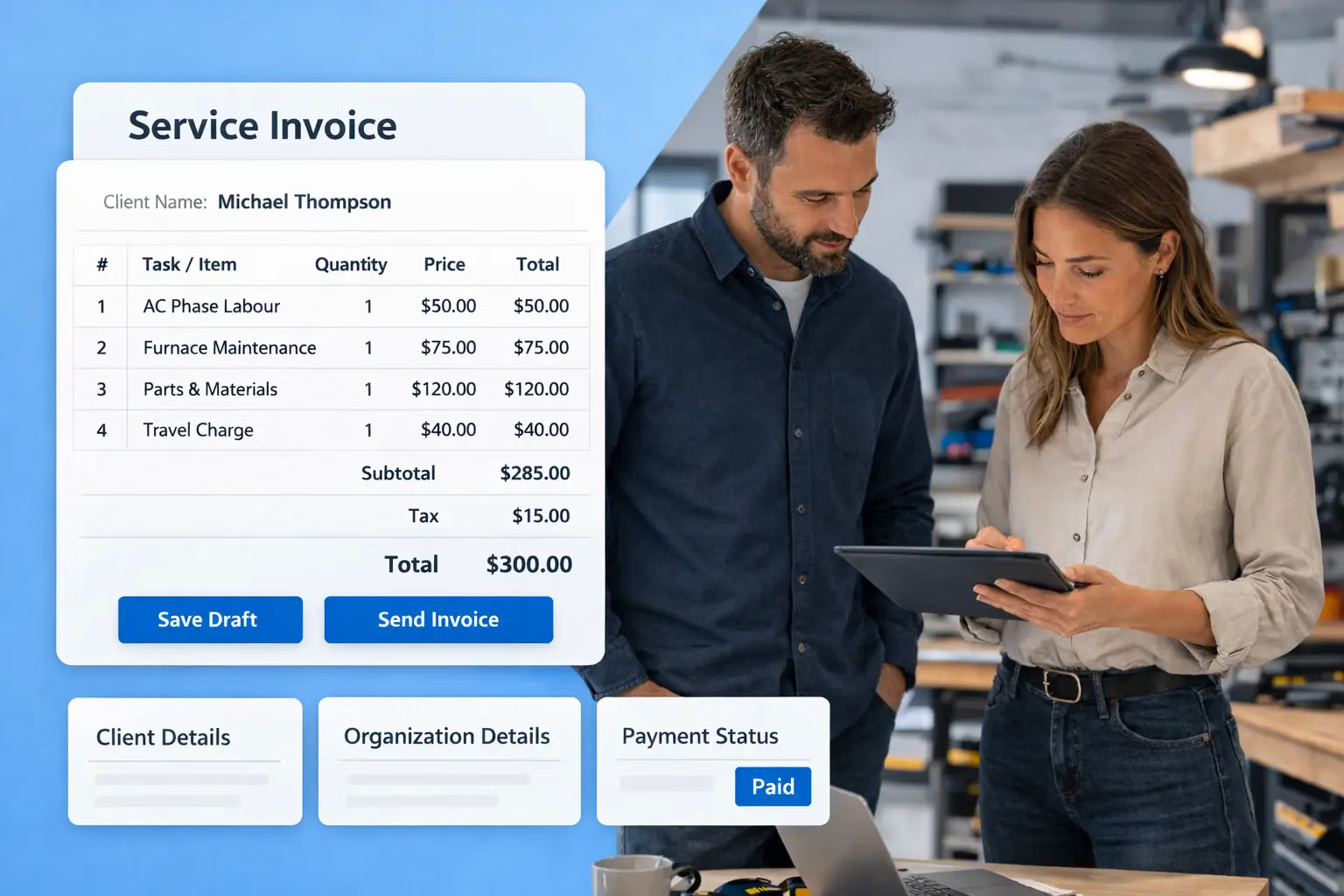
Service Invoicing Software That Reads the Job
The Invoicing module creates invoices and other documents on the basis of completed work.
Field service invoicing moves from the end of the week to the end of the visit.
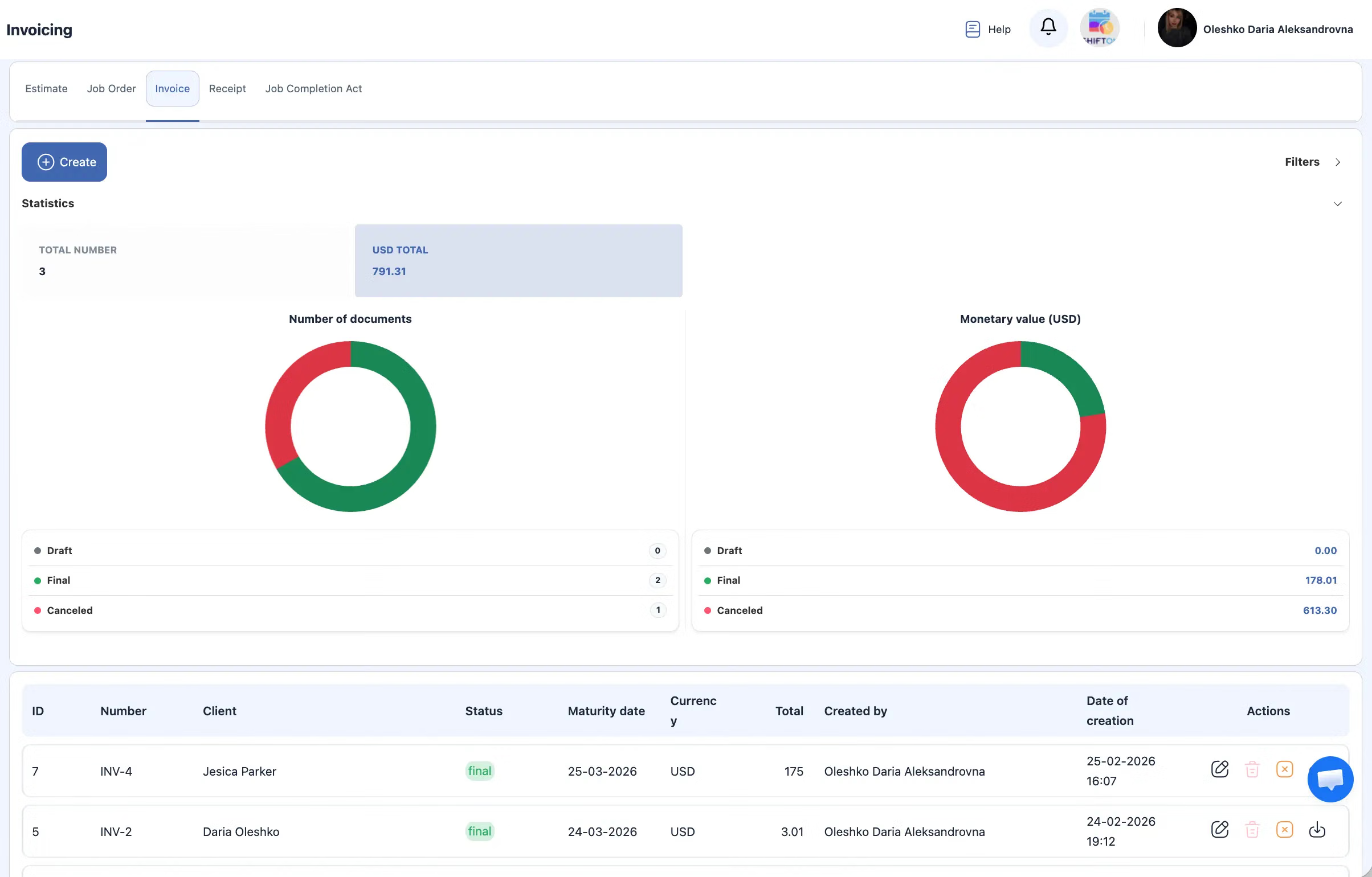
Editable Line Items for Work as Delivered
Documents are editable before they go out. Services, tools, labour costs, taxes and additional line items can be adjusted, which is what makes the invoice match a job that changed on site.
Billing reflects what was delivered rather than what was planned.
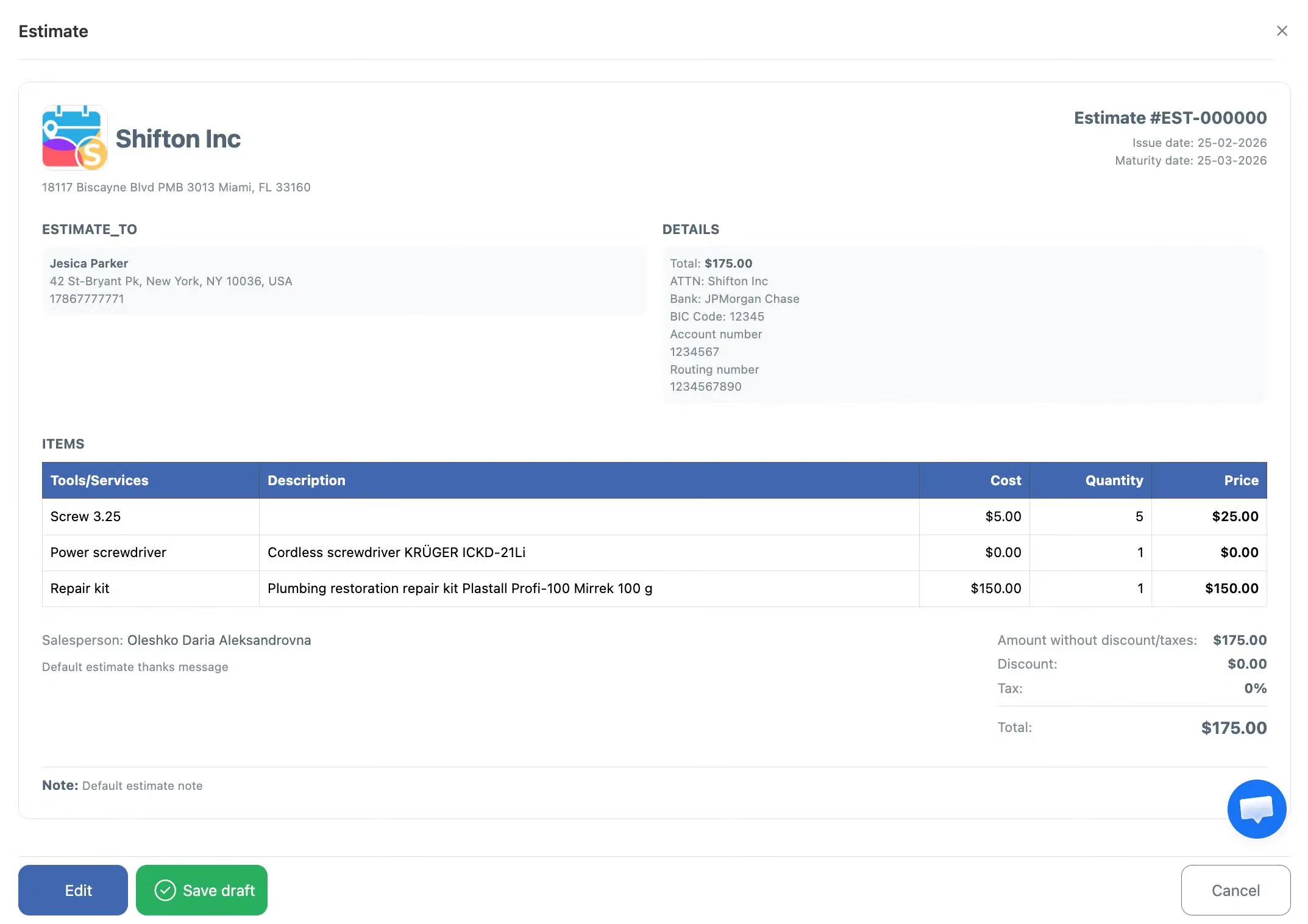
Company Details and Logo Applied Automatically
Company details and the logo are added to every document by the system. Formatting does not depend on who issued the document, and client and job data are carried over from the record.
Document preparation stops depending on individual habits.
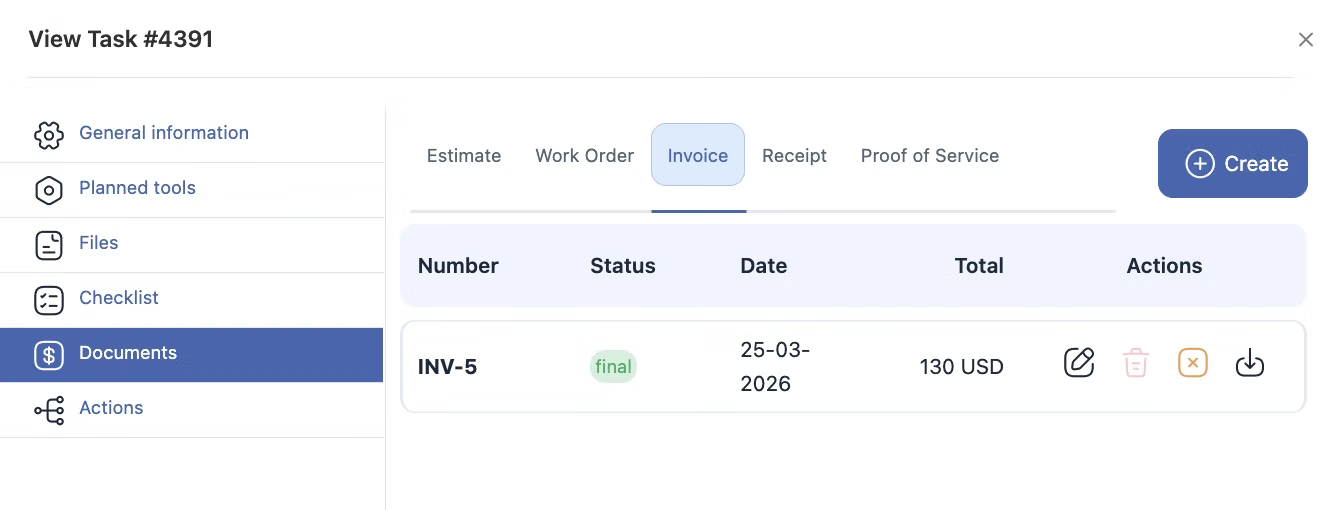
Quotes, Job Orders, Receipts and Completion Acts
A service job produces paperwork at several stages. The module generates quotes, job orders, invoices, receipts and completion certificates, and stores all of them in the system against the corresponding job.
The whole document chain belongs to one job record rather than four separate tools.
Start with the Free Plan
No time limits. Get full access to core features and upgrade when you're ready.
How invoicing works after a job
Billing that starts from the job, not from a blank form
In field service the invoice is the last step of the visit, and it is usually delayed because the required data is held outside the system: hours, materials and the client signature recorded separately. Field service invoicing software removes that delay by building the document from the completed work itself.
The Invoicing module in Shifton creates invoices and other documents on the basis of finished jobs. Kept in four separate places, the set is rarely complete when it is needed. Here it is one chain attached to one job.
Line items that match what actually happened
Jobs change on site. An extra part, an hour more than quoted, a second visit. Because the document is editable before it goes out, the invoice reflects the work that was done rather than the work that was planned, and the client sees line items they can recognise: the service, the parts, the labour, the tax.
Where the numbers come from
From the task. Completion time, the checklist result, the parts issued from inventory and the signature captured in the mobile app are recorded as the job progresses. Billing then reads that record instead of asking the technician to remember. See job tracking for how the record is built.
What it costs
Invoicing is a paid module: $5.00 per employee per month on top of the Tasks base module, with a trial of up to 55 days and 20% off on annual billing. The base module itself is free for up to two employees. If you also want the client to follow the visit and confirm it, the Customer Portal module is the same price. Full breakdown on the pricing page.
Frequently Asked Questions
Can invoices be generated from completed jobs?
Yes. That is what the module is for: the document is created on the basis of the finished work, with the job data already in it, rather than being typed from scratch.
What documents can I issue?
Invoices, quotes, receipts, job orders and completion certificates. All of them are generated in the system, sent to the client and stored against the job they belong to.
Can I edit what is on the document?
Yes. Services, tools, labour costs, taxes and additional line items can all be adjusted before the document goes out, so the invoice matches the work that was actually done.
Do my company details appear automatically?
Yes. Company details and the logo are added to every document by the system, so the paperwork is consistent regardless of who issued it.
Where are the documents stored?
In the system, linked to the corresponding job. Opening the job shows its documents, and opening the client shows the jobs, so nothing has to be searched for in mailboxes.
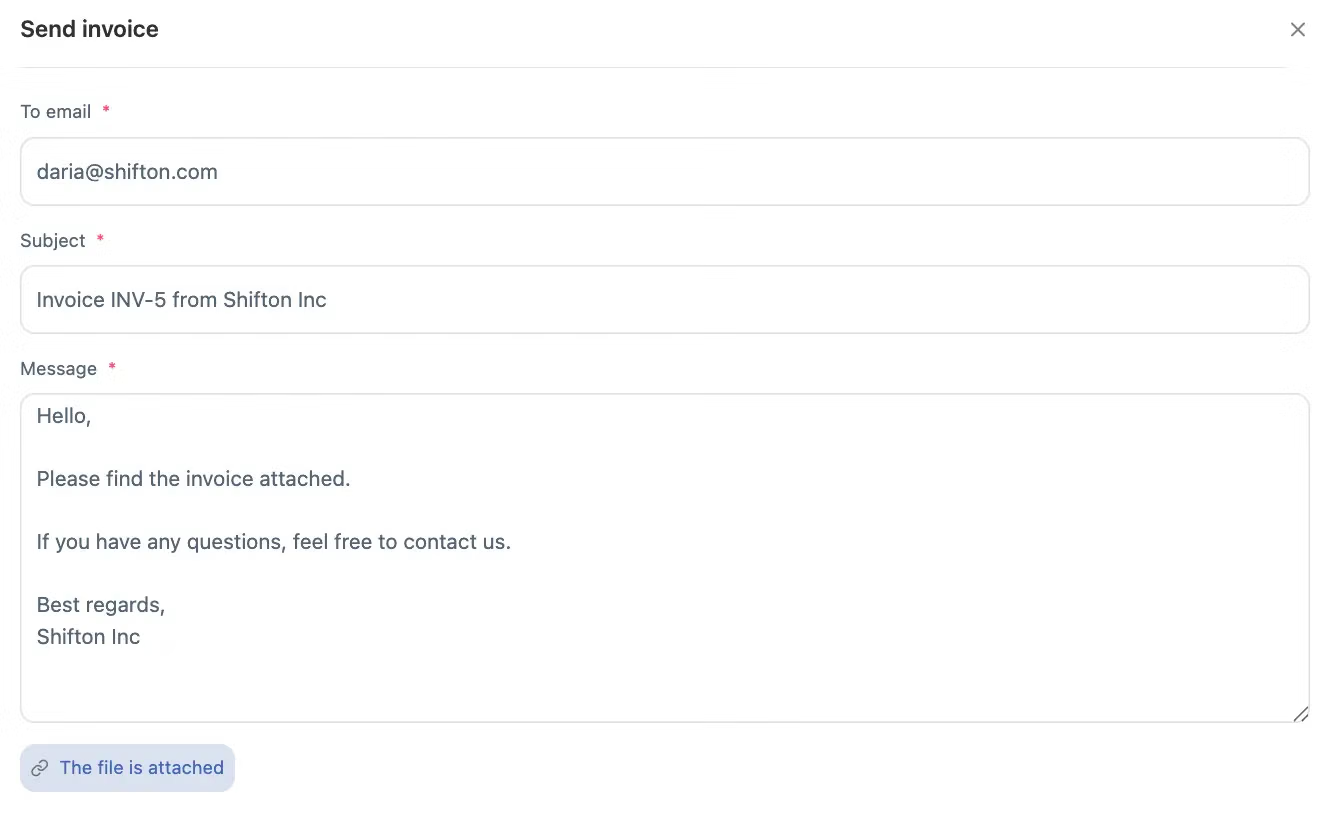
Can I send an invoice to the client directly?
Yes. Documents are generated and sent to clients from the system.
Can I quote before the job and invoice after it?
Yes. A quote can be issued to win the work, and the invoice and completion certificate follow when the job is done, all against the same job record.
Is Invoicing part of the free plan?
No. Invoicing is an additional module at $5.00 per employee per month on top of the Tasks base module, with a trial of up to 55 days. The base module is free for up to 2 employees.
Does annual billing change the price?
Yes. Annual billing takes 20% off compared with paying monthly, and you can switch between the two at any time.



Ready to transform your field operations?
Join thousands of field service companies that trust Shifton to run smarter every day.