

Plumbing Software for Dispatch, Jobs and Parts
Emergency call-outs, booked services and installs on one board, with the work order, the photos and the parts attached to the job.
The day a plumbing business actually has
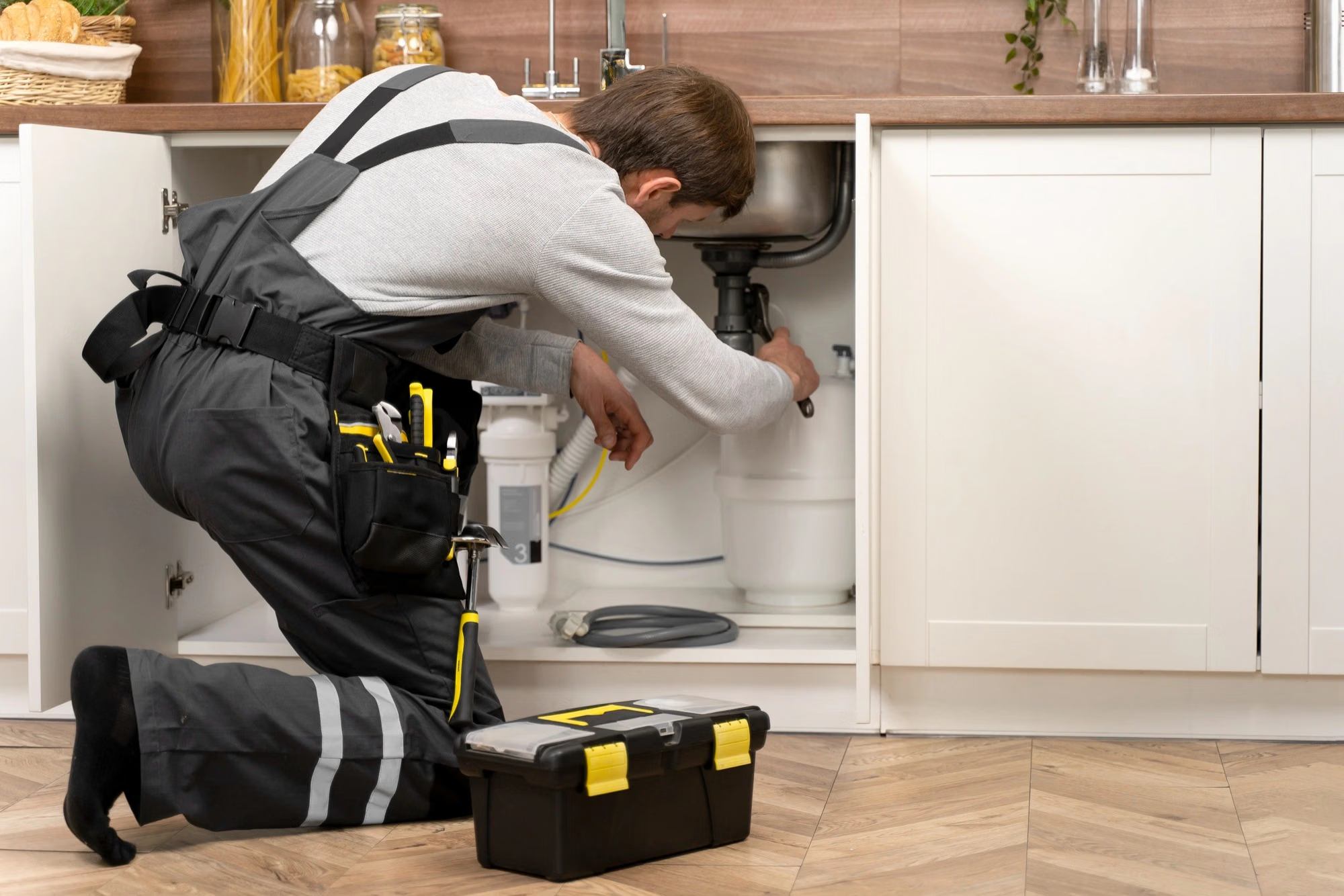
A plumbing day is two days fighting each other. One is planned: boiler services, bathroom installs, landlord safety checks booked a fortnight ahead. The other arrives at 8:40 in the morning with water coming through a ceiling. Paper diaries and group chats hold the first day and lose the second, because nobody can see who is free, who is nearest and what is already promised.
Dispatch that answers the phone with a time
Most lost plumbing work is lost on the call. The customer asks when someone can come and the office says it will ring back. Plumbing dispatch software replaces that with an answer: the board shows the free slots in that service area today, the job is created, and the engineer has the address, the fault description and the access notes on the phone before the call ends.
Parts off the van, priced on the job
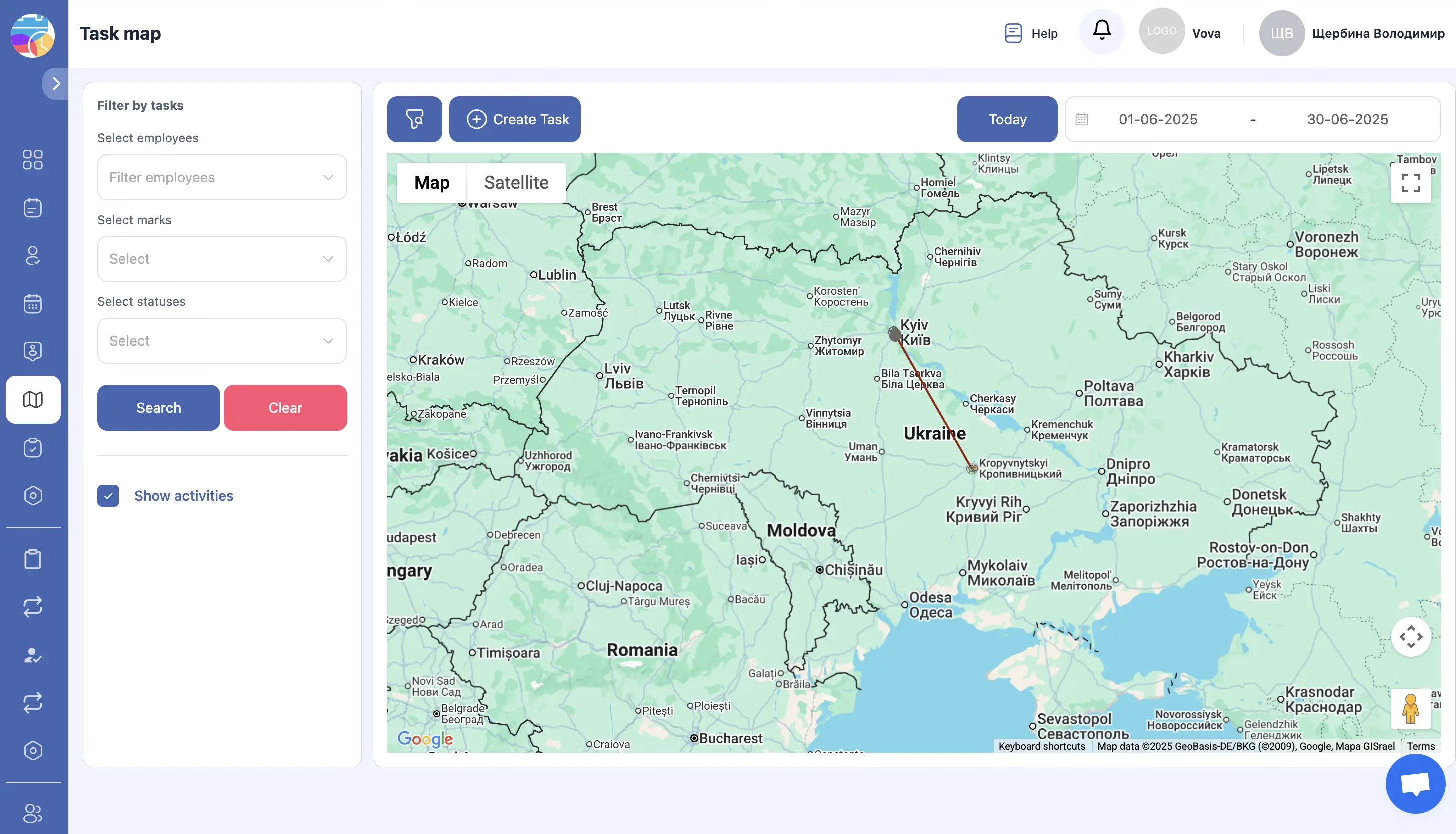
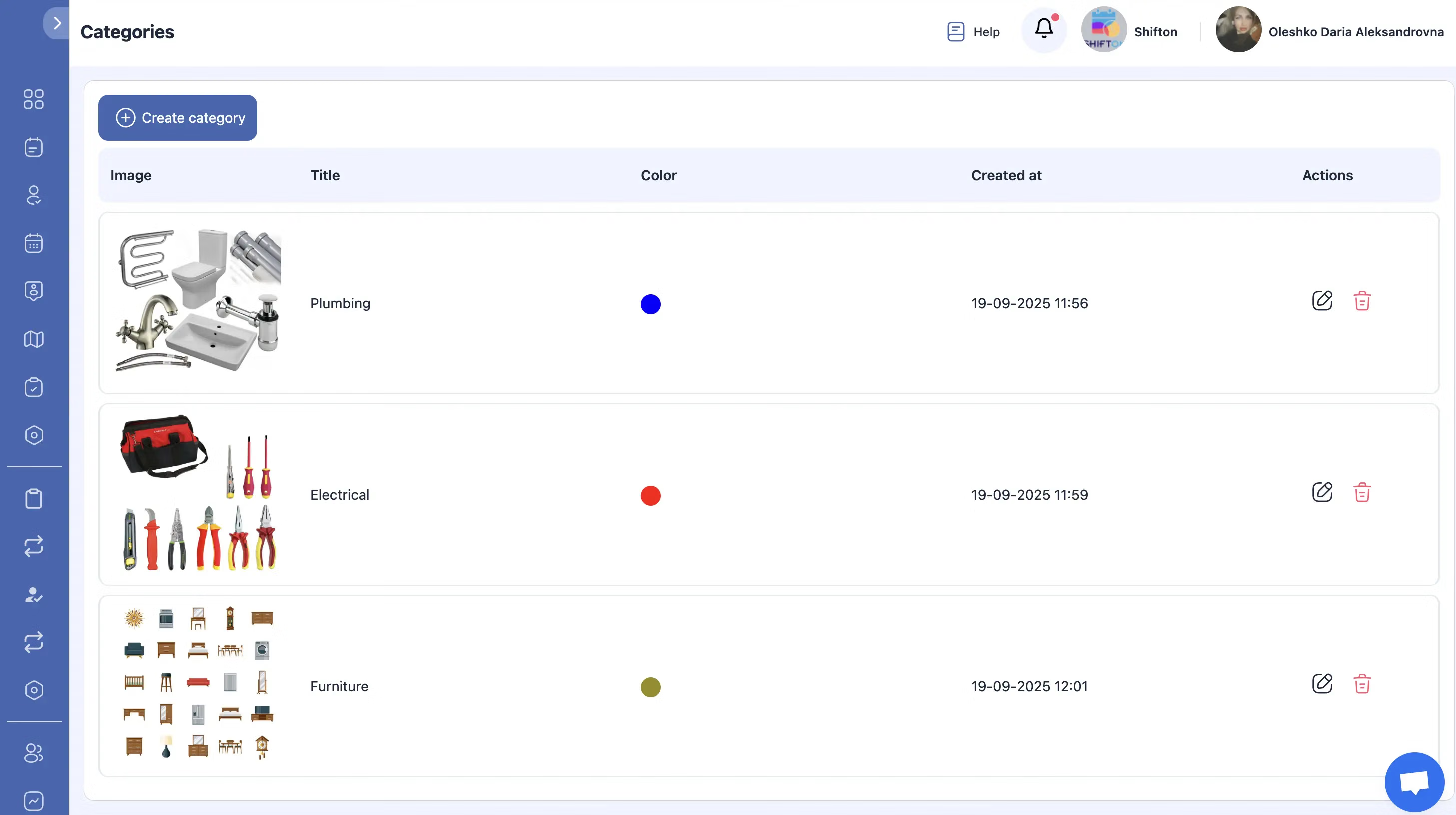
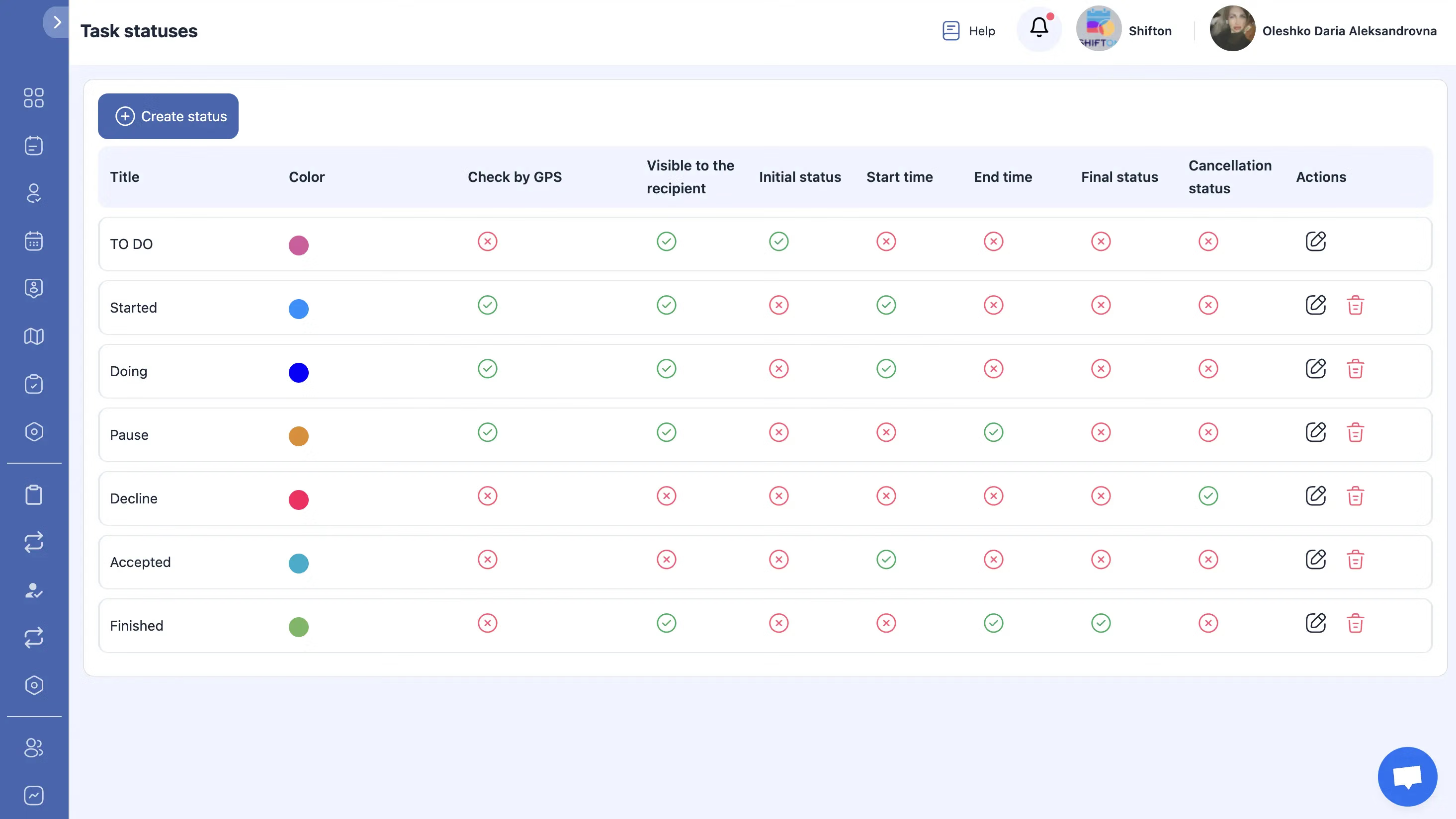
Margin on plumbing work leaks through the van. A pump, three valves and a length of copper get fitted, nobody writes them down, and the invoice goes out with labour and a guess. Inventory tied to the job card closes that gap: the engineer picks the parts used on the phone, stock comes down, and the same lines land on the invoice.
Proof the job was done, and the numbers behind it
Warranty arguments, insurance claims and landlord disputes all end the same way: someone asks what was done and when. A plumbing service software record answers it. Every visit keeps its photos, its checklist, its signature and its times, and the history stays attached to the property rather than to the engineer who has since left.
Start with the Free Plan
No time limits. Get full access to core features and upgrade when you're ready.
Read the full guide to plumbing software
What plumbing software has to survive
Plumbing is the trade where the schedule is least in your control. A commercial contract gives you planned work you can forecast, and then a burst pipe in a flat above a shop takes an engineer out for the whole afternoon. Software written for tidy industries assumes the plan holds. Software for plumbing has to assume it does not, and be judged on how quickly it recovers when the plan breaks.
That is why the useful comparison between plumbing management software packages is not the feature list. It is what happens at 8:40 on a Monday when three jobs are booked, one engineer is stuck and a new emergency lands. If the answer involves opening a spreadsheet, ringing two people and hoping, the software is not doing the work.
The four questions the office asks all day
Every plumbing office repeats four questions, and the whole case for plumbing dispatch software is answering them without a phone call. Who is free. Who is nearest. What is on the job. What was used.
Who is free and who is nearest
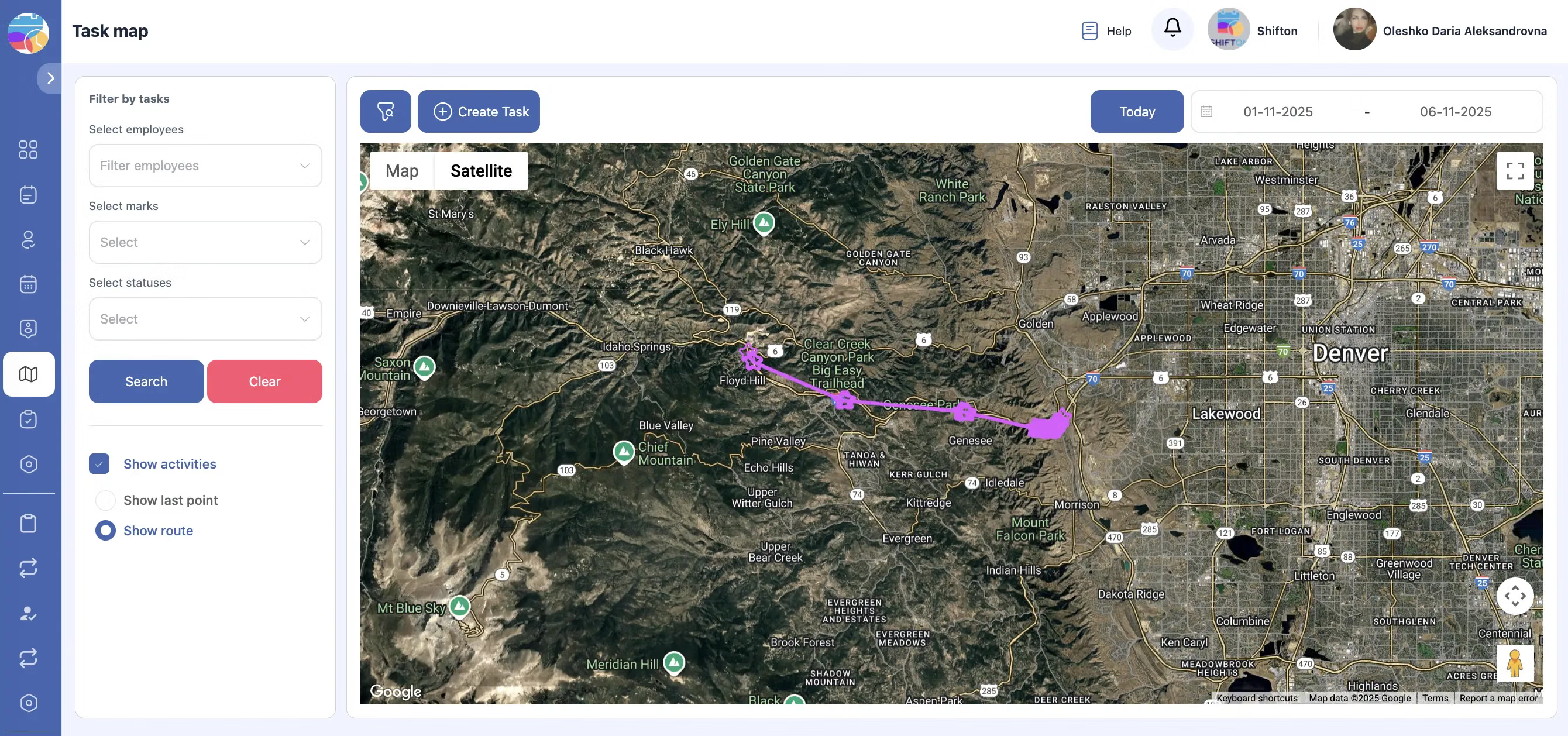
A live board answers the first two together. Jobs sit against engineers with real durations rather than optimistic hours, so a free slot is genuinely free. Service areas add the geography: an engineer who covers the north of the city does not appear as an option for a call in the south, which stops the polite but expensive habit of sending whoever answers the phone first.
What is on the job
The job card is the unit of work. Address, access notes, the fault as the customer described it, the priority, the parts expected, the checklist to complete. When that card is on the engineer's phone the office stops being a relay station. The engineer does not ring to ask which flat, and the customer does not explain the problem twice.
What was used
Parts are where plumbing margin goes quietly missing. The fix is not stricter paperwork, it is putting the parts list inside the job the engineer is already completing. Stock comes down as the work is done, and the invoice is built from the same record rather than reconstructed from memory a week later.
Emergency work is a scheduling model, not an interruption
Businesses that handle call-outs well do not treat them as exceptions. They hold capacity for them. A day planned to ninety per cent absorbs an emergency; a day planned to a hundred and ten per cent turns one emergency into four unhappy customers. Seeing the real load, with travel time included, is what makes that choice possible before the phone rings rather than after.
The same board makes the trade-off visible when it has to be made. If an emergency displaces a booked bathroom install, somebody has to tell that customer. Doing it at nine in the morning is a rescheduled job. Doing it at four in the afternoon, after they took a day off work, is a review you will be reading for years.
Compliance, warranty and the argument you have later
Plumbing carries obligations that outlive the visit. Landlord safety checks, backflow and unvented certification, commissioning records for a new system, evidence for an insurance claim after a leak. All of it comes down to a record made on the day, by the person who did the work, with photographs and a signature.
Digital job forms make that record a by-product of the work instead of an evening admin task. The checklist is completed on site, the photos are attached where they belong, the customer signs on the phone, and the document is stored against the property. When the question arrives eighteen months later, the answer takes a minute and not an afternoon of searching a van for a paper pad.
What to look for, and what to ignore
Ignore feature counts. A plumbing business with four engineers and a van full of fittings needs dispatch, a mobile app that works without signal, job forms, parts and invoicing. Everything else is a nice idea until those five are solid.
Look instead at friction. How many taps does it take an engineer to complete a job. Whether a reassigned job updates both phones without a call. Whether a photo taken on site is attached to the work order or lost in a camera roll. Whether the invoice can be produced from the finished job rather than typed again. Those are the things that decide whether the software is used in month three, and unused software is the most expensive kind.
Starting without a project
You do not need an implementation project to find out whether this works. Two engineers run on the free plan with no time limit: scheduling, digital forms, the mobile app and reports are included. Put a week of real jobs through it, including one bad Monday, and the answer is obvious.
Paid modules come one at a time when the business asks for them. Inventory when parts start slipping. Invoicing when the gap between finishing a job and sending a bill gets embarrassing. Location control when routing matters. The customer portal when the office spends its morning on the phone saying the engineer is on the way. Each one carries a free trial of up to 55 days, which is long enough to see a full quarter of plumbing work go through it.
The features behind all of this are documented in detail: dispatch and task management, the mobile app, digital job forms, inventory, invoicing and work order history. Pricing for every module is on the pricing page.
Frequently Asked Questions
Can plumbing scheduling software handle emergency call-outs alongside booked work?
Yes. Emergency jobs and booked services sit on the same board. An urgent call is created, given priority and assigned to the nearest available engineer, who gets it on the mobile app straight away. The booked work stays visible, so you can see exactly what the emergency displaces.
How does the plumbing app work when an engineer has no signal?
The mobile app for iOS and Android holds the job, the checklist and the photos on the device. The engineer completes the form in a plant room or under a floor, and the record syncs when the phone finds signal again. Nothing is lost and nothing is retyped.
Can I track the parts each plumber uses on site?
Yes, with the inventory module. Each job card has a parts section: the engineer selects what was fitted, stock is reduced automatically, and the same lines are carried into the invoice. Low stock levels trigger a warning before the van runs out.
Does the system cover recurring work like boiler services and safety checks?
It does. Recurring visits are scheduled ahead, so annual services, landlord gas and water checks and quarterly maintenance appear on the board in advance rather than being remembered. Each occurrence keeps its own form, photos and signature.
Can customers see when the plumber is arriving?
The customer portal shows the appointment and the status of the visit, so people stop ringing the office to ask. It is a paid module, added when the volume of inbound calls justifies it, not something you have to switch on to start.
Is this plumbing contractor software suitable for a two-person business?
Yes. Teams of two or fewer work on the free plan with no time limit: task management and scheduling, digital job forms, the mobile app and reports are included. Paid modules such as inventory, invoicing, location control and the customer portal are added when you need them.
What does it cost and how long is the trial?
The free plan covers up to two employees permanently. Beyond that the platform is priced per employee per month, and every paid module carries a free trial of up to 55 days, so you can run a full quarter of jobs through invoicing or inventory before committing.


Ready to transform your field operations?
Join thousands of field service companies that trust Shifton to run smarter every day.