

Mobile Field Service App for iOS and Android
A field service app your crew works from: Shifton Field Service gives them the tasks assigned to them, time tracking on the job itself, checklists, photos, signatures and To-Do items. What each person sees follows their role, so the field app stays small and dispatch stays with the office.
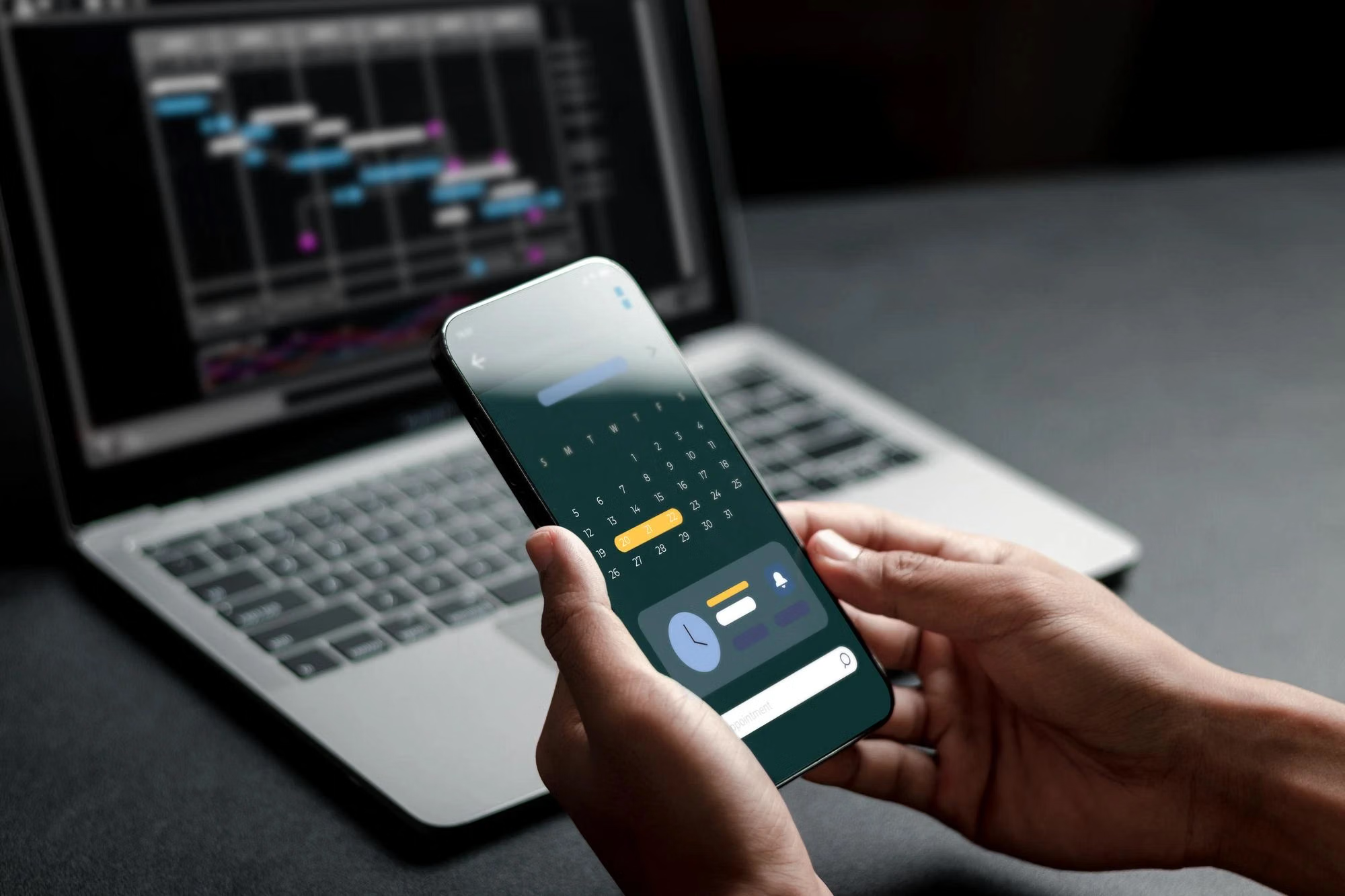
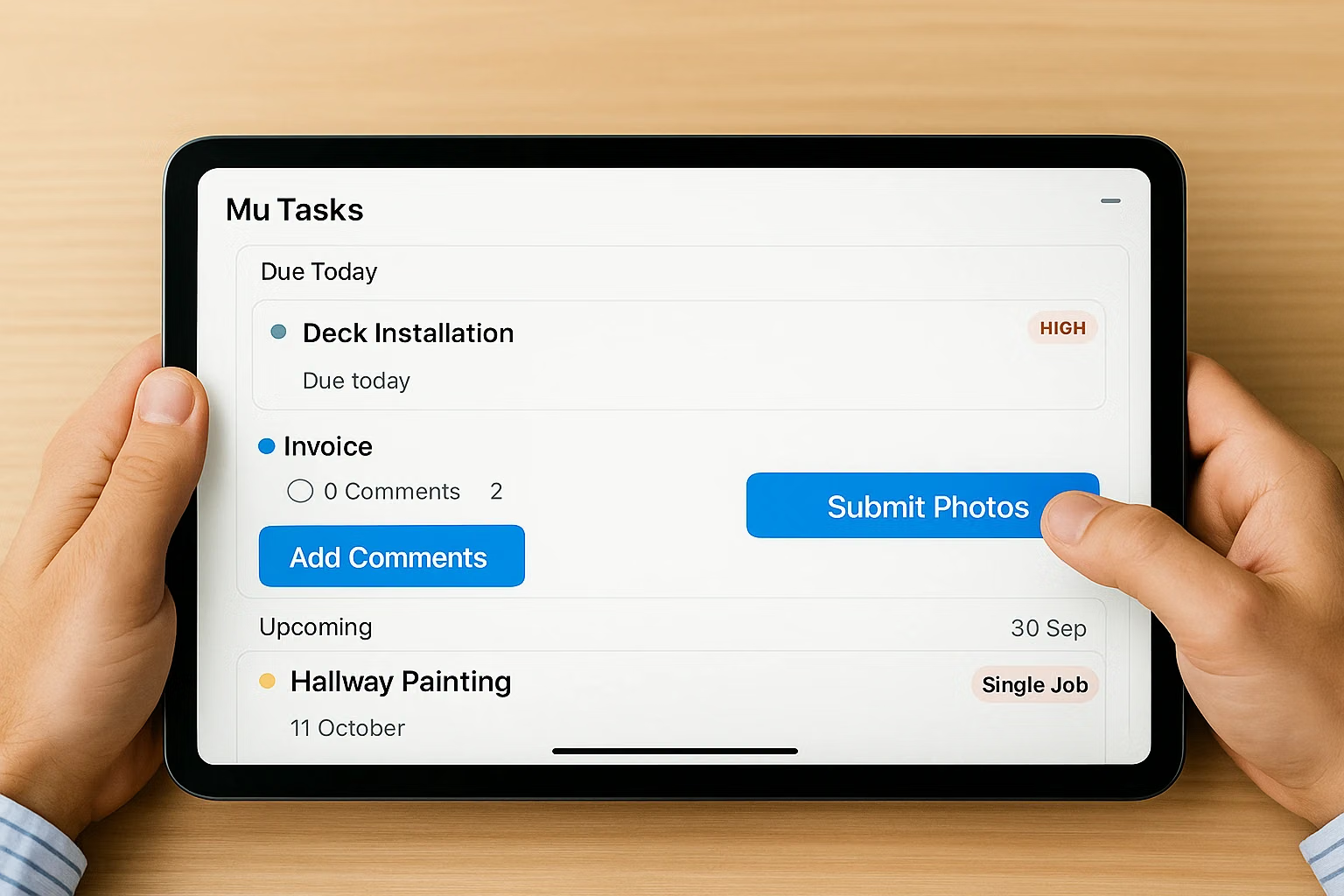
Field Service App for Technicians on iOS and Android
Shifton Field Service is published on Google Play and the App Store. What a user sees inside follows the role held in the company, so the same build serves technicians, administrators and the owner without exposing the wrong screens.
A field service app that shows each user only the part of the system their role covers.
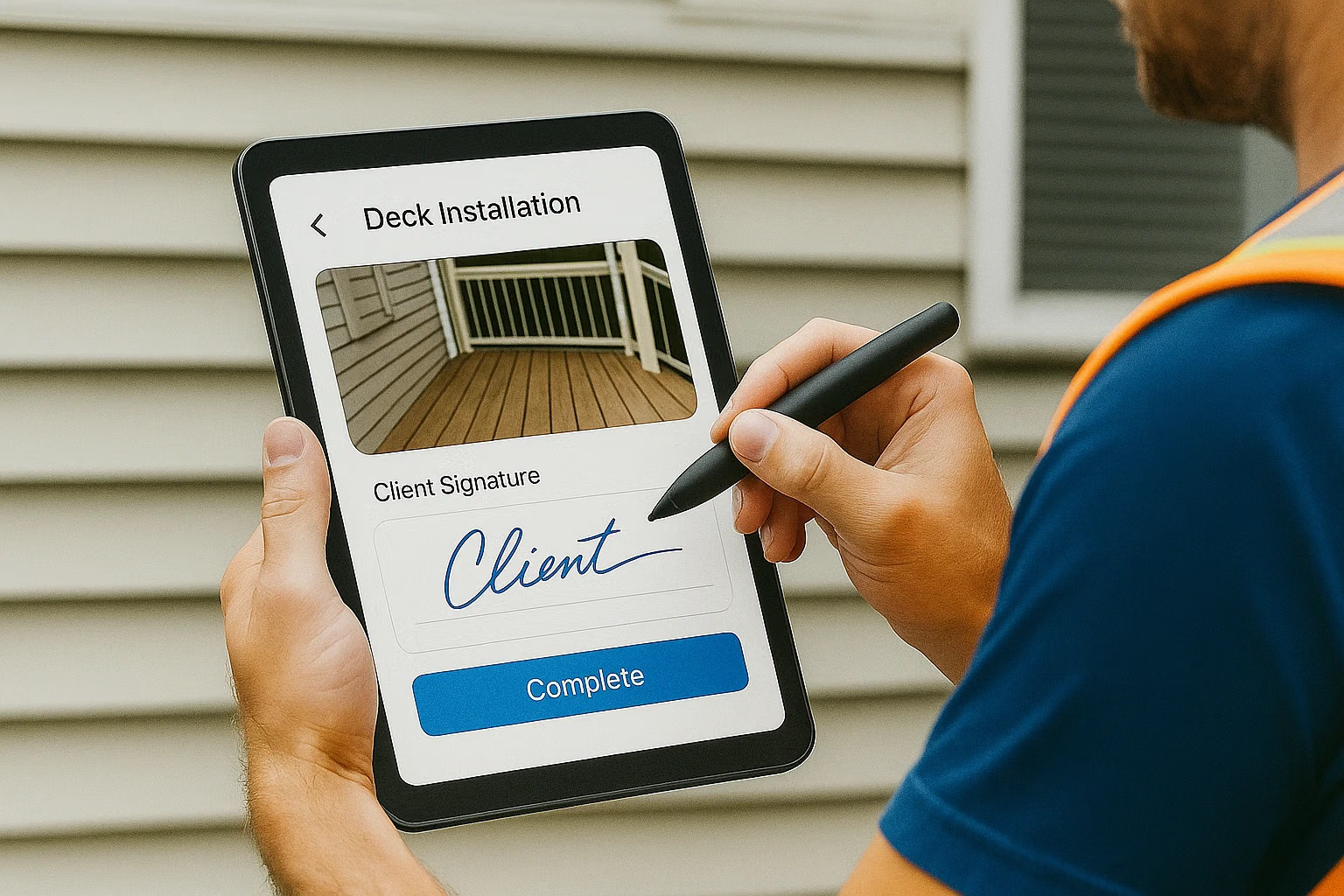
Assigned Jobs, Time Tracking and Checklists
Technicians open the tasks assigned to them, split into Active and Completed with a date filter. Time tracking is started and stopped on the task itself, and the checklist attached to the job is filled in during the visit.
Mobile work order software that returns the job data the office needs for billing and reporting.
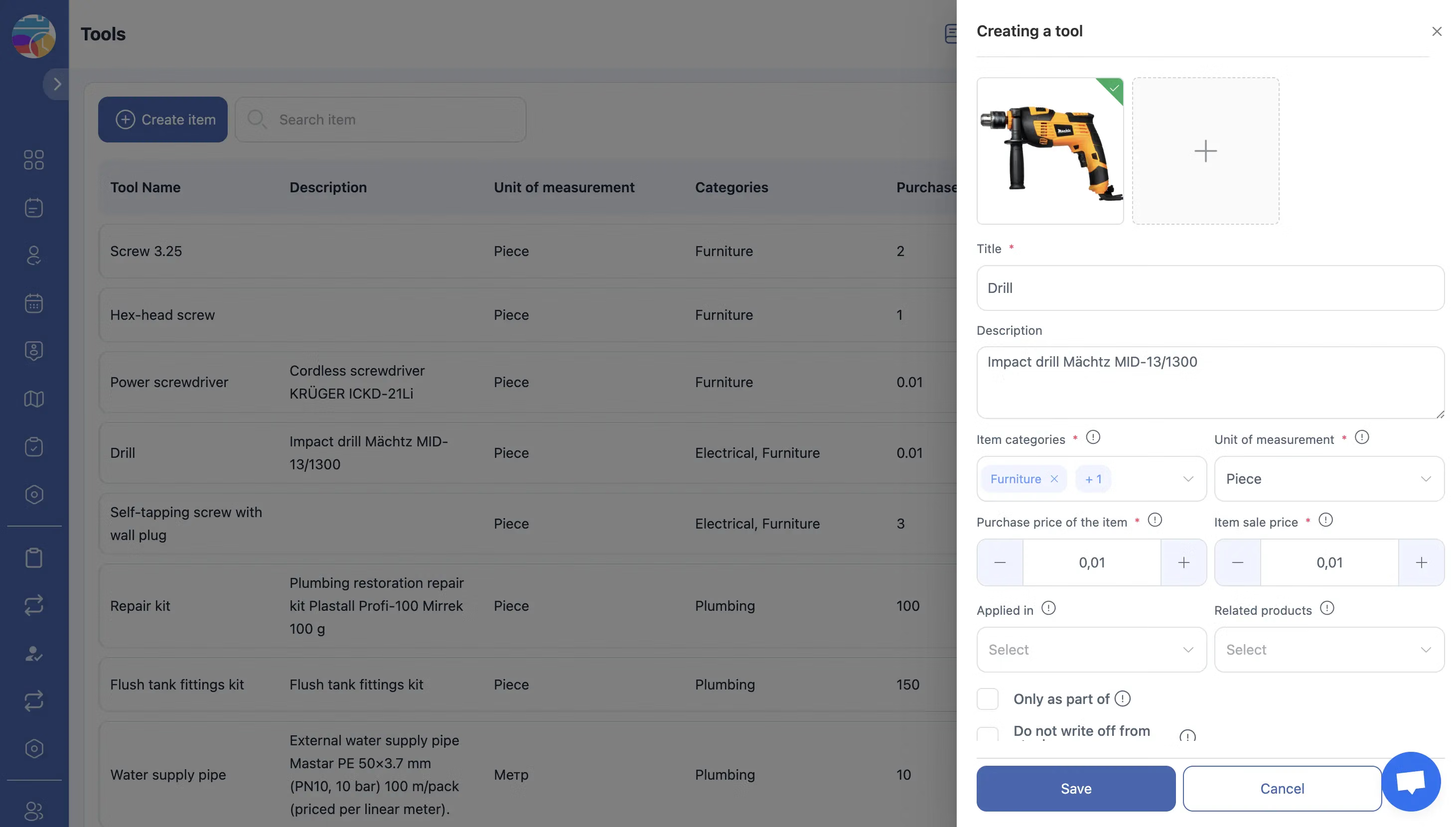
Statuses Updated From the Field
Status changes made in the app reach the dispatch board as they happen. Short assignments that are not full jobs travel separately as To-Do items with a text description and an optional deadline, created by an administrator or the owner.
The office sees progress without calling the crew for an update.

Boundaries Built Into the Mobile Field Service App
A technician cannot create tasks, create To-Do items for other users or add clients. Those actions belong to administrators and the owner, which keeps dispatch with the people responsible for it and the field interface limited to the work in hand.
Nothing has to be configured twice, because mobile and web read the same roles.
Start with the Free Plan
No time limits. Get full access to core features and upgrade when you're ready.
How the field service app works for crews
What a field service app has to do
A field service app gives the technician the same job record the dispatcher works with: what has to be done, at which address, for which client, and what has to be returned as proof of the visit.
Shifton Field Service is a separate mobile app for technicians, published on Google Play and the App Store. What a person sees in it depends on the role they hold in the company, so the same build serves a technician, an administrator and the owner without any of them seeing the wrong screen.
What a technician does in the app
- Opens the tasks assigned to them, filtered by date range when the week is busy
- Starts and stops time tracking on a task, so the hours come from the work and not from memory
- Fills in the checklist attached to the job and records what was actually done
- Works through To-Do items, short assignments with a text description and a deadline
- Moves the job through its statuses, which the dispatch board reflects at once
Tasks in the app are split into Active and Completed. Everything not yet finished sits in one list, whatever its status.
What the app does not let a technician do
A technician cannot create tasks, create To-Do items for other users, or add clients. This is a defined boundary rather than a missing feature: dispatch stays with the roles responsible for it. Administrators and the owner hold the wider set, including creating To-Do items for others and filtering them by employee.
Mobile work order software, not a second system
The app is not a separate product with its own data. It is the same job record, so a status change made on a phone is the event the dispatcher sees on the board, and the checklist completed on site is what feeds invoicing and reporting. No data is entered twice. See work order tracking for the office side of the same record.
Roles, and why they matter on a phone
Access in the app follows the role in the system. The Owner has everything, Administrators manage employees, schedules, tasks, service zones and modules but not billing, and Employees work with their own assignments. If you need a tighter or a wider set, access controls is where it is configured.
What it costs
Mobile access comes with the Tasks base module. Up to two employees the plan is free with no time limit and no card, and the app is included at that level too. Above two people the base module is $5.00 per employee per month, with 20% off on annual billing. Modules such as Work location control add their own screens to the app and cost $5.00 per employee per month each, with a trial of up to 55 days. See the pricing page.
Frequently Asked Questions
Where do I download the field service app?
Shifton Field Service is on Google Play for Android and on the App Store for iPhone and iPad. The web version runs in a browser for the office side.
What can technicians do in the app?
See the tasks assigned to them, start and stop time tracking, fill in the job checklist, attach photos, collect a signature, work through To-Do items and move the job through its statuses.
Does every user see the same thing in the app?
No. The menu and the available actions follow the role. A technician sees their own tasks and To-Do items, while administrators and the owner also create tasks, manage clients and assign To-Do items to others.
Can a technician create a task or add a client from the phone?
No. Creating tasks, creating To-Do items for other users and adding clients stay with administrators and the owner, so dispatch is not changed by accident from the field.
How are tasks organised in the app?
Into Active and Completed, with a date filter on top. Active holds everything not yet finished, whatever its current status, and the filter narrows the list to a day or a range.
What is To-Do and how is it different from a task?
A To-Do is a short assignment with a text description and an optional deadline, created by an administrator or the owner. The technician opens it, does it, and switches it from New to Completed.
Can technicians track their time on a job?
Yes. Time tracking is started and stopped on the task itself in the app, so the hours are tied to the job rather than typed in later.
Do managers see field activity in real time?
Yes. Status changes and submitted forms appear on the dispatch board as they happen, and with the Work location control module the route of the shift is on the map as well.
Is the mobile app included in the base plan?
Yes. The app is part of the Tasks base module, which is free for up to 2 employees with no time limit. Above that it is $5.00 per employee per month, 20% less on annual billing.

Ready to transform your field operations?
Join thousands of field service companies that trust Shifton to run smarter every day.