

Service Areas That Decide Who Can Take the Job
Service area management software for field teams: draw the territory on the map, attach the employees who cover it, and give each of them a role inside it. Enter a client address and the system offers only the technicians authorised for that area.
Service Area Management as a Requirement
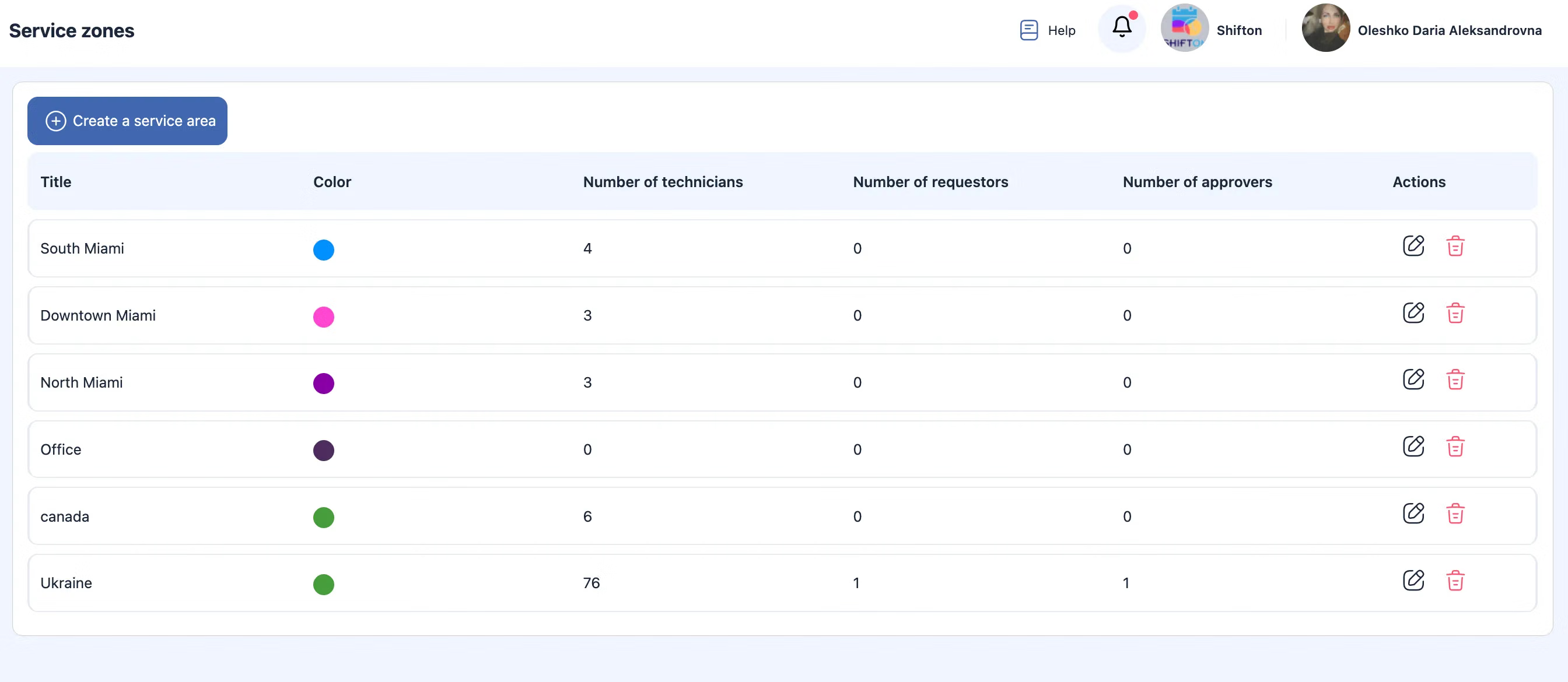
A service area is a geographic region where employees are authorised to perform tasks, and it is a required part of company configuration. Without service areas, tasks cannot be assigned at all.
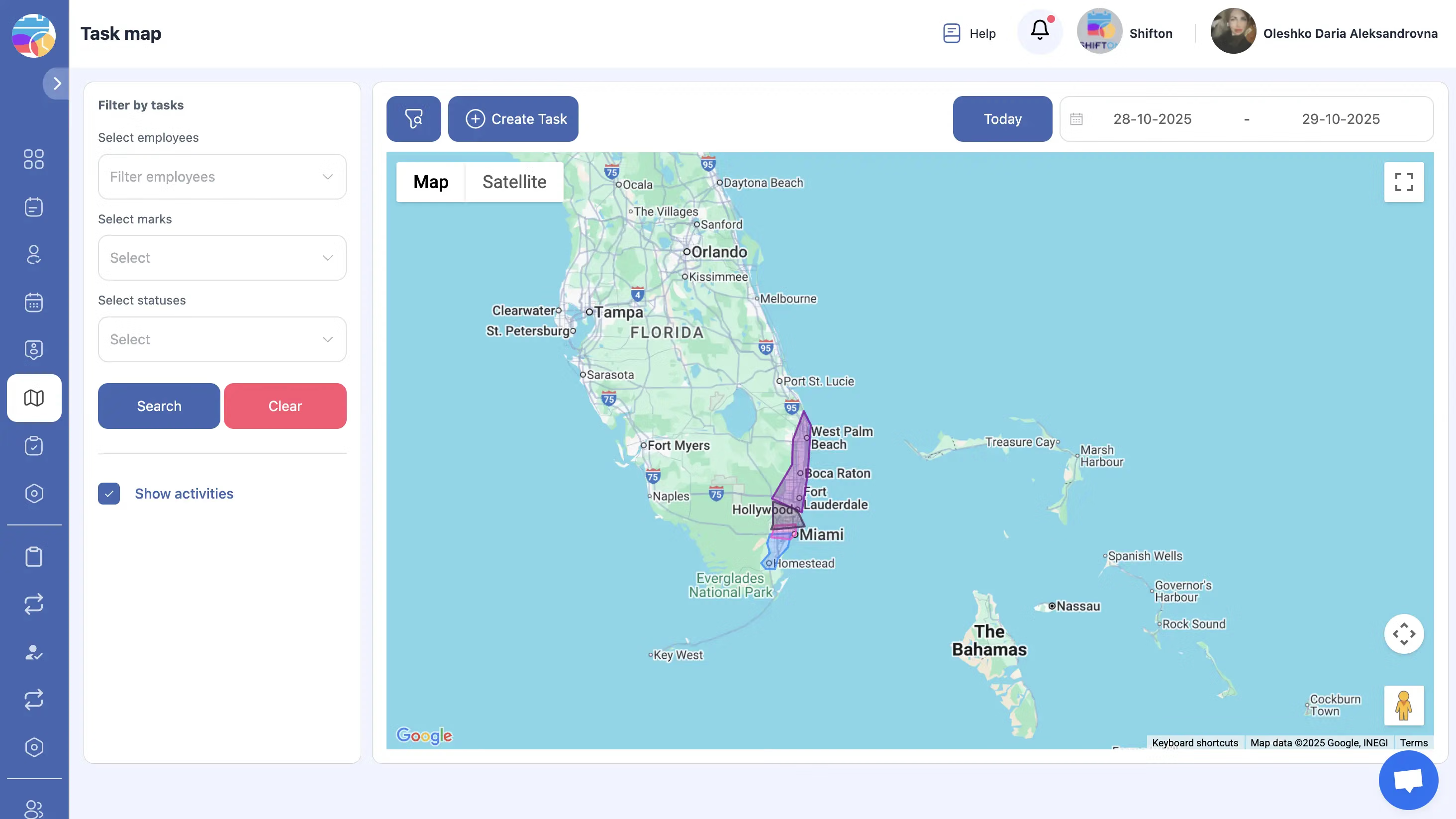
Coverage is described by boundaries rather than by an informal understanding of who works where.
Automatic Technician Matching by Address
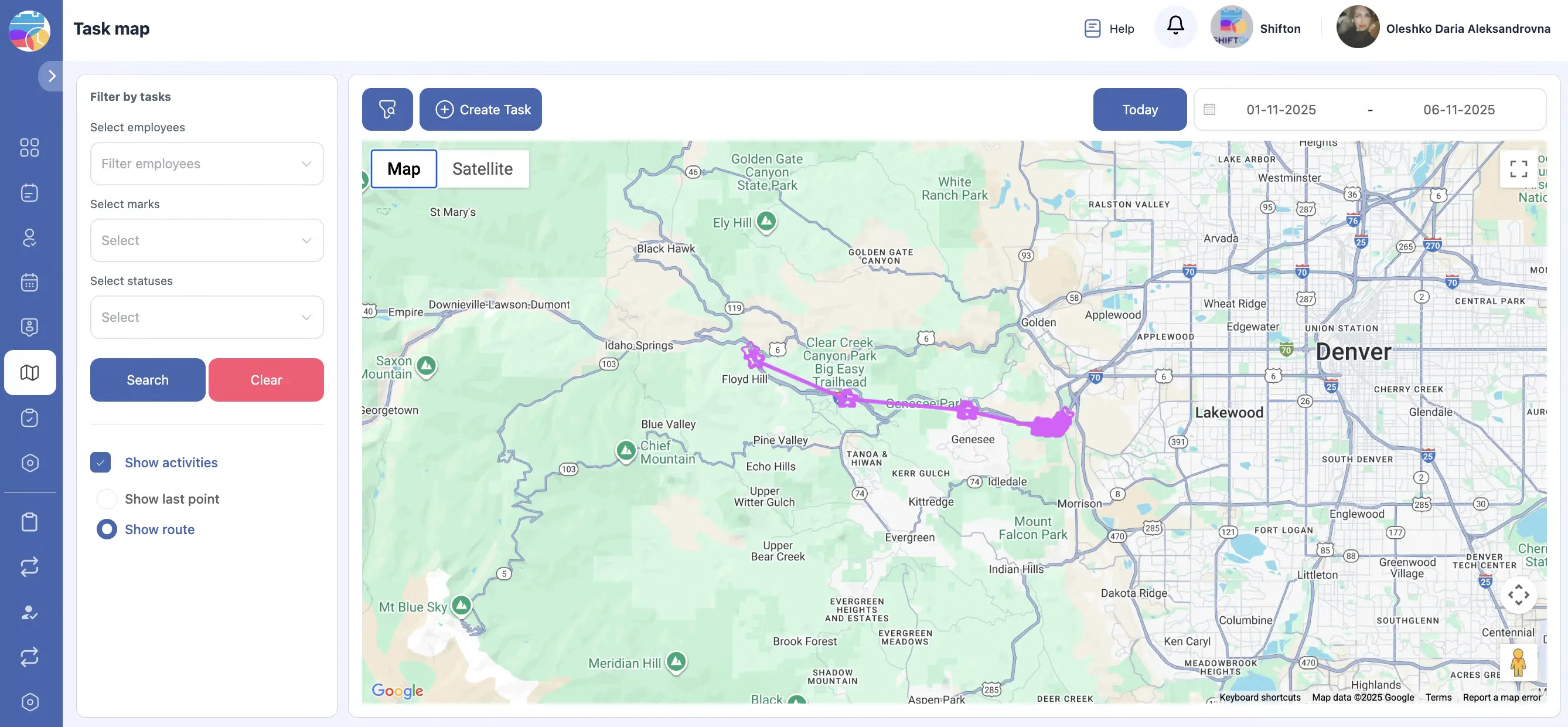
When a client address is entered into a task, the system detects which service area the address belongs to and displays only the technicians assigned to that area.
Service area management software removes the manual step of remembering who covers what.
Roles Granted Per Zone
Each employee can hold one or several roles within a service area, and the roles may differ between areas. Technician, Task Requester and Task Approver are assigned individually for every zone.
Authority over the work follows the territory it applies to.
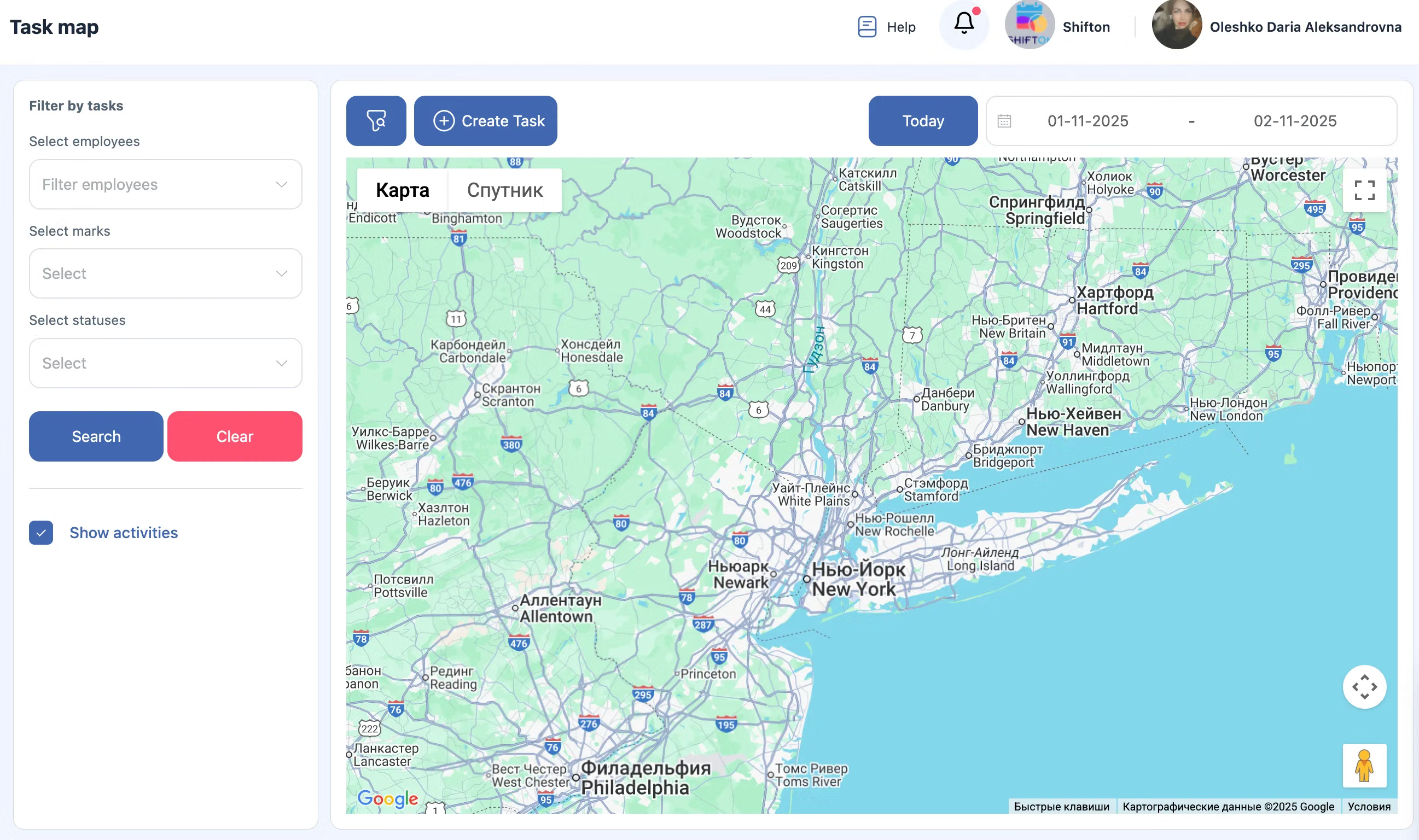
Managing Areas in Task Settings
Service areas are managed in Task Settings. From there areas are created, boundaries edited, employees added or removed, roles changed within the area, and areas no longer served are deleted. A saved area becomes available for assignment immediately.
Territory management stays a configuration task rather than a spreadsheet.
Start with the Free Plan
No time limits. Get full access to core features and upgrade when you're ready.
How service areas work in dispatch
Service areas are a required setting
In Shifton Field Service a service area is a required part of the configuration: without service areas, tasks cannot be assigned at all. The requirement exists because assignment depends on it: the area defines who is authorised to work at a given address.
A service area is a geographic region where your employees are authorised to work. You draw it on the map, attach the employees who cover it, and give them their roles inside it.
What a service area decides
- Where your services are actually available, as boundaries rather than as a vague radius
- Which employees can work inside each area
- Who may create task requests there and who approves them
- Which technicians are offered when a client address is entered
When an address goes into a task, the system detects the area it belongs to and shows only the technicians assigned to that area. Assignment errors of the ordinary kind stop being possible.
Roles inside an area
Each employee can hold one or several roles in a given area, and the roles can differ between areas. A Technician sees and performs tasks inside the area. A Task Requester creates task requests, chooses the client address and assigns them to the zone. A Task Approver approves or rejects requests for new tasks. The same person can run one district and only execute work in the next one, which is how most service companies are actually organised. See access controls for the company-level roles these sit on top of.
Where areas are managed
In Task Settings, under Service Areas. From there you create new areas, edit existing boundaries, add or remove employees, change their roles inside the area and delete areas you no longer serve. Creating one is four steps: open Service Areas, click Create Service Area, draw or select the territory on the map, add the employees and assign their roles. Once saved, the area is live and available for assignment.
What it changes in daily dispatch
Two effects. Logistics improve because jobs are assigned to employees already responsible for that part of the map. And approval becomes local: the person accountable for the district decides what is committed there. Combined with location tracking, dispatch has both the authorisation and the current position to work from.
What it costs
Service areas are part of the platform, not a paid module. The Tasks base module is free for up to two employees with no time limit, and $5.00 per employee per month above that, 20% less on annual billing. See the pricing page.
Frequently Asked Questions
What is a service area?
A geographic region where your employees are authorised to perform tasks. It is a required part of company configuration: without service areas, tasks cannot be assigned.
How does the system use the client address?
When an address is entered into a task, the system detects which service area it falls into and shows only the technicians assigned to that area.
Where do I create and edit areas?
In Task Settings, under Service Areas. There you create areas, edit boundaries, add or remove employees, change their roles inside an area, and delete areas you no longer cover.
How do I create one?
Open Service Areas, click Create Service Area, draw or select the territory on the map, add the employees who work there and assign their roles, then save. The area becomes active immediately.
What roles exist inside an area?
Technician, who sees and performs tasks in the area; Task Requester, who creates task requests and picks the client address; and Task Approver, who approves or rejects requests for new tasks.
Can one employee have different roles in different areas?
Yes. Functional roles are assigned per service zone, so an employee can be a Task Approver in one zone and a Technician in another.
Can an employee belong to several areas?
Yes. Employees are attached to the areas they cover, and their roles are set separately for each of them.
Is service area management a paid module?
No. It is part of the platform. The Tasks base module is free for up to 2 employees and $5.00 per employee per month above that.


Ready to transform your field operations?
Join thousands of field service companies that trust Shifton to run smarter every day.