

 English
  Español
  Português
  Deutsch
  Français
  Italiano
  日本語
日本語  中文
中文  हिन्दी
  עברית
עברית  العربية
  한국어
한국어  Nederlands
  Polski
  Türkçe
  Українська
  Русский
  Magyar
  Română
  Български
  Čeština
  Ελληνικά
  Svenska
  Dansk
Dansk  Norsk
Norsk  Suomi
Suomi  Bahasa Indonesia
  Tiếng Việt
  Tagalog
  ไทย
ไทย  Latviešu
  Lietuvių
  Eesti
Eesti  Slovenčina
  Slovenščina
  Hrvatski
  Македонски
  Қазақша
  Azərbaycan
  Afrikaans
  বাংলা
বাংলা 7 Best Service Dispatch Software Tools, Ranked for Field Teams

- What Service Dispatch Software Actually Does
- How We Picked These 7 Service Dispatch Software Platforms
- The 7 Best Service Dispatch Software Tools Compared
- What to Look for in a Service Dispatch App
- How Much Does Service Dispatch Software Cost
- Picking the Right Service Dispatching Software for Your Team
- FAQ
A field service business does not lose money because a technician cannot do the work. It loses money in the hour before the work starts. The wrong tech on the wrong job, the address sent twice over text, the customer who waits in a four-hour window because the dispatcher cannot see who is closest. Service dispatch software is the layer that fixes that hour , and the next one, and the one after.
This guide compares the 7 best service dispatch software platforms for HVAC, plumbing, electrical, cleaning, and other field service teams. You will see how each one handles scheduling, technician dispatching, mobile work orders, GPS tracking, and invoicing. The picks cover the full range: a free starter app, two enterprise platforms used by national franchises, and several mid-market tools that fit small and growing service companies.
We focused on tools that are actually used to run a daily dispatch board, not generic project software. Pricing data is taken from each vendor’s public pricing page on the day of writing. Features are taken from each platform’s own product pages. Where pricing is not public, that is called out clearly.
This might interest you: Shifton Service features overview , the dispatch, scheduling, mobile, and invoicing modules built into one platform for field teams.
What Service Dispatch Software Actually Does
One screen. That is the whole pitch.
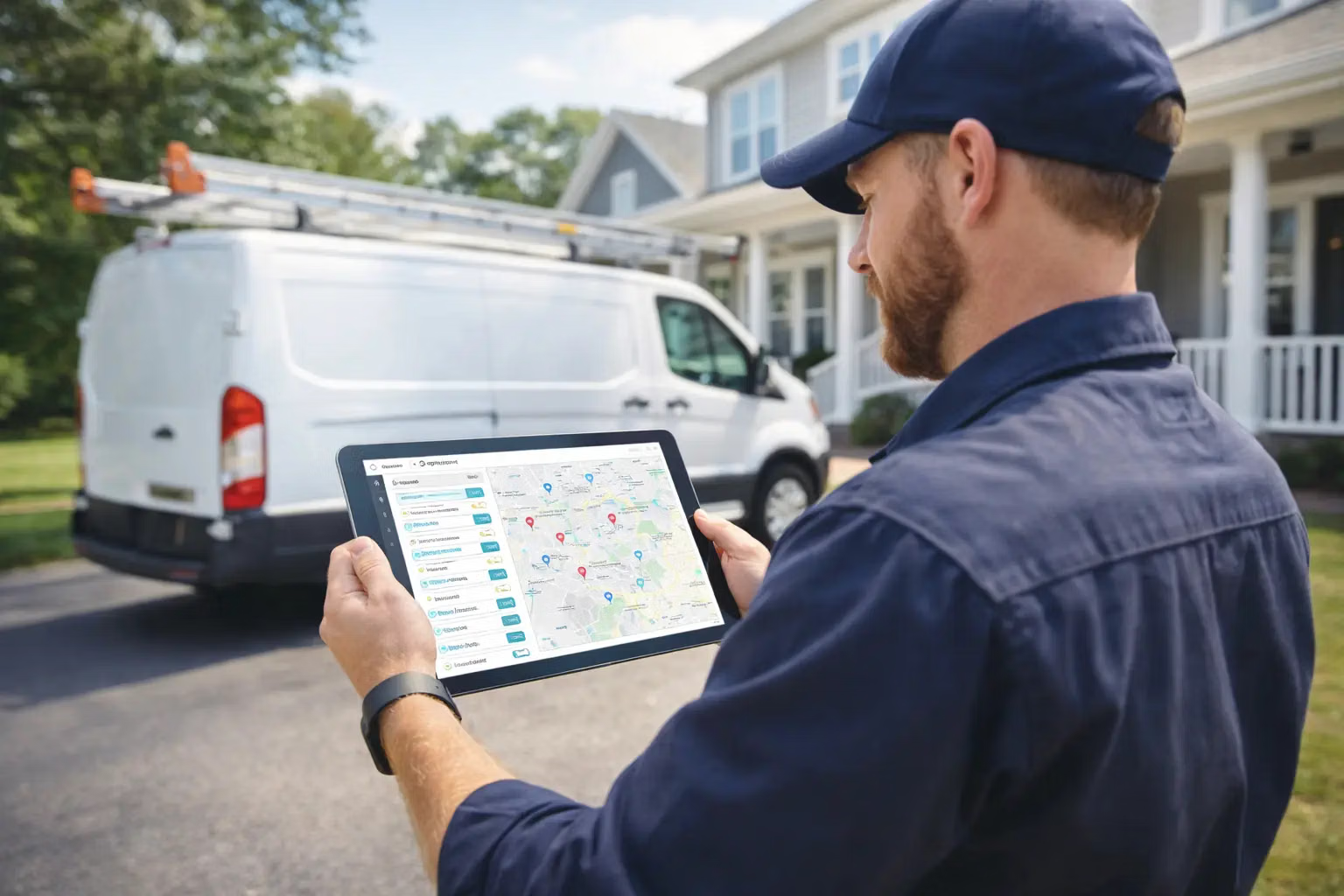
Service dispatch software is the system a dispatcher opens at 7:00 a.m. and closes at 6:00 p.m. Between those two clicks, it has to do three jobs at the same time: show what work needs to happen today, match each job to the right technician, and give the technician everything they need to close it cleanly. A solid service dispatching app turns that into one screen with a calendar, a map, a list of jobs, and a way to push work to the tech’s phone. When a new call comes in, the dispatcher drops the job on the board, the closest qualified tech sees it on their device, and the customer gets a text with an arrival window. When the tech finishes, the job moves to invoicing without anyone retyping the address. The category overlaps with field service management, scheduling, and work order software, but a dispatch tool has a tighter focus. It answers one question fast: who is going where, and when. Most field service dispatch platforms in this guide bolt scheduling, time tracking, and invoicing on top of that core, and a few go further and add a customer portal so the homeowner sees the same job status the dispatcher does , which sounds small until the “where is the tech” calls drop noticeably.
How We Picked These 7 Service Dispatch Software Platforms
Real dispatch desks, not feature sheets.
Stop juggling spreadsheets and group chats
Get one system for jobs, schedules, dispatch, and customer updates.
We checked each platform against a short list of requirements that actually move the needle on a busy day:
- A real dispatch board. Drag-and-drop, technician availability, and the ability to reassign on the fly without a manager call.
- Mobile-first field experience. Apps for iOS and Android with offline support, photo capture, signatures, and a way to update job status from the truck.
- GPS and route visibility. Enough location data to send the closest qualified technician, not whoever is next on a paper list.
- Job-to-invoice flow. The work order, the customer, the parts, the labor, and the payment all live on the same record.
- Transparent pricing or honest signposting when it is not public.
Some of the platforms below are designed for two-truck operations, some for 200-truck franchise networks. The order reflects how well each one balances dispatch power with daily usability. Shifton Service sits at #1 because the dispatch board, the mobile app, the invoicing, and the customer portal are designed to work as one system instead of bolted modules.
The 7 Best Service Dispatch Software Tools Compared
Here is the full lineup, ranked. Each entry covers what the platform does best, what it costs, who it really fits, and one or two honest weak points. None of the screenshots below are mockups , they are taken directly from each vendor’s product UI.
Shifton Service
Shifton Service is built around a single idea the team summarizes as “from dispatch to invoice.” The dispatch board is the entry point, but every job carries its own forms, parts, photos, signatures, and payment record through to a finished invoice without leaving the platform. That makes it the most complete pick on this list for service companies that want to replace three or four separate tools at once.
Scheduling is what most dispatchers notice first. Drag-and-drop on a calendar with AI-assisted assignment that looks at technician skills, current location, and availability. When an urgent call comes in, the system surfaces the closest qualified tech instead of forcing the dispatcher to scan the map. GPS tracking, route history, and live status feed back into the same board so the morning plan stays accurate at 3:00 p.m.
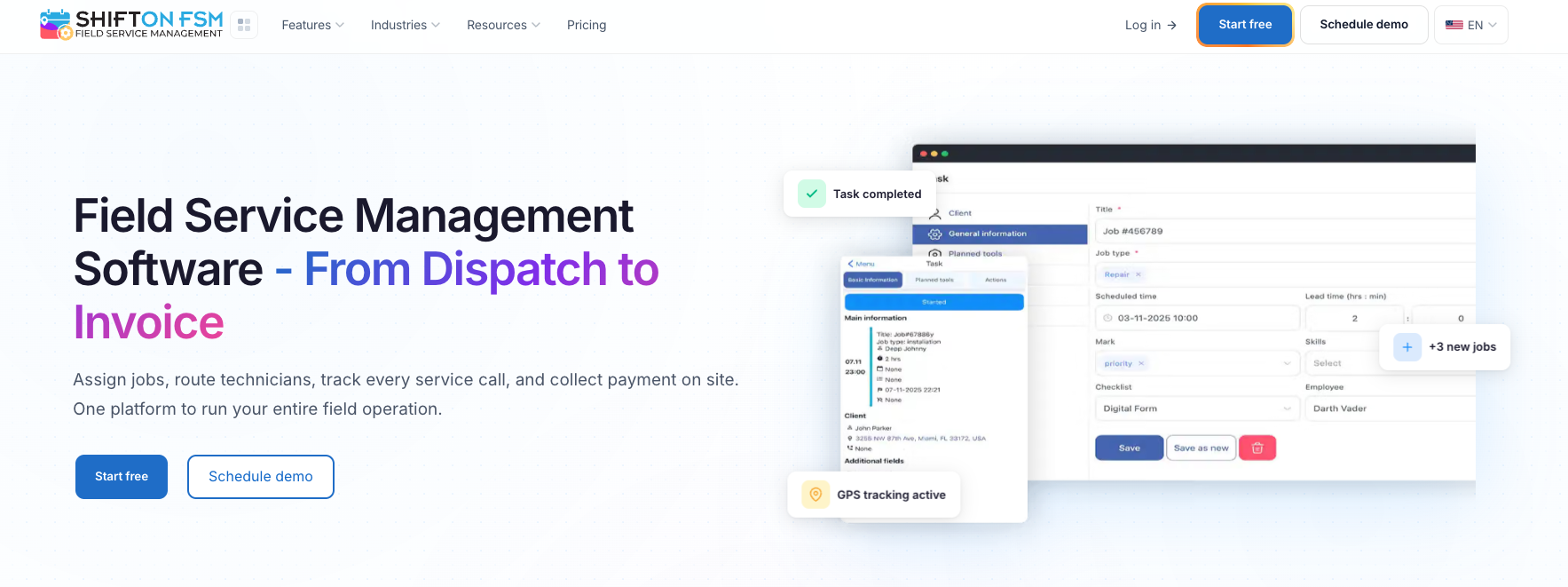
- Drag-and-drop dispatch board with AI auto-assign based on skills, location, and current load
- Mobile app for iOS and Android with offline mode, photo capture, e-signatures, and in-app job chat
- Digital job forms and checklists that replace paper work orders
- Live GPS, route history, and movement statistics for every technician
- Built-in invoicing, quotes, and customer portal , the customer sees the tech’s ETA, signs off on the job, and pays from the same link
- Modular pricing with a free tier for up to 2 employees and up to 55-day trials on paid modules
Pricing: Free for up to 2 team members with task management, scheduling, digital forms, and the mobile app included. Paid modules , Work Location Control, Inventory, Invoicing, Customer Portal , are added a-la-carte and billed monthly or annually, with annual billing saving 20%. See the full Shifton Service pricing breakdown for module-by-module costs based on team size.
Best for: Service businesses that want one platform doing the work of separate scheduling, GPS, forms, and invoicing tools. Particularly strong for HVAC, plumbing, electrical, cleaning, and any multi-technician operation under 50 people where the dispatcher and the office work from the same screen. Teams currently on Jobber and feeling the per-user creep often land here too, see how Shifton stacks up against the rest in our 5 best Jobber alternatives guide.
ServiceTitan
ServiceTitan is the enterprise-grade benchmark for residential trades. It is the platform you see at large HVAC, plumbing, and electrical companies running 50 to several hundred technicians, and the feature set reflects that scale: deep call-booking flows, commission tracking, advanced reporting, and a per-technician pricing model designed to grow with the business.
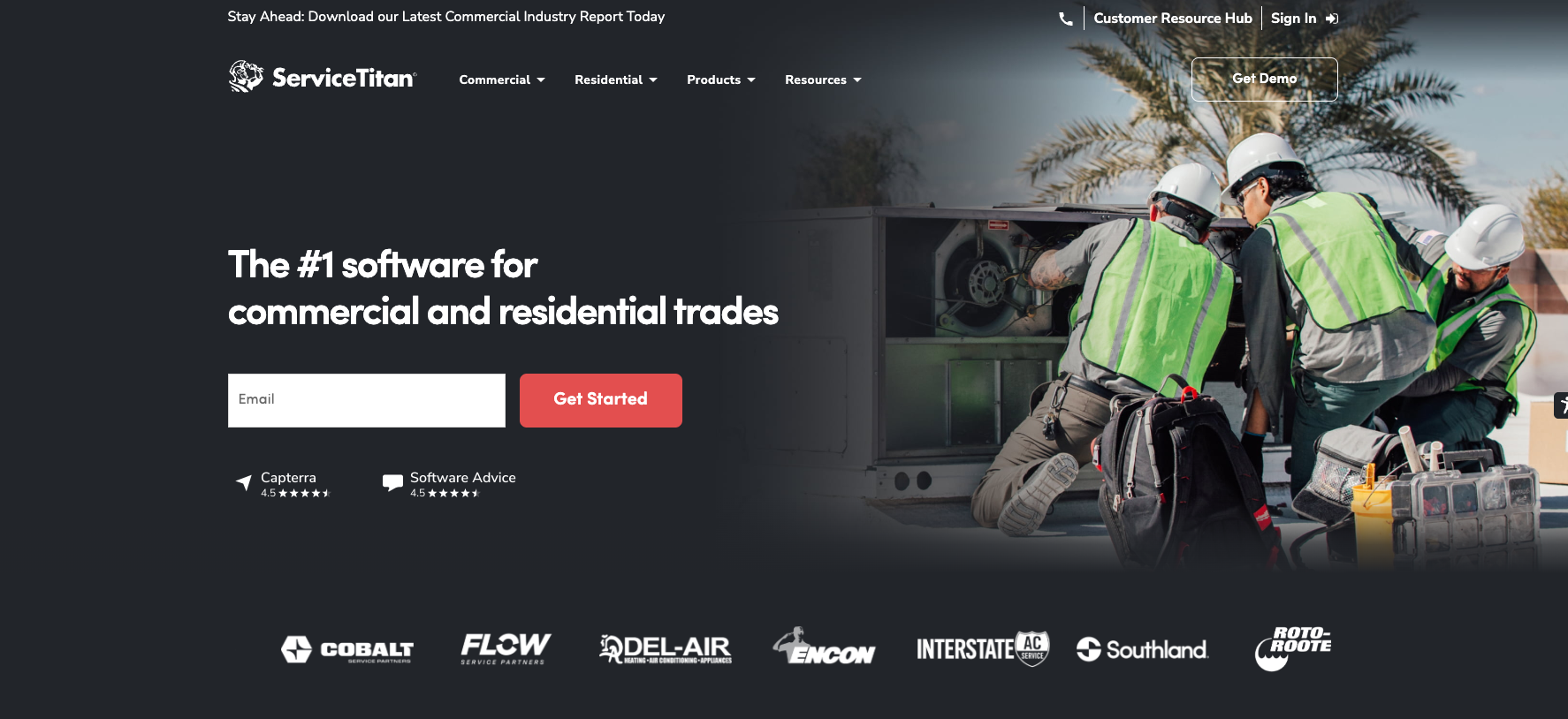
- Three tiers: Starter (dispatch, scheduling, call booking, invoicing, pricebook), Essentials (adds mobile estimates and payroll), and The Works (advanced reporting, commission tracking, memberships)
- Per-technician pricing , no public dollar amounts; a demo is required for a quote
- Designed for residential trades and commercial mechanical, refrigeration, and construction sectors
- No free trial , onboarding is structured around a sales and implementation team
Pricing: Quote-based, per technician. ServiceTitan does not publish dollar amounts. Real-world costs are typically several hundred dollars per technician per month, which puts it firmly in the enterprise bracket.
Best for: Established residential trade companies running 25+ technicians who need deep reporting and are ready to invest in implementation. Overkill for a two-truck operation. If ServiceTitan looks like more platform than you need, our ServiceTitan alternatives guide walks through five lighter options worth shortlisting.
Connecteam
Connecteam started as an all-in-one app for deskless workforces, and the Operations Hub still feels that way , more workforce app than pure dispatch tool. For a service company where the day starts with a shift schedule and a GPS clock-in, that breadth is the point. The dispatch features sit alongside time tracking, training, employee chat, and policy acknowledgments in the same mobile app.
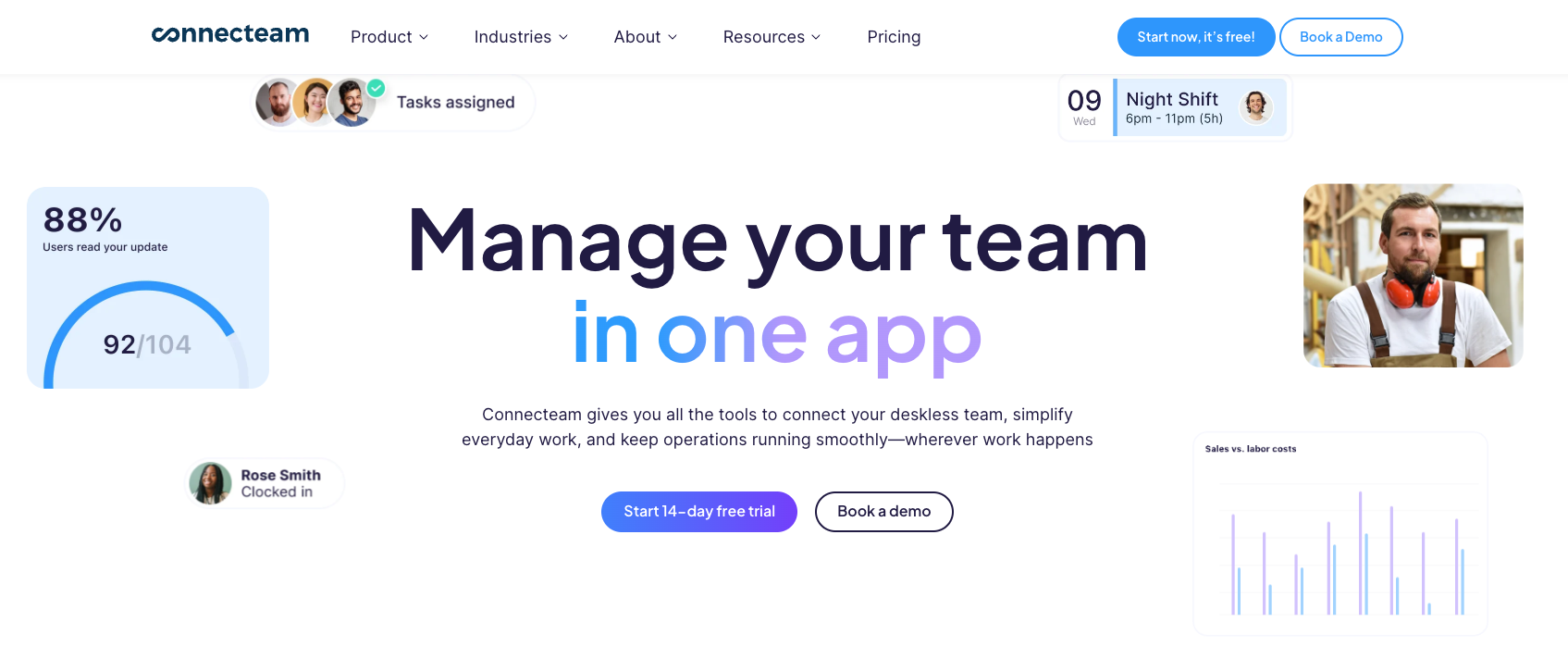
Pricing is friendlier than most. The first 30 users are bundled into a flat monthly fee; only users 31 and up are billed individually, which keeps the math predictable for teams adding seasonal techs. A free-for-life Small Business tier up to 10 users is the kind of offer that usually has an asterisk , here it does not.
- Small Business plan: free for life for up to 10 users with full features across all hubs
- Basic , $29/month flat for the first 30 users, then $0.80 per extra user; covers scheduling, GPS clock-in, jobs, and checklists
- Advanced , $49/month: geofencing, repeating shifts, and conditional form fields
- Expert , $99/month: auto-assign, API access, and unlimited geofence sites
- 14-day free trial with no credit card required; yearly billing saves 18%
Where it gets thinner: pure dispatching. Connecteam’s strength is scheduling and shift work; ad-hoc job dispatching with real-time map reassignment is not the headline feature, and teams running a heavy emergency-call book will feel that.
Best for: Small to mid-size service companies that want one app for both the office and the field, and whose pain is split between dispatch and general workforce management. Particularly strong for cleaning crews, security teams, and any business where the user count under 10 keeps the bill at zero.
FieldEdge
FieldEdge is what you reach for when QuickBooks is the source of truth and the dispatch tool has to bend around it. Both QuickBooks Online and Desktop sync are included in every tier, which is rare at this price point. The dispatch board is straightforward, the mobile app handles the field side, and the rest of the platform is built to feed accounting cleanly.
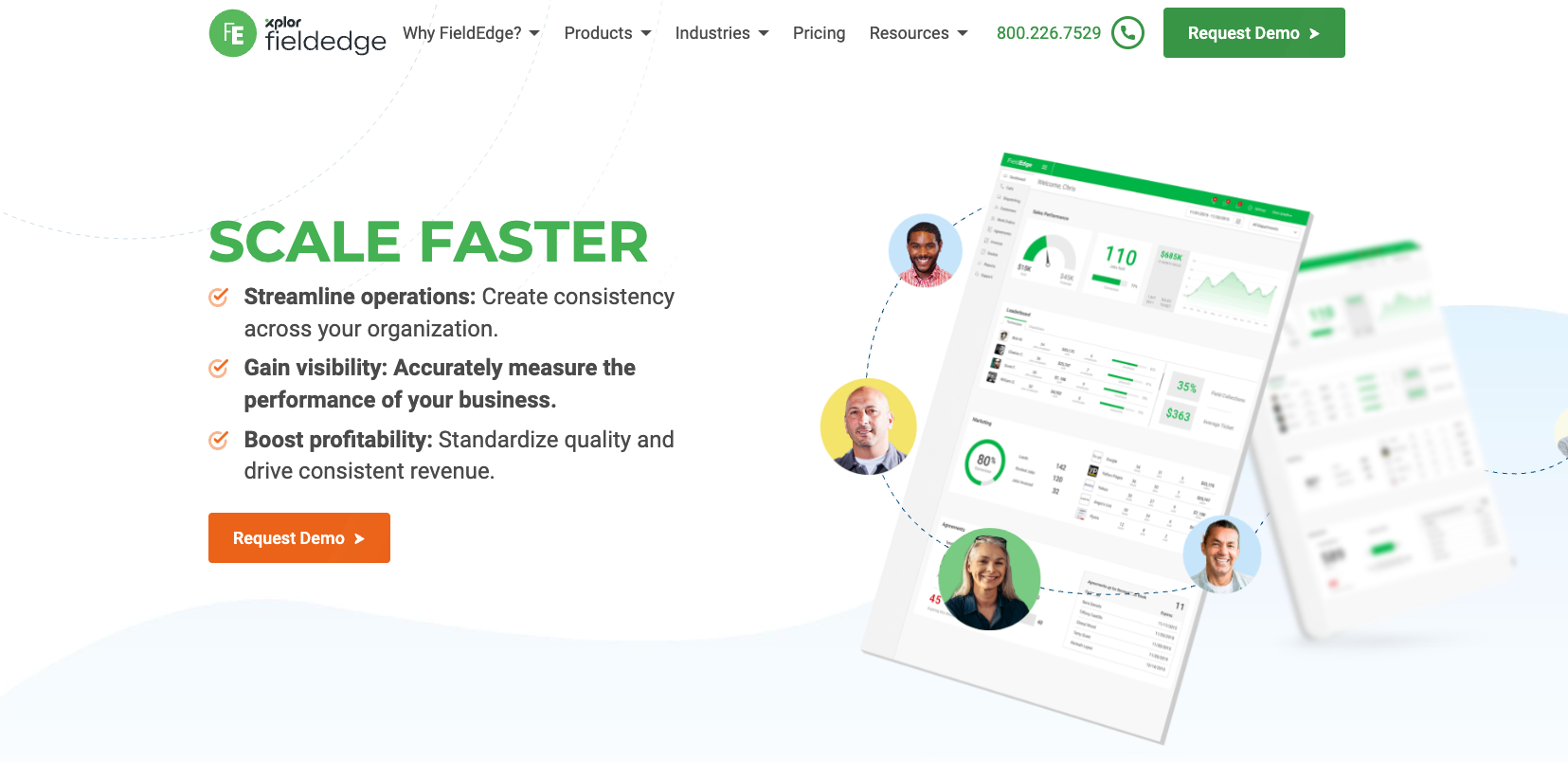
- Three quote-based tiers: Select, Premier, Elite
- Mobile app licenses included: 2 / 4 / 6 by tier
- Basic dispatch in Select, advanced dispatching above
- Flat-rate pricing tools, SMS texting, lead and customer tracker
- No free trial , paid onboarding replaces self-serve sign-up
Best for: Trades shops that already live in QuickBooks and want dispatch data pushed straight to the books without a middle integration. Less useful outside trades and for buyers who want to try before they sign.
mHelpDesk
mHelpDesk is the work-order-first platform on this list. The product is built around a work order ledger , quotes turn into jobs, jobs turn into invoices, and the dispatch board sits inside that flow rather than driving it. The vendor leans heavily on phone walkthroughs and quote-based deals, so cost depends on team size and which modules are switched on.
- Quote-based pricing , no published per-user dollar amount; the vendor uses a phone-based discovery and demo flow
- Work order management, scheduling, mobile field service app, and GPS tracking
- Lead, quote, and customer management built into the same record
- Industry pages for pest control, pool service, plumbing, and cleaning , the platform is most often seen in those verticals
Best for: Small service companies whose dispatcher is also the office manager, the bookkeeper, and the person who answers the phone. The work-order-centric model fits if quoting is half the daily job, and if you do not mind a more old-school sales process to get started.
Housecall Pro
Housecall Pro is the consumer-friendly end of the market. It is the platform you reach for when most of the dispatch problem is owned by the same person who answers the phone, and when online booking, payment links, and review requests are as important as the work order itself. Pricing scales with feature depth, not user count, which keeps a small operation predictable.
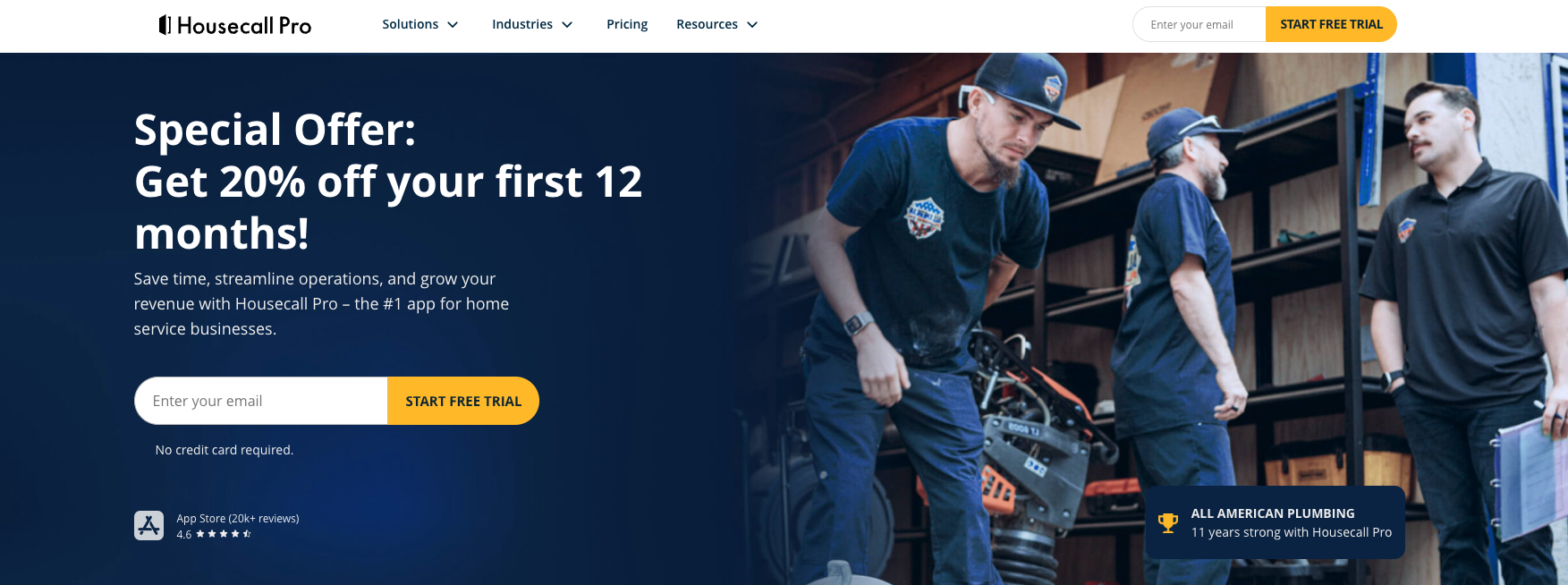
- Basic , $59/month annual ($79 month-to-month): schedule, dispatch, invoicing with auto reminders, 24/7 online booking, quote and proposal tools, review management
- Essentials , $149/month annual ($189 month-to-month): adds QuickBooks integration, email/postcard marketing, employee GPS, custom checklists
- MAX , $299/month annual ($329 month-to-month): advanced reporting, dedicated onboarding, escalated phone support, sales proposal tool, recurring service plans
- 14-day free trial with full MAX features; no credit card required
- Card processing from 2.59%, AI tools, and Spanish-language support across all tiers
Best for: Home service pros , cleaning, lawn care, HVAC, plumbing, garage door , whose customers expect to book online, pay from a text, and leave a review without ever filling out a form. The lower tiers are friendly to one-truck operations.
ServiceM8
ServiceM8 is the only platform on this list that prices by job rather than by user. That single design choice changes the math for small crews dramatically , five technicians on the Starter plan still pay $29 a month if the team only books 50 jobs. The trade-off is the job-credit ceiling: if you bust through your tier’s job count, you upgrade or pay overages.
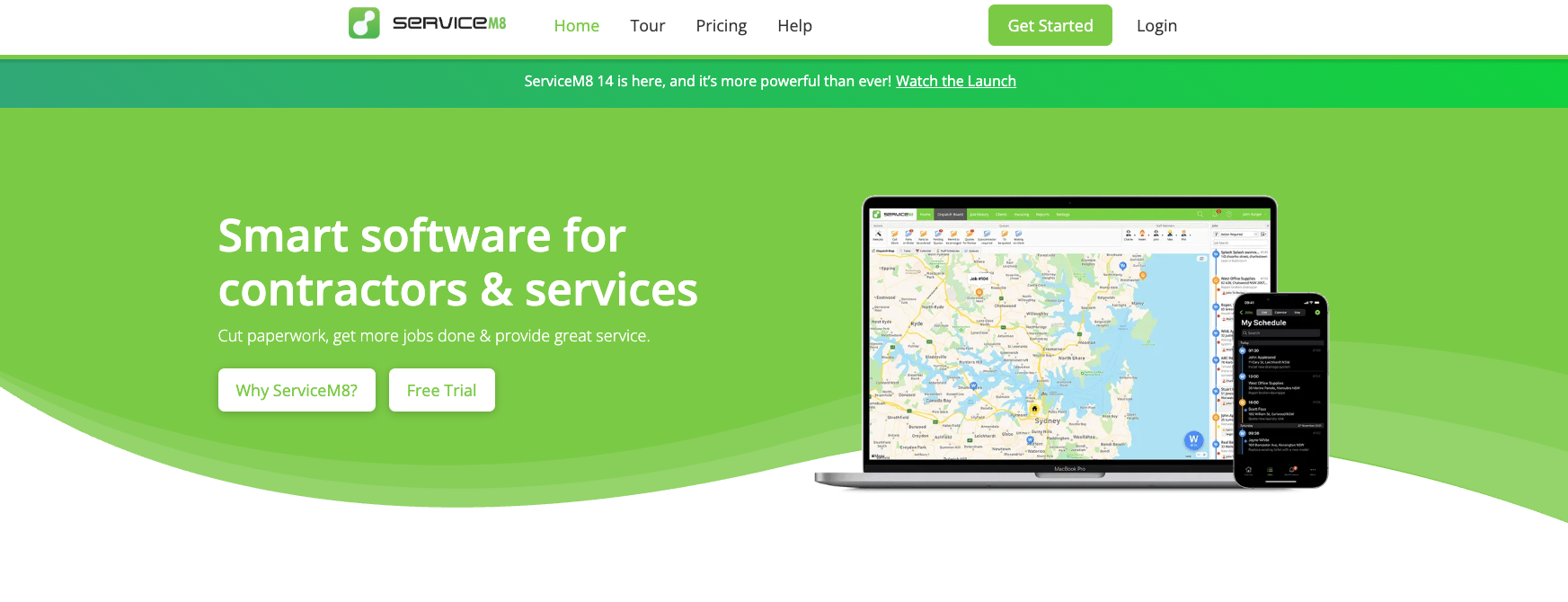
- Free , $0/month: 1 user, 30 jobs/month, 10 AI uses/day
- Starter , $29/month: unlimited users, 50 jobs/month
- Growing , $79/month: 150 jobs/month
- Premium , $149/month: 500 jobs/month
- Premium Plus , $349/month: 1,500+ jobs/month with overages at 20 cents per extra job
- Live staff GPS, real-time scheduling, push notifications, integrated navigation, and 14-day no-card trial
Veterans of ServiceM8 always mention how lean it feels. Job cards are minimal, the UI does not pretend to be a CRM, and the AI uses budget signals that this is a platform for owner-operators who want one less thing on screen. For a small team that runs a steady book of work, that minimalism is the feature , not a limitation.
Best for: Small mobile crews where the unit of work is the job, not the hour , electricians, locksmiths, appliance repair techs, and any operation that runs fewer than 500 jobs a month. Less suited to businesses with high job volume and tight margins, where job credits stop being a feature and start being a tax.
What to Look for in a Service Dispatch App
All 7 platforms above call themselves dispatch software, but they solve the same problem from different angles. Before you commit to a trial, walk through the checklist below. It is shorter than a typical buyer’s guide on purpose , these are the features that actually make or break the daily dispatch board.
- Drag-and-drop scheduling. If a dispatcher cannot move a job by grabbing it, they will keep using a whiteboard.
- Mobile app with offline mode. Field techs lose signal in basements, plant rooms, and rural sites. The app has to keep working when the network does not.
- Skill and availability matching. Auto-assign that ignores who is qualified for the work is worse than no auto-assign.
- Live GPS and route history. Not for surveillance , for dispatch decisions, for honest customer ETAs, and for sorting out “I was there at 2” disputes later.
- Customer-facing visibility. The customer wants the same arrival window the dispatcher sees. A customer portal or text-link tracker removes half the inbound “where is the tech” calls.
- Job-to-invoice without retyping. Every time someone retypes an address, parts list, or labor hours, something gets lost.
- Reporting that points at problems. Average time to dispatch, first-time-fix rate, technician utilization , the tool should make these visible without a spreadsheet.
If you want to go deeper on the operational side, the common field service management challenges guide breaks down the issues most dispatch tools are trying to solve , useful to read before you sit through a demo and get distracted by features you do not need.
How Much Does Service Dispatch Software Cost
Pricing in this category falls into three clear tiers, and the platforms above span all of them.
- Free or near-free for very small teams. Shifton Service is free for up to 2 employees on its core scheduling and task modules. Connecteam Small Business is free for life up to 10 users. ServiceM8 has a Free plan capped at 30 jobs/month. These tiers are not feature-stripped trials , they are usable production tools for the smallest crews.
- Mid-market flat monthly pricing. Connecteam Basic at $29/month, Housecall Pro Basic at $59/month annual, ServiceM8 Starter at $29/month, and Shifton Service’s paid modules sit here. Most service businesses with 3-25 technicians end up in this band, paying somewhere between $30 and $300 per month total depending on which modules they switch on.
- Enterprise quote-based pricing. ServiceTitan, FieldEdge, and mHelpDesk price by team size and modules through a sales conversation. Real costs depend on negotiation, but expect per-technician monthly costs to enter the low-to-mid hundreds at scale.
One non-obvious cost: implementation. Quote-based platforms usually bake in onboarding hours; flat-priced platforms hand you the keys and let you set it up yourself. Both can be the right call, but the “cheap” choice can cost more in week-one chaos if no one has time to configure it.
Picking the Right Service Dispatching Software for Your Team
Team size and the shape of your day matter more than feature checklists. A few rules of thumb that hold up across the platforms above:
- 1-2 technicians, one person doing dispatch and quotes: start with Shifton Service free, Connecteam Small Business, or ServiceM8 Free.
- 3-25 technicians with a real dispatcher: Shifton Service paid modules, Housecall Pro, or Connecteam Basic/Advanced.
- QuickBooks is non-negotiable: FieldEdge or Housecall Pro Essentials.
- Residential trades at 25+ technicians with mature operations: ServiceTitan is the heavy artillery.
- Quoting and small-business workflow first, dispatch second: mHelpDesk.
If none of the platforms above feel like the natural pick, treat the list as a starting filter rather than a verdict. Most teams shortlist two, run them in parallel for a week, and let the dispatcher break the tie.
FAQ
What is service dispatch software?
Service dispatch software is the tool a field service business uses to assign jobs to technicians, send them to the right address, and track the work to completion. It typically combines a dispatch board, scheduling, a mobile app for the technician, GPS visibility, and an invoicing or work-order flow. The category overlaps with field service management software, but dispatch tools lead with the moment-by-moment question of who is going where, and when.
What is the difference between scheduling and dispatching?
Scheduling is what you plan the night before. Dispatching is what you do in the moment when the plan changes. Scheduling lays out the day in blocks; dispatching reassigns jobs when a tech is running late, when an emergency call comes in, or when the customer needs to reschedule. Good service dispatch software handles both on the same screen, because the line between them moves all day.
Is there free service dispatch software?
Yes , and not all of it is feature-stripped. Shifton Service is free for up to 2 employees with scheduling, task management, digital forms, and the mobile app. Connecteam’s Small Business plan is free for life up to 10 users across all hubs. ServiceM8 has a Free plan with 30 jobs per month. Each works as a real production tool for the smallest operations, not just a demo.
What is the best service dispatch software for HVAC?
For a small HVAC operation with a dispatcher and a few trucks, Shifton Service and Housecall Pro are the most usable picks , both cover dispatch, scheduling, mobile, and invoicing without enterprise overhead. For established HVAC companies at 25+ technicians, ServiceTitan and FieldEdge dominate the shortlist because they handle the deeper reporting, commission tracking, and QuickBooks workflows those teams expect.
Can a dispatch app replace a paper work order?
Yes. Every platform in this guide ships with digital job forms that the technician fills out on a phone or tablet on site. The result is searchable, photo-supported, signed by the customer, and pushed straight into the invoicing flow. Some shops keep paper around as a backup, but it is no longer the system of record.
How long does it take to roll out service dispatch software?
It depends on which tier of platform you pick. Self-serve flat-priced tools like Shifton Service, Connecteam, Housecall Pro, and ServiceM8 can be running with a real dispatch board inside a week. Quote-based enterprise platforms like ServiceTitan or FieldEdge typically run a 30-90 day implementation with data migration, configuration, and team training built in.


Start making changes today!
Optimize processes, improve team management, and increase efficiency.