

HR Time and Attendance Software With Scheduling
Scheduling, attendance and leave in one record, so the hours HR approves are the hours payroll pays.


One place for the rota and the clock
When the schedule lives in one system and attendance in another, somebody spends the last week of every month reconciling them. Keeping both against the same employee record removes that job entirely.
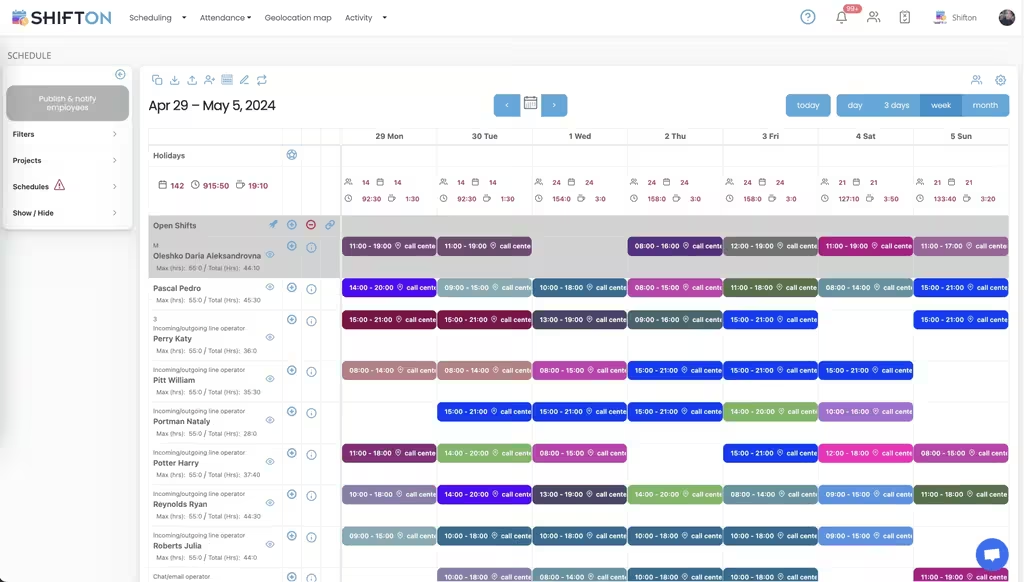
Leave that plans against real cover
Approving time off without seeing the rota is how a department ends up with three people away in the same week. Requests sitting in the same calendar as the shifts make the consequence visible at the moment of approval.
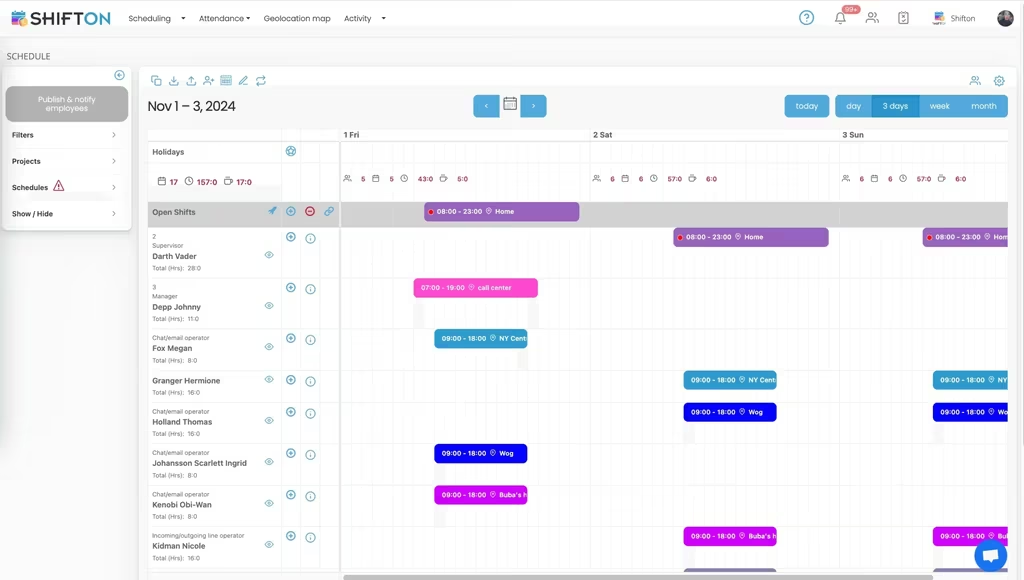
Hours that reach payroll unchanged
Every manual retype between attendance and payroll is a chance to introduce an error that somebody will find in their pay. Exporting the recorded figures directly keeps the two sides identical.
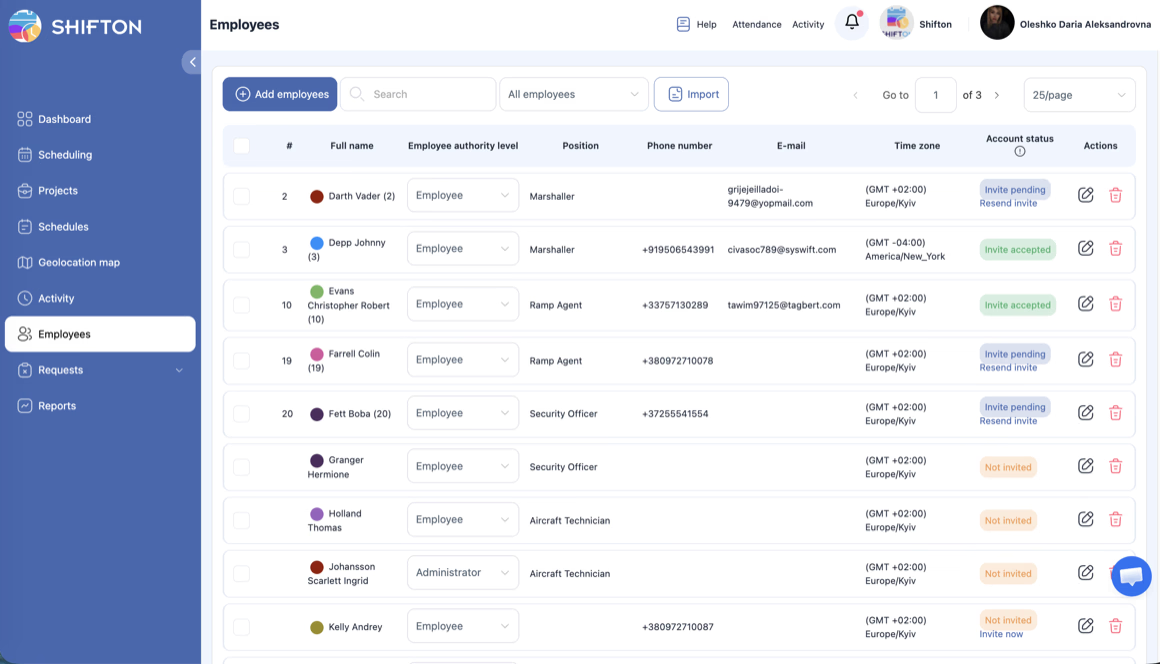
Reporting HR can take to a meeting
Absence, overtime and utilisation are the three questions HR gets asked, and all three come out of the same recorded hours rather than from three separate collections of data.
Start with the Free Plan
No time limits. Get full access to core features and upgrade when you're ready.
Why attendance and scheduling belong together
In most companies these are two systems bought at different times for different reasons. Scheduling arrived because somebody needed a rota. Attendance arrived because payroll needed hours. They hold overlapping data, they disagree at the edges, and somebody in HR spends the last week of every month deciding which one is right.
The reconciliation is not a small job, and it is not a job that produces anything. It is pure friction created by a data split that never had to exist.
One record, read three ways
Holding the schedule and the attendance record against the same employee removes the reconciliation by removing the second copy. The manager reads it as a rota. The employee reads it as their week. Payroll reads it as hours. Nobody retypes anything.
It also makes the interesting number available for free. The gap between planned and actual hours, per person and per department, is the single most useful figure HR has for spotting a scheduling problem before it becomes a staffing one, and it exists only when both numbers are stored side by side.
Departments and locations that match reality
Reporting is only as good as the structure underneath it. Setting up departments and locations the way the organisation actually works, rather than the way a system expects, is what makes an absence report answerable at the level somebody will ask about it.
One record. Three readers. No retyping.
Leave approved against real cover
Time off approval is where the two-system split does the most visible damage. A request is approved in one place by somebody who cannot see the rota in the other, and a department discovers in week three that three of its five people are away at once.
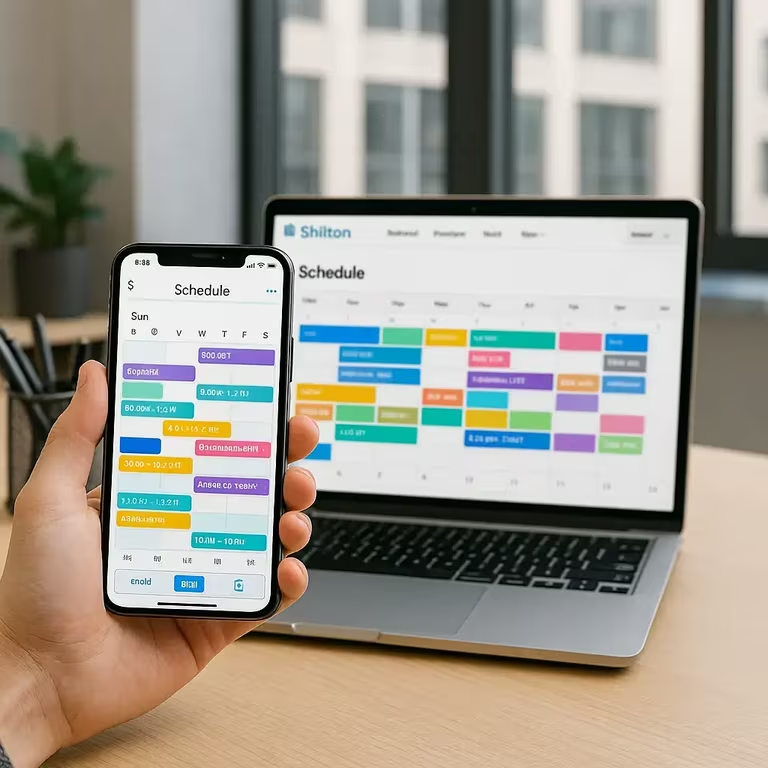
Requests living in the same calendar as the shifts turn that into a decision rather than an accident. The approver sees who else is off, sees whether the shift is covered, and can hold the request until cover exists. Balances stay with the employee record, so the arithmetic is not a separate spreadsheet.
Getting hours to payroll without touching them
Every manual step between the time record and the payroll run is a chance to introduce an error, and payroll errors are expensive twice: once to fix and once in trust. Exporting the recorded figures directly, with breaks already separated and overtime already flagged, removes the retyping.
Firms that want the calculation inside the same system can add the payroll module at $0.50 per employee a month. Firms with an established payroll provider usually do not need it and export instead.
What this does not do
The boundary deserves to be stated plainly. This is not an HRIS. Recruitment, onboarding paperwork, performance cycles and personnel files belong in an HR system and stay there. What sits here is the operational layer: who works when, what they actually worked, and what that costs.
Payroll errors cost twice: once to fix, once in trust.
The three questions HR gets asked
Absence, overtime and capacity. Every HR function fields versions of these, usually from a finance director who wants a number by Thursday. When all three come out of the same recorded hours, the answers agree with each other, which is not guaranteed when they come from three different collections.
Absence by department over a quarter shows where the pressure is. Overtime by department shows where the staffing model is wrong rather than where people are working hard. Headcount against actual hours shows whether the establishment matches the work.
Rolling it out without a project
Systems that touch payroll usually arrive as projects: a steering group, a data migration, a training plan and a go-live date that slips twice. That weight is appropriate for an HRIS and excessive for a rota and a clock.
The pattern that works is narrower. One department, one month, alongside whatever exists today. If the schedule is easier to publish and the hours reach payroll without retyping, the case makes itself and the rollout is a copy of something already working rather than a plan on a slide.
What managers have to learn
Almost nothing, if the tool is the right shape. Publishing a week, approving a request and reading a report are the three actions a line manager performs, and each of them should survive being explained once. Anything that needs a training course to publish a rota will be worked around within a quarter.
Starting without a project
Shifton is free for up to 10 employees with no time limit, which is enough for a single department to run properly before anybody writes a business case. Scheduling, the basic time clock, the mobile app and reporting are in that plan, and modules are added one at a time from $0.50 per employee a month with a trial of up to 60 days on each.
Frequently Asked Questions
Does this replace a full HR system?
No. Shifton covers scheduling, attendance, time off and the reporting that comes out of them. Recruitment, performance reviews and personnel files stay in the HR system; the hours can be exported to it or to payroll.
Can managers approve time off while seeing the rota?
Yes. Requests appear in the same calendar as the shifts, so the person approving can see who else is away that week and whether the shift is covered before the answer goes out.
How does attendance data reach payroll?
Recorded hours are exported for the period, with breaks kept separate from worked time and overtime already flagged. There is also an optional payroll module at $0.50 per employee a month for firms that want the calculation inside Shifton.
Can I structure the account by department and location?
Yes. Departments and locations mirror the structure HR already uses, and reporting can be read at either level or across the whole company.
Does it show absence patterns?
Reports group absence by person, department and period from the same records that produce the payroll figures, so the two never disagree.
Is there a free plan for a small HR team?
Shifton is free for up to 10 employees with no time limit, covering scheduling, the basic time clock, the mobile app and reports. Paid modules start at $0.50 per employee a month with a trial of up to 60 days on each.




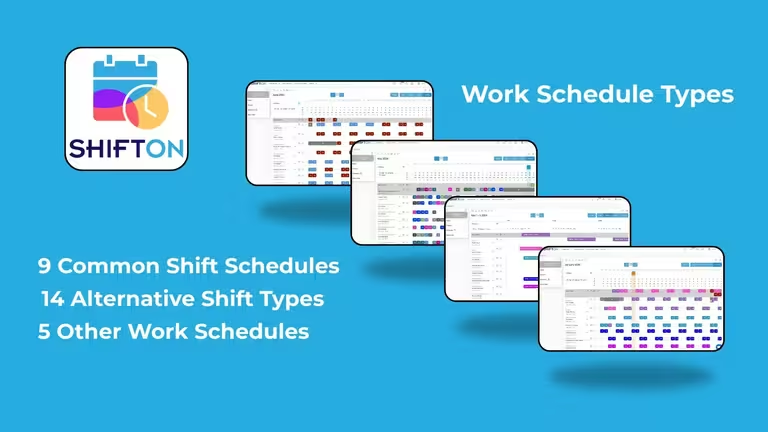
Stop reconciling two systems every month
Free for up to 10 employees, with the rota, the clock and leave in one record and hours that reach payroll unchanged.