

How it works
Shifton — where every shift is simple, seamless, and stress-free.
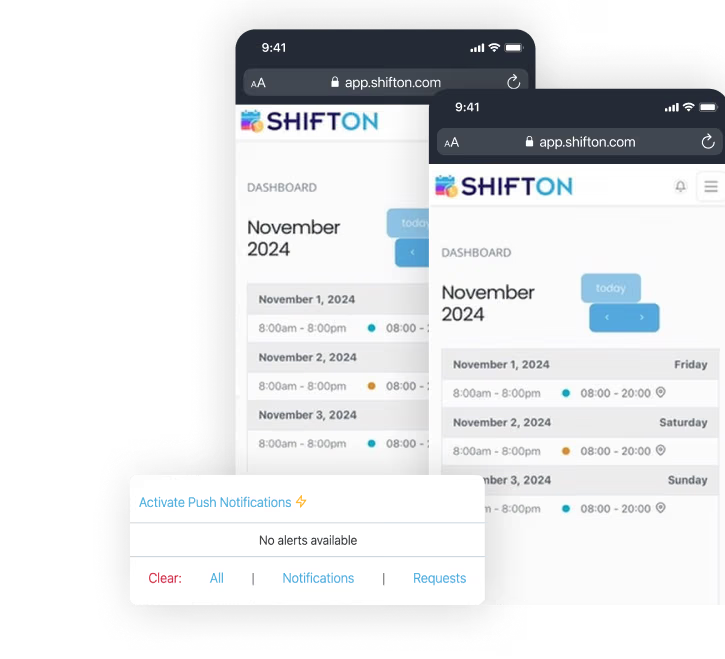
Functionality
Features that will help you work better
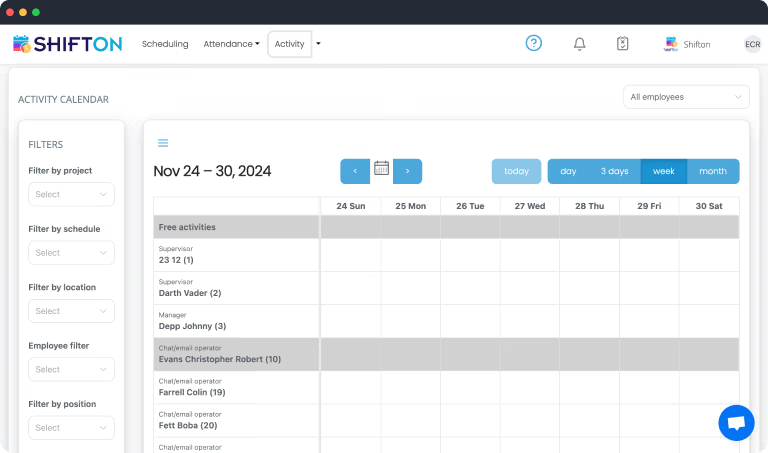
Sign Up and Invite Your Team
First, you sign up and invite your team to our employee work schedule software.
This step involves adding essential employee details, setting up roles, and defining business hours.
By entering accurate information from the start, you enable Shifton to automatically generate precise timetables.
As a result, managers minimize manual errors while creating a balanced workload that respects everyone's availability.
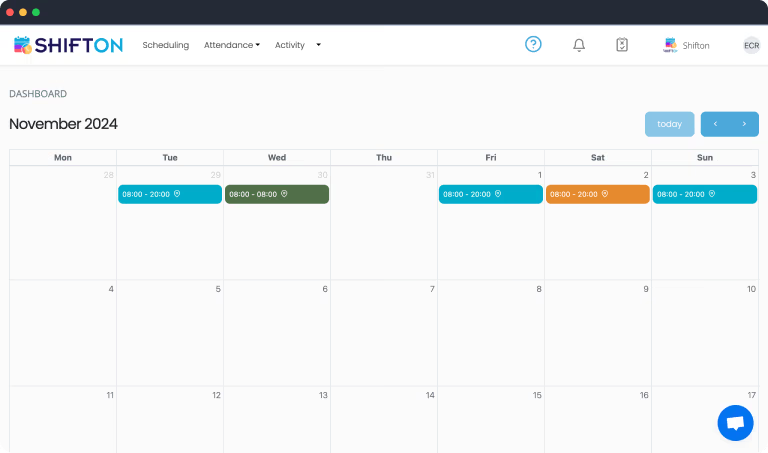
Customize Shifts and Assign Roles
Next, customizing shifts becomes seamless.
You can create unique shift templates or utilize pre-made ones, then assign them to specific team members.
It takes just a few clicks to publish schedules.
Once published, Shifton alerts team members via real-time notifications, ensuring everyone stays on the same page and reducing miscommunication.
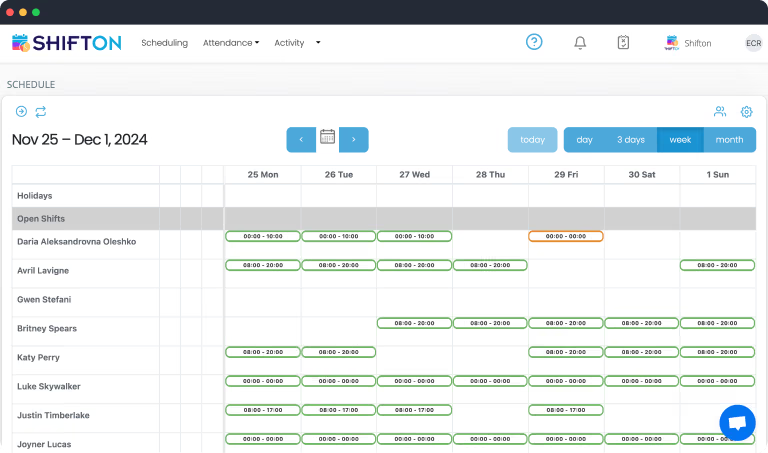
Monitor and Analyze in Real Time
Finally, real-time monitoring and analytics tie everything together.
Through scheduling dashboards, you'll spot attendance patterns, forecast labor needs, and adjust shifts to cut unnecessary costs.
Detailed metrics help you identify inefficiencies and maintain a well-structured timetable.
Shifton empowers managers with actionable insights, making adjustments simpler than ever.
Free forever
Start with the Free Plan
No time limits. Get full access to core features and upgrade when you're ready.
Up to 10 team members
Shift scheduling & calendar
Open shifts & shift swaps
Mobile app for iOS & Android
Unlimited schedules and locations
Budget & hours reports
Ready to streamline your operations?
Join thousands of companies that trust Shifton to run smarter every day.