

 English
  Español
  Português
  Deutsch
  Français
  Italiano
  日本語
日本語  中文
中文  हिन्दी
  עברית
עברית  العربية
  한국어
한국어  Nederlands
  Polski
  Türkçe
  Українська
  Русский
  Magyar
  Română
  Български
  Čeština
  Ελληνικά
  Svenska
  Dansk
Dansk  Norsk
Norsk  Suomi
Suomi  Bahasa Indonesia
  Tiếng Việt
  Tagalog
  ไทย
ไทย  Latviešu
  Lietuvių
  Eesti
Eesti  Slovenčina
  Slovenščina
  Hrvatski
  Македонски
  Қазақша
  Azərbaycan
  Afrikaans
  বাংলা
বাংলা 
- What Is a Free Online Time Clock?
- Who Needs a Free Time Clock Solution
- How We Chose These Apps
- What to Look for in a Free Time Clock App
- 6 Best Free Time Clock Apps
- Free Time Clock Apps by Industry
- Break Tracking and Overtime in Free Time Clock Apps
- Geofencing and GPS Verification: What Small Businesses Need to Know
- Time Clock Kiosk: Clocking in From a Shared Device
- Buddy Punching: How Free Time Clock Apps Prevent It
- Benefits of a Free Time Clock App for Small Business
- How a Free Time Clock App Reduces Labor Costs
- Free Time Clock Apps and Labor Law Compliance
- Free Time Clock App vs Paid Time Clock Software: What You Trade
- Switching From Paper Timesheets to a Free Time Clock App
- How Free Online Time Clocks and Timeclock Apps Work
- Comparison: 6 Free Time Clock Apps at a Glance
- FAQ
Most small businesses overspend on time tracking. They sign up for enterprise platforms with features they will never use, pay per seat for employees who clock in the same way every day, and end up managing software instead of managing people. Free time clock apps have caught up with paid alternatives in ways that weren’t true a few years ago.
GPS clock-in, a mobile punch clock, overtime alerts, team scheduling: all of it is free now, if you know where to look. Below are the 6 best free online time clock apps for small business, hourly workers, and remote teams. Every tool here ships a genuinely usable free plan, not a 14-day trial and not a demo with the useful parts stripped out. We put their free tiers head-to-head on clock-in methods, user caps, time tracking depth, exports, and the one limit that bites at month two.
You’ll see what each one does well, where it falls short, and which type of business it suits best. Whether your team clocks in from a job site, a restaurant, or a home office, there is a free time clock system here that fits the way you work.
What Is a Free Online Time Clock?
A free online time clock is a web or mobile tool that lets employees clock in and clock out digitally, in place of paper timesheets, punch cards, and spreadsheets. Some industries still call it a timeclock; the digital version does the same job, only faster and without the hardware on the wall. It logs work hours by itself, adds up the totals, and turns out attendance reports with no manual input.
A wall-bolted punch clock only works in one spot. A free cloud-based time clock runs on any device with an internet connection. Staff clock in from a shared tablet at the job site, a phone in the field, or a desktop time clock in the browser. Managers watch who is in, who is late, and how many hours the team has logged, live.
Inside a small business, the real gap between free time clock software and a $15/user/month platform is often narrower than it looks. The core functions, clock in, clock out, timesheet export, sit in every free plan on this list. Paid plans buy depth: payroll integrations, advanced scheduling, custom reports, room for bigger teams. You just rarely need that depth on day one. What you need is a working time clock app, free.
Who Needs a Free Time Clock Solution
Free time clock tools earn their keep in more industries than most people realize. Any business paying hourly workers needs a dependable way to track when shifts start and end, and a free time clock app does that without a software invoice landing in your inbox.
Retail and restaurants rely on a clock in system to manage daily shift rotations and calculate payroll accurately. A simple online time clock cuts the manual work of tracking punch cards. Two-store coffee chains and family-run delis don’t need an HRIS suite; they need a free employee time clock app that works on the iPad already sitting next to the register.
Cleaning and janitorial companies often run field workers across a dozen client sites. A mobile time clock app lets a crew member clock in from their phone the second they arrive, with no paper logs and no calls back to the office. It is the same story for the four-person window-cleaning crew working six accounts a day on a free clock in clock out app.
Construction crews work at different job sites each week. A cloud-based time clock that works offline and syncs when connected is worth more than a desktop punch clock that only works in one location. Add a free GPS time clock app to the mix and the foreman knows who is on-site without asking.
Healthcare clinics, home care agencies, and dental offices use a free time clock platform to handle rotating shifts without investing in expensive scheduling systems. When the free plan covers your headcount, there is no reason to pay for software you do not need.
And for spread-out remote teams, the support agents, content folks, and freelance researchers, a free time tracking app or a free clock in and out app pulls double duty as both an audit trail and a billing record.
How We Chose These Apps
We looked at more than a dozen free time clock tools before cutting the list to six. Every app that made it has a free plan you can actually run a business on. No 14-day trial that flips to a paid subscription without warning, no feature set so thin it breaks the moment a fifth employee joins.
We scored each one on five things: free-tier limits (user caps, location restrictions, feature gating), clock-in reliability on mobile and web, reporting depth, how much friction onboarding adds, and whether shift scheduling comes free. Breaks and overtime got extra scrutiny, since they drive payroll accuracy yet so often sit behind a paywall. Anything that locked clock-in to a single device on the free tier, hid timesheet exports behind a payment prompt, or demanded a paid admin seat got cut.
Six tools survived. Each one is what a small business can realistically use at zero cost, for an actual team, without hitting a wall after the first few weeks.
What to Look for in a Free Time Clock App
Free plans are not equal. Clock in, clock out, and timesheet export come standard on nearly every time clock app, so the basics rarely decide anything. The split is in what surrounds them. One free time clock tool hands you unlimited users and almost no scheduling; the next packs the feature list, then stops you at five people. Run these checks before you pick one:
- User limits. A free plan that covers 1-2 users is not useful for a small business. Look for plans that support at least 5-10 employees – Clockify and Jibble both offer unlimited users, Shifton covers up to 10 on its no-cost plan, and Homebase covers one location with no hard employee cap.
- Clock-in methods. The best free clock in apps let employees punch in via mobile, web browser, or a shared tablet kiosk. GPS-based clock-in is valuable when workers operate across multiple job sites – it logs where the shift started without manual input. Facial recognition, available in Jibble’s free tier, eliminates buddy punching without extra hardware.
- Break and overtime tracking. Automatic break deductions, rounding rules, and overtime calculations separate a real time card app from a basic timer. Some free tiers handle breaks and overtime automatically; others require manual configuration or a paid upgrade. Check before committing.
- Geofencing and location verification. Geofencing sets a virtual boundary around a job site and blocks or flags any clock-in that happens outside it. GPS tracking and geofencing are increasingly available on free tiers – Jibble includes both at no cost, and Shifton supports location-based clock-in for field teams.
- Offline support. Construction crews and field workers in areas with poor connectivity need a time clock that stores entries locally and syncs when a signal is restored. An app that requires a live internet connection to record a punch is a liability on a job site.
- Exports and payroll. On any free plan, you should be able to export timesheets as CSV or PDF for payroll processing. Some tools offer QuickBooks or Gusto integrations only on paid tiers – manual CSV export is usually sufficient for small teams.
- Mobile app quality. A mobile time clock is only useful if employees actually open it. App store ratings, crash frequency, and sync reliability matter – especially for field workers who depend on the app as their only clock-in method.
With those criteria in mind, here are the 6 best free time clock apps available right now.
6 Best Free Time Clock Apps
1Shifton
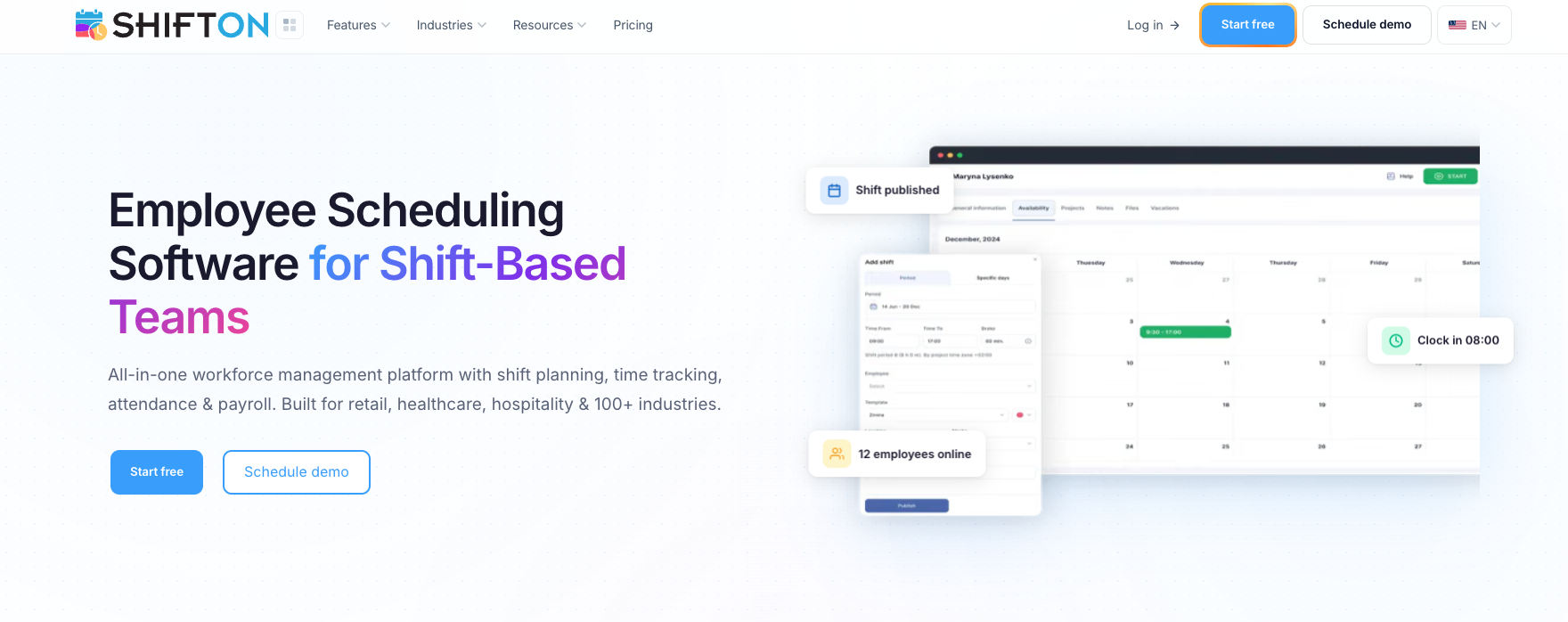
Shifton is a workforce management platform whose free plan covers up to 10 team members, enough to run most small business operations. Where a lot of competitors cap the free tier at 1-5 users, Shifton’s free online time clock is built for a real team. The time tracking feature in Shifton lets employees clock in and out from a mobile app or web browser.
A 10-person Phoenix landscaping crew uses it like this: each worker opens the app at the job site, hits clock-in, and the timestamp lands in a shared dashboard the manager checks from her phone over coffee. Hours roll up automatically. Saturday overtime gets flagged before payroll runs. The whole stack costs $0.
What lifts Shifton above a plain free time clock app is everything bundled with it. The free plan includes shift scheduling, time-off management, and team management. It also gives field teams location-based clock-in, plus an attendance dashboard a manager can sort by employee, project, or shift.
Tracking hours is only half the job. Knowing who is scheduled and who called in sick is the other half, and Shifton puts both in one place without a second piece of software. Time cards save on their own for managers to review. Overtime gets tracked, and timesheets export for payroll. The mobile app covers iOS and Android, and the interface is plain enough that most people clock in on day one without any training.
Need a free time clock with real scheduling capability, mobile access, and payroll-ready timesheets? Shifton is the most complete option you can run at no cost.
What’s in the free tier:
- Clock in and out via mobile app (iOS and Android) or web browser
- Shift scheduling with drag-and-drop for up to 10 employees
- Real-time attendance dashboard – see who is clocked in at a glance
- Automatic overtime tracking with manager alerts
- Timesheet export (CSV) for payroll processing
- Location-based clock-in for field teams and multiple job sites
- Time-off management and absence tracking
Who it’s built for: Small businesses and growing teams that need shift scheduling, time clock, and payroll-ready timesheets in a single free platform.
Free plan ceiling: Up to 10 team members, shift scheduling, time clock & attendance, mobile app, payroll-ready timesheets, reports.
Track hours without paying for software you don’t need
Shifton’s free plan covers up to 10 team members with shift scheduling, time clock, mobile app, and payroll-ready timesheets included.
2Clockify
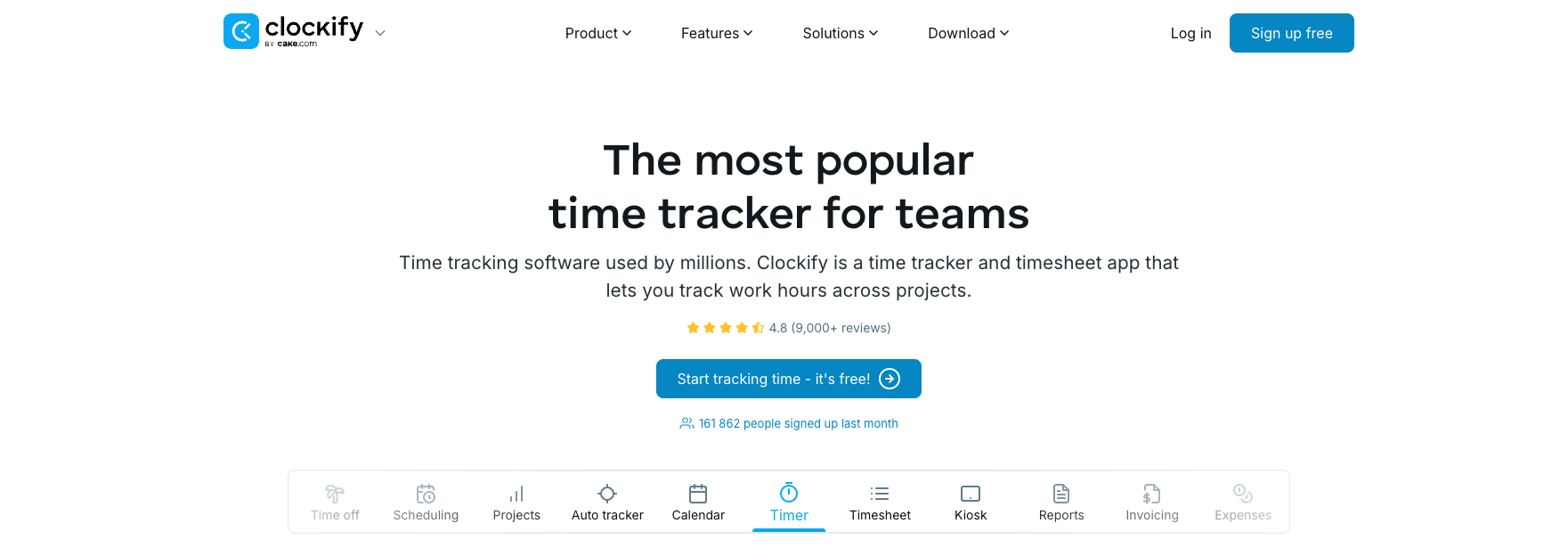
Clockify is the most widely used free time tracking app in the world. Its free tier really is unlimited: no cap on users, none on projects. Employees clock in from a browser, a desktop app, or their phone, and every entry lands in one shared workspace the manager can review. As a time card app it handles manual entry, a live timer, and a calendar view. Reporting holds up for a free tool. Filter by employee, project, or date range, then export to CSV or PDF.
Scheduling is the gap. Clockify tracks time; it does not run shifts. If shift assignments matter to you, bolt on a separate scheduling tool or look elsewhere. For tracking work hours through a pure web-based time clock, though, nothing really beats it at zero cost.
Free plan covers:
- Unlimited users and unlimited projects
- One-click timer or manual time entry
- Project and task-level time tracking for job costing
- Weekly timesheet view and calendar layout
- Reports filterable by employee, project, or date range
- CSV and PDF export
- Browser extension for desktop time tracking
Best fit: Teams that need unlimited users and straightforward time tracking without scheduling features.
Clockify free tier covers: unlimited users, unlimited projects, time tracking, basic reporting, CSV export.
3Homebase
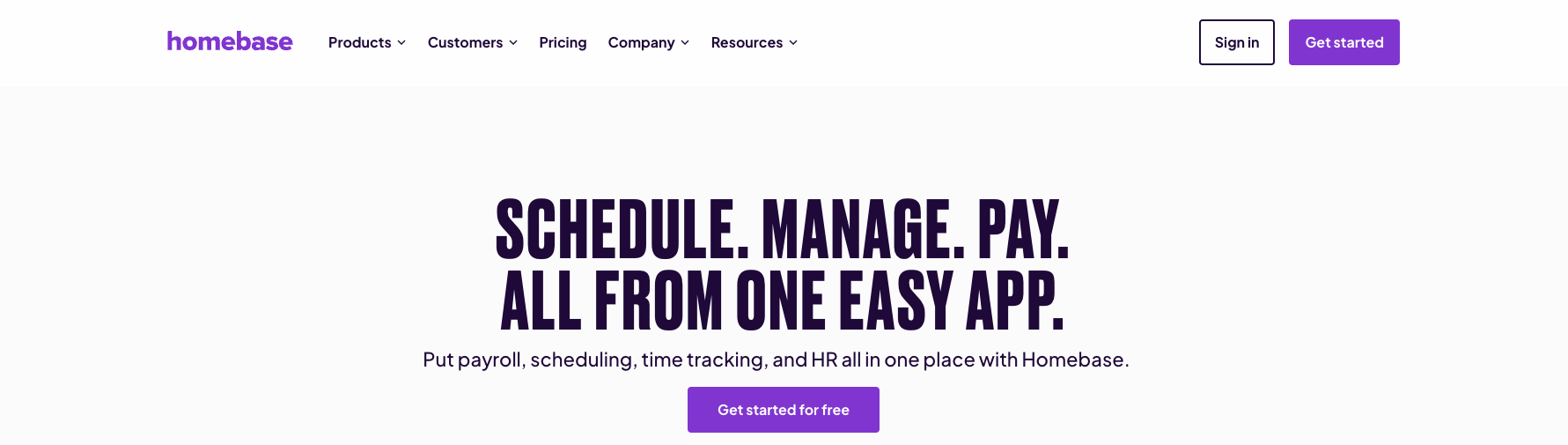
Homebase aims squarely at hourly workers in retail and food service. Its free account covers one location with unlimited employees, a strong deal for a single-site small business. The clock in app runs on phones, tablets, or a shared kiosk, and a photo-capture option helps shut down buddy punching.
Basic scheduling and a team-messaging tool come with the free tier too, which puts Homebase ahead of the many free time clock apps that only log hours. Payroll processing costs extra, though you can still export free timesheets by hand. Onboarding is quick and the mobile app rates well. The ceiling is that one-location limit. Open a second store and you are into paid territory.
What the free plan covers:
- Clock in via mobile app, web browser, or shared kiosk tablet
- Optional photo capture at clock-in to prevent buddy punching
- Unlimited employees at one location
- Basic shift scheduling included at no cost
- Team messaging app for shift communication
- Timesheet export for payroll (manual processing)
Right fit: Single-location restaurants, cafes, and retail shops with hourly staff.
Homebase’s no-cost tier: 1 location, unlimited employees, time clock, basic scheduling, team messaging.
4Jibble
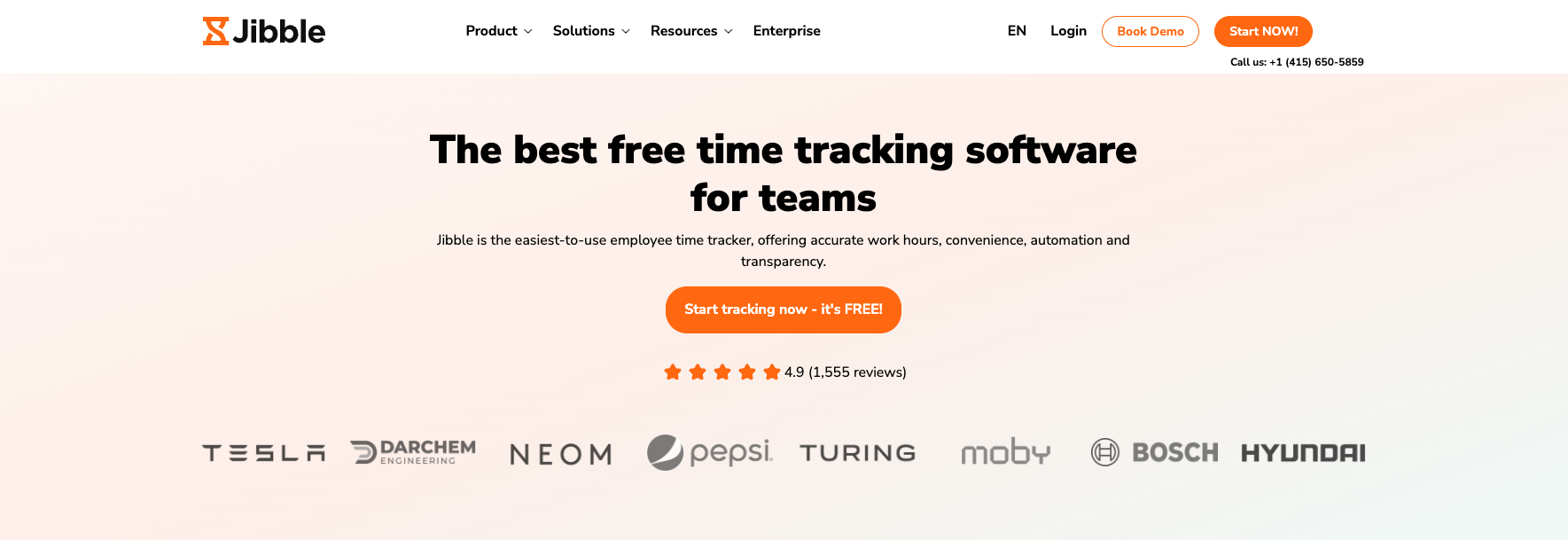
Two things make Jibble’s free plan stand out: face recognition clock-in and GPS tracking, neither of which costs a cent. Workers punch in by facial recognition through the mobile app, so buddy punching dies without any extra hardware to buy. For field teams and spread-out workforces, that pairing carries real weight.
The free virtual time clock takes unlimited users, and time data syncs across every device. Timesheets build themselves, totting up hours and flagging anything that looks off. Reporting on the free version stays thin, but clock-in reliability is the part that counts, and it is excellent. The interface is clean and modern.
A 12-tech HVAC company in Houston we talked to runs Jibble across three service vans: technicians clock in by face when they arrive at a client address, the system stamps the GPS location, and the dispatcher reconciles the day from a single timeline. No paper logs, no morning radio check-ins. Cost: $0 per month.
Included in the free plan:
- Unlimited users
- Facial recognition clock-in via mobile camera
- GPS tracking – records location at every clock-in
- Geofencing – blocks clock-ins outside defined job site boundaries
- Automated timesheets with anomaly detection
- Offline clock-in support with sync on reconnect
- Kiosk mode for shared tablet punch station
Made for: Field teams and businesses with distributed employees that want face recognition and GPS clock-in at no cost.
On Jibble’s free account: unlimited users, face recognition, GPS tracking, automated timesheets.
5Toggl Track
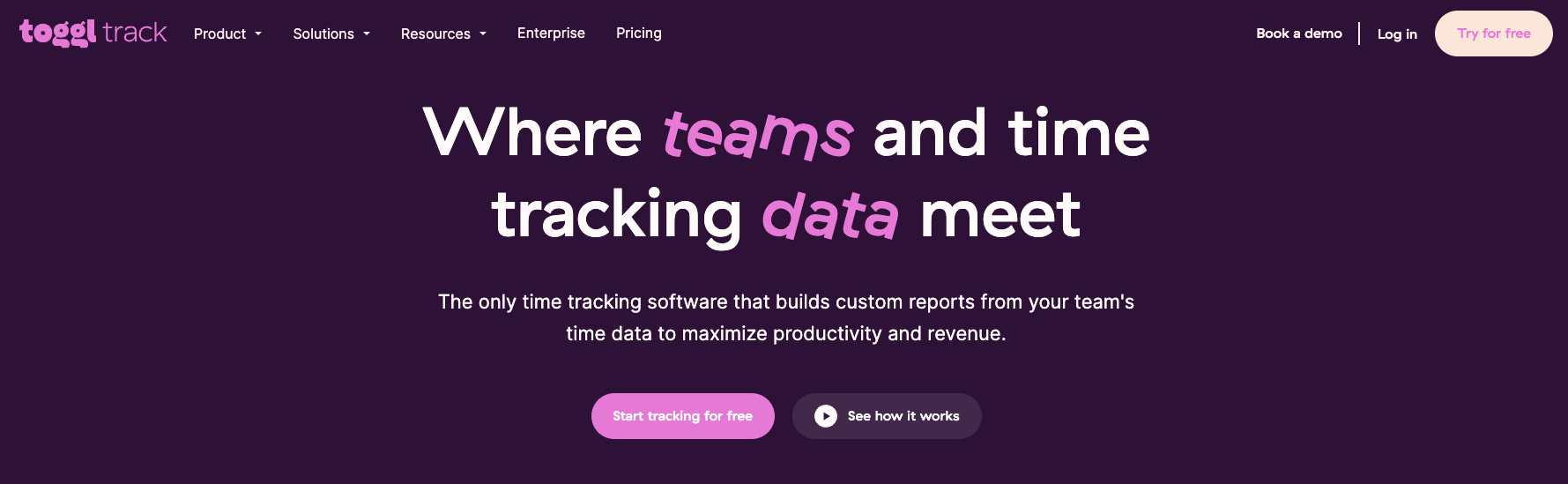
Toggl Track is known for clean, distraction-free design. Its free tier tops out at 5 users, which keeps it to very small teams, but inside that limit it is one of the nicest time tracking apps going. The one-click timer is the whole idea: click start, tag a project, click stop. Those entries pile up into detailed reports over the weeks. It works fine as a web-based time clock and ships reliable iOS and Android apps. GPS tracking and scheduling appear on no plan at all.
For a small freelance team or a micro-business tracking billable hours, it is a polished choice.
Free version covers:
- Up to 5 users
- One-click timer with project and tag labeling
- Unlimited time entries and projects
- Detailed reports with billable hours tracking
- Browser extension and desktop app for automatic time capture
- Calendar integration for time entry review
Suited for: Freelancers and very small teams that value simplicity and clean UX over feature breadth.
Toggl Track free version: up to 5 users, unlimited time tracking, basic reporting, integrations.
6When I Work
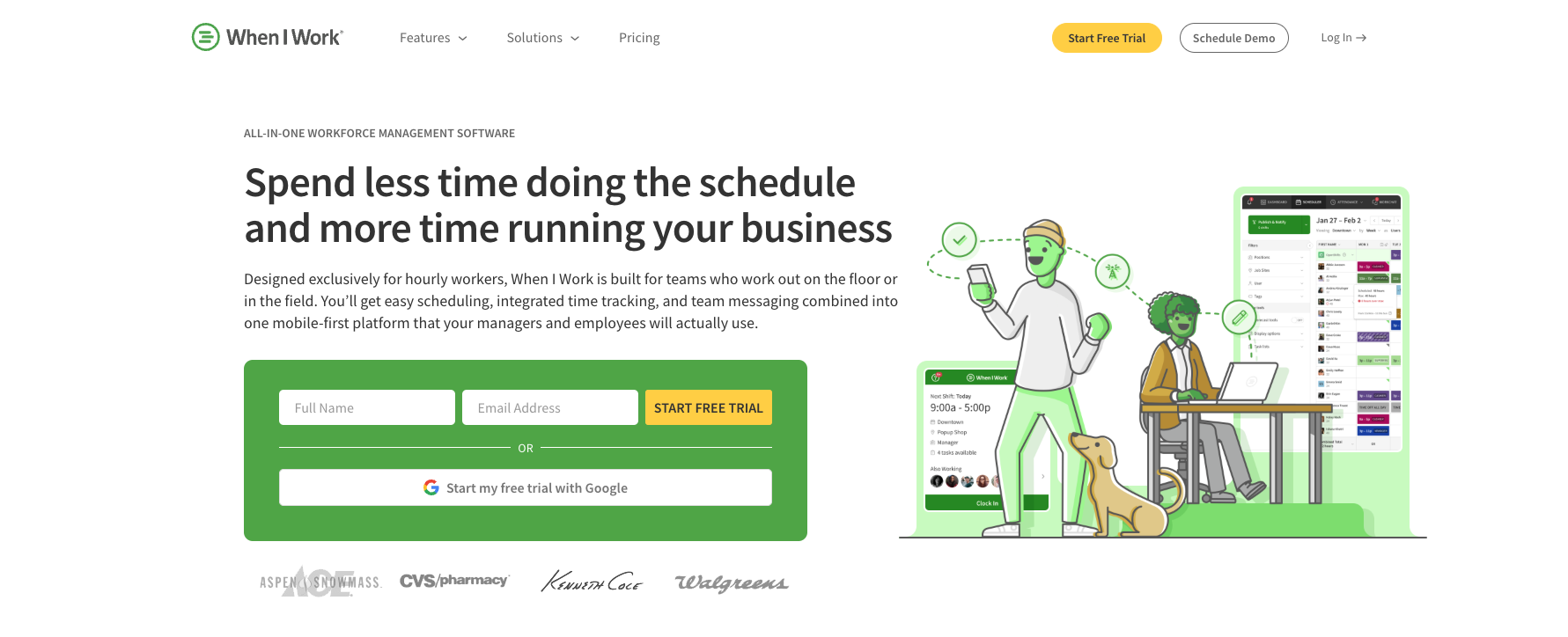
When I Work pairs shift scheduling with a built-in clock in and out app, aimed at businesses that manage hourly shift workers. Its free version covers small teams and includes core scheduling plus the time clock app itself. Employees clock in via the mobile app, and managers see attendance visibility in a simple dashboard.
Scheduling is the stronger half of When I Work. Time tracking runs thinner; overtime rules and detailed payroll exports want a paid plan. But for a small team that needs a basic punch clock next to a shift schedule, the free tier handles the essentials and not much fuss beyond that.
Free plan includes:
- Time clock and shift scheduling in one app
- Mobile clock-in for iOS and Android
- Attendance dashboard for managers
- Shift swap and availability requests
- Basic timesheet view and manual export
Works well for: Small shift-based teams that want scheduling and a basic clock in app in one tool.
When I Work, free plan includes: small teams, time clock, shift scheduling, mobile app, attendance tracking.
Free Time Clock Apps by Industry
What a restaurant needs from a free time clock system and what a construction crew needs are rarely the same thing. User caps, clock-in method, offline support: the weight on each one shifts with where and how your team actually works.
Restaurants and food service
Restaurants run on high turnover, shift lengths that swing wildly, and a crowd of people clocking in at one spot when service starts. That makes a kiosk time clock the practical answer: everyone punches in from a shared tablet at the host stand or back of house. Homebase was built for exactly this. Its free tier covers one location with unlimited employees, throws in basic scheduling, and runs kiosk mode with photo verification. For restaurant groups spread across several locations, Shifton handles the scheduling and the time tracking together.
Retail
Retail tends to run predictable shift patterns with a small crew of hourly workers. Any of the six tools here cover basic retail time tracking. A single-location store gets everything it needs from Homebase’s free account. Once you are staffing two or more locations, look at Shifton’s multi-site support on the free plan: it does location-specific scheduling alongside time tracking without pushing you to upgrade.
Construction and field crews
Construction crews need a mobile time clock that holds up on the job site, dead zones and all. Offline clock-in matters here more than in any other industry on this list: the entry saves to the phone and syncs once a signal comes back. GPS tracking and geofencing pull their weight too, confirming a worker is actually on-site at punch-in, which trims time theft and the timesheet arguments that surface on payday. Crews that bill by project or client get job costing from Clockify’s project-level free tier. Jibble and Shifton both cover the field basics at no cost: GPS, mobile clock-in, location verification.
Cleaning and janitorial services
Cleaning companies tend to scatter crews across several client sites in one day. A mobile time clock with GPS tracking lets each cleaner clock in on arrival at every address, no paper logs, no calls back to the office. Geofencing adds the accountability layer: the manager sees that the punch happened at the client site, not at someone’s kitchen table or on the drive over. Jibble’s free geofencing and Shifton’s location-based clock-in both handle this without a paid plan.
Healthcare and home care
Home care agencies and small clinics juggle rotating staff, compliance rules, and shift patterns that reshuffle every week. A digital time card logs every clock-in and clock-out into an auditable record on its own, which is more than paper timesheets or a shared spreadsheet can reliably manage. Shifton’s free plan covers up to 10 employees with scheduling and time tracking baked in, enough for most small home care operations. Payroll then runs off the timesheet export, no manual recalculation.
Hotels and hospitality
Hotels run 24/7 across housekeeping, front desk, F&B, and maintenance, each team with its own schedule and overlap windows. A shared kiosk time clock at the staff entrance handles the punch flow, and free time clock apps like Homebase (single property) or Shifton (chains with up to 10 staff per property on the free tier) carry the workflow without an enterprise contract. Pick an app for time clock that does rotating shifts and break tracking out of the box, because hospitality wages ride on accurate break records as much as gross hours.
Nonprofits and small offices
Nonprofits and small offices often run lean: a 6-person team, mixed full-time and part-time, with grant work that needs project-level tracking. Free timesheet apps like Clockify (unlimited users, project labels) and Toggl Track (up to 5 users, clean UX) cover this well. Shifton fits if you also need shift scheduling and a free time clocks workflow for hourly admin staff alongside salaried roles.
Break Tracking and Overtime in Free Time Clock Apps
Breaks and overtime are where a lot of free time clock tools quietly run out of road. Clock-in and clock-out work on every no-cost plan. Break tracking and overtime rules often do not.
Break tracking comes in two flavors. With automatic deductions, the system shaves a set amount off the total (say 30 minutes unpaid on any shift past six hours) and the employee does nothing. Punch-based breaks ask the worker to clock out when the break starts and back in when it ends. The automatic route is easier on staff but leans on managers to set the rules right from day one. Punch-based runs more accurate, yet it adds a step to every shift, and a missed break punch leaves a hole someone has to patch by hand later.
On a free time clock plan, overtime usually means the system shows you the data and stops there. It flags who passed 8 hours in a day or 40 in a week, but it will not apply an overtime pay rate for you. That math lands in payroll. The free tool’s job is the accurate hour count plus a flag when someone crosses the line, so a manager knows which timesheets to look at before payroll runs.
Shifton tracks overtime on the free plan and fires an alert when an employee nears a limit you set. Clockify puts weekly totals in its reporting dashboard, so even without automatic flags you can eyeball overtime fast. Homebase gives you basic overtime visibility on its no-cost tier, and When I Work surfaces it in the attendance view. One caveat for anyone under strict break law, like California’s mandatory meal-break rules: confirm the free tier handles your exact configuration before you commit.
Geofencing and GPS Verification: What Small Businesses Need to Know
GPS tracking records where an employee is when they clock in. Geofencing takes it a step further: it defines a virtual boundary around a job site and either alerts the manager or blocks the clock-in entirely if the employee is outside that boundary when they punch in.
Field-heavy businesses feel this most: cleaning crews, delivery drivers, construction teams, service techs. Time theft is a real, recurring line-item for them. Buddy punching, where one worker clocks in for a coworker who has not shown up, runs rampant in shift work. Geofencing makes that much harder. The system checks who is punching in and, just as important, where they are standing when they do it.
Setup takes a few minutes. In the app settings a manager draws a geofence around the job site, usually a radius of 100 to 300 meters. From then on, when someone tries to clock in, the mobile app checks their GPS against that boundary. Inside it, the punch records as normal. Outside it, the app blocks the punch or flags it for review. There is no overriding the GPS check from the employee’s phone.
Among the free tools here, Jibble is the strongest for geofencing: GPS tracking and geofence enforcement are both available at no cost, with no user cap. Shifton supports location-based clock-in for field teams on its free plan, giving managers visibility into where each shift started. Clockify and Toggl Track do not include GPS or geofencing on any tier.
One practical catch: GPS tracking needs employees to grant location permission on their phones, and some push back. A short written policy that spells out what gets tracked, the clock-in location only and not their movement through the whole shift, usually softens the resistance. Worth writing down before rollout.
Time Clock Kiosk: Clocking in From a Shared Device
A kiosk time clock turns one shared tablet or desktop into a punch station for the whole team. Nobody needs their own phone; a worker steps up to the shared device, confirms who they are, and clocks in. The system stamps the time and the name. It is the wall-mounted punch clock gone digital, minus the paper cards and the upkeep.
Kiosk mode shines wherever workers start and end at one place: restaurants, retail floors, warehouses, clinics. No one has to put the app on a personal phone, which counts for a lot when turnover is high or when staff would rather not load employer software onto their own device.
Reliability hinges on how the kiosk checks identity. A PIN kiosk has each worker type a unique code; quick to set up, though codes do get passed around. Photo capture snaps a picture at clock-in for a manager to review if a punch looks off. Facial recognition matches the face to a stored profile and logs the punch on its own, with no code, no card, and no wait.
Homebase bundles a kiosk time clock into its free tier with optional photo capture. Jibble runs facial recognition through a kiosk on the free plan: a worker looks at the camera and the punch records on the spot. To see how the two stack up past the time clock itself, read our Homebase vs Jibble comparison. Shifton’s web interface opens in any browser on a shared tablet, and the login pins every punch to one employee account. Where buddy punching keeps happening, facial recognition through Jibble’s kiosk mode is the most effective free fix around.
Buddy Punching: How Free Time Clock Apps Prevent It
Buddy punching is when one employee clocks in for a coworker who has not arrived yet, or is not coming in at all. The American Payroll Association pegs time-theft losses across U.S. employers in the billions a year, and buddy punching is the biggest single driver. A free clock in clock out app with the right verification method shuts most of it down.
There are four practical defenses, and the strongest free time clock apps stack two or more:
- Photo capture – the app photographs the person clocking in, manager spot-checks any suspicious shift. Homebase includes this on the free tier in kiosk mode.
- Facial recognition – the system matches the live camera image against a stored employee profile and refuses any punch where the face does not match. Jibble’s free version includes this with no user cap.
- GPS geofencing – the app verifies the employee’s phone is physically inside the job site boundary before allowing the punch. A buddy can’t clock you in from across town. Jibble and Shifton both support this on the free plan.
- PIN codes – each employee has a unique code. Codes can be shared, so PINs alone are weaker than the methods above, but they’re better than nothing.
For a single-site restaurant with 12 servers, photo capture in kiosk mode is plenty. For a 20-person cleaning crew running across 8 client sites a day, GPS geofencing plus facial recognition is the combination that pays back fastest. The math is simple: even a few minutes of inflated hours per worker per shift, over a month, exceeds the time it takes to set the system up once.
Benefits of a Free Time Clock App for Small Business
The obvious win is cost: a free employee time clock means zero software spend on tracking hours. The quieter wins count just as much, starting with accuracy.
Manual timesheets go wrong more often than managers like to admit. A clock in and out app, or employee clock in system, stamps exact times, kills buddy punching, and takes the guesswork out of payroll. For hourly staff paid by the minute, that precision adds up fast.
Then there is visibility. A free web-based time clock hands managers a live read on attendance, no chasing paper forms or ringing around the team. Approvals, overtime alerts, and absence tracking all sit in one place.
And compliance. Most U.S. states require accurate records of employee work hours, and a digital time card app builds that auditable trail on its own, which a shared spreadsheet never reliably does.
Last, a free mobile time clock drops the location constraint entirely. Remote workers, field crews, and distributed teams clock in from anywhere on the same free account they signed up with. That reach is why virtual time clocks and digital timeclock systems have mostly pushed physical punch clocks out of small business operations over the past decade.
How a Free Time Clock App Reduces Labor Costs
Labor is the largest operating cost for most small businesses. A free time clock app reduces that cost in two ways: it cuts time theft, and it removes the administrative overhead of manual timesheet processing.
Time theft, where employees log more hours than they actually worked, happens more than most managers expect. The American Payroll Association estimates that roughly three-quarters of businesses lose money to it, with the average worker padding their hours by a few minutes a shift. Spread that over a month and a team of 10, and it stops being trivial. GPS verification and geofencing shut down the usual versions: clocking in from home before leaving, or having a coworker punch in for you.
The second saving is administrative. Gathering paper timesheets every Friday, keying the numbers into a payroll spreadsheet, then hunting for errors eats hours that could go somewhere useful. A free digital time clock does all of it for you. Timesheets fill in as the week runs, overtime flags itself, and payroll export takes minutes rather than an afternoon.
Take a 10-person team at $15 an hour. Cut 20 minutes of daily timesheet slop and you save around $2,600 a year, and a free time clock delivers that with no software cost at all. The tools with GPS tracking and geofencing, Jibble and Shifton, also guard against location-based time theft, which is where field-based businesses bleed the most.
Free Time Clock Apps and Labor Law Compliance
The Fair Labor Standards Act requires employers to keep accurate records of employee work hours for at least two years. Most states layer on their own rules for break records, overtime math, and the minimum detail a timesheet has to carry. A digital time clock produces those records on its own, with no need for employees to file accurate timesheets or for managers to audit paper logs at every pay period.
For a small business, compliance risk usually traces to two things: missed punches from employees who forget to clock out, and shaky break records. Most free time clock apps handle the first with alerts, pinging a manager when a shift runs past its scheduled end with no clock-out. The second depends on whether the tool does automatic deductions or punch-based breaks, and whether the free plan lets you set the rules for your state.
None of the tools on this list provide legal compliance advice, and none substitute for understanding your state’s specific labor laws. What they do provide is a clear, exportable record that a payroll processor or auditor can review. That is a meaningful improvement over a shared spreadsheet or a stack of paper timesheets filed in a drawer.
In a state with strict break requirements, California’s mandatory meal-break rules and the premium pay that rides on them being the best-known case, check before you deploy that your tool’s free tier handles the exact break configuration you need. One that only does automatic deductions may fall short of the record-keeping rules for punch-based break compliance.
Free Time Clock App vs Paid Time Clock Software: What You Trade
A free time clock app covers the core workflow: clock in, clock out, timesheet export, basic reporting. Paid time clock software piles on from there. You get payroll integrations with QuickBooks or Gusto, state-by-state overtime rules, automatic clock-out at the scheduled shift end, deeper compliance reports, multi-location dashboards with role-based access, and a dedicated admin support tier.
A 4-person retail shop or a 10-person cleaning crew gets everything it needs from the free version. A 50-employee multi-state operation with union rules and tipped wages is where paid features start to pay back. The breakpoint typically sits between 15 and 30 employees, where the cost of manual payroll reconciliation begins to exceed the price of automated integration.
Two specific things you trade by staying free:
- Payroll integration. A paid tier exports directly into QuickBooks, Gusto, or ADP. Free plans usually require a CSV export and a manual import step. For a small team, that’s a 15-minute weekly task. For a 40-person team across 3 pay rates, the manual step gets expensive fast.
- Multi-location depth. Free time clock apps either cap location count (Homebase: 1 location free) or skip multi-site features entirely. Once you operate from two or more locations and need per-site managers, paid is usually the path.
What you keep on free: accurate hours, attendance visibility, mobile clock-in, exportable timesheets, and the compliance audit trail. That’s most of the value. The upgrade calculus is honest: don’t pay until a specific limit bites you.
Switching From Paper Timesheets to a Free Time Clock App
Paper timesheets fail the same way every pay cycle: missing punches, handwriting nobody can read, lost forms, the person who turns theirs in three days late. A free time clock app clears all of that, though the switch takes a little more than installing an app. Here are five steps that work for most teams:
- Pick the tool. Match the free tier to your team size and clock-in method (mobile, kiosk, web). The criteria above narrow it down to one or two candidates.
- Set up your team in the app. Add employees, assign roles, define shift templates if the tool supports scheduling. Plan on 1-2 hours for a 10-person team.
- Run a one-week parallel test. Have employees clock in via the new app and submit paper timesheets the old way for one pay cycle. Compare totals at the end. Catches setup mistakes before they cost payroll.
- Train employees on day-of. A 10-minute group walkthrough covers the basics: how to clock in, how to clock out, how to handle a missed punch. Most apps need no deeper training than that.
- Retire paper. Day one of the next pay period, paper timesheets stop being accepted. Keep a backup PIN or kiosk login for the rare employee whose phone is dead.
What changes immediately: payroll runs faster, hours are accurate, and the manager stops being the timesheet collector. What changes over a quarter: time theft drops, scheduling conversations get crisper, and labor cost as a percentage of revenue stops drifting upward without explanation.
How Free Online Time Clocks and Timeclock Apps Work
A free online time clock swaps the old punch card or paper timesheet for a digital system employees reach from a phone, tablet, or browser. Clocking in records a timestamp, plus a location in GPS-enabled tools. At shift end they clock out, and the system totals the hours, minus any breaks deducted under your rules.
Most modern clock in apps keep all the time data in the cloud as it happens, so a manager can check it from anywhere instead of waiting on paper to come in. Timesheets build through the pay period and export for payroll when you need them. The best free time clock systems also catch the exceptions, late arrivals, missed punches, overtime flags, which leaves managers chasing fewer discrepancies and running the business more.
This might interest you: Time tracking apps for contractors and field crews – how construction and field service teams track hours without paperwork
If you also need scheduling and payroll on the same platform
A free time clock app covers attendance, but most operations also need shift scheduling and payroll preparation. When a single-platform solution becomes the goal, Rippling tends to show up on the shortlist alongside lighter WFM tools. The top 5 Rippling alternatives guide walks through Shifton, Connecteam, Homebase, Jibble, and When I Work compared on full-scope features for shift-based and hourly teams.
Comparison: 6 Free Time Clock Apps at a Glance
| App | Free user cap | Mobile + web | GPS / geofence | Scheduling | Best for |
|---|---|---|---|---|---|
| Shifton | Up to 10 | Yes | Location-based clock-in | Yes (drag-and-drop) | Small business, multi-site, field teams |
| Clockify | Unlimited | Yes | No | No | Desk teams, project time tracking |
| Homebase | Unlimited (1 location) | Yes + kiosk | No (photo capture) | Basic | Single-site restaurant, retail |
| Jibble | Unlimited | Yes + kiosk | Yes (full geofence) | No | Field teams, face recognition |
| Toggl Track | 5 | Yes | No | No | Freelancers, billable hours |
| When I Work | Small (under 75) | Yes | No | Yes | Small shift-based teams |
FAQ
What is the best free time clock app for small business?
Shifton is the strongest free option for a small business team. Its free tier covers up to 10 employees with shift scheduling, time clock, mobile app, and payroll-ready timesheets, which is more than most no-cost plans bundle. If you only need basic hour tracking and no scheduling, Clockify gives you unlimited users on its free version.
Can I use a free online time clock for remote employees?
Yes. Most free time clock apps work from any browser or mobile device, so remote workers clock in and out from anywhere. Shifton, Clockify, Jibble, and Toggl Track all support remote clock-in on their free tiers. The main limitation is that some tools restrict GPS verification or location tagging to paid plans.
What features should I look for in a free time clock app?
At minimum: clock-in/out for all employees, automatic timesheet generation, and data export (CSV or PDF) for payroll. Beyond the basics, look for mobile support (iOS and Android), overtime detection, and a user limit you can live with. Shift-based teams get more from a free account that bundles scheduling with the time clock, like Shifton or Homebase, since it removes the need for a separate scheduling tool.
Is there a free time clock app that works on mobile?
All six tools on this list have mobile apps, so each one works as a free app for employees to clock in and out from their phones. Shifton, Homebase, Jibble, and When I Work are built mobile-first. Clockify and Toggl Track also ship solid mobile apps, though their core audience is desk-based and freelance workers.
How many employees can use a free time clock app?
Depends on the tool. Clockify and Jibble allow unlimited employees on their free tiers. Shifton’s no-cost plan covers up to 10 team members. Homebase limits the free version to one location (no hard employee cap, but features are restricted). Toggl Track caps free usage at 5 users. When I Work offers a free trial period before requiring a paid plan for ongoing use.
What is the difference between a time clock app and a time tracking app?
A time clock app is built around clock-in and clock-out; it records when an employee starts and ends a shift. A time tracking app is broader, logging hours by project, client, or task, and it is mostly freelancers and professional service teams using it to bill clients. Most tools here do both, but each leans one way by design. Shifton, Homebase, and When I Work are time clock tools. Clockify and Toggl Track began as time trackers and bolted on team features later.
Can field workers and remote employees use a free time clock app?
Yes. Most free time clock apps work on mobile, so field workers clock in straight from a job site on their phone. Apps like Shifton and Jibble support location-based clock-in, so managers can see where a shift started. Remote workers open the same web-based time clock in any browser, no install needed. On most tools, one free account covers office and field workers alike.
What is geofencing in a time clock app?
Geofencing draws a virtual boundary around a job site or work location. When an employee clocks in, the app checks their GPS against that boundary. Outside the geofence, the punch is blocked or flagged for review. For field teams and construction crews, it confirms workers are actually on-site at punch-in, which trims time theft and kills the timesheet arguments about whether someone was where they said. Jibble includes geofencing in its free plan; Shifton supports location-based clock-in for distributed teams.
How do free time clock apps track breaks?
Most free time clock apps use one of two methods. Automatic deductions take a fixed break off the total when conditions are met, say 30 minutes unpaid for any shift past six hours. Punch-based breaks have the employee clock out when the break starts and back in at the end, recording the exact length. The automatic way is easier to manage day-to-day; the punch-based way produces more accurate records. Which one you get on a free plan depends on the tool, and some states set specific break record-keeping rules, so check your local labor laws first.
Can a free time clock app work offline?
Some do. Apps with offline clock-in save the entry on the phone and sync it to the server once a connection returns. Construction crews, field workers, and anyone in low-signal spots lean on this. Not every free tier includes reliable offline support, so check the documentation before you count on it in the field. If signal is patchy where you work, test offline mode before rolling the app out to the whole team.
What is buddy punching, and how do time clock apps prevent it?
Buddy punching is when one employee clocks in for a coworker who has not arrived yet, or is not coming in at all. It is one of the most common forms of time theft in shift-based businesses. Free time clock apps fight it several ways: photo capture (the app photographs whoever is clocking in, for a manager to review), facial recognition (the system matches the face to the registered employee before allowing the punch), PIN codes (unique per employee and harder to pass around without leaving a trail), and GPS geofencing (confirms the employee is physically at the job site, not phoning a coworker to punch in). Jibble’s free tier includes facial recognition; Homebase includes photo capture in kiosk mode. Both stop buddy punching without any extra hardware.
Is there a free time clock app that does GPS clock-in for free?
Yes. Jibble and Shifton both include GPS-based clock-in on their free plans. Jibble adds full geofencing (a blocked punch outside the boundary) at no cost; Shifton offers location-based clock-in so managers see where each shift started. Clockify and Toggl Track do not include GPS on any tier. A free GPS time clock app is the right pick when field workers, cleaning crews, or service techs need verified location on every punch.
Is there a free timesheet app that handles payroll exports?
All six free time clock apps here export timesheets, usually as CSV and sometimes PDF. None of the free tiers wire straight into QuickBooks, Gusto, or ADP; that sits behind the paid wall. The CSV from a free timesheet app imports into most payroll software in one step, so for a small team the manual export is quick enough that it barely registers.
What is the difference between a time clock app and time tracking software?
A time clock app, also called clock in software or a punch clock, tracks when employees start and end a shift. It answers one question: how many hours did this person work today? Time tracking software reaches wider, logging time against specific tasks, projects, or clients, and it is common in agencies and consulting firms. For hourly workers in retail, cleaning, or food service, a time clock solution is usually all you need. Freelancers billing by the hour, or project-based teams, get more from a full time tracking platform. Most free tools here lean toward time clock functionality; Toggl Track is the exception, built more for task-level time tracking than shift management.

Start making changes today!
Optimize processes, improve team management, and increase efficiency.