


Janitorial businesses run on a long list of moving parts: scheduling crews across multiple sites, bidding new contracts, tracking hours, managing supplies, and holding cleaning quality to standard. When one of these slips, the cost lands quickly, as a lost account or a margin that quietly erodes.
Janitorial software brings that work into one system, covering scheduling, communication, task management, estimating, inspections, and invoicing. The right janitorial management software depends on where your company needs the most help, whether that is winning bids, tracking crews across sites, or documenting quality control.
This guide compares seven of the strongest options on real pricing and real features, ranked on business management, scheduling, and specialized cleaning service tools. Each one is reviewed on what it actually delivers for a janitorial business in 2026, so you can match the right software to how you operate.
Our Top Picks
Seven tools made the list. If you want the short version, these three cover most cleaning businesses.
Shifton
Scheduling and time tracking for cleaning crews spread across sites, where the main pain is coordinating staff. Free for up to 10 cleaners.
CleanGuru
The only cleaning-specific pick, built around bidding, proposals and inspections. Free trial, no permanent free plan.
Connecteam
All-in-one deskless ops for cleaners: scheduling, time clock and chat, free to 10 users.
Why trust us?
Shifton is our own product, and we ranked it first. We would rather say that up front than let you find it halfway down.
The rest we can defend line by line. Every free tier, user cap and price on this page came off the vendor’s own site, not a rival roundup, and where a vendor only quotes on a call, we print that instead of a number we invented.
How We Picked These Janitorial Tools
There is no single best janitorial software, because a two-person carpet cleaning outfit and a 60-cleaner commercial contractor want completely different things. So we judged each tool against the jobs a janitorial operation actually has to do, whether it runs commercial cleaning, custodial contracts, or specialized work like carpet care and power washing.
First, the must-haves that any janitorial manager software has to nail: scheduling that survives last-minute call-offs, a mobile app cleaners will open without being nagged, and time tracking that ties hours to the right site. After that we looked at the money side – janitorial bidding software, proposals, and invoicing – because winning the contract matters as much as cleaning it.
Finally, the proof-of-work layer: inspection software, digital checklists, and the photo trail that keeps a client from claiming the lobby was skipped. If you also manage rotating shift teams, our roundup of crew management software pairs well with this one.
The 7 best janitorial Software Tools
The best janitorial apps each do something specific very well. We start with the most flexible all-rounder and move toward the tools built for one job done very well.
1Shifton
Scheduling, time tracking and tasks for janitorial teams
If your headache is people, not paperwork, Shifton is the place to start. It is built around the daily reality of running a janitorial workforce: teams spread across sites, shifts that change at short notice, and a manager who needs to know who is actually clocked in. You build the schedule once, the team sees it on their phones, and swaps or call-offs get handled without a flurry of texts.
Cleaners clock in from the mobile app, and GPS with geofencing confirms they did it at the site, not in the parking lot two blocks away. Shifton’s task management turns your cleaning checklists into something staff tap through on the job, so quality control stops living in your memory, while time tracking ties every hour to the right location for clean payroll.
Shift templates, recurring schedules, and task lists keep every site covered, and built-in roles and reporting give managers one place to run the whole team.
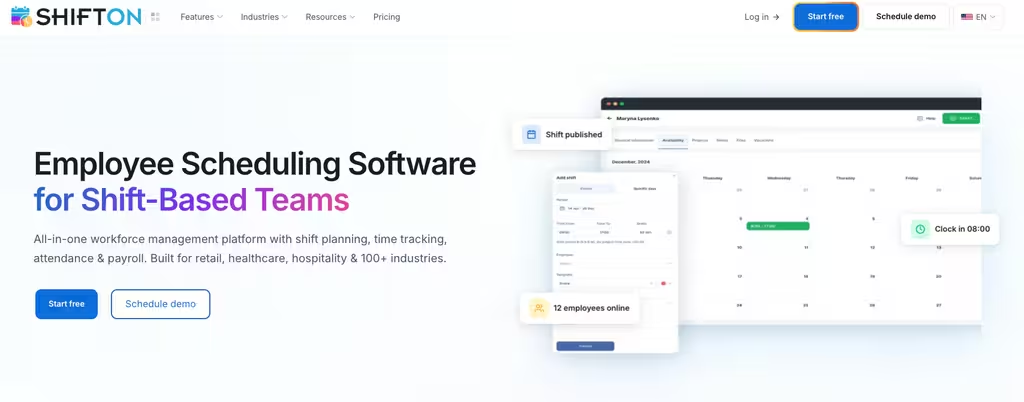
- Free for up to 10 employees, with core janitorial scheduling software at no cost, no time limit.
- Modular paid add-ons billed per employee per month, so you only switch on what you use (scheduling, payroll, attendance, GPS).
- Mobile app for iOS and Android; GPS/geofenced clock-in is a paid Work location add-on ($5 per employee, 10-day trial).
- Task management and checklists for quality control, plus shift swaps and time-off requests.
- 60-day free trial on any paid module, and 20% off annual billing.
Best for: janitorial businesses whose hardest problem is scheduling and tracking cleaning staff across sites.
Stop chasing crews across buildings
Schedule your janitorial team, confirm they clocked in on site, and keep every task on plan from one app.
2Connecteam
All-in-one operations for deskless cleaning teams
Connecteam comes at janitorial work from the deskless-team angle. The whole thing is designed for people who never sit at a desk, which describes most cleaning staff. Scheduling, a GPS time clock, task lists, training, and team chat all live in one janitorial app, so a new cleaner can be onboarded and put on a route the same week.
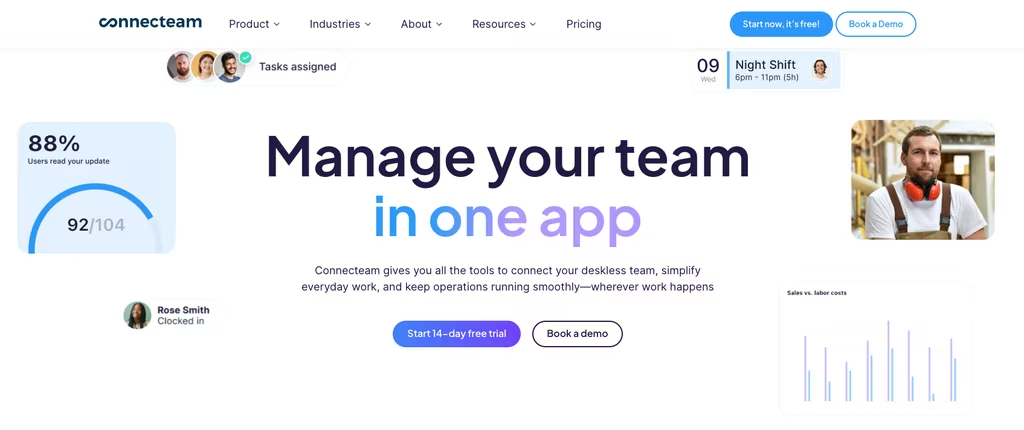
The free Small Business plan covers up to 10 users, which genuinely works for a small custodial team. Beyond that, the paid Operations Hub starts at $29 a month billed annually and covers your first 30 users, with extra cleaners added at a low per-user rate.
Where it can frustrate larger janitorial companies is the hub structure: communication and HR features sit in separate paid hubs, so an all-in-one promise can turn into three line items.
Best for: small to mid-size cleaning teams that want scheduling, a time clock, and staff communication without buying seven tools.
3HouseCall Pro
Quoting, invoicing and online payments
HouseCall Pro is field service software that residential and light-commercial cleaners use to run the customer-facing side of the business. If your day revolves around quotes, recurring bookings, and getting paid, this is its home turf. You send an estimate, the client books online, the job lands on a schedule, and a card payment closes it out, with QuickBooks syncing in the background on higher tiers.

There is no free plan. Paid pricing starts at $59 a month billed annually for a single user on Basic, jumps to $149 for Essentials (up to five users, where QuickBooks and GPS show up), and $299 for MAX (up to eight, then $35 per extra user). A 14-day trial lets you test it without a card.
The catch for janitorial use is that it is tuned for trade-style service calls, so the night-shift recurring contract cleaning that defines a lot of janitorial work can feel bolted on rather than native.
- Strong online booking, estimates, and card payments.
- QuickBooks and GPS on Essentials and up.
- No free janitorial software tier, trial only.
Best for: cleaning businesses that quote and invoice constantly and want customers booking themselves online.
4CleanGuru
Bidding, proposals and inspections
CleanGuru is the one tool here built only for cleaning. It started as janitorial bidding software and remains the sharpest janitorial proposal software around. You measure a building, the bidding calculator works out cleaning times and a price, and a polished proposal comes out the other end. For estimators who lose hours to guesswork, that alone earns its keep.
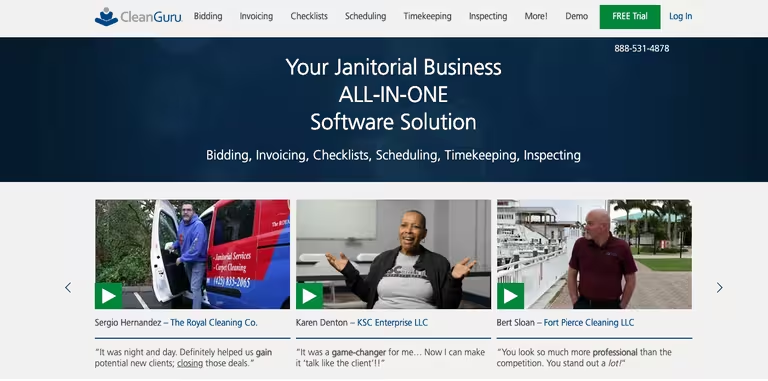
Around that core it adds invoicing, scheduling, timekeeping, and mobile inspection software with QC checklists, so the same platform that wins the contract also documents the work. Plans run from $79 a month for 5 cleaners up to $159 for 15, with additional cleaners at $5 a month each and unlimited bids on every tier.
There is a free trial but no permanent free plan. It is also narrower than the others: this is janitorial estimating software first, and a workforce platform a distant second, so big rosters and complex shift rules are not its strength.
Best for: commercial cleaning and janitorial services companies that win work on sharp bids and need proposal and inspection tools in one place.
5Swept
Swept is one of the few tools on this list built only for commercial cleaning, and the design choices show it. Pricing is banded by number of locations, not by headcount, which is exactly how a janitorial contract works. You clean 30 sites with a rotating crew of part-timers, so paying per cleaner would punish you for the way the business runs. With Swept you pay for the sites, and the cleaner count underneath is yours to flex.
The feature set tracks the daily reality of a cleaning company. Crews clock in at the site, follow cleaning instructions loaded per location, and flag problems through the app, which matters when your staff speak several languages and rarely see a manager in person. Launch at $30 a month covers scheduling, timekeeping, and payroll reporting; Optimize at $150 adds quality assurance and communication tools; Scale at $225 brings supply management and work orders. There is a $250 setup fee and no free plan, so Swept suits an operator ready to commit to a system built for the trade.
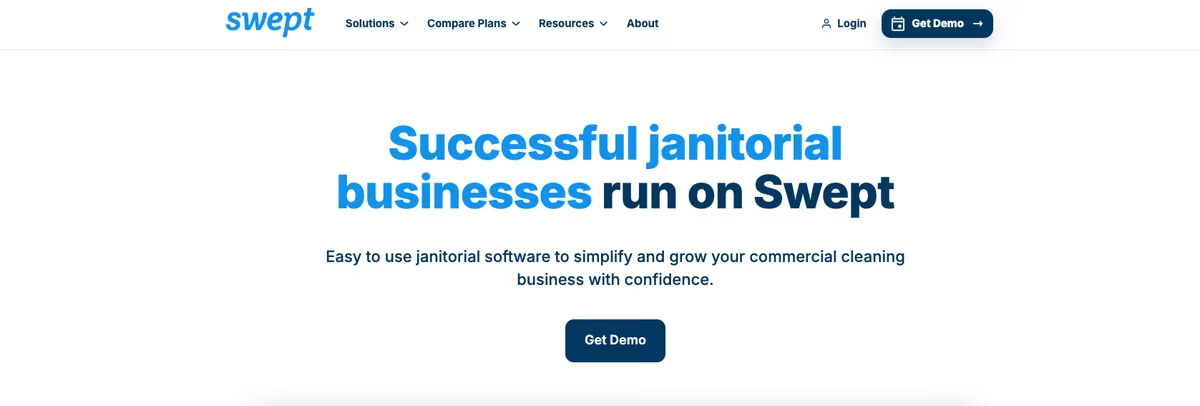
Pricing: Launch $30/month, Optimize $150/month, Scale $225/month, banded by number of locations. $250 setup fee. No free plan.
Best for: Commercial cleaning companies with many sites and a rotating crew that want pricing tied to locations, not heads.
6Janitorial Manager
Janitorial Manager goes deep on the parts of a cleaning business that live before and after the actual cleaning: winning the contract and proving the work got done. Its janitorial bidding tool turns a walk-through into a costed estimate, so you stop guessing at labor and supplies when you quote. On the other end, inspection templates let a supervisor score a site from a phone and hold crews to a standard the client can see.
Between those bookends it handles scheduling and timekeeping, plus work orders and client communication, which makes it a fuller operations platform than a scheduling-only tool. The catch is pricing: there is no public rate. Janitorial Manager quotes each cleaning operation individually, so you start with a form and a sales call rather than a number on a page. For a growing contractor that bids regularly and gets inspected, that depth can be worth the opacity.
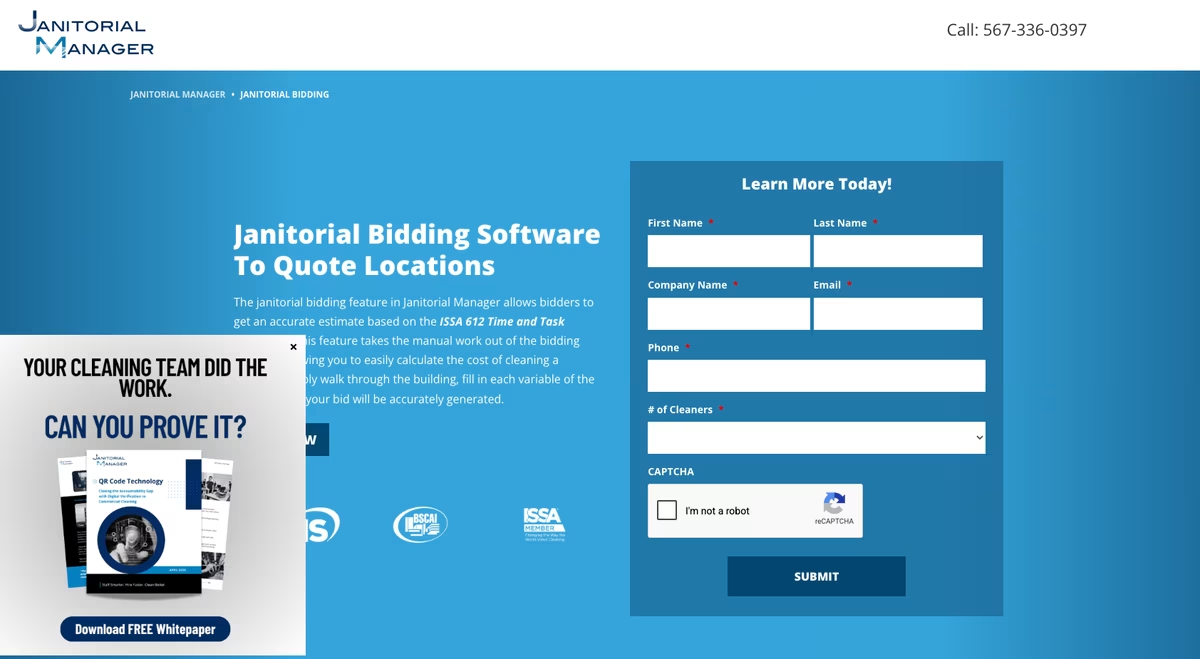
Pricing: Quote-only, tailored to each cleaning operation. No public rate; you request a proposal.
Best for: Janitorial contractors that bid often and need inspections and work orders in the same system.
7Jobber
Jobber is not janitorial-specific, but plenty of cleaning companies run on it because it is strong where the trade tools are thin: quoting and scheduling visits, then invoicing and getting paid. A cleaner can send a quote from the driveway, book the recurring job, and have the invoice go out automatically after each visit, with online payment built in. For a cleaning business that treats itself as a service company first and a janitorial specialist second, that flow is the draw.
What it does not carry is the janitorial-native layer: no bidding calculator tuned to square footage, no inspection scoring built for commercial accounts. Pricing starts at $49 a month on the Core plan for a single user, climbing as you add users and features, with a 14-day trial and no free plan. Jobber fits a smaller residential-leaning cleaning operation more than a large commercial contractor juggling dozens of office sites.
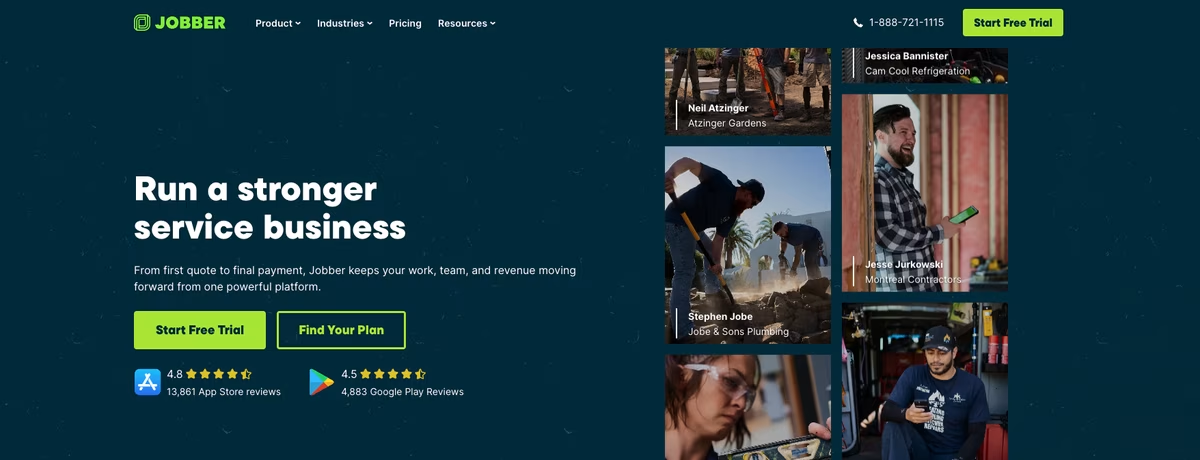
Pricing: Core from $49/month for one user; higher tiers add users and features. 14-day trial, no free plan.
Best for: Smaller cleaning businesses that want quoting, scheduling, and invoicing in one place over janitorial-specific depth.
Compare Janitorial Software at a Glance
Same seven tools, side by side, on the things that decide a purchase: whether there is a real free plan, what paid pricing actually starts at, and the job each one is built for.
| Software | Free plan | Paid from | Best for |
|---|---|---|---|
| Shifton | Yes, up to 10 employees | Modular, per employee/mo | Scheduling and time tracking for janitorial teams |
| Connecteam | Yes, up to 10 users | $29/mo (annual) | All-in-one ops for small deskless teams |
| HouseCall Pro | No, 14-day trial | $59/mo (annual) | Quoting, invoicing and online payments |
| CleanGuru | No, free trial | $79/mo (5 cleaners) | Bidding, proposals and inspections |
| Swept | No (demo) | $30/mo (by locations) | Multi-site commercial cleaning |
| Janitorial Manager | Quote only | By quote | Bidding and inspections |
| Jobber | No (14-day trial) | Core $49/mo | Smaller service-first cleaners |
Janitorial Bidding Software: Pricing the Job Before You Win It
Most janitorial contracts are won or lost on the bid, and a wrong number hurts either way. Quote too high and the account goes to a competitor. Quote too low and you clean it at a loss for a year. Janitorial bidding software takes the guesswork out by turning a walk-through into a costed estimate, factoring square footage, cleaning frequency, labor rates, and supplies into a price you can stand behind.
The math is unforgiving. Two tools here lead on bidding. CleanGuru built its name on a bidding and proposal engine that estimates labor from area and task, then turns the result into a client-ready proposal.
Janitorial Manager pairs its bidding calculator with the inspection and work-order tools that come after the win. The scheduling-first tools on this list, Shifton and Swept, assume the contract is already signed and focus on running the crews once the work starts. If bidding is the part of your week that eats the most time, weight it heavily when you choose.
What Janitorial Software Actually Does
Strip away the marketing and any software for janitorial services is doing one of three jobs, sometimes all three. The label on the box ranges from plain janitor software to a full janitorial service software suite, but the work underneath is the same. Knowing which job you need most is how you avoid paying for a platform that is great at the wrong thing.
Winning the work comes first. This is the world of janitorial bidding software, proposal software, and estimating: you measure a site, price it without underbidding yourself, and send something that looks professional. Specialist trades lean on it hardest. Carpet cleaning bidding software and power wash software live or die on whether the estimate holds up once the crew is on site.
Then there is the crew. Janitorial scheduling software, a mobile janitorial app, and time tracking get the right people to the right building and prove the hours afterward. It is the same muscle as general GPS time clock apps, and for multi-site teams it overlaps with employee roster apps.
Last comes proof and payment. Janitorial inspection software with QC checklists and janitorial work order software document the job, and invoicing turns it into cash. The thorough platforms even add janitorial inventory management, so nobody is guessing how much disinfectant is left in the supply closet on a Friday afternoon.
Pro tip: Pick your tool around the job you do worst, not the one you already do well. If you win plenty of contracts but crews go rogue, custodial management software with strong scheduling beats another bidding calculator. If you clean beautifully but lose bids, the opposite is true.
How Much Does Janitorial Software Cost?
For a small custodial team, free janitorial software is a real starting point, not a trap, and getting janitorial software free of charge for a small crew is genuinely possible. Shifton and Connecteam both run free for up to 10 people with no time limit, so you can schedule a small crew and track hours at no cost. Once you outgrow that, expect to pay.
Paid janitorial software programs generally land in two camps, whether marketed as janitorial business software, janitorial cleaning software, or a broader platform.
Per-user or per-employee tools like Shifton and Connecteam scale with headcount, which suits growing teams. Connecteam’s Operations Hub starts at $29 a month annually.
Tiered platforms like HouseCall Pro ($59 a month and up) and CleanGuru ($79 a month and up) bundle a set number of users into each plan. That is cleaner to predict but pricier at the low end.
Whichever way you lean, a tool that replaces two or three separate apps usually pays for itself, the same logic behind moving a janitorial business onto a single team management platform.
FAQ
What is the best janitorial software for a small cleaning business?
For most small cleaning businesses, Shifton is the strongest starting point because its free plan covers up to 10 employees and bundles scheduling with mobile clock-in, so you are not paying for separate tools on day one; GPS location tracking is an optional paid Work location add-on ($5 per employee, 10-day trial). If you mainly need to win contracts, CleanGuru’s janitorial bidding software is the better specialist, and Connecteam is a close all-in-one alternative for deskless teams.
Is there free janitorial software?
Yes. Shifton and Connecteam both offer a free janitorial app for up to 10 users with no time limit, which covers scheduling and time tracking for a small crew. HouseCall Pro and CleanGuru do not have permanent free plans, only free trials, though CleanGuru’s trial is a good way to test its bidding and inspection tools before paying.
What features should janitorial management software have?
At minimum, look for scheduling that handles last-minute call-offs, a mobile app with GPS or geofenced clock-in, and digital inspection checklists so quality control is documented. Depending on your business, janitorial bidding and proposal software, work order software, and invoicing round out the list. Inventory management is a nice extra for larger custodial operations.
What is janitorial bidding software?
Janitorial bidding software helps you estimate and price a cleaning contract accurately. You enter the size and type of a building, and the tool calculates realistic cleaning times and a suggested price, then generates a proposal. CleanGuru is the best-known example, and the same idea powers specialist tools like carpet cleaning bidding software and power wash software.
Can one tool handle both cleaning crews and billing?
Increasingly, yes. Shifton pairs scheduling with basic time tracking, with GPS location available as a paid Work location add-on, while HouseCall Pro connects bookings to payments and QuickBooks. CleanGuru ties bidding to invoicing on the same platform. The fully all-in-one janitorial company software still tends to be strongest at one end – crews or billing – so match it to your biggest gap.
What is the best janitorial bidding software?
CleanGuru is the best-known janitorial bidding software: it estimates labor and supplies from a building’s size, then turns the walk-through into a client-ready proposal. Janitorial Manager pairs a similar bidding calculator with inspections and work orders, which suits contractors that bid often and get audited. The same estimate-by-area logic drives specialist tools like carpet cleaning bidding software and power wash quoting. If winning contracts is your bottleneck, weight the bidding engine heavily; if keeping crews on site is, a scheduling-first tool like Shifton matters more.
Is there janitorial work order software?
Yes. Janitorial work order software turns a client request or a recurring task into an assigned, trackable job with a status and a record of what happened. Janitorial Manager builds work orders into its operations platform alongside bidding and inspections, and Jobber handles them for service-first cleaning companies through jobs, visits and invoicing. Shifton covers the crew side, tying each task and clock-in to the right site so the work order gets done where it was assigned.
What is the best commercial cleaning software?
It depends on which job hurts most. For scheduling crews across many sites, Shifton and Connecteam lead, and both stay free for up to 10 cleaners. For bidding and inspections, CleanGuru and Janitorial Manager are the specialists. For quoting and invoicing on residential-leaning work, HouseCall Pro and Jobber fit. The best commercial cleaning software for a 60-cleaner multi-site contractor is rarely the one a two-person carpet outfit would pick, so match the tool to your biggest gap.

Start making changes today!
Optimize processes, improve team management, and increase efficiency.