Homebase vs Jibble: Pricing, Features
Homebase covers hiring and scheduling, Jibble runs free time tracking. Here is what matters before you pick one - plus a third option worth a look.
Homebase vs Jibble: What This Page Covers
Two tools, two very different shapes. Homebase is a full small-business workforce platform - scheduling, hiring, messaging plus a US-focused payroll add-on. Jibble is a time tracking specialist with a generous free plan, biometric attendance and GPS, but no real scheduling and no HR layer.This page walks through pricing, scheduling, time tracking, hiring, and integrations side by side. At the end you will also see where a third platform - Shifton - covers the gaps both tools leave behind, especially for teams that need scheduling and time tracking in one place without paying per location or per feature.| Area | Homebase | Jibble |
|---|---|---|
| Free plan | One location, unlimited employees | Unlimited users, unlimited devices |
| Scheduling | Drag-and-drop, templates, auto-scheduling on paid tiers | Basic shift assignment, no real scheduling engine |
| Time tracking | Tablet kiosk, mobile clock-in, GPS on paid tiers | Facial recognition, GPS, geofencing, NFC - free |
| Pricing model | Per location, monthly or annual | Per user, monthly or annual |
| HR and hiring | Job posts, applicant tracking, onboarding, payroll add-on | No hiring, no HR module |
| Region focus | US and Canada | Global, multilingual |
Homebase Overview
Homebase started as a scheduling app for small US restaurants and grew into a broader workforce platform. The product targets owners who run one or a few locations - cafes, retail stores, small medical practices, fitness studios - and want scheduling, time tracking plus a slice of HR in one dashboard rather than three separate subscriptions.The free Basic plan covers one location with unlimited employees and includes scheduling, a time clock, and team messaging. Paid tiers unlock multi-location support, hiring tools, performance tracking, and the US-only payroll module. The product feels designed for owners who are also the manager - the interface assumes you know your staff by name, which is a clear product opinion.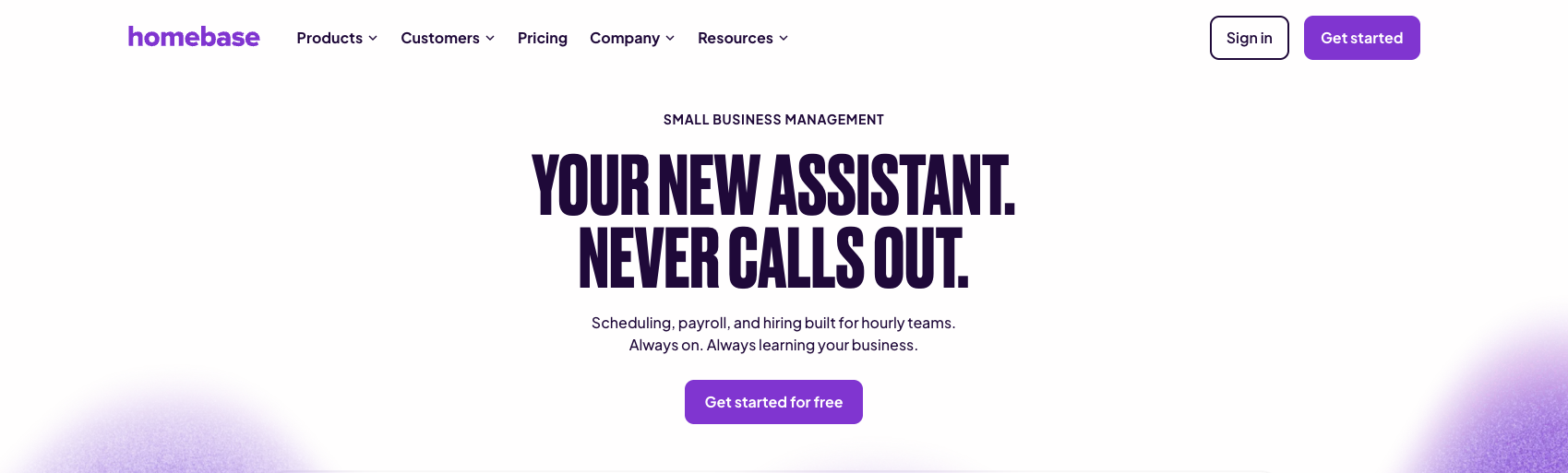
Jibble Overview
Jibble does one thing - it tracks time. It does that well. The free tier is unusually generous: unlimited users, unlimited devices, mobile clock-in with selfie verification, GPS, geofencing, and basic reporting. For a team that needs to capture hours and not much else, the free plan can run a business indefinitely.Paid tiers add biometric facial recognition kiosks, more granular reporting, project and client tracking, payroll exports, and integrations with QuickBooks, Xero, Gusto, and similar. The interface is straightforward and the mobile app gets steady updates. Jibble works well for contractors, cleaning crews, distributed teams, and any setup where the question is simply "who worked and for how long."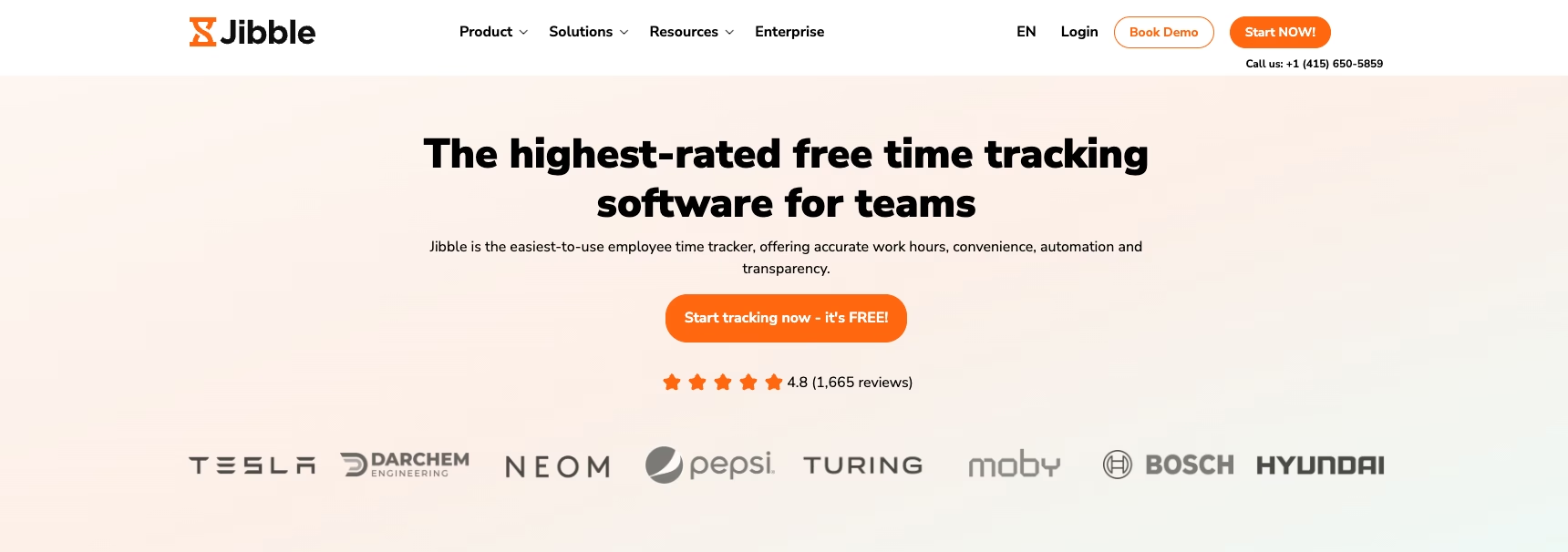
Homebase Pricing vs Jibble Pricing
Homebase charges per location, not per employee. The Basic plan is free and covers a single location with unlimited staff. Essentials adds multi-location support. Advanced scheduling and time tracking with GPS come in at the same tier. Plus brings hiring tools and performance reports. All-in-One layers in HR features and labor compliance. Payroll is a separate add-on priced per active employee per month.For a single-location business with twenty employees, the free plan stretches further than most owners expect.Add stores and the math changes. For a regional chain with five locations, the price climbs quickly - each location pays its own subscription, which is the model Homebase has stuck with.Scheduling: Homebase vs Jibble
Homebase has a real scheduler. The schedule builder uses drag-and-drop, reusable templates, role-based shifts, and auto-scheduling on paid tiers. Managers can publish the week, employees see their shifts on the app, swap requests run through approval flows, and time-off requests sync into the calendar. Open shifts can be claimed, and the schedule respects availability that staff submit in the app.The labor cost forecast inside the schedule is the feature most managers point to. As you drag shifts in, projected wages update in real time, and the schedule warns when an employee will hit overtime. For a restaurant or retail manager building a schedule on Sunday night, that view alone justifies the paid tier.Time Tracking and Attendance
Homebase includes a tablet-based time clock kiosk plus mobile clock-in. PINs and photo capture verify who is clocking in. GPS location capture is available on Essentials and above, and geofencing comes with the higher tiers. Timesheets feed into the payroll add-on or export to QuickBooks, Gusto, and similar. Overtime alerts and tip tracking are baked in - paid breaks live in the same view, and the tip piece matters to restaurants.For a single-location business already on a paid Homebase tier, the time tracking is solid and well-integrated. Hours flow from clock-in to schedule to payroll without leaving the platform. The trade-off is that you are paying the location-based price for the whole bundle.Hiring, HR, and Integrations
Homebase carries a real hiring layer. You can post jobs to free boards like Indeed and ZipRecruiter from inside the platform, manage applicants in a basic ATS, send offer letters, and run digital onboarding with I-9 and W-4 collection. The All-in-One tier adds employee documents, performance notes, and labor law compliance alerts that flag scheduling decisions which might violate state rules.Payroll is the other big piece - the add-on runs full payroll in supported US states, handles tax filings, generates W-2s, and pulls hours directly from the time clock. For a US small business that wants one vendor for everything, this is the strongest argument for Homebase.Why Shifton Is Worth Considering as a Homebase Alternative and Jibble Alternative
If neither tool fits cleanly, the issue is scope. Homebase locks scheduling and hiring (plus the payroll add-on) behind per-location pricing built for the US market.Jibble runs the cleanest time tracking on the market but stops there - no schedule, no HR layer, nothing for hiring. Teams that need both ends of the workflow end up paying twice or stitching tools together.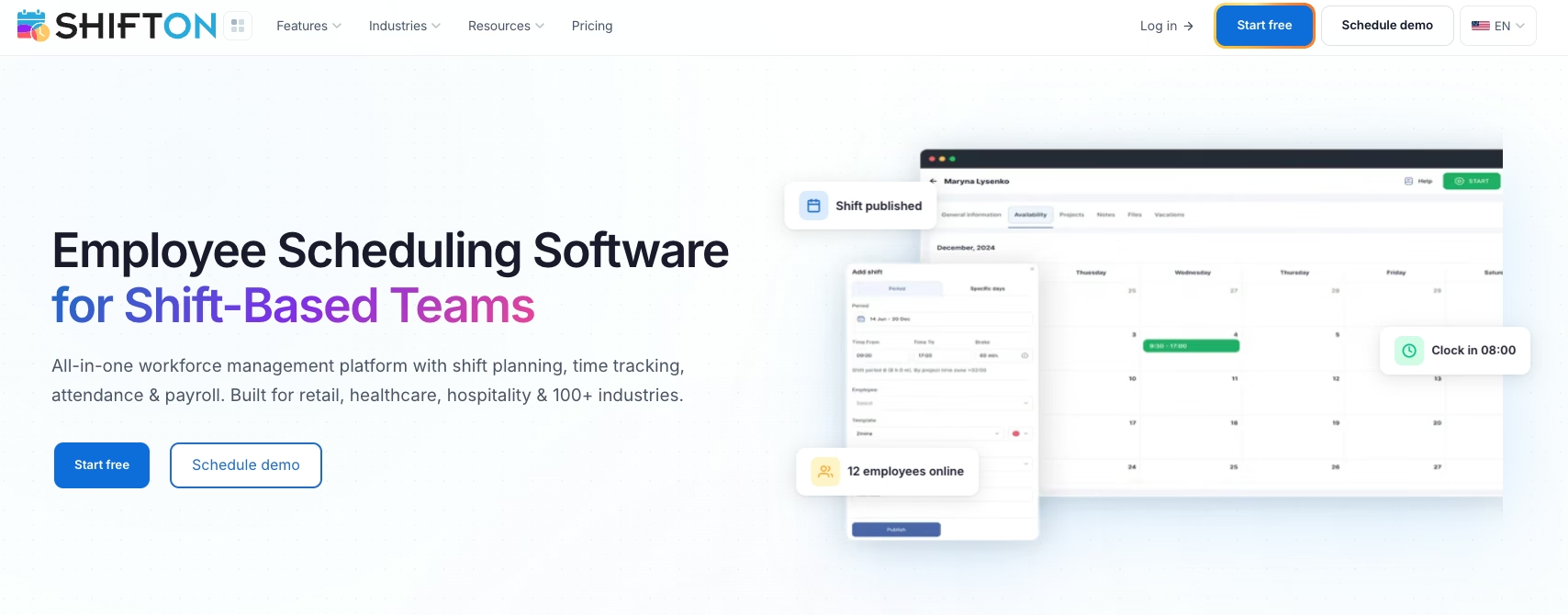
Who Should Choose What
Choose Homebase if you run one or two US-based locations, want hiring and onboarding inside the same app as your schedule, and need a payroll add-on that handles tax filings. Single-location businesses can sit on the free plan for a long time. Restaurants and small retail stores get the most out of the product - cafes are close behind. Schedule and tips are tuned for that market - labor compliance alerts come along too.Choose Jibble if you only need time tracking, you already have a scheduling tool you like, your team is distributed or global, or you need biometric attendance verification on shared devices. Contractors, cleaning crews, agencies tracking project time, and any team that asks "did the hours happen" rather than "what is the schedule" gets the most out of Jibble.Look at Shifton if you need scheduling and time tracking in one product, operate across multiple sites or countries, want multilingual support, or prefer modular pricing over per-location fees. Teams that compare scheduling tools for small business end up weighing scope against price. Shifton wins when the answer is "we need both jobs done in the same place."Frequently Asked Questions
Is Homebase free?
Yes. The Basic plan is free for one location with unlimited employees and includes scheduling, time tracking, and team messaging. The free plan does not include multi-location support, GPS, hiring tools, or the payroll add-on - those require a paid tier.
Is Jibble really free?
Yes. The free Jibble plan covers unlimited users, unlimited devices, mobile clock-in with selfie verification, GPS, geofencing, and basic reporting. Paid tiers unlock biometric kiosks, advanced reports, project tracking, and faster payroll exports.
Can Jibble do employee scheduling?
Not really. Jibble has a basic shift assignment feature so managers can mark when someone is expected to work, but there is no drag-and-drop schedule builder, no templates, no open shifts, and no swap requests. Teams that need a schedule typically pair Jibble with a separate scheduling tool.
Which is cheaper for a single location with 20 employees?
The free tier of either tool can cover a single 20-person team. Homebase Basic includes scheduling and a time clock at no cost. Jibble Free covers unlimited users with full time tracking and GPS. The deciding factor is whether you need scheduling on top of tracking.
Does Homebase work outside the US?
The core scheduling and time tracking features work internationally, but the hiring tools, payroll, and labor compliance alerts are built for US and Canadian businesses. Teams outside North America hit gaps with regional pay rules and tax handling.
Can Shifton replace Homebase or Jibble?
For most hourly teams, yes. Shifton covers shift scheduling, time tracking with GPS and selfie verification, task management, and payroll inside one platform. Scheduling is free for up to ten users, and the rest is priced per user for each module you switch on rather than per location, which removes the main reason teams end up running Homebase and Jibble side by side.
Need scheduling and time tracking in the same place?
Shifton replaces multiple tools - free for up to 10 users with the basic functions; additional modules are paid, with a free trial of up to 60 days.