

Hợp tác hiệu quả nhờ quản lý nhóm hiện đại
Nâng cao khả năng làm việc của nhân viên bạn với phần mềm quản lý đội nhóm Shifton để thúc đẩy thành công thông qua sự hợp tác liền mạch.

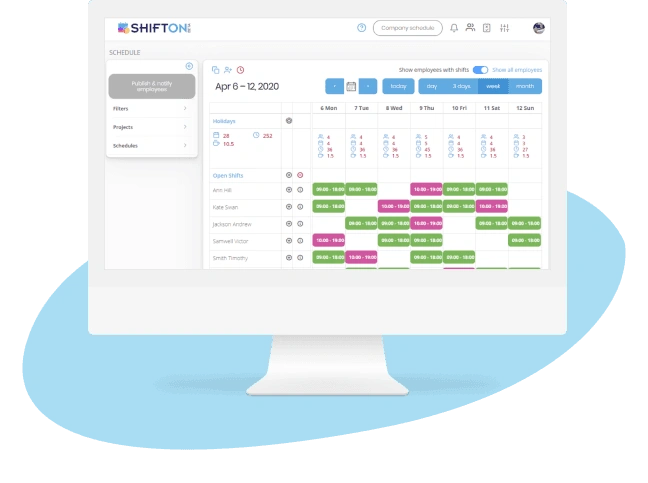
Bảng điều khiển tập trung cho đội ngũ trong vận hành đa địa điểm
Quản lý các đội ngũ ở nhiều địa điểm, phòng ban hoặc dự án đòi hỏi một nguồn dữ liệu duy nhất, đáng tin cậy về ai đang làm việc ở đâu, khi nào và với vai trò gì. Nếu không có khả năng quan sát tập trung, các nhà quản lý sẽ phải lặp lại công việc, bỏ sót khoảng trống nhân sự và mất dấu các thành viên đội ngũ phân tán ở nhiều cơ sở khác nhau.
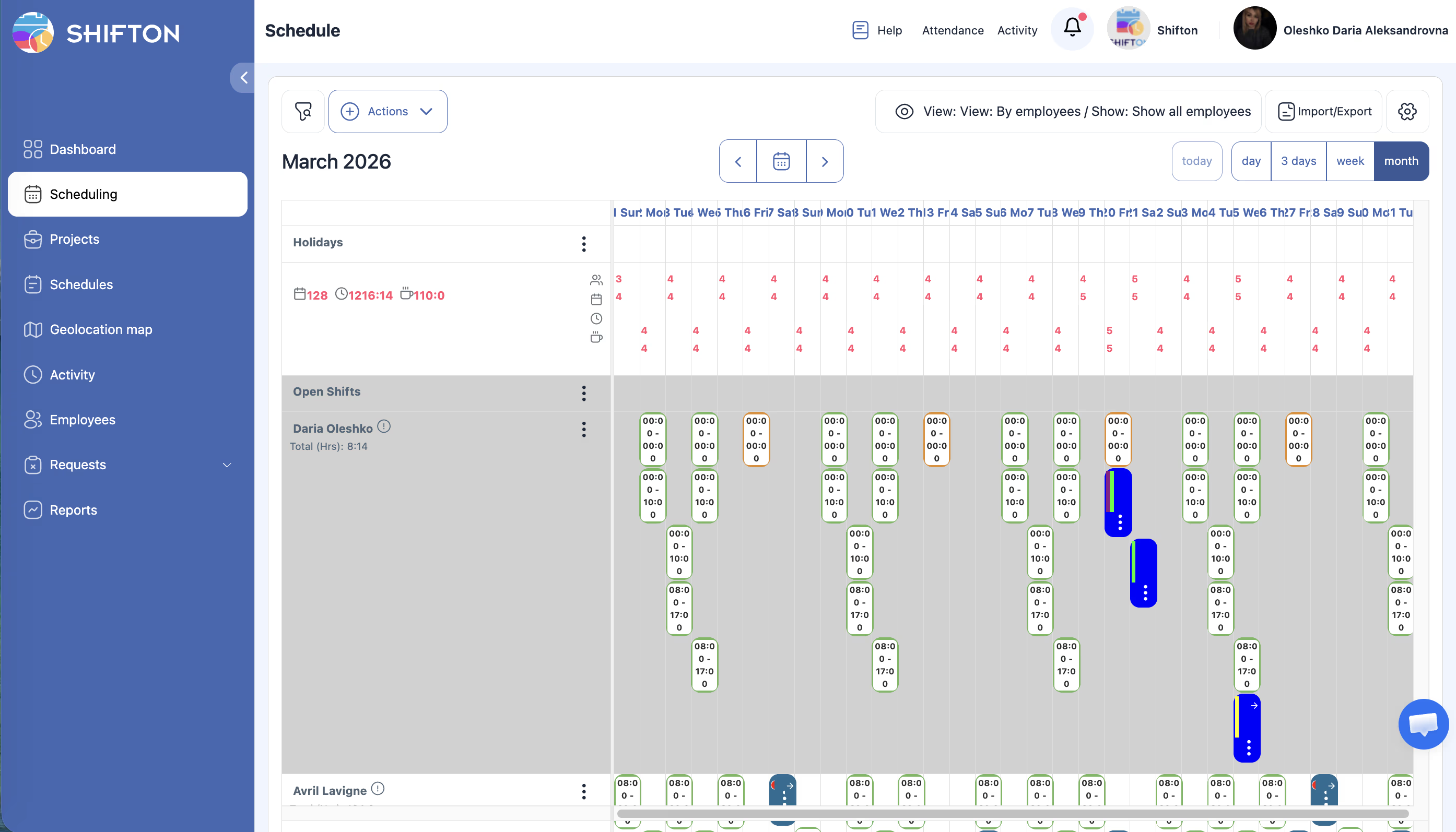
Điều phối đội ngũ trên di động và giao tiếp ca làm việc
Các quản lý đội ngũ dành một lượng thời gian không tương xứng cho việc điều phối giao tiếp - gọi điện xác nhận ca làm, nhắn tin về thay đổi lịch và theo đuổi phản hồi cho các ca trống. Mỗi phút dành cho các cuộc gọi liên quan đến lịch làm việc là một phút không dành cho lãnh đạo vận hành.
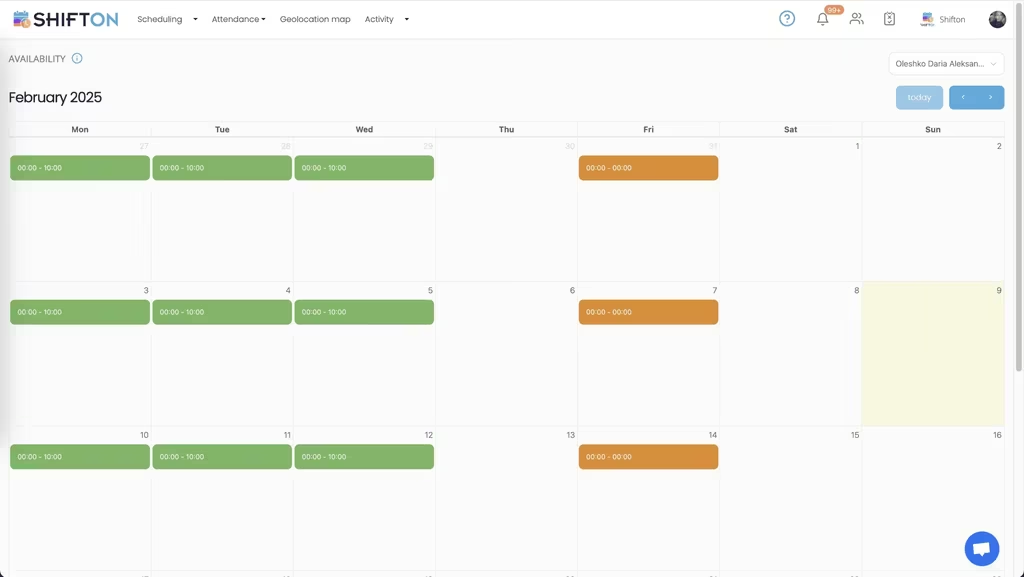
Kiểm soát truy cập theo vai trò và bảo mật dữ liệu
Khi đội ngũ phát triển, không phải ai cũng nên có quyền truy cập vào cùng một thông tin. Dữ liệu bảng lương, thông tin liên hệ cá nhân và các chỉ số hiệu suất cần chỉ hiển thị cho nhân sự được ủy quyền. Quyền truy cập được cấu hình kém sẽ tạo ra vi phạm quyền riêng tư và làm suy giảm niềm tin của nhân viên.
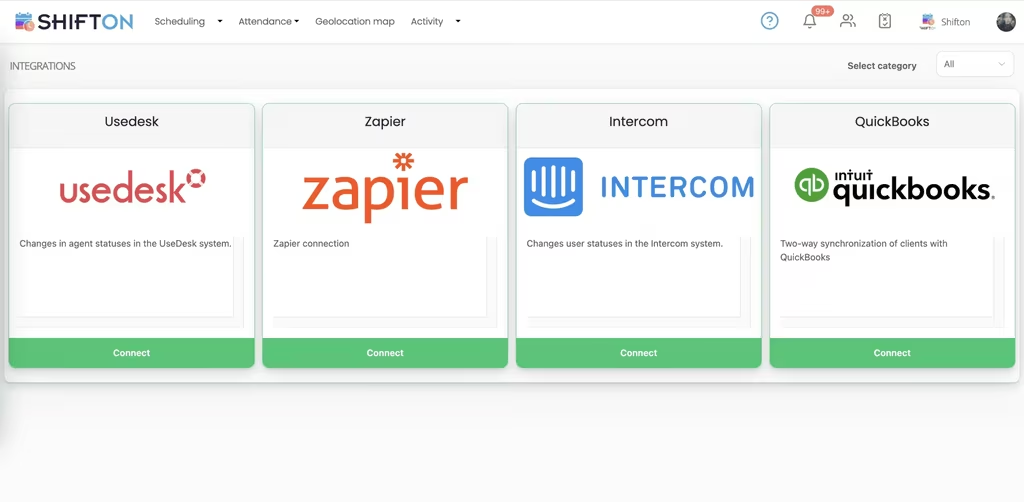
Chỉ số hiệu suất đội ngũ và lập kế hoạch tăng trưởng
Quản lý đội ngũ hiệu quả không chỉ dừng ở việc lấp đầy ca làm - mà còn đòi hỏi hiểu động lực đội ngũ, xác định những người có hiệu suất cao và lập kế hoạch năng lực cho tăng trưởng kinh doanh. Các phân tích dựa trên dữ liệu về độ tin cậy khi đi làm, tỷ lệ phủ ca và phân bổ làm thêm giờ giúp các nhà quản lý xây dựng những đội ngũ mạnh hơn, linh hoạt hơn.
Bắt đầu với gói Miễn phí
Không giới hạn thời gian. Truy cập đầy đủ các tính năng cốt lõi và nâng cấp khi bạn sẵn sàng.
Câu hỏi thường gặp
Shifton tổ chức nhân viên ở nhiều địa điểm như thế nào?
Tất cả thành viên nhóm từ mọi địa điểm xuất hiện trong danh bạ thống nhất có thể lọc theo bộ phận, vai trò hoặc vị trí. Cài đặt cấp bậc đảm bảo mỗi trưởng nhóm chỉ thấy báo cáo trực tiếp của mình, trong khi quản trị viên duy trì tầm nhìn đầy đủ.
Các ca trống được lấp đầy như thế nào khi có người vắng?
Ca trống được phát đến thành viên đủ điều kiện qua ứng dụng di động, họ có thể nhận ca bằng một lần chạm. Nếu không ai phản hồi trong thời hạn quy định, yêu cầu tự động leo thang đến nhóm hoặc quản lý tiếp theo.
Ai có thể xem mức lương và thông tin liên lạc cá nhân?
Quyền truy cập được kiểm soát theo cấp phép. Dữ liệu lương và thông tin cá nhân bị ẩn với người dùng không có quyền HR hoặc quản trị viên rõ ràng, trong khi trưởng nhóm chỉ thấy dữ liệu lịch trình và chuyên cần của nhóm mình.
Tôi có thể biết nhân viên nào đã xác nhận lịch sắp tới không?
Theo dõi xác nhận ca hiển thị chính xác ai đã xem và xác nhận lịch của họ. Bạn có thể liên hệ trực tiếp với người chưa phản hồi ngay trong nền tảng mà không cần gửi tin nhắn riêng.
Shifton theo dõi dữ liệu hiệu suất nhóm nào?
Thẻ điểm chuyên cần cho thấy tỷ lệ đúng giờ và vắng mặt theo nhóm. Báo cáo lập kế hoạch năng lực so sánh nhân sự hiện tại với xu hướng khối lượng công việc, và tỷ lệ nhận ca phản ánh mức độ gắn kết chung của nhóm.




Ready to transform how you run your team?
Join thousands of teams that trust Shifton to run shifts, time, and payroll smarter every day.