

Real Estate Team Scheduling and Time Tracking
One week for agents, viewings cover and the office desk, with hours recorded wherever the work actually happens.


Cover the office and the field on one week
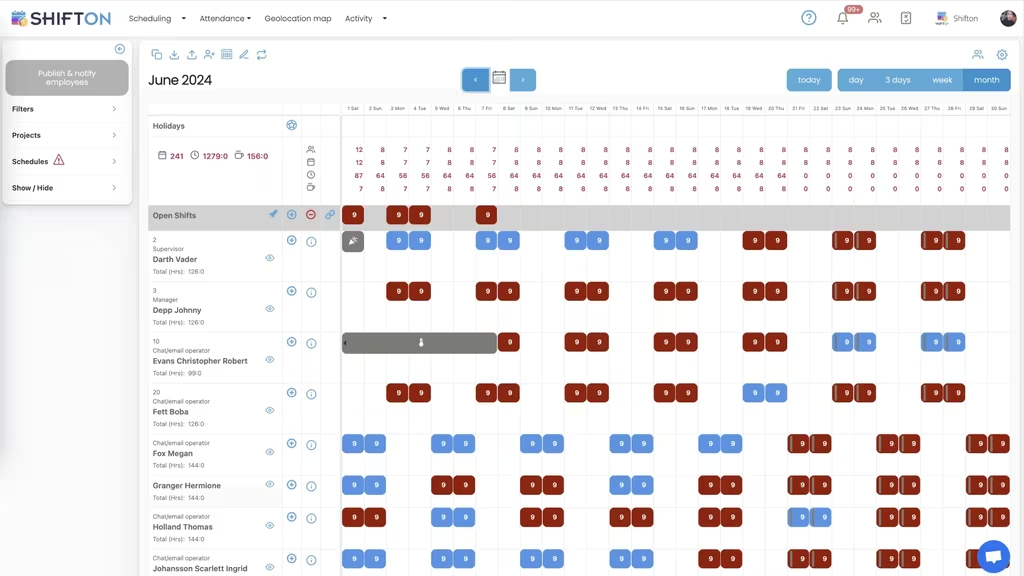
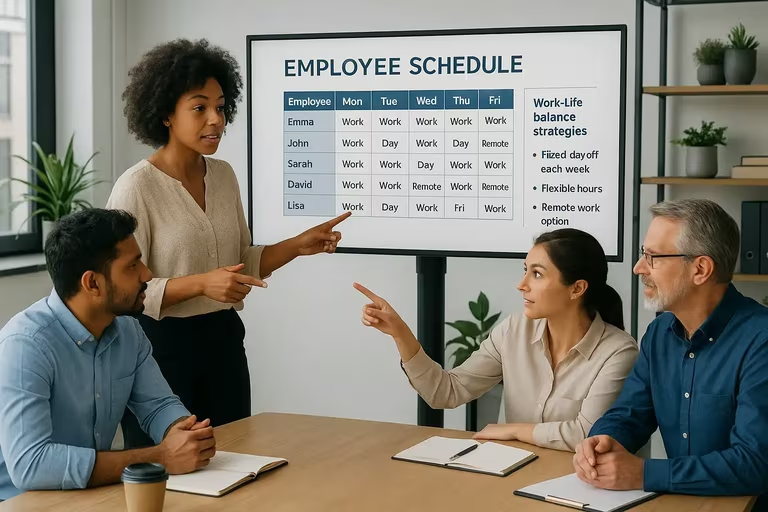
An agency day splits between people who are out at properties and people who have to be at the desk when the phone rings. Planning both on the same week is the only way to see whether either is actually covered.
Record hours away from the desk
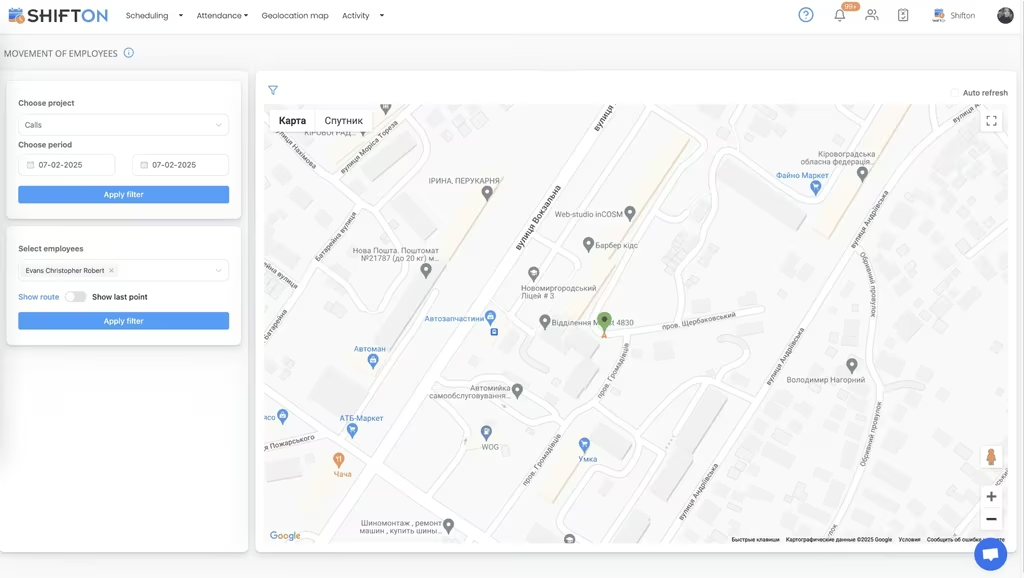
Agents work from properties, from the car and from home. Clock-in from a phone records the hours where they happen, which is the only version that survives a question about a Saturday three weeks later.
Plan weekends and evenings deliberately
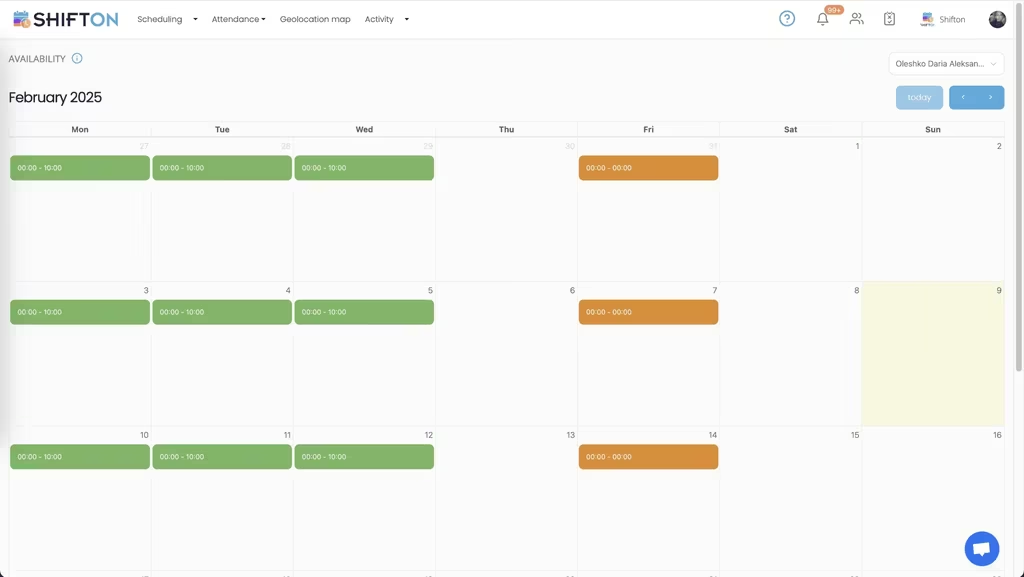
Property work happens when clients are free, which means evenings and Saturdays are the busiest slots and the hardest to staff. Treating them as their own coverage question rather than as overtime keeps the rota honest.
See where the team hours actually go
Agencies measure listings, viewings and completions closely and hours barely at all. Grouping recorded hours by role and by week gives the other half of the productivity picture.
Start with the Free Plan
No time limits. Get full access to core features and upgrade when you're ready.
Two things called real estate scheduling
The phrase usually means appointment software: booking viewings, coordinating access, letting a buyer pick a slot online. Portals and CRMs handle that, and an agency that needs it already has one.
The other meaning is the team. Which agents are working this Saturday, who is on the desk while three people are out, who covered the evening viewings last month and what did that cost. It is a smaller question and it is almost never answered by the CRM.
The desk and the field
An agency has a structural tension that few other businesses share. The revenue is generated out of the office and the enquiries arrive into it, which means the branch is at its most vulnerable exactly when it is busiest.
Planning both halves on the same week is what makes the trade-off visible. Three agents out at properties on a Tuesday afternoon is good news if reception is staffed and a lost enquiry if it is not.
Weekends are the business
Property viewings happen when clients are free, so Saturdays and evenings are not overtime in this industry, they are the core trading hours. Treating them as an afterthought at the bottom of a rota is how they end up staffed by whoever is least able to refuse.
Hours that are not spent at a desk
Most agency staff spend a large part of the week away from the office, and traditional attendance systems assume the opposite. A terminal on a wall records the people who were least likely to be doing revenue work.
Clock-in from a phone fixes the mismatch. Hours are recorded where the work happens, held against the planned shift, and available when somebody asks about a specific Saturday three weeks later. For agencies that need clock-in tied to a place, work location control exists as a separate paid module rather than as a default.
Fairness in the unpopular slots
Every branch has a version of the same imbalance. Two people do most of the Saturdays because they are the ones who say yes, and after six months they are the two people thinking about leaving.
Collecting availability in advance and offering open shifts to everybody eligible spreads those hours without a conversation. The record also settles the argument about whether the imbalance is real, which is usually the more contentious half.
Saturday is not overtime here. It is the week.
Several branches, one record
Staff who cover more than one branch are common and are usually entered twice, which breaks both the payslip and the group report. One record per person with shifts attached to locations solves both.
The half of productivity nobody measures
Agencies count listings, viewings, offers and completions in detail. Hours are counted loosely if at all, which makes the productivity conversation one-sided: it can show who produced results but not what it took to produce them.
Hours by person and by role, read against the activity the agency already tracks, is what closes that gap.
Starting small
Shifton is free for up to 10 people with no time limit, which covers a single branch. Scheduling, the basic time clock, the mobile app and reporting are included, and modules are added one at a time from $0.50 per employee a month with a trial of up to 60 days.
Frequently Asked Questions
Does this book property viewings?
No. Shifton schedules the team rather than the appointments. It plans who is working, records hours and handles leave. Viewing appointments stay in the CRM or portal the agency already uses.
Can I plan office cover and field agents together?
Yes. Both sit on the same week with roles keeping them distinct, so a manager can see at a glance whether the desk is covered while three people are out at properties.
How do agents record hours when they are not in the office?
The time clock works from the mobile app or a browser, so hours are recorded wherever the work happens. Work location control, which ties clock-in to a place, is available as a separate paid module.
Can we plan Saturday and evening cover fairly?
Staff mark the evenings and weekends they can work before the rota is built, and open shifts are offered to everyone eligible rather than to whoever answers first, which spreads the unpopular slots more evenly.
Does it work for an agency with several branches?
Yes. Each branch is a location, and staff who cover more than one keep a single record. Reports read per branch or across the group.
Is there a free plan for a single branch?
Ten people or fewer is free with no time limit, and that covers a single branch: the rota, the basic time clock, the mobile app and reports. Paid modules are added from $0.50 per employee a month, each with up to 60 days to try.




Get the branch week onto one board
Free for up to 10 people, with office and field on the same rota, clock-in from anywhere and hours you can export.