

Business Scheduling Software for Teams That Work Shifts
One place for the week, the clock and time off, whatever the business does and wherever the team works.


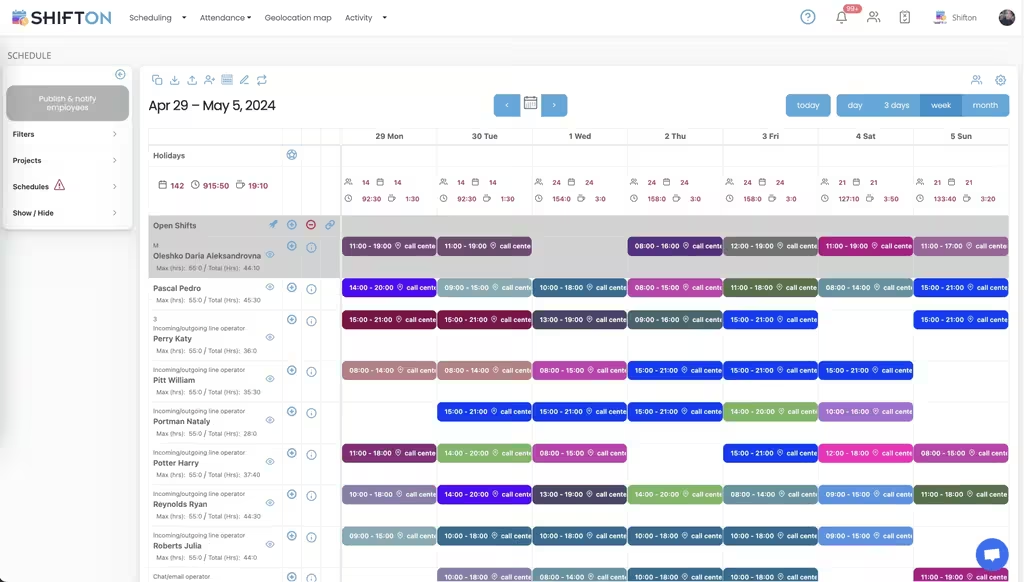
Build the week once and publish it
Most businesses do not need a clever scheduling engine. They need the week to be built quickly, to be correct, and to reach everybody at the same time, including the person who changed shifts with somebody on Friday.
Let the team handle the small changes
Every change that has to pass through a manager is a change that waits. Swaps arranged between staff and approved in one tap remove most of the traffic without giving up control of the published week.
Record hours instead of collecting them
A timesheet gathered at the end of the month is a reconstruction. Clock-in and clock-out recorded on the day, held next to the planned shift, remove both the collection and the argument that follows it.
Read the week as a cost
Hours are the cost most businesses can still influence this month. Reports group recorded hours by department, by role and by person, which turns a wage bill into something specific enough to act on.
Start with the Free Plan
No time limits. Get full access to core features and upgrade when you're ready.
What most businesses actually need
The scheduling software market sells sophistication: demand forecasting, optimisation engines, machine learning that promises the perfect rota. Most businesses with under a hundred staff need none of it. They need the week built quickly, published reliably, and turned into hours that payroll can use without retyping.
Getting those three things right removes the majority of the pain, and the majority of the pain is not intellectual. It is a manager rebuilding the same rota every Friday, a member of staff working from a photo of a whiteboard taken on Tuesday, and a monthly reconciliation nobody enjoys.
The week as a repeated object
Almost every business has a stable core and a moving edge. The core is the same shifts, roughly the same people, week after week. The edge is holidays, illness, a busy period and the person who cannot do Thursdays this month.
Rebuilding the core every week is where most of the time goes and where most of the errors enter. Saving it as a template and editing the edge turns a two hour job into a twenty minute one, and the errors that came from retyping disappear with the retyping.
Build once. Edit the edges.
Publishing is a separate act
A schedule that exists and a schedule that has been received are different things, and the gap between them is where most no-shows live. Publishing to phones with read confirmation closes it: the manager can see who has opened the week and chase the two people who have not, rather than assuming everybody knows.
Giving the team the small decisions
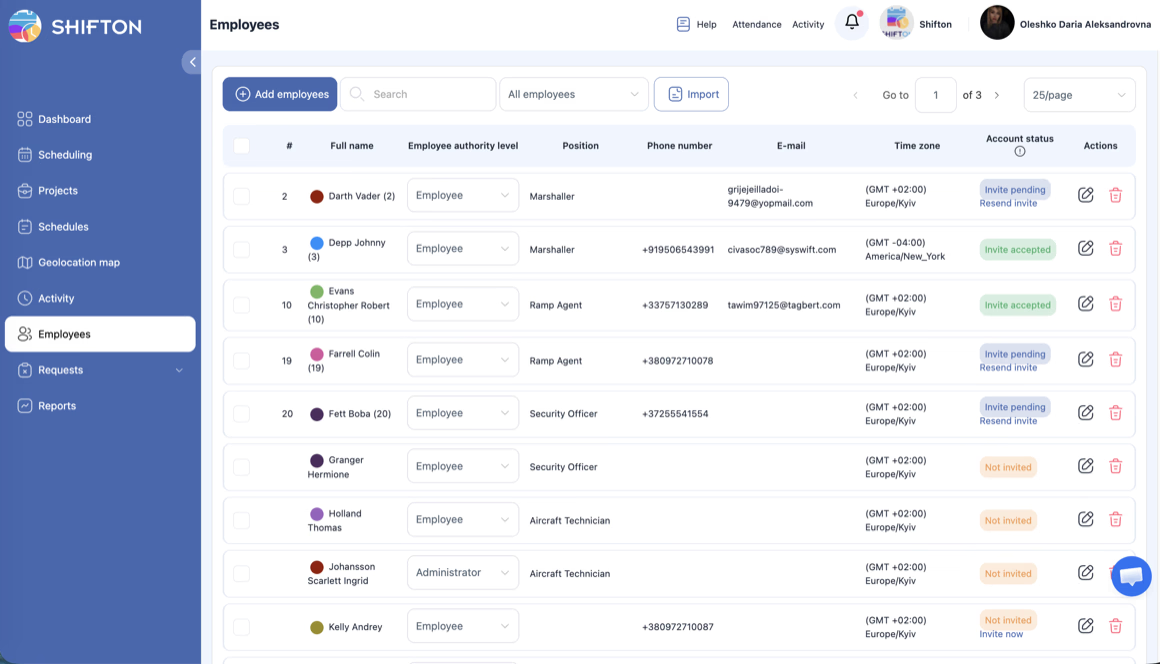
Managers spend a surprising share of their scheduling time on transactions that do not need them: two people who have already agreed to swap, somebody who wants to check whether Thursday is free, a request that could be answered by looking at the same screen the requester is looking at.
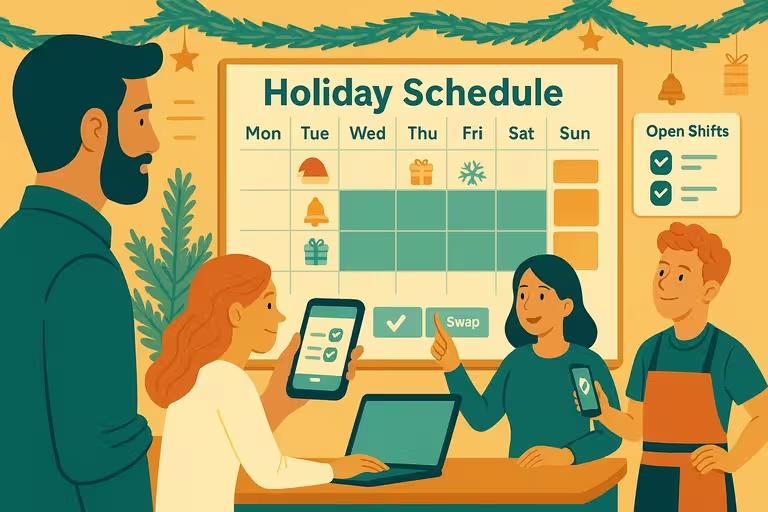
Letting staff arrange swaps and mark availability, with approval kept as a single tap, removes that traffic without removing control. The published week still changes only when somebody with authority agrees.
Hours, and the month-end problem
Collecting timesheets at the end of the month produces two costs. The first is the collection itself. The second, larger one, is that the figures are remembered rather than recorded, which means they are approximately true and impossible to defend when somebody disputes them.
Recording clock-in and clock-out against the planned shift removes both. Breaks are logged separately so paid and unpaid time stay distinct, overtime is visible on the day it happens rather than in the export, and payroll receives figures that nobody has retyped.
Several locations, one company
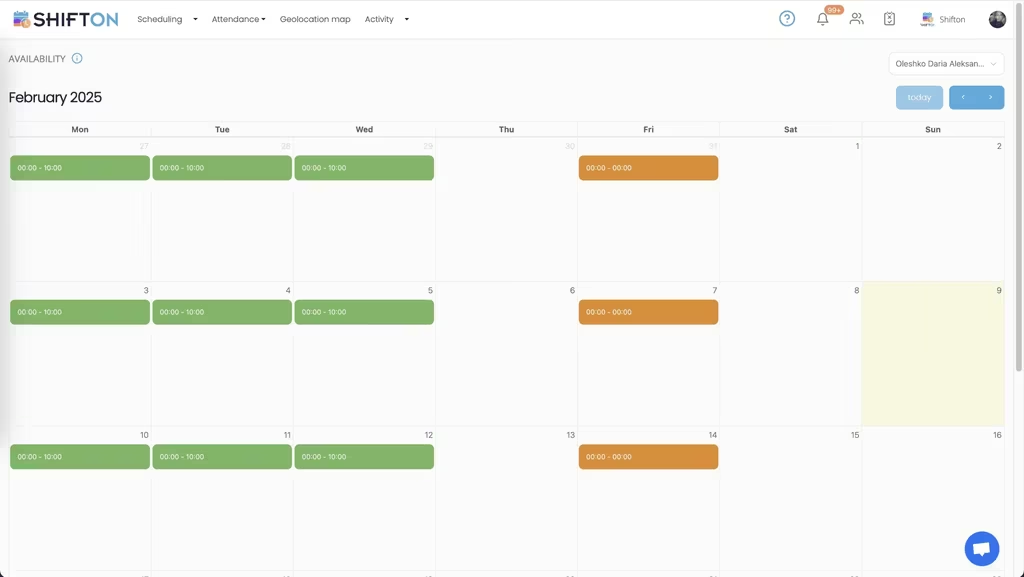
Businesses with more than one site run into the same specific problem: an employee who works at two of them and exists twice in the system. Keeping one record per person and attaching shifts to locations makes the group-level report possible and the individual payslip correct.
Reading the week as money
Labour is the cost most businesses can still move this month, and the last one they measure. A weekly report grouping recorded hours by department and role usually shows something obvious within two weeks: a shift that always overruns, a department carrying an extra person on quiet days, an overtime pattern that is structural rather than exceptional.
What free actually means here
Shifton is free for up to 10 employees with no time limit and no credit card. That plan includes scheduling and the calendar, the basic time clock and attendance, the mobile app for iOS and Android, unlimited schedules and locations, and reports. Paid modules are chosen one at a time from $0.50 per employee a month, each with a trial of up to 60 days, so a business adds capability when it needs it rather than buying a tier in advance.
Frequently Asked Questions
What kind of business is this built for?
Any business where people work shifts rather than fixed office hours: retail, hospitality, care, security, logistics, field teams and mixed offices. The structure is departments, locations and roles, which most businesses already think in.
How long does it take to build the first week?
The first week is manual and takes as long as writing a rota normally does. After that it is saved as a template and applied forward, so subsequent weeks are edits rather than rebuilds.
Can employees swap shifts themselves?
Staff arrange a swap between themselves and it reaches the manager for approval. The published week changes only after somebody with authority agrees, so control stays where it belongs.
Does it work for a business with several locations?
Yes. Locations and departments mirror the structure the business already uses, and an employee who works at two sites keeps a single record. Reports can be read per location or across the company.
How do hours get to payroll?
Recorded hours are exported for the period with breaks kept separate and overtime already flagged. There is also an optional payroll module at $0.50 per employee a month for businesses that want the calculation in the same place.
Is it really free for a small team?
Shifton is free for up to 10 employees with no time limit and no credit card. Scheduling, the basic time clock, the mobile app, unlimited schedules and locations and reporting are all in the free plan.





Build next week in twenty minutes
Free for up to 10 employees, with templates, swaps the team handles and hours that reach payroll unchanged.