

 English
  Español
  Português
  Deutsch
  Français
  Italiano
  日本語
日本語  中文
中文  हिन्दी
  עברית
עברית  العربية
  한국어
한국어  Nederlands
  Polski
  Türkçe
  Українська
  Русский
  Magyar
  Română
  Български
  Čeština
  Ελληνικά
  Svenska
  Dansk
Dansk  Norsk
Norsk  Suomi
Suomi  Bahasa Indonesia
  Tiếng Việt
  Tagalog
  ไทย
ไทย  Latviešu
  Lietuvių
  Eesti
Eesti  Slovenčina
  Slovenščina
  Hrvatski
  Македонски
  Қазақша
  Azərbaycan
  Afrikaans
  বাংলা
বাংলা Automotive Scheduling Software for Shops & Dealerships
Roster technicians, mechanics and service advisors around bay capacity and booked appointments, cover every shift, track hours and control labor cost across every location with one automotive scheduling platform.


Rostering Built for Technicians and Advisors
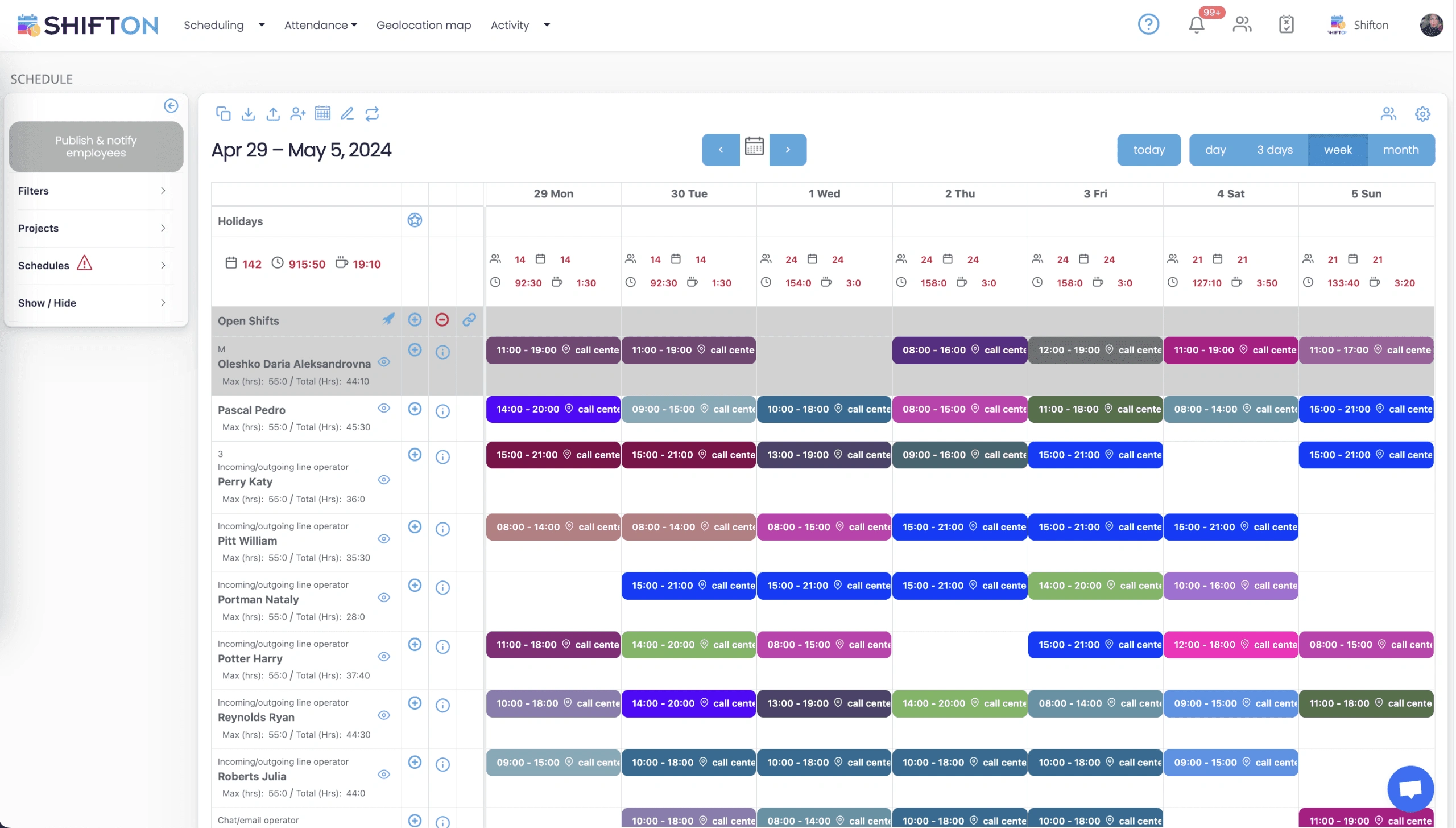
A repair shop runs to bay capacity and the appointment book, not to a fixed nine-to-five day. Early drop-offs, midday overflow and end-of-day pickups each need different coverage, and building the schedule around real demand keeps every bay productive without paying for idle hours.
Time Tracking and Labor Cost Control
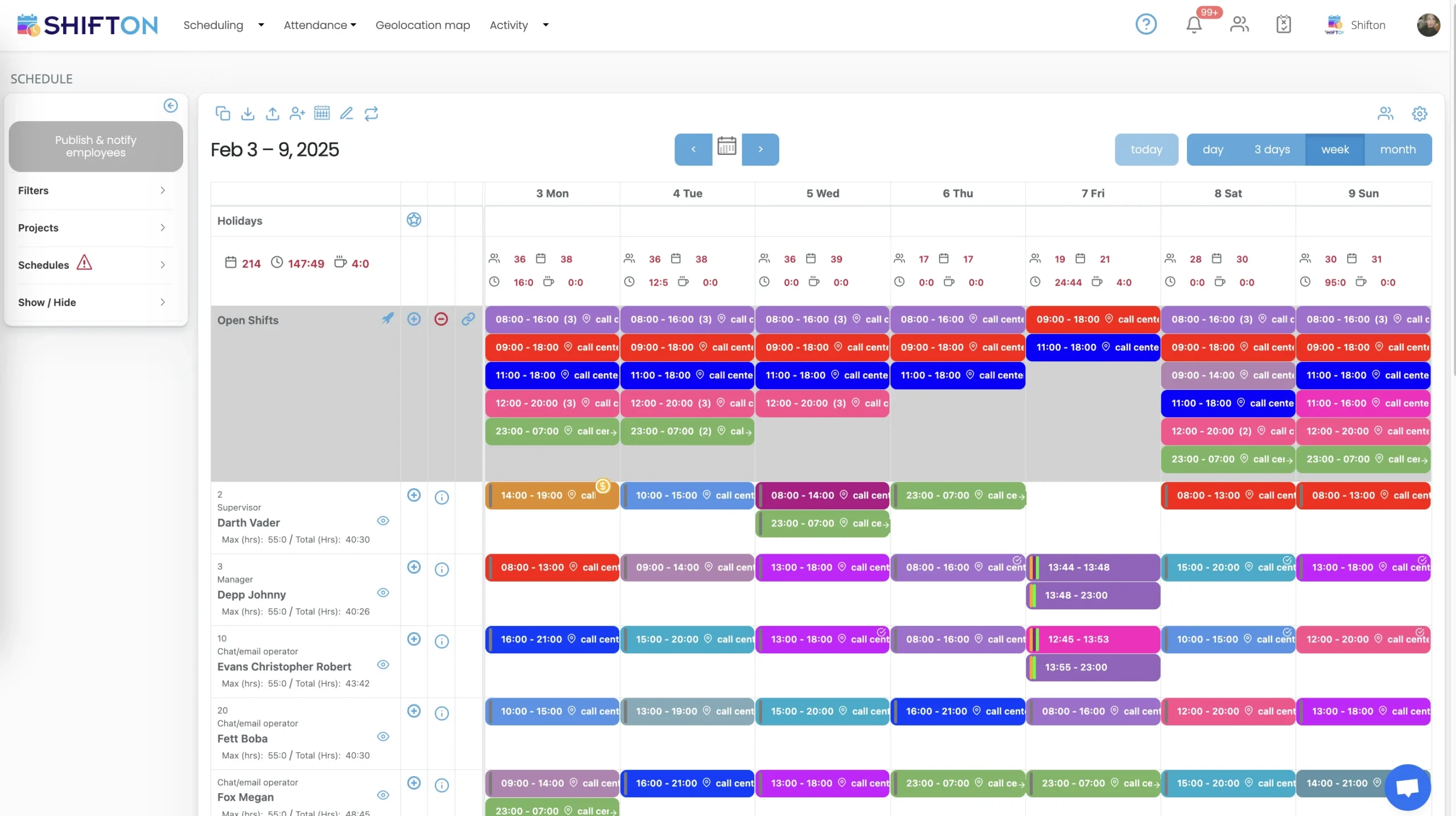
Labor is the largest controllable cost in an automotive business, and it slips the moment a job runs long or an extra technician is called in for a slow afternoon. Watching hours and cost as the schedule fills turns automotive shift scheduling from a guess into a controlled decision.
Multi-Location and Bay Coordination
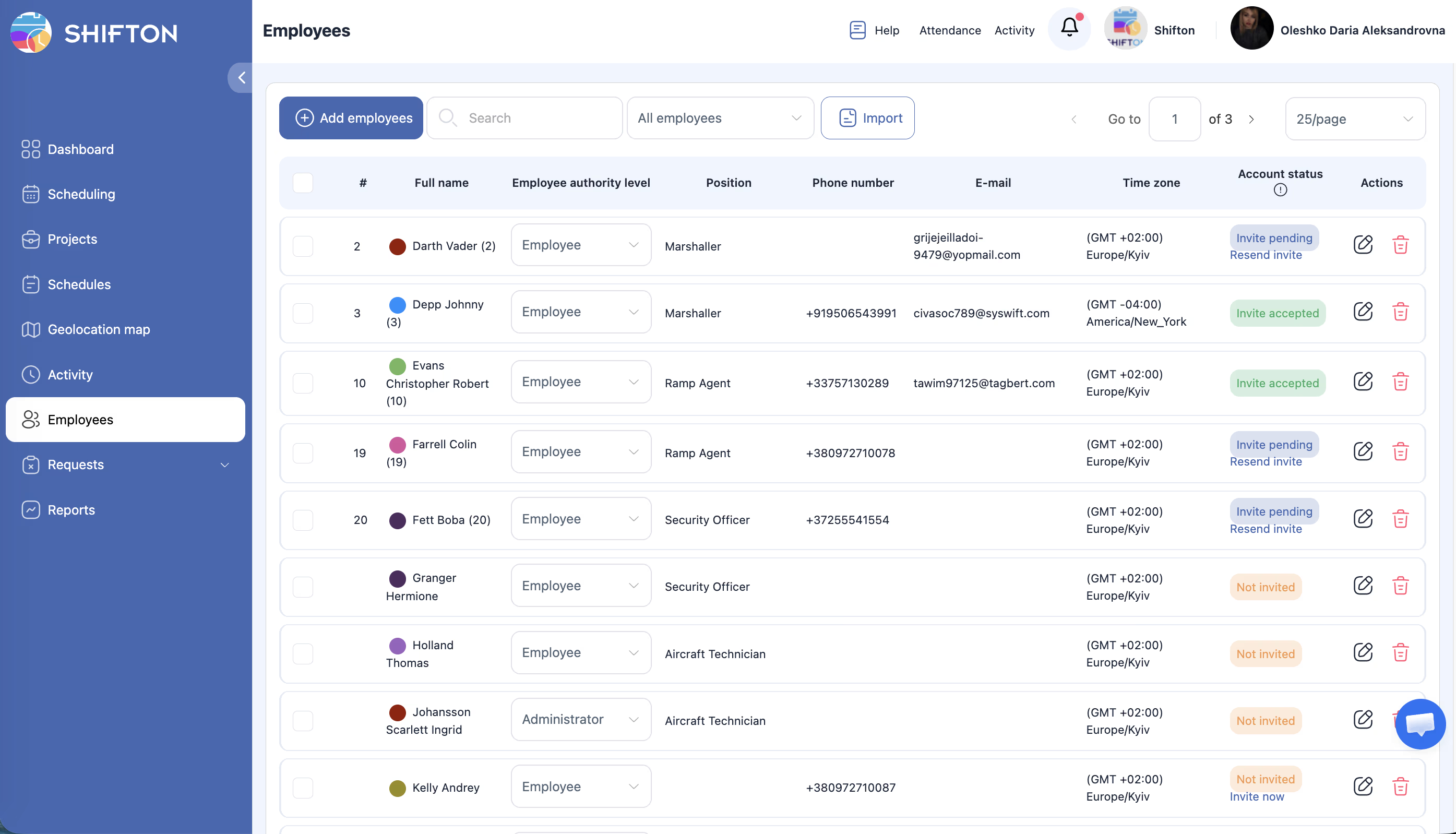
The moment a business runs more than one shop or service centre, scheduling stops being a single roster and becomes a coordination problem. One location is slammed while another sits quiet, a qualified technician is idle across town, and head office has no clear view until the numbers land.
Real-Time Coverage and Team Communication
A schedule is only as good as the coverage it holds when a technician calls in sick before the first appointment or a booked job overruns. The team needs to close the gap fast, without a chain of phone calls across shifts.
Start with the Free Plan
No time limits. Get full access to core features and upgrade when you're ready.
Read the full guide to automotive scheduling
An automotive service business lives and dies by the bay. A vehicle drops off in the morning, a technician needs to be free to take it, and the customer expects it back when they were told. When the schedule is built on a spreadsheet, every one of those handoffs has to be reconciled by hand, and the gaps only show up when a bay sits empty or a job stalls because the right person is already on another car.
Most scheduling tools were built for offices, where demand is flat and everyone works the same hours. An auto shop does not work like that. Workload swings with the appointment book, technicians hold different certifications that gate which jobs they can take, and the person building the schedule is often the same one at the service counter checking in the next customer. A tool that ignores those realities gets worked around within a month, and the workaround is usually a whiteboard and a group chat.
What automotive scheduling software has to handle
Strip away the feature lists and the job comes down to a few things. Let a service manager build a week of shifts fast, across several roles at once. Show labor cost against the work booked before the schedule is published, not after payroll runs. Track hours accurately so the wage bill and the flat-rate hours actually reconcile. Reach a team that is under vehicles and at the counter, not sitting at a desk. And hold up when the plan breaks, because in a busy shop the plan breaks most days. Automotive scheduling software that clears those bars beats one with a longer feature list that solves problems a shop does not have.
Scheduling technicians, advisors and the roles in between
An automotive business is not one team. Mechanics, diagnostic technicians, service advisors, parts staff and lot attendants all work to different rhythms, hold different qualifications and cost different amounts. Good automotive staff scheduling software treats each group as distinct while keeping the whole shop in one view. The technician schedule and the front-counter schedule are built against their own patterns, yet total coverage and total cost stay on one screen, and a minimum headcount per role can be locked into every shift so the floor never opens short a service advisor or a certified tech. Appointment-driven planning ties staffing to the booked workload rather than to a fixed weekly grid, so a heavy Monday and a quiet Wednesday each get the coverage they need.
Matching staff to bay capacity and appointments
Bays are the constraint the whole schedule is built around. A shift that looks fine on a calendar can still leave a bay idle if the technician certified for that work is booked solid elsewhere. Automotive shift scheduling software carries that picture inside the plan. You see how many qualified technicians are on at any hour against the work coming in, you spread staggered start times to cover early drop-off and late pickup, and you keep the right skills matched to the jobs that require them. That turns a shop's throughput from something you hope holds into something you can plan for, which is where the schedule stops being paperwork and starts being the business.
Controlling labor cost and tracking hours
Labor is the single cost a shop can move day to day, and it is the one that hides. When rostering lives on a spreadsheet, the overruns stay invisible until payroll lands: an extra technician called in for an afternoon that turned slow, a job that ran two hours past its flat-rate estimate, an overtime threshold crossed without anyone watching. Automotive time tracking software makes that spend visible while there is still time to act. Staff clock in and out from the app, projected labor cost shows as the schedule is built, an alert fires before a shift tips into overtime, and planned hours can be checked against what the shop actually turned the next morning. Across a full week those savings add up quickly, before the time saved on building the schedule is even counted.
Coordinating more than one location
The moment a dealer group or franchise runs a second site, coordination stops being a schedule and becomes a logistics problem. One shop is buried in warranty work while another sits quiet, a qualified diagnostic tech is idle at a location across town, and the group has no way to see it until the reports come in. Automotive workforce management software puts every shop and service centre on one dashboard. The imbalance shows in real time, a shared technician can be moved with a tap, and a proven weekly template can be rolled out to a new site instead of starting from a blank grid. What used to eat a service director's whole morning of phone calls becomes a short review. The full Shifton feature set covers shift swaps, time tracking, notifications and reporting so a change reaches the right people at once.
Reaching a team that is never at a desk
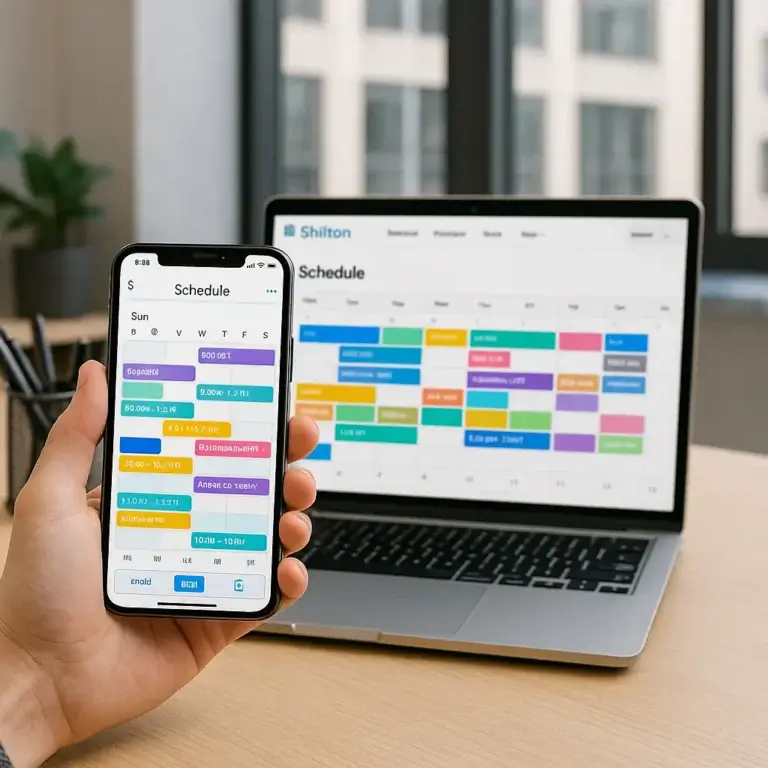
Automotive staff are rarely near a computer. They are under a vehicle, in the parts room or at the service counter, and the schedule taped to the wall went out of date the moment it was printed. A mobile-first approach reaches people where they are. Schedules publish straight to phones, swaps and open shifts are handled in the app with a manager approving in a tap, and availability and time-off requests are collected before the schedule is built rather than chased after. A change reaches everyone affected at once instead of through a round of calls between shifts.
Choosing the right tool for your shop
Test any platform the way the team will actually use it. Open it on a basic phone, since that is what most staff carry on the floor. Build a full week across technicians and advisors and time how long it takes. Send a shift-change notification and check how fast it lands. Ask what happens to that notification when a phone is in a locker mid-shift. The tool that survives those tests is the one still in use next year. Under ten employees, Shifton's free plan handles the whole job with no time limit, which covers a single independent shop, and as a business grows across locations the paid tiers add the multi-site view, deeper cost reporting and advanced controls. Either way the goal holds steady: a schedule that reflects the real workload, hours that reconcile with payroll, a labor line that lands where it was planned, and a team that always knows when they are working. That is the difference between managing a shop's shifts and firefighting them, and it is where the right automotive scheduling software earns its place.
Frequently Asked Questions
What is automotive scheduling software?
Automotive scheduling software builds and shares staff schedules for repair shops, dealerships and service centres. Shifton matches technicians and service advisors to bays and appointments, tracks hours and labor cost, and lets staff swap shifts from their phone.
Can I schedule mechanics and service advisors separately?
Yes. Tag each team member by role, from mechanics and technicians to service advisors, and Shifton builds separate schedules while keeping total coverage and cost in one view.
Does the software track hours and labor cost?
Yes. Staff clock in and out from the app, hours flow through to payroll, and Shifton shows projected labor spend as you build so you can act before a shift tips into overtime.
Can auto shop staff swap shifts from a mobile app?
Yes. Staff request swaps or claim open shifts in the mobile app. Managers approve in a tap, and everyone affected sees the updated schedule instantly.
Does Shifton work for dealerships with multiple locations?
Yes. Manage every shop and service centre from one dashboard, share qualified technicians between sites, and roll out reusable shift templates across the whole group.




Ready to transform your field operations?
Join thousands of field service companies that trust Shifton to run smarter every day.