

Accounting Firm Scheduling Software for Busy Season
Plan the team around filing deadlines, record hours against the client they belong to, and see who is buried before they say so.


Plan around deadlines, not around a flat week
Accounting work is not evenly distributed and never has been. January and the weeks before each filing date consume a year of capacity in a month, then the pressure drops. A schedule built on an average week cannot describe that.
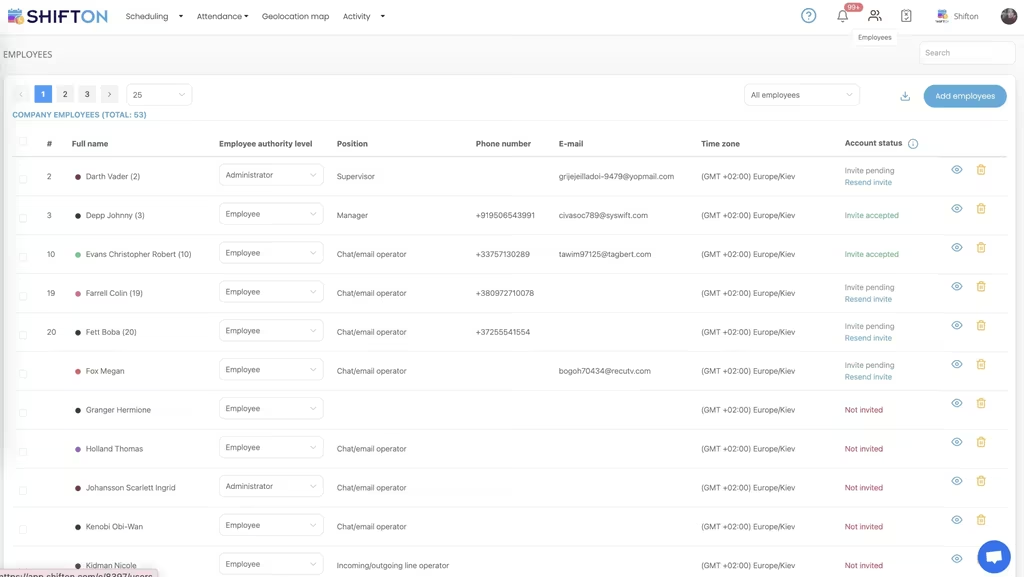
Record hours against the client
The difference between hours worked and hours billed decides the margin on every engagement. Recording start and finish against the client project closes the gap, because the timesheet and the invoice come from the same record.
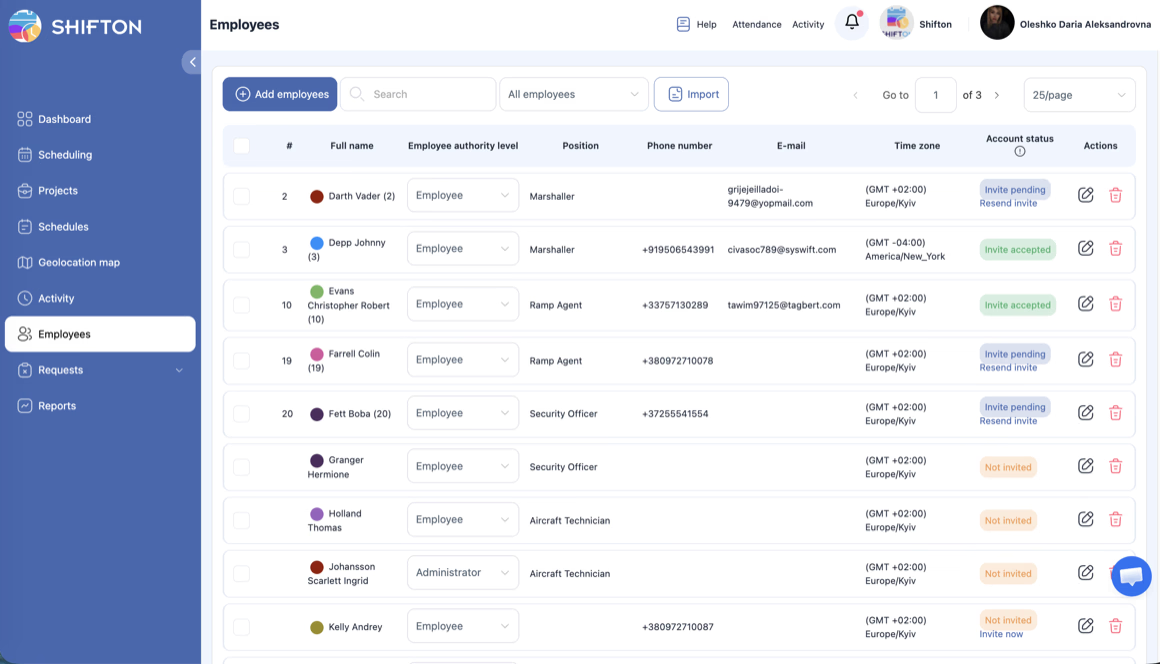
See who is buried before they tell you
In busy season the person in trouble is usually the last to say so. Weekly hours by person, planned against actual, show the pattern while it is still a scheduling problem rather than a resignation.
Keep juniors, seniors and seasonal help on one board
Practices scale busy season with temporary staff and returning contractors. Departments keep those groups distinct in the plan while leaving the payroll export limited to the people the firm actually employs.
Start with the Free Plan
No time limits. Get full access to core features and upgrade when you're ready.
The shape of an accounting year
Every practice knows the curve. A long stretch of manageable work, then a cliff: the weeks before a filing deadline where a year of capacity is consumed in a month, everybody works late, and the quality of the plan decides whether the firm gets through it intact or loses two people in March.
That curve is why generic staff scheduling fits accounting badly. Tools built for retail or hospitality assume a repeating week with predictable peaks inside it. An accounting year has one or two peaks that dwarf everything else, and the planning question is not who works Tuesday but whether there is enough capacity between now and the deadline.
Engagements, not employees
The useful unit is the client. Once every shift carries the engagement it belongs to, the questions that matter answer themselves: what has this client consumed against what it was quoted, who is committed to what over the next four weeks, and where is the capacity that has not been sold yet.
Split days are the awkward case that generic tools handle badly. A senior who spends the morning on one audit and the afternoon on a set of accounts is not having one eight hour day. Two shifts on two projects keep the split honest, and the reports stop attributing whole days to whichever client happened to be scheduled first.
Two clients, two shifts. The arithmetic does itself.
Work that has been sold and not staffed
Committed work with nobody assigned is the item most likely to be forgotten in a busy month, and the most expensive to remember late. Holding it as an open shift keeps it in front of whoever has to staff it.
Busy season is a staffing model, not an emergency
Practices scale the peak with returning contractors, seasonal staff and juniors doing work slightly above their grade. All three are normal and all three complicate the schedule, because the payroll treatment differs and the supervision requirements differ.
Departments handle it without a second system. Permanent staff, contractors and seasonal help sit on the same board so the partner can see actual capacity, while the payroll export stays limited to the people the firm employs.
The number nobody volunteers
Ask a team in February how they are and the answer is fine. Read the hours and the answer is different. Somebody at sixty hours for three consecutive weeks is not fine, they are the person who will resign in April, and the cost of replacing them exceeds anything the extra hours earned.
Planned against actual, by person, weekly. That comparison is the entire early warning system, and it exists only when both numbers are stored rather than one.
Recovery matters as much as the peak
The weeks after a deadline are when leave gets taken and capacity gets rebuilt. Keeping time off requests in the same calendar as the work means the recovery is planned rather than negotiated one conversation at a time.
What this is and is not
This is not practice management software. It does not hold the ledgers, file the returns or run the client portal, and the firms that need those already have them. What sits here is the layer underneath: who is working on what, what the hours actually were, and what that means for margin and for people.
Firms usually reach for it when the spreadsheet stops scaling, which lands somewhere around eight to twelve people and two partners with different ideas about who is free.
Starting small
Shifton is free for up to 10 people with no time limit, which covers a small practice outright. Scheduling, the basic time clock, the mobile app and reporting are included. Modules are added one at a time from $0.50 per employee a month, each with a trial of up to 60 days, so a firm can test the payroll module through one busy season before deciding.
Frequently Asked Questions
Can I plan the team around filing deadlines?
Yes. Each engagement is a project and the busy season pattern can be built once as a template and applied forward, so a practice plans against the deadline map rather than against an average week.
How do I track hours per client?
Every shift carries the client it belongs to, so reports group recorded hours by engagement. A person who works two clients in one day gets two shifts, and the day is split between them instead of landing on one.
Can I see who is working excessive hours during busy season?
Weekly reports show hours by person, planned against actual, and flag overtime on the day it happens. The pattern of somebody consistently exceeding their planned hours appears while the schedule can still be changed.
Does it handle seasonal and contract staff?
Yes. Temporary staff sit in their own department on the same schedule, which keeps the operational picture complete while the payroll export stays limited to employees.
Can staff request time off in the same place?
Time off requests sit in the same calendar as the shifts, so the person approving can see what else is happening that week and whether the work is covered before answering.
Is there a free plan for a small practice?
Shifton is free for up to 10 people with no time limit, including scheduling, the basic time clock, the mobile app and reports. Paid modules start at $0.50 per employee a month with a trial of up to 60 days on each.






Plan the next deadline properly
Free for up to 10 people, with clients as projects, hours recorded per engagement and overload visible before somebody breaks.