

When I Work Alternatives: 6 Scheduling Tools Compared Side by Side
Why Look Beyond When I Work?
Two months ago, a cleaning company with 45 employees hit a wall. When I Work was handling scheduling fine for their single-location team, but they’d just signed three new clients in different cities. Suddenly they needed multi-location support, multilingual interfaces for their Spanish- and Polish-speaking crews, and a way to track hours that didn’t require a separate app. The bill for upgrading When I Work to cover all of that? More than double what they were paying.
When I Work is a solid scheduling tool. It does shifts, swaps, and team messaging well enough for small English-speaking teams in a single location. But the moment your operation grows – more sites, more languages, more modules – the gaps become obvious. The pricing jumps, the feature set stays rigid, and you’re left paying for a “Pro” tier just to get basics like labor cost reporting.
That’s why managers start looking for When I Work alternatives. Not because the product is bad, but because the fit changes. Here are six options we’ve compared side by side, with an honest look at what each one does well and where it falls short.
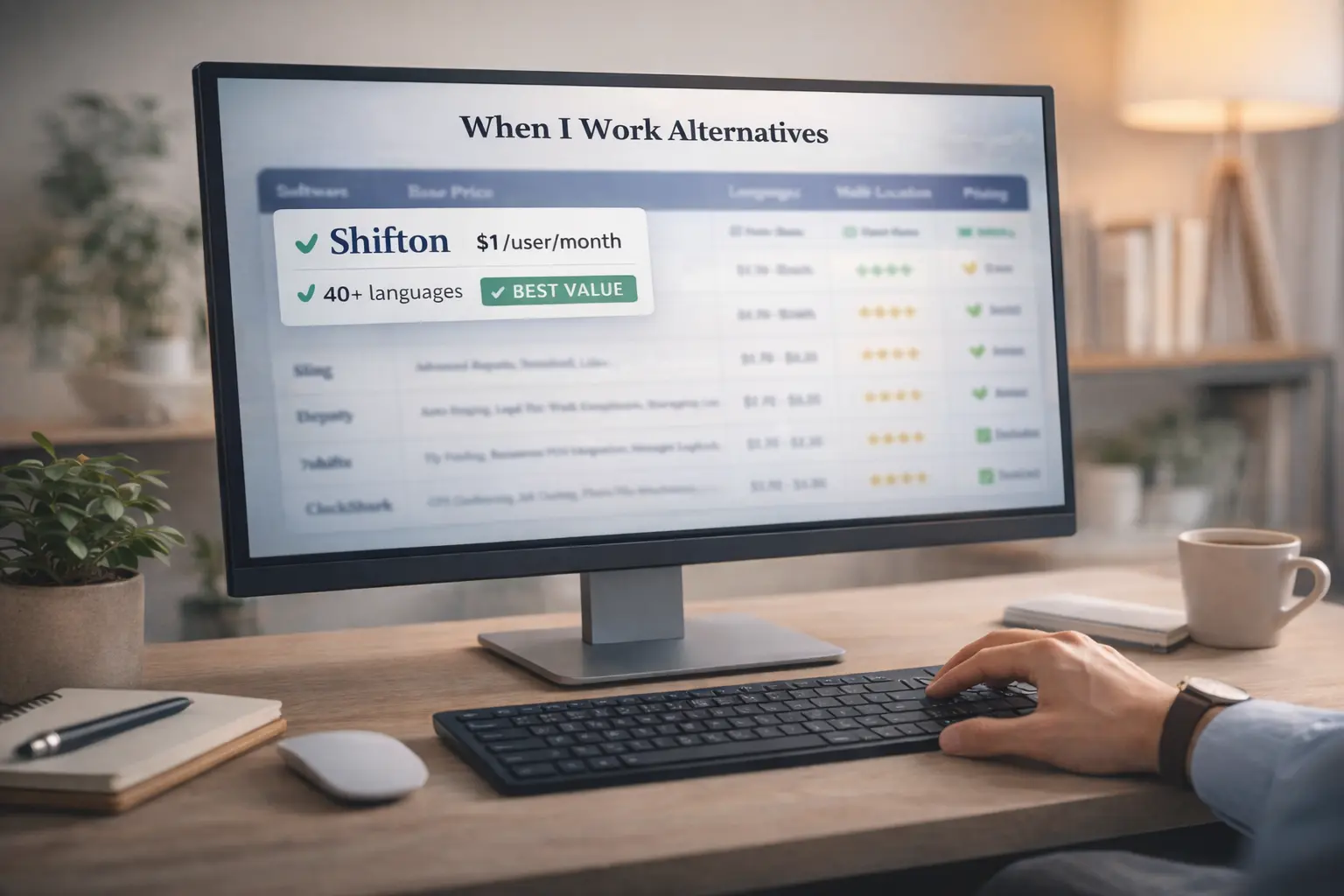
Shifton – Modular Pricing, Global Reach
Shifton takes a different approach to workforce management software. Instead of bundling everything into fixed tiers, it lets you pick modules individually. Shift scheduling is included free on the free plan for up to 10 users. Need more? Paid add-on modules like time tracking, payroll reporting, and task management run $0.50 to $5 per user per month each. You build exactly the stack you need.
For businesses running teams across borders, the language support is the real differentiator. Shifton’s interface works in over 40 languages natively – not through browser translation, but built into the product. A warehouse manager in Berlin and a shift lead in Krakow both see the app in their own language. Multi-location management is included at no extra cost, which is a sharp contrast to tools that charge per site.
The 60-day free trial covers all modules, so you get a full billing cycle to test everything before committing. That’s generous compared to the 14-day trials most competitors offer.
Best for: growing businesses that want to control costs precisely and need multilingual, multi-location support without paying enterprise prices.
Deputy – Compliance-Heavy Operations
Deputy built its reputation on labor law compliance. If your business operates in a jurisdiction with predictive scheduling laws, fair workweek rules, or complex overtime regulations, Deputy handles the guardrails automatically. It flags violations before they happen, calculates break requirements, and generates audit-ready reports.
The trade-off is price. Starting at $5 per user on its Lite plan (Core $6.50, Pro $9), it’s one of the more expensive employee scheduling tools in this category. And the compliance features that justify that price are most valuable for larger teams in regulated industries – healthcare, hospitality chains, retail with 50+ locations. A 15-person cafe doesn’t need that level of legal infrastructure.
Best for: mid-to-large organizations in heavily regulated labor markets, especially in Australia, the UK, and US states with predictive scheduling laws.
Homebase – Scheduling Plus Hiring
Homebase bundles scheduling with a lightweight applicant tracking system. Post job listings, screen candidates, send offer letters, and onboard new hires – all from the same platform where you build next week’s schedule. For small businesses that don’t have a dedicated HR department, that’s a real time saver.
The free tier covers one location with basic scheduling and time tracking. Beyond that, pricing is per location – $24 and up per site per month on annual billing, regardless of team size. If you’re a single-location business, that’s fine. But once you expand to three or four sites, the math gets uncomfortable quickly.
Language support is limited to English and Spanish. No multilingual interface for other languages.
Best for: single-location small businesses in the US that want scheduling and basic HR tools in one place without juggling multiple subscriptions.
Sling – Team Communication First
Sling started as a messaging app for teams and grew into a scheduling tool. That origin shows – the communication features are genuinely good. Group chats, announcements, a newsfeed for company updates. If your biggest pain point is that shift workers don’t read emails and group texts turn into chaos, Sling fixes that.
Pricing runs from $1.70 to $3.40 per user. The free tier is functional but basic. Reporting and labor cost tracking only come with paid plans. The scheduling engine itself is straightforward – no demand forecasting, no auto-assignment. You’re building shifts manually, just in a cleaner interface than a spreadsheet.
Best for: teams where internal communication is the bottleneck, and scheduling needs are relatively simple.
ClockShark – GPS Tracking for Field Crews
ClockShark is purpose-built for construction, landscaping, and field service teams. GPS geofencing ensures clock-ins happen at the job site, not in the parking lot. Job costing ties labor hours directly to specific projects, which is essential for contractors who bill clients by the hour or need to track profitability per job.
At $9 per user plus a $40 monthly base fee on the Standard plan, it’s not cheap. And if your employees work from a fixed location – a restaurant, a warehouse, a retail store – most of ClockShark’s standout features are irrelevant. This is a specialized tool for mobile workforces, and it does that job well.
Best for: construction companies, field service businesses, and any operation where employees travel between multiple job sites daily.
7shifts – Restaurant-Only Focus
7shifts doesn’t try to serve everyone. It’s built for restaurants, and every feature reflects that. POS integration pulls sales data to forecast staffing needs. Tip pooling automates what used to be a napkin-math exercise at closing time. The manager logbook lets shift leads pass notes between opens and closes.
Starting at $39.99 per location per month on annual billing (with a limited free tier for single locations), 7shifts is priced for restaurants that take operations seriously. Multi-unit chains get the most value – the per-location model means a standalone coffee shop might find it expensive for what they get. Language support is limited, and the feature set doesn’t translate well to non-hospitality industries.
Best for: restaurants, bars, and food service businesses that want deep POS integration and hospitality-specific features like tip management and labor forecasting from sales data.
How to Choose the Right Alternative
The decision comes down to three questions. First, what’s your team structure? Single location with a stable crew, or multiple sites with rotating staff? Tools like Homebase and 7shifts charge per location, which penalizes growth. Shifton and Deputy include multi-location at no extra cost.
Second, how diverse is your workforce? If your team speaks three languages and you’re managing shifts across time zones, you need a platform that supports that natively. Most US-built tools default to English and call it a day. Only Shifton offers genuine multilingual support across 40 languages.
Third, what do you actually need right now? If you’re paying $4 per user for features you don’t use, you’re subsidizing someone else’s roadmap. A modular approach – where you add capabilities as your business demands them – keeps costs aligned with reality.
Ready to see the difference?
Scheduling is free on the free plan. Add paid modules from $0.50/user as you grow. 60 days free, no card required.
FAQ
How long is the Shifton free trial?
60 days with all modules unlocked. That covers a full billing cycle, so you can evaluate scheduling, time tracking, and payroll reporting before deciding what to keep.
Is Shifton really $1 per user?
Yes. Shift scheduling is included free on the free plan for up to 10 users. Paid add-on modules (time tracking, task management, payroll) run $0.50 to $5 per user per month each. No hidden fees, no forced bundles.
Which alternative supports the most languages?
Shifton, with over 40 languages built into the interface. Most competitors offer English only or English plus Spanish, and only a handful localize beyond that.
Can I migrate from When I Work to another tool?
Most scheduling platforms let you import employee data via CSV. The bigger migration question is usually around historical time tracking data and existing shift templates. Expect the switch itself to take a few days of setup, then a week or two for your team to adjust to the new interface. Starting with a free trial while still running When I Work in parallel is the safest approach.



Start making changes today!
Optimize processes, improve team management, and increase efficiency.