

Landscaping Business Software for Crews and Routes
Maintenance rounds, install projects and one-off calls on one board, with the site notes, the hours and the photos on the job.

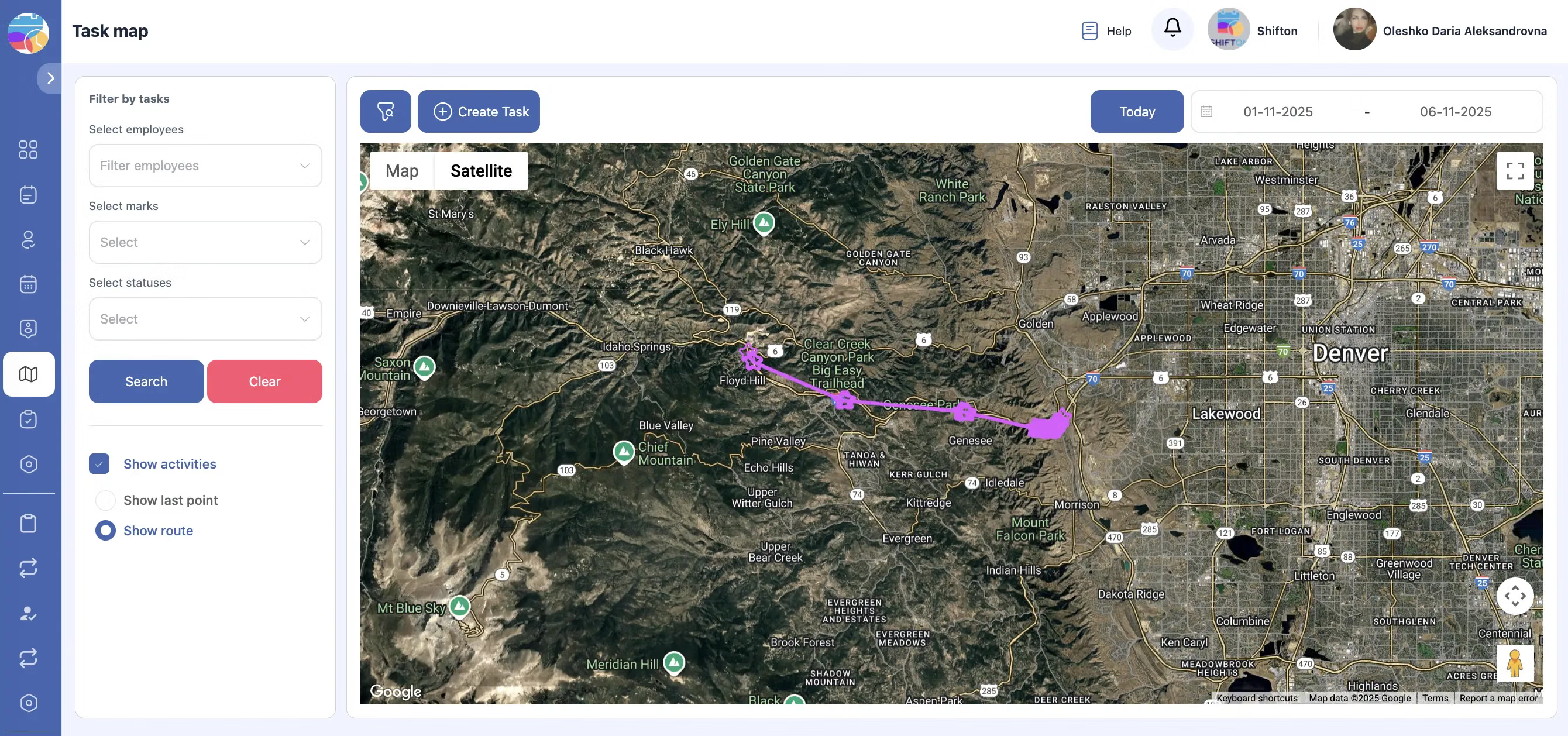
Rounds and projects need different plans
A landscaping business runs a repeating maintenance round and a queue of install projects, and the two behave nothing alike. The round is the same properties in roughly the same order every week, and it lives or dies on route order. The projects are multi-day, weather dependent and use the same crews. Held in one diary they compete; held on one board they can be balanced.
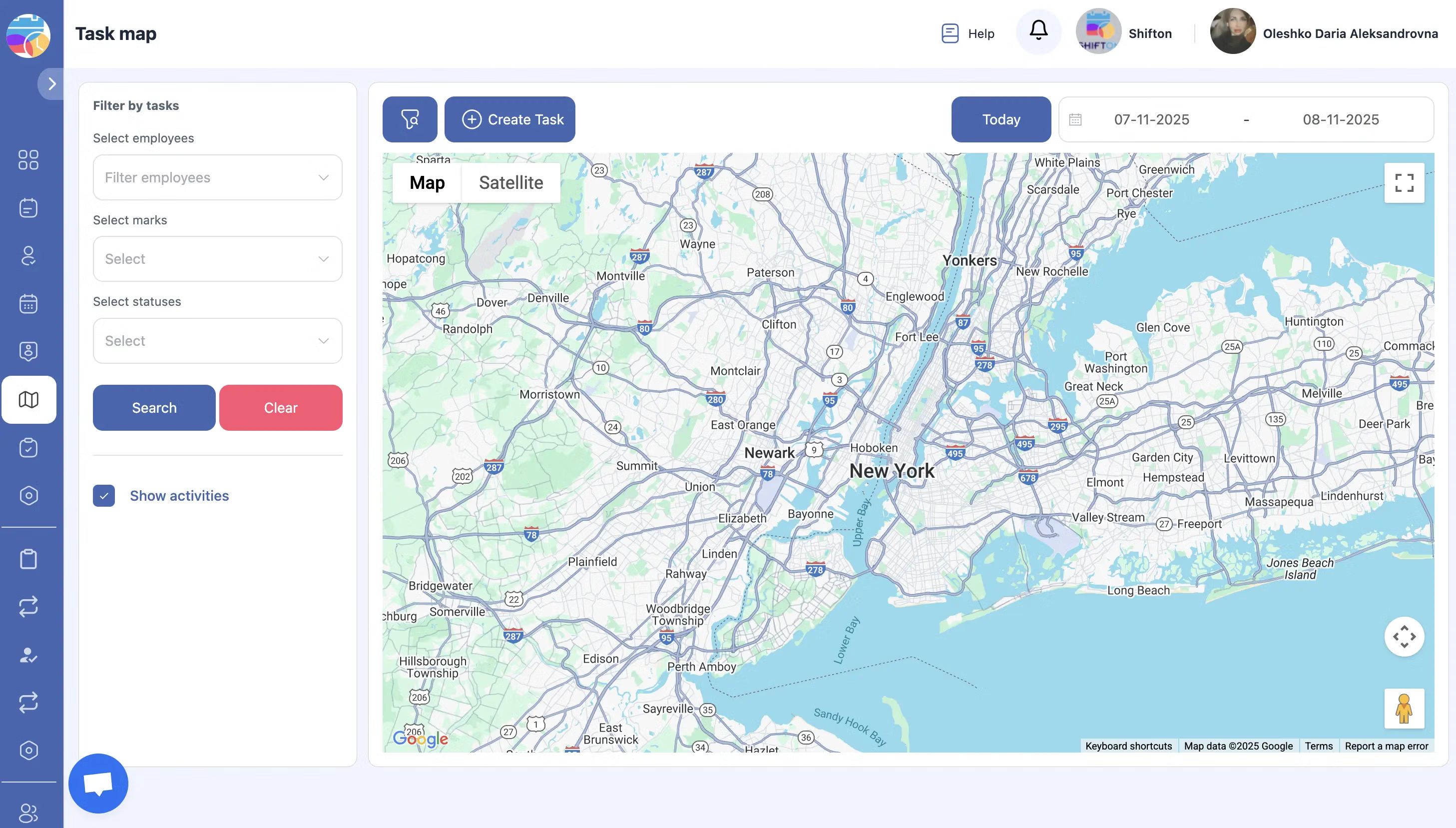
The crew arrives knowing the property
Every property has details that live in one person's head: the gate code, the dog, the bed that gets cut back in March, the customer who wants clippings taken away. When that person is on holiday the crew improvises. Kept on the job card, the property knowledge belongs to the business.
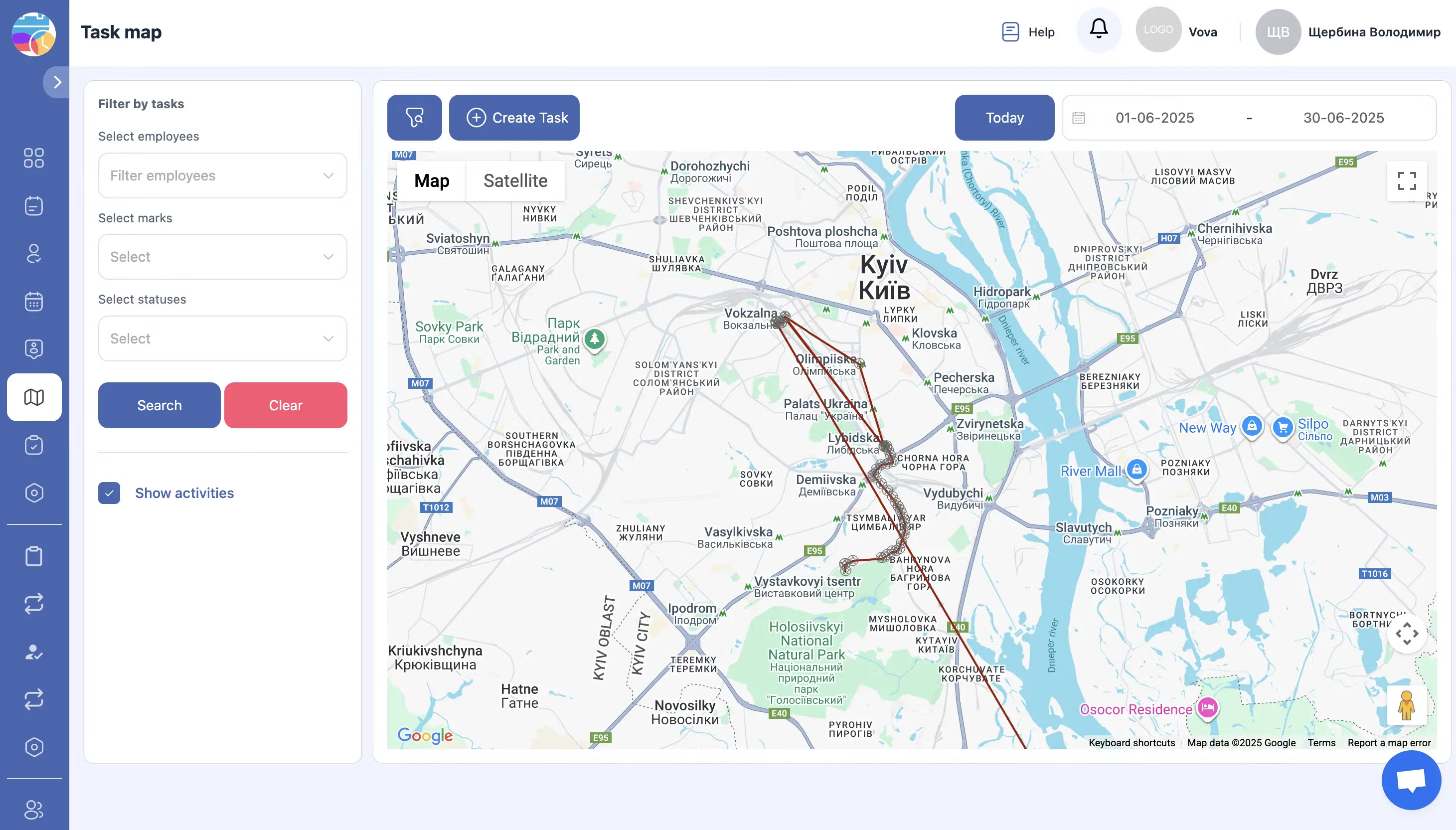
Hours per property, not hours per week
Maintenance contracts are priced per visit and delivered in hours, and most landscaping businesses only find out which properties are unprofitable at the end of the year. Recording start and finish on the job turns that into a weekly number: the site that was quoted for forty minutes and takes seventy shows up immediately.
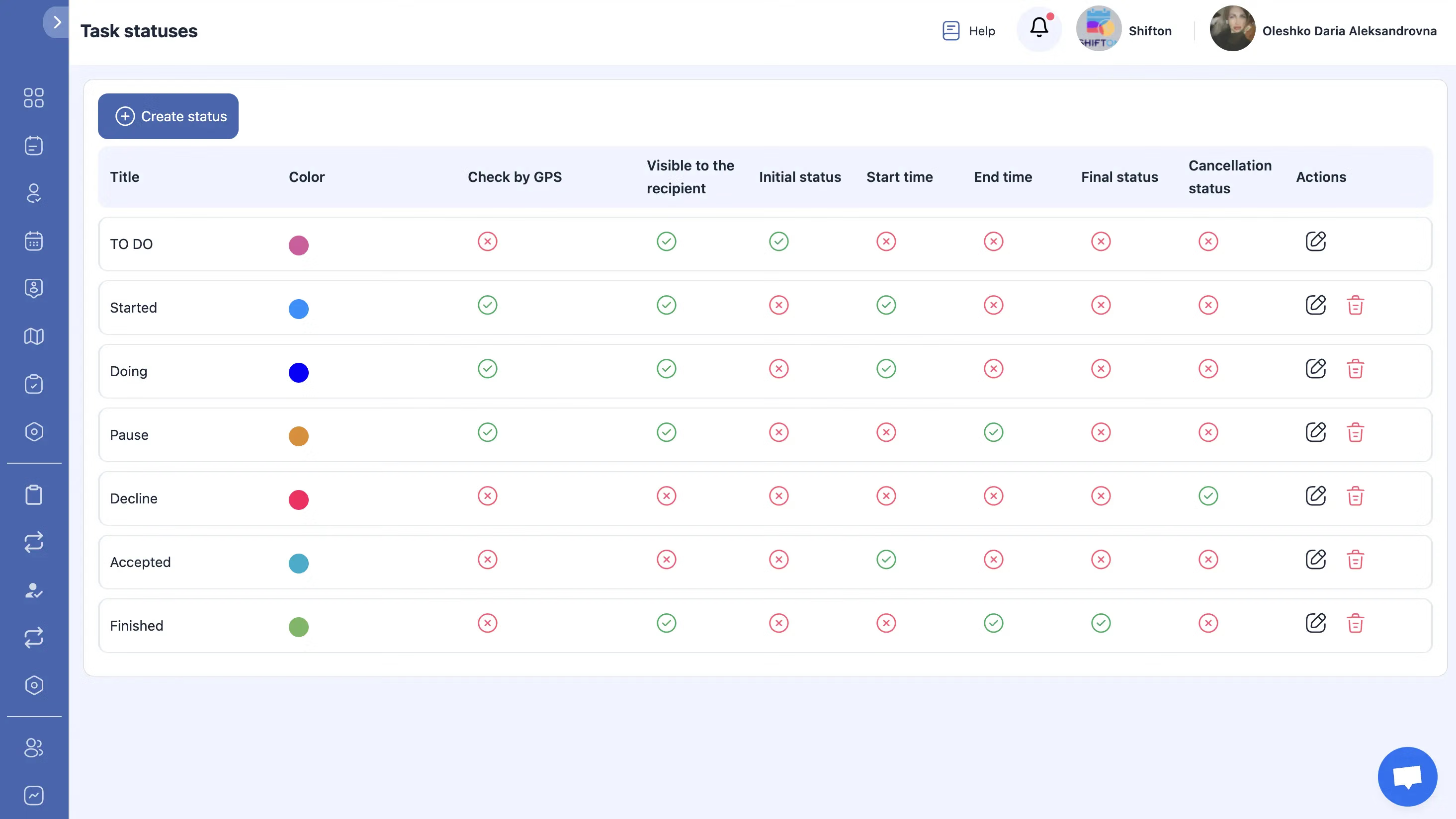
From finished visit to invoice without retyping
Maintenance billing is repetitive and easy to get wrong: visits missed in bad weather, extras done and forgotten, materials used on one site and billed to another. Building the invoice from the completed jobs keeps the bill and the work in step.
Start with the Free Plan
No time limits. Get full access to core features and upgrade when you're ready.
Read the full guide to landscaping business software
Two businesses, one set of crews
Almost every landscaping company is really two companies. The maintenance side is a route business: predictable, repeating, priced per visit, and profitable only if the driving between properties is short. The install side is a project business: irregular, weather dependent, priced per job, and profitable only if the sequence holds. They share vans, people and a calendar, which is why the calendar is where the trouble starts.
The practical consequence is that landscaping business software has to model recurrence and sequence at the same time. A tool that only does appointments makes you rebuild the round every week. A tool that only does projects loses the round entirely.
The round is a routing problem
On a maintenance round, the work is not the variable. Cutting a lawn takes what it takes. The variable is the driving, and it is the part most businesses never measure. A round planned in the order the properties were signed rather than the order they sit on a map can spend a quarter of the day in the van.
Order the day, not just fill it
Planning the day in route order is the cheapest improvement available to a maintenance business, and it compounds. Twenty minutes saved per crew per day is a property and a half a week, every week, with no extra labour. Seeing the round as a sequence rather than a list is what makes that visible.
Keep the property knowledge in the business
Gate codes, dogs, the neighbour who complains about noise before eight, the bed that gets cut hard in March, the customer who wants clippings left and the one who wants them taken. In most companies this lives in the head of whoever has done the round longest, and it walks out of the door with them. On the job card it belongs to the business, and a new starter does the round properly in the first week.
Hours per property is the number that decides renewals
Maintenance contracts are renewed on a feeling and lost on arithmetic. The feeling says a property is fine. The arithmetic says it was quoted at forty minutes, takes seventy in June, and has not been repriced in three years. Without hours recorded against the property, nobody has the arithmetic, so the renewal is a guess and the guess is usually generous to the customer.
Recording start and finish on the job turns this into a routine report. Two things fall out of it. First, the properties that need repricing at renewal. Second, the properties that are fine but are being driven to badly, which is a routing fix rather than a price rise.
Extras are the quietest loss in landscaping
A crew is on site, the customer asks whether they could take out that shrub while they are here, and the crew does it because saying no is awkward. Ten minutes of work, no record, no charge. Multiply by a season and it is a real number, and nobody in the business can see it because it never touched a piece of paper.
The fix is not a policy about saying no. It is making the recording take five seconds on a phone that is already in the crew leader's hand. Recorded against the visit, the extra is either billed or knowingly given away, and both of those are better than the third option.
Weather and the honest plan
Landscaping loses days to rain and frost like roofing does, but the maintenance round has a mercy that install work does not: a missed cut can usually be caught up. That only works if the catch-up is planned rather than improvised. Seeing the whole week, with real durations and real travel, is what lets an office decide which properties slide and which crew absorbs the extra, before the customers start ringing.
What to check before choosing
Ask three things. Can a recurring round be scheduled once and adjusted, rather than rebuilt weekly. Can a crew leader complete a visit on a phone in under a minute, including a photo, with no signal. Can the invoice be built from the visits and extras that were actually recorded.
If the answer to all three is yes, the rest is preference. If the answer to any of them is no, the software will be abandoned by the second month of the season, when nobody has time to fight it.
Starting on the free plan
Two people run free with no time limit: scheduling, digital job forms, the mobile app and reports. A one-crew maintenance business can work this way permanently, and a larger one can use it to test the round before rolling anything out.
Paid modules are added as they become worth it. Invoicing when billing the round by hand becomes the worst afternoon of the month. Inventory when plants and materials stop reconciling. Location control when crews cover a wide area. The customer portal when clients want to see their own visit history. Each carries a free trial of up to 55 days.
Each part is documented on its own page: dispatch and task management, the mobile app, digital job forms, service areas, invoicing and reports. Prices are on the pricing page.
Frequently Asked Questions
Can landscaping software handle a weekly maintenance round?
Yes. Recurring visits are scheduled ahead for each property, so the round appears on the board automatically rather than being rebuilt every week. Each visit carries its own checklist, photos and recorded hours, and the site history shows what happened on the previous ones.
How are install projects handled alongside the round?
Projects are held as sequences of scheduled jobs against the same crews, so the office can see what committing a crew to a three-day install does to the maintenance round before it commits them, rather than after the customer calls to ask why nobody came.
Does the landscaping app work without signal?
The mobile app for iOS and Android keeps the job, the checklist and the photos on the device. Crews working on rural properties can complete the record where there is no coverage, and everything syncs once the phone finds a connection.
Can I see which properties are taking longer than they were quoted?
Yes. Hours are recorded against each property rather than against the day, so quoted time and actual time sit side by side in reports. The site that consistently overruns is visible within weeks instead of at the end of a contract year.
How do extras agreed on site get billed?
The crew records the additional work on the job card while they are there, with a photo if it helps. It stays attached to that visit and is carried into the invoice, which is the difference between billing extras and remembering about half of them.
Is landscape contractor software worth it for a small team?
Teams of two or fewer run free with no time limit: scheduling, digital job forms, the mobile app and reports are included. Paid modules such as inventory, invoicing, location control and the customer portal are added when the round grows.
What does landscaping business software cost?
The free plan covers up to two employees permanently, and beyond that pricing is per employee per month. Every paid module carries a free trial of up to 55 days, which covers a full growing season of maintenance work before you commit.



Ready to transform your field operations?
Join thousands of field service companies that trust Shifton to run smarter every day.