

Event Workforce Management Software for Crews
Crews, stewards and volunteers on one schedule, checked in on site, with labour reconciled while the event is still fresh.
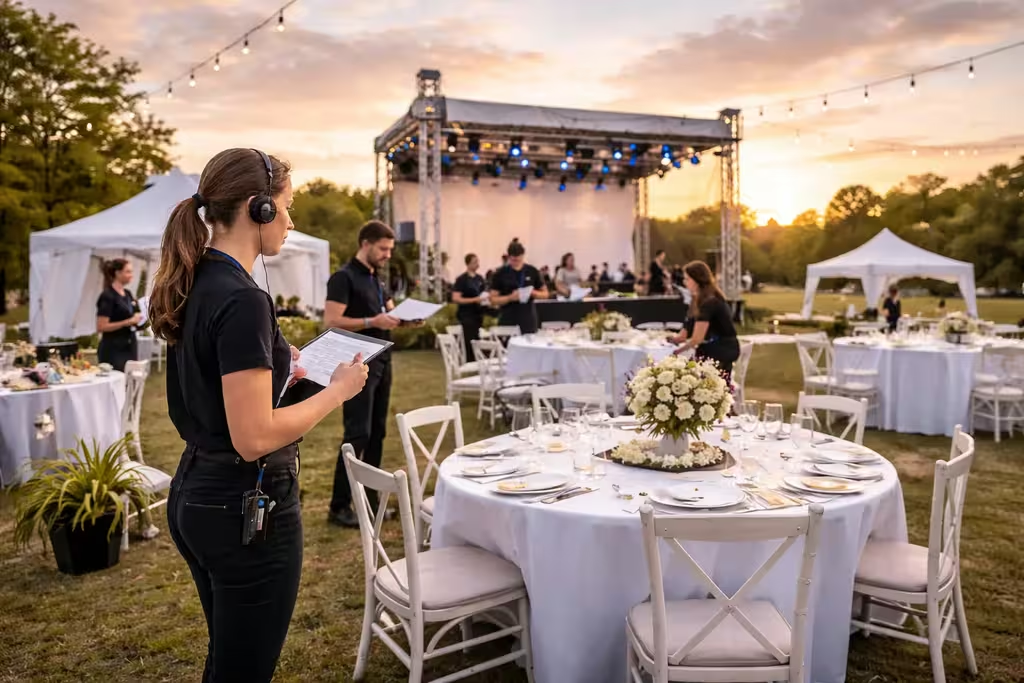
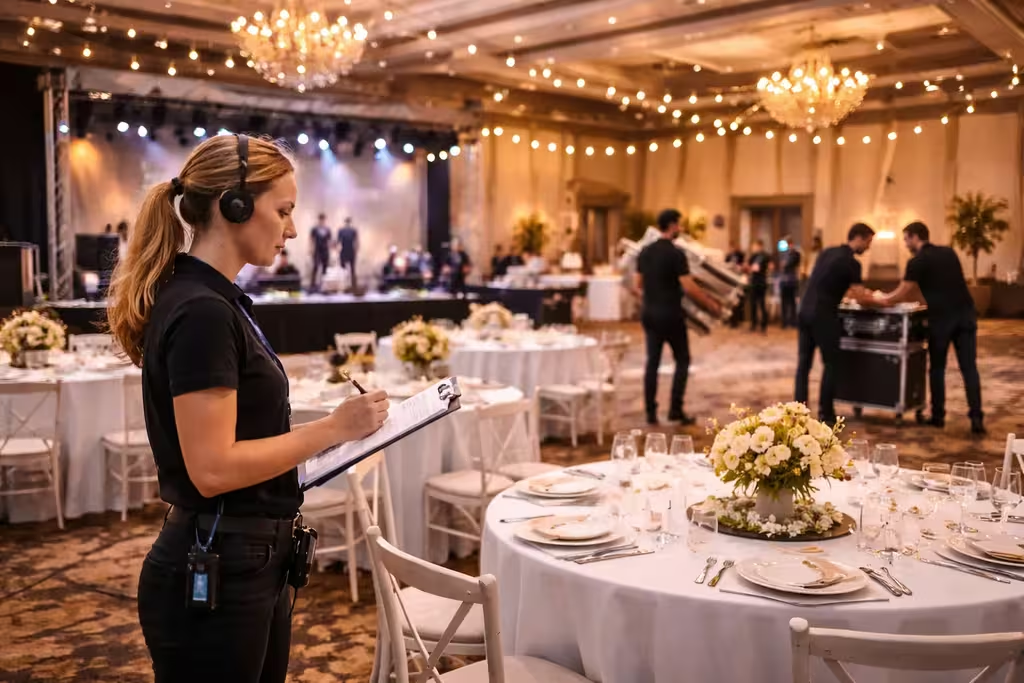
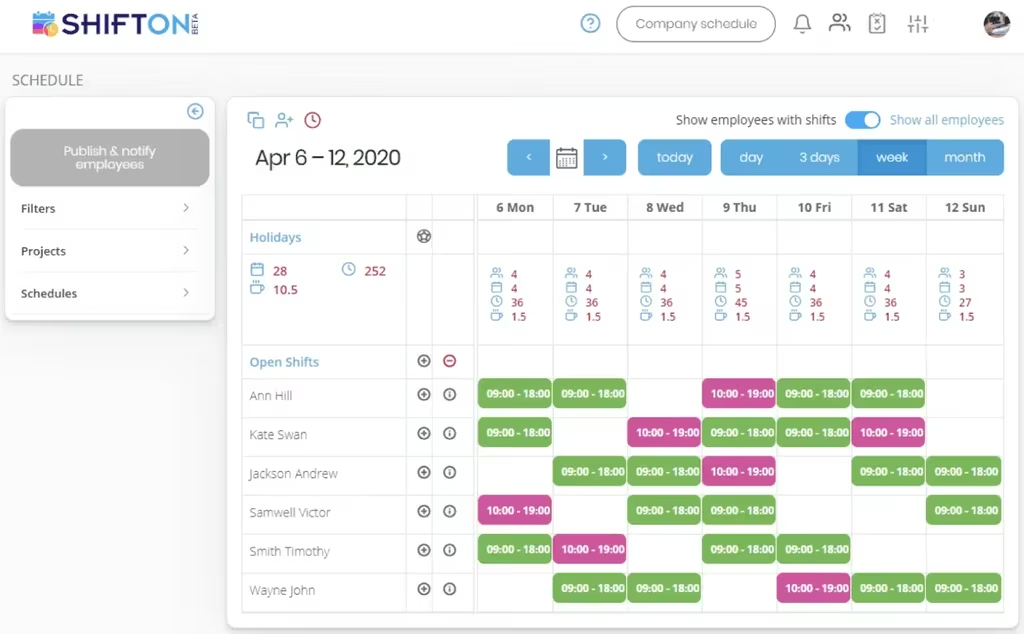
Schedule build, show and strike as separate days
An event is not one shift. Build is two days of long hours with a small crew, show day needs everybody, and strike happens overnight with people who have already worked. Treating them as one block hides where the hours actually go.
Check people in where the event is
On show day the crew is spread across a site with no office. Check-in from a phone records who actually arrived and when, which is the difference between a plan and a headcount.
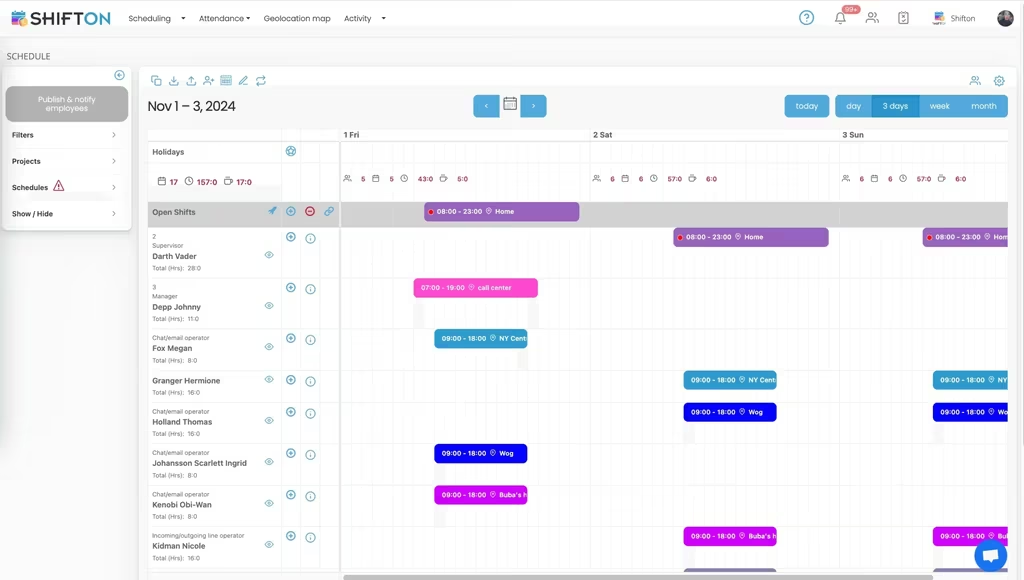
Move people while the event is running
Show day changes hourly. A queue builds at the wrong gate, a supplier is late, a stage overruns. Reassigning crew and pushing the change to their phones is the whole job between doors and curtain.
Reconcile labour before the invoices land
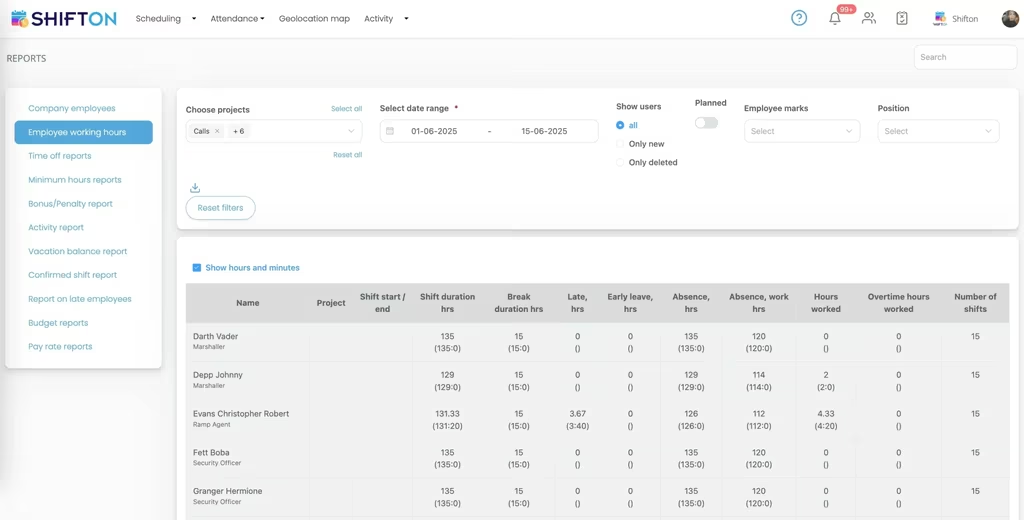
Event budgets are decided afterwards. Grouping recorded hours by phase and by role turns a single labour figure into something that can be compared with the estimate the event was priced from.
Start with the Free Plan
No time limits. Get full access to core features and upgrade when you're ready.
What event workforce management means
Event software usually means one of two things, and they solve opposite problems. Event management platforms handle the event as a product: registration, ticketing, attendees, sponsors, the app the audience downloads. Event workforce management handles the people who make it happen: crew, stewards, technicians, hospitality staff and volunteers.
A production manager needs the second one. Registration numbers do not tell you whether the overnight strike crew has enough people, and a ticketing platform has no opinion about the fact that four of them already worked a fourteen hour build.
An event is three different staffing problems
Build, show and strike look like phases of one job and behave like three separate ones. Build runs long days with a small skilled crew. Show day needs the maximum headcount for a fixed window, with roles that barely overlap. Strike happens late, fast, and usually with people who have been on site since morning.
Planning them as one block produces the classic failure: a strike crew of exhausted people because nobody looked at who had already worked. Planning them as separate projects makes the overlap visible, and makes the cost of each phase measurable afterwards.
Volunteers are not staff, and the schedule should know
Volunteer hours are not payroll hours, but they are still coverage, and a plan that leaves them out is not a plan. Keeping volunteers as their own role gives the production manager the real headcount while keeping the payroll export clean.
Build, show, strike. Three staffing problems wearing one name.
Show day is a live operation
By the time doors open, the schedule is a starting position rather than a plan. A queue builds at the wrong entrance, a supplier arrives an hour late, a set change overruns and the crew booked to reset the room is standing somewhere else. The job between doors and curtain is moving people and telling them.
That is why check-in matters more here than in most industries. Knowing who actually arrived, rather than who was booked, is the difference between reassigning from a real headcount and reassigning from a wish. Read confirmation closes the other half: a change published at four is known to have been seen.
Several venues, one board
Festivals with multiple stages and agencies running three events in a weekend have the same requirement. Everything on one board, filterable down to one site, so the person holding the whole picture can still see the whole picture.
Hours recorded honestly on long days
Event days break the assumptions built into ordinary time tracking. Fourteen hours is normal on a build. Breaks are taken when the work allows rather than on a schedule. Somebody who was booked for eight stays for twelve because the truck was late.
Recording actual start and finish beside the booked shift, with breaks logged separately, keeps all of that in the record instead of in somebody memory. It is also what makes the fatigue question answerable when the same crew is booked for strike.
Fourteen hours is a normal build day. The record should say so.
The reconciliation nobody enjoys
Event budgets get judged after the event, usually against an estimate written weeks earlier by somebody optimistic. Labour is the line that moves most, and it is the hardest to break down once the invoices arrive as totals.
Grouping recorded hours by phase and by role turns that total into an explanation. Build ran two days longer than scoped. Stewarding was over-staffed on the Saturday and under-staffed on the Sunday. Both are useful for the next event; neither is visible from a single labour figure.
Agencies, in-house teams and the mix
Event labour rarely comes from one place. A production company has core crew and books freelancers. A venue has permanent staff and calls an agency for big nights. A festival runs on a small core, a large volunteer body and several suppliers with their own people.
Keeping those groups as separate departments on one schedule preserves both things that matter: the production manager sees the whole site, and the payroll export holds only the people the company pays. Suppliers stay visible for coordination without their hours entering anybody payroll run.
Recurring events
Venues and promoters run variations of the same night repeatedly. Saving a working plan as a template and applying it forward removes most of the setup for the next one, and it makes the comparison possible: the same event, the same roles, more or fewer hours than last time.
Where to start
Shifton is free for up to 10 people with no time limit, which covers a small production company or a single recurring event. Scheduling, the mobile app, the basic time clock and reporting are included. Modules are added individually from $0.50 per employee a month, each with a trial of up to 60 days.
Frequently Asked Questions
Can I schedule crew, stewards and volunteers on one plan?
Yes. Roles separate the groups so a production manager can look at technical crew alone or stewards alone, while everybody receives one published schedule and sees only their own shifts in the app.
How do I handle build, show day and strike?
Each phase is set up as its own project. The same person can hold shifts in more than one phase, and reports then show what build, show and strike each consumed rather than one combined figure.
Can people check in on site without a terminal?
Yes. Check-in works from the mobile app, so arrival is recorded wherever the crew actually is. For events that need check-in tied to a location, work location control is available as a paid module.
Can I run several venues at once?
Each venue is a project or location on the same board, so a festival with four stages or an agency running three events in a weekend sees everything in one view and can filter down to one site.
How do I reassign crew during the event?
Change the shift and publish. The affected people are notified on their phones, and read confirmation shows who has opened it. An unfilled position can be opened to everyone already on site.
Is there a free plan for a small event team?
Up to 10 people the account is free and stays free, with the plan, the mobile app, the basic clock and reports included. Above that, modules are $0.50 per employee a month and each carries a trial of up to 60 days.




Put the whole event on one schedule
Free for up to 10 people, with build, show and strike planned apart, check-in on site and labour reconciled after.