

Telecom Tower Services Software for Climbing Crews
Tower visits booked around access, weather and power-down windows, with pre-climb checks and closeout photos captured before the crew leaves the site.
Getting to the tower is half the job
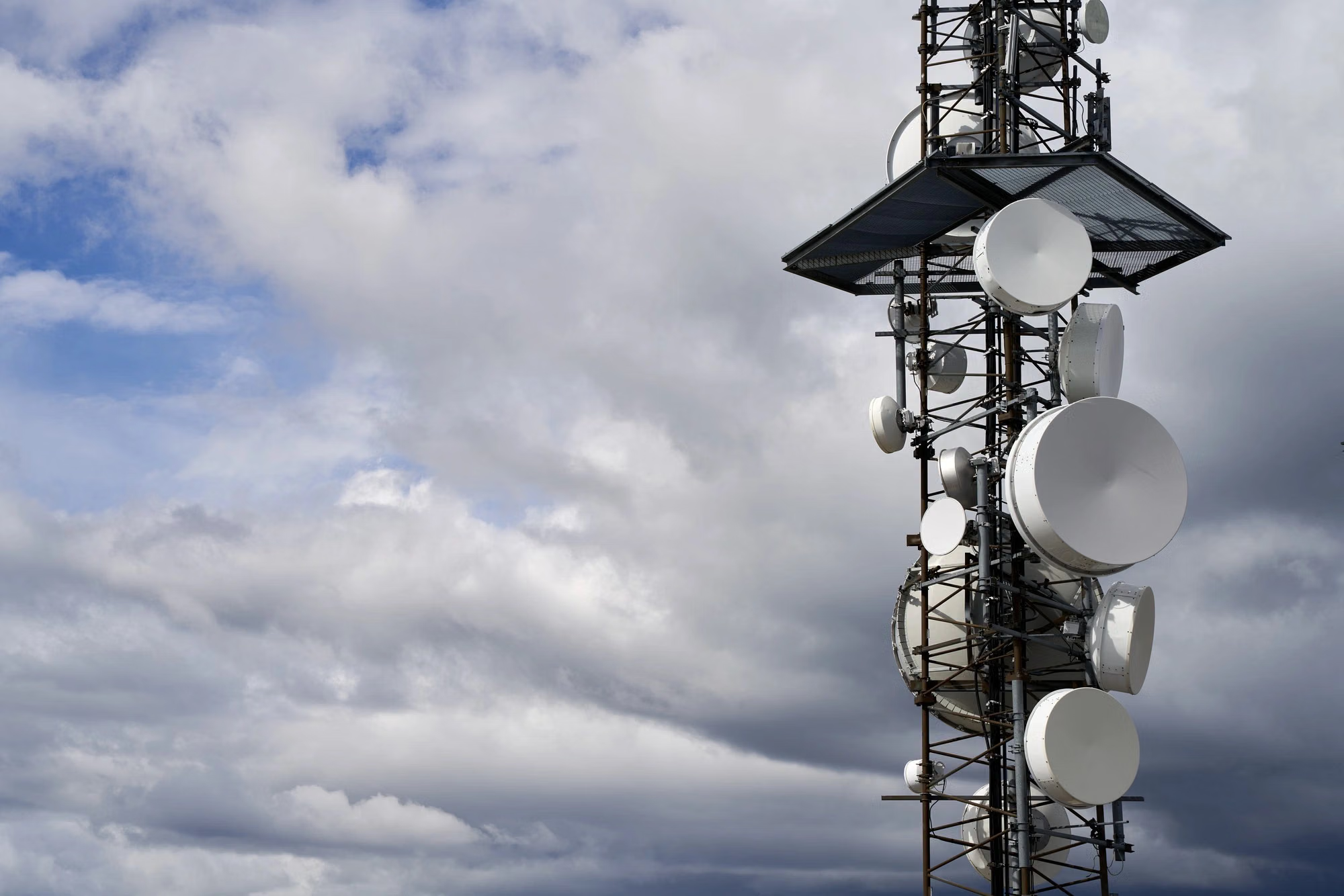
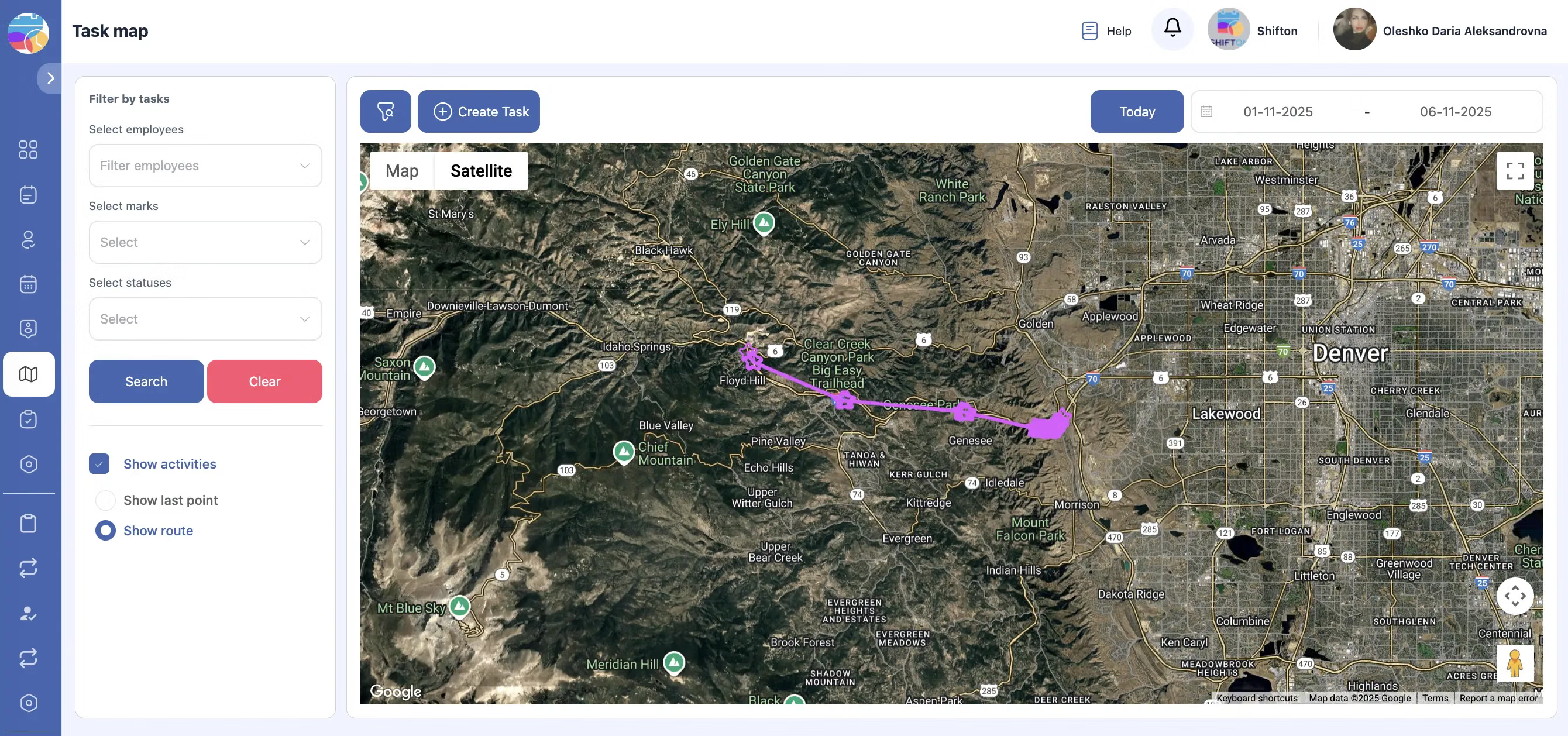
A tower visit needs landlord access, gate keys, a power-down agreed with the network operator and weather fit for climbing. Any one of those missing and the crew drives home with nothing done.
Two climbers, one plan
Climbing work needs at least two qualified people on site and a rescue plan. The planner cannot send one climber and hope a second turns up.
Closeout packages are what get you paid
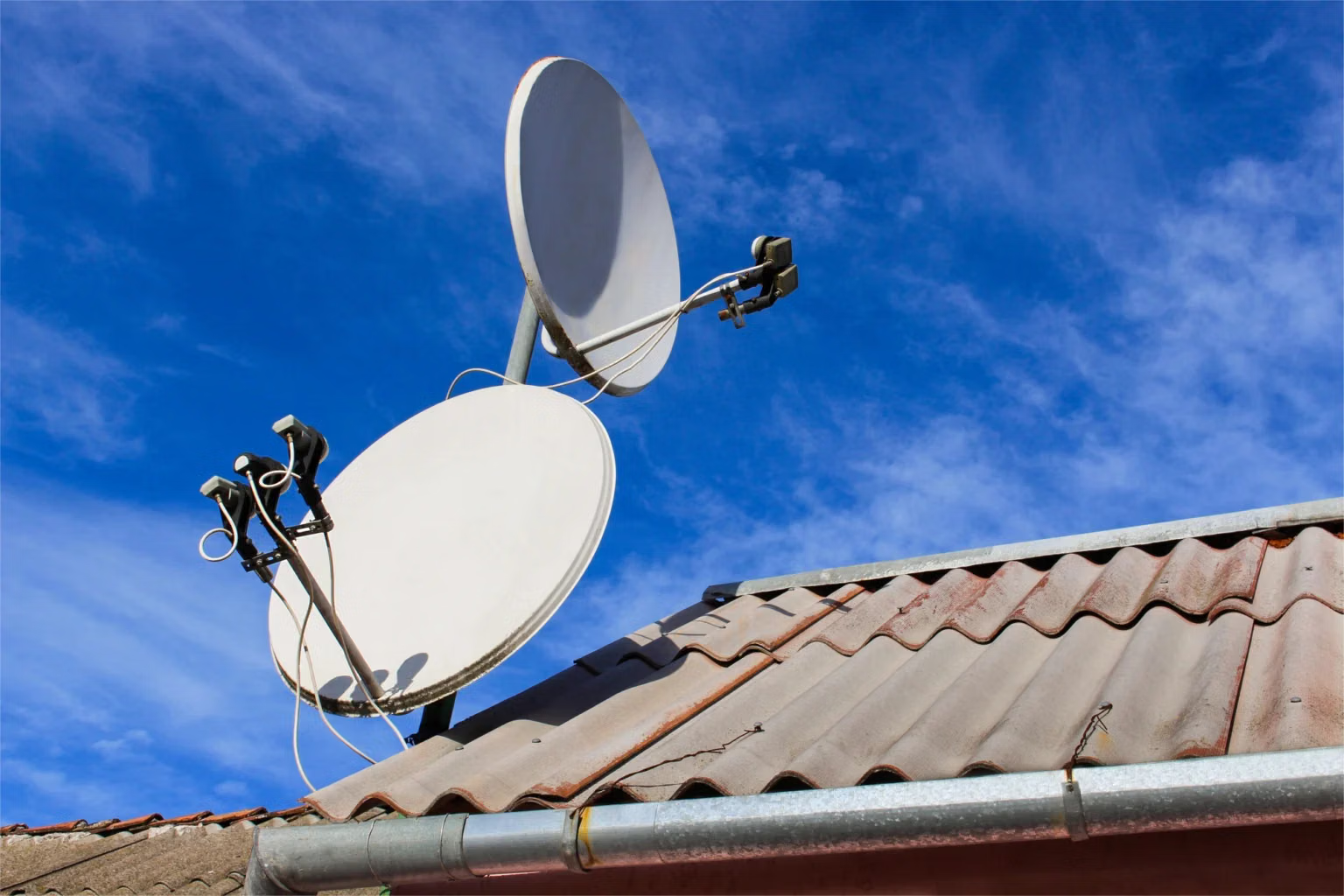
Tower owners and operators ask for dozens of photographs after every installation: each antenna, each connector, cable routes, grounding, labels. A missing picture holds up acceptance and the invoice with it.
Many sites, many crews
An upgrade programme covers hundreds of towers with a mix of your own and subcontracted crews. Everyone has to work to the same standard.
Start with the Free Plan
No time limits. Get full access to core features and upgrade when you're ready.
See how tower crews plan climbs and closeout packages
What telecom tower services software needs to handle
Tower work combines long drives, dangerous work at height and demanding paperwork. Telecom tower services software for the contractor's side has three jobs: get the right crew to the right site at a time when access, power-down and weather allow; make sure safety checks happen before every climb; and bring back a closeout package complete enough to be accepted first time.
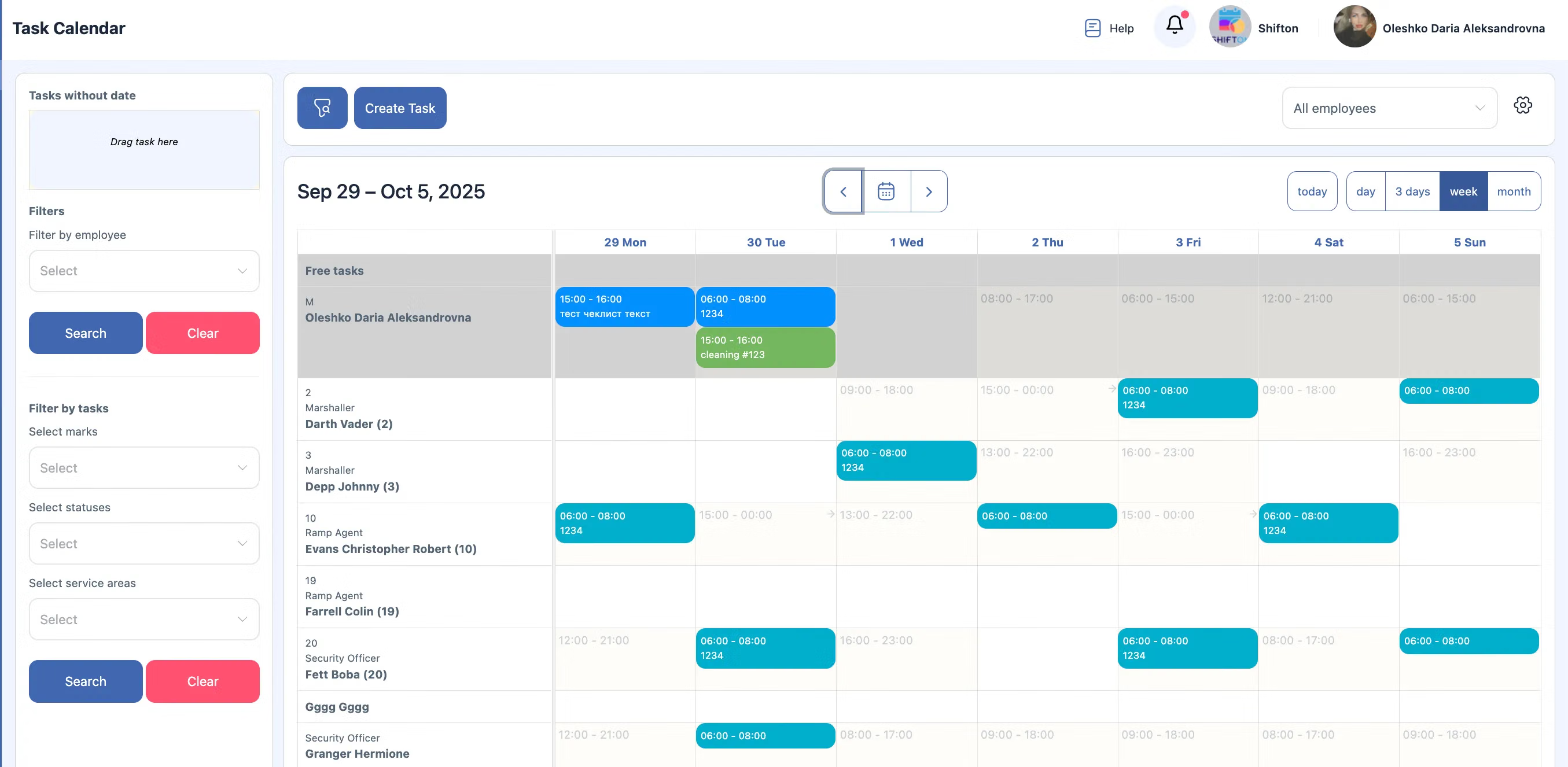
Shifton Field Service handles those with a planning board, a mobile app and structured forms with photo fields.
Why tower schedules slip
Weather is the obvious reason, but not the most common. Access refused by a landlord, a power-down cancelled by the operator, material that did not arrive at the warehouse and a second climber who is still on another site all cost more days. Recording each reason on the job gives the programme manager evidence when the operator asks why progress is behind.
Closeout rejections
An operator's reviewer rejects a package for a blurred label, a missing torque mark or a photo of the wrong sector. Each rejection means a desk chase, and sometimes a return climb. The cure is a photo list built into the form for each task type, so the crew cannot close the job with a required picture missing. Reviewing the first few packages from a new subcontractor against that list, before they reach the operator, catches bad habits early.
Rooftop and small cell work
Not every site is a lattice tower. Rooftops bring building managers, lift keys and restricted hours; small cells on street furniture bring traffic management and council permits. The job card carries whichever access conditions apply, and the checklist changes with the site type rather than forcing one tower form on everything.
Maintenance and inspections
Beyond installations, towers need periodic inspections: structure, bolts, grounding, lighting and cable supports. These are repeatable checklists that suit a standard form, with photos of any defect. Inspection rounds are also the easiest work to fill quiet weeks with, so planning them by region, close to where installation crews already are, keeps climbers busy and saves separate trips to the same area later in the year.
What Shifton Field Service does
It plans tower visits and programmes on one board, sends crews site details and checklists through the mobile app, collects photos, serials and signatures, logs hours and produces site reports. A crew of up to two people has all of that at no cost for as long as it stays that size. Inventory, Invoicing, GPS work location control and the customer portal are paid modules.
It is not a network management system, a site database or a structural analysis tool, and it does not plan RF or check tower loading. It plans your crews and keeps the evidence of their work.
Frequently Asked Questions
A lot of our sites have weak or no mobile signal at the base. Can crews still complete forms?
Yes. Crews fill in checklists and take closeout photos on the phone at the site, and the app uploads everything once it reaches coverage again, typically on the drive to the next tower.
Is this general telecom field service software, or only for towers?
It is general telecom field service software: tower work, rooftop sites, small cells, cabinets and fibre jobs all run as jobs on the same board with their own checklists.
Does it connect to the network operator's systems?
No. It does not integrate with operator ticketing, network management or site databases. Jobs and closeout reports are created in Shifton and shared with the operator as reports or through the paid customer portal.
Can we check climber certifications before assigning a job?
The planner can note the certification each job needs and assign qualified climbers. Shifton does not verify certificates or track their expiry for you.
What is the cost for a two-climber crew running its own business?
Nothing. Two employees or fewer get the board, the app, forms and reports free without any time limit. Invoicing, Inventory, GPS work location control and the customer portal are paid modules.
Can we track antennas and radios taken from the warehouse?
With the paid Inventory module, equipment is issued to the job and serials are recorded, so you know what went up which tower.


Ready to transform your field operations?
Join thousands of field service companies that trust Shifton to run smarter every day.