

 English
  Español
  Português
  Deutsch
  Français
  Italiano
  日本語
日本語  中文
中文  हिन्दी
  עברית
עברית  العربية
  한국어
한국어  Nederlands
  Polski
  Türkçe
  Українська
  Русский
  Magyar
  Română
  Български
  Čeština
  Ελληνικά
  Svenska
  Dansk
Dansk  Norsk
Norsk  Suomi
Suomi  Bahasa Indonesia
  Tiếng Việt
  Tagalog
  ไทย
ไทย  Latviešu
  Lietuvių
  Eesti
Eesti  Slovenčina
  Slovenščina
  Hrvatski
  Македонски
  Қазақша
  Azərbaycan
  Afrikaans
  বাংলা
বাংলা Smart Payroll Management Software for Shift-Based Teams
Run payroll from the same platform that runs your schedule. Verified hours flow into pay calculations without manual rekeying, and your team gets paid the right amount on the right day.

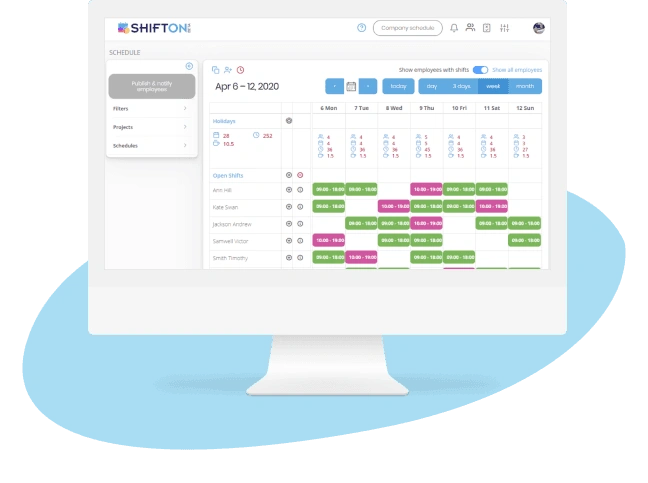
Automated Wage Calculation From Verified Timesheets
Manual payroll is where small mistakes turn into big problems. Re-typing hours from paper timesheets, multiplying overtime by hand, adjusting for night and weekend differentials. Each step is a chance to underpay someone who notices, or overpay someone who does not. The result is back-pay claims, eroded trust, and a payroll administrator who works late every other Friday.
The fix is a verified clock-to-payroll pipeline that does the math automatically.

Multi-Rate Pay Rules for the Workforce You Actually Have
Most operational businesses do not have one type of employee. They have full-timers on salary, part-timers on hourly rates, contractors with project rates, and sometimes union employees with collective bargaining scales. A single pay rule for the whole company is a fiction that breaks down the moment you try to apply it to a real pay period.
The right payroll management software handles every employee group with the rule that actually applies to them.
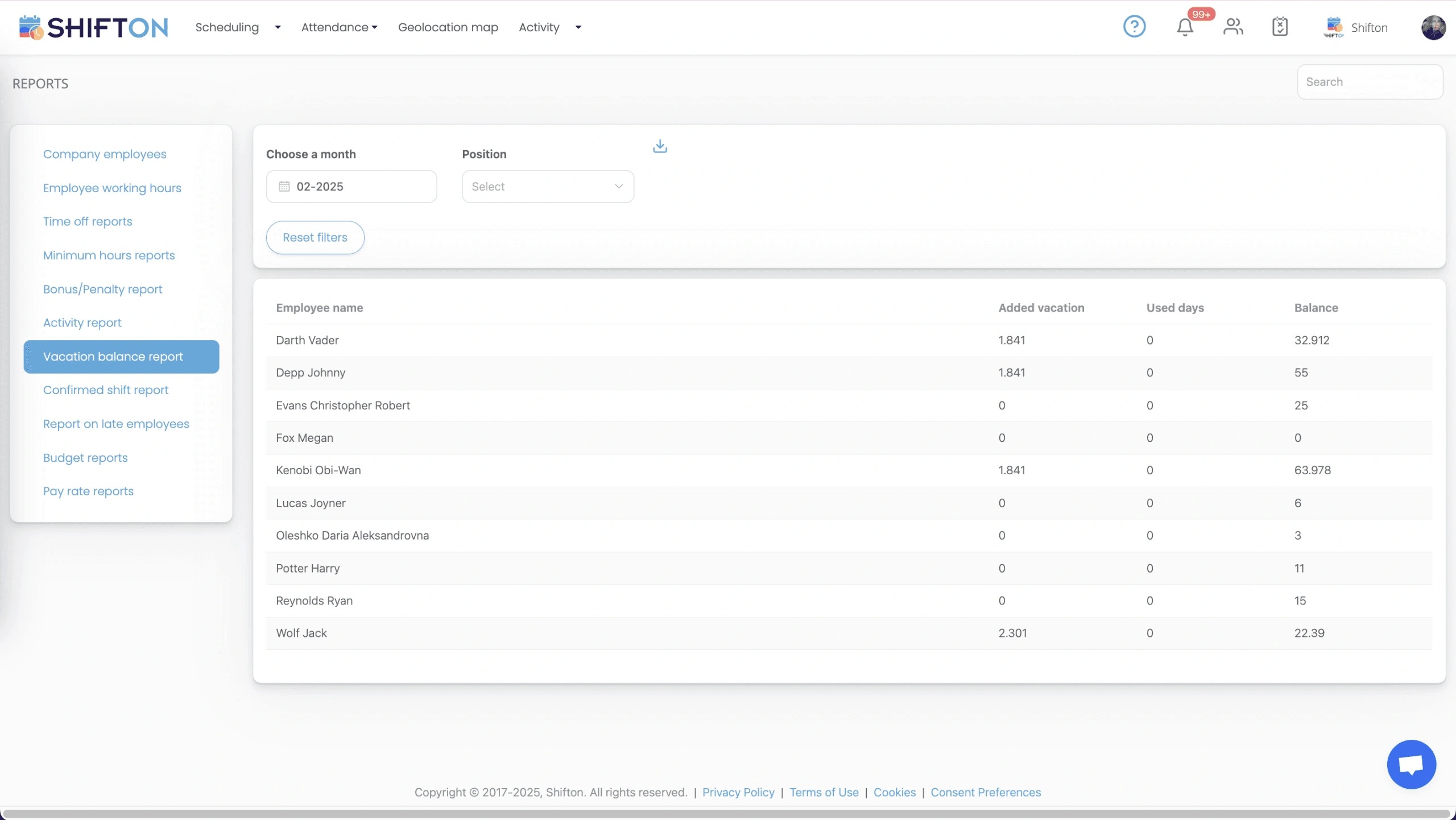
Real-Time Payroll Cost Dashboard for Managers
By the time the month closes and you find out labor cost was three percent over budget, the money is already spent. The decisions that drove the overage happened in week one, two, and three. The point of a real-time payroll dashboard is to surface those decisions while you can still change them.
Live wage accumulation, overtime alerts, and department-level dashboards are not analytics. They are operational steering wheels.
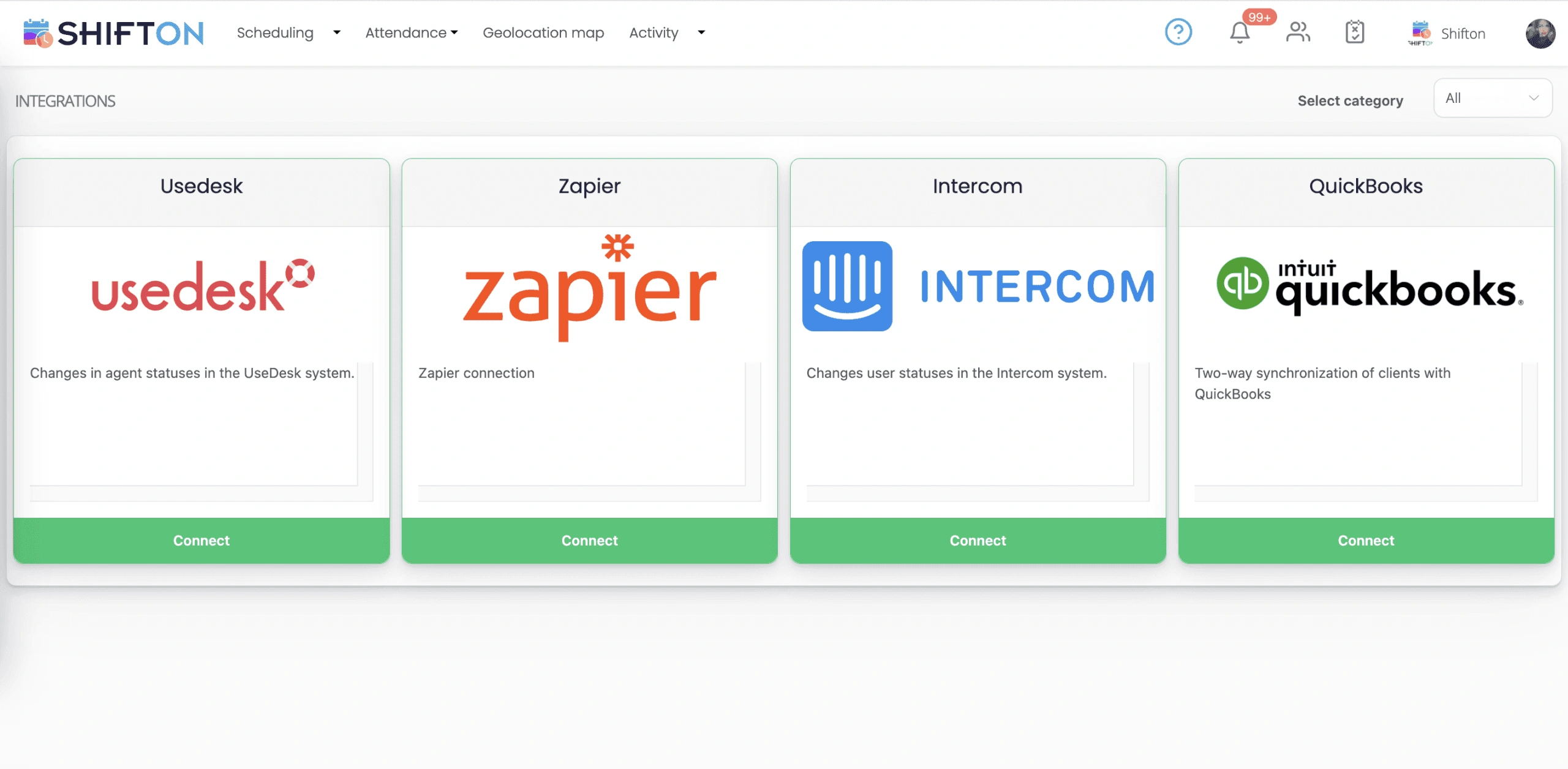
Payroll Export and Clean Integration with Your Accounting Stack
The hours have to land in the system that actually cuts the checks. QuickBooks, Xero, ADP, Gusto, your in-house accounting team. Manual export, copy-paste, and reformatting is where the error rate spikes and the audit trail breaks. The cleaner the integration, the fewer Friday-afternoon scrambles when something does not match.
Shifton generates payroll-ready files in the format your provider expects, with the categorization that keeps tax withholding accurate.
Start with the Free Plan
No time limits. Get full access to core features and upgrade when you're ready.
Read more about payroll management
Payroll is the one operational process where mistakes are immediately personal. A scheduling error frustrates a manager. A staffing miss frustrates a customer. A payroll error frustrates the employee directly, in the form of money that did not show up when it was supposed to. The cost of getting payroll wrong stacks up faster than almost any other back-office mistake.
That is why payroll management software exists as a separate category from scheduling, time tracking, or general HR. The math is unforgiving. The legal exposure is real. The trust impact lands on every employee in the company.
What payroll management software actually does
The category covers a narrow set of jobs done well, not a broad set of jobs done loosely. The four jobs that matter:
- Take verified hours from time tracking and turn them into the right gross pay, applying base rates, overtime multipliers, shift differentials, tips, commissions, and bonuses.
- Apply the right deductions: taxes, benefits, retirement contributions, garnishments, with the categorization that keeps tax filings clean.
- Produce a clean export to whatever system actually pays the people, whether that is an external provider like ADP or Gusto or an internal accounting team running QuickBooks.
- Maintain the audit trail that satisfies auditors and labor lawyers when something gets questioned.
Everything else is feature padding. A platform that does the four jobs reliably is more valuable than one with twenty bells and whistles that gets the basics wrong every third pay cycle.
The hidden cost of manual payroll
Most small operations start with manual payroll. Hours go on a paper timesheet, somebody types them into a spreadsheet, the spreadsheet gets emailed to the payroll provider, and the cycle closes. The cost is invisible until you measure it.
Manual payroll administrators spend significant hours per pay cycle on rekeying, error correction, and discrepancy investigation. At larger headcounts, that adds up to a meaningful fraction of an FTE spent on data movement. Errors creep in even with careful administrators, and each correction costs a phone call, a re-issued check, and a small dent in the relationship between the employee and the company.
Automated payroll management software cuts the manual work to under an hour per cycle and brings the error rate close to zero, because the verified clock data is the source of truth and the calculations happen by rule instead of by hand. The administrator's time shifts from rekeying to handling the genuine edge cases that need human judgment.
The pieces that matter for shift-based and hourly teams
Most payroll software was designed for salaried office workers. The category did not adapt cleanly to operational teams running shifts, multiple pay rates, and union agreements. Shifton was built around that gap from the start.
The clock-to-payroll pipeline is the spine. Verified clock-in and clock-out data flows into payroll calculations with no manual re-entry. Shift differentials apply automatically based on the time and day of the shift, not based on someone remembering to flag it. Overtime calculates by rule, including the unusual cases like California's daily overtime and the regular-rate-of-pay adjustments that trip up generic systems.
For multi-location operations, the rate engine handles employees who work in two jurisdictions during the same pay period. The right minimum wage applies per shift. The export categorizes hours by location for clean tax filing. The compliance overhead drops to a setup task instead of a recurring per-period worry.
For tipped and commissioned employees, tip pooling and commission tier calculations are part of the payroll engine, not a separate spreadsheet that lives outside the system. The records flow through the same audit trail as everything else.
The real-time dashboard most teams underrate
The single most underused feature in payroll management is the live wage accumulation view. Most managers learn what they spent on labor when the period closes. By then the spending has already happened. The decisions that produced the overage are weeks behind, and the only available action is to cut hours next period to compensate.
A live dashboard changes the cycle. Managers see costs accumulating as the period progresses. Overtime alerts surface before the threshold gets hit. Department-level views let each manager see their own labor budget against actual spend. The decisions move from reactive to proactive: cap that employee's overtime today instead of explaining the variance next month.
The teams that turn this into a habit run consistently closer to budget without grinding morale. The teams that ignore it find themselves either over-budget or in the equally bad position of slashing hours mid-month to compensate.
How to evaluate payroll management software for your team
Spend an hour with the actual payroll export before you sign anything. The platform that demos beautifully is sometimes the one that produces export files your provider rejects. Ask to run a parallel pay cycle: import your employee data, configure your rules, and produce the export for one period without using it. Compare the numbers to what your current system produced for the same period. Differences should be explainable. Differences that nobody can explain are reasons to walk.
Verify how the platform handles your hardest edge cases. The certified employee who works in two pay grades. The salaried exempt manager who occasionally takes a non-exempt shift to cover. The contractor who flips between hourly and project pay. The union employee whose seniority just triggered a higher scale mid-period. If the platform handles those cases without a workaround, it will probably handle the rest of your operation. If you have to configure around the basics, you will be configuring around them for years.
When you actually need payroll management software
Below ten employees, a spreadsheet plus a payroll provider is usually enough, and the free tier of Shifton covers that stage anyway. Between ten and thirty employees, the seams start to show: more pay rules, more edge cases, more time spent rekeying and reconciling. This is the inflection point where most teams bring in dedicated payroll management software, and the ones that delay often find themselves with a back-pay claim or a tax filing error that costs more than two years of subscription fees.
Above thirty employees, the question is no longer whether to use payroll software but which one. Choosing wrong is a year of wasted productivity and a manual migration when you switch later. Choosing right is the operational backbone that lets the rest of the business scale without payroll becoming the bottleneck.
Frequently Asked Questions
What is payroll management software and how is it different from a payroll provider?
Payroll management software is the system that calculates what each employee should be paid based on hours worked, pay rates, overtime rules, and deductions. A payroll provider is the service that actually issues the paychecks and files taxes. The two work together: software prepares clean, verified pay data and the provider executes the payment. Some platforms cover both functions, but most operational teams keep them separate so they can change either side independently.
How does Shifton calculate overtime without manual input?
Overtime calculates automatically based on daily and weekly rules you configure once. When verified clock data shows hours beyond the threshold, the correct multiplier applies without any manual adjustment. Different rules can run in parallel for different employee groups, locations, or union agreements.
Can I set different pay rates for different employee groups?
Yes. Each employee or group can have its own base rate, overtime rules, shift differentials, and bonus structure. Union pay scales with seniority-based triggers are supported, as are multi-location rates where employees crossing jurisdictions get the right minimum wage applied per shift.
How do I know if payroll costs are going over budget mid-period?
The live wage accumulation dashboard shows costs building in real time as employees clock in. Overtime alerts notify you when individual or department spending approaches your set limit. Managers can adjust scheduling, cap hours, or redistribute shifts before the pay period closes, instead of finding out after the fact.
What payroll software does Shifton export to?
Shifton generates payroll-ready files formatted for QuickBooks, Xero, ADP, Gusto, and other major providers. Hours are automatically categorized by pay type for accurate tax mapping. For systems without a direct connector, CSV export with custom column mapping covers the same job.
Is there an audit trail for payroll changes?
Every manual adjustment to exported payroll data is logged with a timestamp, the reason for the change, and the identity of the approver. The trail makes it easy to investigate discrepancies before payments are processed and to satisfy auditors when a question comes up about a specific period.
How does Shifton handle tips and commission earnings?
Tips and commissions are recorded alongside shift hours for complete compensation calculations. The platform supports both pooled tip distribution by hours worked and individual tip tracking. Service-charge calculations and commission tiers can be configured to match how your business actually pays out variable compensation.
Can I run payroll for employees working across multiple states or countries?
Yes. Multi-location rate support handles different minimum wages, overtime thresholds, and tax jurisdictions automatically. Each shift gets the correct rate applied based on where the work happened, not where the employee is officially based. The export categorizes the data by jurisdiction for clean handoff to your tax filing process.
How does retroactive pay work if I need to adjust a past period?
Retroactive pay adjustments apply rate changes or missed premiums to past pay periods with automatic recalculation. The system logs every adjustment with the original and new values, so the audit trail shows exactly what changed and why. Approved adjustments flow into the next payroll export for clean reconciliation.
Is Shifton compliant with US federal labor laws like FLSA?
The overtime engine handles standard FLSA rules out of the box, including weekly overtime thresholds and salaried-exempt classifications. State-specific rules layer on top through configurable overtime thresholds, daily overtime caps, and premium pay triggers. Compliance configuration is a setup task, not a per-pay-cycle task.
How long does it take to migrate payroll from another system?
Most operational teams migrate within seven to ten business days. The setup tasks are: importing employee profiles and pay rates from the existing system, configuring overtime and differential rules, mapping the export format to the payroll provider, and running a parallel cycle to verify the numbers match. Larger operations with union agreements or multi-state rules take longer.
How is payroll management priced for small versus large teams?
The first ten employees are free, which covers small operations. Above that, pricing scales with headcount and the feature tier. Multi-location reporting, advanced permissions, and integrations move to higher tiers. There is no per-feature add-on tax: the tier you pick covers what is included at that level.





Ready to transform your field operations?
Join thousands of field service companies that trust Shifton to run smarter every day.