

5 Best Employee Roster Apps & Rostering Software for 2026

The best rostering software comes down to four checks: how many people the free plan covers, whether time tracking is included on it, what the paid plan costs per user, and how easily a roster app lets staff swap shifts from a phone. Shifton publishes this guide and ranks itself first, so weigh that; it is free for up to 10 employees with the time clock included, Connecteam is free for up to 10 users, Sling for up to 30 (without time tracking), and Deputy and When I Work offer a trial only.
Prices and free-plan limits checked on each vendor's pricing page on 12 October 2026. Readers in Australia search for rostering and readers in the UK for rotas, and this page covers the rostering wording; the rota wording has its own comparison of the best rota apps.
We compared five employee roster apps used across hospitality, retail, healthcare, call centres and field service teams. Each one builds staff rosters, handles swaps, tracks time on shift and hands approved hours to payroll. Verify before buying, because pricing changes often. A roster is one slice of a wider toolkit; our roundup of employee management software solutions brings scheduling, time tracking, and HR into one view, and for a smaller team the best employee scheduling software for small business narrows the field further.
What a roster app does: a rostering app builds employee shift schedules, manages swaps and availability, tracks hours worked, and sends approved time to payroll, replacing spreadsheets and group texts with one shared, mobile roster.
Quick answer - which to pick: Shifton is the best roster app for most small teams (free forever up to 10, with time clock, mobile app and reports; $1 per employee a month for everyone once the team passes 10, with paid modules from $0.50 per employee). Choose Connecteam if you also need team communications and training, Deputy for compliance-heavy rosters, Sling for a free tier up to 30 users in hospitality, and When I Work for a mobile-first retail team.
Free Roster App Plans and Prices at a Glance
Prices are in US dollars, with the billing basis each vendor shows. Where a cell says not stated, the vendor's page did not give it.
| Tool | Free plan and user cap | Time tracking on the free plan | Paid price from | Best for |
|---|---|---|---|---|
| Shifton | Up to 10 employees, no time limit | Yes, time clock included | $1 per employee per month for everyone once the team passes 10; modules from $0.50 | Small and mid-size teams that want GPS time tracking on a budget |
| Connecteam | Free for life, up to 10 users | One time clock listed in the Small Business column | $29 per month for the first 30 users on annual billing ($35 monthly) | Deskless teams that also need communication and training |
| Deputy | No free plan, free trial only | No free plan | Lite $5 per user per month on annual billing ($5.50 monthly, with a $30 monthly minimum spend) | Compliance-heavy rosters in hospitality and healthcare |
| Sling | Free for up to 30 users | No. Time tracking starts on Premium | Premium $1.70 per user per month billed annually ($2.00 monthly) | Single-location hospitality and retail |
| When I Work | No free plan, 14-day trial | No free plan | Essentials $2.50, Pro $5, Premium $8 per user per month; billing basis not stated | Mobile-first retail, restaurants and care teams |
This might interest you:Shifton's shift schedule builder - drag-and-drop rosters, auto-assignment, recurring patterns, and conflict detection in one screen.
Our Top Picks
Five apps made the list. If you want the short version, these three cover most rosters.
Shifton
Rostering sits at the core, with a free plan that runs forever for up to 10 people and paid features added as modules.
Sling
Rostering built around shifts for hospitality and retail, with a free tier that stretches to 30 users.
Deputy
The pick for regulated rosters: predictive scheduling and award rules in AU and US operations.
Why trust us?
Shifton is our own product, and we ranked it first. We would rather say that up front than let you find it halfway down.
The rest we can defend line by line. Every free tier, user cap and price on this page came off the vendor’s own pricing page and was checked on 12 October 2026, not copied from a rival roundup.
How We Chose the 5 Best Employee Roster Apps
Rostering apps and rostering programs crowd the market – tools for roster making, roster planning, and full rostering applications all live in the same category. Most of them either started as a punch-clock with a calendar bolted on, or as a generic project management tool with shifts added later. If your need stretches past the roster into coordinating the whole team, our guide to the best team management software compares broader options.
The five we cover here range from full rostering programs to lighter rostering applications, picked for how each one handles a real shift-based operation. The five we kept on this list either started as rostering software from day one or are mature enough that the rostering side of the product genuinely works for a real operation.
For each tool we looked at how the rostering platform handles the parts of the week that break weaker products: a Tuesday rainout, a sick call at 6 a.m., a public holiday with overtime rules, and a payroll cut-off where every minute of every shift has to balance.
- Roster building speed: can a manager build a 25-person weekly roster in well under 30 minutes
- Swap and availability handling: employees should request swaps from their phone and managers approve in two taps
- Time and attendance integration: the same app should handle clock-ins or sync cleanly with a time-tracking tool
- Compliance safeguards: overtime alerts, break rules, predictive scheduling laws by state, minor work limits
- Payroll export: approved hours flowing into QuickBooks, Xero, ADP, or Gusto without re-entry
- Pricing that matches a real team size, not a marketing-friendly headline number
5 Best Employee Roster Apps Reviewed
Shifton
Shifton is workforce management software built around a rostering core, with a free plan that runs forever for teams up to 10 employees and modular paid features that scale from there.
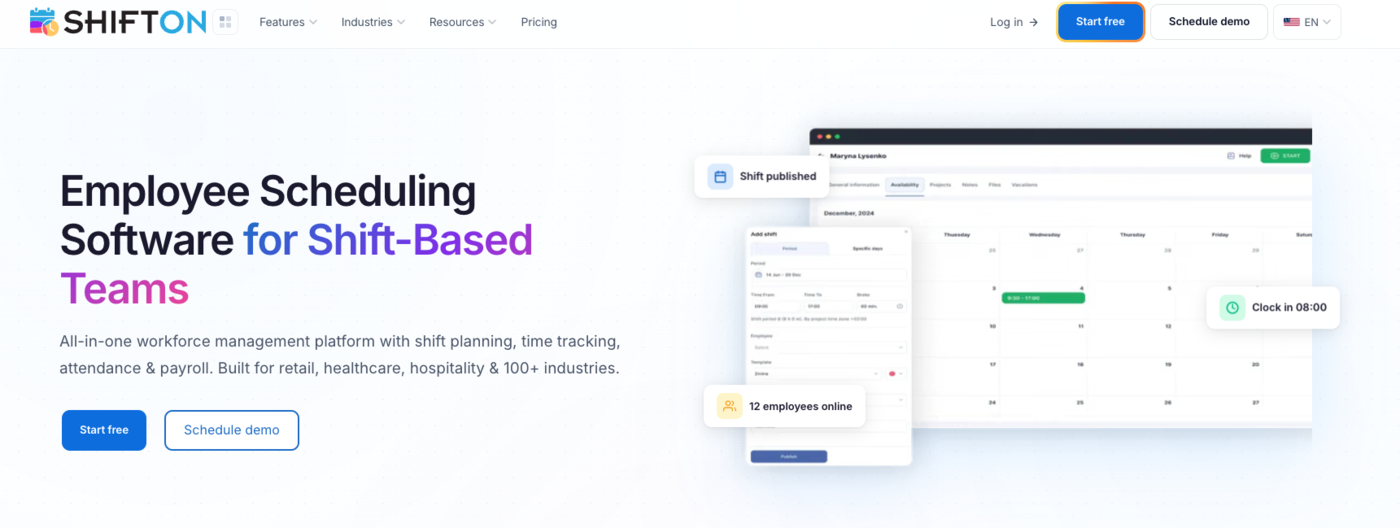
The Free Plan covers full scheduling, time clock, mobile app, and reports at no monthly cost – which is enough for owner-operators and small crews to run their entire roster without paying anything. From there, paid modules stack only for what you actually use, so a 30-person team pays $30 a month for the base functions ($1 per employee, billed for everyone once the team passes 10), plus $6.50 per employee if it switches on payroll, attendance and GPS.
Where Shifton stands out for rostering specifically is the combination of speed and module flexibility. The drag-and-drop roster builder handles recurring weekly patterns out of the box – build a Tuesday morning shift template once and it repeats every week with minor edits. The roster system flags conflicts in real time: double-bookings, overtime breaches, missed certifications.
Employees see their roster in iOS or Android and request swaps without the manager touching anything. GPS-based work location control verifies on-site attendance, closing the gap between rostered hours and actual hours worked.
- Roster builder: drag-and-drop, recurring patterns, multi-location support, auto-assignment
- Mobile roster app: iOS and Android, push notifications for new shifts, swap requests, time-off requests
- Conflict detection: real-time alerts for overtime, double-bookings, certification gaps
- Time clock: one-tap clock-in with GPS geofence verification
- Payroll module: auto-generated timesheets, two-way QuickBooks sync, Xero export, Zapier into ADP, Gusto, or any other payroll provider
- Free plan up to 10 team members covering scheduling, time tracking, mobile and reporting – no time limit
Pricing. Free Plan covers teams up to 10 with full scheduling, time clock, mobile app, and reporting. Basic functions are free up to 10 employees and $1 per employee a month for everyone once the team passes 10. Paid modules stack on top: Payroll $0.50, Attendance Tracking $1, Work Location Control with GPS $5, each with a free trial. A team running payroll, attendance and GPS adds $6.50 per employee a month.
Pros:
- Free for up to 10 employees with no time limit, with scheduling, time clock, mobile app and reports
- Priced per employee, so a team of 30 pays $30 a month for the base functions
- Drag-and-drop roster builder with recurring patterns and real-time conflict alerts
- Staff see the roster and request swaps on iOS and Android
Where it falls short:
- GPS clock-in is the paid Work Location Control module at $5 per employee per month, not part of the free plan
- Staff clock in from the mobile app or the web, with no shared terminal
- Each extra module (payroll, attendance, forecasting) adds to the per-employee bill
Best for: small to mid-size teams that want a real rostering system without the per-user pricing trap, and operations that need GPS-verified time tracking on a tight budget. Solo operators with a single helper run forever on the free plan. The shift schedule builder is the feature most managers get hooked on first.
One workspace for rosters, time tracking, and payroll-ready hours
Drag-and-drop rostering, GPS-verified time clock, and approved hours that flow straight into payroll. Free for teams up to 10. Modules priced per employee, never per location.
Connecteam
Connecteam is one of the most widely-used rostering tools for deskless and frontline teams, with the rostering module sitting inside a broader operations platform that also covers communications, training, and HR.
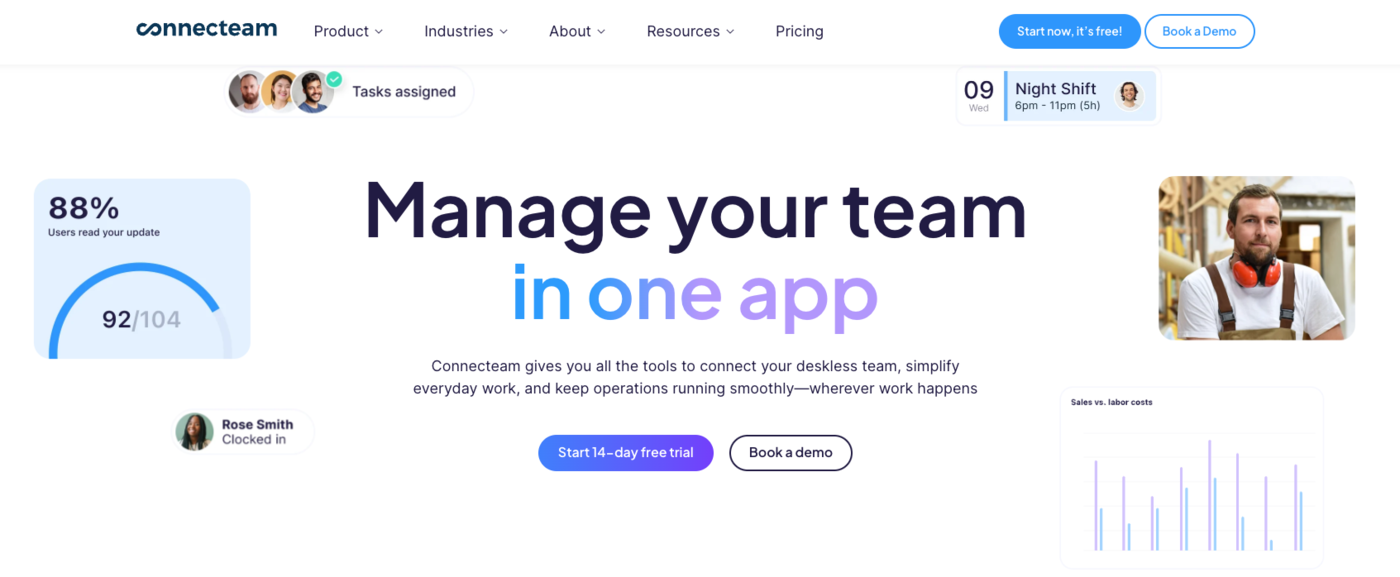
The Small Business plan is free for life for the first 10 users, which gets a small team going at zero cost. Above that, pricing splits into three Hubs – Operations, Communications, and HR & Skills – and each Hub has Basic, Advanced, Expert and Enterprise tiers. The catch: Basic covers GPS clock in/out, unlimited jobs, payroll integration and basic scheduling, higher tiers add more, and if you need rostering plus communications plus HR, you stack three Hubs and the bill grows quickly.
- Operations Hub: job scheduling, time clock with GPS clock in/out, task management, forms and checklists
- Drag-and-drop rostering with templates and shift swap workflows
- In-app communications: chat, announcements, team directory, surveys, knowledge base - see how it stacks up against ten other team communication apps
- Training and onboarding: course builder, document storage, quizzes, recognition
- Strong mobile app on iOS and Android – one of the better-rated employee-facing apps in the category
Pricing. Small Business plan free for life (up to 10 users). The 30 in the paid price is the number of users included, not a free cap. Per Hub, billed for the first 30 users; in the Operations Hub each extra user adds $0.80 a month on annual billing ($1.00 monthly), while the Communications and HR hubs charge $0.50 ($0.60 monthly): Basic $29 a month, Advanced $49 a month, Expert $99 a month on annual billing ($35, $59 and $119 monthly). Enterprise pricing on request. Annual billing saves 18%. 14-day free trial.
Pros:
- Free for life for up to 10 users
- Basic includes GPS clock in/out, unlimited jobs and payroll integration
- Communications, training and HR tools in the same app
- Flat Basic price for the first 30 users in a Hub
Where it falls short:
- Paid pricing is split across three Hubs, so rostering plus communications plus HR stacks three bills
- The free Small Business plan has a single time clock
- Tiers above Basic cost $49 to $99 a month per Hub on annual billing
Best for: deskless teams that need rostering plus a full operations platform – communications, training, HR forms – in one place. The pricing model rewards you for staying within one Hub.
Deputy
Deputy is the rostering platform that compliance-heavy operations end up choosing – hospitality groups in Australia, multi-state retailers in the US, healthcare providers wherever modern award interpretation or fair-work rules apply.
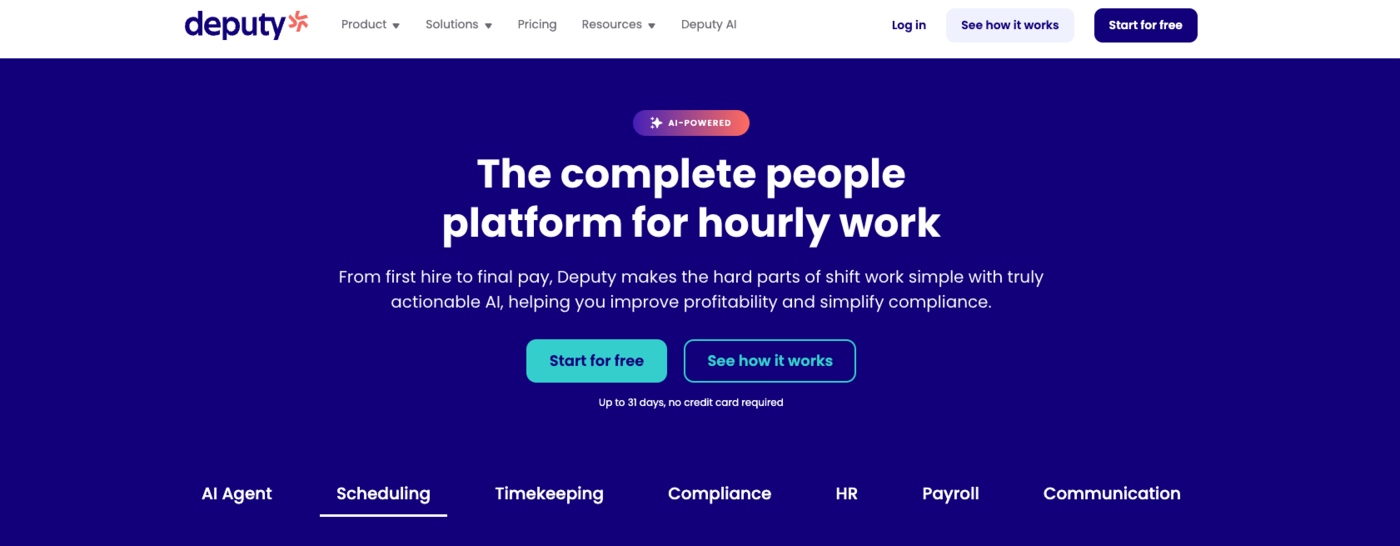
The product was built around the regulated parts of rostering: predictive scheduling laws, fair workweek ordinances, break enforcement, minor labour limits, and award interpretation in AU and NZ. If your team operates somewhere with strict labour law, Deputy’s rule engine is the part of the product that earns its price. The trade-off is that Deputy is denser than the all-in-one tools and the per-user pricing climbs faster than per-employee modular pricing once team size grows.
- Lite: basic scheduling, basic timesheets, basic time clocking
- Core: everything in Lite, plus advanced scheduling, timesheet auto-approval, biometric time clocking
- Pro: everything in Core, plus custom access levels, advanced timesheets, location hierarchies
- Modern Award Interpretation for Australian operators, Fair Work compliance tooling
Pricing. No free plan, only a free trial whose length the plan cards do not state. Lite $5, Core $6.50, Pro $9 per user per month on annual billing ($5.50, $7.25 and $10 on monthly billing). A minimum monthly spend of $30 per invoice applies on monthly Lite, Core and Pro plans. The numbers add up fast for a 50-person team on Pro – around $450 a month before payroll add-ons.
That’s the catch most growing teams hit at month four.
Pros:
- Compliance tooling for predictive scheduling, break enforcement and award rules
- Lite starts at $5 per user per month on annual billing
- Three tiers, so a team can start with basic scheduling and timesheets
- Biometric time clocking from Core
Where it falls short:
- No free plan, only a trial with no stated length on the plan cards
- Monthly plans carry a $30 minimum spend per invoice
- Per-user pricing climbs quickly as the team grows, to about $450 a month for 50 people on Pro
Best for: mid-size to enterprise teams in regulated industries where rostering compliance is the deal-breaker, particularly hospitality and healthcare operators in Australia, the UK, or US states with predictive scheduling laws.
Sling
Sling, now Sling by Toast, is a rostering tool built around shifts in hospitality and retail, with a generous free tier and a clean, focused interface that suits single-location operators particularly well.
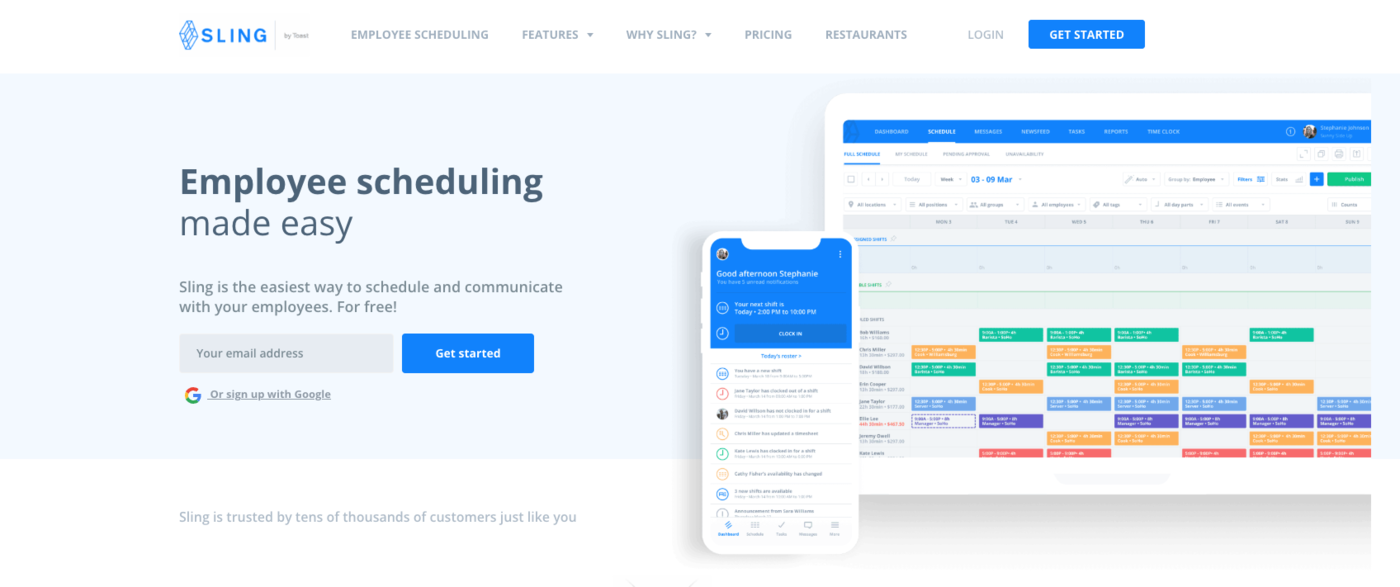
The Free plan covers shift scheduling, time-off requests, available shifts, news sharing and private messaging at no cost – and notably the free tier supports scheduling for up to 30 users. Time tracking is not on it: Premium adds mobile time tracking, labour cost management, and overtime tracking. Business adds kiosk time tracking, reports, no-shows, sick call-outs and PTO management. Pricing is per user per month.
- Shift-based rostering with templates and copy-from-last-week
- Newsfeed: in-app announcements and team-wide messaging
- Available shifts on the free plan, so staff can pick up open shifts
- Mobile time tracking, labour cost management and overtime tracking on Premium
Pricing. Free plan for up to 30 users (scheduling and messaging). Premium $2.00 per user per month monthly ($1.70 annual). Business $4.00 per user per month monthly ($3.40 annual). 15-day free trial.
Pros:
- Free for up to 30 users, the highest free cap here
- Free plan includes time-off requests, available shifts, news sharing and private messaging
- Paid plans start at $1.70 per user per month billed annually
- Kiosk time tracking and reports on Business
Where it falls short:
- Time tracking, including mobile time tracking, starts on Premium rather than the free plan
- Labour cost and overtime tracking are Premium features too
- Kiosk time tracking, reports and PTO management need Business at $3.40 to $4.00 per user per month
Best for: single-location restaurants, cafés, and small hospitality operators – especially those already in the Toast ecosystem – or teams that want a clean, simple rostering app without the broader operations platform.
When I Work
When I Work is the rostering software most managers in retail, restaurants and care facilities know by name, with a mobile-first design that puts the entire roster experience inside the employee’s phone.
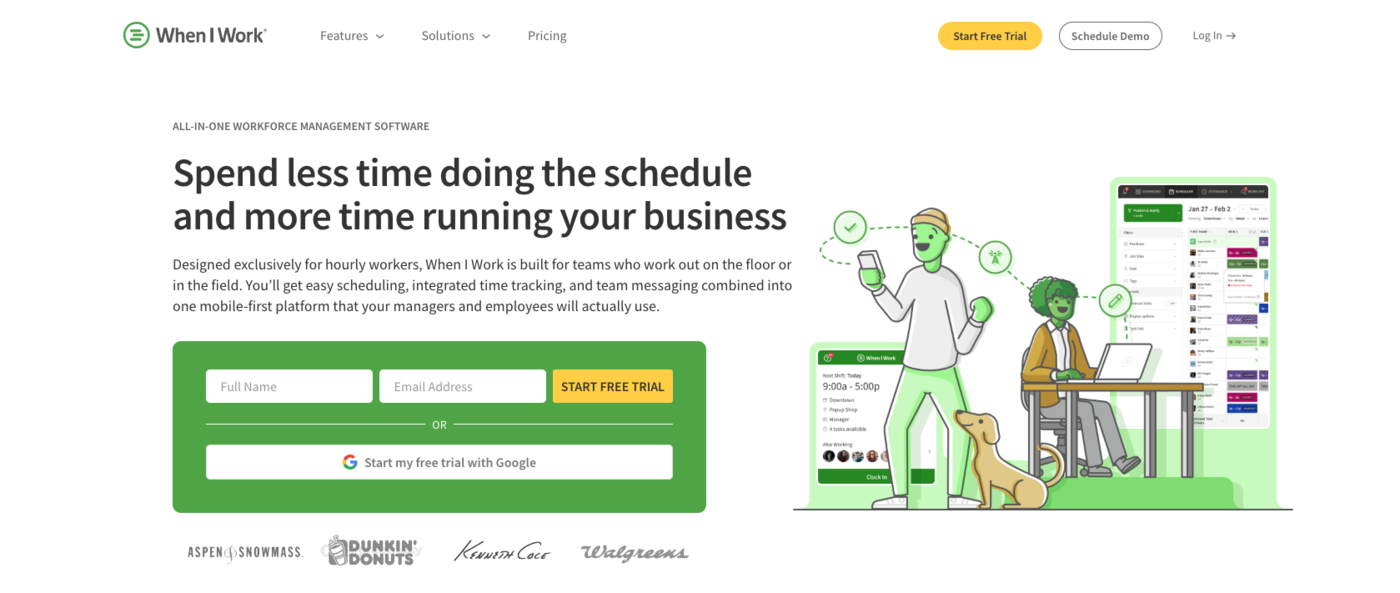
The product is built around the mobile app first – employees check their rosters, request swaps, set availability and chat with the team without ever opening a desktop. The web side is functional but the real polish is in the mobile experience, which is why When I Work shows up so often in retail chains and quick-service restaurants. Pricing is per user, and it rises with each tier, from Essentials to Pro and Premium.
- Drag-and-drop roster builder on web with auto-scheduling and forecast tools
- Mobile-first employee app with shift swaps, availability, and time-off requests
- Built-in team messaging with read receipts
- Time Tracking & Attendance add-on, with payroll and POS integrations
Pricing. No free plan. Essentials $2.50, Pro $5 and Premium $8 per user per month; the pricing page does not say whether those prices assume annual or monthly billing. Optional Time Tracking & Attendance add-on. 14-day free trial with full access. Per-user pricing scales linearly, so a 50-person team on the $5 Pro tier lands around $250 a month.
Pros:
- 14-day trial with full access to test before paying
- Entry price of $2.50 per user per month on Essentials
- Mobile-first app with shift swaps, availability and time-off requests
- Built-in team messaging with read receipts
Where it falls short:
- No free plan, so every user costs money after the trial
- The price climbs to $5 per user on Pro and $8 on Premium
- Time tracking and attendance is an optional add-on rather than part of the base price
Best for: teams where the mobile employee experience is the bottleneck and the manager wants minimal desktop work – typical retail chain, café group, or care facility roster.
What a Good Rostering App Should Actually Do
The marketing pages all promise the same six features. The real question is what your specific operation needs the rostering software to handle without breaking. The best rostering software for a hospital looks different from the best rostering software for a 12-person café – here are the workflows that come up over and over. Teams on long rotations can see the common cycles in the 12-hour shift schedule guide before choosing a tool.
Terminology aside, the tools split by what they charge for: our comparison of the best rota apps lines up six of them on free plan ceilings, who can start a shift swap and three different pricing models.
Build the weekly roster fast – and rebuild it faster
Rosters don’t survive contact with reality. Someone calls in sick at 6 a.m., a public holiday lands mid-week, two staff members swap their availability the night before. The carefully-built weekly grid that took an afternoon on Friday gets shredded by Tuesday lunch. Starting from a fixed cycle, as in the rotating shift schedule guide, cuts down how much has to be rebuilt each week.
A good rostering tool handles that without ceremony: drag-and-drop reassignment, batch swaps to other team members, and instant notifications to the people affected. The full mechanics are in our guide to building a fair shift schedule for 24/7 operations – same logic applies whether the team is 8 people or 80.
The right rostering platform shifts the affected shifts in seconds, sends affected employees a push notification with the new order, updates the manager dashboard, and keeps the labour cost view honest. The wrong system makes you do all of that manually, twice, and miss two of them anyway.
Shift swaps that don’t need three texts to confirm
Most managers spend a third of their week on shift coverage. The right rostering app turns that into a self-service flow: an employee posts a swap request, eligible teammates see it, the manager confirms with one tap. Less coordination, less risk of someone showing up to a shift that quietly changed. Vague requests cause most swap disputes. The guide to schedule change requests shows how to word and answer them.
Time tracking that connects to the roster automatically
Roster software that doesn’t talk to the time clock is half a product. The point of rostering is that approved hours flow into payroll without re-entry, and discrepancies surface before pay day. Connected time tracking is what turns a rostering app into a workforce-management system rather than a fancy calendar. If clock-in is all you need at first, free time clock apps are a lighter start.
Compliance flags that catch problems before they cost you
Predictive scheduling laws in the US, fair workweek ordinances in major cities, modern award interpretation in Australia, working time regulations in the UK. A rostering app that flags these in real time saves you thousands in penalties and back-pay. GPS-based work location verification sits at the same level – the difference between trusting a clock-in and proving it. Anything weaker than that is a calendar with a price tag.
Mobile experience your team will actually open
If your employees won’t use the app, the rest doesn’t matter. Look for push notifications for new shifts, one-tap swap requests, availability set from the phone, and clear time-off submission. Our roster management guide covers the trade-offs between desktop-first and mobile-first roster systems in more detail.
Payroll export that doesn’t require a spreadsheet middle step
Approved hours should land in QuickBooks, Xero, ADP, or Gusto without anyone touching a CSV. The minute someone has to manually re-enter data, errors creep in and the whole point of running rostering and payroll software in tandem falls apart.
How to Choose the Right Roster App for Your Team
Pick the rostering platform that fits the size you are now, not the size you hope to be in three years. Most managers over-buy software in year one, then don’t use 60% of what they paid for. A rough rule of thumb:
- Solo operator or owner plus 1-2 helpers: Shifton free plan, or Sling free plan if you’re already in the Toast ecosystem
- 5-15 person team in retail or hospitality: When I Work, Shifton modules, or Connecteam Small Business
- Multi-location operation, 20-100 employees: Shifton with the GPS module, Deputy Core, or Connecteam Operations Hub Advanced
- Compliance-heavy industry (healthcare, multi-state retail): Deputy Pro for the rule engine, or Shifton with Attendance + GPS
- Deskless workforce that also needs comms and training: Connecteam stacked Hubs
If the bottleneck is roster-building speed, lean toward Shifton or When I Work. If the bottleneck is compliance and labour law, lean toward Deputy. If the bottleneck is communication and training alongside the roster, lean toward Connecteam. Most teams settle on one tool for rostering plus an integration into their accounting platform – cleanest setup, lowest total cost. If publishing the weekly grid quickly is the whole job, the comparison of schedule maker apps covers that narrower need.
Pick the bottleneck first, then the tool.
If your shortlist crosses over into HR platforms
Rostering and full HR sometimes blur on the buyer side, especially when Rippling lands on the same shortlist as a dedicated roster app. For that scenario, the top 5 Rippling alternatives guide compares Shifton, Connecteam, Homebase, Jibble, and When I Work directly against Rippling on price, modular fit, and how each one handles shift-based work.
If You Also Roster Catering or Event Crews
Rostering for catering operations adds a wrinkle most general rostering apps handle poorly: one-off events, last-minute guest counts, and multi-role crews of cooks, captains, and servers running off-premise. If catering is even half of what you run, the 5 best catering management software guide compares Shifton, 7shifts, Caterease, Connecteam, and Better Cater specifically against event-shaped workflows rather than weekly restaurant shifts.
Frequently Asked Questions About Roster Apps
What is the best employee roster app?
It depends on team size and what else you need the tool to do. For small teams that want a roster app without per-user pricing, Shifton's free plan (up to 10 employees, time clock included) is the strongest entry point. For deskless teams needing rostering plus communications and training, Connecteam is the most common pick. For compliance-heavy industries with strict labour laws, Deputy is built for that case. For mobile-first retail and hospitality, When I Work is hard to beat.
Is there a free roster app for small businesses?
Yes. Shifton's free plan covers up to 10 employees with full scheduling, mobile app, time clock, and reporting at no monthly cost, with no time limit. Connecteam's Small Business plan is free for life for up to 10 users. Sling has a free plan for up to 30 users, but it covers scheduling and messaging only: time tracking starts on Premium at $1.70 per user per month billed annually ($2.00 monthly). Deputy and When I Work have no free plan, only a trial. If clocking in and out is all you need, see our picks for the best free employee time clock app options.
How much does rostering software cost?
Pricing ranges from free to several hundred dollars a month for a 50-person team. Per-user models run from $2.50 to $10 per user per month: When I Work is $2.50 on Essentials, $5 on Pro and $8 on Premium, and Deputy is $5 to $9 on annual billing ($5.50 to $10 monthly). Sling's paid plans start at $1.70 per user per month billed annually. Per-employee modular pricing like Shifton is free up to 10 employees, then $1 per employee a month, plus $0.50 to $5 per employee per module depending on which modules you turn on. Per-Hub pricing like Connecteam starts at $29 per Hub per month for the first 30 users on annual billing ($35 monthly).
What features should a small business look for in roster software?
Drag-and-drop rostering, shift swap workflow, mobile app for the team, basic time tracking, and payroll export. Anything beyond that is nice-to-have. The deal-breakers are usually a clunky mobile app or a roster system that can't handle a Tuesday rainout without an hour of admin work.
Can a roster app replace payroll software?
Generally no. The five apps on this list either include light payroll or sync with QuickBooks, Xero, ADP, Gusto, or Paychex. The actual tax calculations, payslips, and end-of-year filings still happen in dedicated payroll software. Rostering software's job is to hand clean approved hours to payroll without you re-entering them.
How do roster apps handle multi-location teams?
The five tools price multiple locations differently. When I Work lists Essentials at $2.50, Pro at $5 and Premium at $8 per user per month, and multi-location scheduling is listed from Essentials. Shifton prices per employee, not per location. Deputy bills per user and Connecteam per Hub, so confirm with the vendor how many sites a plan covers before you buy.
What is employee rostering software?
Employee rostering software, also called a roster app, builds employee shift schedules, manages swaps and availability, tracks hours worked, and passes approved time to payroll. It replaces spreadsheets and group texts with one shared roster the whole team can open on mobile.
Which roster app has the best free plan?
Among free rostering apps, Shifton's plan is the most complete: up to 10 employees with scheduling, time clock, mobile app and reports, with no time limit. Sling's free plan covers more people (up to 30 users) but only for scheduling and messaging, since time tracking starts on Premium. Connecteam's Small Business plan is free for life for up to 10 users.
Can employees swap shifts in a roster app?
Yes. An employee posts a swap request from the mobile app, eligible teammates see it, and the manager approves in one tap, with no chain of texts. Test the swap flow in a trial before you buy, because plan limits differ: on Sling the free plan lists available shifts that staff can pick up, and time tracking starts on Premium.


Start making changes today!
Optimize processes, improve team management, and increase efficiency.