Choose language
Home / Features / Smart Team Management Software for Growing Operational Teams

Smart Team Management Software for Growing Operational Teams

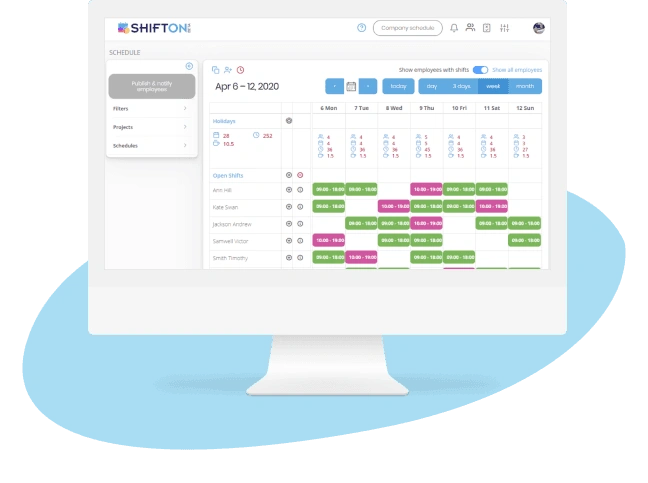
Run your team with one source of truth for schedules, communication, and performance. Built for managers who need clarity, not more software to babysit.

Smart Team Management Software for Growing Operational Teams
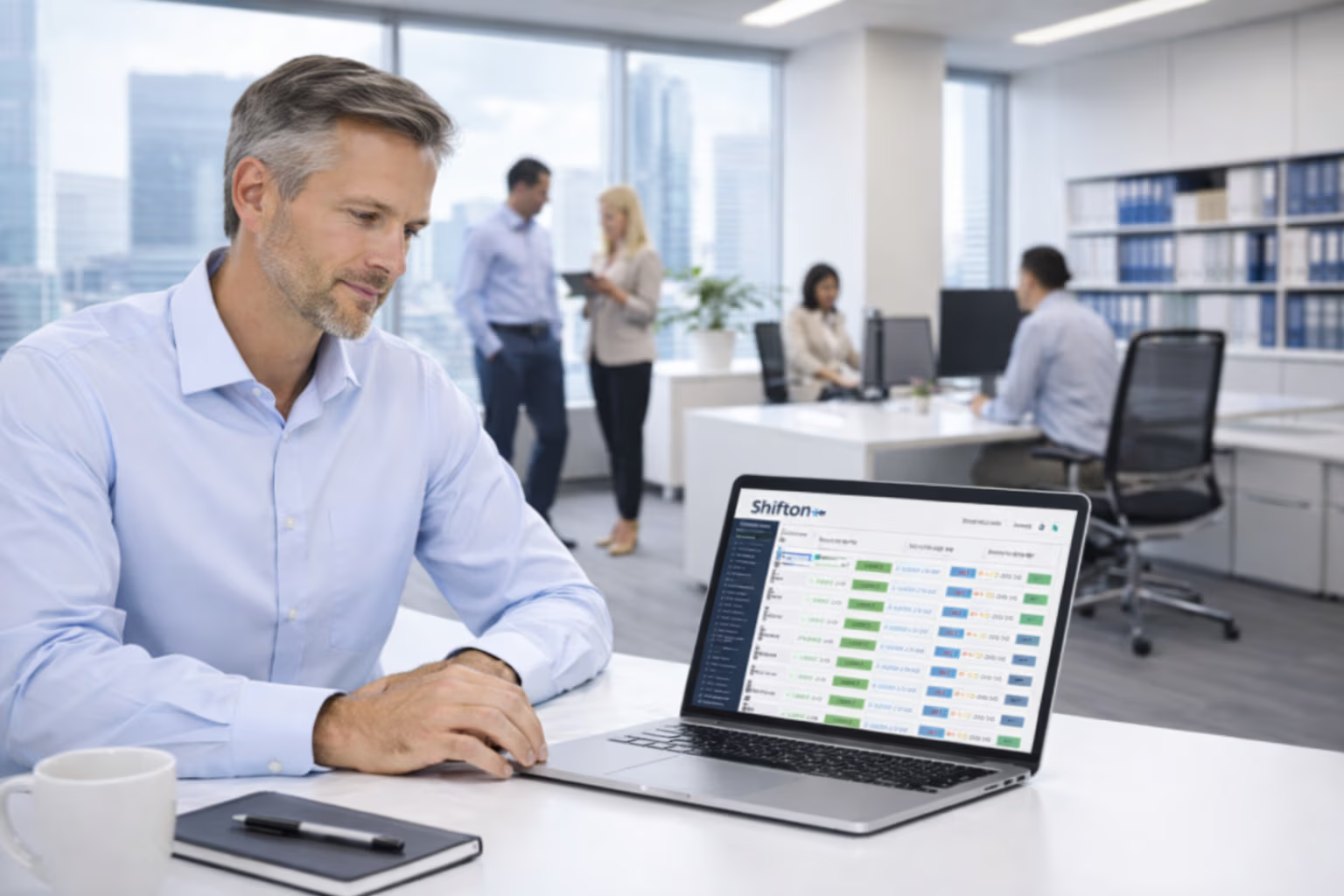
Centralized Team Dashboard for Multi-Location Operations

Centralized Team Dashboard for Multi-Location Operations

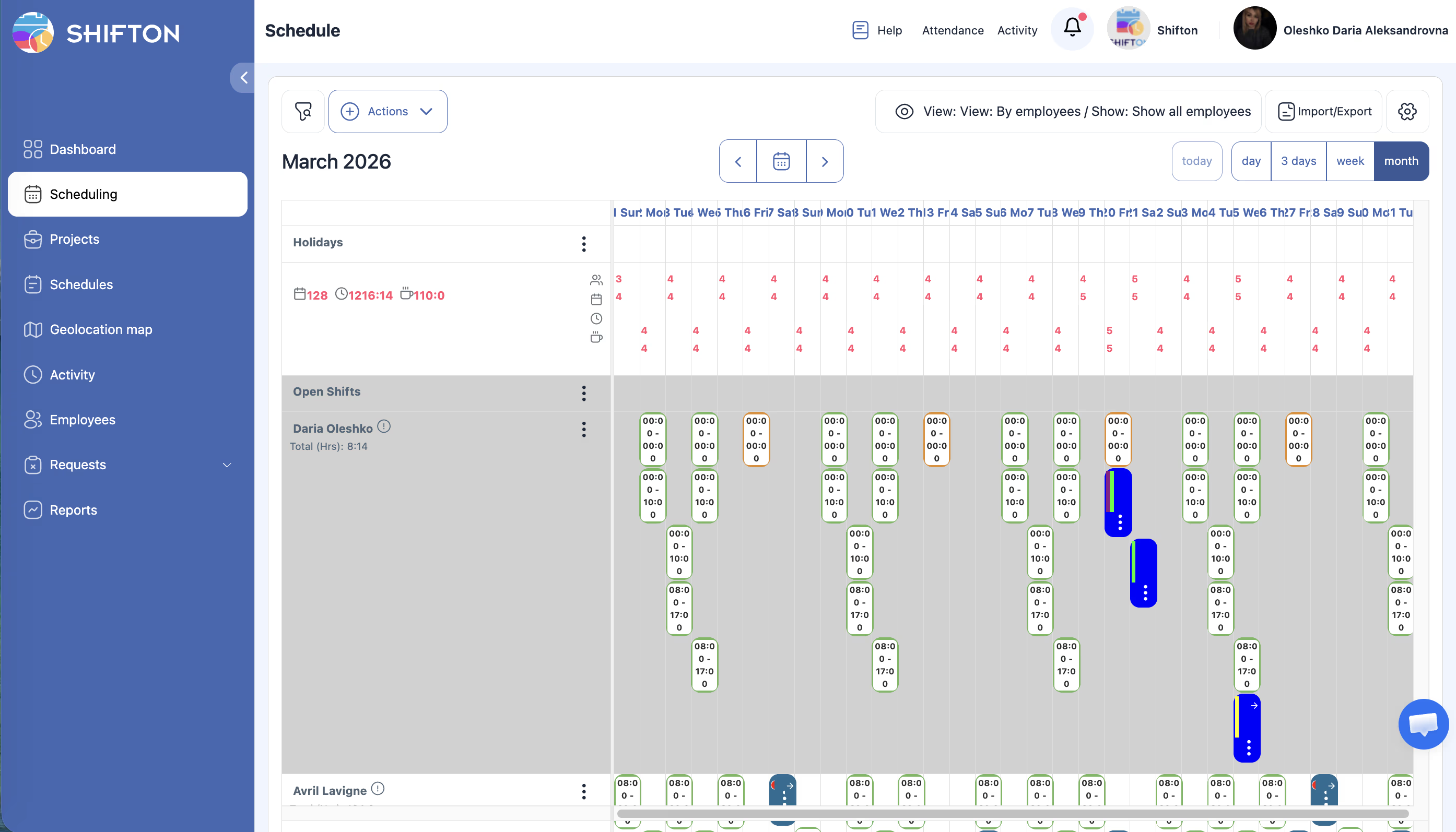
Managing teams across multiple locations, departments, or projects requires a single source of truth for who is working where, when, and in what role. Without centralized visibility, managers duplicate efforts, miss staffing gaps, and lose track of team members spread across different sites.

Unified Team Directory - view all team members across every location and department in one searchable, filterable list
Department and Role Grouping - organize employees into logical groups with custom labels for departments, skill sets, or project teams
Manager Hierarchy Setup - define reporting structures so each team lead sees only their direct reports while admins see everyone
Employee Onboarding Workflow - new hires are automatically added to relevant teams with default schedules and notification preferences
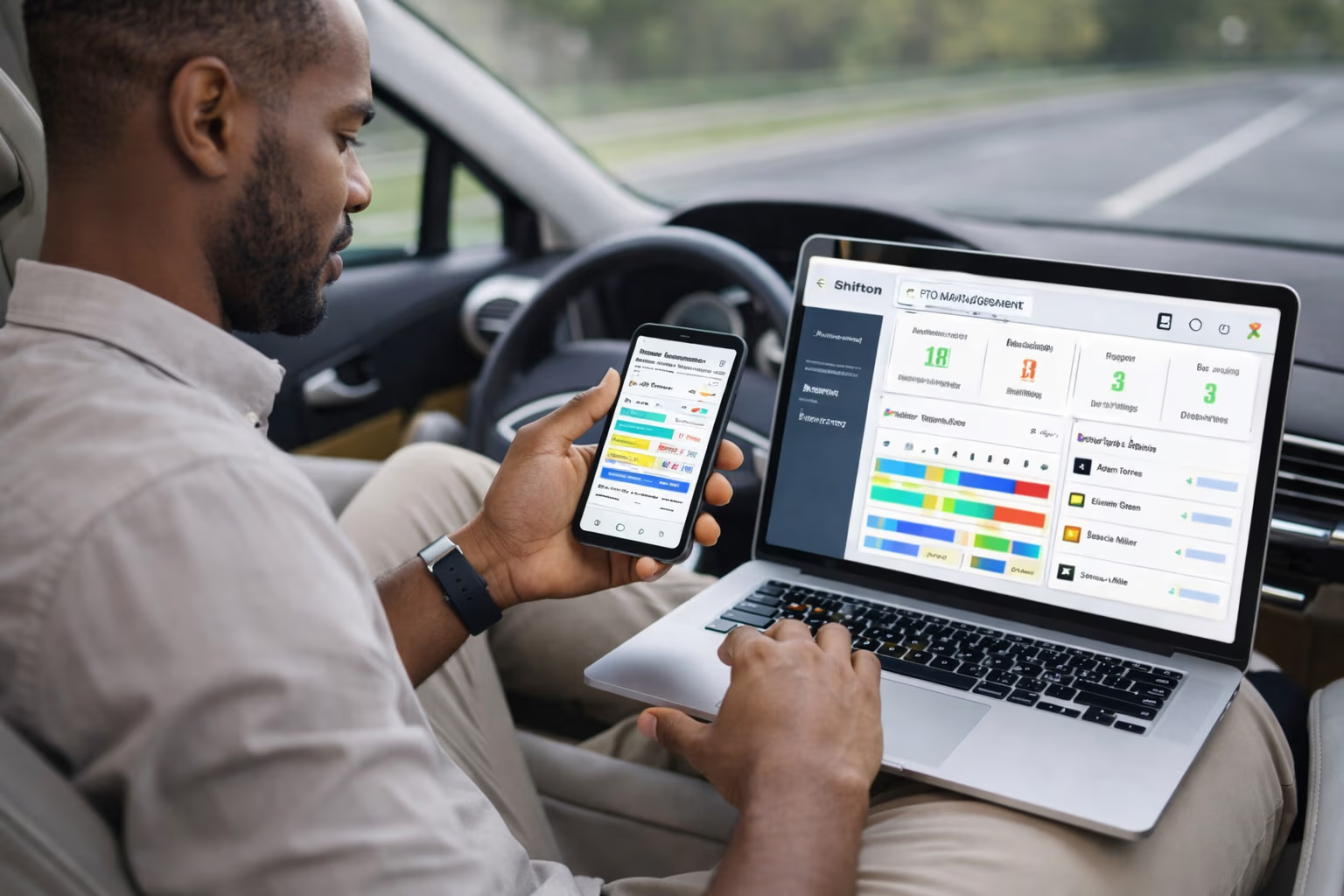
Mobile Team Coordination and Shift Communication

Mobile Team Coordination and Shift Communication

Team managers spend a disproportionate amount of time on communication logistics - calling to confirm shifts, texting about schedule changes, and chasing responses to open shift offers. Every minute spent on scheduling phone calls is a minute not spent on operational leadership.

In-App Team Messaging - send targeted messages to individual employees, specific teams, or entire locations without leaving the scheduling platform
Open Shift Broadcasting - push available shifts to qualified team members who can claim them with one tap from their mobile device
Shift Confirmation Tracking - see which team members have viewed and acknowledged their upcoming schedules and follow up with those who have not
Escalation Rules for Unanswered Shifts - if no team member claims an open shift within a set time, the request escalates to the next team or manager
Role-Based Access Control and Data Privacy

Role-Based Access Control and Data Privacy

As teams grow, not everyone should have access to the same information. Payroll data, personal contact details, and performance metrics need to be visible only to authorized personnel. Poorly configured access permissions create privacy violations and erode employee trust.

Granular Permission Levels - define exactly what each role can view, edit, and approve: schedules, timesheets, employee profiles, or reports
Team-Scoped Visibility - team leads see only their assigned team members while regional managers see all teams in their territory
Sensitive Data Protection - personal information and pay rates are hidden from users without explicit HR or admin-level permissions
Activity Log per Team - see a chronological feed of schedule changes, swaps, and approvals within each team for transparent management
Team Performance Metrics and Growth Planning

Team Performance Metrics and Growth Planning

Effective team management goes beyond filling shifts - it requires understanding team dynamics, identifying top performers, and planning capacity for business growth. Data-driven insights into attendance reliability, shift coverage rates, and overtime distribution help managers build stronger, more resilient teams.

Team Attendance Scorecards - compare punctuality, absence rates, and shift completion across teams to identify high-performing and at-risk groups
Capacity Planning Reports - analyze current staffing levels against workload trends to determine when and where to hire
Employee Engagement Indicators - track shift pickup rates, swap frequency, and availability submissions as proxies for team engagement levels
Headcount Forecasting - project future team size requirements based on historical workload growth and seasonal demand patterns
Free forever

Start with the Free Plan

No time limits. Get full access to core features and upgrade when you're ready.

Up to 10 team members
Shift scheduling & calendar
Time clock & attendance
Mobile app for iOS & Android
Unlimited schedules and locations
Reports & analytics
Read more about team management

Team management is the quiet skill that decides whether a growing business actually grows or whether it stalls at the size where one manager could hold the whole operation in their head. Below a certain threshold, you can run a team from memory: ten people, two locations, one shared chat. Above that threshold, every undocumented decision turns into a missed shift, a confused employee, or a customer who notices the chaos first.

That threshold is usually somewhere between fifteen and twenty-five employees, depending on the industry. After that, the cost of not having team management software is not what you spend on the tool. It is the hours managers burn coordinating, the shifts that go uncovered because the message went to the wrong person, and the senior employees who quit because their schedule keeps changing without warning.

What good team management software actually solves

The category got bloated over the last decade. Every productivity app added a "team" feature. Every HR platform claimed to be a "team management solution." The result is a market full of tools that do six things badly when most operational teams need three things done well.

The three things that matter for shift-based and field teams:

  • A single source of truth for the schedule, accessible from a phone, that updates in real time when something changes.
  • Communication that is targeted, traceable, and built into the same workflow as the schedule, instead of bouncing between a separate messaging app and a separate calendar.
  • Visibility into how the team is actually performing, in time to act on it: not a quarterly HR report but a weekly view of who is reliable, who is over-extended, and who is checking out.

Everything else is optional. Permissions, integrations, certification tracking, and reporting are all real needs, but they pile on top of the three above. A platform that gets the foundation right makes the extras meaningful. A platform that gets the foundation wrong cannot be saved by adding features on top.

How team management software changes the manager job

The clearest way to see what good team management software does is to compare a manager-week before and after.

Before, the manager spends Monday morning rebuilding the schedule because two people swapped without writing it down, calls four employees to confirm Tuesday shifts, fields seven texts about who is covering Thursday, and ends the week not knowing why payroll came in three percent over budget. The work that should fill those hours, training the new hire, sitting in on a shift to coach the team lead, planning the next quarter, gets pushed to "next week" until next week becomes the same week.

After, the schedule lives in the platform, every change is logged, every employee acknowledges their shift through the app, and the open shifts that need filling broadcast themselves. The manager sees on Monday morning that two employees are at risk of burning their overtime budget, schedules a coaching session for the team lead who is handling more than her share, and reviews the capacity report before approving next quarter's headcount plan. The reactive work shrinks to a fraction of the day, and the work that grows the business actually gets done.

The pieces that make Shifton different for operational teams

Most team management tools were built for office knowledge workers and bolted on a "shift" feature later. The legacy shows: clunky mobile apps, weak time-stamping, no concept of cross-location coverage. Shifton was built the other way around.

Built the other way around means the constraints of operational teams shaped the architecture from day one. The mobile app loads on entry-level Android phones because the people clocking in at four in the morning rarely carry the latest hardware. The directory is normalized around shifts and locations rather than projects and channels because that is how a coordinator actually thinks about coverage. The permission model assumes the supervisor has access to one team and zero context about payroll, while the regional manager has access to all teams and a narrow slice of payroll. None of these design calls reads as exciting in a feature comparison spreadsheet, but every one of them is what determines whether the platform survives contact with a real operations week.

The schedule is the centerpiece, the mobile experience is first-class, and the manager dashboard is built for the question a real manager actually asks: who is working right now, who is missing, and what do I need to do about it before the customer notices. Shift confirmations, open-shift broadcasting, and role-based access are not afterthoughts but the load-bearing parts of the product.

For teams running across multiple sites, the cross-location capacity view shows where the over-staffing and the under-staffing actually sit, instead of totals only. For teams in regulated industries, certification tracking blocks unqualified scheduling at the source instead of leaving it to a manager to remember. For teams growing fast, the directory and permission system absorb new locations without a separate IT project each time.

When you actually need a team management platform

Below ten employees, you probably do not. A shared spreadsheet and a group chat will do the job, and any tool will cost you more in setup time than you save. The free tier of Shifton exists for exactly this stage: small enough to be free, capable enough to grow into.

Between ten and twenty-five employees, you start to feel the seams. The spreadsheet has tabs for things that used to be one tab. The group chat splits into three. Schedules get typed out twice because the version on the wall is different from the one in the chat. This is the inflection point where most teams move to a real team management software, and the ones that delay lose someone good in the next six months.

Above twenty-five employees, the question is no longer whether to use team management software but which one. The cost of getting this wrong, choosing a tool that the team will not adopt or that does not handle your operational reality, is a year of lost productivity and a manual migration when you switch to the right platform later.

What to look for when comparing team management tools

Spend an hour with the actual mobile app before you sign anything. The platform that looks great in the demo is sometimes the one that crashes on older Android phones, which is exactly what your hourly team uses. Ask to see how the platform handles a real edge case from your business: the certified specialist who only works at two of your six locations, the part-time employee who picks up shifts in two different roles, the supervisor who needs visibility into one team but not another.

If the platform handles those cases without a workaround, it will probably handle the rest of your operation. If you have to "configure around" the basics, you will be configuring around them for the rest of the relationship.

The team management software market is mature enough that the right tool exists for almost any operational team. The trick is matching the platform to how your team actually works, not how the marketing site says teams work.

Frequently Asked Questions

What is team management software and what does it actually do?

Team management software is a single platform where managers run schedules, communications, performance tracking, and access control for their employees. Instead of toggling between a spreadsheet, a group chat, and a separate HR system, the manager works from one dashboard. The shift goes out, the employee acknowledges it on the mobile app, the timesheet updates, and the payroll export pulls the right hours, all without manual handoffs.

How does Shifton organize employees across multiple locations?

Every team member across every site appears in a single directory that managers can filter by department, role, certification, or location. Manager hierarchy settings make sure a team lead at one site only sees their direct reports, while a regional director sees the full picture across the region. Adding a new location takes minutes, not a separate setup project.

How do open shifts get filled when someone calls out?

Open shifts broadcast to qualified team members through the mobile app. Whoever taps first claims the shift, and the schedule updates instantly. If nobody responds within your set time window, the request escalates automatically to the next group of qualified employees, then to managers if it still goes unfilled. The whole flow runs without phone calls.

Who can see employee pay rates and personal contact details?

Access is controlled by permission level, not by hoping people behave. Pay rates and personal information stay hidden from anyone without explicit HR or admin permissions. Team leads see only scheduling and attendance data for their direct reports. Regional managers get a wider view but still cannot see compensation unless their role specifically permits it.

Can I tell which employees have actually confirmed their schedules?

Shift confirmation tracking shows you exactly who has opened and acknowledged each upcoming shift. You can follow up with the people who never respond, directly inside the platform, instead of texting the whole team to check. The same view also shows who has read schedule changes you posted mid-week.

What team performance data does Shifton track?

Attendance scorecards show punctuality and absence rates by team. Capacity planning reports compare current headcount against workload trends. Shift pickup rates indicate engagement levels across groups. Overtime distribution by role surfaces burnout risk and uneven workload patterns long before they show up in turnover.

Does Shifton work for fully remote or hybrid teams?

Yes. The platform was built for shift-based and field operations, so the same coordination tools that handle multi-location physical teams also work for hybrid and remote setups. Mobile-first messaging, location-stamped time tracking, and time-zone-aware scheduling all carry over. The directory shows who is online, who is on a shift, and who is unavailable in real time.

How long does it take to migrate from a spreadsheet or another tool?

Most teams are running their first live week within five to seven days. The directory imports from CSV, locations and roles are configured in an afternoon, and the mobile app rollout to employees usually takes one full pay cycle. Larger operations with multiple departments and complex permissions take two to three weeks for the full setup.

Can team leads approve shift swaps without involving the manager?

Approval rules are configurable per role. You can let team leads approve direct-report swaps within their team, escalate cross-team swaps to a manager, and require regional approval only for changes that affect labor budget. This keeps managers out of routine swap decisions while preserving the controls that matter.

How does Shifton handle certification and compliance for regulated roles?

Each employee profile stores certifications, license expiry dates, and required training records. Open shifts can be restricted so only qualified employees see them. The platform alerts managers before a license expires and blocks scheduling anyone whose certification has lapsed, which prevents the compliance issue before it happens.

Can I integrate Shifton with my existing payroll and HR systems?

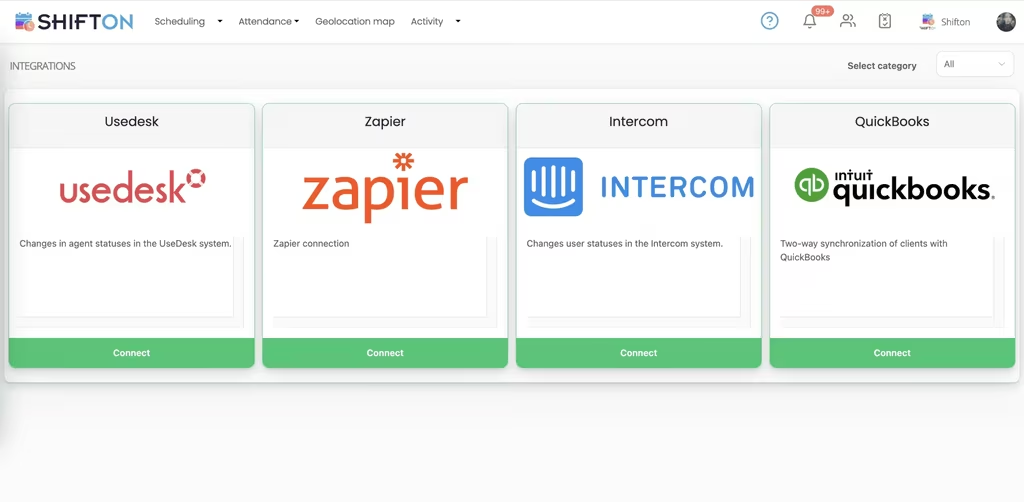
Standard integrations cover the major payroll providers and HR platforms used in the US and Europe. Approved timesheets export directly without manual rekeying. For systems without a direct connector, the API and CSV export handle the same job with a small amount of mapping work upfront.

How is Shifton priced for small versus large teams?

The first ten employees are free, which is enough for small operations to run live. Above that, pricing scales with headcount and the feature tier you need. Larger operations with multi-location reporting, advanced permissions, and integrations move to the paid tiers. There is no per-feature add-on tax, the tier covers what is included at that level.

Ready to transform your field operations?

Join thousands of field service companies that trust Shifton to run smarter every day.