

Time Tracking & Attendance Software: GPS Clock, Payroll Export
Track hours, prevent buddy punching, and push clean timesheets to payroll in one platform.

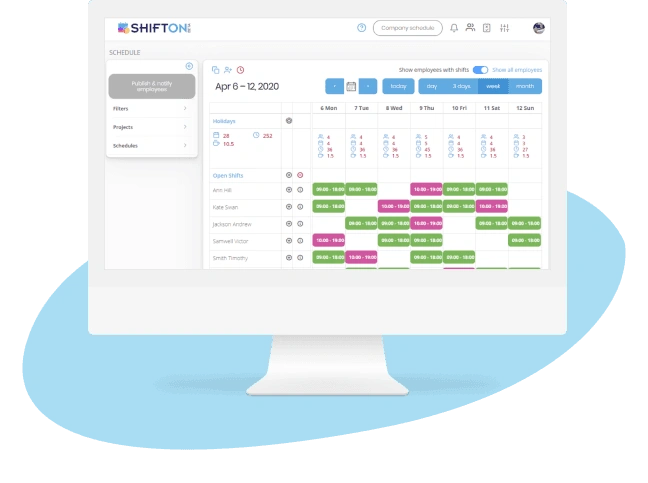
One-Tap Digital Time Clock for Every Shift
Paper timesheets and buddy punching drain payroll budgets every year. A digital time clock and attendance system employees actually use - fast, mobile, and two taps to clock in - replaces guesswork with verified attendance data that flows straight into payroll.
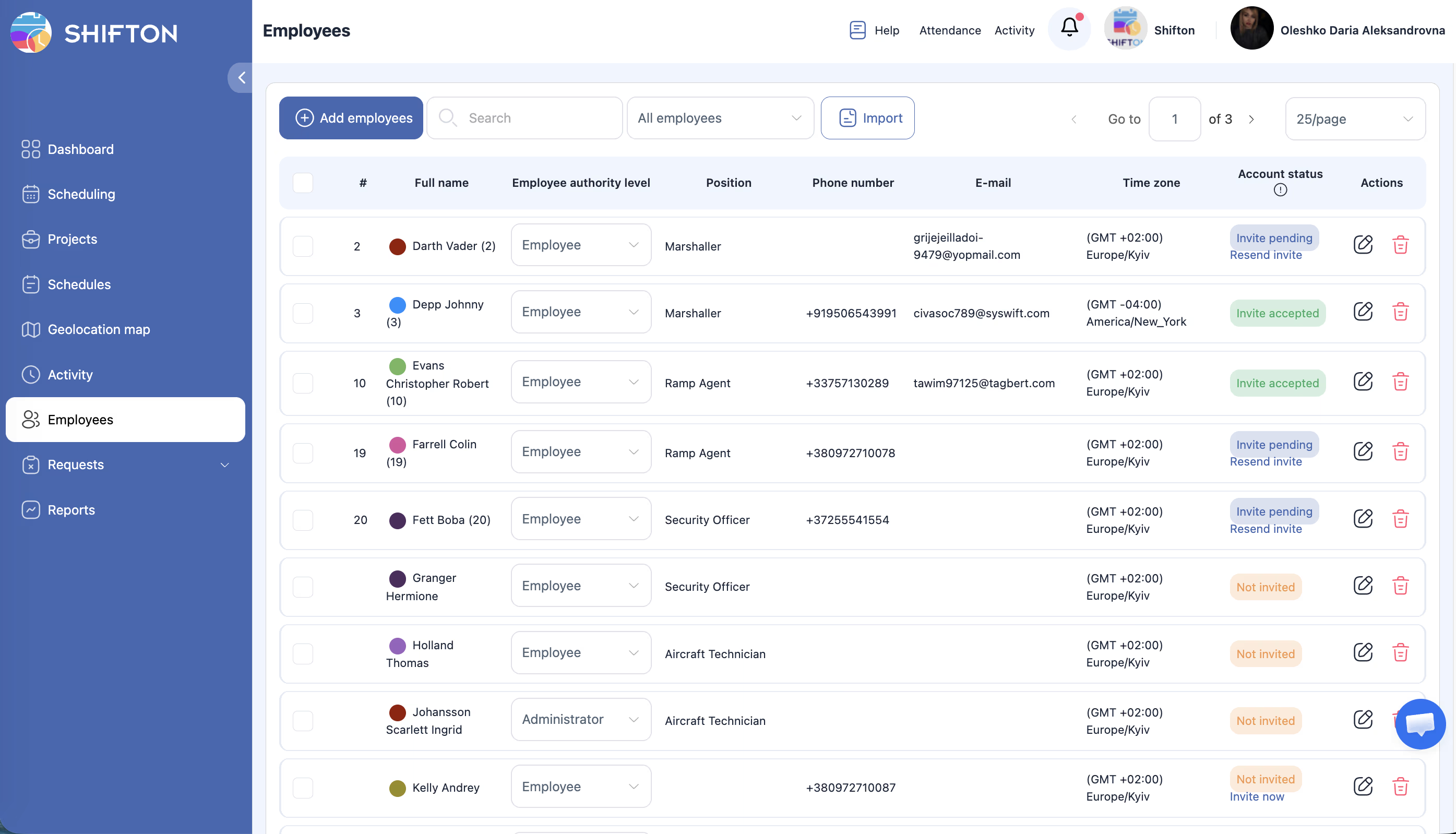
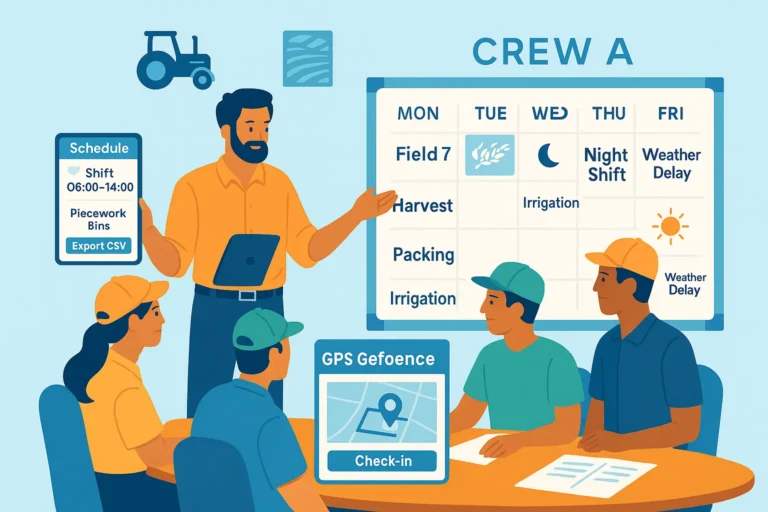
GPS and Geofence Location Verification
For mobile and on-site teams, knowing someone clocked in is not enough. GPS and geofence verification confirm where every clock-in happens, eliminating buddy punching and the payroll disputes that follow.
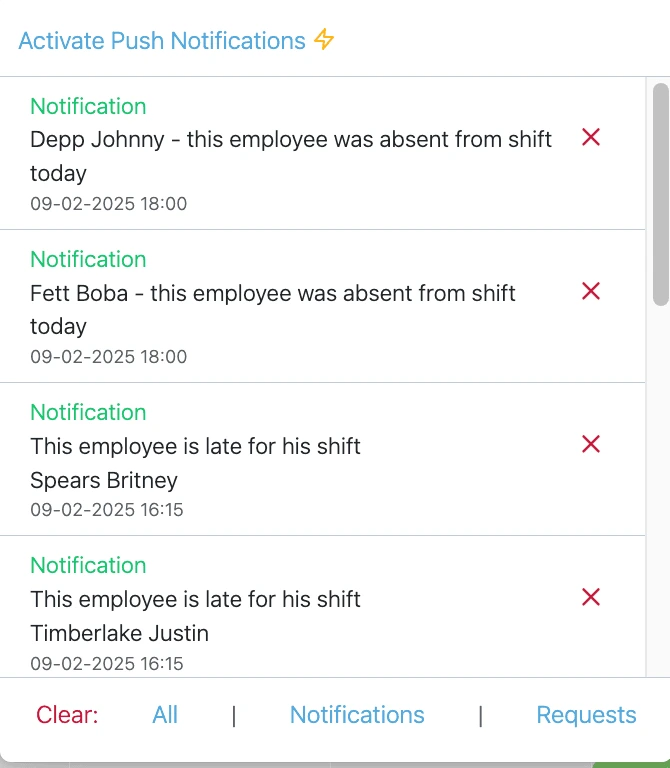
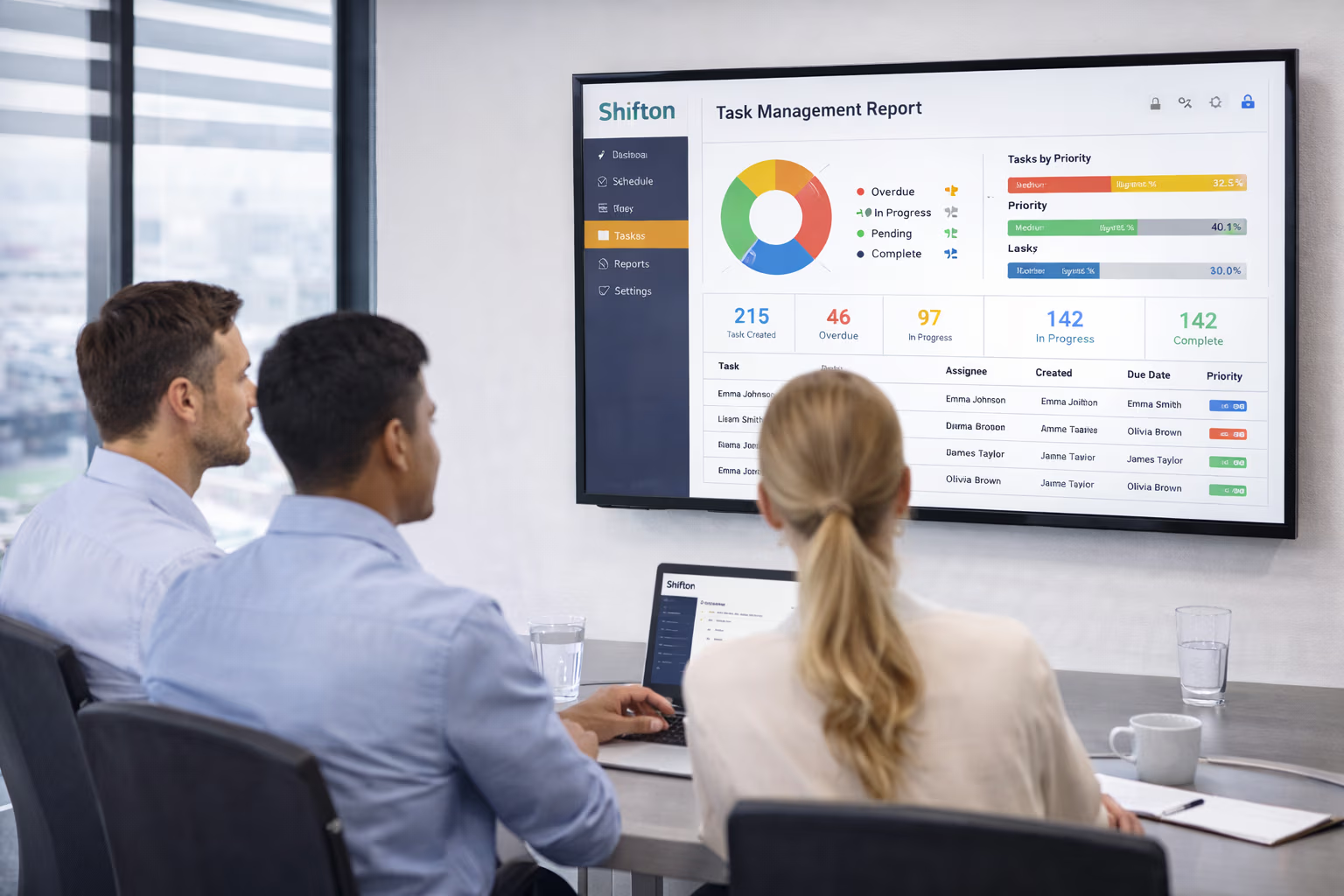
Real-Time Hours Dashboard and Overtime Monitoring
Discovering overtime on payroll day means the budget is already spent. A real-time hours dashboard lets managers redistribute shifts mid-week, manage overtime intentionally, and control labor cost before month close.
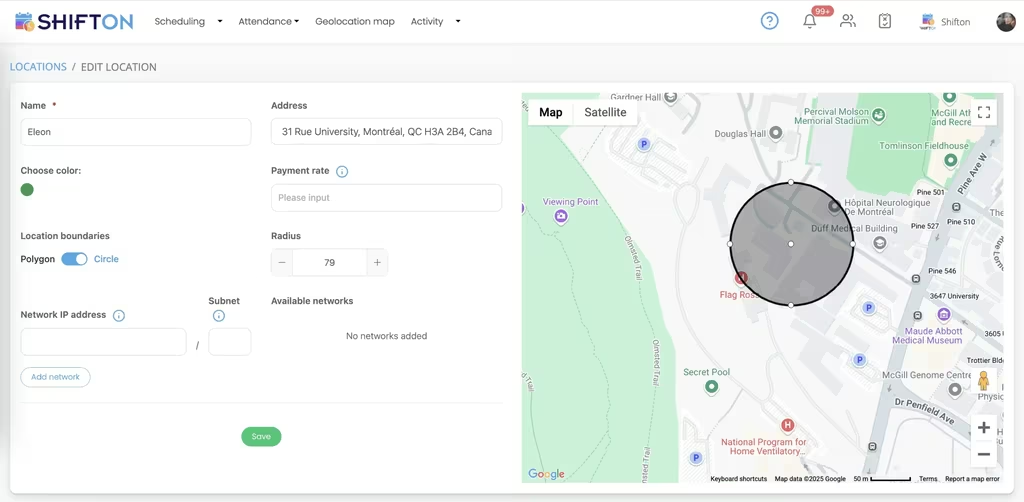
Timesheet Reports and Payroll-Ready Data Export
The final step in time and attendance is turning raw clock data into clean timesheets payroll can process without manual editing. Automated, payroll-ready exports remove the manual touchpoints that introduce error, delay, and disputes.
Start with the Free Plan
No time limits. Get full access to core features and upgrade when you're ready.
Read more about time tracking
What Is Time and Attendance Software?
Time tracking is the process of recording when employees start and stop working, how long they spend on tasks, and how those hours flow into payroll. The tool that does it - a time clock, time tracking software, or time tracking app - sits between scheduling and payroll. Without time tracking, businesses guess at labor costs, lose money to buddy punching and unverified hours, and stitch together payroll from paper timesheets that someone has to retype.
Modern time tracking software replaces paper timesheets with mobile clock-in, automatic timesheet generation, and direct payroll export. The shift from manual to automated time tracking typically recovers 1-3 percent of payroll spend that was leaking to inflation, errors, or fraud.
Types of Time and Attendance Tracking
Manual time tracking
Employees write down their hours - on paper timesheets, in a spreadsheet, or via a basic clock-in app. Cheapest to set up, most error-prone in operation. Common in very small teams under 5 employees and in industries with low scheduling complexity.
Automatic time tracking
The software detects when an employee starts working - by login, mouse movement, or app activity - and logs hours automatically. Common in remote knowledge work and freelance contexts. Less common in shift-based work where physical presence at a location matters.
GPS-based time tracking
The mobile app records GPS coordinates at clock-in and clock-out. Combined with geofencing (a virtual boundary around a work site), GPS time tracking confirms employees are physically at the right location. Standard for construction, cleaning, security, retail, and home healthcare.
Fixed terminal time tracking
A dedicated terminal fixed at one location. Eliminates buddy punching at the hardware level. Common in manufacturing, healthcare, and high-security environments. Requires dedicated hardware at a fixed location, so it does not suit mobile or multi-site teams.
Time Tracking Methods Compared
Mobile time clock
The employee uses a phone app to clock in and out. Pros: no hardware cost, works anywhere, GPS verifiable. Cons: requires employee phones (or company-issued devices), occasional battery and connectivity issues. Best for distributed teams.
Web-based time clock
Employees clock in from a browser on a shared workstation or personal computer. Pros: zero install, easy onboarding. Cons: no GPS verification, can be left logged in. Best for office knowledge work.
Physical time clock
Wall-mounted hardware such as a keypad or badge reader. Pros: tamper-resistant, no employee device needed. Cons: capital expense, single point of failure, requires employees to congregate. Best for manufacturing, healthcare, fixed-location retail.
Industries That Depend on Time Tracking
Construction and multi-site teams
Teams move between locations, hours must be attributed to the right site, and overtime rules vary by state. GPS-based time tracking ties hours to projects and verifies on-site presence. Without it, the project margin is a guess.
Healthcare
Nurses and aides work shifts that change weekly, cross over midnight, and trigger different pay rates by hour and by day. Time tracking software with shift differentials, overtime, and audit-ready logs is non-negotiable for compliance.
Retail and hospitality
Hourly staff with variable schedules, peak-hour staffing, and high turnover. Time tracking integrates with POS systems for labor cost analysis - the labor-to-sales ratio is the single number most retail managers watch.
Manufacturing
Plant shifts, crew rotations, and machine-hour tracking. Time tracking ties hours to production output, supports lean operations, and feeds into machine maintenance schedules.
Remote and hybrid teams
Distributed knowledge work needs time tracking that respects autonomy. Light-touch automatic tracking or self-reported timesheets with approval workflows are common. Heavy surveillance time tracking damages culture and gets dropped within months.
How Time Tracking Integrates with Payroll
Clean time tracking data is what makes payroll fast. The integration usually flows: clock-in events → auto-generated timesheet → manager review and approval → export to payroll system. Shifton provides payroll-ready exports and an open API for common payroll systems. Direct API integrations move data without CSV juggling. Without integration, timesheets are exported, manually re-entered, and any error compounds in the next pay run. Teams that bill their time by the hour need the same clean records, which is why Shifton covers law firm staff scheduling.
Free vs Paid Time Tracking Software
Free time tracking software typically covers small teams (5-10 employees) with basic clock-in, timesheet generation, and simple reports. Shifton's free plan covers up to 10 employees with full time tracking, GPS verification, and mobile app access - which is unusual at the free tier.
Paid time tracking software adds features that grow with team size: integrations with payroll, advanced reporting, multi-location support, audit logs, and labor compliance features. Most paid plans run $4 to $12 per employee per month, with enterprise features adding $5 to $15 on top.
Common Time Tracking Mistakes
- Trusting the honor system at scale. Self-reported hours work for 5 people. Past 15-20 employees, time fraud and rounding errors quietly drain 1-3 percent of payroll.
- Not tying time to scheduling. If the schedule and the time clock are separate systems, comparing planned vs actual hours requires manual reconciliation. Integrated systems show variance automatically.
- Skipping break tracking. Unpaid breaks that get clocked as paid time accumulate fast. Most jurisdictions also require specific break documentation for compliance.
- Letting timesheets sit unapproved. Daily or weekly approval cadence catches errors while they are fresh. Monthly approval makes corrections expensive and disputes ugly.
- Ignoring overtime forecasts. Overtime that gets flagged Tuesday can be redistributed by Wednesday. Overtime that gets flagged on payroll Friday is already paid.
- Picking time tracking that does not export to your payroll. Manual CSV imports are where data integrity goes to die.
How to Choose Time and Attendance Software
- Mobile app for the team, web dashboard for managers
- GPS or geofence verification if you have field or multi-location work
- Direct integration with your payroll provider (or a clean export format)
- Real-time hours dashboard with overtime alerts before payroll close
- Audit log of every clock-in, edit, and approval for compliance review
- Pricing that scales with team size, not feature locks that force expensive tier jumps
- Break tracking that handles paid and unpaid breaks separately
Time Tracking Templates and Policies Worth Using
A clear time tracking policy prevents most disputes before they start. The basic template covers: how to clock in and out, what counts as paid time, how breaks are recorded, what to do if a clock-in is missed, who approves timesheets and on what cadence, and how disputes are resolved. Shifton bundles a default time tracking policy template that businesses can adapt to their state laws and union agreements.
Works with the rest of Shifton
Time and attendance connects to the rest of Shifton: build the roster with shift scheduling software, verify on-site hours with employee location tracking, and turn verified hours into pay with payroll management software.


Ready to transform how you run your team?
Join thousands of teams that trust Shifton to run shifts, time, and payroll smarter every day.