

 English
  Español
  Português
  Deutsch
  Français
  Italiano
  日本語
日本語  中文
中文  हिन्दी
  עברית
עברית  العربية
  한국어
한국어  Nederlands
  Polski
  Türkçe
  Українська
  Русский
  Magyar
  Română
  Български
  Čeština
  Ελληνικά
  Svenska
  Dansk
Dansk  Norsk
Norsk  Suomi
Suomi  Bahasa Indonesia
  Tiếng Việt
  Tagalog
  ไทย
ไทย  Latviešu
  Lietuvių
  Eesti
Eesti  Slovenčina
  Slovenščina
  Hrvatski
  Македонски
  Қазақша
  Azərbaycan
  Afrikaans
  বাংলা
বাংলা Payroll Management Software for Shift-Based Teams
Run payroll from the same platform that runs your schedule. Verified hours flow into pay calculations without manual rekeying, and your team gets paid the right amount on the right day.


Automated Wage Calculation From Verified Timesheets
Manual payroll turns small errors into costly problems - re-typing hours, calculating overtime by hand, and adjusting for night and weekend differentials. A verified clock-to-payroll pipeline runs the math automatically, eliminating back-pay claims and late corrections.

Multi-Rate Pay Rules for the Workforce You Actually Have
Most operational businesses run several employee types at once - salaried, hourly, contract, and union scales. Payroll management software applies the correct pay rule to every employee group, so each pay period is accurate without manual workarounds.
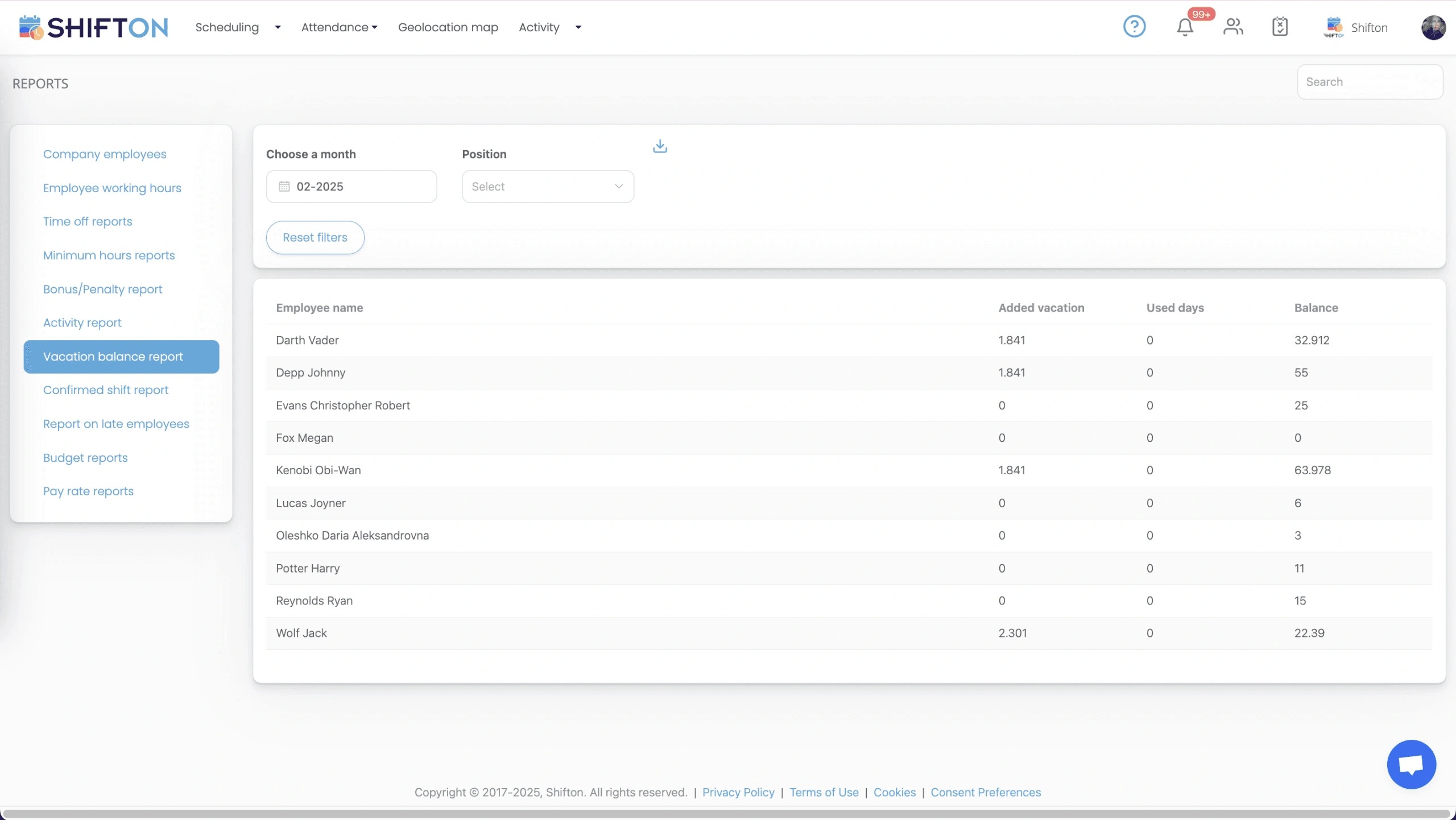
Real-Time Payroll Cost Dashboard for Managers
Discovering a labor overage at month close means the money is already spent. A real-time payroll cost dashboard surfaces live wage accumulation, overtime alerts, and department-level cost while managers can still act on it.
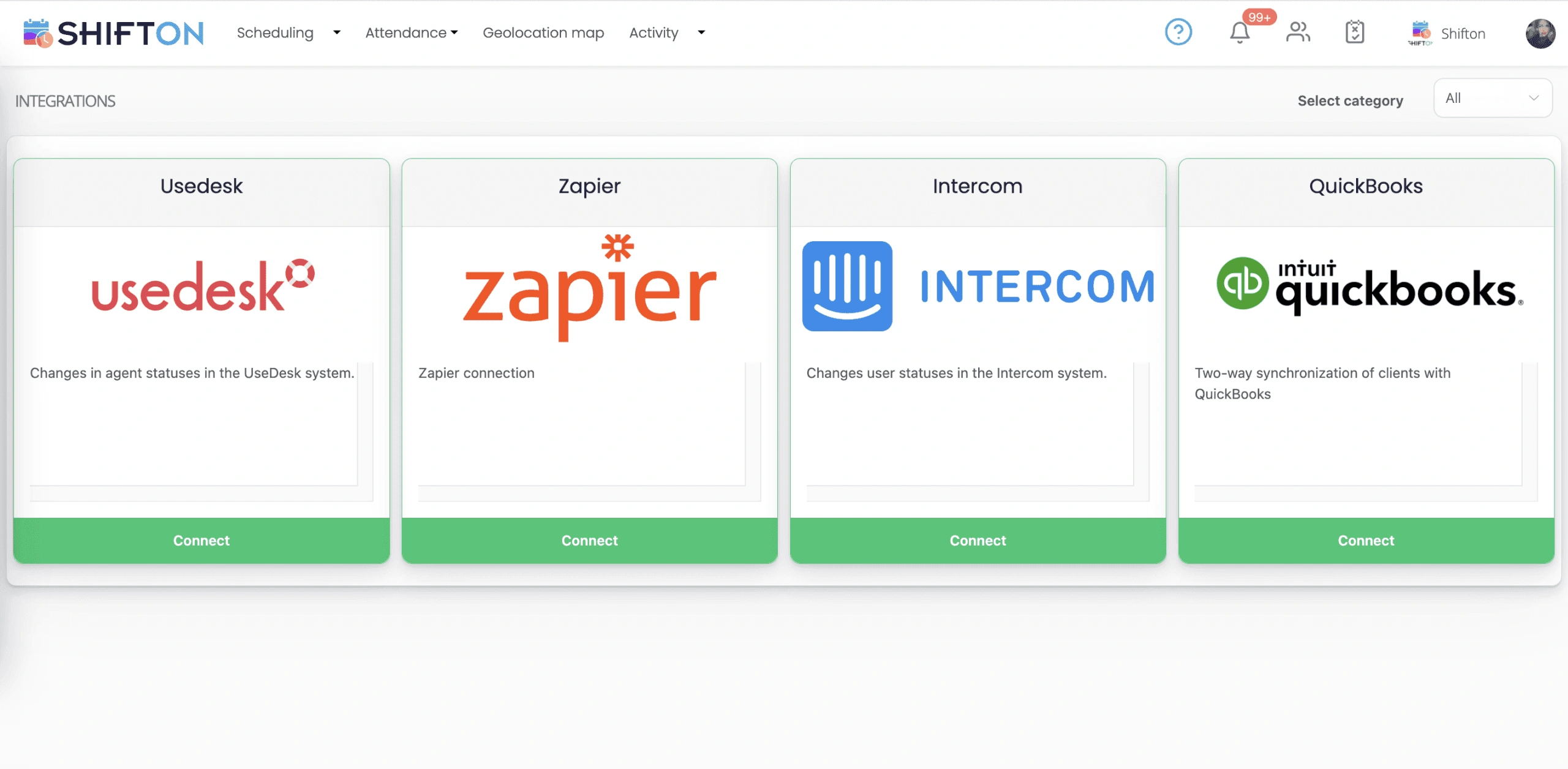
Payroll Export and Clean Integration with Your Accounting Stack
Hours have to land cleanly in the system that runs payroll. Shifton generates payroll-ready export files and offers an open API, so data flows into your payroll or accounting system without manual reformatting or errors.
Start with the Free Plan
No time limits. Get full access to core features and upgrade when you're ready.
Read more about payroll management
Payroll is the one operational process where mistakes are immediately personal. A scheduling error frustrates a manager. A staffing miss frustrates a customer. A payroll error frustrates the employee directly, in the form of money that did not show up when it was supposed to. The cost of getting payroll wrong stacks up faster than almost any other back-office mistake.
That is why payroll management software exists as a separate category from scheduling, time tracking, or general HR. The math is unforgiving. The legal exposure is real. The trust impact lands on every employee in the company.
What payroll management software actually does
The category covers a narrow set of jobs done well, not a broad set of jobs done loosely. The four jobs that matter:
- Take verified hours from time tracking and turn them into the right gross pay, applying base rates, overtime multipliers, shift differentials, tips, commissions, and bonuses.
- Apply the right deductions: taxes, benefits, retirement contributions, garnishments, with the categorization that keeps tax filings clean.
- Produce a clean export to whatever system actually pays the people, whether that is an external payroll provider or an internal accounting team.
- Maintain the audit trail that satisfies auditors and labor lawyers when something gets questioned.
Everything else is feature padding. A platform that does the four jobs reliably is more valuable than one with twenty bells and whistles that gets the basics wrong every third pay cycle.
The hidden cost of manual payroll
Most small operations start with manual payroll. Hours go on a paper timesheet, somebody types them into a spreadsheet, the spreadsheet gets emailed to the payroll provider, and the cycle closes. The cost is invisible until you measure it.
Manual payroll administrators spend significant hours per pay cycle on rekeying, error correction, and discrepancy investigation. At larger headcounts, that adds up to a meaningful fraction of an FTE spent on data movement. Errors creep in even with careful administrators, and each correction costs a phone call, a re-issued check, and a small dent in the relationship between the employee and the company.
Automated payroll management software cuts the manual work to under an hour per cycle and brings the error rate close to zero, because the verified clock data is the source of truth and the calculations happen by rule instead of by hand. The administrator's time shifts from rekeying to handling the genuine edge cases that need human judgment.
The pieces that matter for shift-based and hourly teams
Most payroll software was designed for salaried office workers. The category did not adapt cleanly to operational teams running shifts, multiple pay rates, and union agreements. Shifton was built around that gap from the start.
The clock-to-payroll pipeline is the spine. Verified clock-in and clock-out data flows into payroll calculations with no manual re-entry. Shift differentials apply automatically based on the time and day of the shift, not based on someone remembering to flag it. Overtime calculates by rule, including the unusual cases like California's daily overtime and the regular-rate-of-pay adjustments that trip up generic systems.
For multi-location operations, the rate engine handles employees who work in two jurisdictions during the same pay period. The right minimum wage applies per shift. The export categorizes hours by location for clean tax filing. The compliance overhead drops to a setup task instead of a recurring per-period worry.
For tipped and commissioned employees, tip pooling and commission tier calculations are part of the payroll engine, not a separate spreadsheet that lives outside the system. The records flow through the same audit trail as everything else.
The real-time dashboard most teams underrate
The single most underused feature in payroll management is the live wage accumulation view. Most managers learn what they spent on labor when the period closes. By then the spending has already happened. The decisions that produced the overage are weeks behind, and the only available action is to cut hours next period to compensate.
A live dashboard changes the cycle. Managers see costs accumulating as the period progresses. Overtime alerts surface before the threshold gets hit. Department-level views let each manager see their own labor budget against actual spend. The decisions move from reactive to proactive: cap that employee's overtime today instead of explaining the variance next month.
The teams that turn this into a habit run consistently closer to budget without grinding morale. The teams that ignore it find themselves either over-budget or in the equally bad position of slashing hours mid-month to compensate.
How to evaluate payroll management software for your team
Spend an hour with the actual payroll export before you sign anything. The platform that demos beautifully is sometimes the one that produces export files your provider rejects. Ask to run a parallel pay cycle: import your employee data, configure your rules, and produce the export for one period without using it. Compare the numbers to what your current system produced for the same period. Differences should be explainable. Differences that nobody can explain are reasons to walk.
Verify how the platform handles your hardest edge cases. The certified employee who works in two pay grades. The salaried exempt manager who occasionally takes a non-exempt shift to cover. The contractor who flips between hourly and project pay. The union employee whose seniority just triggered a higher scale mid-period. If the platform handles those cases without a workaround, it will probably handle the rest of your operation. If you have to configure around the basics, you will be configuring around them for years.
When you actually need payroll management software
Below ten employees, a spreadsheet plus a payroll provider is usually enough, and the free tier of Shifton covers that stage anyway. Between ten and thirty employees, the seams start to show: more pay rules, more edge cases, more time spent rekeying and reconciling. This is the inflection point where most teams bring in dedicated payroll management software, and the ones that delay often find themselves with a back-pay claim or a tax filing error that costs more than two years of subscription fees.
Above thirty employees, the question is no longer whether to use payroll software but which one. Choosing wrong is a year of wasted productivity and a manual migration when you switch later. Choosing right is the operational backbone that lets the rest of the business scale without payroll becoming the bottleneck.
Works with the rest of Shifton
Payroll runs on clean data: verified hours flow in from time and attendance, built on the roster from shift scheduling software.





Ready to transform how you run your team?
Join thousands of teams that trust Shifton to run shifts, time, and payroll smarter every day.