

 English
  Español
  Português
  Deutsch
  Français
  Italiano
  日本語
日本語  中文
中文  हिन्दी
  עברית
עברית  العربية
  한국어
한국어  Nederlands
  Polski
  Türkçe
  Українська
  Русский
  Magyar
  Română
  Български
  Čeština
  Ελληνικά
  Svenska
  Dansk
Dansk  Norsk
Norsk  Suomi
Suomi  Bahasa Indonesia
  Tiếng Việt
  Tagalog
  ไทย
ไทย  Latviešu
  Lietuvių
  Eesti
Eesti  Slovenčina
  Slovenščina
  Hrvatski
  Македонски
  Қазақша
  Azərbaycan
  Afrikaans
  বাংলা
বাংলা Effective shift schedule with Shifton
Your universal shift schedule creation tool for seamless workforce management.

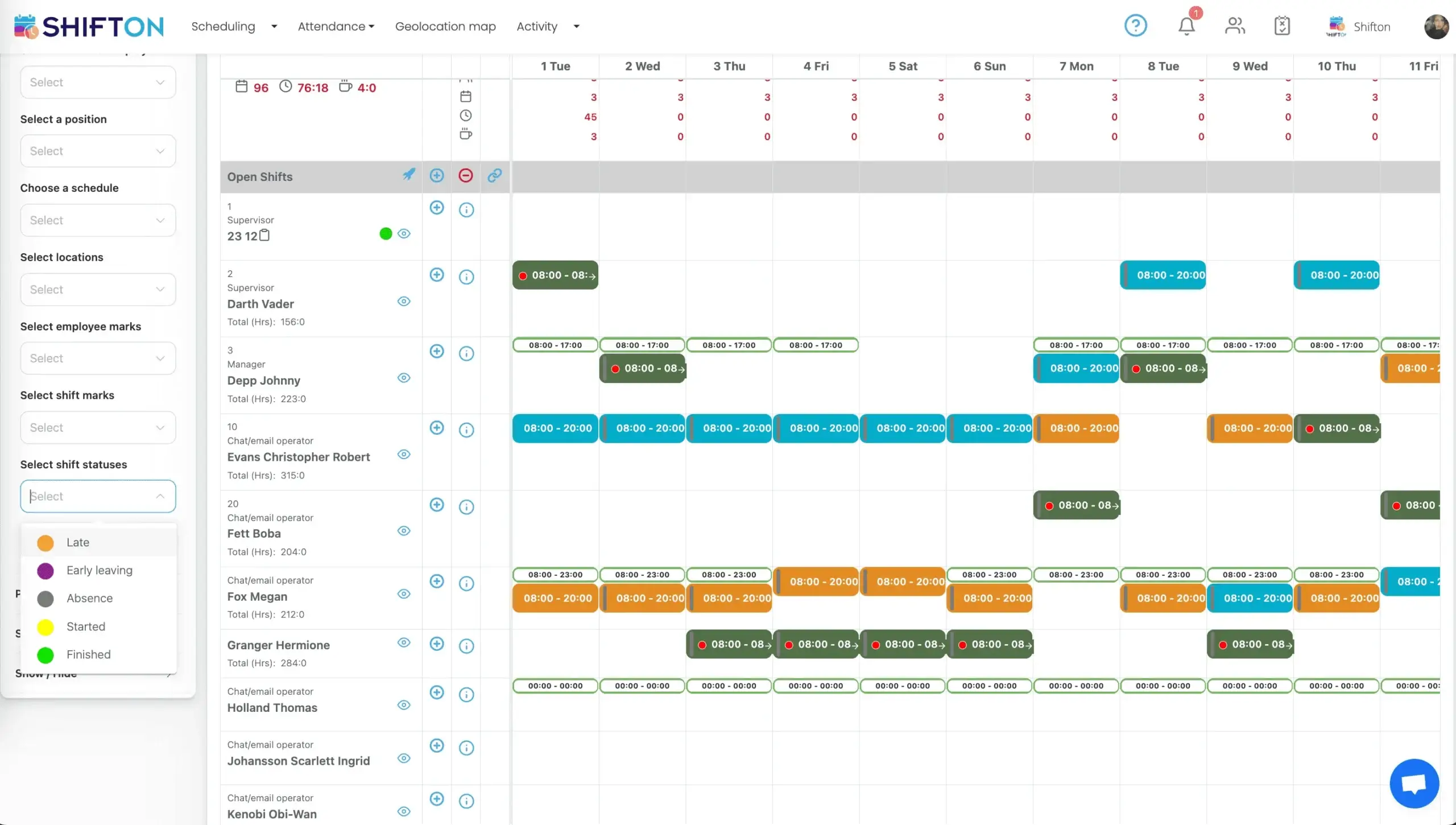
Drag-and-Drop Shift Builder for Any Industry
Building a weekly shift schedule from scratch is one of the most time-consuming tasks in workforce management. Managers juggle employee availability, skill requirements, labor regulations, and business demand — all while trying to be fair and avoid conflicts. A visual drag-and-drop builder transforms this from hours of spreadsheet work into minutes of intuitive scheduling.
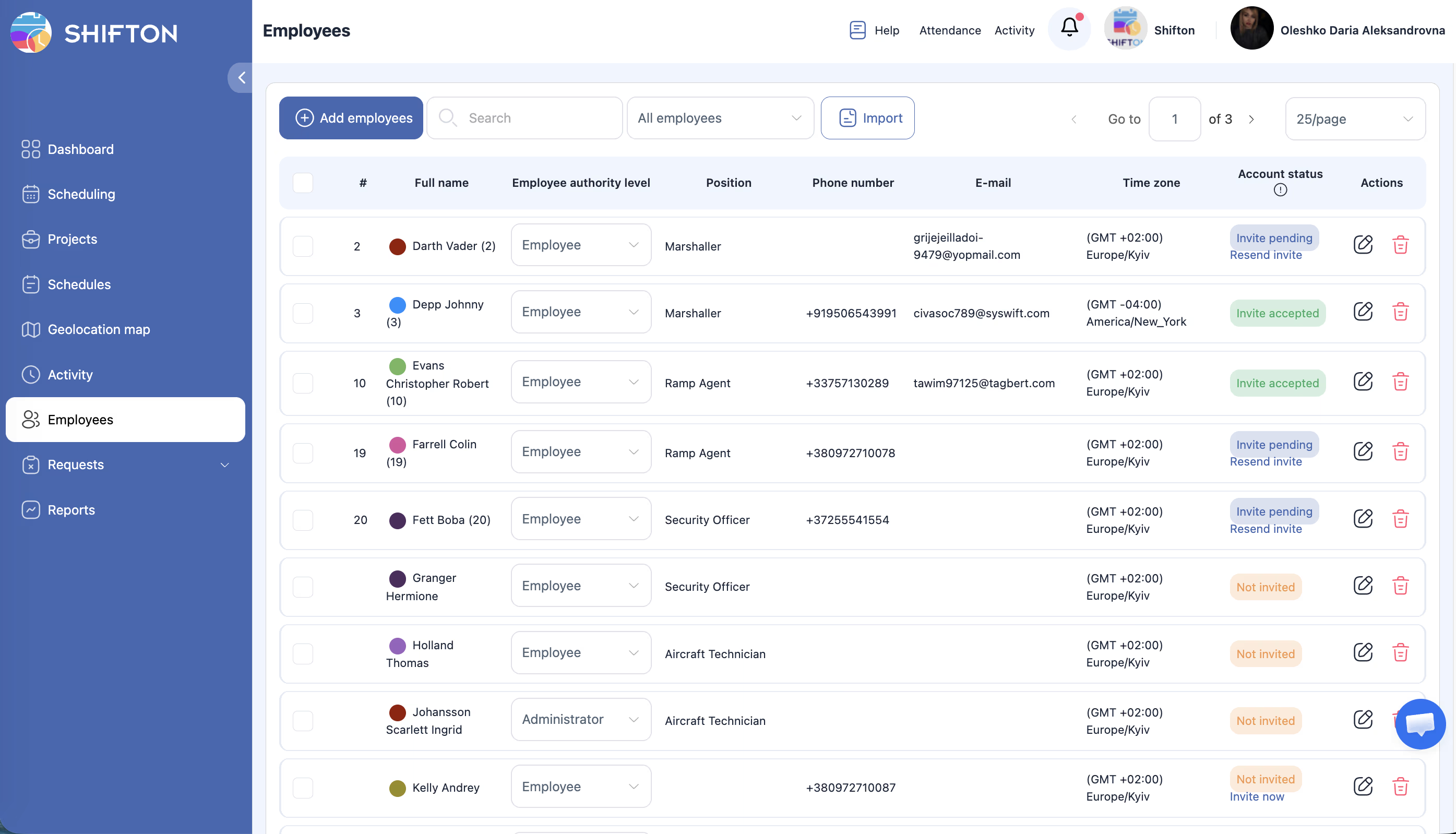
Smart Conflict Detection and Labor Rule Enforcement
The most common scheduling mistakes — double-booking an employee, violating rest-period requirements, exceeding overtime limits — are also the most expensive. Each one leads to either compliance fines, overtime costs, or burned-out employees who eventually quit.
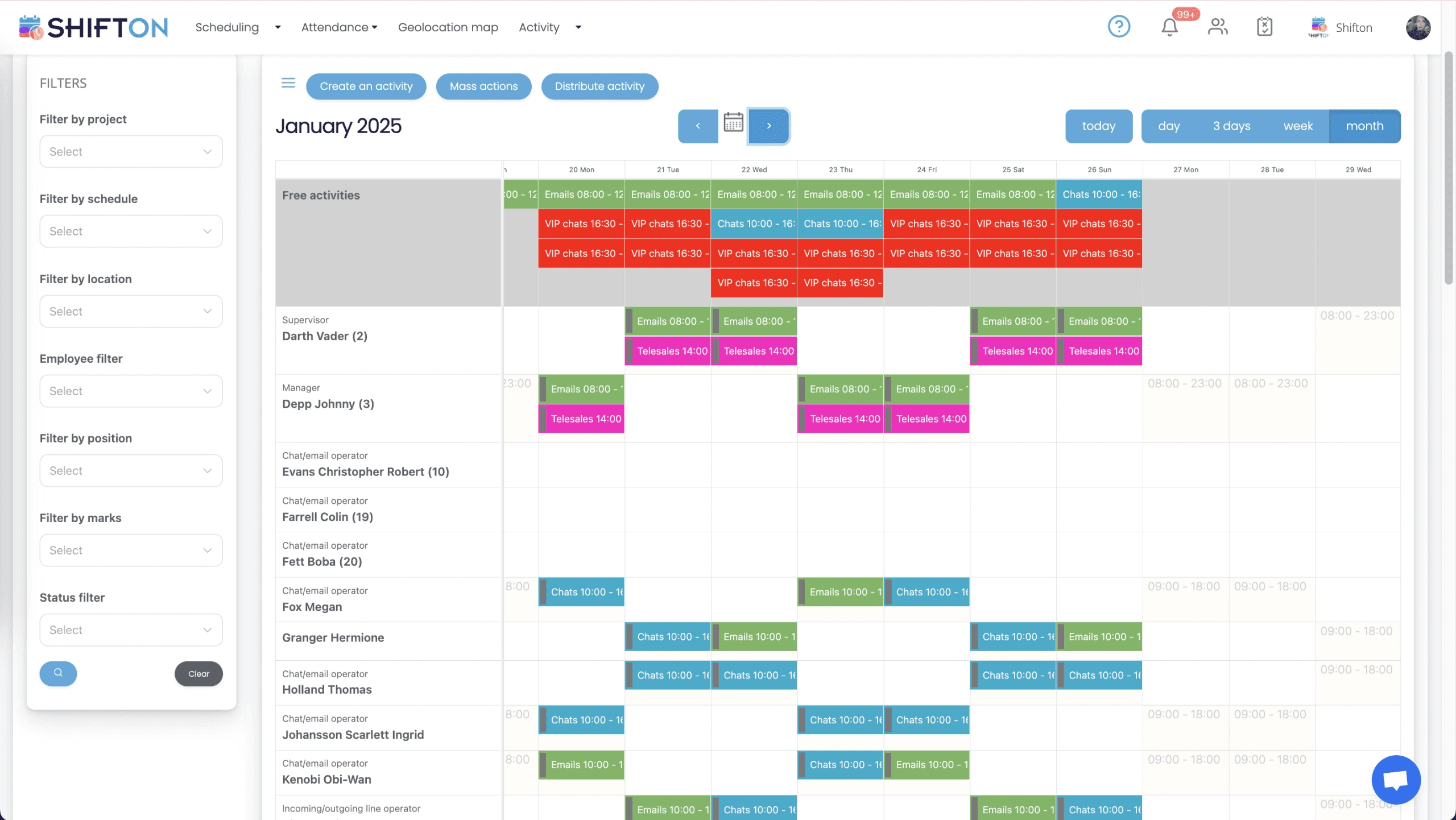
Employee-Facing Schedule with Self-Service Tools
A schedule only works when every employee knows about it, can access it instantly, and has tools to communicate changes. Printed schedules on break-room walls are outdated before the ink dries — and managers spend their days fielding calls about who works when.
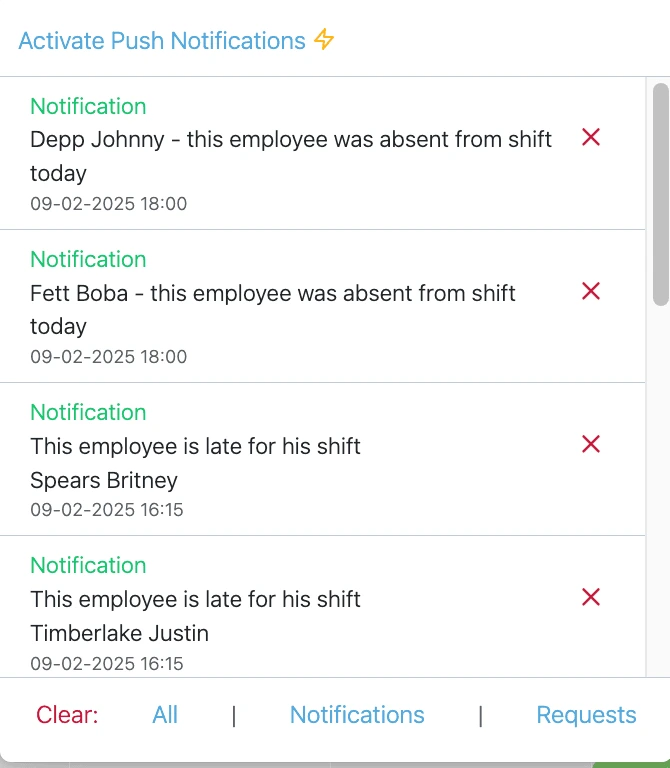
Schedule Publishing and Real-Time Communication
Creating a perfect schedule means nothing if the team does not see it in time. Late schedule publishing leads to no-shows, last-minute scrambles, and employee dissatisfaction. Instant distribution with read-confirmation ensures everyone is aligned before the first shift starts.
Start with the Free Plan
No time limits. Get full access to core features and upgrade when you're ready.
Frequently Asked Questions
Can I build schedules for multiple locations in one view?
Yes. Shifton displays all branches and departments on a single scheduling grid. You can assign shifts across locations without switching screens, and filter the view by site or team when needed.
What happens if I accidentally schedule someone for two shifts at the same time?
The system blocks the assignment before it saves. A conflict alert shows exactly which shifts overlap, so you can reassign without publishing an invalid schedule.
How do employees find out when their schedule is published?
When you click Publish, each affected employee gets a push notification and email instantly. You can also track who has viewed the schedule and send reminders to those who have not opened it yet.
Can employees request shift swaps on their own?
Employees can propose a swap with any qualified coworker directly from the mobile app. The request goes to you for approval — the swap only takes effect once you confirm it.
How do I prevent the schedule from overlapping with approved time off?
Approved leave is automatically blocked in the scheduling grid. If you try to assign a shift during an approved absence, the system flags it before you publish.
Ready to streamline your operations?
Join thousands of companies that trust Shifton to run smarter every day.