

Software for Office Furniture Installers and Fit-Out Crews
Deliveries, floor-by-floor builds and handovers planned around the building's rules, not just the calendar.
The building sets the timetable
An office install is rarely limited by the crew. It is limited by the goods lift booking, the loading dock slot, the rule that noisy work happens after six, and the security desk that needs names a day ahead.
The layout plan on every phone
Desks, pedestals, storage and screens go to exact positions on a plan. When only the crew leader has the drawing, everyone else waits for instructions.
Damage and shortages on delivery
Scratched worktops, a missing box of legs, the wrong fabric on a batch of chairs. Found on delivery day, these are a supplier claim; found at handover, they are your problem.
Handover without an argument
The client's facilities manager walks the floors and signs. What they sign is what you will be paid against.
Start with the Free Plan
No time limits. Get full access to core features and upgrade when you're ready.
Read how installers handle dock slots, layouts and handovers
What office furniture installation software needs to handle
Office furniture installation software is really about coordination with things you do not control: the building, the manufacturer's delivery and the client's move date. The crew is the easy part. A good plan records the building rules on the job, puts the layout in every installer's hands and captures the condition of the goods on arrival.
Moves and reconfigurations
Much of the work is not new furniture but moving existing desks for a reorganisation. Those jobs need a before-and-after plan, labels on each item and a record of what was damaged in the move. Furniture installation software that treats them as jobs with checklists keeps them as tidy as a new fit-out.
Out-of-hours work
Occupied offices are fitted at night and at weekends. The crew needs access instructions, an out-of-hours contact and a clear list of what must be finished before staff arrive on Monday.
Electric desks and power
Sit-stand desks need floor boxes or power modules in the right place, and the electrician is usually someone else's contractor. Noting on the job which positions depend on power, and whether it is live, stops a crew from building desks that cannot be switched on.
Clearing the old furniture
Many projects start with removing old desks and chairs for recycling, resale or disposal. Counting what leaves, and photographing its condition, matters when the client expects a rebate or a certificate from the recycler.
What Shifton Field Service does for installers
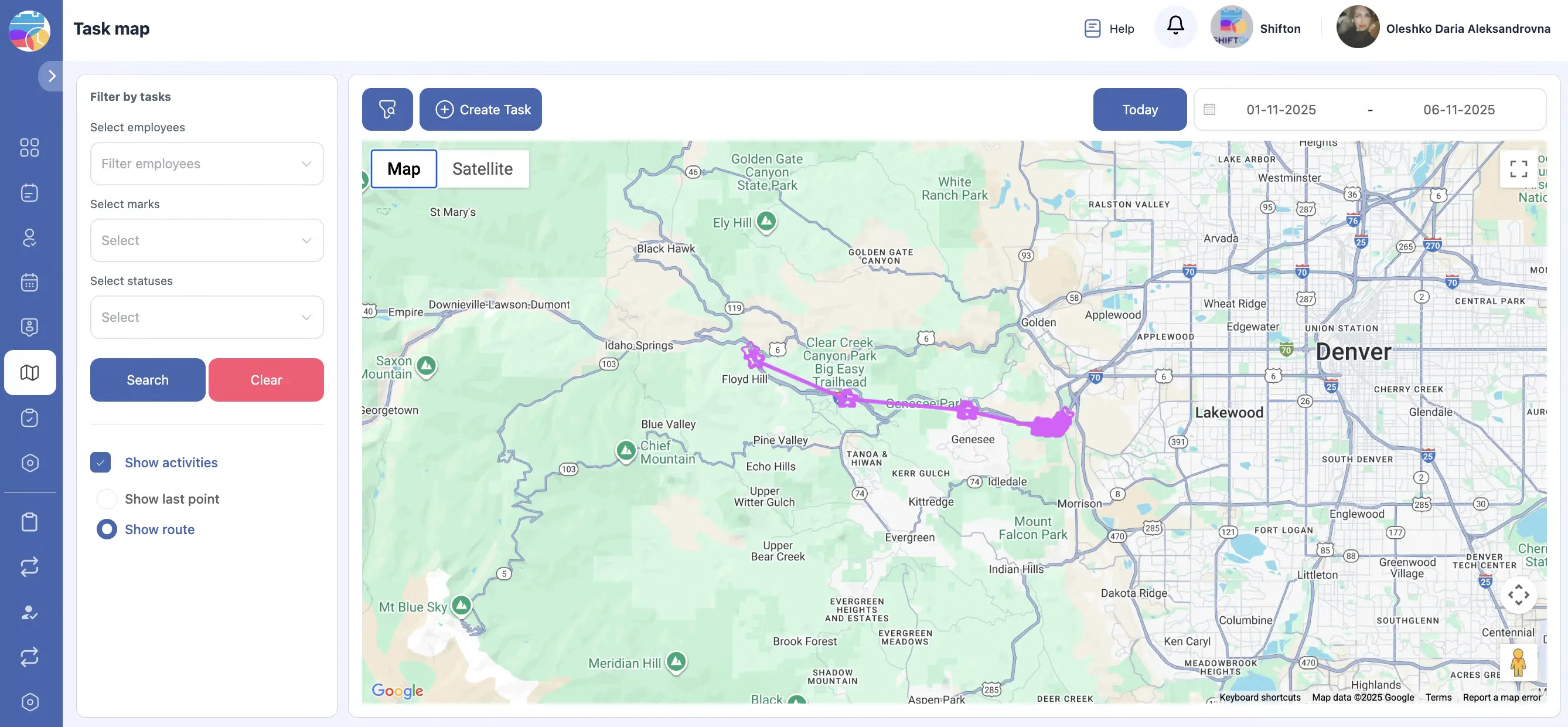
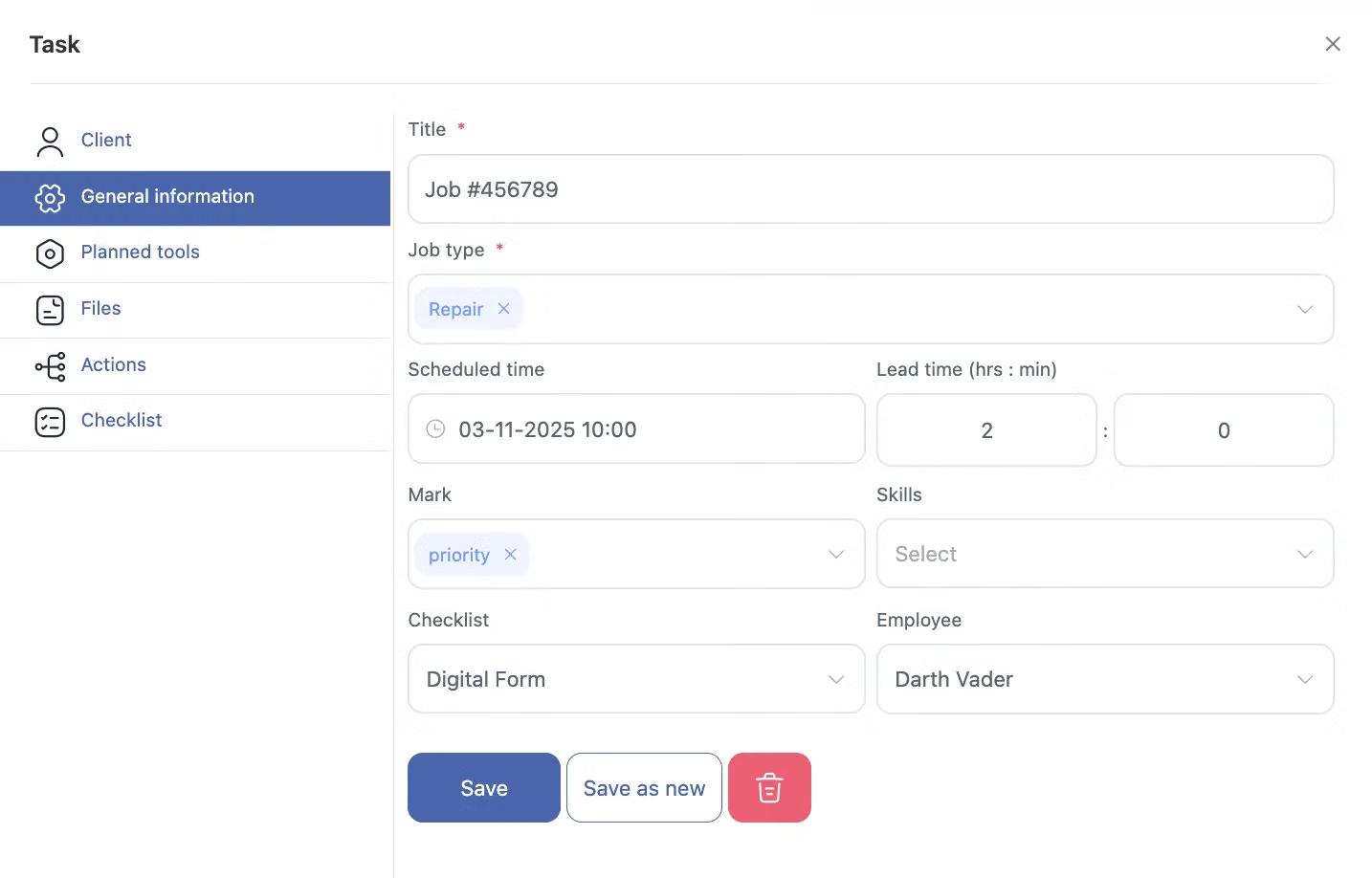
It plans deliveries, floors and crews on one board, puts the layout, access rules and checklist on each installer's phone, and records photos, snags, signatures and hours. An installer working alone or in a pair plans floors and records handovers without any subscription, permanently. Location control, invoicing, stock and a client portal are extra.
It is not a space-planning tool, it does not produce layouts or quotes and it does not place orders with manufacturers. It runs the installation and keeps the evidence.
Frequently Asked Questions
Can we plan a multi-floor install with different crews per level?
Each floor can be a separate job with its own crew and dates on the board. You see which floors are built, which are in progress and which are waiting for goods.
How do crews see the layout plan on site?
Attach the plan to the job and the crew opens it on their phones. Everyone works from the same version, and a revised plan replaces the old one for all of them.
Can we record missing or damaged items at delivery?
The receiving installer adds photos and a note listing what is short or damaged. That dated record supports a claim with the manufacturer and explains any delay to the client.
Does the facilities manager sign off each floor?
Yes, a signature can be taken on the phone at the end of each floor or at final handover. The signed job, with snag photos, is stored for your records.
How much is it for a two-person installation team?
Zero, for a two-person team, and there is no deadline after which that changes. Floors, crews, job forms and reports are all inside it. Inventory, invoicing, location control and the client portal become paid additions only if the business grows into them.


Ready to transform your field operations?
Join thousands of field service companies that trust Shifton to run smarter every day.