

 English
  Español
  Português
  Deutsch
  Français
  Italiano
  日本語
日本語  中文
中文  हिन्दी
  עברית
עברית  العربية
  한국어
한국어  Nederlands
  Polski
  Türkçe
  Українська
  Русский
  Magyar
  Română
  Български
  Čeština
  Ελληνικά
  Svenska
  Dansk
Dansk  Norsk
Norsk  Suomi
Suomi  Bahasa Indonesia
  Tiếng Việt
  Tagalog
  ไทย
ไทย  Latviešu
  Lietuvių
  Eesti
Eesti  Slovenčina
  Slovenščina
  Hrvatski
  Македонски
  Қазақша
  Azərbaycan
  Afrikaans
  বাংলা
বাংলা Activity Tracking Software for Transparent Team Workflows
Empower your workforce with Shifton’s employee activity monitoring software — track tasks, enhance efficiency, and succeed.

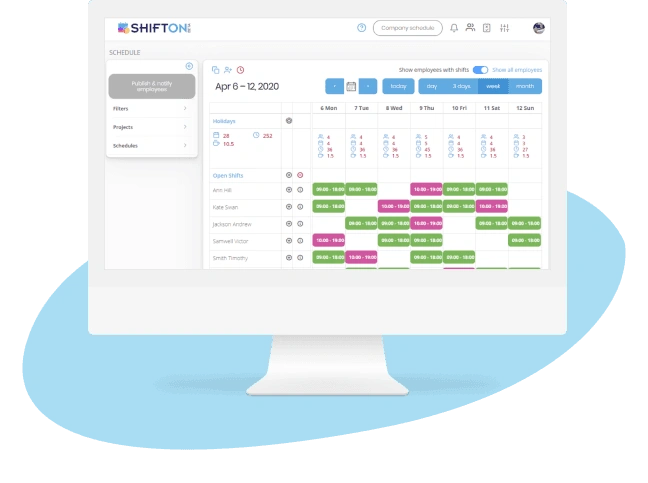
Complete Audit Trail for Every Workforce Action
When disputes arise about schedule changes, missed shifts, or overtime approvals, managers need an indisputable record of what happened and when. Without a comprehensive activity log, resolving conflicts relies on memory and word-of-mouth — neither of which holds up in HR reviews or labor audits.
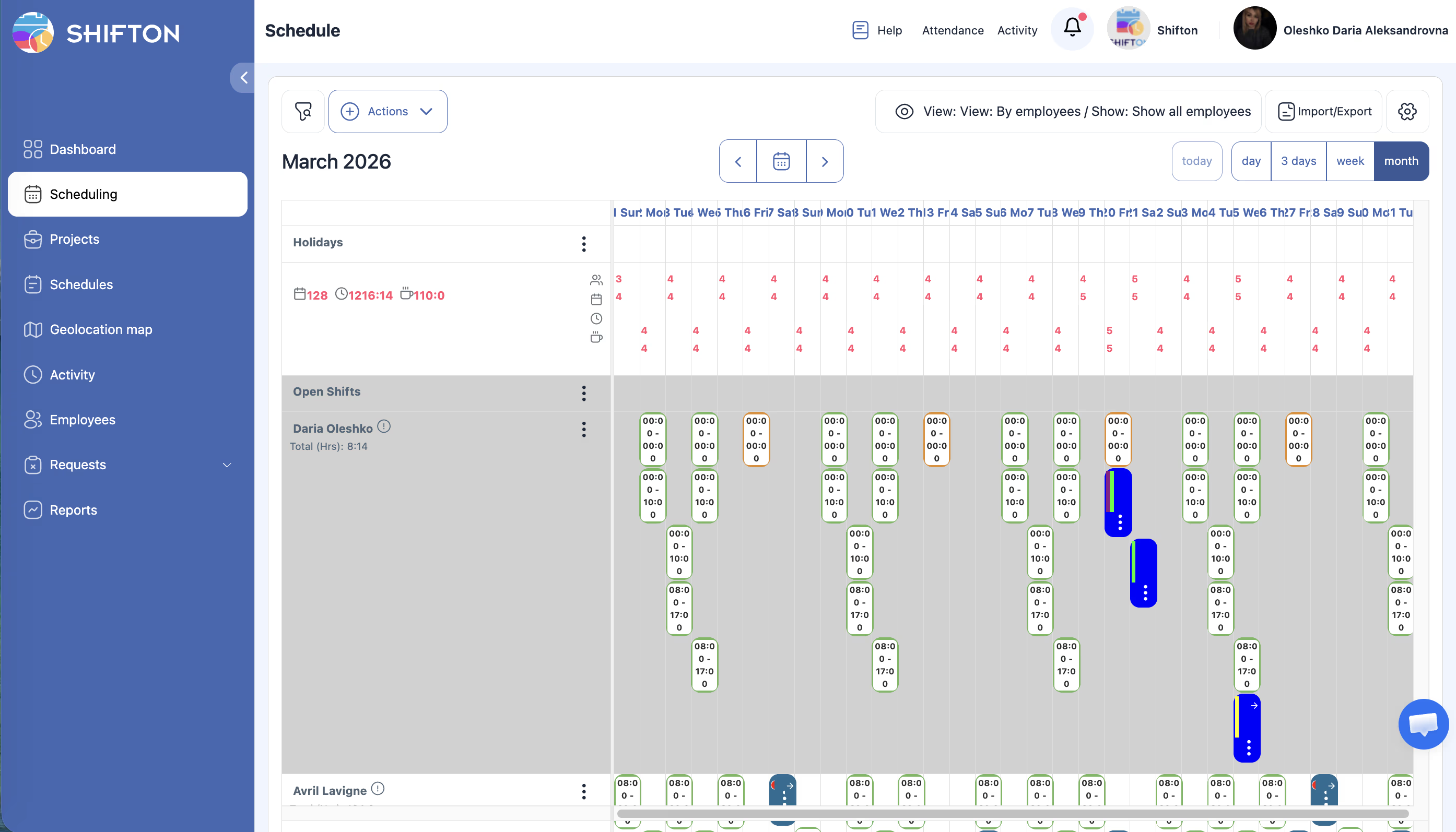
Employee Productivity and Attendance Patterns
Identifying which employees consistently arrive on time, which frequently call in sick, and which take on extra shifts helps managers make fair, data-driven decisions about promotions, additional training, and workload distribution — replacing subjective impressions with measurable facts.

Real-Time Operational Dashboard
Waiting for end-of-week reports to understand workforce performance means problems compound for days before managers can respond. A real-time dashboard surfaces attendance issues, overtime alerts, and coverage gaps the moment they occur — enabling same-day corrective action.
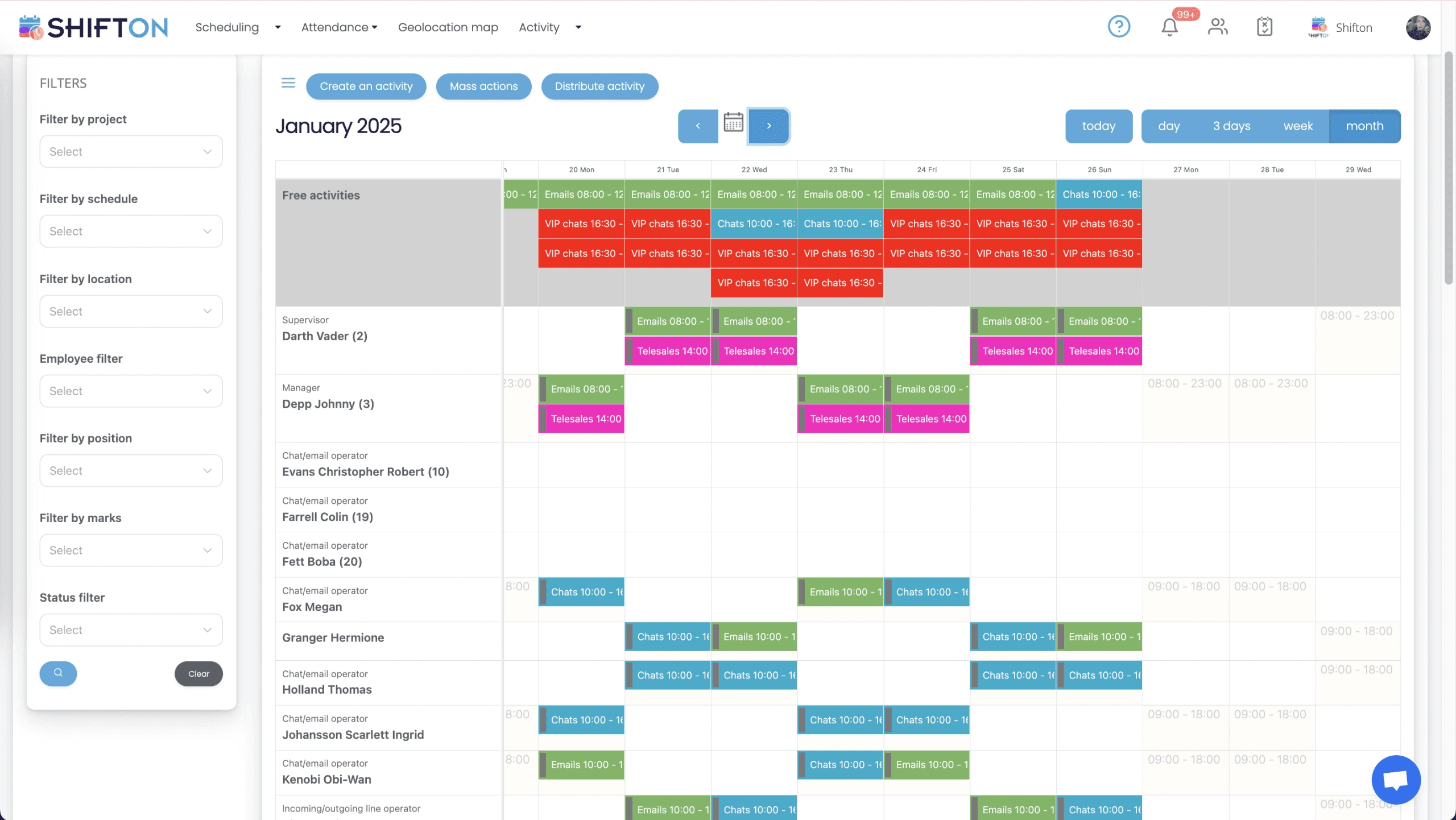
Compliance-Ready Activity Reports
Labor audits, wage disputes, and regulatory inquiries require detailed documentation of scheduling practices and attendance records. Organizations that cannot produce clean, structured activity reports face penalties, back-pay liability, and reputational damage.
Start with the Free Plan
No time limits. Get full access to core features and upgrade when you're ready.
Frequently Asked Questions
What actions does the activity log capture?
The log records every schedule edit, shift swap request, clock-in, clock-out, and manager approval with exact timestamps and the identity of the user who performed each action.
How do I find out which employee modified a shift?
Open the change history for any shift in Shifton and you will see a full list of every modification, who made it, when, and any reason they provided at the time of the change.
Can I see attendance patterns for a specific department?
Yes. Absence frequency and punctuality reports can be filtered by department, location, or individual employee and exported for any custom date range you select.
How long does Shifton retain activity data?
Activity records are automatically archived for the legally required retention period, stored securely, and remain searchable so you can retrieve historical data for audits at any time.
Can employees view their own activity reports?
Employees can see their own attendance history and schedule adherence data through the Shifton mobile app. Managers control which details are visible to staff versus supervisors.
Ready to streamline your operations?
Join thousands of companies that trust Shifton to run smarter every day.