

The 10 Best Team Management Software to Run Your Team in 2026

Most teams do not fall apart because people stop caring. They fall apart in the gaps: a shift nobody confirmed, a task that lived in someone’s head, an update buried three chats deep. The bigger the team, the wider those gaps get. That is the exact problem good team management software is built to close.
This guide ranks the 10 best team management software platforms and team management apps for 2026, from frontline scheduling apps to developer-focused project boards. Some are full team management systems and all-in-one team management solutions that handle scheduling, tasks, and payroll in one place. Others are lean task management tools or a simple team organization app your crew can pick up in an afternoon. We looked at what each one actually does, who it fits, and what it really costs, so you can match a tool to your team instead of forcing your team around a tool. If your priority is HR records, attendance, and payroll more than project boards, compare the broader employee management software solutions as well.
Whether you manage a deskless workforce, a remote team across time zones, or a small business juggling everything at once, there is a team management app here for you. From a lightweight team manager app to an online team manager built for remote team management, the list spans every budget and team size. Shifton takes the top spot for shift-based and hourly teams, and the other nine cover everything from agile sprints to lightweight kanban.
This might interest you:Shifton’s team management feature shows how scheduling and roles live in one dashboard instead of five tabs.
How we ranked the best team management software
There is no single “best” team management tool, because a construction foreman and a software lead want completely different things. We tested a wide range, from the best apps for managers to niche options like a management app or even a basic group organization app, and scored each platform against the jobs teams actually hire this software to do.
- Coordination first: can it handle the daily mechanics, assigning work, tracking who is doing what, and keeping everyone on the same page? Strong tools pair this with clear task management so nothing slips.
- Time and people: shift planning, time-off, attendance, and time tracking matter more for hourly teams than for project teams. We weighted both. Tools that bake in time tracking earned extra points for frontline use.
- Ease of adoption: a team management system only works if people open it. Mobile quality, onboarding, and a clean interface counted heavily.
- Honest pricing: we only list prices each vendor publishes, and we flag where a free plan is genuinely useful versus a trial in disguise.
- Fit, not features: a long feature list means nothing if it is the wrong tool for your team size and work style.
The result is a mix: workforce-focused apps for managers of shift teams, customizable work platforms for cross-functional groups, and developer-grade systems for engineering squads.
The 10 Best Team Management Software Tools for 2026
Shifton
Shifton is the team management software we would hand to any manager running a shift-based, hourly, or deskless workforce. It is built around the parts of team management that generic project tools quietly ignore: who is working and when, and, with the paid modules, where and whether they actually clocked in. For retail floors, restaurants, clinics, call centers, security, and field crews, that focus is the whole game.
At its core, Shifton turns a chaotic week into a clear schedule. Managers build the schedule with a creation wizard or by hand, overtime control flags overtime before it becomes a payroll problem, and staff swap shifts from their phones. Around that schedule, paid modules add time and attendance, time-off requests, GPS work-location control, and payroll that turns hours and rates into gross salary; task assignment lives in Shifton Service, the field service product. It is one of the few platforms where scheduling, team coordination, and labor cost control genuinely live together rather than being bolted on.
What makes Shifton stand out as a team management app is how little training it demands. Frontline employees are not project managers, and Shifton respects that: they get a simple shift view, push notifications, and one-tap actions. Managers get the depth, auto-distribution of free shifts, time zones, and reports, without drowning their people in complexity. It scales from a single cafe to a multi-site operation, and the mobile apps mean nobody needs to sit at a desk to stay in the loop.
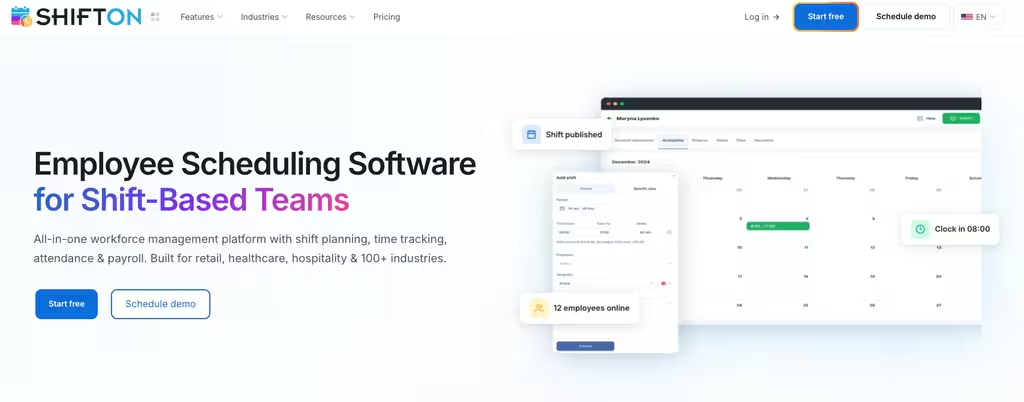
- Shift scheduling: schedules built with a wizard or by hand, open shifts, shift swaps, and overtime control
- Time and attendance: the paid Attendance module, GPS work-location control as a separate $5 module, and hours that feed the paid Payroll module
- Task management: comes with Shifton Service, the field service product: assign tasks with deadlines, customer data and checklists
- Self-service for staff: shift swaps and open shifts from any phone, plus time-off requests with the paid module
- Time zones: schedule teams across several locations
Best for: shift-based and hourly teams, retail, hospitality, healthcare, call centers, and field services, that need scheduling and team management in one place rather than a generic task board.
Run your team from one schedule, not five chat threads
Build shifts in minutes, with time tracking and payroll as paid modules. Shifton keeps your whole hourly team aligned and shows labor cost in the budget report.
Connecteam
Connecteam is the all-in-one app for deskless and frontline teams, and it is the tool most people picture when they think “team management software for people who don’t sit at a computer.” It bundles scheduling, a time clock, team chat, checklists, and HR features into a single mobile-first product, so a field or retail manager can run operations without stitching together five separate apps.
Its strength is breadth. Beyond shift planning and GPS time tracking, Connecteam adds a company feed, employee directory, knowledge base, digital forms, training courses, and recognition, useful when communication and onboarding are as much a headache as the schedule itself.
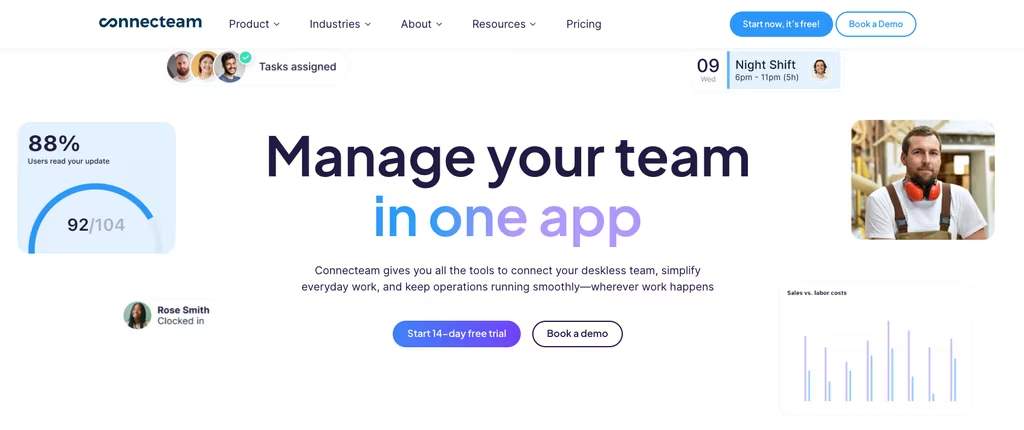
- Free plan: all features free for up to 10 users (its Small Business plan)
- Paid pricing: paid hubs start at a flat monthly rate covering your first 30 users, then a per-user fee above that
- Watch for: features are split across Operations, Communications, and HR hubs, so needing all three can mean paying several base fees
Best for: SMBs with hourly, frontline, or distributed staff who want communication, HR, and scheduling under one roof.
ClickUp
ClickUp is a highly customizable work management platform that tries to replace half a dozen tools at once, tasks, docs, goals, dashboards, and chat in one workspace. For teams that want to bend their software to fit an unusual workflow, few team management tools are this flexible.
You get task management across List, Board, Gantt, and Calendar views, collaborative docs, time tracking, goals, and automations. The trade-off is well documented: all that flexibility comes with a learning curve, and new users can feel buried under options before they find their footing.
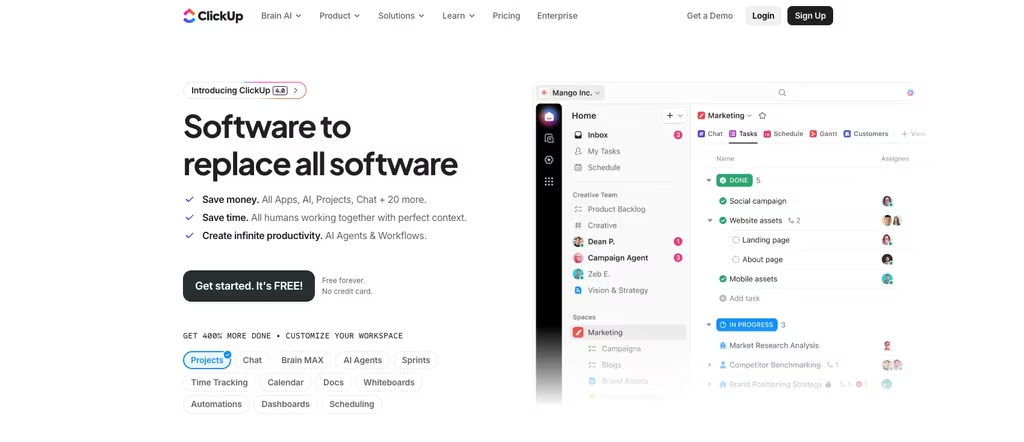
- Free Forever plan: unlimited tasks and members, capped at 60MB storage
- Core: $9 per user/month billed annually ($12 month-to-month)
- Business: $17 per user/month billed annually ($25 month-to-month)
- Note: AI (“Brain”) credits come with each plan, and Free has a 500-credit trial
Best for: startups and growing teams that want one customizable system for projects, docs, and goals at a low entry price.
Asana
Asana is the polished, structured end of the team management software market. If your team thinks in projects, tasks, and clear ownership, Asana’s clean interface and reliable workflow tools make it easy to see who is doing what by when, especially across departments.
It shines on coordination at scale: List, Board, and Calendar views on every plan, Timeline and Gantt on paid tiers, plus rules-based automations, reporting dashboards, goals, and portfolios for larger orgs. The catch is the free tier. Asana trimmed it down to just two users, so most teams that want real planning views move to a paid plan quickly.
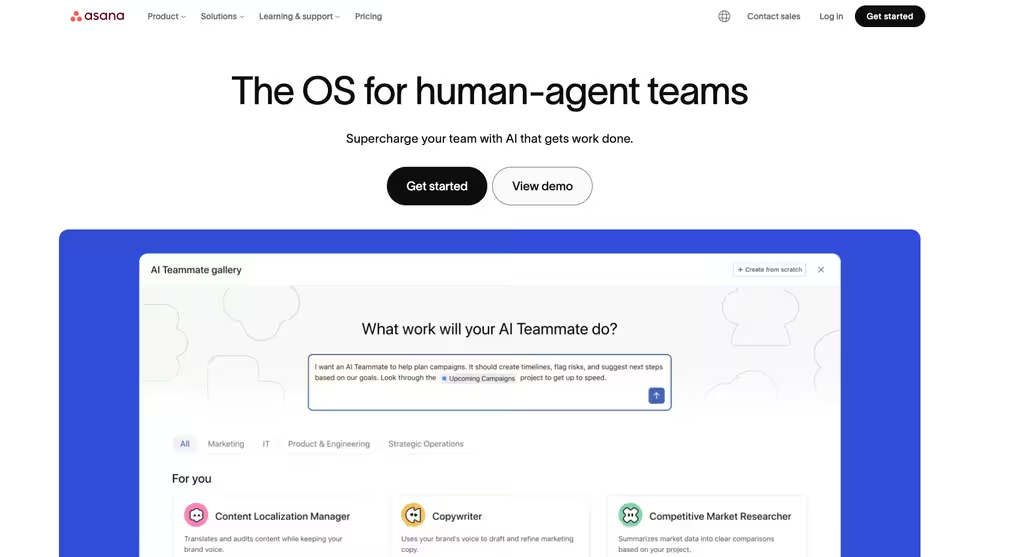
- Personal (free): up to 2 users, core task and project views
- Starter: $10.99 per user/month billed annually; adds Timeline, automations, reporting
- Advanced: $24.99 per user/month billed annually; adds Goals, Portfolios, Workload
Best for: structured teams and mid-to-large organizations that value a clean experience, reporting, and goal tracking.
monday.com
monday.com is a visual “Work OS” that lets cross-functional teams build their own boards, dashboards, and automations with almost no code. Colorful, flexible, and approachable, it is a popular team management platform for groups that want structure without feeling like they are using enterprise software.
Boards handle everything from simple task lists to multi-stage projects, with Table, Kanban, Gantt, and Calendar views, no-code automations, and 200+ templates to start fast. One thing to plan for: paid plans require a minimum of three seats, so a two-person team still pays for three.
- Free: up to 2 seats, 3 boards (effectively a starter tier)
- Basic / Standard / Pro: $9 / $12 / $19 per seat/month billed annually
- Heads up: a 3-seat minimum on paid plans means small teams overpay
Best for: mid-size, cross-functional teams that want a highly visual, customizable work platform.
Trello
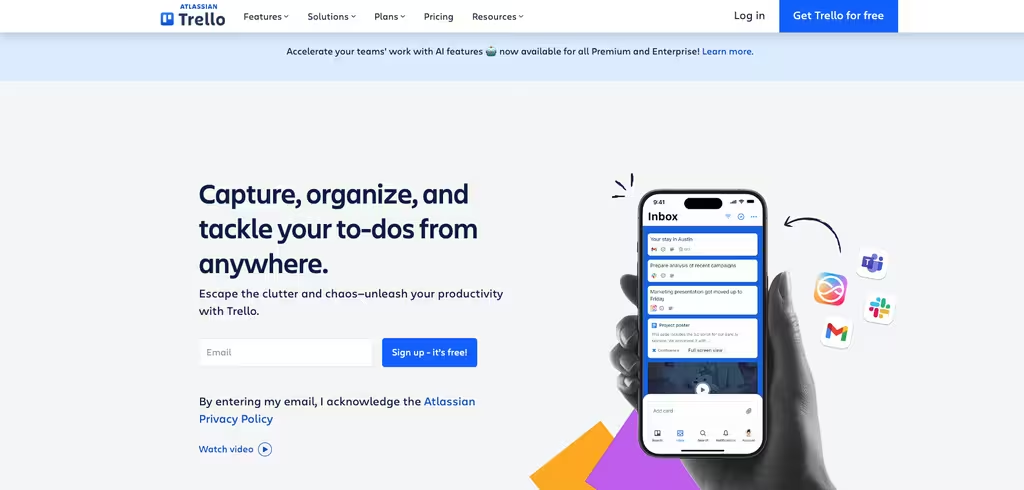
Trello is the team organization app you can explain in one sentence: boards, lists, and cards you drag from “to do” to “done.” That simplicity is the point. For small teams and individuals who want visual task tracking with zero setup overhead, almost nothing is faster to start using.
Under the simple surface there is more than you would expect, Power-Ups (integrations) even on the free plan, built-in automation, custom fields, and extra views like Calendar, Timeline, and Table on higher tiers. It is less suited to complex, dependency-heavy projects, where heavier team management tools pull ahead.
- Free: up to 10 boards per workspace, unlimited cards, unlimited Power-Ups
- Standard: $5 per user/month billed annually ($6 monthly)
- Premium: $10 per user/month billed annually ($12.50 monthly)
Best for: individuals and small teams that want the simplest possible visual board.
Jira
Jira is Atlassian’s agile project and issue-tracking system, and for software and technical teams it is close to a default. Scrum and kanban boards, backlogs, sprints, and agile reporting are first-class citizens here, which is exactly why non-technical teams sometimes find it heavier than they need.
If your team ships code or runs structured sprints, Jira’s depth pays off: customizable workflows, roadmaps, automation, and deep integrations with developer tools. For a marketing or operations group, though, the learning curve can outweigh the benefit.
- Free: up to 10 users, 2GB storage, basic automation
- Standard: about $7.92 per user/month billed annually at 10 users (rate varies by team size)
- Premium: about $16.25 per user/month billed annually at 10 users; adds cross-team planning and approvals
Best for: software and agile teams that need real sprint, backlog, and issue tracking.
Zoho Projects
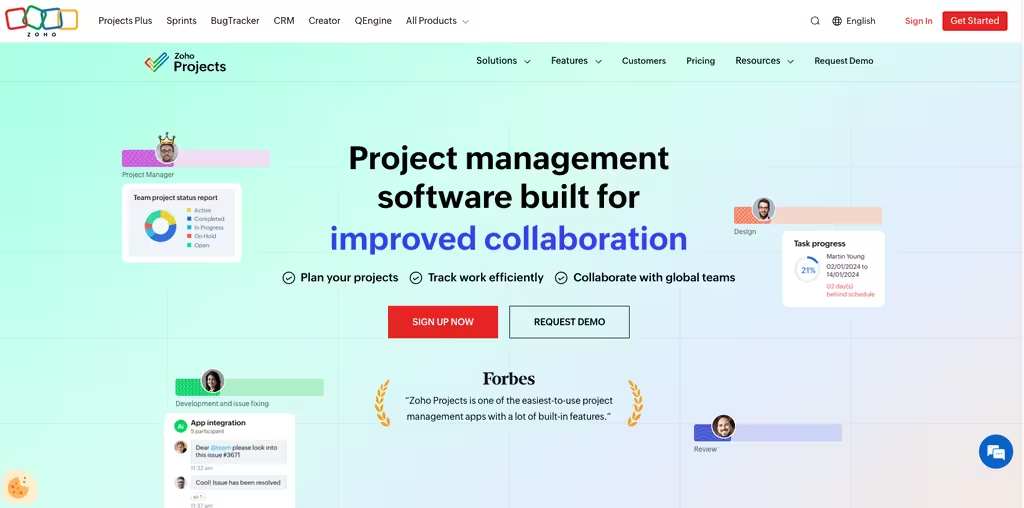
Zoho Projects is the project and team management piece of the broader Zoho ecosystem, and it is a natural pick if you already run other Zoho apps. It covers task management with subtasks and dependencies, Gantt charts, time tracking, and workflow automation through “blueprints,” with Zia AI features on paid tiers.
It is genuinely affordable and feature-rich for small to mid teams. The one quirk worth knowing: Zoho shows paid pricing in your local currency on its own page rather than as fixed public figures, so confirm the current rate for your region before you commit.
- Free plan: up to 5 users, 3 projects, 5GB storage
- Paid tiers: Premium, Enterprise, and Ultimate, priced per user (shown live on Zoho’s pricing page)
- Best fit: teams already inside the Zoho suite
Best for: small and mid-size teams that want affordable project and team management, especially existing Zoho users.
nTask
nTask is a budget-friendly task and team management tool aimed at small teams and freelancers who want more than a checklist without paying enterprise prices. It rolls tasks, meetings, timesheets, and issue tracking into one tidy app.
For the money, it covers a lot: task management with custom fields, Gantt and kanban views, meeting management, and risk tracking on the Business plan. Just note that the free plan is fairly bare, no Gantt or kanban and only 100MB of storage, so you grow into the paid tiers quickly.
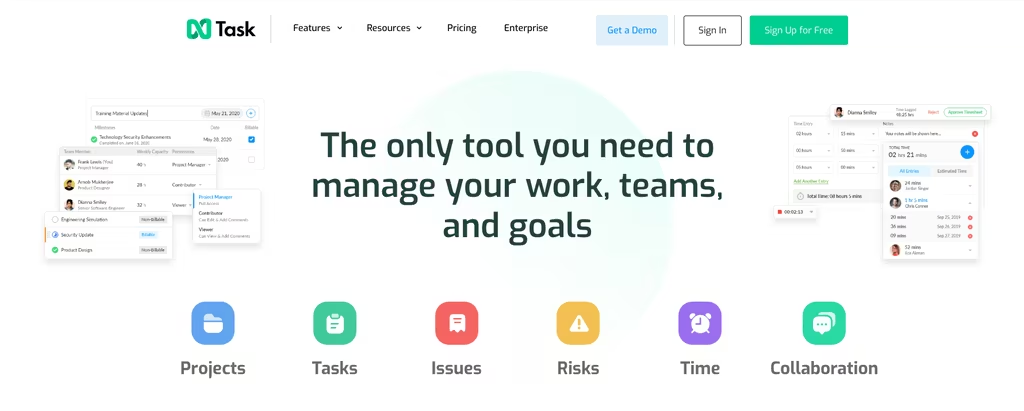
- Basic (free): up to 5 members, 100MB storage
- Premium: $3 per user/month billed annually
- Business: $8 per user/month billed annually
Best for: budget-conscious small teams and freelancers who want an affordable all-in-one task app.
ZenHub
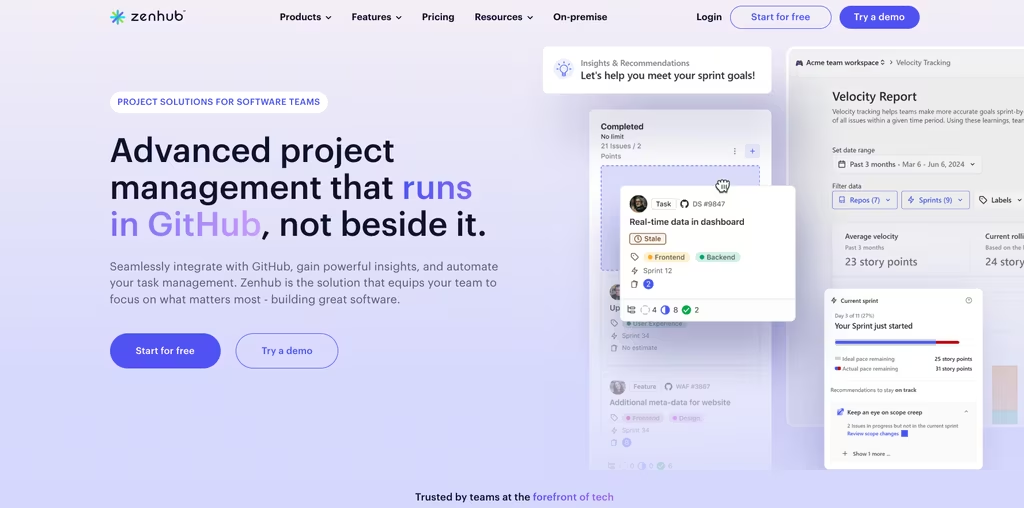
ZenHub is agile project management built right on top of GitHub, so engineering teams can plan sprints, track issues, and read velocity reports without ever leaving the place they already work. If your team lives in GitHub, that native fit is hard to beat.
Automated sprint planning, planning poker estimates, velocity and burndown reports, and GitHub-native boards make it a focused team management system for developers. The flip side is obvious: it is tightly coupled to GitHub, so it is not the right team management app for non-engineering or non-GitHub teams.
- Free: 1 workspace, up to 50 users, 2 connected repos, 250 issues
- Teams: $4.99 per user/month billed yearly
- Enterprise: custom pricing with self-hosted options
Best for: software teams that work inside GitHub and want agile tooling without switching context.
What Is Team Management Software?
Team management software is an application that helps a manager plan work, coordinate people, and track progress in one shared place. Instead of scattering schedules across spreadsheets, tasks across email, and updates across chat, a team management system pulls them together so everyone sees the same source of truth.
The category is broad on purpose. At one end sit workforce-focused apps for managers of shift teams, where the core job is scheduling, attendance, and labor cost, the same operational record that good employee evaluation software draws on. At the other end sit project-style team management tools built around tasks, boards, and deadlines. Plenty of teams need a bit of both, which is why “team management software” and “team organization software” often get used interchangeably even though the underlying products differ a lot.
You will see these products called many things: team organization apps, team collaboration tools, staff management tools, or simply apps for managers. A few market themselves as team building software, team tracker software, a team collaboration app, or a group management app. Larger companies may roll out full team management applications across departments and handle team management online from any device, while a two-person shop might only need a basic team work app, one of the lighter team working apps, or a free desktop team management program. The label matters less than the fit.
How Does Team Management Software Work?
Whether you call it an app for team management, software for team management, or just a management app, most platforms follow the same loop. A manager creates the plan, a schedule, a project, or a set of tasks, and assigns it to people. Team members get notified, do the work, and update their status, log hours, or check off items from a phone or desktop. The software then rolls all of that into a view managers can act on: who is overloaded, what is late, where hours are piling up.
The better the team management app, the less manual chasing this loop requires. Automations reassign work, reminders nudge people before a deadline, and reports surface problems while there is still time to fix them. For hourly teams, that loop also feeds payroll; for project teams, it feeds delivery dates.
Benefits of Using a Team Management Tool
The payoff of a good team management tool is less about flashy features and more about removing friction. When the plan, the work, and the updates live together, fewer things fall through the cracks, and managers spend less time playing messenger.
- Clarity: everyone knows what they own and when it is due
- Less admin: automated scheduling, reminders, and reports replace manual follow-up
- Accountability: progress and hours are visible, not assumed
- Better coordination: remote and frontline teams stay aligned across locations and time zones
For distributed groups, the right team collaboration tool doubles as a team communication app, lifting team productivity by keeping the conversation next to the work. If communication rather than task tracking is the gap, the dedicated employee communication apps compared separately go deeper on frontline reach and published pricing. Managing remote teams gets far simpler when scheduling, chat, and tasks share one screen, which is the whole promise of modern team collaboration software. And when those teams work in the field, pairing it with one of the best employee location tracking apps adds the layer those tools miss: knowing where the work actually happened.
If your bottleneck is specifically shifts and rosters, it is worth pairing this guide with our roundup of the best employee scheduling software for small business, since scheduling and team management overlap heavily for hourly teams. HR-heavy teams may also want our list of the best HR software for small businesses.
How Much Does Team Management Software Cost?
Pricing across team management software lands in a wide band. Several tools, ClickUp, Trello, Jira, Zoho Projects, nTask, and Connecteam, offer a real free plan, though the limits vary from “genuinely usable” to “trial in disguise.” Paid plans generally run from around $3 to $25 per user per month billed annually, with per-seat minimums and add-ons (like AI) that can push the real bill higher than the headline rate. If a zero-cost tool is the priority, compare the options in our guide to the best free task management software.
If budget is your main constraint, start with a free team management app or free team management software and upgrade as the team grows. Just remember that “team management software free” usually means a capped tier rather than the full product, so check the user and storage limits first.
For shift-based teams, the math is different: the cost that matters is not just the subscription but the overtime, no-shows, and payroll errors the software prevents. That is where a focused tool like Shifton tends to pay for itself.
Keep reading: if rostering is your main pain, see our roundup of the best employee roster apps, or compare 10 of the best shift scheduling tools.
Compare the Best Team Management Software at a Glance
| Tool | Free plan | Paid from (billed annually) | Best for |
|---|---|---|---|
| Shifton | Free plan (up to 10) + paid modules | Affordable per-user (see site) | Shift-based and hourly teams |
| Connecteam | Up to 10 users | Flat rate for first 30 users | Deskless and frontline staff |
| ClickUp | Unlimited members, 60MB | $9 per user/mo | Customizable all-in-one work |
| Asana | Up to 2 users | $10.99 per user/mo | Structured, cross-team projects |
| monday.com | Up to 2 seats | $9 per seat/mo (3-seat min) | Visual, cross-functional teams |
| Trello | 10 boards/workspace | $5 per user/mo | Simple visual task tracking |
| Jira | Up to 10 users | ~$7.92 per user/mo | Software and agile teams |
| Zoho Projects | 5 users, 3 projects | Per user (shown on site) | Zoho-ecosystem teams |
| nTask | 5 members, 100MB | $3 per user/mo | Budget small teams |
| ZenHub | 2 repos, 250 issues | $4.99 per user/mo | GitHub-based dev teams |
Frequently Asked Questions
What is the best team management software in 2026?
It depends on your team. For shift-based and hourly teams, Shifton is our top pick because it combines scheduling, time tracking (a paid module), and team coordination in one app. For customizable project work, ClickUp and monday.com lead; for software teams, Jira and ZenHub are the natural fits. If you are simply hunting for the best team app overall, weigh the best team apps by how well they match your day-to-day work, not by feature count alone.
Is there a free team management app?
Yes. ClickUp, Trello, Jira, Zoho Projects, nTask, and Connecteam all offer free plans, and Shifton offers a free plan for up to 10 employees (plus paid add-on modules). Free tiers vary a lot: Connecteam’s covers up to 10 users, while Asana’s free plan is limited to just two. Check the user caps and storage limits before you commit.
What is the difference between team management software and project management software?
Project management software centers on tasks, deadlines, and deliverables. Team management software is broader: alongside tasks it handles the people side, scheduling, attendance, communication, and time off. Many tools blur the line, but if your main challenge is who works when, you want a team management system, not just a project board.
What features should a team management tool have?
Look for clear task assignment, a schedule or calendar view, mobile access, notifications, and reporting. Hourly teams should prioritize shift planning and time tracking; project teams should prioritize multiple views, dependencies, and automations. Above all, pick a tool your people will actually open every day.
What is the best team management app for small business?
Small businesses with hourly staff get the most from Shifton or Connecteam, since both pair scheduling with team management. Small project teams on a tight budget often start with Trello, nTask, or ClickUp’s free plan and upgrade as they grow.
What are the best team management apps and tools for a growing company?
For a growing company, the best team management apps and tools balance price, depth, and ease of adoption. Among business team management software tools, Shifton and Connecteam suit hourly and frontline staff, while monday.com, Asana, and ClickUp scale well for cross-functional project teams. When people compare the best team management tools, small business team management usually comes down to two things: a fair price and a tool your people will open every day. So with the best team management software for small business, favor adoption over the longest feature list.


Start making changes today!
Optimize processes, improve team management, and increase efficiency.