

7 Best BambooHR Alternatives and HR Software Competitors in 2026
Why teams look for BambooHR alternatives in 2026
BambooHR publishes its prices. Core costs $10 per employee per month once a company passes 25 employees, Pro costs $17 and Elite $25, and a company with 25 people or fewer pays a flat $250, $425 or $650 a month instead. What none of those tiers include is shift scheduling or time tracking. Both sit in a separate Time & Attendance add-on, payroll is another add-on, and the pricing page gives no figure for either of them.
For a salaried office team, that is a fair deal.
For a business that runs shifts in retail, healthcare, logistics or hospitality, it gets awkward. The per-employee bill grows with every part-time and seasonal hire, and the scheduling those people need is still an extra. That is what sends people looking for BambooHR alternatives: not a cheaper copy of the same product, but HR software built around the way the team actually works. If you are comparing more broadly, our best HR software picks for small businesses sorts these tools by smaller headcounts.
Our Top Picks
Seven tools made the list. If you only read three, read these.
Shifton
Scheduling and time tracking at the core, free for up to 10 employees, then $1 per employee a month plus the modules you switch on.
Homebase
Free for one location with up to 10 employees. Paid plans are charged per location, not per head.
Zoho People
The lowest published per-user price on this page: Essential HR at $1.25 per user a month, billed yearly.
Why trust us?
Shifton is our own product, and we ranked it first. We would rather say so here than let you find out halfway down.
Prices and limits were read from each vendor's pricing page on 6 October 2026. Gusto's and Rippling's pricing pages refused our check that day, so this page quotes no price for either of them.
Compare BambooHR alternatives at a glance
BambooHR sits in the first row so you can see what you would be leaving. Prices are in US dollars, with the billing basis each vendor states.
| Tool | Free plan | Price from | Best for |
|---|---|---|---|
| BambooHR (for reference) | No | $10 per employee/month (Core, over 25 employees); flat $250/month for 25 or fewer. Scheduling is a separate add-on | HR records for salaried office teams |
| Shifton | Up to 10 employees | $1 per employee/month for everyone once the team passes 10, modules $0.50 to $5; annual billing saves 20% | Shift-based teams and workforce scheduling |
| Rippling | Not confirmed | Not confirmed (pricing page blocked our check) | HR, IT and payroll in one system |
| Gusto | Not confirmed | Not confirmed (pricing page blocked our check) | Payroll-first US teams |
| Zoho People | Up to 5 users (3 in the US lineup) | $1.25 per user/month billed yearly ($1.50 monthly), 5-user minimum | Low-cost core HR and leave |
| Homebase | 1 location, up to 10 employees | $24 per location/month billed annually ($30 monthly) | Hourly teams at one location |
| Lattice | No | $10 per seat/month for Performance, billed annually; $4,000 yearly minimum | Performance and people development |
| Namely | No (guided tour instead of a trial) | $9 per employee/month (Namely Now); other packages by quote | Mid-market HR with benefits and compliance |
Only one figure on Namely's page is public; everything above Namely Now is quoted. Gusto and Rippling may well list prices, but we could not read them on the check date, and we do not repeat numbers from other people's roundups.
What to look for in a BambooHR alternative
Most teams leave BambooHR for one of three reasons. The per-employee price scales badly. Scheduling costs extra. Or the integrations do not reach the payroll and time tools already in use.
Check first whether scheduling and time tracking are native. Plenty of HR systems list both as features and then route the actual work through a partner app or a paid add-on, which matters the moment you want overtime to flow from clock-out to payroll without a CSV export in the middle. BambooHR itself is the example: shift scheduling exists, but only in the Time & Attendance add-on, and the price of that add-on is not on the pricing page, so you find out on a sales call.
Mobile access is the second filter. If your employees are not at a desk, they need to see the schedule on a phone, clock in from it, and ask for time off without calling a manager.
Then read the pricing unit. Per employee, per user, per seat and per location look alike in a feature grid and behave very differently at 60 staff. A per-location price favours one busy site. A per-employee price favours a small team. A yearly minimum, like Lattice's $4,000, sets a floor no matter how few people you have.
The 7 best BambooHR competitors to consider in 2026
Shifton
If your operation runs on shifts, Shifton is built for exactly that. Where BambooHR centers on core HR records for office workers, Shifton centers on team management and workforce scheduling for businesses where the shift pattern drives everything else.
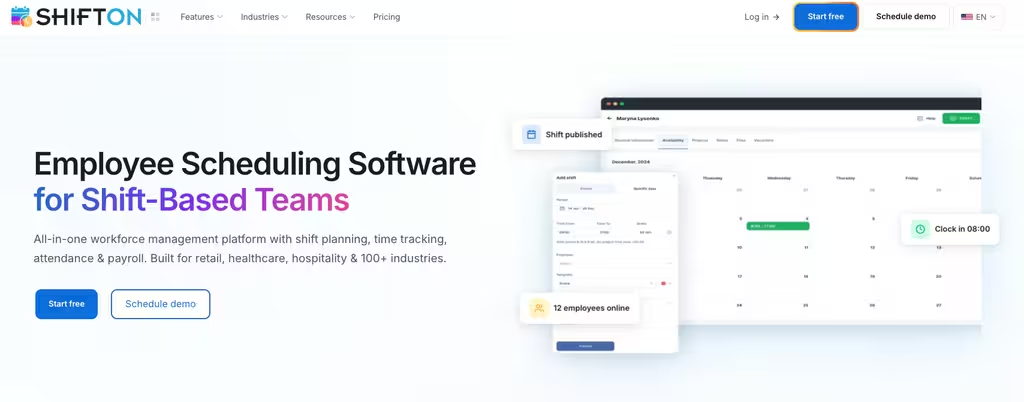
Managers build and publish schedules with a drag-and-drop builder, and the system flags conflicts before the schedule goes live, so a double-booked employee shows up on Tuesday afternoon instead of Saturday morning. Employees see changes on their phones and can request a swap or time off from the app.
Hours are recorded as shifts are completed. That removes the end-of-period timesheet chase most scheduling tools still leave you with, and it means attendance records and labor cost reports come from what actually happened on the floor rather than from a second round of data entry. BambooHR starts with the employee record and sells scheduling as an add-on. Shifton starts with the shift: who is working, when and where.
Multilingual crews get the interface in 40 languages.
Price: the free plan covers teams of up to 10 employees with no time limit. Once the team passes 10 employees, the base costs $1 per employee per month for every employee, and paid modules run from $0.50 to $5 per employee per month. Each module can be tried free for up to 60 days, and annual billing saves 20% against monthly.
Where it falls short: Shifton is a workforce platform, not a full HRIS. There is no benefits administration, and GPS location control is a paid module at $5 per employee per month, so a company that mainly wants benefits enrollment and HR records will still need another system.
Scheduling that is not an add-on
Build the rota, track hours and see labor cost in one place. Free for teams of up to 10 employees.
Rippling
Rippling takes a broader approach than almost anything else in this category. It connects HR, IT provisioning and payroll in one automated system, and pitches itself at companies that are growing fast.
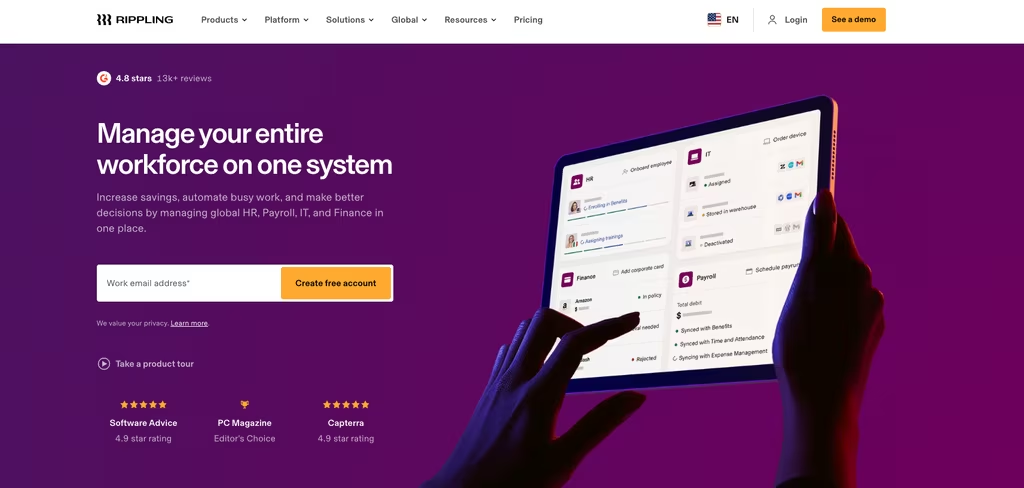
When a new hire joins, Rippling can set up the email account, provision a laptop, enroll the person in payroll and add them to the right benefits plan as one onboarding workflow. It also runs payroll outside the US, which makes it one of the few HR systems that works for a company with staff on both sides of a border. A PEO option gives smaller businesses access to pooled benefits without building the HR function behind them.
Its philosophy differs from BambooHR's. BambooHR is people records first; Rippling is operational automation first.
Price: not confirmed. Rippling's pricing page blocked our check on 6 October 2026, and the cost depends on which products you combine, so ask for a written quote that names every module.
Where it falls short: implementation time and cost. A small team without dedicated HR and IT staff often ends up paying for depth it does not use yet, and there is no public price list on this page to plan against.
Gusto
Gusto's argument as a BambooHR alternative is simple: payroll is the core, not an add-on. For US teams where tax compliance and direct deposit accuracy outrank org charts, it is the most focused HR platform on this list.
Federal, state and local tax filing, new hire reporting, W-2 and 1099 forms, direct deposit and off-cycle runs for bonuses or corrections are the center of the product. The HR layer adds onboarding checklists, offer letter templates and time-off tracking, plus a benefits module where employees compare and pick health plans. Contractor payments run next to employee payroll, which suits a mixed workforce.
Price: Gusto lists its plans on its own pricing page, but that page blocked our check on 6 October 2026, so we quote no figure. Read the base fee and the per-person fee together, since both scale your bill.
Where it falls short: employee payroll is built for the US, so staff employed in other countries need another provider. Shift scheduling is not what Gusto is built around either, so a rota-heavy team will still be looking for a scheduling tool.
Zoho People
Zoho People makes sense when BambooHR's price feels out of proportion to what you use. It has the lowest published per-user price on this page.
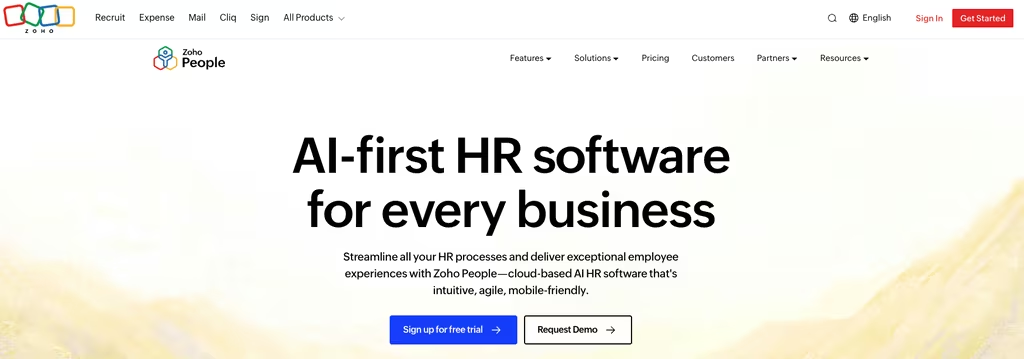
The free edition covers the employee database, leave management, vacation planning and document storage for up to 5 users; Zoho's US lineup shows 3. Essential HR costs $1.25 per user billed yearly, or $1.50 on monthly billing, and adds onboarding, HR reports and the Zia AI bot. Professional, at $2 per user per month billed yearly ($2.50 monthly), is where attendance, timesheets and roster management come in. Premium adds performance and compensation management at $3 per user, billed yearly. Paid plans carry a 30-day free trial.
Zoho People works best inside the Zoho family. Zoho Books, Zoho CRM and Zoho Desk connect without much setup, while a stack built on other vendors needs more integration work.
Where it falls short: the free plan has no attendance or shift tools, and every paid plan has a 5-user minimum, so a team that needs rosters starts on Professional rather than the cheapest tier.
Homebase
Homebase vs BambooHR is a question that comes up constantly in small business research because the two solve different problems. BambooHR serves salaried staff with predictable hours. Homebase is built for hourly teams in restaurants, shops, gyms and salons, where the schedule changes every week.
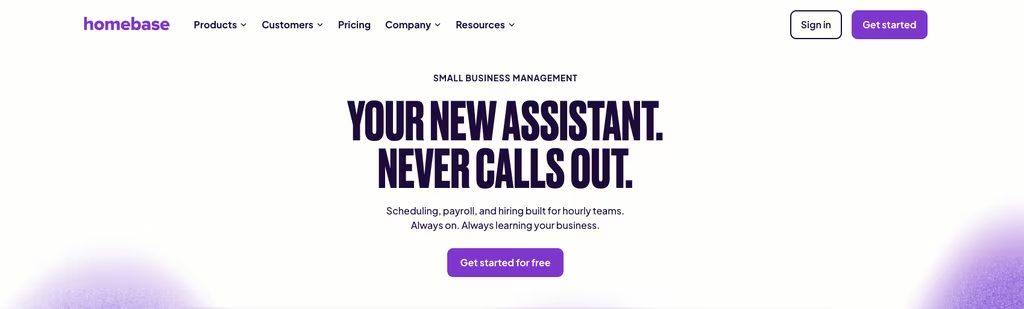
The free Basic plan covers one location and up to 10 employees. It includes basic scheduling, a time clock on tablets, computers and POS devices, a point-of-sale integration, and timesheets stored for 90 days. Essentials costs $24 per location per month billed annually ($30 monthly) and lifts the employee cap, adding advanced scheduling, shift trading and team communication. Plus is $56 billed annually ($70 monthly) and brings PTO controls and departments. All-in-One, at $96 billed annually ($120 monthly), adds onboarding, labor cost management and HR and compliance tools.
Payroll is an add-on at $49 a month plus $6 per employee paid. Tip pooling is another add-on, Tip Manager, at $25 per location, billed monthly.
Where it falls short: pricing is per location, so a business with several small sites pays the plan price at each one. On the free plan, employees cannot trade shifts, and timesheets are kept for only 90 days.
Lattice
Lattice does not compete with BambooHR on scheduling or payroll. It competes on performance management and people development.
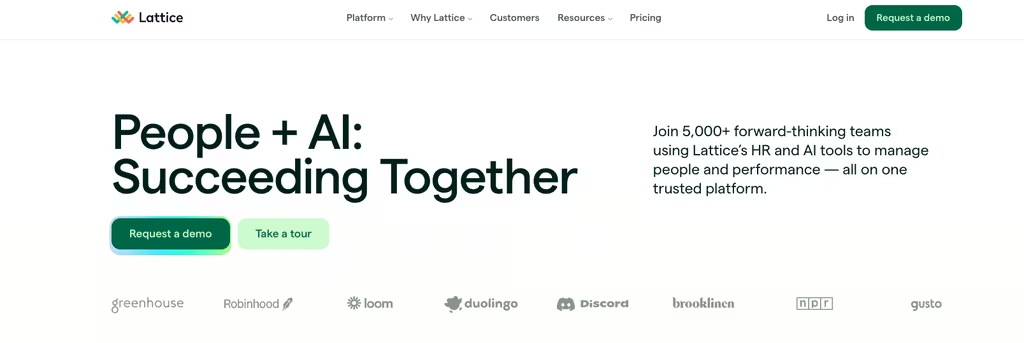
If your HR team's main job is building a feedback culture, running structured review cycles and tracking growth against goals, Lattice covers that ground in more detail than anything else here. Every base product includes 1:1s, weekly updates, feedback and Q&A boards. Performance costs $10 per seat, Goals and OKRs $8, and Engagement $4, all monthly per seat, with Compensation (+$6) and Grow (+$4) sold as add-ons. Lattice bills every contract annually, in US dollars only.
Where it falls short: the minimum annual agreement is $4,000, which prices out a small team, and there is no scheduling, time tracking or payroll, so it sits beside your HR system rather than replacing it.
Namely
Namely aims at mid-market companies that have outgrown entry-level HR tools but are not ready for the cost and complexity of an enterprise suite, especially where benefits and compliance get heavy.
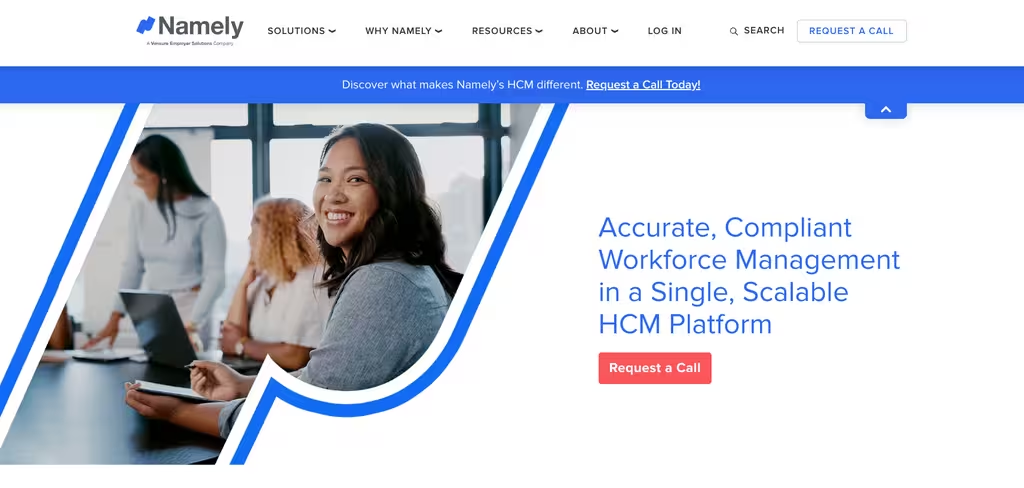
Payroll, HR, onboarding, time and benefits administration live in one system, and Namely sells managed payroll and managed benefits services on top of the software. Contracts run month to month or up to 3 years. Namely says a Namely Now implementation can take as little as 3 weeks, and its team trains clients one to one while the account is configured.
Price: Namely Now starts at $9 per employee per month. Everything above it (Namely Plus, Plus People and Complete) is priced after a needs review.
Where it falls short: there is no free trial, only a guided tour, and only the entry package has a public price, so you cannot compare the full suite on cost without going through sales.
How to pick the right BambooHR substitute for your team
Start with one question: what is BambooHR failing to do for you?
If the answer is shift workers (people who clock in and out, change hours week to week, or work across several sites), the problem is that BambooHR's scheduling lives in a separately priced add-on. Shifton handles that for teams with complex schedules across locations. Homebase is the simpler option for a single site whose main need is a schedule and a time clock, and its free plan holds up to 10 employees.
If payroll accuracy is the issue, Gusto is the most focused answer here, particularly for US businesses paying contractors as well as staff. If the issue is cost alone and you need attendance plus leave and basic records, Zoho People's Professional plan at $2 per user per month billed yearly comes to $40 a month for 20 people, against BambooHR's flat $250 for Core at that size. Whatever you shortlist, run a real test with your own schedule and your own payroll export before you sign. Shifton's free plan covers up to 10 employees, and each paid module can be tried for up to 60 days.
For a wider view of what HR software categories exist beyond this comparison set, the breakdown by use case puts scheduling-first tools, payroll platforms and full HRIS systems side by side.
If Rippling is what you are really comparing against
BambooHR and Rippling sit in the same HCM bucket from a buyer's point of view, so teams often shortlist both. Our comparison of the top Rippling alternatives sets the shift-friendly options side by side, which is the cleaner read if Rippling is already on your list.
Frequently asked questions about BambooHR alternatives
What is the biggest weakness of BambooHR in 2026?
For shift-based teams, scheduling. BambooHR does offer shift scheduling and time tracking, but only in a separate Time & Attendance add-on whose price is not on the pricing page, on top of $10 to $25 per employee per month for the core plans. For salaried office staff that rarely matters. For a business where people clock in and out across locations, it means paying for the HR system and then again for the part you needed most.
Is Shifton a direct BambooHR competitor?
They sit in adjacent categories. BambooHR is an HRIS built around employee records, onboarding and performance. Shifton is a workforce management platform built around scheduling, time tracking and shift operations. If your main problem is the schedule, Shifton covers what BambooHR sells as an add-on.
How does BambooHR pricing compare to the alternatives on this list?
BambooHR Core costs $10 per employee per month above 25 employees, or a flat $250 a month at 25 or fewer. Zoho People starts at $1.25 per user per month billed yearly, with a 5-user minimum. Homebase charges per location, from $24 a month billed annually, and is free for one location with up to 10 employees. Shifton is free for up to 10 employees, then $1 per employee per month plus modules from $0.50. Namely Now starts at $9 per employee per month, and Lattice starts at $10 per seat per month with a $4,000 yearly minimum. Gusto and Rippling prices were not confirmed on our check date.
Can I migrate employee data from BambooHR to a different HR platform?
Yes. Most platforms here import employee records and time-off history from CSV. How smooth it goes depends on data volume and on whether the new vendor assigns someone to help; Namely, for example, says a person helps migrate your data during implementation. Always run a test import with a small subset before moving everything.
Which BambooHR alternative is best for a fully hourly workforce?
Shifton, for hourly teams spread over several locations, because it was built around shifts and time tracking. Homebase, for a single site that wants a free start: its Basic plan covers up to 10 employees, with shift trading from the Essentials plan.



Start making changes today!
Optimize processes, improve team management, and increase efficiency.