

8 Best HR Software for Small Business in 2026

For a small business, “HR” is rarely a department – it’s the owner or an office manager keeping track of who was hired, who is off next week, and whether payroll matches the hours people actually worked. The right HR software for small business turns that scramble into a system, without the enterprise price tag or the six-week rollout.
This guide compares the 8 best HR software for small business in 2026, ranked on real features, published pricing, and which type of team each one actually fits. Some are full HR systems for small business with onboarding, e-signatures, and benefits; others are payroll-first platforms or lightweight HRIS tools. Shifton leads for shift-based and hourly teams, where the day-to-day HR work is scheduling, time tracking, and getting payroll right. The other four cover everything from full-service payroll to mid-market HRIS.
Whether you are shopping for affordable HR software for small business, an HR and payroll platform, or a simple employee management system, the goal is the same: one place for people data instead of five spreadsheets and a shared inbox.
This might interest you:Shifton’s team management feature shows how scheduling, roles, and employee records live in one dashboard – the operational core of HR for an hourly team.
What HR Software for Small Business Actually Needs to Do
Small business HR software is its own category. Enterprise HR systems assume a dedicated HR team, multi-level approval chains, and budgets that a 25-person company does not have. What a small business needs from an HR platform is narrower and more practical:
- A single source of employee records. An HRIS for small business that stores contacts, documents, roles, and pay details in one searchable place – not a folder of PDFs.
- Time off and attendance. PTO requests, approvals, and balances handled in the app, so the calendar and the records always agree.
- Payroll that matches reality. Either built-in payroll or HR and payroll software that connects to the hours people actually worked, so you are not rekeying timesheets.
- Onboarding and e-signatures. New hires sign and submit documents digitally instead of on paper.
- Transparent, affordable pricing. The best HR software for small businesses bills predictably – per employee or per module – without a forced enterprise bundle.
For hourly and shift-based teams, the most painful HR work is operational: scheduling, time tracking, and payroll accuracy. For salaried teams, it tilts toward onboarding, benefits, and performance. That split is why the best HR system for small business depends on the kind of work your people do – and why this list spans workforce-first tools, full-service payroll, and traditional HRIS platforms.
Types of HR Software for Small Business
“HR software” is an umbrella term, and the right HR management software for a 15-person shop is not the same product a 200-person company buys. Before comparing HR software companies, it helps to know which type you actually need:
- HRIS / core human resources software: an HRIS for small business is the employee database at the center of everything – records, time off and document storage, plus reporting. Small business HRIS tools like BambooHR and Zoho People live here.
- HR and payroll software: platforms where payroll is built in or tightly attached. If you want HR software with payroll in one bill, this is the category – HR payroll software like Gusto leads it.
- Workforce and employee management software: staff management software for hourly and shift-based teams, where scheduling, attendance, and time tracking are the real HR work. This is Shifton’s lane.
- All-in-one HR platforms: online, cloud HR software that bundles HR, IT, and payroll – powerful HR solutions for fast-growing teams, but more than a tiny startup usually needs.
Most small companies want simple HR software that covers people management without enterprise complexity: a clean employee database, light HR automation, onboarding software for new hires, and predictable pricing. the eight HR tools for small business below span all four types, so a startup, a hourly team, or a growing office can each find a fit. Use the comparison further down as a quick HR software pricing and feature reference.
The 8 Best HR Software for Small Business in 2026
Shifton
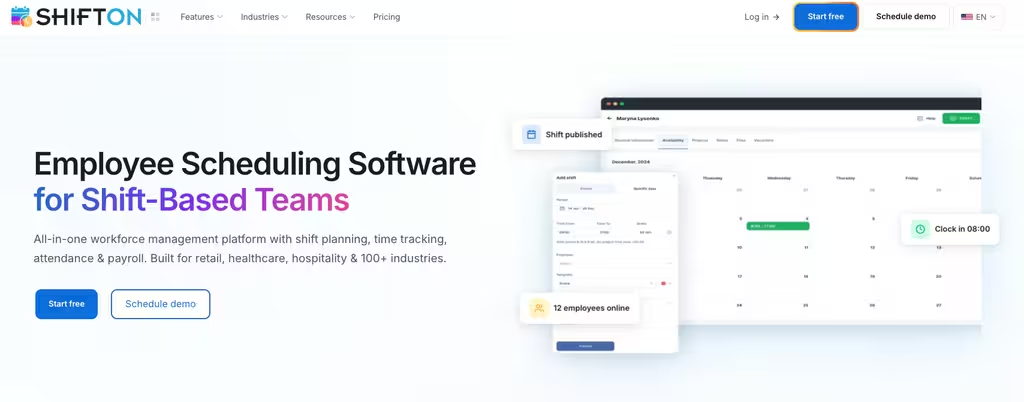
Shifton is workforce management software built for small businesses whose HR work is mostly operational – retail, hospitality, clinics, call centers, cleaning, and field crews. It is not a traditional HRIS with benefits brokerage, and it does not pretend to be. Instead it nails the HR tasks that actually consume an hourly manager’s week: building the schedule, tracking time and attendance, handling time-off requests, and feeding accurate hours into payroll.
The pricing model is what makes it work as small business HR software. Core scheduling is free for up to 10 users, and every other capability – time tracking with GPS clock-in, payroll reporting, task management, location control, and workforce analytics – is a separate module from about $0.50 per user per month. A 15-person cafe pays only for the pieces it uses, with no enterprise tier to buy into first. Employee records, roles, and contact details live in one dashboard, and staff self-serve shift swaps and time-off from the mobile app.
Key features:
- Employee records and contact data by role in one place
- Shift scheduling with drag-and-drop templates
- Time and attendance with GPS clock-in/out
- Time-off requests and approvals, with running balances
- Payroll reporting that pulls from actual hours worked
Pricing: Free for up to 10 users (core scheduling). Add-on modules from about $0.50/user/month each; 60-day free trial on paid modules; annual billing saves 20%.
Best for: Hourly and shift-based small businesses that need the operational side of HR – scheduling, attendance, and payroll accuracy – without paying for a full HRIS they would barely touch.
Run the operational side of HR from one app
Free for teams up to 10. Add time tracking, payroll reporting, and records modules when you need them – from $0.50/user/month each.
BambooHR
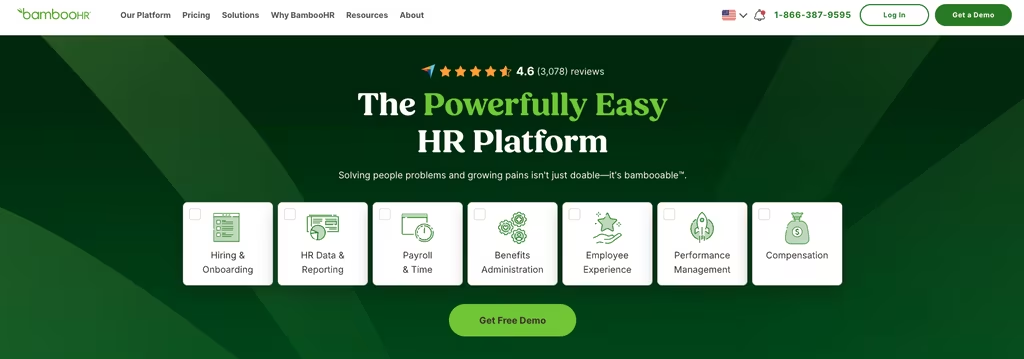
BambooHR is the HRIS most small and mid-sized companies think of first. It centralizes the people side of the business – employee records, hiring, onboarding, time off, e-signatures, and reporting – in a clean, approachable interface that does not need an HR specialist to run. For a growing team that has outgrown spreadsheets and wants a proper HR system for small business, it is a safe, polished choice.
Payroll and benefits administration are available as add-on modules rather than part of the base product. The main friction for small buyers is pricing: BambooHR does not publish rates. You request a quote, and the published structure bills companies of 25 employees or fewer at a flat monthly rate, with larger teams billed per employee per month.
- Core HRIS: centralized employee database and reporting
- Hiring and onboarding: applicant tracking, offer letters, e-signatures
- Time off: PTO tracking, approvals, and balances
- Add-ons: payroll and benefits administration (priced separately)
Pricing: Quote-based (Essentials and Advantage plans); flat monthly rate for 25 employees or fewer, per-employee pricing above that. No public per-employee rate; free trial available.
Best for: Growing SMBs (roughly 25 to 1,000 employees) that want a polished core HRIS with hiring and onboarding and are comfortable requesting a quote.
Gusto
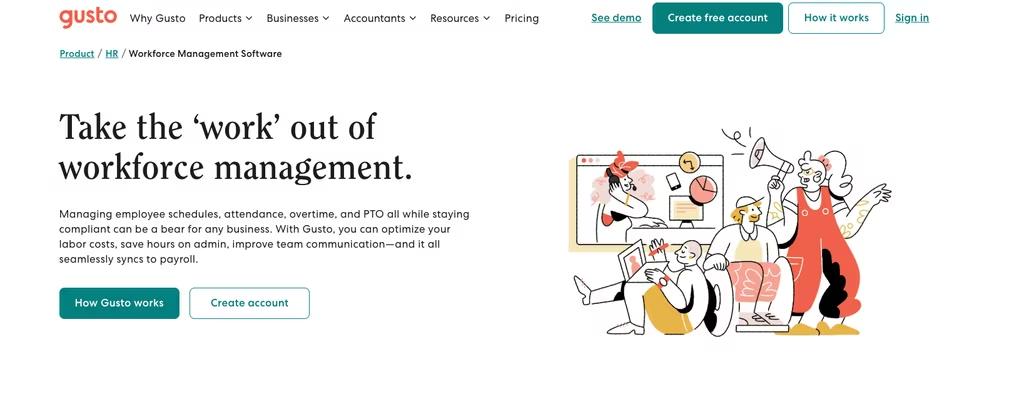
If your number-one HR problem is running payroll correctly and filing taxes on time, Gusto is the small business HR and payroll software to look at first. It is built around full-service payroll – federal, state, and local tax filing handled automatically – with HR features like onboarding, PTO, and benefits layered on top. For US-based small businesses that want payroll done right with light-to-moderate HR, it is hard to beat.
Unlike most HR vendors, Gusto publishes its pricing clearly, which makes budgeting easy. The trade-off: payroll is US-only, and on the cheapest tier some HR extras (like time tracking and dedicated support) are paid add-ons rather than included.
- Full-service payroll: automatic federal, state, and local tax filing
- Benefits: health insurance and 401(k) administration
- HR basics: onboarding, PTO, time tracking (built in on higher tiers)
Pricing: Simple $49/month + $6/person; Plus $80/month + $12/person; Premium $180/month + $22/person. No free plan; billed month-to-month.
Best for: US small businesses whose first priority is accurate, automated payroll with built-in HR and benefits.
Rippling
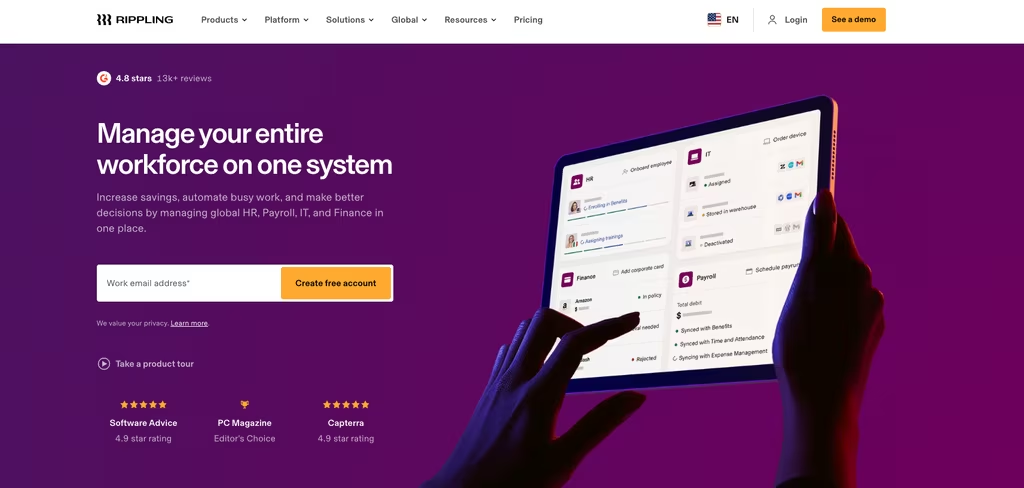
Rippling is a unified workforce platform that ties HR, IT, and finance into one system. Beyond standard HRIS, onboarding, and payroll, it can provision a new hire’s laptop, email, and app access from the same workflow that adds them to the org chart. For a tech-forward small business that wants to manage people and devices together, nothing else on this list does both as tightly.
That breadth is also the caveat. Rippling is modular and quote-based – you assemble the products you need and get a custom price – so it can be more than a very small team requires, and the cost depends entirely on which modules you bundle.
- Unified HRIS: employee directory, plus onboarding and offboarding automation
- Payroll: US and global payroll
- IT management: device, identity, and app provisioning tied to HR
Pricing: Quote-based, billed per employee per month; modules priced individually. No public pricing and no free trial listed.
Best for: Scaling small businesses that want to run HR and IT provisioning from one platform.
Deel
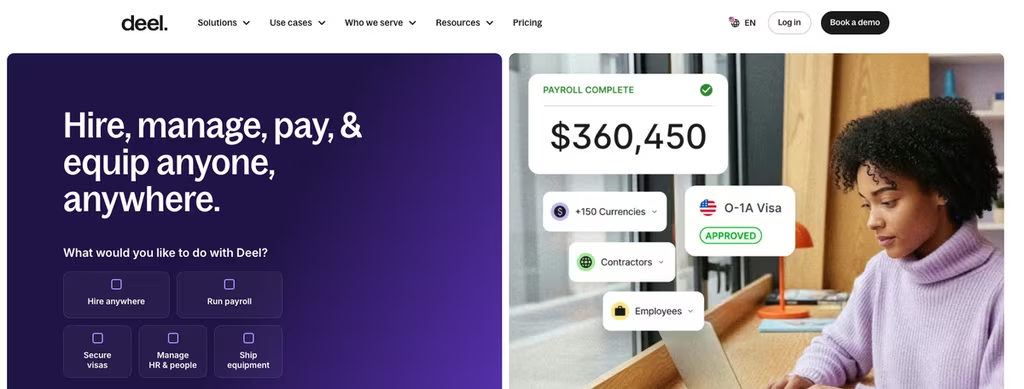
Deel started as a way to pay international contractors and grew into a full HR platform, and that origin still shapes what it does best. For a small business that hires beyond its own borders – a remote developer in Poland, a contractor in the Philippines, a first employee in another country – Deel handles the payroll, tax and compliance layers that would otherwise mean opening a foreign entity or hiring a local lawyer.
What makes it relevant to small teams that are not global yet is the free tier. Deel HR – employee records, time-off tracking, org charts, and document storage – is free for up to 200 people. The paid pieces sit on top only when you need them: global payroll from $29 per employee per month, contractor management from $49 per contractor per month, and full Employer of Record hiring from $599 per employee per month. A domestic shop can run the HRIS at no cost and add a paid layer the day it hires across a border.
Key features:
- Free HRIS for up to 200 people: records, time off, org charts, documents
- Contractor payments and compliant contracts in 150-plus countries
- Employer of Record hiring without opening a foreign entity
- Global and US payroll as paid add-ons
- Built-in compliance checks and localized document generation
Pricing: Deel HR is free for up to 200 employees. Global payroll from $29/employee/month; contractor management from $49/contractor/month; Employer of Record from $599/employee/month. US payroll is quoted on request.
Best for: Small businesses hiring contractors or employees across borders that want a free HRIS now and paid global payroll only when the headcount goes international.
Justworks
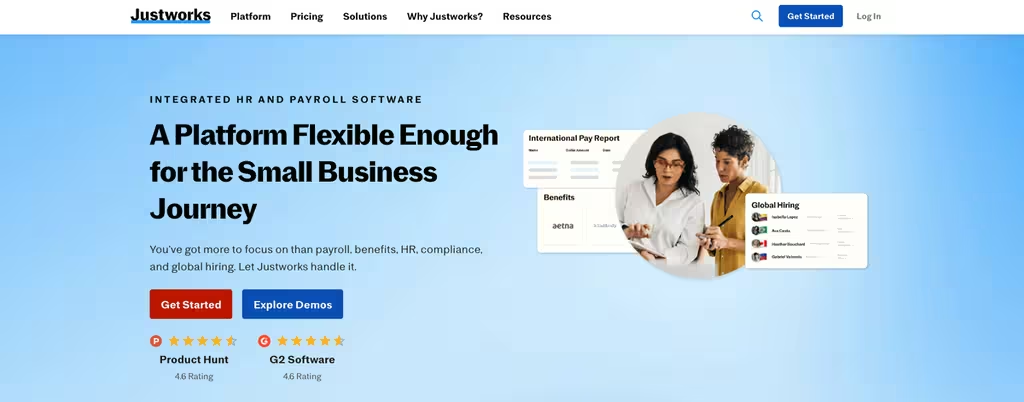
Justworks is a professional employer organization, or PEO, which is a different model from the rest of this list. Instead of selling you software to run HR yourself, it becomes a co-employer of your staff on paper. That legal arrangement is what lets a ten-person company offer the kind of national health plans, workers’ compensation, and 401(k) access that are normally reserved for large employers, because your people join Justworks’ much bigger risk pool.
The trade-off is that it is priced as a service, not a subscription, and there is no free tier. PEO Basic runs $79 per employee per month with no base fee and covers payroll, tax filing, compliance support, HR tools, and around-the-clock help. PEO Plus at $109 per employee per month adds health insurance administration, HSA and FSA accounts, and mental health and fertility benefits. Insurance premiums themselves are separate pass-through costs, not part of the platform fee.
Key features:
- Full-service payroll with automatic tax filing
- Access to large-group health, dental, and vision plans
- Compliance support and HR guidance included
- Workers’ compensation and 401(k) administration
- Around-the-clock support from the platform
Pricing: No free plan. PEO Basic $79/employee/month; PEO Plus $109/employee/month; no base fee. Insurance premiums are billed separately as pass-through costs.
Best for: Small businesses that would rather hand payroll, benefits, and compliance to a PEO than assemble a payroll tool plus a separate benefits broker themselves.
Zoho People
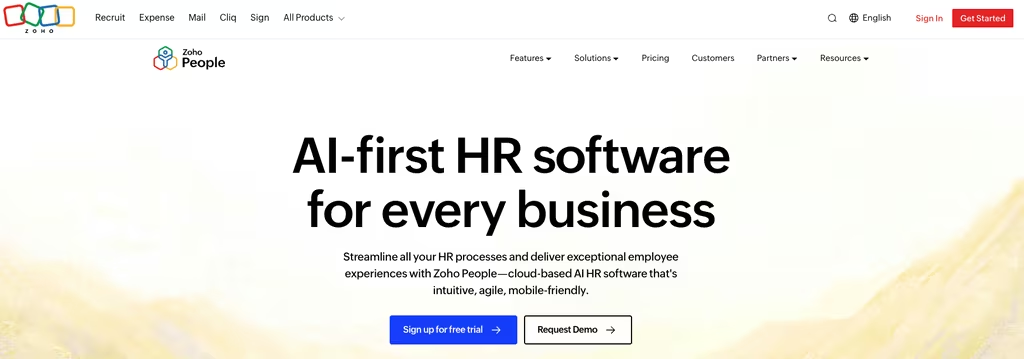
Zoho People is a cloud HRIS aimed squarely at price-sensitive small businesses, and it is an easy pick if you already use other Zoho apps. It covers the HR fundamentals – employee database, leave and attendance, performance, and onboarding on higher tiers – at some of the lowest per-user pricing in the category, with a genuinely free plan for the smallest teams.
The catch is depth: advanced onboarding, performance, and automation are gated to higher tiers, and US payroll runs through a separate Zoho product rather than being bundled in. For a lean team that wants affordable, no-frills HR software, that is a fair trade.
- HRIS: employee database and document management
- Leave and attendance: time-off and attendance tracking
- Performance: reviews and goals on paid tiers
Pricing: Free plan for up to 5 users; paid per-user tiers (Essential HR, Professional, Premium, Enterprise) billed monthly or annually – see Zoho’s site for current rates in your region. 30-day free trial.
Best for: Budget-conscious small teams and existing Zoho users who want affordable core HR.
Homebase
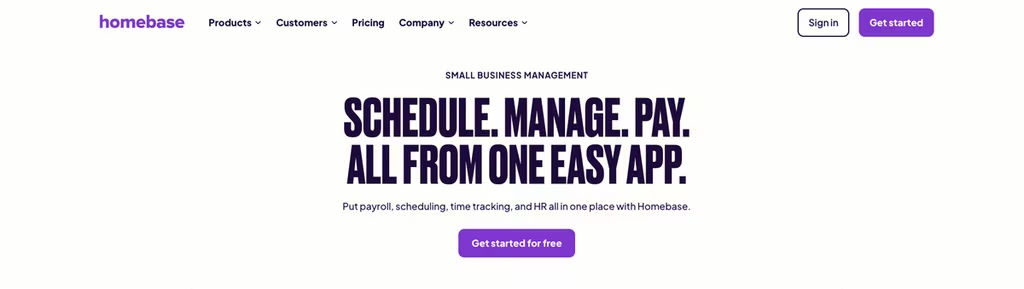
Homebase is built for the hourly side of small business – a single cafe, shop, or salon where the HR work is really scheduling, clock-ins, and getting people hired and onboarded. It bundles those tasks into one app and prices by location rather than by head, which suits a place that runs a rotating roster of part-timers rather than a fixed set of salaried staff.
The free Basic plan covers one location with up to 10 employees and includes scheduling, a time clock, plus basic hiring tools, which is enough to run a small storefront. Paid tiers add depth: Essentials at $24 per location per month on annual billing, Plus at $56, and All-in-One at $96. Payroll is an add-on at $39 base plus $6 per paid employee. Because the fee is per location, a busy shop with a dozen part-timers pays the same as one with four.
Key features:
- Per-location pricing that does not climb with headcount
- Time clock with GPS and photo verification
- Hiring and onboarding tools built in
- POS integrations with Toast, Square, Clover, and Lightspeed
- Team messaging and shift reminders
Pricing: Free Basic – one location, up to 10 employees. Essentials $24/location/month, Plus $56, All-in-One $96 (annual billing). Payroll add-on $39 base plus $6 per paid employee. 14-day trial, no card.
Best for: Single-location hourly businesses that want scheduling, time tracking, and light HR in one app without paying per employee.
Compare the Best HR Software for Small Business
| HR software | Pricing | Free option | Best for |
|---|---|---|---|
| Shifton | Free up to 10; modules from $0.50/user/mo | Yes | Hourly and shift-based teams |
| BambooHR | Quote-based | Trial | Growing teams wanting full HRIS |
| Gusto | From $49/mo + $6/person | No | Payroll-first US businesses |
| Rippling | Quote-based, per employee | No | HR + IT in one platform |
| Zoho People | Free up to 5; $1.25-$4.50/user | Yes | Budget and Zoho-ecosystem teams |
| Deel | Free HRIS; payroll from $29/emp | Yes (HRIS to 200) | Cross-border hiring and contractors |
| Justworks | PEO $79-$109/emp | No | Benefits and compliance via a PEO |
| Homebase | $24/location; free 1 location | Yes (1 location, 10 emp) | Single-location hourly teams |
Free HR Software for Small Business: What You Actually Get
Half the tools on this list advertise something free, but “free” covers a wide range once you read the fine print. A free plan you can run a business on is a different animal from a trial that expires, or a free tier that is really a demo of a paid product.
Shifton gives the widest free footprint for an hourly team: scheduling, a time clock, the mobile app, and reports for up to 10 people, with no time limit. Zoho People is free for up to 5 users and covers a basic worker list and leave tracking, which fits a micro-team. Deel takes a different angle, keeping its HRIS – records, time off, org charts – free for up to 200 people while charging only for payroll and international hiring. Homebase runs one location with up to 10 employees free, including scheduling and a time clock.
Read the word “free” twice before you trust it.
The rest are not free in any lasting sense. BambooHR offers a trial rather than a free plan. Gusto, Rippling, and Justworks have no free tier at all – they are paid from the first employee. None of that makes them worse, but a small business counting every dollar should know the difference between software it can keep using at no cost and software that simply lets it look before it pays.
HR Software Pricing for Small Business, Compared
The published number on a pricing page rarely matches the invoice, because HR tools charge in four different shapes and each one behaves differently as a team grows. Reading the model matters more than reading the headline rate.
Per employee, per month. Zoho People runs roughly $1.25 to $4.50 per user depending on tier, so a 15-person team lands somewhere between $19 and $68 a month. Justworks sits at the other end of this model at $79 to $109 per employee, because that fee buys benefits and compliance, not just software.
Base fee plus per person. Gusto starts at $49 a month plus $6 per person, so the same 15-person team pays around $139 before add-ons. This shape rewards larger teams, since the base fee spreads across more people.
Per location. Homebase charges by site, not by head, so a shop with 12 part-timers pays the same as one with 4. For a busy single-location business that is often the cheapest route.
Modular or free-core. Shifton is free for the first 10 users and adds capabilities as separate modules from $0.50 per user each, so the bill tracks exactly what a business turns on. Deel keeps the HRIS free and charges only for payroll and cross-border hiring.
Quote only. BambooHR and Rippling publish no per-employee rate and route small buyers through sales. Expect a flat minimum on the smallest BambooHR plans and a per-module structure with Rippling. If a transparent, predictable bill matters, that opacity is worth weighing before the demo.
How to Choose HR Software for a Small Business
Start with your hardest HR problem, not the longest feature list. The best HR software for small business is the one that fixes the thing eating your week. If that is payroll and tax filing, Gusto is the obvious HR and payroll software for small business. If it is hiring, onboarding, and a clean employee database, BambooHR is the HRIS for small business to shortlist. If you want HR and device management in one system, Rippling fits. If budget is the constraint, Zoho People is the affordable HR software to start with.
For hourly and shift-based teams, though, the operational layer comes first – and that is where Shifton wins. Scheduling, time tracking, and payroll-ready hours are the real HR workload in retail, hospitality, and field work, and a full HRIS does little for them. Many small businesses run Shifton for the workforce side and add a payroll tool like Gusto on top, rather than paying for an enterprise HR system for small business they would barely use. If scheduling specifically is your bottleneck, our roundup of the best employee scheduling software for small business goes deeper on that layer. And if the real gap is formal reviews rather than scheduling, the best employee evaluation software compares the dedicated tools.
Two more practical filters when comparing HR software companies: check whether pricing is published (quote-only vendors like BambooHR and Rippling make budgeting harder), and confirm the tool fits your headcount today and a year out. For broader team coordination beyond core HR, see our guide to the best team management software, and for HRIS-specific switching, our list of BambooHR alternatives compares options for HR teams that also schedule shifts.
Frequently Asked Questions
What is the best HR software for small business?
It depends on your biggest HR problem. For shift-based and hourly teams, Shifton is the best HR software for small business because it handles scheduling, time tracking, and payroll-ready hours in one affordable app. For a full HRIS, BambooHR leads; for payroll-first needs, Gusto; for HR plus IT, Rippling; and for the lowest budget, Zoho People.
Is there free HR software for small business?
Yes. Shifton’s core plan is free for up to 10 users, and Zoho People has a free plan for up to 5 users. BambooHR offers a free trial rather than a free tier, while Gusto and Rippling do not have free plans. Free HR software for small business is a sensible starting point if you mainly need employee records, scheduling, and time off before adding paid payroll or HRIS features.
How much does HR software for small business cost?
Pricing varies widely. Shifton’s paid modules start around $0.50/user/month on top of a free core plan. Gusto starts at $49/month plus $6 per person. Zoho People uses low per-user tiers with a free plan for up to 5 users. BambooHR and Rippling are quote-based and do not publish per-employee rates, so you request a custom price. Most published HR software for small business lands between roughly $1 and $25 per employee per month depending on features.
What is the difference between HR software and HRIS?
“HR software” is the broad term for any tool that manages people processes. An HRIS (Human Resources Information System) is the subset focused on the core employee database – records, time off and document storage, plus reporting. BambooHR and Zoho People are HRIS-style platforms; Gusto is payroll-first; and Shifton is workforce-first, covering the operational HR an hourly team needs rather than a full HRIS.
Does small business HR software include payroll?
Some do, some connect to it. Gusto is built around full-service payroll, and Rippling includes payroll in its platform. BambooHR offers payroll as an add-on. Shifton provides payroll-ready reporting from tracked hours and connects to external payroll, and Zoho People relies on a separate Zoho Payroll product. If integrated HR and payroll software is your priority, confirm payroll is included in the plan rather than a paid add-on.

Start making changes today!
Optimize processes, improve team management, and increase efficiency.