

7 Best Connecteam Alternatives for 2026: Prices and Free Plans

This guide is for owners and managers of hourly, deskless teams who run Connecteam today, or have priced it, and want shifts and a time clock for less money or with a simpler bill. We make Shifton, so it is ranked first here; the other six Connecteam alternatives are ranked on published pricing and free-plan limits.
Connecteam puts scheduling, a time clock, team chat and task management into one app for deskless staff. It sells them as three hubs, Operations, Communications and HR & Skills, and each hub has its own tiers and its own price. That is where the bill gets complicated. The free Small Business plan covers up to 10 users. Paid tiers charge a flat monthly fee for the first 30 users, then a fee for each user after that.
No estimates here. Where a vendor keeps pricing quote-only, or did not show it on a public page on the day we checked, we say so. For the wider category, our roundup of the best employee management software looks beyond the Connecteam bracket.
Our Top Picks
Seven apps made the list. If you want the short version, these three cover most situations.
Shifton
Best overall. Free for up to 10 employees with shift scheduling (the time clock is a paid module), then $1 per employee per month for every employee once the team passes 10 or a paid module is on, with optional modules from $0.50.
When I Work
Best for shift-based teams that run on swaps, open shifts and in-app messaging.
Jibble
Best free time clock. The free plan has no cap on users.
Why trust us?
We build Shifton, so it sits first here, and it is fair to say that outright. The other six earned their spots on published pricing and free-plan limits, not on who pays us.
Prices and limits were read from each vendor's pricing page on 20 October 2026.
Connecteam Alternatives Compared at a Glance
Connecteam sits in the first row as the baseline. Prices are in US dollars, with the billing basis each vendor shows.
| Tool | Free plan | Price from | Best for |
|---|---|---|---|
| Connecteam (baseline) | Small Business plan, up to 10 users | $29/mo per hub billed yearly, $35 monthly, for the first 30 users; then $0.80/user yearly or $1.00 monthly (Operations Basic) | The app you are comparing against |
| Shifton | Up to 10 employees | $1/employee/mo for everyone once the team passes 10; modules $0.50 to $5/employee/mo | Free scheduling; time clock as a paid module |
| Deputy | None (free trial) | $5/user/mo billed yearly, $5.50 monthly (Lite); $30/mo minimum on monthly plans | Auto-scheduling against demand forecasts (Core and up) |
| When I Work | None (14-day trial) | $2.50/user/mo for a single location or schedule; $5 for multiple | Shift swaps, open shifts and team messaging |
| Homebase | 1 location, up to 10 employees | $24/location/mo billed yearly, $30 monthly (Essentials) | Single-location hourly teams |
| Sling | Up to 30 users, no time clock | $1.70/user/mo billed yearly, $2 monthly (Premium) | Larger teams that want a free scheduler |
| Jibble | Unlimited users | Not listed on a public page | A free time clock |
| Rippling | Not published | $8 per employee/month plus a base fee; total by quote | Full HR, IT and payroll |
Why Teams Leave Connecteam
Connecteam is a capable app. The reasons buyers shop around are printed on its own pricing page, so this section sticks to those.
Each hub is priced separately. Operations Basic, Communications Basic and HR & Skills Basic each cost $29 a month billed yearly, or $35 billed monthly, for the first 30 users. A team that wants paid scheduling from the Operations Hub and paid chat and updates from the Communications Hub pays two base fees: $58 a month on yearly billing before any per-user charges.
Useful features sit on higher tiers. On the Operations Hub, geofencing starts on Advanced ($49 a month billed yearly, up to 10 geofence sites), and so do repeating shifts and schedule templates. Auto-assigning shifts is listed only from Expert, at $99 a month billed yearly. Basic gets a single schedule, Advanced up to 3.
The full free plan stops at 10 users. Connecteam's pricing FAQ says teams of 11 to 30 can move to a free Limited plan with each hub's essentials after the 14-day trial. Past 30 users, every extra user adds a fee: $0.80 a month billed yearly on Operations Basic ($1.00 monthly), $2.50 on Advanced and $4.20 on Expert.
None of that makes Connecteam a bad pick for a team that uses all three hubs. But a team that only needs shifts and a time clock should price the one hub it needs, at the tier that carries the features it needs, before it compares anything else.
The 7 Best Connecteam Alternatives, Reviewed
Two camps make up the list: all-in-one apps that keep scheduling and time tracking under one price, and focused tools that do one job. If your team is small and hourly, our guide to employee scheduling software for small business goes deeper on that end of the market.
Shifton
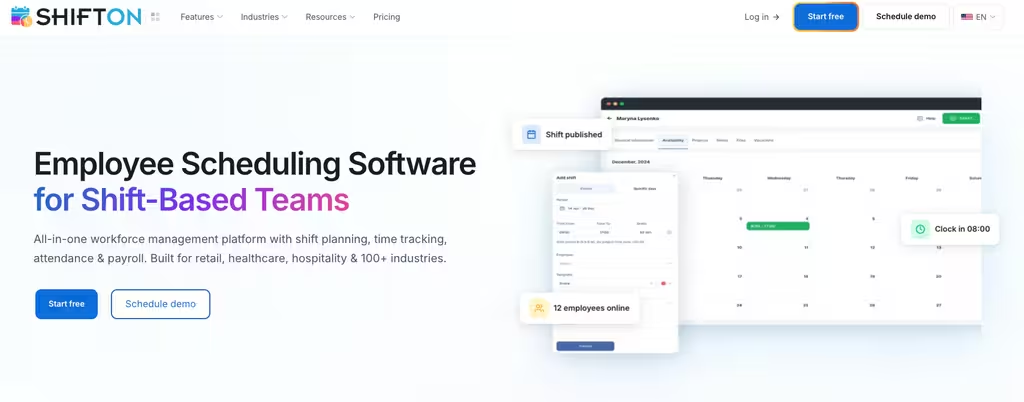
Shifton keeps the two parts most deskless teams actually use, scheduling plus time tracking, in one account instead of splitting them across hubs. The free plan runs up to 10 employees with no time limit while no paid module is on and includes shift scheduling and the mobile apps. The time clock is the paid Attendance module ($1 per employee a month). That is the practical answer to Connecteam's free cap: the same headcount, with scheduling at no charge and clock-in one module away.
Past 10 employees, or once a paid module is on, every employee is billed $1 a month for the base functions. Extra modules run $0.50 to $5 per employee per month, so a team that only wants payroll or vacation tracking pays for those modules plus the $1 base. Shift scheduling handles open shifts and swaps, and time tracking with the paid Attendance module covers clock-in and clock-out with plan-versus-actual comparison. GPS location control is the paid Work location control module rather than something baked into every plan.
- Free for up to 10 employees with scheduling included, no time limit while no paid module is on
- $1 per employee per month for everyone once the team passes 10, with modules from $0.50 to $5
- Schedule creation wizard and manual editing, plus swaps and open shifts
- Attendance with plan-versus-actual hours, plus payroll and vacation modules
- Paid modules come with up to 60 days free (Work location control: 10 days)
Where it falls short: GPS location tracking is a paid module at $5 per employee per month, not part of the free plan, and staff record shifts from the mobile app or the web only, with no shared terminal option.
Best for: small and mid-size hourly teams that want free scheduling, then add a time clock and only the other modules they need.
One app for shifts and hours, free to start
Schedule your team free, and add attendance when you need real hours, without splitting the work across separate hubs.
Deputy
Deputy is a scheduling-first platform with an auto-scheduler and demand forecasting, a natural fit for teams that plan labor against sales or footfall. There is no free plan, only a free trial. Lite costs $5, Core $6.50 and Pro $9 per user per month billed yearly, or $5.50, $7.25 and $10 on monthly billing. Monthly plans carry a minimum spend of $30 a month, so very small teams pay a floor regardless of headcount.
Core and Pro hold the scheduling engine. Auto-scheduling builds and fills shifts from business needs and staff availability, with demand forecasting and biometric clocking alongside it. On any plan, staff can swap or offer shifts, and Deputy can find a replacement. The Paycor-based payroll add-on runs $8 per user plus a $49 base, on Core and Pro annual plans in the US. HR ($2), Messaging+ ($1.95) and Analytics+ ($1.50) are separate per-user add-ons, so the real monthly cost tracks how many you switch on.
- Auto-scheduling and demand forecasting on Core and Pro
- Geofencing, plus biometric clocking from Core
- Shift swaps and find-replacement
- Add-ons for HR and messaging, plus analytics, each billed per user
Where it falls short: Lite, the cheapest plan, does not include auto-scheduling, demand forecasting or biometric clocking; those start on Core at $6.50 per user per month. Monthly plans also carry the $30 minimum.
Best for: teams that schedule against forecasts and want automation over a free tier.
When I Work
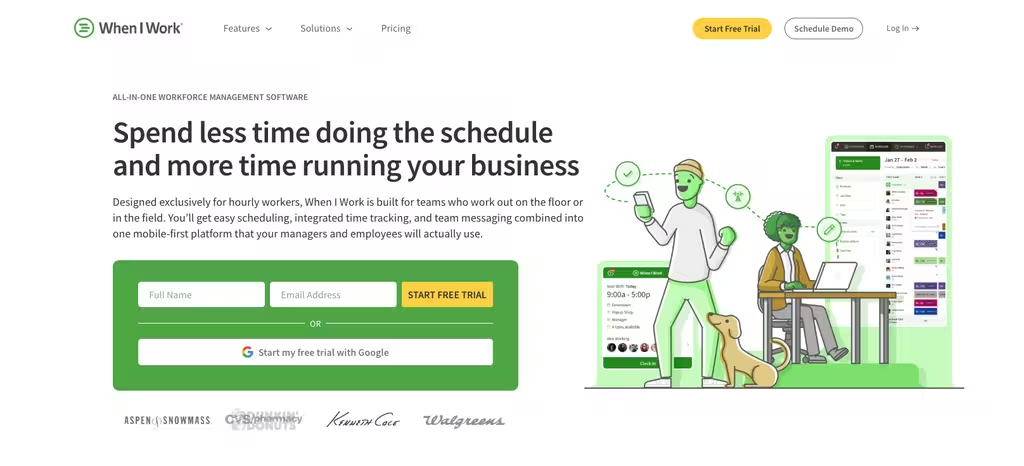
When I Work leans into the day-to-day churn of shift work: swaps, open shifts and the messaging around them. It has no free plan and runs on a 14-day trial. Read the cards closely. The page shows two plans: $2.50 per user per month for a single location or schedule, and $5 for multiple locations or schedules. Time tracking and attendance come with both.
Both plans include auto scheduling, standard labor reports and forecasts, in-app messaging, open shift planning and shift swapping, and staff can clock in with GPS. The page names Rippling as its preferred payroll partner, with the first six months of Rippling free for new customers, and offers single sign-on or API access on request.
- Shift swaps, OpenShifts and availability
- GPS clock-in with time and attendance in every plan
- In-app team messaging
- Payroll and POS integrations, with Rippling as the preferred payroll partner
Where it falls short: the $2.50 price covers a single location or schedule, and a team with more than one moves to $5 per user per month. There is no free plan to fall back on.
Best for: shift-based teams where messaging and swaps matter more than a free plan.
Homebase
Homebase prices by location rather than by head, which changes the math for single-site businesses. The free Basic plan covers one location and up to 10 employees. Paid tiers are Essentials $24, Plus $56 and All-in-One $96 per location per month billed annually, or $30, $70 and $120 billed monthly. Paid tiers allow unlimited employees, so a busy single-site restaurant or shop can add staff without watching the bill climb.
For one site, the free plan covers the basics: a weekly schedule, basic time tracking with clock-in on tablets, computers and POS devices, and real-time team messaging. Location-based mobile punches and overtime settings start on Essentials. Plus and All-in-One add an AI-powered scheduling assistant, and All-in-One adds onboarding paperwork, overtime alerts and labor-cost reports. Payroll is a separate add-on at $49 a month plus $6 per employee paid.
- Free for one location, up to 10 employees
- Per-location pricing with unlimited employees on paid tiers
- AI scheduling assistant on Plus and above
- Overtime alerts and labor-cost reports on All-in-One; payroll add-on
Where it falls short: the free plan has no location-based mobile clock-in and stores timesheets for 90 days, and overtime alerts only arrive on All-in-One at $96 per location per month billed yearly.
Best for: single-location hourly teams that would rather pay per site than per employee.
Sling
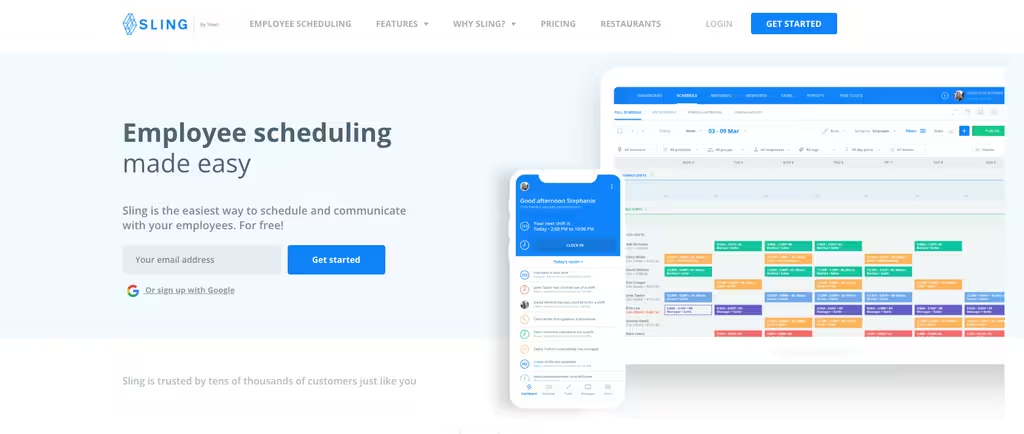
Sling has the most generous free tier in this group, covering up to 30 users, which makes it an easy first step for a larger team. The free plan handles shift scheduling, time-off requests, available shifts and shift offers, with news sharing and private messaging alongside. Paid plans are Premium $2 and Business $4 per user per month on monthly billing ($1.70 and $3.40 billed annually), and a 15-day free trial covers them.
Premium is where time tracking starts, with mobile punches, geofencing, labor-cost management and overtime tracking, plus group messaging. Business adds kiosk time tracking on a shared device, reports, PTO management and automatic shift assignment. It reads a little like a trimmed-down Connecteam without the hub-by-hub billing.
- Free for up to 30 users
- Mobile time tracking and geofencing on Premium; kiosk on Business
- Labor-cost and overtime tracking on paid plans
- Messaging and news sharing on every plan
Where it falls short: the free plan has no time clock, so clock-in costs at least $1.70 per user per month billed yearly. A shared-device kiosk and PTO management need Business.
Best for: larger teams that want a real free tier before committing budget.
Jibble
Jibble is the outlier here because it does one job and gives a lot of it away. It is built around time tracking rather than shift planning, and its site describes the product as free forever for unlimited users. The feature list covers GPS tracking, geofencing and face recognition, a kiosk mode for a shared device, and offline entries that sync later. That is unusual. If your gap with Connecteam is purely attendance, start here.
On 20 October 2026 we could not reach a public Jibble pricing page, so we do not list paid-plan prices or say which features sit on the free tier. Check the tier of any feature you rely on before you commit. Jibble also handles time off, timesheet approvals and project time, and it connects to Slack and Microsoft Teams. Most teams pair it with a scheduler rather than drop Connecteam entirely.
- Free for unlimited users
- GPS tracking, geofencing and face recognition in the feature set
- Kiosk mode and offline tracking
- Built for time tracking, not shift planning
Where it falls short: paid-plan prices are not on a public page, so you cannot compare the full cost up front. It is also a time tracker first, so check that its work schedules cover your rota before you drop a scheduling tool.
Best for: teams that only need a free, accurate time clock and already schedule elsewhere.
Rippling
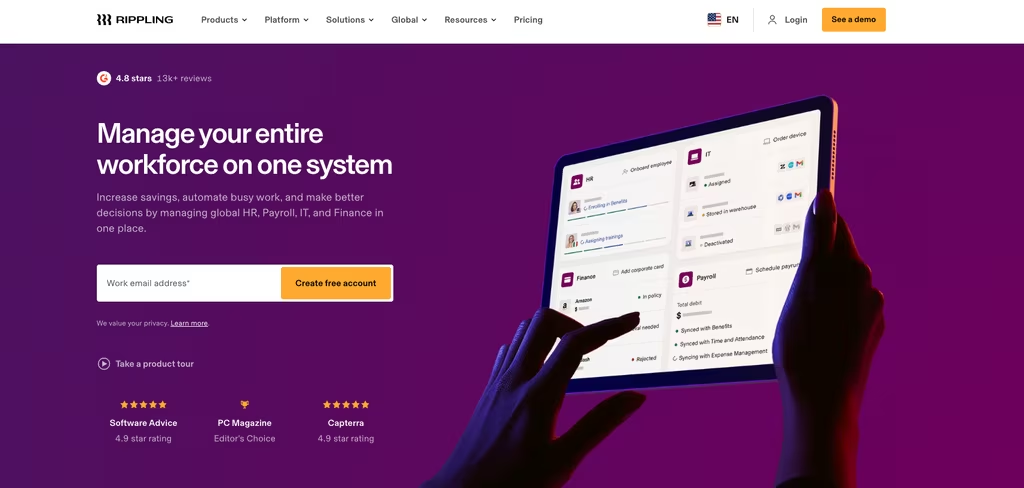
Rippling sits at the opposite end from Connecteam: a unified HR, IT and payroll platform for companies that want to run onboarding, devices, benefits and pay from one system. Shift scheduling is only one of its many products. Rippling lists only a starting rate, $8 per employee per month plus a monthly base fee, and quotes the full price on request. If you are weighing it against similar suites, our list of Rippling alternatives breaks down where it fits.
Its pitch is one record per employee that drives HR, payroll, benefits, and the apps and devices that person uses. Onboarding can provision a laptop and accounts in the same flow that adds someone to payroll, which suits fast-growing companies but is far heavier than a scheduling tool. A demo is worth booking only if the HR and IT breadth is the actual need rather than a way to run shifts.
- Unified HR, IT and payroll in one system
- Onboarding with device and benefits management
- Pricing by custom quote
Where it falls short: there is no published price to compare against, and it is a far larger HR and IT suite than a team needs for shifts and a time clock.
Best for: larger companies that need full HR and IT, not just scheduling.
Frequently Asked Questions
Is Connecteam free?
Connecteam has a free Small Business plan for up to 10 users. Its pricing FAQ adds that teams of 11 to 30 can move to a free Limited plan with each hub's essentials after the 14-day trial. Beyond that you pay per hub (Operations, Communications, HR & Skills), and each hub is billed separately.
How much does Connecteam cost?
For the Operations Hub, Connecteam charges $29 (Basic), $49 (Advanced) and $99 (Expert) per month billed yearly, and each tier covers the first 30 users. Billed monthly, the same tiers are $35, $59 and $119. Each extra user then costs $0.80 a month on Basic billed yearly ($1.00 monthly). Other hubs are priced on top of that.
What is the best Connecteam alternative?
It depends on the gap you are filling. Shifton is the strongest all-in-one option because scheduling sits on a free plan for up to 10 employees and the time clock is an add-on module. Sling suits larger teams that want a free scheduler, Homebase fits single-location businesses, and Jibble is the pick if you only need a free time clock.
Does Connecteam track your location?
Yes. Connecteam's time clock stamps GPS location on clock-in and clock-out from the Basic tier. Geofencing starts on Advanced with up to 10 sites and becomes unlimited on Expert. It is helpful for field crews, though teams handling privacy-sensitive work should set clear expectations with staff.
Connecteam vs Homebase: which should you pick?
They price differently, so it turns on team shape. Both have a free plan capped at 10 users. Past that, Connecteam charges a flat fee that covers the first 30 users and then adds per-user fees, while Homebase charges per location with unlimited employees, so a single site with a large team usually costs less on Homebase.
What are Connecteam's main pros and cons?
On the plus side, Connecteam puts scheduling, a time clock, chat and tasks in one deskless app with a real free plan. The trade-offs are the hub-by-hub pricing, the 10-user cap on the full free plan, features such as geofencing and auto-assign held for higher tiers, and per-user charges once a team passes 30 users.


Start making changes today!
Optimize processes, improve team management, and increase efficiency.