

6 Best Invoicing Software for Contractors and Field Crews in 2026

The invoice is the last step of the job and the first step of getting paid, and for most trade businesses it happens hours or days too late. The work finishes at four, the paperwork waits for the evening, the evening turns into Sunday, and by the time the client opens the email the job is a fortnight old and the goodwill has cooled.
Invoicing software for contractors closes that gap by building the invoice from the job itself: what was quoted, what was done, which parts went in, who signed it off. This guide compares six tools on the things that decide whether you actually get paid faster, including mobile invoicing from site, card payments, how each one handles job costing, and where each free plan stops.
Prices here come from the vendors themselves, checked in September 2026. One of the six keeps its subscription price off the page entirely, and that is said plainly instead of filled in with a guess.
Our Top Picks
Six tools made the list. If you want the short version, these three cover most situations.
Shifton Service
Crews who want the job, the technician and the invoice in one record. Free for up to 2 employees, modules at $5 per employee a month.
ServiceM8
A free plan that carries a real month of work: one user, 30 jobs, invoicing included
Tradify
Quote to invoice with job costing underneath, for crews that bill in stages
Why trust us?
Shifton Service is ours, and it is first on this list. You should know that before weighing anything below.
Card processing rates are in the comparison because they change the answer. On a trade business turning over 20,000 dollars a month in card payments, a difference of half a percentage point costs more than most of these subscriptions, and only two of the six vendors publish the number at all.
Everything else came off the vendors’ own pages in September 2026, figure by figure. Where a price is missing, it is missing from their page too.
What Invoicing Software for Contractors Has to Do
Contractor invoicing software turns completed work into a payable document without anyone retyping it, and then chases the payment. That is the whole job, and the tools differ in how much of the work before the invoice they keep hold of.
Four capabilities decide whether it fits a trade business.
- Invoice from the phone, on site: the technician closes the job and the invoice goes out before the van leaves, with photos and a signature attached if the work might be queried later
- Payment inside the invoice: a card link or tap-to-pay, so the client can settle immediately rather than promising to do a bank transfer
- Quote, job, invoice as one thread: what was quoted, what changed on site, what is being billed, held together so variations do not vanish
- Job costing that survives a long project: labor and materials against the job, staged billing, and a number for what is still owed
Scheduling sits upstream of all of it. If dispatching the work is the harder half of your week, our roundup of service dispatch software covers that side, and the invoicing tools below assume the job already exists.
The 6 Best Invoicing Tools for Contractors
Ordered from the fullest platform to the lightest invoice app. Sections vary in length because the products vary in how much needs explaining.
Shifton Service
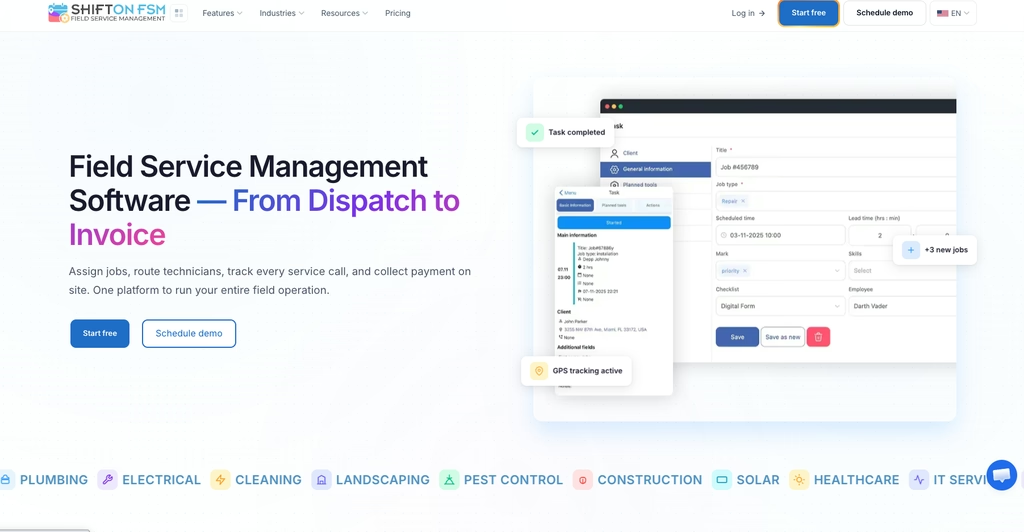
Shifton Service is our top pick because the invoice sits with the job record instead of being rebuilt beside it. The task, the assigned technician, the checklist filled in on site and the invoice are the same thread, so the office is not reconciling two systems at the end of the month.
Invoicing is a module rather than a bundled feature, which is the point: a two-person outfit starts with invoicing, and a twelve-van operation adds the customer portal, inventory and location control as it needs them. Each module costs $5 per employee a month, turning on any module also starts the $5 per employee a month charge for Tasks, and the free plan (Tasks only) covers up to 2 employees. The invoicing module covers invoices, quotes, receipts and job orders, and the customer portal handles the client side of the visit: the appointment reminder, the technician on a map, a chat line and a feedback form.
- Invoicing module at $5 per employee a month, covering invoices, quotes, receipts and job orders
- Tasks with deadlines, customer data and checklists on the record the invoice sits with
- Customer portal with appointment reminders, technician tracking and a feedback form
- Free plan for up to 2 employees covers tasks only (assignments, deadlines, customer data, checklists); invoicing is a paid module
Best for: service crews of 2 to 50 that already schedule work in one place and want billing to stop being a separate evening job.
Close the job and bill it from the same record
Shifton Service keeps the invoice with the job your technician just closed, next to the checklist and customer data.
ServiceM8
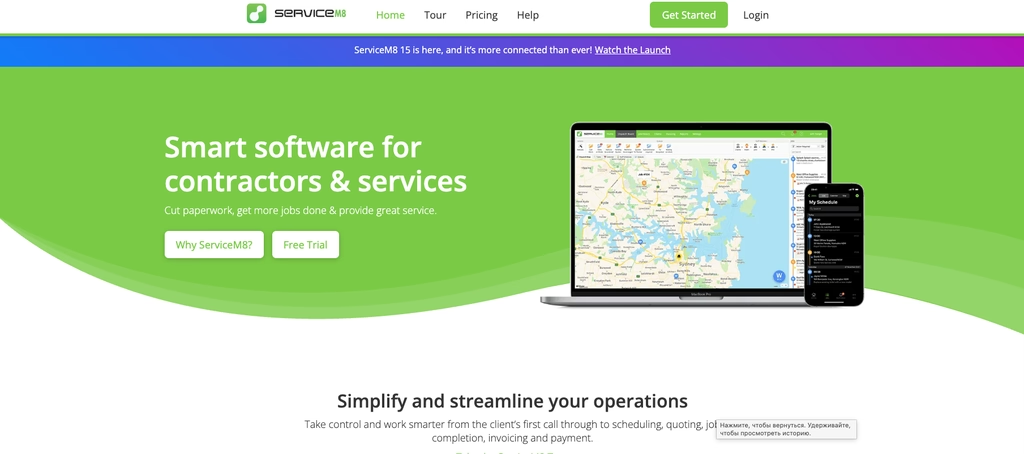
Thirty jobs a month, free, with invoicing included. For a sole trader that is a working month, not a demo, and it is the reason ServiceM8 sits second.
Pricing follows job volume, not headcount, which suits trades where one person runs the van and the office. Starter is $29 for 50 jobs, Growing $79 for 150, Premium $149 for 500 and Premium Plus $349 for 1500 or more, with unlimited users on every paid tier. Billing happens where the work does: the client gets the invoice on their phone and can settle it there, and a technician can take the payment before leaving.
- Free plan: one user, 30 jobs a month, invoicing and payments included, with bonus jobs earned by taking card payments
- Unlimited users on every paid tier, priced by job volume
- Payment taken on the doorstep or later from the invoice itself
Watch the job ceiling: a busy two-van business burns through 150 jobs quickly, and the step up to Premium is steep. Best for: sole traders and small teams whose month fits inside a job count.
Tradify
Tradify keeps the quote and the invoice on the same rail. A quote accepted on site becomes the job, the job collects labor and materials, and the invoice reflects what was actually consumed, not the original estimate.

- Quoting and invoicing on every paid plan, with progress and bulk invoicing higher up
- Costing and bill tracking on the Pro and Plus tiers
- Lite at $47 per user, Pro $51, Plus $61, all monthly, with a 14-day trial of everything
No free plan, and the per-user rate is the highest published here, which tells you who it is for: businesses where a missed variation costs more than the subscription. Best for: electrical, plumbing and HVAC crews billing staged work, not call-outs.
Kickserv
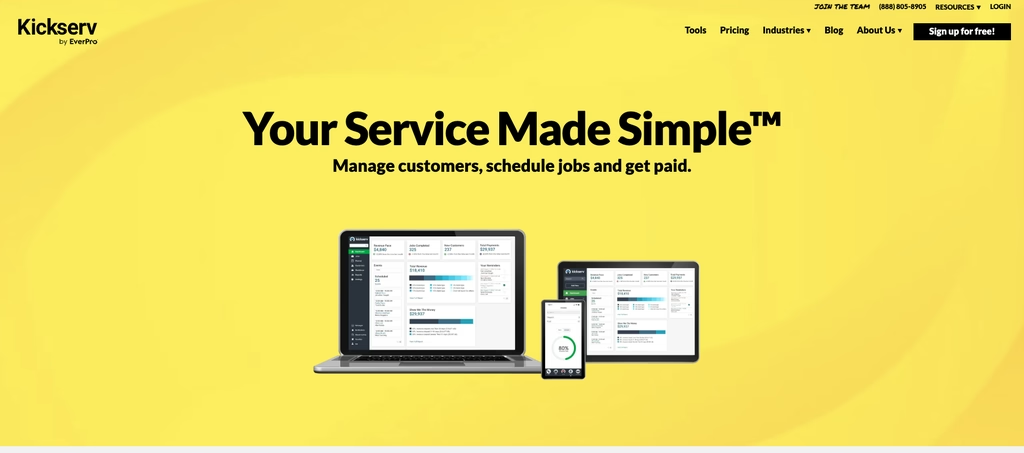
Five users for $60 a month on annual billing, ten for $119, twenty for $199 ($75, $149 and $249 without the annual deal): Kickserv sells ceilings rather than seats. For a team sitting just under a ceiling that is cheaper than per-user pricing; for a team of three it is not.
- Estimates, jobs and invoices in one customer record
- Thirty-day trial on every tier, with 20 per cent off annual billing
- A rebate programme that cuts 5 per cent off the monthly fee above a published payment volume
Job costing of the kind a builder needs on a six-week project is not there, and the pricing page never says what free access includes. For crews of five to twenty who want the customer history in one place, neither is a dealbreaker.
Invoice2go
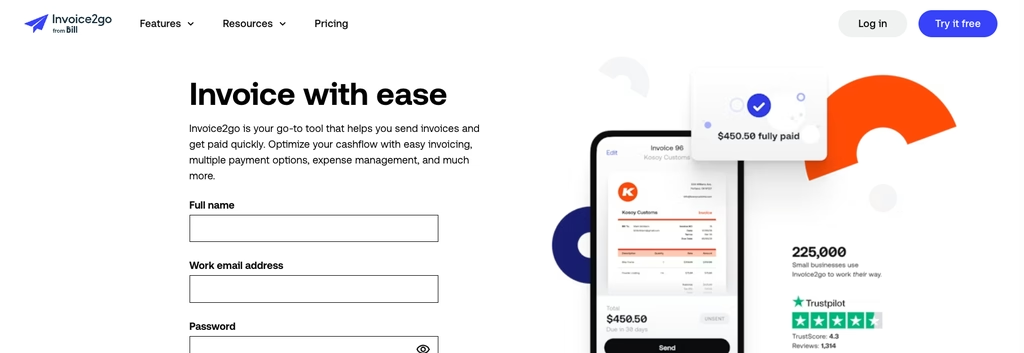
Start with what it does not tell you: Invoice2go, now sold under the BILL brand, publishes no subscription price anywhere on its pricing page. Three plans are listed by invoice volume, and the figures are simply absent.
What it does publish is the part most vendors hide. Card processing runs 3.5 per cent on Starter, 3 per cent on Professional and 2.9 per cent on Premium, with PayPal at 2.9 per cent plus 30 cents on all three. Plans are capped by invoices per year, not by users: 30 on Starter, 100 on Professional, unlimited on Premium. The trial is 30 days and does take card details up front.
- Card and PayPal rates published per tier, which is rare
- Plans limited by invoices per year, not by users
- Appointments, time tracking and expenses on every tier, but no job costing for staged work
Best for: one-person operations that invoice rarely and want the card fee visible before they commit.
Fergus
Every figure Fergus publishes starts with the word from: $31 for Essentials, $44 for Professional, $26 for a timesheet-only seat. Above ten staff it becomes a custom quote, and the word "from" in front of each figure means the published number is a floor rather than a price.
- Fergus states it bills monthly with no lock-in, and its trial runs 14 days without a card
- Quoting, job phases and cashflow tools aimed at trade businesses
- Cheaper seats from $26 for staff who only fill in timesheets
Above ten staff the price becomes a conversation rather than a number. Under that, splitting seats between office and field is the reason to look at it.
Compare
Read off each vendor’s pricing page in September 2026. Card fees are shown only where the vendor publishes them.
| Tool | Free plan | Paid from | Card fees published | Best for |
|---|---|---|---|---|
| Shifton Service | Up to 2 employees | $5 per employee a month, per module | No card processing of its own | Job and invoice in one record |
| ServiceM8 | 1 user, 30 jobs a month | $29 a month, 50 jobs | Not published | Sole traders and small crews |
| Tradify | None, 14-day trial | $47 per user a month | Not published | Staged billing and job costing |
| Kickserv | Not published, 30-day trial | $60 a month (annual) for 5 users | Not published | Teams sitting inside a user band |
| Invoice2go | None, 30-day trial | Price not published | 2.9 to 3.5 per cent by tier | Occasional invoicing, fees visible |
| Fergus | None, 14-day trial | From $31 a month | 2.95 per cent plus 30 cents | Trade businesses under ten staff |
The Cost Nobody Compares: Card Processing
Subscription prices get compared to death; the percentage taken out of each payment almost never does. On a trade business turning over 20,000 dollars a month in card payments, the gap between 2.9 and 3.5 per cent works out at 120 dollars, which is more than most of these subscriptions cost.
Two vendors here publish their processing rates. Invoice2go prints 3.5 per cent on Starter, 3 on Professional and 2.9 on Premium, with PayPal at 2.9 plus 30 cents throughout. Fergus prints 2.95 plus 30 cents per transaction on Essentials and Professional. The other four say nothing about the rate on their pricing pages.
So ask two questions before signing anything: what is the card rate, and who sets it. A cheap subscription attached to an expensive processor costs more once the month closes, and by then you have moved your invoicing.
Which One Fits Your Business
Start from how the work is shaped, not from the price list.
One question decides more of this than any feature list: how far the money is from the work. In a call-out business the two are minutes apart, the technician is standing in the kitchen when the job ends, and the tool that wins is whichever puts a payable invoice on the client's phone before the van pulls away. In a project business they are weeks apart, the invoice covers a stage rather than a visit, and what matters is whether the system still knows what was quoted, what changed on site and what remains unbilled. Buy a call-out tool for project work and you will track variations in a notebook; buy a project tool for call-outs and your technicians will stop using it by the second week, usually without telling anyone, which is how a business ends up paying for software and a paper book at once.
One van, jobs measured in hours. ServiceM8 free plan, then its 29 dollar tier when the job count bites. Invoicing, payment and job history without a second tool, and nothing to configure on a Sunday.
A crew that schedules work daily. Shifton Service or Kickserv, because the invoice comes off a job somebody already assigned. A dispatcher who has to open a second product to bill the work will bill it late, and our guide to job tracking software covers how that thread holds together.
Staged work with variations. Tradify or Fergus. Tradify keeps quoting, job costing and progress invoicing in one place and Fergus pairs quoting with job phases and cashflow tools, which is the difference between knowing your margin before you invoice and discovering it afterwards. Electricians weighing staged billing against call-out work can read the wider comparison of electrician job and certificate software.
Occasional invoices. Invoice2go, with the caveat that its subscription price is not published anywhere you can read it before contacting them.
Whichever you pick, the test is the same and takes a week: run five real jobs through it end to end, from the booking to the payment landing. A tool that saves ten minutes per invoice pays for itself; one that adds two steps to the technician’s day will be abandoned by the crew regardless of what it costs. Electrical and plumbing outfits comparing platforms for the wider job, not just the billing, can start from our software for electrical contractors page.
FAQ
How do you invoice as a contractor?
Send the invoice from the job, not from the office on Sunday. The fastest loop is: close the job on site, generate the invoice from what was actually done, attach photos or a signature if the client disputes work later, and include a payment link so the client can pay by card before the visit fades from memory. Most tools in this comparison do that from a phone; the differences are in what happens after the invoice goes out.
Is there free invoicing software for contractors?
Yes, but only in narrow forms. ServiceM8 publishes a free plan with one user and 30 jobs a month, which fits a sole trader. Shifton Service has a free plan for up to 2 employees, with invoicing available as a paid module. Tradify and Fergus have no free plan and Kickserv does not publish one, so all three start with trials of 14 to 30 days. Invoice2go does not publish subscription prices at all.
What is the best invoice app for a small business?
For a one-person trade business, ServiceM8 on its free plan covers a real month of work. For a small crew that also schedules jobs, Shifton Service and Kickserv keep the job and the invoice in one record. If you want the lowest card fees published, Invoice2go prints its processing rates by tier, which most vendors do not.
Does invoicing software work for subcontractors?
It works, with one caveat: subcontractors usually invoice a main contractor rather than a homeowner, so the useful features are purchase order references, retention handling and the ability to bill in stages. Tradify is built around job costing of that kind, and Fergus lists job phases and cashflow tools. A pure invoice app will send the document but will not track what is still owed on a long project.
What goes on a contractor invoice?
Your business name and tax details, the client and site address, an invoice number and date, a line for each item of labor and materials, the tax applied, the total, and the payment terms with a way to pay. Anything a client can query later belongs on it too: job reference, dates worked, and the name of whoever signed the work off.


Start making changes today!
Optimize processes, improve team management, and increase efficiency.