

4 Best Crew Scheduling & Management Software for 2026
This guide to crew management software is for crews that clock in on the ground, and construction crew management software is the clearest case, alongside cleaning routes, landscaping jobs and shop floors. It does not cover ships or airlines, whose crewing and rostering tools are a different category. For a field crew the job is plain: put the right people on the right site, record the hours, and get them to payroll without a paper timesheet. That is the whole job. Four things decide the pick: the free plan cap, whether GPS clock-in is on that plan, the paid price per user, and the crew size each tool fits.
Shifton publishes this guide and ranks itself first. It is free for up to 10 employees, then $1 per employee a month, and GPS clock-in is a paid module. Connecteam has a free plan for up to 10 users, Sling is free for up to 30 without time tracking, and Deputy is trial-only. Best for: Shifton for crews of 10 or fewer, Connecteam if you want chat and forms in the same app, Deputy where break and overtime rules change from state to state.
Prices and free-plan limits checked on each vendor's pricing page on 20 October 2026.
Crew Scheduling Software Compared at a Glance
Prices are in US dollars, with the billing basis each vendor shows. Where a cell says not published, the vendor's page did not state it.
| Tool | Free plan and user cap | GPS clock-in on the free plan | Paid price from | Best for crew size |
|---|---|---|---|---|
| Shifton | Up to 10 employees, no time limit | No. Paid Work location control module, $5 per employee per month | $1 per employee per month for everyone once the team passes 10; modules extra | Crews of 10 or fewer for free, larger crews that add modules |
| Connecteam | Free for life, up to 10 users | Yes. GPS stamps and unlimited geofence sites are listed in the Small Business column, with a single time clock for up to 10 users | $29 a month for the first 30 users on annual billing ($35 monthly) | Up to about 30 users in one Hub |
| Deputy | No free plan, free trial only | No free plan | Lite $5 per user per month on annual billing ($5.50 monthly, with a $30 monthly minimum spend) | Mid-size crews under compliance rules |
| Sling | Free for up to 30 users, scheduling only | No. Time tracking, geofencing and timesheet approvals start on Premium | Premium $1.70 per user per month billed annually ($2.00 monthly) | Small crews of roughly 5 to 25 |
Tracking the jobs themselves, not only the crew? See our pick of dedicated job tracking software.
This might interest you:Contractor Scheduling Software, Reimagined – how Shifton runs outsourced and rotating crews from a single dashboard.
Crews on a budget can get moving without a subscription – compare the best free field service management software to find a free starting point.
Our Top Picks
Four tools made the list. If you want the short version, these three cover most crews.
Shifton
Modular workforce management for shift-based crews: you pay only for the modules you switch on. Free forever for up to 10 people.
Connecteam
All-in-one deskless app with scheduling, chat and forms. Free for up to 10 users, then paid hubs that cover the first 30 users.
Deputy
Built around labor law: breaks, overtime and fair-workweek rules across jurisdictions. Trial only, no permanent free plan.
Why trust us?
Shifton is our own product, and we ranked it first. We would rather say that up front than let you find it halfway down.
The rest we can defend line by line. Every free tier, user cap and price on this page came off the vendor’s own pricing page and was checked on 20 October 2026, not copied from a rival roundup.
How we picked the 4 best crew management software
We compared each crew management platform against eight criteria that matter when you actually run shifts: crew scheduling speed and conflict detection, mobile UX for the crew, geofenced time tracking, internal crew communication, payroll exports, free tier or trial length, depth of crew operations reporting, and how transparent the per-user pricing is. We left out products that only suit huge enterprises or hide their pricing behind a sales call.
The 4 best crew management software in head-to-head comparison
Shifton
Shifton is built for operations leaders who are tired of paying for features they do not use. Instead of forcing you into a fixed bundle, the crew management software lets you turn modules on and off – shift schedule, payroll, attendance, location control, vacation – and your bill follows the modules you use. That modular model is why Shifton works for both a 12-person cleaning crew and a 400-person multi-site retailer running rotating crew schedules. The same crew management software powers field crew scheduling software workflows for outsourced contractors and crew workforce management for office HR teams.
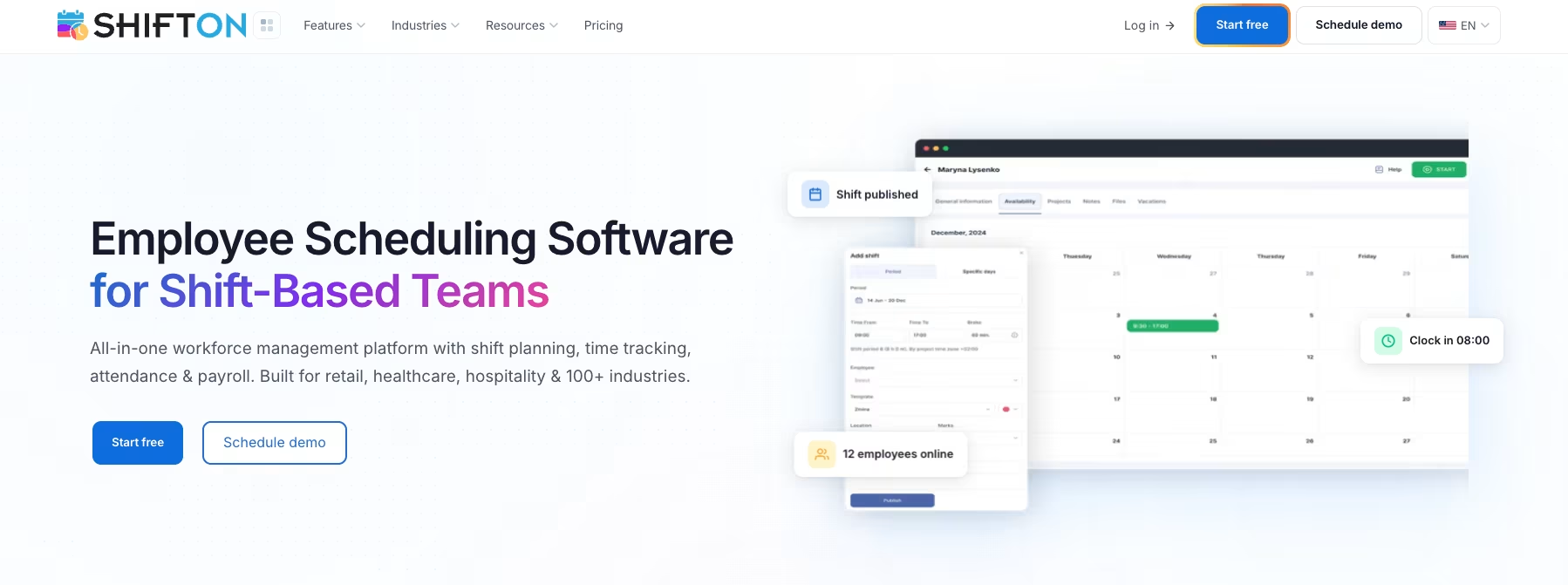
Drag-and-drop is the heart of the schedule builder. Overtime and night-hours control flags overtime before you hit publish. Crews see the schedule on their phones, swap shifts with one tap, and, with the paid Work location control module, have the shift route confirmed by GPS so you stop paying for parking-lot time. The paid Payroll module ($0.50 per employee a month) gives hours, rates and gross salary per period, and an open API connects other systems. The free reporting covers the budget report, minimum hours per week and the Employee report.
- Shift schedule builder: drag-and-drop editing, a Schedule Creation Wizard, auto-distribution of free shifts, overtime and night-hours control
- Crew time tracking: the paid Attendance module ($1 per employee a month, trial up to 60 days) records real clock-in and clock-out, and GPS route maps come with the paid Work location control module ($5 per employee per month, 10-day trial)
- Crew communication: push and email notifications for schedule changes
- Modular pricing: turn on only the crew management applications you need – no all-or-nothing bundles
- Mobile crew management app: included in the free plan, with the same data shown to admins on the web – your crews use it for swaps and schedule updates
Pros:
- Free for up to 10 employees with no time limit while no paid module is on; scheduling included, the time clock is a paid module
- $1 per employee a month for everyone once the team passes 10, with modules priced per employee
- Drag-and-drop schedule builder with overtime alerts
- Mobile app for crews, included in the free plan
Where it falls short:
- GPS clock-in is a paid module at $5 per employee per month, not part of the free plan
- Staff clock in from the mobile app or the web, with no shared terminal
- Every module you switch on adds to the per-employee bill
Best for: shift-based operations that need a real crew management system, not a glorified spreadsheet, and want to start cheap and scale module-by-module.
Stop juggling spreadsheets, group chats, and paper timesheets
Run schedules from one platform, free for up to 10 users; time tracking and other modules are paid add-ons.
Connecteam
Connecteam is the most familiar name in this category, and for good reason. This crew management app bundles scheduling, time tracking, chat, training, forms, and a company knowledge base into one mobile-first product. If your team has never used a workforce platform before, Connecteam is the easiest sell because every feature lives behind one icon on the phone.
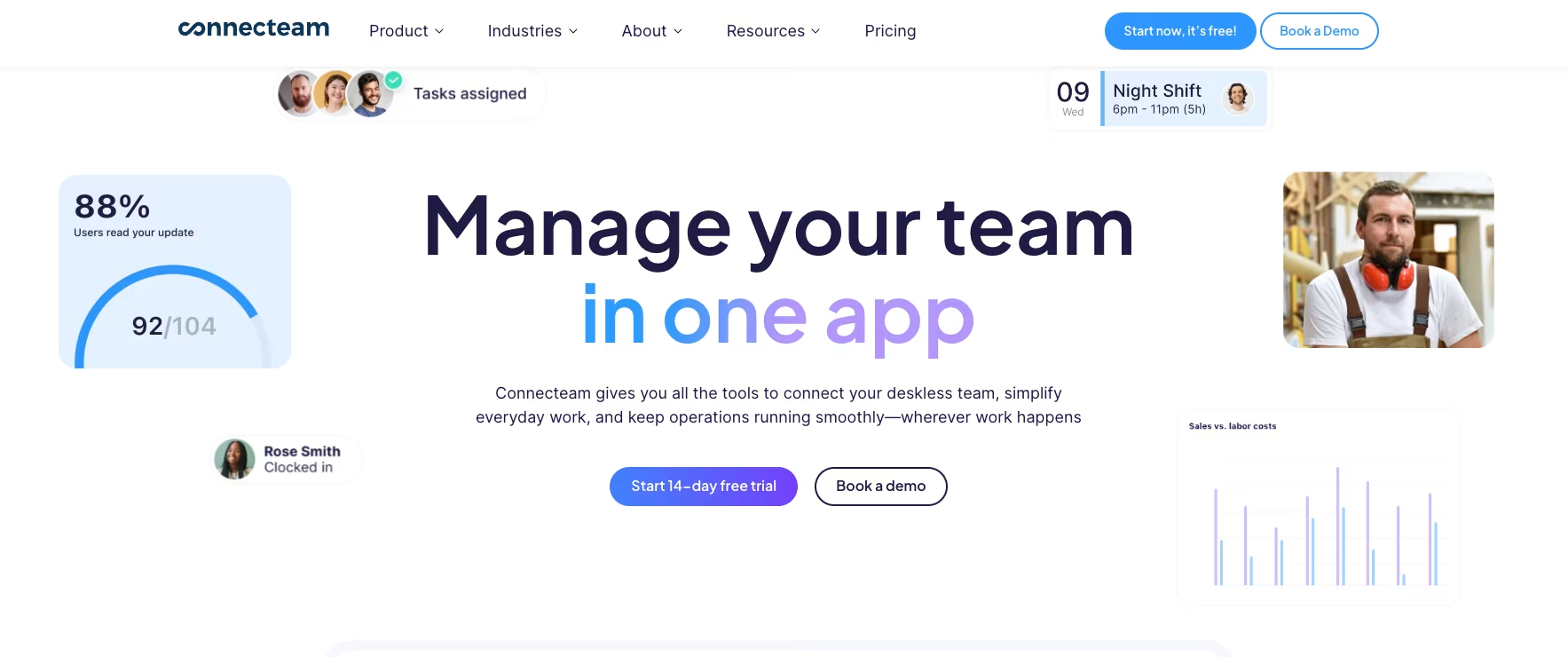
- Job scheduling: drag-and-drop with open shifts and GPS-stamped check-ins; templates and repeating shifts start on Advanced
- Forms and checklists: unlimited forms and checklists, even on Basic
- Built-in chat and updates: 1-1 messages, group threads, news feed style announcements
- Free for life up to 10 users: a permanent free plan, not a trial
Heads up on cost: a paid hub is priced per hub, not per user. Basic in the Operations Hub is $29 a month on annual billing ($35 monthly) and covers the first 30 users, then each extra user adds $0.80 a month on annual billing ($1.00 monthly). Basic includes GPS clock in/out, unlimited jobs, payroll integration and basic scheduling, and there is a 14-day free trial.
Pros:
- Free for life for up to 10 users
- Basic includes GPS clock in/out and unlimited jobs
- Chat, forms, training and a knowledge base in the same app
- Flat $29 a month on annual billing covers the first 30 users
Where it falls short:
- The free Small Business plan has a single time clock
- Pricing is per Hub, so crews that also want communications and HR tools stack more than one Hub
- Extra users beyond the first 30 add $0.80 a month each on annual billing
Best for: small to mid deskless teams that want every workforce tool in one mobile app and stay under 30 users.
Deputy
Deputy positions itself around labor law compliance, and that is exactly where it earns its price. The platform tracks rest periods, overtime, and fair workweek rules. Its labor-law page names federal rules as well as state and city ones. For multi-state retailers and hospitality groups, that alone justifies the per-user model.
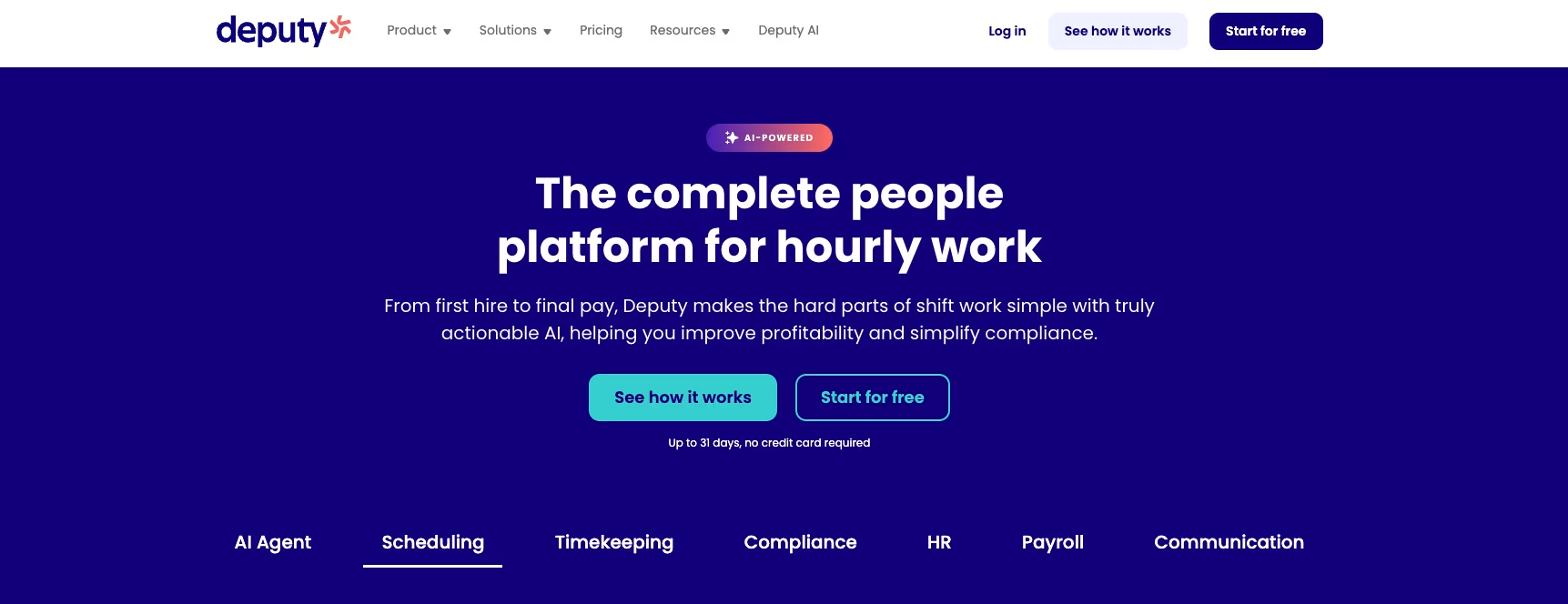
Auto-scheduling considers availability, qualifications, and budget targets, then suggests shifts you can publish in one click. Time and attendance is tight – biometric clock-in on higher tiers, flags for missed breaks, and a clean payroll export to Gusto, ADP, OnPay, and Xero. Reporting is the strongest of the four, with labor cost vs forecast charts in the analytics dashboard.
- Auto-scheduler: rule-based shift creation, conflict warnings, fairness balancing
- Time clock: biometric clocking on Core and above, missed-break flags
- Compliance engine: rest periods, overtime caps, predictive scheduling laws
- Payroll integrations: Gusto, ADP, OnPay, Xero, QuickBooks
Pricing: no free plan, only a free trial whose length the plan cards do not state. Lite is $5 per user per month on annual billing ($5.50 monthly), Core $6.50 ($7.25) and Pro $9 ($10). Monthly plans carry a $30 minimum spend per invoice.
Pros:
- Compliance engine for rest periods, overtime caps and predictive scheduling laws
- Auto-scheduler that weighs availability, qualifications and budget
- Lite starts at $5 per user per month on annual billing
- Payroll exports to Gusto, ADP, OnPay, Xero and QuickBooks
Where it falls short:
- No free plan, only a trial
- Monthly plans have a $30 minimum spend per invoice
- Per-user pricing grows in step with headcount, roughly $150 a month for 30 people on Lite
Best for: mid-market retail, healthcare, and hospitality operators who need labor compliance baked in and have the budget to pay per user every month.
Sling
Sling earned its following by keeping the basics simple and free. The crew planning tool lets a small operator publish a weekly schedule, share it via push notification, and let staff offer shifts to each other. Time tracking sits in the paid tiers, which stay affordable. As a crew planning system for small businesses, Sling competes well on price.
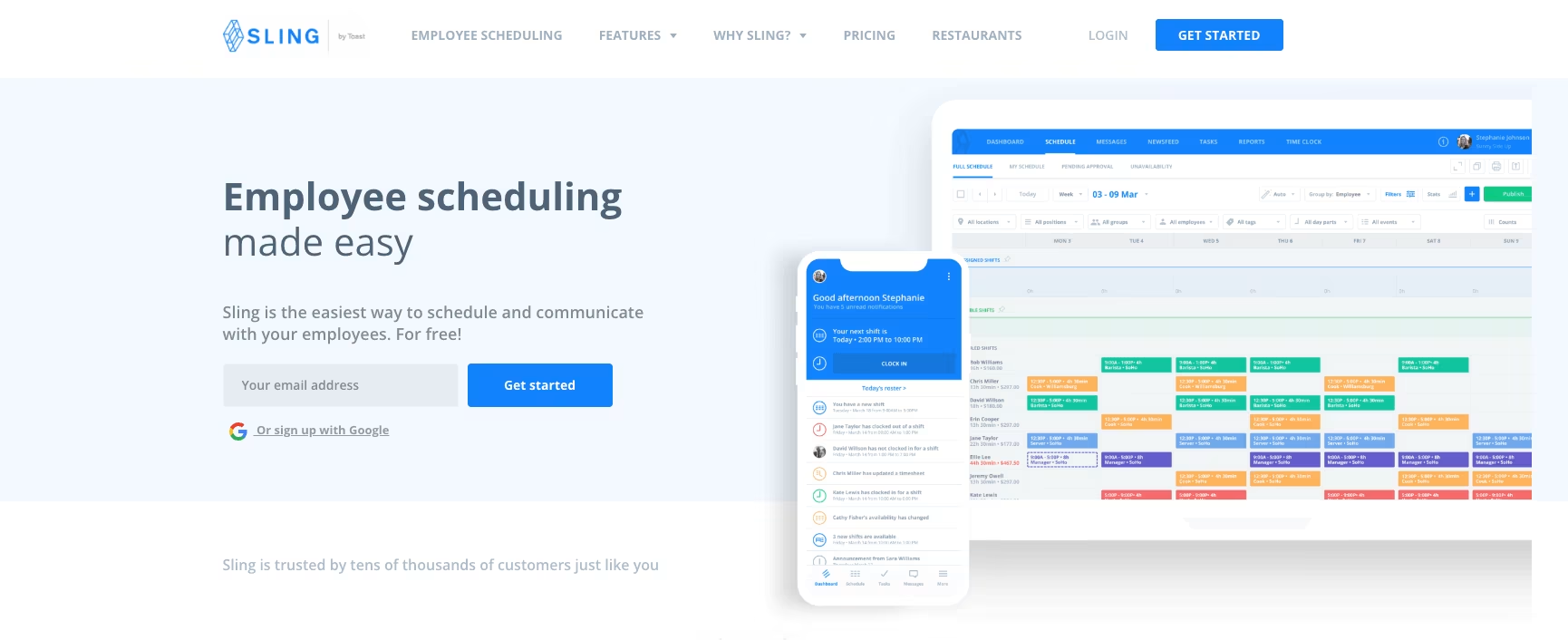
- Free tier: up to 30 users on basic scheduling and chat
- Time tracking: mobile time tracking starts on Premium, not the free plan
- News feed and tasks: news sharing and task management
- Trial length: 15 days
Sling falls behind on depth. Auto-assigning waits for Business, and the pricing page lists no forecasting or labor-law engine. If your operation crosses 50 staff or you operate under predictive-scheduling laws, you will hit a ceiling fast.
Pricing: Premium is $1.70 per user per month on annual billing ($2.00 monthly) and Business $3.40 ($4.00).
Pros:
- Free for up to 30 users, the highest free cap in this comparison
- Free plan covers shift scheduling, time-off requests, available shifts and private messaging
- Premium costs $1.70 per user per month on annual billing
- 15-day free trial of the paid plans
Where it falls short:
- Time tracking, including mobile time tracking, is not on the free plan
- GPS clock-in is not part of the free plan either; geofencing and timesheet approvals start on Premium
- Kiosk time tracking and reports need Business at $3.40 to $4.00 per user per month
Best for: shops, cafes, and 5-25 person crews that need a free or near-free crew schedule app and do not need compliance automation.
What is crew management software, exactly
Crew management software is a workforce management platform that handles scheduling, time tracking, communication, and operational reporting for shift-based and on-site teams. Unlike generic HR tools, a crew management system is built around the rhythm of a crew – rotating shifts, last-minute swaps, mobile access from a job site, and labor laws that change by state. In the workforce management category it sits next to employee scheduling and time-and-attendance tools, but bundles them in a way that fits crew workforces specifically.
Categories overlap with crew scheduling software, crew planning software, crew dispatch software, and crew tracking apps. The better products bundle all four plus payroll prep into one platform so supervisors stop reconciling data across tools. Some industries call it crewing software or a crewing system (maritime), others crew control software (broadcast and live events), and a few simply say “crew software” or “crew manager software” – the core problem is the same: get the right people to the right place at the right time, then pay them correctly.
Core features every crew management platform should have
Buying a crew management solution without a feature checklist is how teams end up with shelfware. Here is what the four tools above have in common – and what to demand from any crew management application you trial.
- Drag-and-drop scheduling: a real crew planner with templates, recurring shifts, and visible conflicts before you publish
- Mobile crew app: native iOS and Android, not a mobile web shim – your crews live on phones
- Geofenced time tracking: clock-ins tied to job-site coordinates, plus offline mode for sites with no signal
- Two-way crew communication: chat, announcements, and read confirmations – email is too slow
- Crew compliance and certification tracking: automatic flags when a crew certification expires or a worker hits an overtime cap
- Crew availability and assignment logic: auto-assignment by skill, location, and crew availability so supervisors stop solving the puzzle by hand
- Payroll-ready exports: CSV, Gusto, ADP, QuickBooks, or your regional provider
- Clear reporting: labor cost by site, attendance trends, no-show rates – the numbers your CFO asks for
How a crew management system pays for itself in workforce savings
Subscription cost is rarely the real math behind crew management software. The savings come from labor.
Look at three places: supervisor hours spent building rosters in a spreadsheet, payroll leakage from buddy punching and rounded-up hours, and no-shows that happen because the crew never saw the schedule. Measure each one for a month before you switch, so you know what the tool has to win back.
The break-even is small. At $20 an hour, a plan that costs $60 a month pays for itself once it saves three paid hours across the whole crew.
Crew management software pricing – what to actually expect
Pricing in this category falls into three patterns: free up to a small headcount (Shifton, Connecteam, Sling), flat rate for the first batch of users then per-user (Connecteam), and pure per-user-per-month (Deputy, Sling Premium and above). Per-user models reward you when your crew is small and punish you the moment headcount jumps – a 50-person operation pays roughly the same as a 10-person one on flat-rate plans, but five times more on per-user plans.
Shifton stays cheap as a crew grows because you pay $1 per employee a month for everyone once you pass 10, and only for the modules you switch on. Connecteam’s flat fee is hard to beat under 30 users. Deputy is the most expensive but wraps in compliance reporting that would otherwise live in a separate tool.
Cloud crew management software vs on-premise
Every tool in this comparison is cloud-based, and that is on purpose. A cloud crew management software setup means your supervisors update a shift from a laptop at HQ and the on-site crew sees it on their phone two seconds later – no syncs, no exports, no IT involvement. On-premise crew management still exists for highly regulated environments (defense, some maritime crew management software, certain government crew operations), but for the standard workforce management customer – retail, hospitality, construction, cleaning – cloud is the default.
Cloud vs server is the wrong question. Ask instead how the cloud crew management software handles offline mode. Crews working in basements, remote sites, or moving vehicles lose signal regularly. Offline clock-in is the first thing to test on any trial, because it decides whether a punch from a remote site survives. Run the same test on a trial for all four, Shifton included.
How to choose the right crew management app for your team
Match the tool to three things in this order: crew size today, compliance complexity, and how much of your operation lives on a phone. For coordination beyond field crews, see our roundup of the best team management software.
If you have under 10 people and the budget is zero, start with Shifton or Connecteam free tiers – both stay free with no time limit. Above 30 users, the per-user vs flat-rate question gets serious: Shifton stays cheap at scale, Deputy wins on workforce compliance depth, Connecteam wins on user experience and onboarding speed. If your crew is small and pure shift planning is all you need, Sling is the cheapest functional option for a crew planning app.
One mistake we see often: buying the most feature-rich product because the demo looked impressive. A crew of 15 cleaners does not need a forecasting engine. They need a clean crew schedule app, a fast clock-in, and a chat tab. For the clock-in part alone, the free time clock apps roundup compares what the free tiers allow. Everything else is overhead. Pick the lightest crew management software that covers your real workflow, start with the free or trial tier, and only add modules or switch tools when you have an actual operational reason to do so – a 30-person team that adds a forecasting engine before they are even sure their schedule logic works will spend the first three months reverse-engineering the tool instead of fixing the workflow that prompted the purchase. The cheapest tool you outgrow in twelve months is still cheaper than the bloated one you fight with for two years.
Related reading:8 Best Construction Time Tracking Software Tools for Contractors – if your crews are site-based and time tracking is the priority, start there. For lawn and landscaping crews specifically, compare the best lawn care business software. Running cleaning crews instead? Compare the best janitorial software.
If you are also weighing larger HCM platforms
Crew management overlaps with the broader workforce management category, and many teams shortlist HR-first platforms like Rippling alongside dedicated WFM tools. Our breakdown of the top 5 Rippling alternatives sets Shifton, Connecteam, Homebase, Jibble, and When I Work side by side against Rippling itself, with real pricing for shift-based and hourly workforces. Building specifically? See our pick of the best free construction management software for builders.
If your crew runs event-shaped work
Crew management blurs with catering and event staffing the moment your shifts stop repeating weekly. For mixed operations – fixed crews plus one-off event bookings, drop-offs, weddings, corporate lunches – the dedicated catering side has its own buyer’s guide. See our breakdown of the 5 best catering management software for Shifton, 7shifts, Caterease, Connecteam, and Better Cater compared on event-day workflows, BEOs, and staff scheduling.
FAQ
What is the best crew management software in 2026?
For most shift-based operations, Shifton is the best crew management software because the free tier covers crews up to 10 users and the modular pricing keeps the bill low as you grow. Connecteam wins for tiny deskless teams that want one mobile app for everything, Deputy for compliance-heavy retail, and Sling for the lightest budget.
Is there a free crew management system?
Yes. Shifton, Connecteam, and Sling all offer free tiers. Shifton (while no paid module is on) and Connecteam are free with no time limit for teams of up to 10 users. Sling provides free basic scheduling and chat for up to 30 users but limits time tracking and reports to paid plans. Deputy has no free plan, only a free trial.
How much does crew management software cost for a 30-person team?
Connecteam stays at $29 a month ($35 on monthly billing) at 30 users. Shifton is $30 a month for the base plan at 30 employees ($1 per employee, billed for everyone once the team passes 10), plus $0.50 to $5 per employee for any module you switch on. Deputy lands around $150 a month at 30 users on Lite with annual billing ($5 per user); monthly plans carry a $30 minimum spend. Sling Premium sits near $51 a month at 30 users on annual billing ($60 monthly). Per-user models scale linearly, flat-rate stays put.
What is the difference between crew management software and crew scheduling software?
Crew scheduling software is one feature inside a crew management system. A full crew management platform adds time tracking, payroll prep, communication, certification tracking, and reporting on top of scheduling. If a vendor only sells scheduling, expect to glue two or three more tools onto it - and reconcile the data manually every payroll cycle.
What is the best construction crew management software for a small crew?
For a construction crew of up to 10 people, Shifton's free plan covers scheduling; the time clock is the paid Attendance module ($1 per employee a month), and GPS clock-in is the paid Work location control module at $5 per employee per month. Connecteam's paid Basic plan includes GPS clock in/out and covers the first 30 users for $29 a month on annual billing, which suits a mid-size site crew. Test offline clock-in at your weakest-signal site before you commit to either.
Can crew management apps work offline at remote job sites?
Offline behavior differs by tool and plan, so test it on a trial before you buy: take a phone to the weakest-signal site, clock in, and check that the punch syncs when the device reconnects. Test Shifton the same way on the trial of the Attendance module. For remote sites such as construction, oil and gas or remote depots, make this test the deciding one.
Do these crew management tools integrate with payroll?
Deputy plugs directly into Gusto, ADP, QuickBooks, and Xero. Shifton has an open API and a paid Payroll module ($0.50 per employee a month). Connecteam lists Gusto, QuickBooks, and Xero. Sling lists a Toast integration with timesheet export to Toast Payroll, and payroll reports start on Business, which is fine for small operations but limits you at scale.



Start making changes today!
Optimize processes, improve team management, and increase efficiency.