

Paid field service platforms can run $50-$100 per user per month. For a team of five technicians, that is up to $6,000 a year before you have booked a single job. So it makes sense that a lot of service businesses start their search the same way: “Is there any field service management software that is actually free?”
Location verification is where free plans differ most – Shifton adds a paid GPS route map of the shift (Work location control) to confirm on-site presence for field crews.
The honest answer is yes, with conditions. Some free field service software options are genuinely useful, especially for small teams getting started. Others are stripped-down demos dressed up as a free tier. This guide compares the best free and open source field service management software for 2026, breaks down who each field service app suits, and flags what to watch for before you commit. Every free tier, job limit, and price below was checked against the vendor’s own site.
This might interest you:field service management software – how Shifton handles dispatch, work orders, and technician tracking for service teams.
Our Top Picks
Ten tools made the list. If you want the short version, these three cover most small field service teams – from a solo contractor to a 10-person crew.
Shifton Service
Best for teams that need real dispatch and work orders, not a repurposed project tool. The free plan (up to 2 team members) covers the base Tasks module: creating and assigning tasks, deadlines, customer data and checklists; GPS technician tracking is a paid add-on.
Odoo
The strongest pick for service inside a full ERP: the Community Edition is free and open source, and cloud-hosted “One App Free” covers one app at no cost – ideal if you have a developer to set it up.
Connecteam
Best when team communication is the bigger gap – free for up to 10 users with GPS-stamped clock-in, scheduling and in-app messaging.
Why trust us?
Shifton Service is our own product, and we ranked it first – we would rather say that up front than let you find it halfway down. Every free tier, job limit and price on this page was checked against the vendor’s own site, and where a vendor only quotes on a call or runs a trial dressed up as a free plan, we say so instead of printing a number we invented.
What Is Free Field Service Management Software?
Free field service management software gives businesses the tools to handle work orders, technician scheduling, dispatch, and customer communication without paying a monthly subscription. The free tier might be permanently free (as with open source field service management solutions) or a time-limited trial of a paid field service management platform.
Whether the tool is a free app or a paid system, the job it has to do stays the same: get the right technician to the right job, keep a record of what was done, and make it easy for customers to know what to expect. What the price tag changes is how many team members you can add and which features stay locked until you upgrade. A good free field service app handles scheduling, dispatch, and mobile work orders; a field service manager software upgrade usually adds analytics, multi-branch reporting, and deeper integrations.
Field Service App vs. Field Service Management System
The terms get used interchangeably, but they describe different things. A field service app is usually the mobile side – what the technician carries into the field to view jobs, capture photos, and update status. A field service management system is the whole stack: the office-side dispatch board, the scheduling engine, the customer database, and the reporting layer behind it.
Most of the products below are full field service management software with both an office dashboard and a technician app. A few (JotForm, Budibase) are narrower tools you bolt onto a workflow rather than a complete service management software platform. If you have only ever searched “field management software” and landed on generic options, this is the distinction that matters most. Knowing which you are buying saves a lot of disappointment later: a form builder will never replace a dispatch tool, and a dispatch tool will not collect structured inspection data as cleanly as a form.
Who Needs Field Service Management Tools
Any business that sends people into the field to do work runs into the same operational problems eventually: scheduling conflicts, jobs falling through the cracks, customers calling to ask where the tech is, and paperwork that nobody fills out properly. The issues look the same whether you run two technicians or twenty.
These industries rely on field service software the most:
- HVAC companies deal with seasonal demand spikes where scheduling 12 maintenance visits in a day without a proper field service dispatch software usually means missed appointments or technicians driving across town twice. Route planning alone covers whatever the software costs.
- Plumbing services handle emergencies where response time is the whole game. Getting a work order to a technician in real time, with the customer’s service history attached, is the difference between a resolved call and a callback complaint.
- Electrical contractors balance multi-day jobs alongside smaller service calls. Work order tracking keeps both moving without one team blocking the other.
- IT service providers log every ticket, track technician time per job, and report back to clients. Manual tracking introduces errors quickly, and errors erode client trust faster than most things.
- Landscaping and grounds maintenance businesses run recurring client schedules across multiple crews, especially during peak season. Consistent dispatching is what keeps those accounts.
- Facility management firms juggle preventive maintenance schedules alongside reactive requests. Without a service management system, something always gets missed, usually at the worst time.
- Equipment repair and maintenance companies benefit most from service history tracking, so technicians arrive knowing what was done last time instead of diagnosing from scratch.
- Delivery and logistics teams use GPS tracking and route planning to cut fuel costs and hit tighter delivery windows.
- Cleaning services managing multiple client sites need consistent scheduling and proof-of-work documentation to retain accounts long term.
- Telecommunications field teams installing and servicing infrastructure need real-time job updates and documentation tools that work offline.
Most of these companies do not need enterprise software. They need solid scheduling, dispatch, work order management, and a mobile field service app for technicians. A good free field service management tool handles all of that without a five-figure annual contract.
Practical Dispatch Guides by Industry
If you are researching field service tools, it helps to see how scheduling, dispatch, and work orders look in real workflows. Here are a few practical guides that break down common setups by industry and service type:
- Dispatch workflows for HVAC teams – routing, job updates, and keeping repeat visits organized.
- Plumber dispatch operations – handling urgent calls, assigning techs fast, and tracking outcomes.
- Towing dispatch basics – ETAs, status tracking, and coordinating recovery jobs.
- Work order management in the field – clear requests, assignments, and documented results.
- ATM service workflows – maintenance, repairs, and reliable job tracking for field teams.
These examples can help you map the features you actually need to the way your team operates before committing to a platform.
Open Source vs. Free vs. Paid: What’s the Difference?
They are not the same thing, and confusing them can cost you significant setup time.
Free field service software means no monthly fee, at least for the base tier. The vendor still owns the code, hosts it, and controls what features you get. Upgrades are available, usually at a price. Setup is fast, typically a few hours from sign-up to first job scheduled.
Open source field service management software means the source code is publicly available. You can host it yourself, modify it, and own your data completely. Odoo (Community Edition) and Budibase fall into this category. The trade-off: you need a developer or a technically capable team member to set it up, and ongoing maintenance is your responsibility. Free open source field service management software is a real category, but go in with realistic expectations about implementation effort.
Paid field service platforms win on depth: full contract management, multi-branch reporting, and enterprise integrations. For most small service businesses, a free hosted tier is the practical starting point. Open source makes sense when you have specific workflow requirements that off-the-shelf software will not meet, or when data sovereignty matters to your clients.
5 Things to Look for in Free Field Service Software
The feature lists for most tools look similar on paper. Here is what actually separates useful field service management software from something that creates more work than it solves.
Work order management that stays out of your way
Creating, assigning, and updating work orders should take seconds, not minutes. If technicians spend five minutes logging a job update from the field, they stop doing it. Look for mobile-first work order management where a status update is a tap, not a form with five required fields.
Scheduling and dispatch that handles exceptions
Drag-and-drop scheduling sounds simple, but the real test is what happens when a job runs long or a technician calls in sick. Can the field service scheduling software help you reassign fast? Can dispatchers see which technicians are nearby? Good dispatch software is more about exception handling than routine assignments – the system needs to keep up when plans change mid-day.
Mobile access that works offline
Field technicians often work in basements, warehouses, and rural locations with poor connectivity. If the field service app needs a constant internet connection, it fails at the worst possible moment. Offline mode with automatic sync when connectivity returns is not optional for real field work.
A dedicated field service management app also handles things a browser tab cannot do reliably: camera access for job photos, background GPS for location tracking, and instant push notifications when a new job gets assigned. Technicians who have used both notice the difference within a day.
GPS tracking and location visibility
Real-time location tracking does two things: it helps dispatchers assign the nearest available technician, and it gives customers accurate ETAs instead of a vague two-hour window. Some free tiers restrict GPS tracking to paid plans; others include basic clock-in location for free and gate only advanced multi-site geofencing. Check exactly where the line sits before committing, because without live tracking you are back to calling technicians to ask where they are.
Integrations with what you already use
The best free field service management software fits into your existing workflow – QuickBooks or Xero for invoicing, a CRM for customer records, email or SMS for job notifications. A tool that requires entering the same data twice in two systems is not saving time. Check the integrations list before you migrate anything, especially if you want CRM for field service built in rather than bolted on.
The 10 Best Free Field Service Management Software Programs
Shifton Service
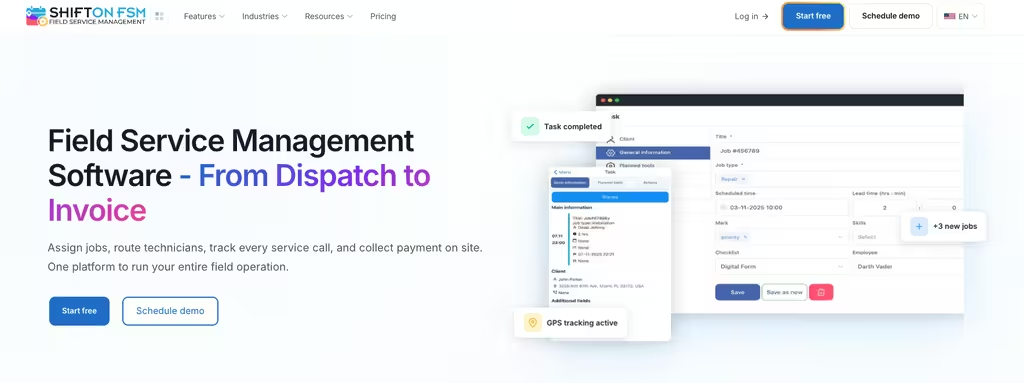
Shifton Service is built specifically for service companies that need reliable dispatching and job tracking without the overhead of enterprise software. Unlike generic project management tools repurposed for field service, the core features here are designed around the dispatch and technician coordination problem.
The scheduling interface uses a drag-and-drop calendar that shows technician availability and, with the paid Work location control module, location. Dispatchers can assign jobs, reroute technicians mid-day, and update job statuses without picking up the phone. Technicians receive job details on their mobile devices, including client history and previous service notes, which cuts the back-and-forth between field and office that eats up everyone’s time.
Task management covers the cycle from creation and assignment to field updates and checklists filled in on site. Invoicing and the customer portal are paid modules ($5 per employee each, trial up to 55 days): invoicing builds invoices and other documents from completed jobs, and the customer portal sends visit reminders, a tracking link for the visit, chat and call buttons and a review form to clients. For small businesses looking for free field service management software, Shifton’s free plan (up to 2 team members, while no paid module is on) covers the base Tasks module: creating and assigning tasks, deadlines, customer data and checklists. GPS technician tracking is a paid add-on via the Work location control module ($5 per employee, trial up to 55 days), not part of the free plan. Shifton connects to QuickBooks Online, Zapier, Usedesk and Intercom, with webhooks and an API for other tools.
Try the field service software that’s actually free to start
Shifton Service covers task assignment for field teams on the free plan (up to 2 team members); GPS technician tracking is a paid Work location control add-on ($5 per employee, trial up to 55 days). Start free or book a field service demo.
Connecteam
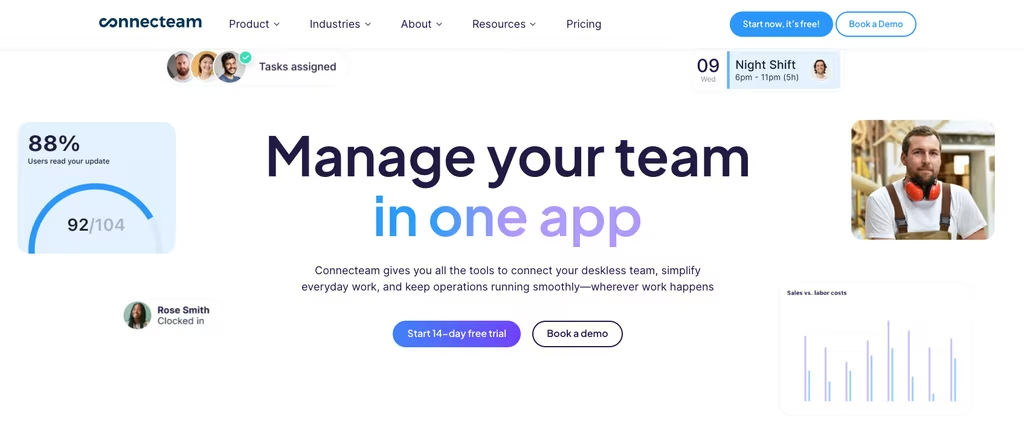
Connecteam covers task management, time tracking, and in-app messaging in one place, which makes it useful for field service teams that also need internal communication handled alongside job assignments. The free Small Business plan supports up to 10 users and includes GPS-stamped clock-in and clock-out, so location tracking is available without paying – its feature table also lists geofencing and GPS breadcrumbs, while payroll integration is not included. Where it falls short is depth: scheduling and dispatch are more basic than purpose-built field service software. Think of it less as a dispatch platform and more as a team management app that handles some field service tasks on the side. For teams under 10 where communication gaps are the bigger pain point, it works.
JotForm
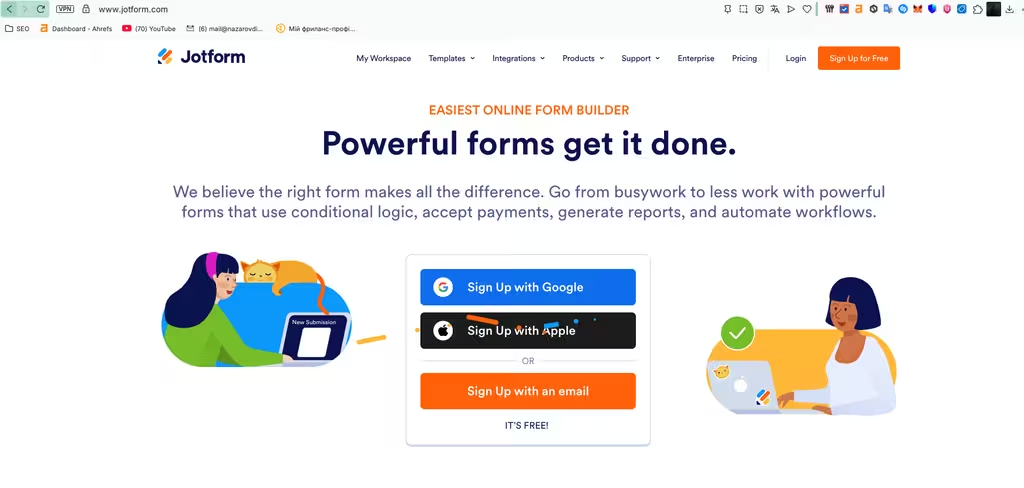
JotForm is not field service software in the traditional sense. It is a form builder that service businesses use for job intake, customer feedback, and inspection checklists – filling the data-collection gap when a team is piecing a workflow together from several tools. It will not replace dispatch or work order management, but for collecting structured information in the field and getting it back to the office without long email chains, it does that cleanly.
The free Starter plan allows 5 forms with 100 monthly submissions. Integrations include Google Sheets and PayPal for on-site payment collection, plus a Salesforce connection.
Budibase
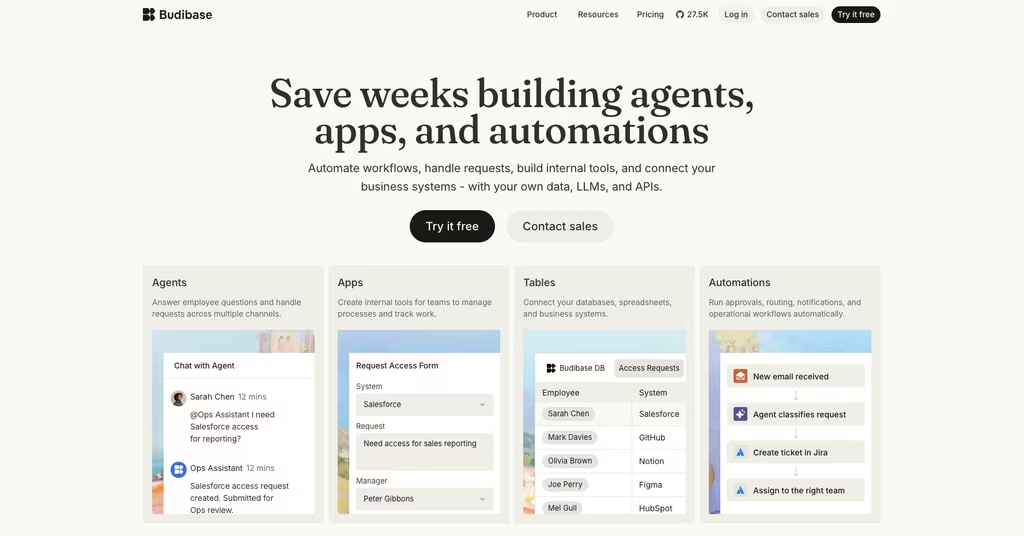
Budibase is an open source low-code platform for building custom internal applications. A service company with developer resources can use it to build a bespoke field management application tailored to its exact workflow – custom work order forms, technician portals, reporting dashboards. The free self-hosted version is genuinely open source under GPL v3, with no user limits.
The implementation cost is real. Expect at least a few days of developer time for a basic build. Once it exists, you own everything: the data, the workflow logic, the hosting. For businesses that have outgrown off-the-shelf tools or have compliance requirements around data storage, this is the right direction. For everyone else, start with a hosted free tier and revisit when you have hit its limits. A managed cloud plan is available from $19/month billed yearly ($23 monthly) if you would rather not self-host.
Miracle Service
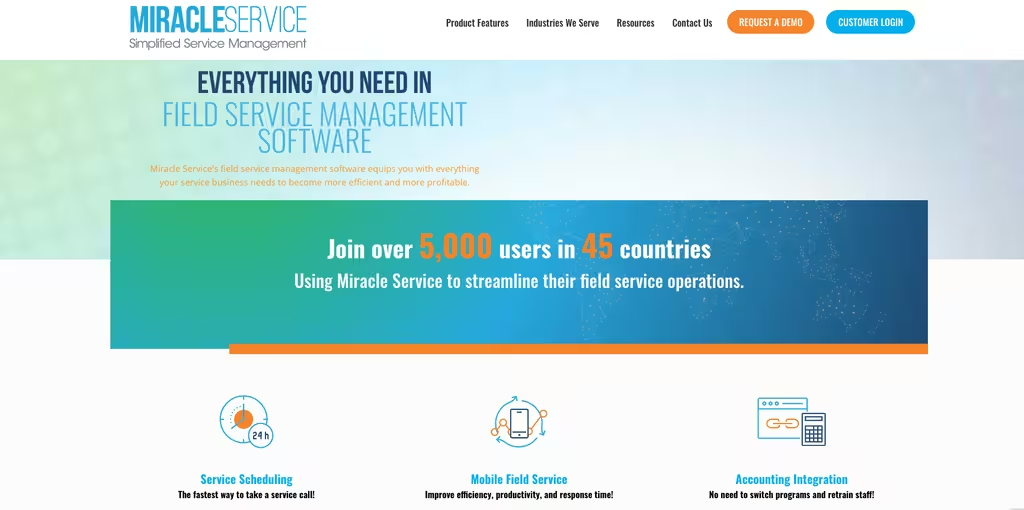
Miracle Service targets service-oriented businesses that need deep service order tracking alongside inventory management. The platform covers the full service lifecycle from first call through billing, including service contract management and preventive maintenance scheduling. Inventory is tracked across both the warehouse and technician trucks, and accounting integrations cover around 20 packages, including QuickBooks and Sage.
There is no permanent free tier – access is by demo and quote, and the company does not publish its pricing, so treat it as paid software rather than a free option. Worth evaluating if inventory control and contract-based maintenance scheduling sit at the center of how your operation runs.
ServiceM8
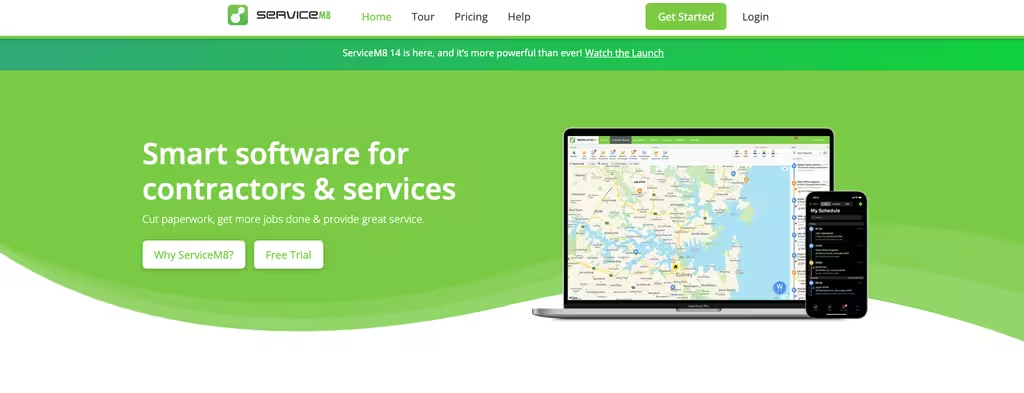
ServiceM8 works well for trade businesses running smaller teams. The mobile app holds up in the field, and the invoicing features – including on-site card payments, Tap to Pay on iPhone, and Xero, QuickBooks Online, and MYOB sync – are among the cleaner implementations in this category. The free plan covers 30 jobs per month, which suits a solo operator but gets restrictive once job volume picks up; paid plans start at $29/month for 50 jobs and scale from there.
The standout is client communication: automated job reminders, arrival notifications, and quote-to-invoice workflows run without manual follow-up. For a solo operator or two-person crew in electrical, plumbing, or locksmith work, the free tier is genuinely useful rather than just a sales hook.
Trinetra iWay
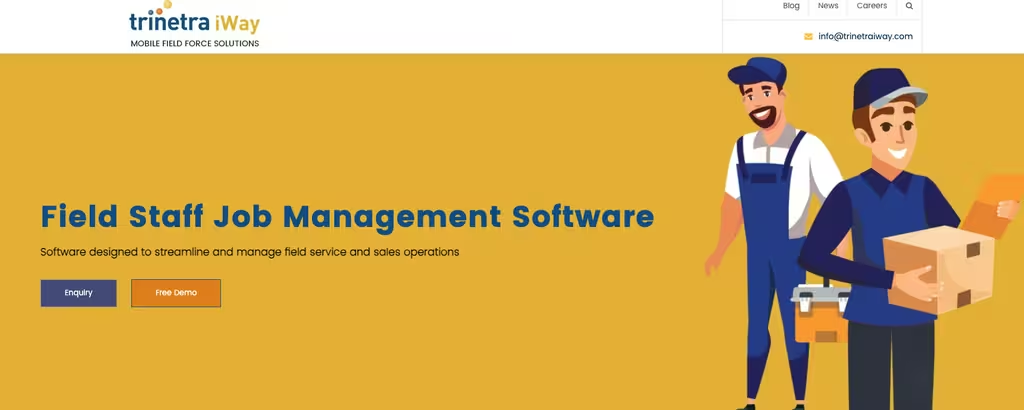
Trinetra iWay leads with GPS tracking and live technician visibility as its core differentiators. If knowing where every technician is and assigning the nearest one is the primary problem, this is a focused tool for it. Its site lists real-time location updates, schedule management, attendance, order management, invoicing, and dashboards and reports. The site publishes no pricing and offers a free demo, so plan a demo before budgeting for it.
Odoo
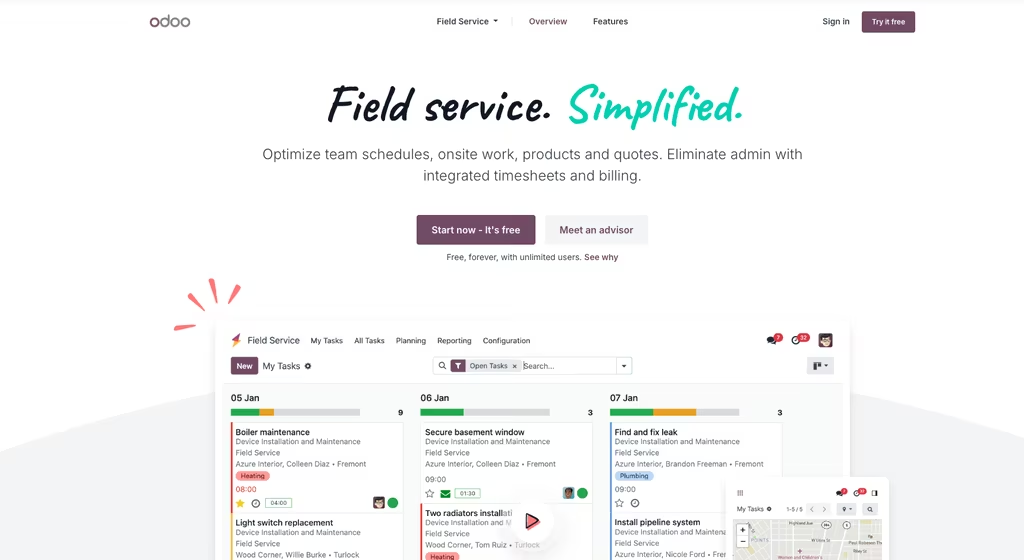
Odoo is an open source business suite with a dedicated Field Service module that connects to its broader ERP, CRM, invoicing, and inventory capabilities. The Community Edition is free and open source under LGPLv3, but Field Service is not part of it: that app belongs to the Enterprise edition. Odoo’s hosted “One App Free” option lets you run a single app of your choice with unlimited users at no cost. For businesses that want one platform handling sales, service, and accounting, it is one of the stronger options for service inside an ERP.
Setup requires technical knowledge, and the Community Edition is largely self-supported (the Enterprise edition, which is not open source, adds paid support and extra features). Once running, the integration across the Odoo stack is genuinely useful for companies at the stage where disconnected tools are creating real operational problems – duplicate data entry, broken reporting, manual reconciliation between systems.
Delta Sales App
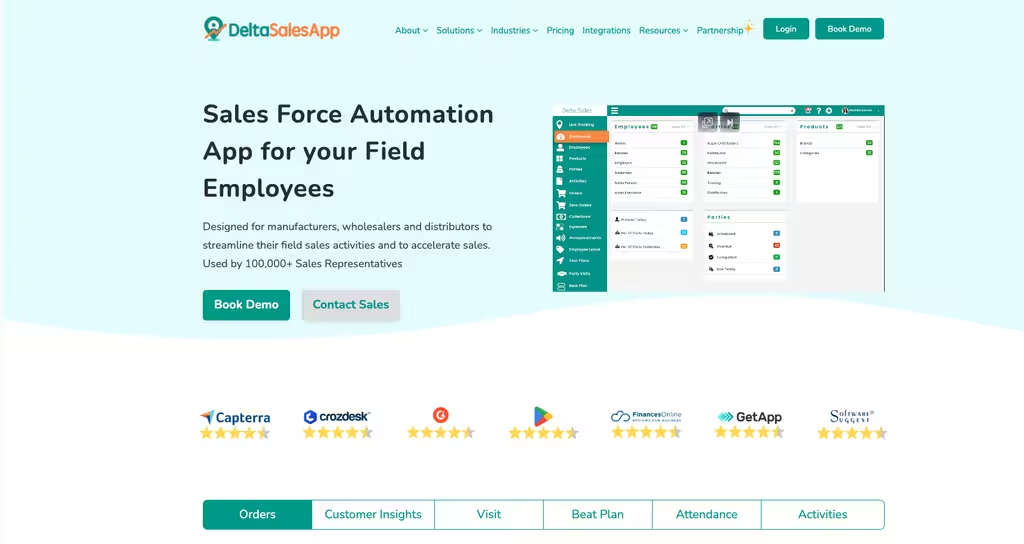
Delta Sales App is worth knowing about, but with a clear caveat: it is a field sales automation tool first, not a field service management platform. It is built for distributors and manufacturers who send reps out to customers, so its strengths are order management, beat and route planning, GPS employee tracking, and attendance – useful if the same field team handles sales calls and the occasional service visit. For pure work-order dispatch it is the wrong category. There is no free plan either; the pricing page lists paid plans starting at $6 per user per month billed quarterly. Include it only if combined sales-and-visit tracking is genuinely what you need.
BuildOps
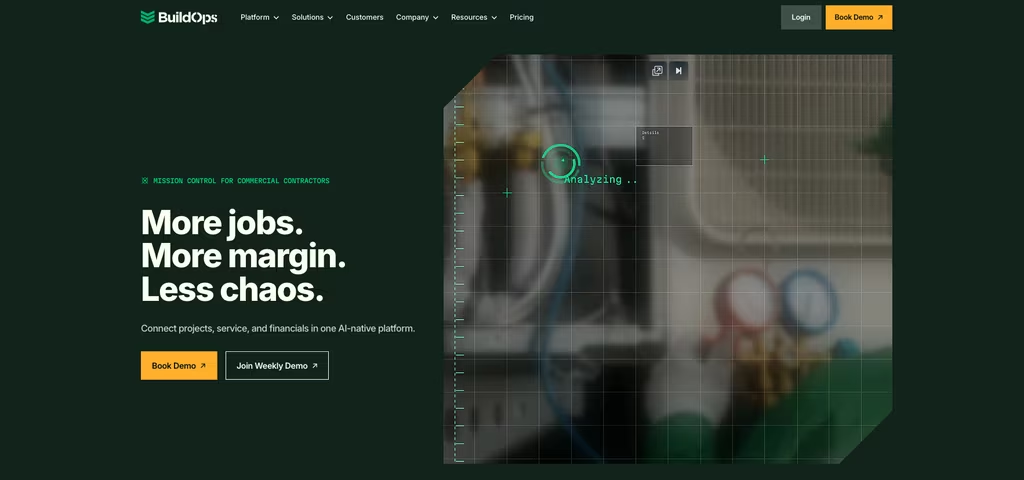
BuildOps is purpose-built for commercial contractors in construction and mechanical trades – job and project management, scheduling and dispatching, quoting, invoicing, and financial reporting in a platform designed for complex multi-day projects rather than quick service calls. There is no free tier; pricing is quote-based. It earns a place here as a specialized option for HVAC, electrical, and plumbing contractors that have outgrown generic field service platforms. If you are tracking projects with multiple phases, crew assignments across weeks, and strict financial reporting requirements, it is worth a serious look.
Which Field Service Management Software Works Best for Small Businesses?
Small service businesses have different constraints than enterprise operations. Budget is obvious, but user count often matters more in practice. Most free plans cap at 5-10 users, which covers a two-technician operation comfortably but gets tight once you add a dispatcher, a customer service rep, and an office admin.
Shifton Service is free for up to 2 team members and Connecteam for up to 10 users, and both are genuinely usable. Shifton is the better fit if dispatch and work order management are the primary need. Connecteam suits teams where communication and task assignment are the bigger gaps. ServiceM8 works well for solo operators in the trades who need clean invoicing alongside scheduling.
For businesses with a developer on staff and specific workflow requirements, Budibase or Odoo give you control that hosted platforms cannot match. The setup cost is real, but so is the long-term flexibility when your operational needs do not fit a standard template.
For most small businesses, the free tier of a solid hosted platform covers the first 12-18 months of growth. The decision to upgrade usually comes naturally when you hit the user or job limit – not because the free version stopped working, but because the business grew past it. The best field service management software for a team of five is not the most expensive option. It is whichever tool your technicians actually use every day. A free platform that gets adopted beats a $300-a-month one that gets ignored after onboarding.
Related reading:Best service dispatch software – a closer look at the dispatch side for field teams.
Compare the Best Free Field Service Management Software at a Glance
| Tool | Free tier | Open source | Best for |
|---|---|---|---|
| Shifton Service | Yes – free for up to 2 team members, base Tasks module | No | Service teams that need real dispatch, not a repurposed PM tool |
| Connecteam | Yes – up to 10 users | No | Small crews where team communication is the bigger gap |
| JotForm | Yes – 5 forms, 100 submissions/mo | No | Job intake and inspection forms, not dispatch |
| Budibase | Yes – free self-hosted, no user limit | Yes (GPL v3) | Teams with a developer building a custom app |
| Miracle Service | No – demo/quote only | No | Inventory-heavy, contract-based service operations |
| ServiceM8 | Yes – 30 jobs/month | No | Solo trades operators who need clean invoicing |
| Trinetra iWay | No – demo, no published price | No | Field teams focused on location visibility |
| Odoo | Partly – One App Free (one app); no Field Service in Community | Yes (LGPLv3) | Companies wanting service inside a full ERP |
| Delta Sales App | No – paid plans only | No | Field sales teams that also log service visits |
| BuildOps | No – quote only | No | Commercial contractors on complex multi-day projects |
FAQ
What is field service management software?
Field service management software is a system that helps businesses schedule jobs, dispatch technicians, manage work orders, track field staff by GPS, and bill customers – all from one place. It usually pairs an office-side dashboard with a mobile field service app the technician uses on site. Free and open source versions handle the core scheduling and work order tasks; paid plans add analytics, multi-branch reporting, and deeper integrations.
What is the best free field service management software?
Shifton Service covers the most ground for most service businesses – free for up to 2 team members, with task creation and assignment, deadlines, customer records and checklists; GPS tracking, inventory, invoicing and the customer portal are paid modules. Connecteam is the better alternative for teams where internal communication and task tracking are the bigger pain points than dispatch.
Is there free open source field service management software?
Yes. Odoo (Community Edition, LGPLv3) and Budibase (GPL v3) are both genuinely open source and free to self-host. Odoo’s Field Service app sits in the Enterprise edition rather than in the free Community Edition, next to CRM, invoicing, and inventory, so it fits best if you need an integrated business suite rather than just scheduling. Both require developer time to set up and maintain, which is the real cost to factor in against hosted free tiers.
What free field service management software works best for small businesses?
For the smallest teams, Shifton Service (up to 2 team members) and Connecteam (up to 10 users) offer the most practical free tiers. ServiceM8 is a solid pick for solo operators or two-person trade crews, with a free plan covering 30 jobs a month. The right choice depends on your main pain point – dispatch and scheduling, team communication, or invoicing and payment collection.
What features should I look for in a free field service app?
Work order management, mobile technician access, scheduling and dispatch, and integrations with your existing accounting software are the non-negotiables. GPS tracking and customer portal features are sometimes restricted to paid tiers, so verify before committing. Offline mobile functionality matters if your technicians regularly work in low-connectivity environments – check whether the app syncs in the background or needs a manual upload.
How is free field service software different from paid options?
Free tiers limit user count, monthly jobs, or advanced features like GPS tracking, detailed analytics, and automated invoicing. Paid plans also add priority support, which matters when a scheduling tool goes down mid-day during peak hours. Most service businesses outgrow free tiers within 12-24 months – not because the tools break, but because job volume and headcount grow past the plan limits.
Is there cloud-based free field service management software?
Yes. Shifton Service, Connecteam and Odoo’s hosted “One App Free” all run in the cloud with nothing to install – you sign in from a browser and technicians use the mobile app. Self-hosted open source options like Budibase and Odoo Community run on your own server, so you host and maintain them yourself.
What free field service scheduling software is available?
For free task assignment in the field, Shifton Service and Connecteam are the most practical. Shifton’s free plan (up to 2 team members) assigns tasks with deadlines to the team, and both have a mobile app for use in the field. ServiceM8’s free plan schedules up to 30 jobs a month, which suits a solo operator.
Is there free field service software for contractors?
For small trade contractors in electrical, plumbing or HVAC work, ServiceM8 offers a usable free plan for dispatch, work orders and invoicing. Shifton Service is free for up to 2 team members for task assignment, and invoicing there is a paid module. Larger commercial contractors running multi-day projects usually need a paid platform such as BuildOps, which is quote-based.




Start making changes today!
Optimize processes, improve team management, and increase efficiency.