English
  Español
  Português
  Deutsch
  Français
  Italiano
  日本語
日本語  中文
中文  हिन्दी
  עברית
עברית  العربية
  한국어
한국어  Nederlands
  Polski
  Türkçe
  Українська
  Русский
  Magyar
  Română
  Български
  Čeština
  Ελληνικά
  Svenska
  Dansk
Dansk  Norsk
Norsk  Suomi
Suomi  Bahasa Indonesia
  Tiếng Việt
  Tagalog
  ไทย
ไทย  Latviešu
  Lietuvių
  Eesti
Eesti  Slovenčina
  Slovenščina
  Hrvatski
  Македонски
  Қазақша
  Azərbaycan
  Afrikaans
  বাংলা
বাংলা 承包商和施工团队的5款最佳工时追踪应用
Labor accounts for 40-60% of total project costs in construction. When timesheets are off - and the American Payroll Association puts error rates at 1-8% for manual tracking - that translates directly into profit loss. On a $4 million labor budget, even a 5% error means $200,000 in untracked or misallocated costs.
That's why contractor time tracking apps exist. They replace paper logs, eliminate buddy punching, and give you GPS-verified records of who worked where and for how long. But not all of them are built for the way construction crews actually operate - across multiple job sites, in areas with spotty cell service, with workers who don't sit at desks.
We tested five time tracking apps specifically for how well they handle contractor and construction workflows. The criteria: GPS accuracy, geofencing reliability, job costing depth, payroll integration, mobile usability in the field, and real-world pricing for crews of 10 to 100+.
What to Look for in a Contractor Time Tracking App
Not every time tracker works on a job site. Retail and office-focused apps tend to assume stable Wi-Fi, fixed locations, and a single work address. Construction is different. Your crew moves between sites, shifts change daily, and half the time someone's clocking in from a parking lot with two bars of signal.
A contractor-grade time tracking app needs to handle a few things well:
- GPS clock-in with geofencing - so workers can only punch in when they're physically at the job site, not from home or the drive-through
- Job-level time allocation - the ability to assign hours to specific projects, tasks, or cost codes. Without this, you know how many hours were worked but not where the money went
- Overtime and break automation - manual overtime calculations across multiple state rules is where payroll errors pile up. The app should handle federal FLSA requirements and state-specific rules automatically
- Payroll-ready exports - if your timesheets don't sync with QuickBooks, ADP, Xero, or whatever you run payroll through, someone's still re-keying data every week
- Works offline or on weak signal - construction sites are not office buildings. If the app needs full LTE to clock in, it fails the basic test
With that checklist in mind, here are the five apps that actually deliver for construction crews and contracting teams.
The 5 Best Time Tracking Apps for Contractors
1. Shifton: Best Overall for Contractor Teams
Shifton is a workforce management platform that handles time tracking, shift scheduling, and labor cost reporting in one system. For contractors, the key advantage is the modular pricing model - you start with a free plan (up to 10 users, no time limit), then add only the modules your operation actually needs. GPS tracking, payroll, compliance, task management - each is a separate add-on with a 30-day free trial before you commit.
That matters for contracting businesses because crew sizes fluctuate. You might have 15 workers on a residential job and 60 on a commercial site. Most time tracking apps charge a flat per-user fee regardless of what features you use. Shifton lets you scale the feature set, not just the headcount.
GPS and geofencing: Workers clock in via the mobile app, and Shifton logs their GPS coordinates. You can set up geofenced work locations so clock-ins are only accepted within a defined radius of the job site. The GPS route tracking module shows the full path an employee took during a shift - useful for crews that move between sites during the day.
Overtime and compliance: The compliance module tracks break requirements, maximum hours, and overtime thresholds based on local labor law rules. For contractors working across state lines, this eliminates the manual math that causes payroll disputes.
Labor cost visibility: The payroll module calculates gross salary based on regular hours, overtime, and holiday work. You can see exactly what each project is costing in labor before the invoice goes out - not two weeks later when payroll runs.
Multilingual interface: Shifton supports 40+ languages across the full app. If your crew includes Spanish-speaking workers or subcontractors from different countries, everyone uses the system in their own language. No workarounds, no translation apps.
Scheduling and time-off management: Unlike most time-only trackers on this list, Shifton includes full shift scheduling. You can build weekly schedules, assign crews to projects, handle shift swaps, and manage vacation and sick leave requests - all inside the same platform. That means one less subscription and one less app your crew needs to learn.
Reporting: The reporting module breaks down hours worked, overtime, and labor costs by employee, project, or time period. For contractors who need to show clients how labor hours were allocated - or who want to compare estimated vs. actual labor on a job - these reports export cleanly without needing a spreadsheet rebuild.
What could be better: Shifton doesn't include deep cost code hierarchies or direct integrations with construction estimating software like Procore or PlanGrid. If your workflow requires multi-level cost code tracking tied to specific bid line items, you'll need to handle that mapping outside the platform. For most small and mid-size contractors who track labor by project rather than by granular cost code, this isn't a limitation.
Pricing: Free plan for up to 10 employees with core scheduling. Paid modules from $0.50/user/month. Each module includes a 30-day free trial. Annual billing saves 20%.
Best for: Contractor teams of any size that want to start free, add features as they grow, and avoid paying for a bundled plan full of tools they don't use.
2. ClockShark: Best for Job Costing by Project and Task
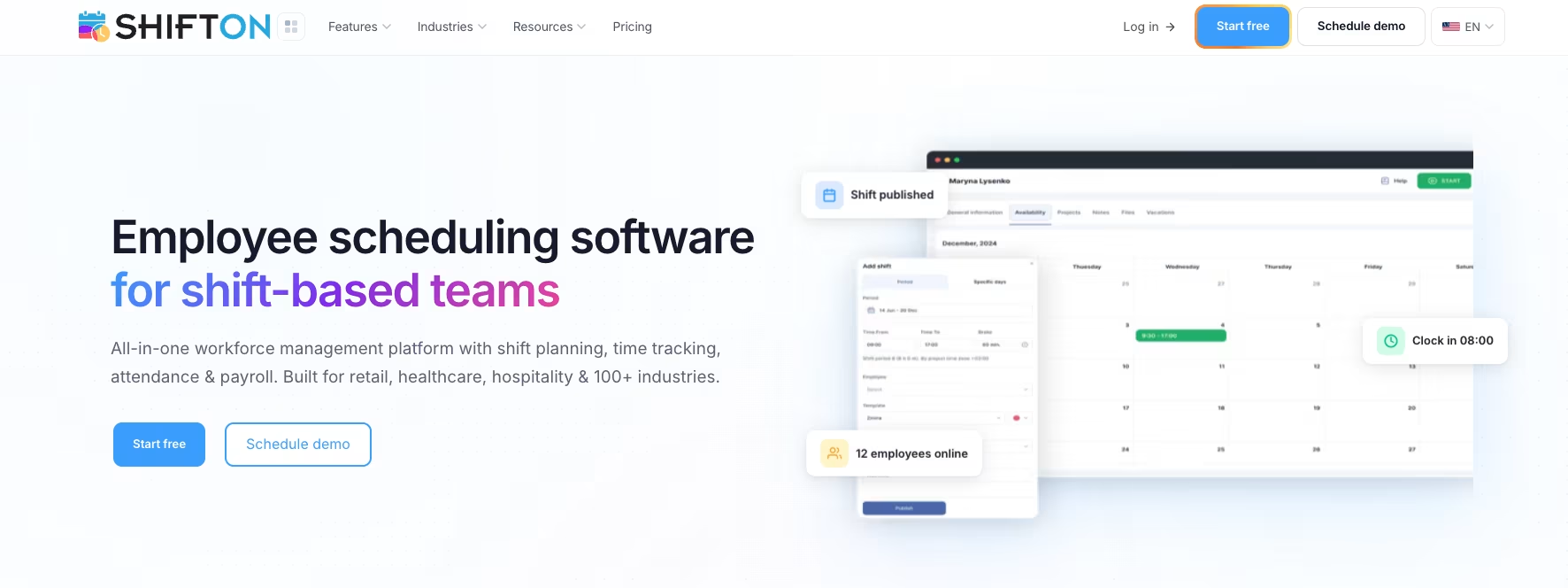
ClockShark was built specifically for construction and field service companies. The strongest selling point is how it handles job costing - every time a worker clocks in, they select a job and a task, and hours are automatically allocated to the right project. For contractors who bill clients by the job or track labor against estimates, this saves hours of manual reconciliation each week.
The GPS tracking works well. You get a real-time map showing where each crew member is, and the geofencing is reliable enough that most users report few false clock-in issues. The kiosk mode with facial recognition is useful for shared job site tablets, though it requires specific hardware to work properly.
Where ClockShark falls short is reporting. The built-in reports cover the basics - hours by job, overtime, payroll summaries - but custom reporting is limited. If you need labor cost analysis broken down by cost codes with multi-level hierarchies, you'll likely export data and build the reports yourself. The interface also feels dated compared to newer competitors.
What users say: Capterra reviewers consistently praise the GPS map view and job-level tracking. The most common complaints are about the reporting limitations and occasional mobile app lag on Android devices.
Pricing: Standard plan at $40/month base + $9/user/month. Pro plan at $60/month base + $11/user/month. 14-day free trial.
Best for: Construction firms that need tight job-level time tracking and bill clients based on labor hours per project.
3. Workyard: Best for GPS-Verified Time Tracking
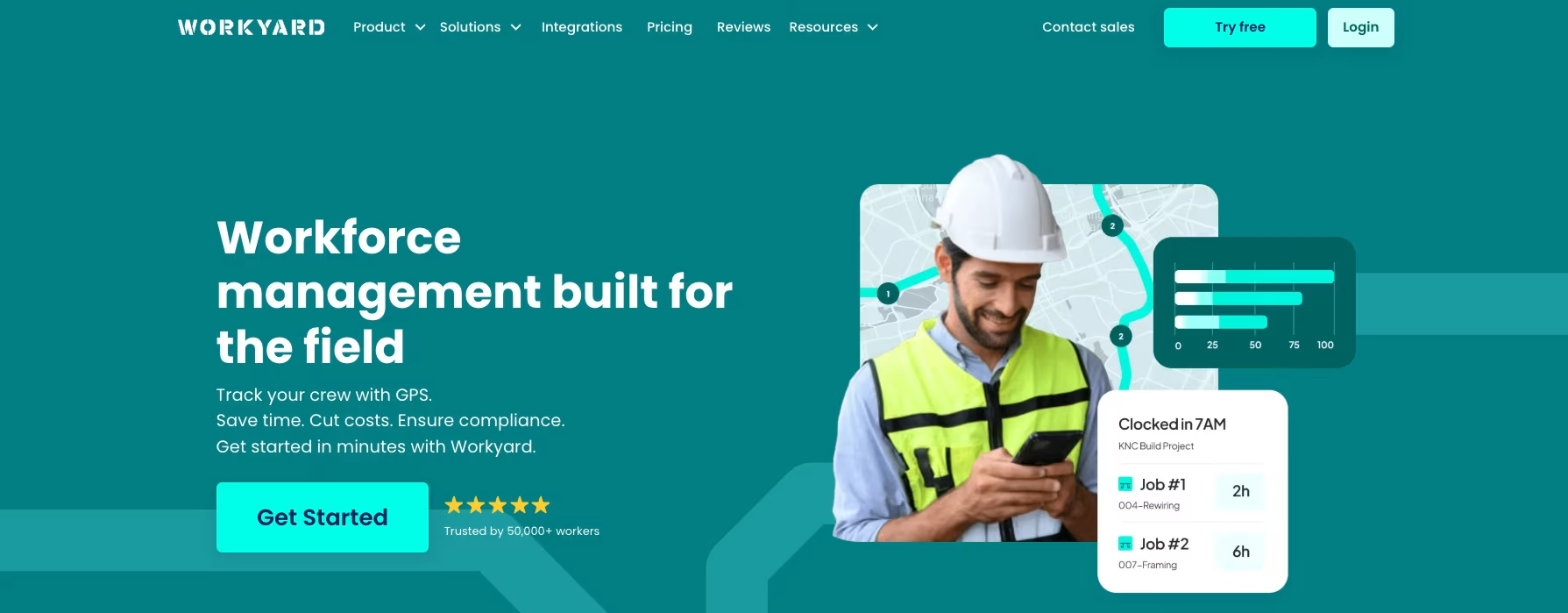
Workyard's GPS tracking is the most detailed in this group. It uses breadcrumb-style location logging - recording the worker's position at regular intervals throughout the shift, not just at clock-in and clock-out. That means you get a full route map for every employee, every day. For contractors managing mobile crews or dealing with prevailing wage compliance, this level of location documentation is hard to find elsewhere.
The app also auto-detects driving and can separate travel time from on-site work time. Geofencing is customizable per job site, and clock-in is restricted to the defined zones. Break tracking is solid - you can configure automatic lunch deductions and set state-specific compliance rules, though overtime policies need to be assigned per employee rather than company-wide, which adds admin work for larger crews.
The biggest gap is scheduling. Workyard is primarily a time tracking and location verification tool. If you also need to build weekly shift schedules, assign crews to projects, or manage time-off requests, you'll need a second platform for that. For contractors who only need to answer "where were my people and for how long," it does that extremely well.
What users say: G2 reviewers highlight the GPS accuracy and the breadcrumb route feature. Common complaints focus on the $50 monthly base fee (which feels steep for very small teams) and the lack of scheduling functionality.
Pricing: Starts at $6/user/month + $50/month base fee. 14-day free trial.
Best for: Contractors and subcontractors who need GPS-level proof of worker location for compliance, prevailing wage documentation, or client billing verification.
4. Connecteam: Best for Contractors Who Need More Than Time Tracking
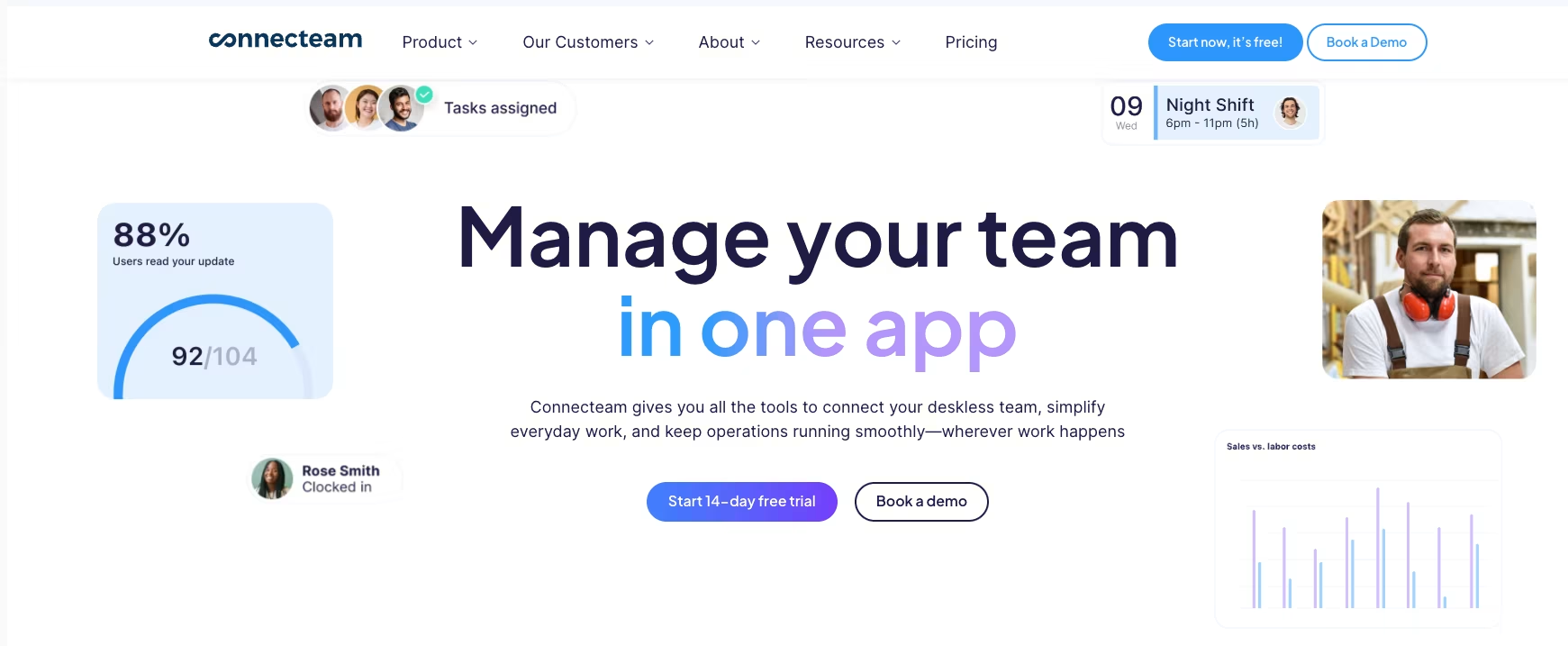
Connecteam is an all-in-one operations platform that happens to include time tracking. If your contracting business needs digital forms (safety checklists, daily reports, incident logs), employee training modules, and team communication alongside a time clock, it bundles all of that into one app. For general contractors managing compliance documentation across multiple sites, that integration removes the need for three or four separate tools.
The time tracking itself is competent. GPS clock-in, geofencing, automatic overtime calculations, and timesheet approval workflows all work as expected. The kiosk mode supports facial recognition for shared devices. Timesheets export to QuickBooks, Xero, and ADP.
The trade-off is complexity. Connecteam has three separate product "hubs" (Operations, Communications, HR), each with its own pricing tier. If you need features from all three, costs add up quickly - Basic across all hubs runs $87/month before per-user fees. And because it's built for all deskless industries (cleaning, security, logistics), the construction-specific depth is thinner than purpose-built tools like ClockShark. There's no native job costing with cost code hierarchies, no estimating integration, and no prevailing wage tracking.
What users say: Capterra reviews praise the breadth of features and the quality of the mobile app. The most frequent complaints are about the pricing structure being confusing and the learning curve for setting up all three hubs.
Pricing: Free for up to 10 users. Operations hub starts at $29/month for up to 30 users. Additional hubs priced separately.
Best for: General contractors who need time tracking, digital safety forms, team communication, and employee onboarding in a single platform - and are willing to spend time configuring it.
5. QuickBooks Time: Best for Contractors on the Intuit Ecosystem
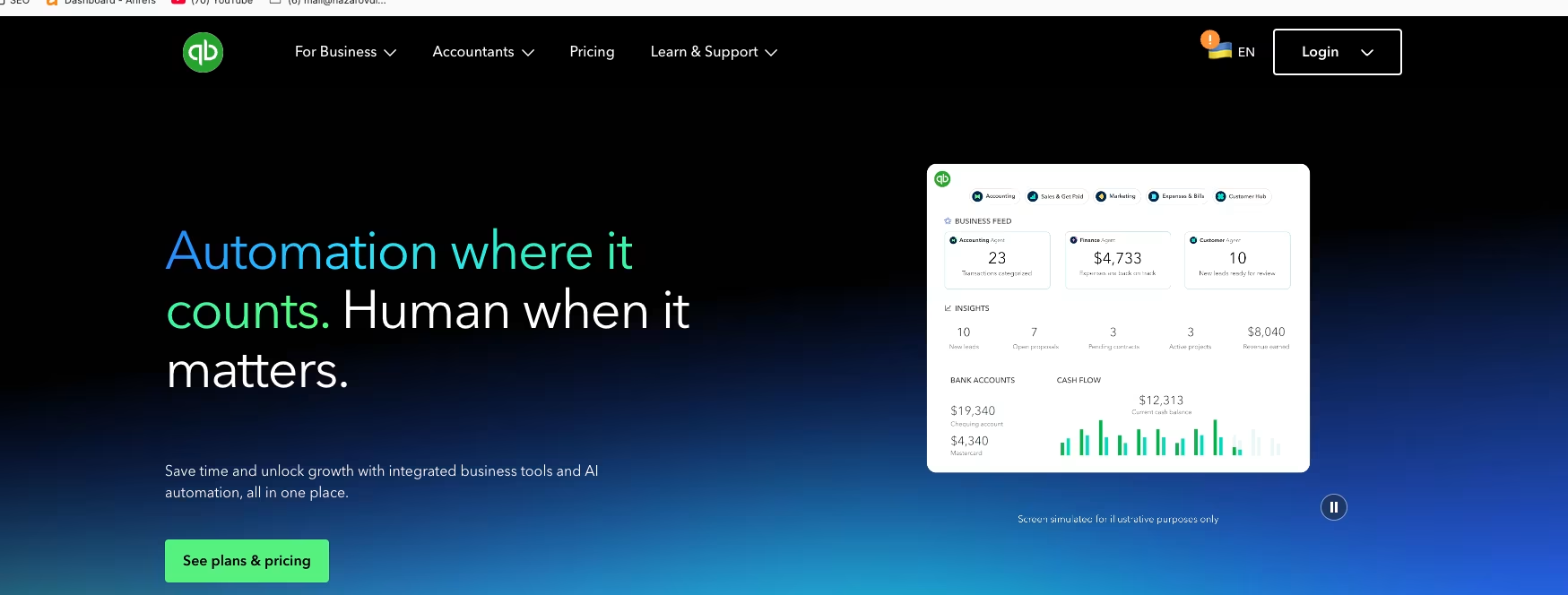
If your accounting runs on QuickBooks Online, this is the path of least resistance. Formerly known as TSheets, the tool now sits inside the Intuit ecosystem. The payroll sync is native - hours flow directly into QuickBooks Payroll without exports, imports, or CSV files. For contractors whose bookkeeper or accountant already lives in that ecosystem, this eliminates the biggest friction point in the timesheet-to-paycheck pipeline.
GPS tracking and geofencing work, though the geofencing is more of an alert system than a hard restriction - workers can clock in outside the geofence, and managers get notified rather than the punch being blocked. The mileage tracking with breadcrumb trails is a nice bonus for contractors who reimburse travel or need to document vehicle usage.
The problems are real, though. Multiple user reviews on G2 and Capterra report mobile app freezes and slow load times, especially on Android. The overtime calculation engine has known accuracy issues - several reviewers have documented cases where calculated overtime didn't match manual verification. At $20/month base plus $8/user, it's also not cheap for what you get. A 30-person crew runs $260/month for the Premium plan, and the Elite plan ($40 base + $10/user) pushes that to $340.
What users say: The QuickBooks integration is universally praised. The complaints focus on the mobile app stability, pricing relative to features, and the overtime calculation bugs that require manual corrections.
Pricing: Time Premium at $20/month + $8/user/month. Time Elite at $40/month + $10/user/month. 30-day free trial. Requires QuickBooks Online subscription.
Best for: Contractors whose payroll already runs through QuickBooks and who want zero-friction timesheet sync, even if it means accepting the app's rough edges.
How These Apps Compare on Cost
Pricing in this category is all over the place, and the sticker price rarely tells the full story. Base fees, per-user charges, and feature tiers make direct comparison tricky. Here's what a 25-person contracting crew actually pays per month on each platform:
- Shifton: Free for up to 10 users. For 25 users with time tracking and GPS modules, roughly $25-75/month depending on modules selected. No base fee
- ClockShark Standard: $40 base + ($9 x 25) = $265/month
- Workyard: $50 base + ($6 x 25) = $200/month
- Connecteam Operations Basic: $29/month (covers up to 30 users). But add Communications or HR hubs and costs jump
- QuickBooks Time Premium: $20 base + ($8 x 25) = $220/month, plus your QuickBooks Online subscription
Shifton's modular model stands out here. You're not paying $200+/month for features you don't use. A crew that only needs GPS clock-in and timesheets pays significantly less than one that also needs compliance tracking and payroll reports - and you can add modules as projects demand it.
Which App Fits Your Contracting Business
The right pick depends on what's actually costing you time and money right now.
If you're a small to mid-size contractor who needs affordable, flexible time tracking that grows with your crew - start with Shifton. The free plan covers 10 users with core scheduling, and you add GPS, payroll, and compliance modules only when a project requires them. No annual contracts, no feature bloat.
If your business lives and dies by job costing and you need every hour tied to a specific project and task - ClockShark is built for exactly that workflow. The per-job allocation is the best in this group.
If prevailing wage compliance or client billing verification requires GPS-level proof of worker location - Workyard's breadcrumb tracking gives you the documentation other apps don't.
If you need digital safety checklists, incident forms, and team communication alongside your time clock - Connecteam bundles operations tools that would otherwise require separate subscriptions.
If your accountant already runs everything through the Intuit ecosystem and the priority is zero-friction payroll sync - QuickBooks Time connects natively and eliminates the export step.
How Construction Time Tracking Actually Works
The concept is straightforward, but the details matter when you're running it across multiple job sites with crews that rotate weekly.
A worker arrives at the job site and opens the app on their phone. They tap clock-in, the app records their GPS location, and the system checks whether they're inside the geofence boundary you set for that project. If they are, the punch goes through. If not, it's either blocked or flagged for manager review, depending on how you configured it.
During the shift, the worker can log breaks (the app tracks duration and compliance with state rules), switch between tasks or projects if they move to a different part of the job, and clock out when the day ends. Some apps - like Workyard and Shifton - continuously track GPS throughout the shift, building a route map. Others only log location at clock-in and clock-out.
At the end of the pay period, the supervisor reviews timesheets in the admin dashboard. Hours are already calculated, overtime is flagged, and the data is ready to export to payroll. The entire loop - from punch to paycheck - stays digital, which is where the accuracy gains come from. No one is filling out a paper form from memory on Friday afternoon.
According to the Associated General Contractors of America, labor cost management is one of the biggest operational challenges in the industry. Digital time tracking directly addresses this by eliminating the manual data entry layer where most errors originate.
Mistakes Contractors Make When Choosing a Time Tracking App
After looking at how these five platforms actually perform, a few patterns stand out in how contractors end up with the wrong tool.
Picking based on sticker price alone. The cheapest per-user rate doesn't mean the lowest total cost. Base fees, required add-ons, and the cost of features you'll need six months from now all factor in. Shifton's modular approach avoids this trap - you're never paying for capacity you haven't activated yet. But a $6/user app with a $50 base fee and required add-ons can quietly outpace a $9/user app that includes everything.
Ignoring crew adoption. The best feature set in the world doesn't matter if your crew won't use it. Apps with complicated setup flows or desktop-first interfaces fail in the field. Your workers need to clock in with two taps, not navigate a multi-step menu. Shifton and ClockShark both handle this well - simple mobile interfaces that don't need training sessions to figure out.
Buying an office tool for a field problem. General time tracking apps designed for remote desk workers can technically clock construction hours. But they won't handle geofenced job sites, multi-project allocation, or state-specific overtime rules. You end up building workarounds in spreadsheets, which defeats the purpose of going digital in the first place.
Forgetting about scaling. A tool that works for a 10-person crew might not work for 60. Check whether the pricing model punishes growth (high per-user fees) or rewards it (volume pricing, free tiers for small teams). Shifton's free plan for up to 10 users means you can test with one crew before committing the whole company - and the modular pricing keeps costs proportional as you grow.
FAQ
Can a time tracking app prevent buddy punching on construction sites?
Yes. GPS geofencing ensures clock-ins only happen at the job site, and apps like Shifton and Workyard log GPS coordinates with each punch. Some apps also offer photo verification or facial recognition at kiosk stations. Between geofencing and GPS logging, buddy punching becomes nearly impossible without physically being on site.
Do these apps work without cell service on remote job sites?
It depends on the app. Workyard and Connecteam support offline clock-ins that sync when connectivity returns. Shifton's mobile app works with limited connectivity for basic clock-in/out. ClockShark and QuickBooks Time require at least minimal data connection for most functions. If your crews work in truly remote areas - rural construction, pipeline work, mountain terrain - offline capability should be a top selection criterion.
How long does it take to switch from paper timesheets to an app?
Most contractors complete the transition in one to two pay periods. The technical setup - creating accounts, adding employees, configuring job sites - takes under an hour on most platforms. The real timeline depends on crew adoption. Field workers who are comfortable with smartphones adapt within a day or two. For crews less familiar with apps, expect a week of parallel tracking (paper and digital) before going fully digital. Shifton's free plan lets you test the system with a small crew before rolling it out company-wide.
What's the real cost of sticking with paper timesheets?
The American Payroll Association estimates 1-8% error rates on manual timecards. On a $500,000 annual labor budget, that's $5,000 to $40,000 in payroll errors per year - not counting the admin hours spent collecting, verifying, and re-keying data every week. Digital time tracking doesn't eliminate every error, but GPS-verified clock-ins and automated overtime calculations close the gap substantially.