

Task Management Software for Frontline and Shift-Based Teams
Assign tasks by shift, confirm completion with notes and status, and tie operations to the schedule.
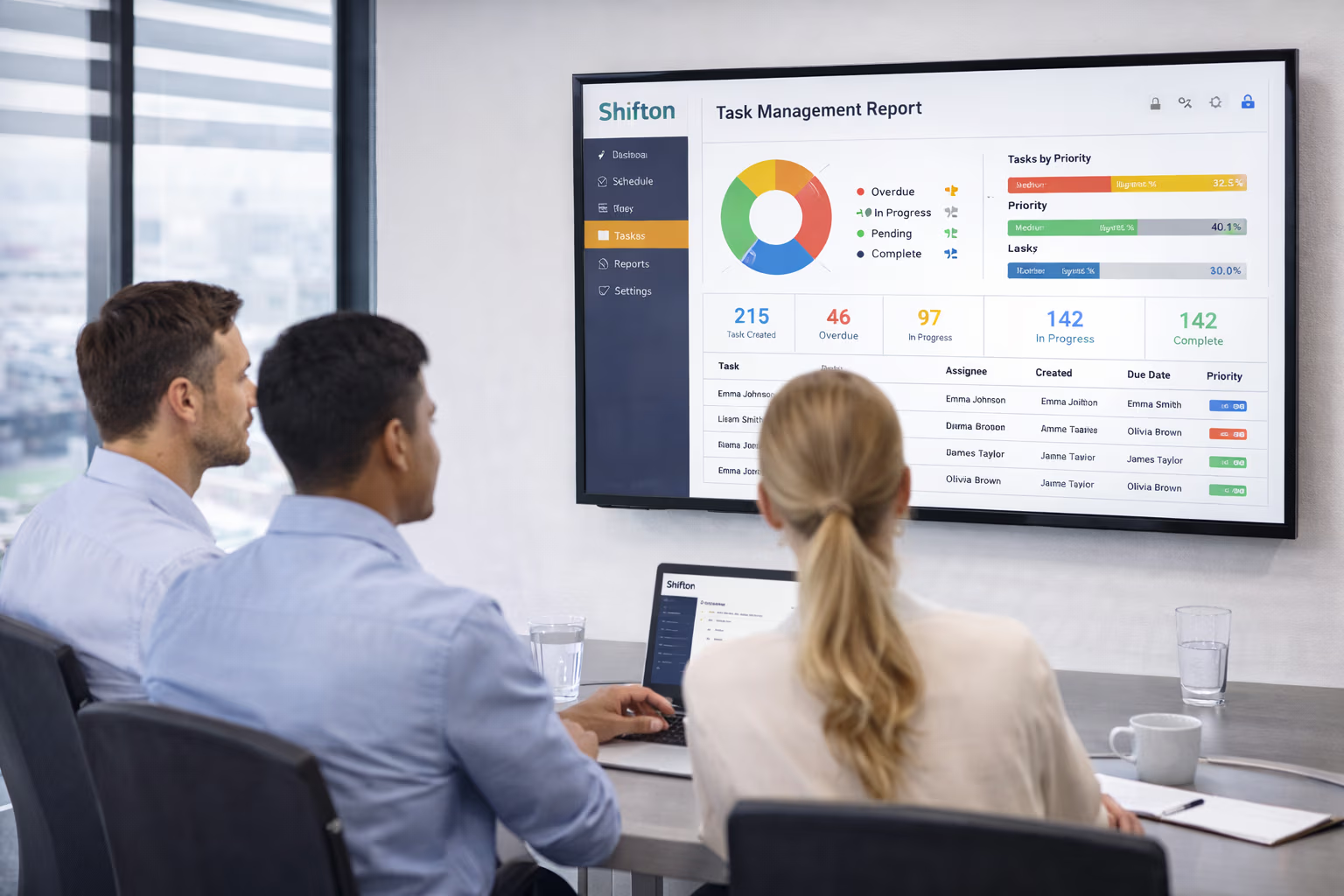
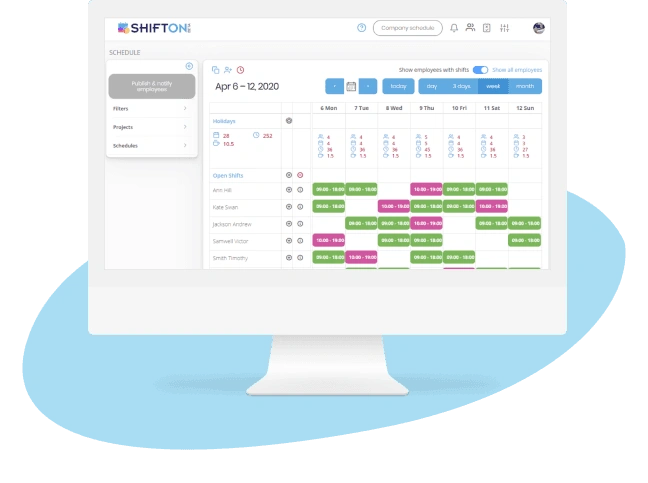
Shift-Linked Task Assignment for Frontline Teams
The schedule tells employees when to work, not what to do when they arrive. Shift-linked task assignment ties every task to a shift, so frontline teams start with clear priorities and nothing critical is left unowned.
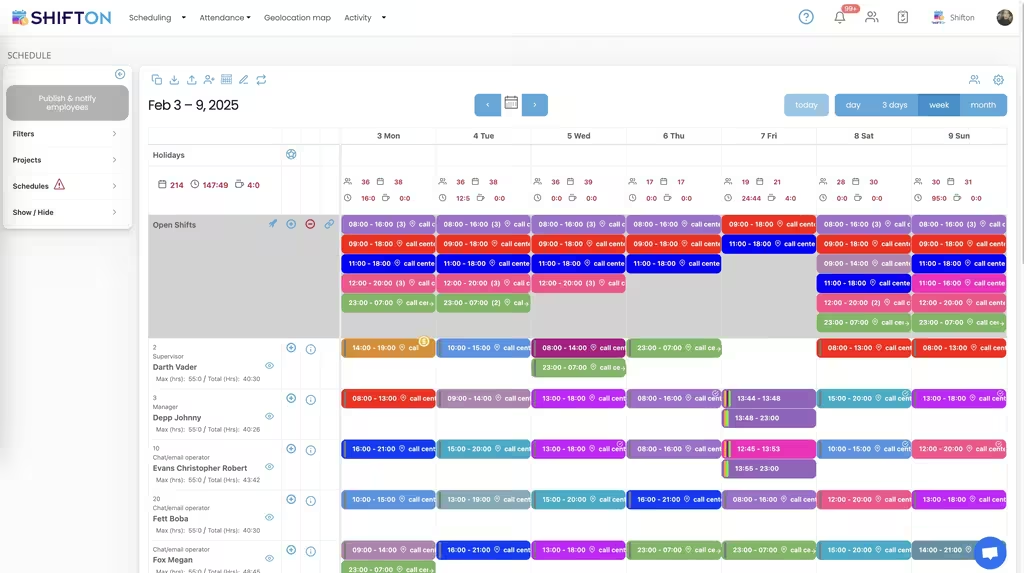
Task Progress Tracking and Completion Verification
Assigning tasks is only half the job. Completion tracking and status updates show managers what was finished, how long it took, and where issues appeared, so supervisors run the operation instead of walking the floor to check.
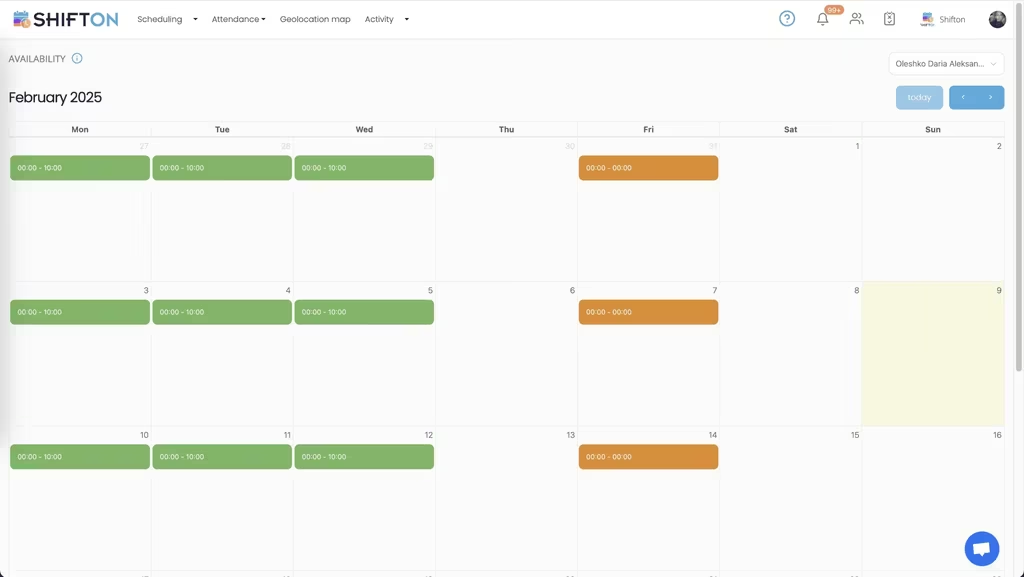
Cross-Team Task Coordination and Handoffs
Many frontline tasks span multiple shifts and teams. Structured handoffs carry every task cleanly from one crew to the next, so nothing falls through the cracks at shift change.
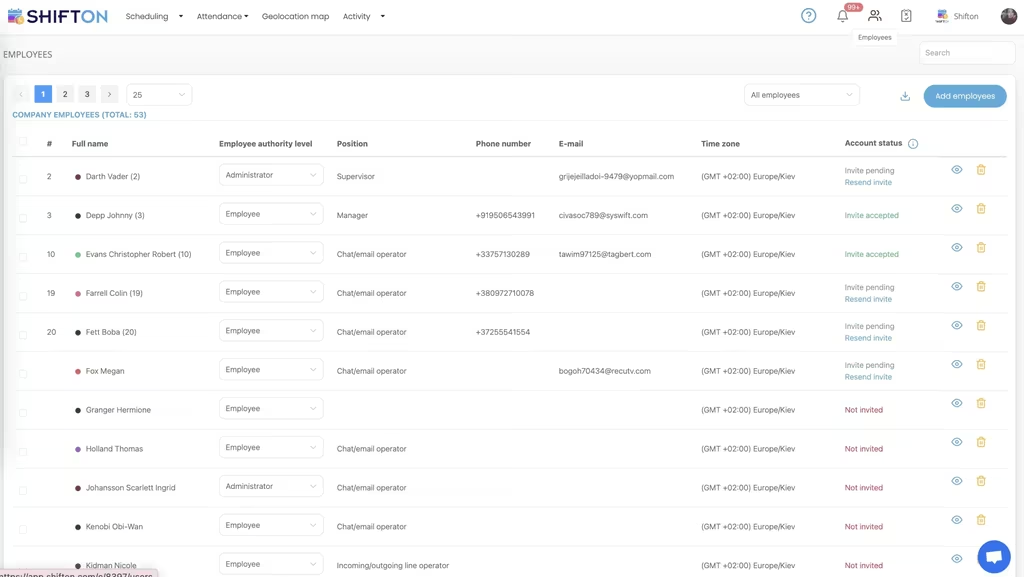
Task Completion Analytics and Operational Efficiency
Knowing which tasks run long, which teams miss them, and which shifts run hot gives managers the data to optimize workflows, adjust staffing, and target training, instead of managing by assumption.
Start with the Free Plan
No time limits. Get full access to core features and upgrade when you're ready.
Read more about task management for shift teams
What Is Task Management for Shift-Based Teams?
Task management is the process of assigning, tracking, and verifying the work that needs to get done. For shift-based and frontline teams, generic task management software (Asana, Trello, Monday) often misses the point - it assumes desk workers with persistent context, not crews that hand off operations every 8 or 12 hours. Shift-based task management ties tasks directly to the schedule: who is on shift, what they need to complete, and what carries over to the next crew.
The right task management tool for frontline operations handles three things desktop tools do not: assignment by shift (not by individual), status and timestamp proof of completion, and clean handoffs between rotating crews. Get those right and the operation runs without daily standups, walking the floor, or weekly reviews to find out what got done.
Types of Task Management for Operations
Shift-linked task assignment
Tasks attach to the shift, not the person. When the schedule changes, the tasks follow. A recurring task belongs to whoever is on the shift it is assigned to, even when the schedule rotates weekly. Standard for retail, hospitality, healthcare, and manufacturing.
Recurring task templates
Daily, weekly, and monthly tasks that repeat on a defined cadence. Opening checklists, closing procedures, equipment inspections, sanitation logs. Templates ensure they get assigned automatically without a manager rebuilding the list every shift.
Project-based task management
Discrete projects with start, end, and dependencies between tasks. Common in construction, professional services, and product launches. Often paired with Gantt charts or Kanban boards. Less common in pure shift-based operations where the work is recurring.
Location-based task management
Tasks tied to a shift, a location, or a recurring routine. The employee arrives for the shift, opens their tasks, completes them, and confirms each one. Common in retail, hospitality, cleaning, home healthcare, and security.
Compliance task management
Required tasks tied to regulatory frameworks - food safety logs (HACCP), facility cleaning audits, equipment calibration, training renewals. Each task has documentation requirements, signatures, and audit trail. Common in healthcare, food service, manufacturing, childcare.
Industries Running on Task Management Software
Retail and hospitality
Opening procedures, closing checklists, hourly cleaning, shift handovers, deposit drops, inventory spot-checks. Without task management, every shift change loses 15-30 minutes to "what did we leave for the next crew?" conversations. With it, the next crew knows exactly what is in progress.
Healthcare
Patient rounds, medication checks, equipment sterilization, documentation requirements, infection-control protocols. Compliance requires audit trails for every task. Verification at completion - status and timestamp - is non-negotiable.
Manufacturing
Equipment inspections, safety checks, production line handoffs, quality audits, maintenance schedules. Most plant operations are sequences of recurring tasks tied to shifts. Task management replaces clipboards and paper logs with digital audit trails.
Cleaning and facility services
Crew assignments to specific sites, room-by-room checklists, timestamp-verified completion, customer-visible completion records. The single most measurable use case for shift-based task management - completion tracking with timestamps is the new norm.
Field service
Shift checklists, opening and closing routines, cleaning rotations, and compliance tasks tracked to completion. Task management ties to scheduling, GPS tracking, and invoicing in one workflow.
Restaurants and food service
Prep lists, station checks, FIFO rotation, end-of-day cleaning, food safety logs. Shift-linked task management handles the rotation across kitchen, front-of-house, and management roles. HACCP compliance often drives the choice of platform.
Why Generic Task Management Software Falls Short for Shift Work
Asana, Trello, Monday, ClickUp, and Notion are built for desk workers with persistent context. They assume:
- One person owns a task long-term. Shift-based work is the opposite - tasks rotate with the schedule.
- Email and push notifications drive engagement. Frontline workers do not check email; they check the schedule on a phone app.
- Tasks are abstractions in a project board. Shift work tasks are physical: clean this, count this, sign off on this. Verified completion matters more than checklists.
- Status comes from manual updates. Frontline tasks need verification - status, timestamp, or geo-stamp - not just "done" buttons.
- Pricing is per-user/month. A team of 30 part-time crew members at $10/user/month is $3,600/year for a tool none of them actually use.
Purpose-built task management for shift-based operations addresses all five gaps. The tool integrates with the schedule, runs in a mobile app the team already uses for clock-in, confirms completion, and prices based on active features rather than seat count.
How Task Management Integrates with Scheduling and Time Tracking
The clean integration: schedule defines who is on shift → task list attaches to that shift → employee opens tasks at clock-in → completes with verification → closes shift with task summary. The whole flow lives in one app. Without integration, employees toggle between scheduling app, task list, and time clock - which is when adoption stops.
Common Task Management Mistakes for Shift-Based Teams
- Buying generic project management software. Asana for retail crew tasks fails within 60 days because nobody opens the desktop tool.
- Skipping verification. "Done" buttons are the friction-of-least-resistance - employees mark tasks complete without doing them. Status, timestamp, or geo-stamped completion solves this.
- No handoff structure. Tasks that span shifts need clear handoff - what was started, what is in progress, what stays for the next crew.
- Too many tasks per shift. A list of 25 micro-tasks per shift hides the 3 critical ones. Prioritize with must-do vs should-do tagging.
- Punishing missed tasks instead of fixing the system. If 30 percent of crews miss the same task, the task is bad - not the crews. Use analytics to redesign before disciplining.
- Tracking nothing for compliance audits. Healthcare, food service, manufacturing all require auditable task completion records. Paper checklists do not survive an audit.
Free vs Paid Task Management Software
Free task management plans typically cover small teams (5-10 users) with basic assignment and completion tracking. Shifton's free plan includes shift-linked task management for up to 10 employees with recurring templates, and schedule integration - which is unusual at the free tier. Paid plans add advanced features for larger teams: custom audit trails, multi-location coordination, API integrations, advanced analytics, and compliance reporting. Most paid task management tools run $4 to $12 per user per month.
How to Choose Task Management Software
- Mobile-first interface - the team works on a phone, not a laptop
- Shift-linked task assignment, not just per-user lists
- Status, timestamp, or geo-stamp verification at completion
- Recurring task templates for daily/weekly/monthly checklists
- Handoff workflows for tasks that span multiple shifts
- Audit trail with manager review for compliance-sensitive industries
- Integration with scheduling, time tracking, and payroll systems
- Pricing that does not balloon with seat count for part-time teams
Task Management Templates That Scale
The fastest way to deploy task management is to start from a template. Common templates Shifton ships with include opening/closing checklists for retail, daily prep lists for restaurants, hourly cleaning rotations for hotels, equipment inspection logs for manufacturing, patient round documentation for healthcare, and HACCP food safety logs. Apply a template, customize the fields, assign to the right shifts, and the whole team has clear daily expectations within an hour.
Works with the rest of Shifton
Shift-linked tasks pair with shift scheduling software so every task lands on the right shift, and with team management software to assign work by role and location.




Ready to transform how you run your team?
Join thousands of teams that trust Shifton to run shifts, time, and payroll smarter every day.