

Security Guard Scheduling Software for 24/7 Cover
Build a rota that covers every site and every hour, fill a gap from the phone, and keep the hours the client is invoiced from.
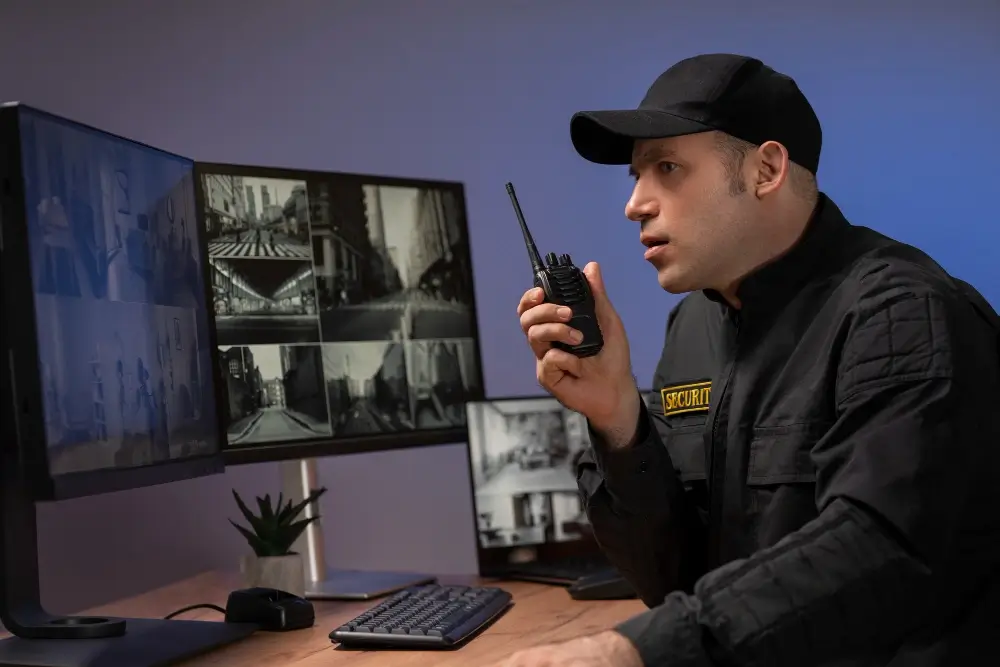

Cover the clock, not the working day
Security is measured by whether a post was manned, not by whether the office was open. Twelve-hour rotations, nights, weekends and public holidays are the normal case, and the schedule has to make an uncovered hour obvious before it arrives.
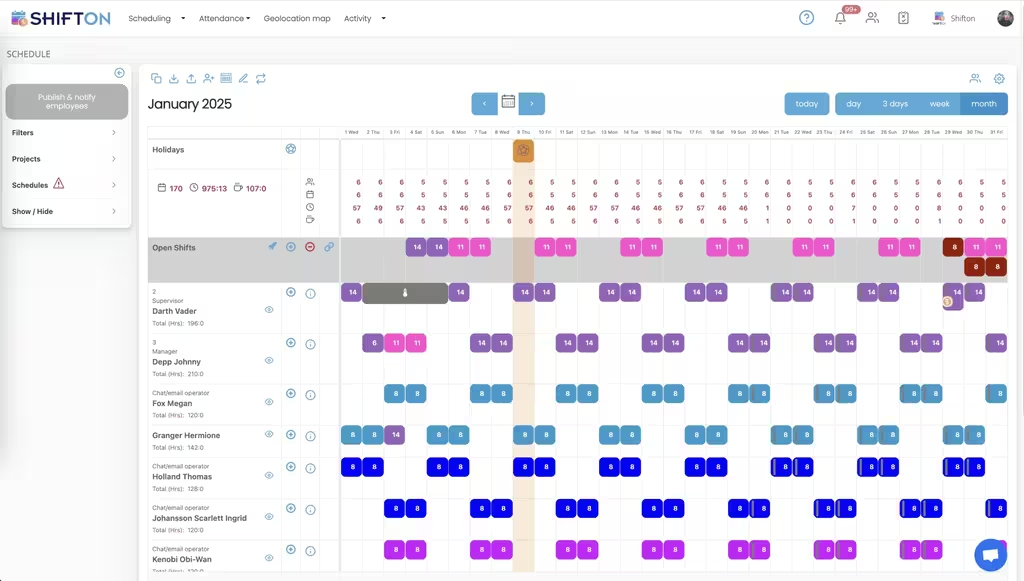
Fill a call-out in minutes
A guard calls in sick at 22:40 and the post still has to be manned at 23:00. The useful feature is not a nicer calendar, it is a way to push the open shift to everyone who could legally take it and see who accepts first.
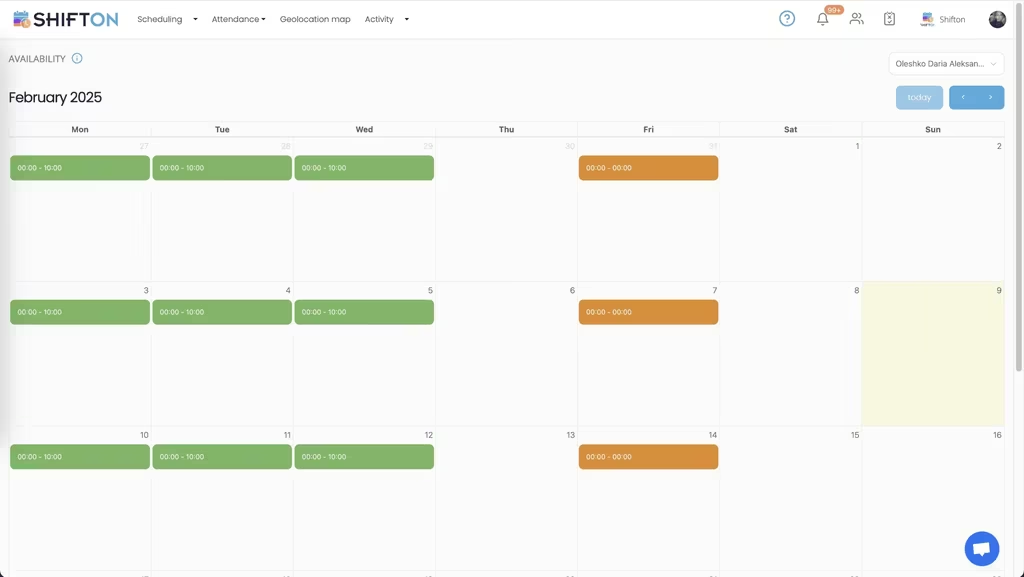
Record the hours the invoice is built from
In guarding the timesheet is the invoice. Recording the real start and finish next to the planned shift keeps the client billing and the payroll run on the same set of numbers instead of two spreadsheets that drift apart.
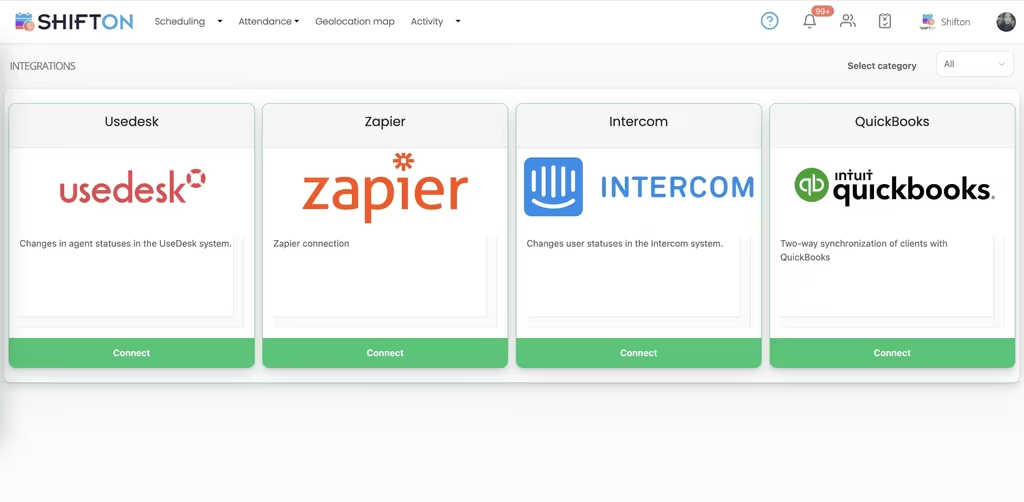
Keep licences and site rules in view
A guard without a current licence on a site that requires one is a contract problem, not an admin one. Keeping expiry dates and site-specific requirements beside the schedule means the check happens while the rota is being built.
Start with the Free Plan
No time limits. Get full access to core features and upgrade when you're ready.
What security guard scheduling software has to solve
A guarding company sells hours of presence. Everything else, the uniforms, the reporting, the client relationship, rests on whether a post was manned at three in the morning on a Sunday. That single fact makes security scheduling different from almost every other rota problem: there is no quiet period during which a gap can be tolerated.
The pressure lands in three places. Coverage has to be continuous across sites that each have their own hours. Absence has to be replaced in minutes rather than days, usually at the worst hour. And the hours worked are the line the client is invoiced from as well as the payroll figure, which means an error costs twice.
Continuous cover, built once
Most guarding rotas run on a pattern. Four days on and four off, two-two-three, alternating days and nights. Typing that out week after week is where errors enter, and a single missed handover produces an unmanned post. Building the pattern once as a template and applying it forward removes the typing and, with it, most of the mistakes.
Sites make the second half of the structure. When each contract is a project, a supervisor can look at one client and see exactly what that client is getting this week, and the same board without the filter shows the whole company, including the post nobody has been assigned to yet.
The gap that has to be visible
An open shift beats an empty square. A square that nobody has filled looks the same as a square that does not need filling. An open shift is explicit: this post is committed, nobody is on it, and here is the list of people who could be.
Ambiguity is the enemy on a rota that runs all night.
Replacing a guard at short notice
The call-out is the moment the software either helps or does not. Ringing round a list works until the third call goes to voicemail. Publishing the open shift to everyone who could legally take it and letting the first qualified person accept turns a twenty-minute problem into a two-minute one, and it leaves a record of who was asked and who answered.
Read confirmation matters more here than in most industries. Knowing that a guard has actually opened the schedule, rather than assuming the message arrived, is the difference between a covered post and a discovered gap.
The record is the point, not the speed.
Hours that survive a client query
Guarding invoices get checked. When a client asks why Tuesday shows fourteen hours on a twelve-hour post, the answer needs to be in the same system that produced the number. Recording actual clock-in and clock-out beside the planned shift, with breaks kept separate, means the explanation is one screen away rather than an afternoon of reconstruction.
The same discipline protects the payroll side. Overtime that appears on the day it is worked can be questioned or approved while the week is still open. Overtime discovered in the export has already happened.
Licences beside the rota
Assigning an unlicensed guard to a licensed post is a contract failure with consequences well beyond the schedule. Holding certificate and licence dates in the employee record, where the person building the rota can see them, moves that check to the moment it is useful. The system holds and displays the dates; the judgement stays with the supervisor.
Patterns, and why they are worth setting up properly
Guarding rotas fall into a small number of shapes. Four days on and four off gives continuous cover with four teams. Two-two-three, the Pitman pattern, gives every guard a long weekend every other week and is popular for that reason alone. Alternating weeks of days and nights are common where a contract cannot justify separate night staff. All of them are arithmetic, and all of them are error-prone when typed by hand.
Setting the pattern up once as a template and applying it forward has a second benefit beyond saving time. It makes the rota predictable to the people working it. A guard who can see six weeks ahead plans a life around the job, and the operations manager stops losing people to companies whose rota is published further out.
Static posts and mobile patrols on one board
Most guarding companies run both, and they behave differently. A static post is a fixed place for a fixed number of hours. A patrol is a route with several sites in one shift. Keeping them as separate departments on the same schedule preserves the difference while still showing one week for the whole company, and it stops a patrol driver being counted as cover for a post they only visit twice a night.
The reporting a guarding contract actually needs
Two reports carry most of the weight. Hours by site answers the client question and feeds the invoice. Hours by guard answers the payroll question and shows who is heading for a fatigue problem before it becomes an incident. Both come from the same recorded times, which is the point: one set of numbers, read two ways, instead of two systems that disagree at month end.
A third report earns its place more slowly. Comparing planned hours with worked hours across a quarter shows which contracts were priced correctly and which were not. A site that consistently runs forty minutes over on handover is losing money quietly, and the only place it appears is the gap between the two columns.
Priced correctly, or not. The columns say which.
Fatigue is a scheduling decision
Long shifts and night work are part of the industry, and the rota is where the risk is either managed or created. Seeing a guard's previous finish beside their next start while the week is being built is a small thing that prevents a large one. Shifton records and displays those times; the decision about what is acceptable stays with the person who knows the contract and the law that applies to it.
What it costs to start
Shifton is free for up to 10 guards with no time limit, which covers a small mobile patrol operation or a single static contract. Scheduling, the basic time clock, the mobile app and reporting are included. Paid modules are added one at a time from $0.50 per employee a month, and work location control, the module that ties clock-in to a place, is $5 per employee a month with a 10-day trial.
Frequently Asked Questions
Can I build a 24/7 rota with 12-hour shifts?
Yes. Rotating patterns such as four-on-four-off or 2-2-3 are built once as a template and applied forward, so a continuous rota does not have to be typed out week by week. Nights, weekends and public holidays are ordinary shifts in the same view.
How quickly can I fill a shift when a guard calls in sick?
Open the shift and it goes out to everyone who can take it. Guards accept from the app, and the supervisor sees who responded first. Swap requests work the same way, with the change published only after approval.
Can I schedule guards across several client sites?
Yes. Each site or contract is a project, and a guard can be booked on more than one during the same week. Filtering by site gives the client-facing view, and reports group the hours the same way.
Does it track licence and certificate expiry?
Employee records hold certificate and licence dates alongside the person, so a supervisor building the rota can check currency before assigning somebody to a post that requires it. There is no automatic legal check; the dates are held and visible.
Can guards clock in at the post rather than the office?
The basic time clock works from the mobile app on any device. For companies that need clock-in tied to a location, work location control is available as a paid module at $5 per employee a month, with a 10-day trial.
Is there free security guard scheduling software?
Shifton is free for up to 10 guards with no time limit, including scheduling, the basic time clock, the mobile app and reports. Paid modules start at $0.50 per employee a month and carry a trial of up to 60 days.




Cover every post next week
Free for up to 10 guards, with rotating patterns, open shifts that fill from the phone and hours you can invoice from.