

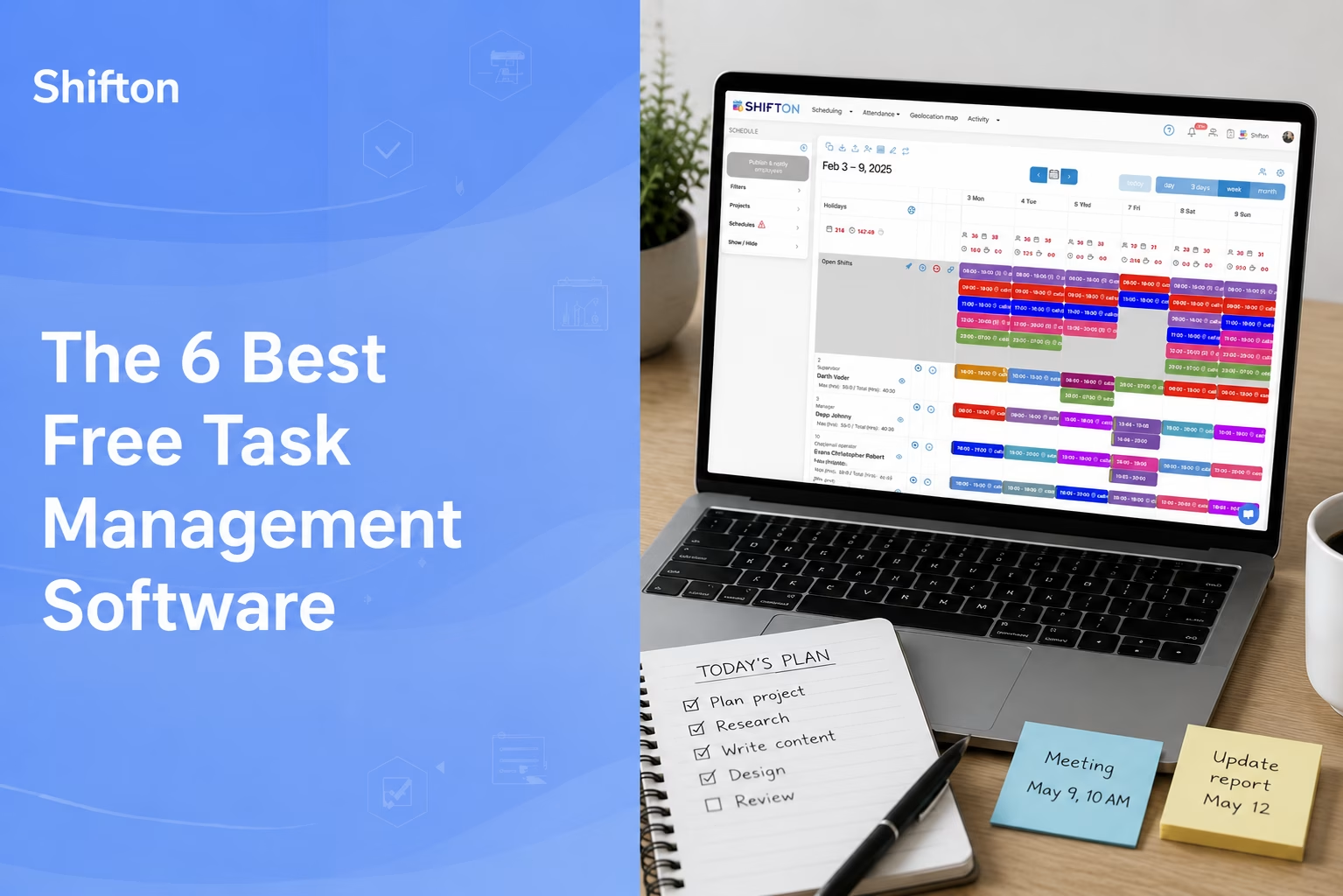
Most teams do not start out needing a paid platform to manage their work. They start with a whiteboard, a group chat, and a spreadsheet that slowly turns into chaos. The moment tasks slip through the cracks – a shift left uncovered, a client request forgotten, a checklist nobody finished – is usually the moment a manager starts searching for free task management software that the whole team will actually use.
Free task management tools in 2026 are far better than they were a few years ago. A solid free task manager can now handle assignments, due dates, recurring work, mobile access, and basic reporting without asking for a credit card. The catch is that “free” means something different in every product: some free plans cap you at two users, others give an entire small business room to grow. This guide compares six of the best free task management apps – covering everything from frontline and deskless teams to classic project management – so you can match the right task management system to how your team really works.
We looked at the genuine free tier of each tool (not the trial), how many people it covers, what it limits, and who it suits best. Shift-based and field teams have very different needs from a design studio running sprints, so the “best” free task management software depends entirely on the job in front of you.
This might interest you:Shifton task management – how Shifton assigns and confirms work for shift-based and frontline teams.
How We Picked the Best Free Task Management Software
Plenty of lists rank tools by their paid features and quietly ignore what you actually get for nothing. We did the opposite. Every product here was judged on its real free plan: the user cap, what is included, and where the free version stops being enough. We also weighed how each task management app fits different teams – a free task tracker for a frontline crew is not the same as free work management software for a marketing department.
Three things mattered most. First, how many people the free plan covers, since a task manager for teams is useless if it only fits two. Second, whether the core work – assigning, scheduling, and tracking tasks – is available without paying. Third, ease of adoption: the best free task management tools are the ones employees open on day one without a training session.
Shifton
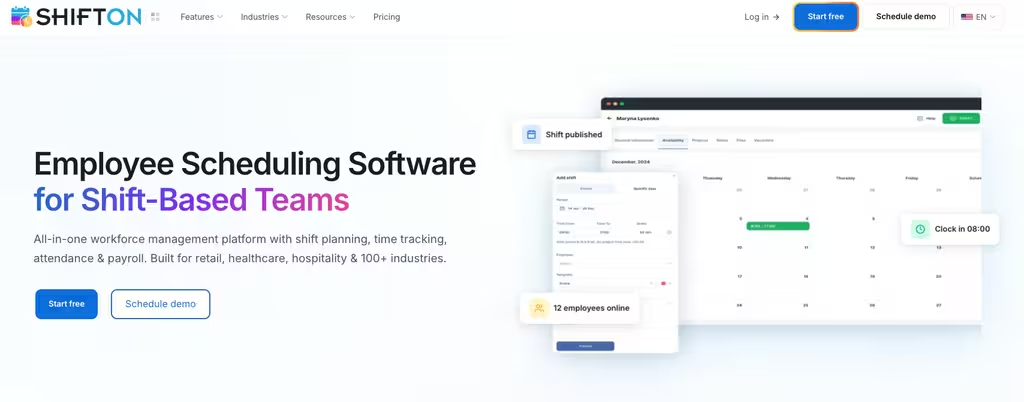
Shifton is built for the teams most task apps forget: shift workers, frontline staff, and field crews who do not sit at a desk. Where general project tools assume everyone has a laptop open all day, Shifton ties task management directly to the schedule, so assignments land with the right person on the right shift and managers can confirm the work was actually done. That makes it one of the few genuinely useful free task management apps for restaurants, retail, healthcare, logistics, and similar operations.
Its free forever plan covers up to 10 team members, and it is not a stripped-down teaser. It includes shift scheduling, a time clock with attendance, the full mobile app, unlimited schedules and locations, and reports – the foundation of a working employee task management system rather than a glorified to-do list. Tasks and shift activities are assigned inside the same place staff already check their shifts, which is why adoption tends to stick. When you outgrow the free tier, Shifton stays affordable through a pay-per-employee model: you add only the modules you need (payroll, time-off, projects, activity tracking, and more), with up to 60 days free to try each one and a 20% discount on annual billing.
- Schedule-linked tasks: assignments attach to shifts, so the right employee sees the right work at the right time
- Free for up to 10 employees: a real free plan with scheduling, time clock, mobile app, and reports – no card needed
- Everything works from the phone, which matters for staff who are never at a computer
- Activity tracking and confirmation: managers see what got finished and what slipped
- Modular pricing: pay only for the features you turn on as you scale past the free tier
If your task management lives and dies on the schedule, take a closer look at how Shifton handles activity tracking across a shift-based workforce.
Best for: shift-based and field teams that need task management tied to who is actually working.
Give your team task management that fits the shift
Assign work, track activity, and confirm it got done – free for up to 10 employees.
ClickUp
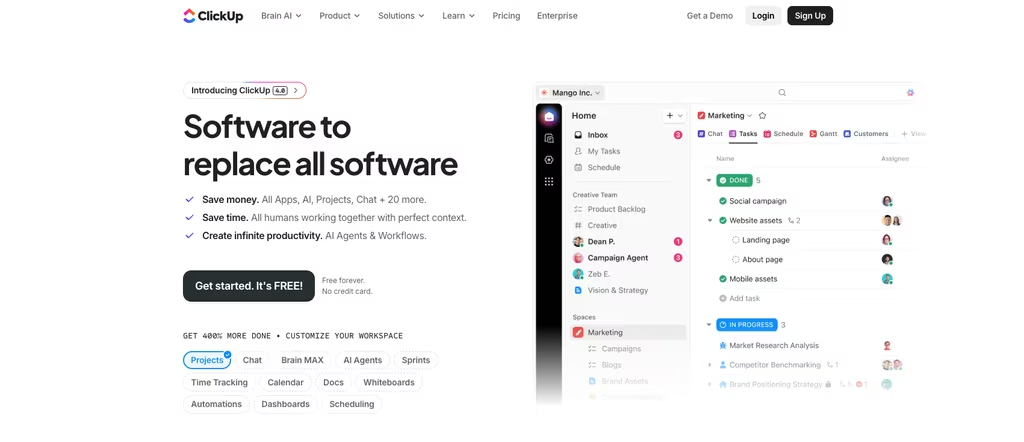
ClickUp is the most generous free task management tool for teams that want serious project management features without paying. Its Free Forever plan supports unlimited members, which immediately sets it apart from rivals that cap free teams at two or ten. For a growing group that needs a flexible task management system – lists, boards, calendars, and docs – it is hard to beat on raw capability.
That power comes with a learning curve. ClickUp can do almost anything, and new users sometimes feel the interface is doing too much at once. There are limits on the free plan (storage is capped at 100MB and some advanced views and automations are reserved for paid tiers), but for a free task manager online it remains remarkably full-featured. Paid plans start at $7 per user per month on annual billing, which unlocks unlimited storage and native time tracking.
- Unlimited free members: rare among free task management apps and ideal for bigger teams on a budget
- List, board, and calendar views so each person works the way they prefer
- Docs and dashboards: keep notes and task tracking in one workspace
- 100MB storage cap on the free plan, which fills quickly if you attach a lot of files
Best for: teams that want the most capable free project and task management software and do not mind a steeper setup.
Asana
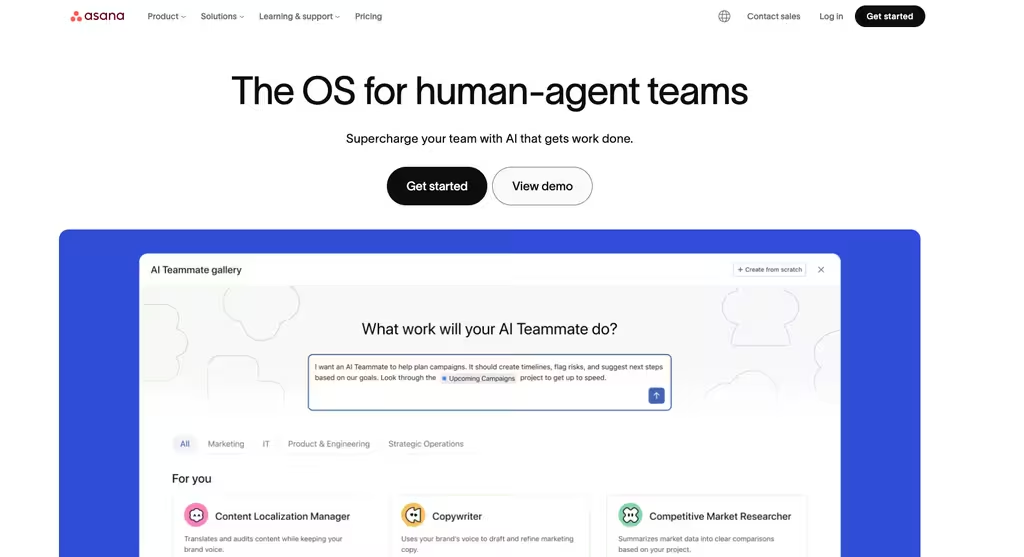
Asana is a polished, widely used task management app known for clean workflows and a gentle interface. It is a strong choice for structured project work – briefs, approvals, and repeatable processes – and integrates with more than 100 other tools.
The important caveat for 2026 is the free plan. New Asana accounts on the Personal (free) plan now support only up to 2 users collaborating, a sharp reduction from the older 10-seat free tier (legacy accounts created before late 2025 keep the larger limit). That makes free Asana excellent for an individual or a pair, but not a practical free team task management app for a real team. Paid Starter pricing begins at $10.99 per user per month billed annually.
- Clean, approachable design: one of the easiest task managers to learn
- Free for up to 2 users: great for solo work or a duo, limiting for teams
- Connects to more than 100 of the tools most offices already run
- No GPS or field features: built for desk work, not deskless crews
Best for: individuals, freelancers, and very small pairs who want refined project task management.
Connecteam
Connecteam targets the same deskless and frontline market as Shifton, bundling task management with communication and HR tools for non-desk workforces. Its free Small Business plan covers up to 10 users across its hubs, which makes it a reasonable free employee task management option for a small frontline team.
For a tiny operation the free tier is genuinely useful, but you should understand the pricing structure beyond it before you commit. Paid Operations plans start at $29 per month billed annually for the Basic tier – and that flat price covers the first 30 users, with extra users charged per head above that. For a deskless team that also wants chat and onboarding in one app, it is a capable platform; just confirm which features sit in which hub, since they are licensed separately.
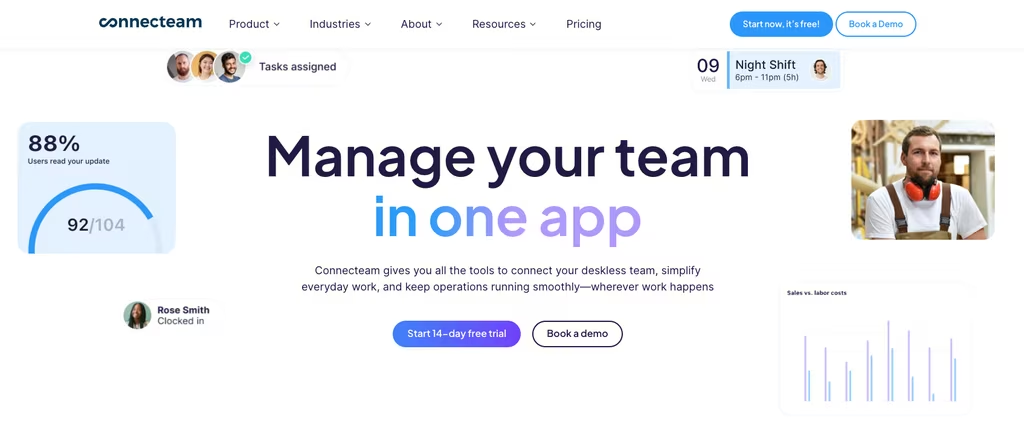
- Free for up to 10 users: a workable free plan for a small frontline crew
- All-in-one deskless suite: tasks, chat, scheduling, and onboarding together
- Geofenced GPS clock-in for mobile and field staff
- Hub-based licensing: Operations, Communications, and HR are priced separately
Best for: small deskless teams wanting task management bundled with employee communication.
Trello
Trello is the tool most people picture when they think of a simple, visual task tracker. Its card-and-board format is almost self-explanatory: make a board, add cards, drag them across columns as work moves from to-do to done. For a team that wants free task list software without any onboarding, it is the path of least resistance.
Trello’s free plan is friendly – unlimited cards, up to 10 collaborators, and up to 10 boards per Workspace, with 250 automation runs a month. The trade-off is depth: it handles straightforward kanban beautifully but is less suited to complex, multi-layered projects. Paid Standard pricing starts at $5 per user per month on annual billing and lifts the board limit and adds custom fields.
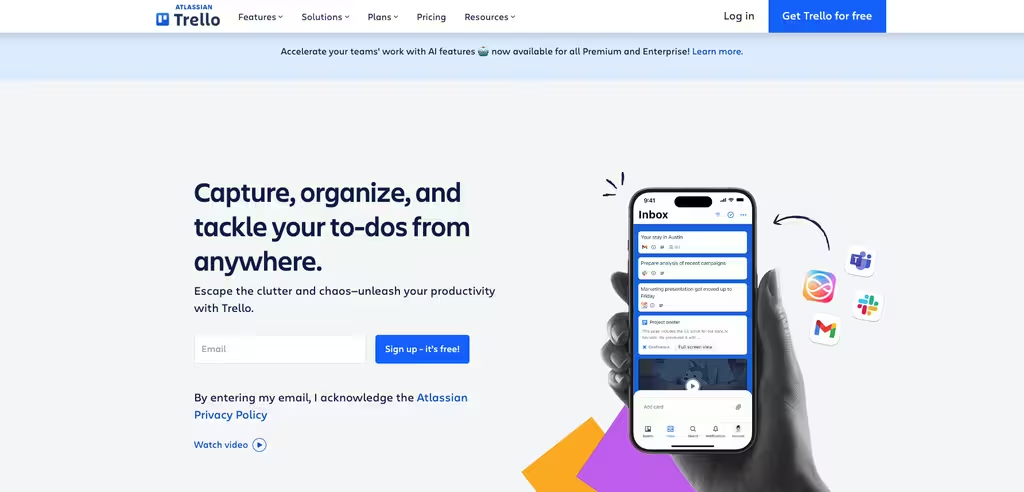
- Dead-simple kanban: boards anyone can use in minutes
- Free for up to 10 collaborators with unlimited cards and 10 boards per Workspace
- Power-Ups add automation and integrations as needed
- Limited for complex work: great for lists, thinner for large cross-team projects
Best for: small teams and individuals who want a free, visual task organizer with zero learning curve.
SafetyCulture
SafetyCulture (formerly iAuditor) approaches task management from the angle of inspections and compliance checklists. If your “tasks” are recurring safety checks, equipment inspections, or standardized procedures, it is one of the more specialized free task management tools on this list.
Its free plan covers up to 10 users and includes 5 active inspection templates, basic analytics, and basic task and issue reporting – enough for a small team running routine checks. Once you need unlimited templates and advanced analytics, Premium pricing is $24 per seat per month billed annually. It is less of a general task manager for small business and more of a frontline operations and inspection tool, so fit depends heavily on what your tasks actually are.
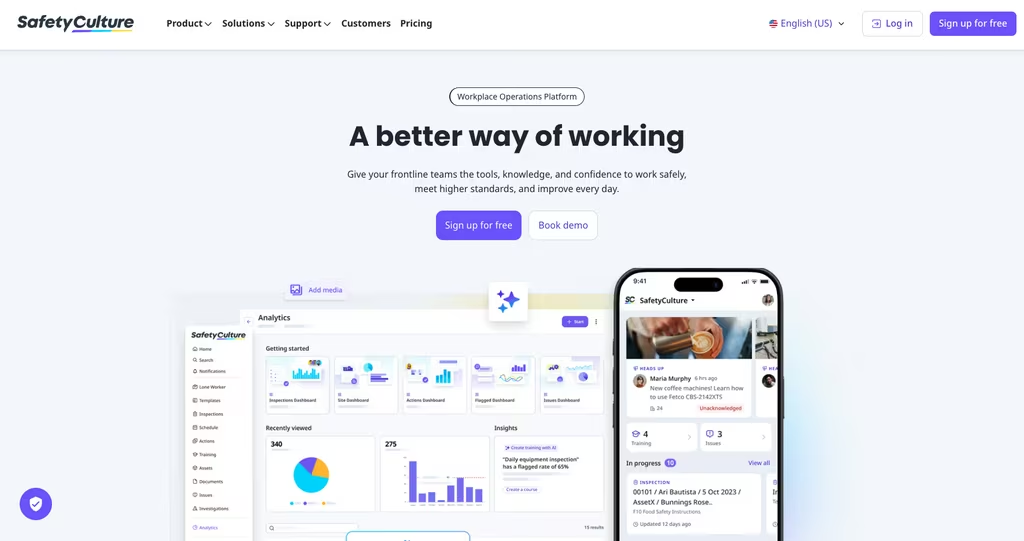
- Free for up to 10 users with 5 active inspection templates
- Checklist-driven: ideal for inspections, audits, and standardized procedures
- Flag problems and assign follow-up straight from the field
- Niche focus: built around inspections, not general project task management
Best for: frontline teams whose tasks are inspections, safety checks, and recurring checklists.
Prioritizing the work, not piling it up
Picking software is only half the battle – the other half is using it well. Even the best free task management app cannot save a team that piles everything into one undifferentiated list. If your tasks multiply faster than they get finished, read our guide on how to properly prioritize work tasks before you roll a new tool out to the whole team.
This might interest you: if you are weighing how a tool handles people as well as work, compare options in our roundup of the best team management software, or see the best free time clock apps for tracking hours alongside tasks.
Compare the Best Free Task Management Software at a Glance
The free plans below differ most in one number: how many people they cover. Here is how the six tools line up on free-plan limits, paid entry pricing, and the team each one fits best.
| Tool | Free plan | Paid from | Best for |
|---|---|---|---|
| Shifton | Up to 10 employees (scheduling, time clock, tasks, mobile app) | Pay-per-employee modules (annual save 20%) | Shift-based and frontline teams |
| ClickUp | Free Forever, unlimited members (100MB storage) | $7 / user / mo (annual) | Feature-rich project management |
| Asana | Up to 2 users (new accounts) | $10.99 / user / mo (annual) | Individuals and small pairs |
| Connecteam | Up to 10 users across hubs | $29 / mo flat for first 30 users (annual) | Small deskless teams |
| Trello | Up to 10 collaborators, 10 boards, unlimited cards | $5 / user / mo (annual) | Simple visual kanban |
| SafetyCulture | Up to 10 users, 5 inspection templates | $24 / seat / mo (annual) | Inspections and checklists |
Frequently Asked Questions
What is the best free task management software for teams?
It depends on the team. For shift-based, frontline, and field staff, Shifton is the strongest free task management software because it ties tasks to the schedule and covers up to 10 employees free, including the mobile app and time clock. For desk-based project teams that want unlimited free seats, ClickUp is the most capable. Trello wins on pure simplicity. The “best” free task manager is the one your specific team will open every day.
Is there genuinely free task management software, or just free trials?
Several tools offer a real free forever plan, not just a trial. Shifton, ClickUp, Connecteam, Trello, and SafetyCulture all have permanent free tiers; the difference is the user cap and feature limits. Asana also has a free plan, but on new accounts it now covers only up to 2 users. Always check the free-plan limits rather than the headline “free,” because that is where free task management apps differ most.
What free task management app works best for employees who are not at a desk?
Deskless and frontline teams need a free task tracker that works from a phone and connects to schedules. Shifton and Connecteam are both built for this: each covers up to 10 users free and runs entirely on mobile. Shifton stands out when tasks need to follow the shift, while SafetyCulture suits teams whose work is inspections and checklists.
How many users can I get on a free task manager?
Free user caps vary widely. Trello allows up to 10 collaborators per Workspace, Connecteam and SafetyCulture cover up to 10 users, and Shifton covers up to 10 employees with scheduling and time tracking included. ClickUp is the outlier with unlimited free members, while Asana’s new free plan is limited to 2 users. If you need a free team task management app for more than a handful of people, that cap is the first thing to check.
Can free task management software handle scheduling and time tracking too?
Some can, most cannot. Pure project tools like Asana, ClickUp, and Trello focus on tasks and do not include workforce scheduling or a time clock. Shifton is built differently: its free plan combines task management with shift scheduling and an attendance clock, which makes it closer to a free work management system for operational teams than a standalone to-do app.
Start making changes today!
The right free task management software removes the daily friction of “who is doing what” without adding cost. If your team works in shifts or out in the field, Shifton gives you task management, scheduling, and a time clock in one free plan for up to 10 employees – and grows with you when you are ready for more.



Start making changes today!
Optimize processes, improve team management, and increase efficiency.