

Top 8 Workforce Management Software in Australia for Teams in 2026

The best workforce management software Australia has to offer depends on whether you need award-based pay in the same system. Shifton and Connecteam are free for up to 10 people, Deputy starts at US$5 per user a month, ClockOn at $8.80 per employee, Rosterio at A$3 plus GST and Tanda at $12.80 plus GST for a single plan that bundles rostering with payroll and HR. Prices checked on 28 November 2026.
Eight rostering software and workforce management tools are compared on what each does for an Australian team: rostering across sites and time zones, plus time and attendance, award-based pay and prices in the currency you will actually be charged. Shifton is our own product and is listed first. It builds shift schedules and counts hours, but its pricing page lists no award interpretation and no Single Touch Payroll filing, so the sections below say where an Australian rival does more. For a comparison that ranks roster apps by free plan and shift swaps rather than by Australian pay rules, see the guide to the best employee roster apps.
Our Top Picks
Eight workforce management tools made the list. The three below cover a team that wants rostering at a published price, a team that wants award-based payroll in the same plan, and a team that wants a published per-user price with a payroll add-on.
Shifton
Best for rostering and tracked hours across several time zones at a published price: free for up to 10 employees, then $1 for Basic functions plus $1 for Attendance and $0.50 for Payroll per employee a month.
Tanda
Best for award-based payroll with rostering in one plan: $12.80 plus GST per user a month covers payroll, workforce management and HR.
Deputy
Best published per-user price: Lite is US$5 and Core US$6.50 a month, with a payroll add-on that lists award templates for Australia.
Why trust us?
Shifton is our own product, and it is first. It does not interpret Australian awards, and the section says so rather than leaving a buyer to find out at payroll time.
Seven more follow. Every price and limit comes from the vendor's own site and was read on 28 November 2026; a figure that a page does not print is not guessed, and the currency each page uses is stated.
What Workforce Management Software Australia Teams Need It to Cover
Workforce management software for Australian employers bundles four jobs: rostering, time and attendance, pay rules and payroll output. A rostering app covers the first, time and attendance software the second, and a payroll platform the last two. Rostering plans who works which shift against availability and leave. Time and attendance records what was actually worked. Pay rules turn those hours into the correct rate, and payroll output sends the result to a pay run. The tools differ most in how many of the four they own.
Tanda, ClockOn and Humanforce sell all four jobs together. Tanda describes a library of Modern Award templates that automate pay calculations and says it files Single Touch Payroll from the same system. ClockOn lists payroll with STP and award interpretation in both of its paid packages, with rostering in the higher one. Humanforce pairs smart rostering with time and attendance and award interpretation, and lists STP2 reporting and superannuation in its payroll product. Rosterio sits between rostering and payroll: it applies award rules to rosters and timesheets and exports payroll files. Deputy sells rostering and timesheets first, and its payroll add-on is where the Australian award templates sit. Employment Hero sells HR and payroll plans, with rostering as an add-on.
Connecteam and Shifton stop earlier. Connecteam lists payroll integration on its paid plans and Xero among its integrations. Shifton counts hours and computes gross pay from the pay rate and overtime, with holidays and days off, and its pricing page lists nothing that applies award rules. A single-site business that already runs payroll elsewhere can live with that; a multi-site employer with penalty rates will want the award applied inside the tool.
Currency and GST: What Each Page Prints
The same word, a dollar, means different currencies on these pages, and a quote that looks cheap in one currency is not in another. Each vendor handles it differently.
- Deputy's Australian pricing page prints US dollars, excluding all applicable taxes, with the annual price shown first and a monthly price a click away.
- Connecteam prints "Prices are in USD" over its plans, on a yearly-or-monthly switch with a saving of 18% on yearly billing.
- Tanda prints $12.80 "+GST" per user a month on its Australian domain, with no currency code beside it.
- ClockOn prints "from $8.80" per employee a month and "from $3.25", with no currency code or tax line on the pages read.
- Employment Hero prints its Australian prices with an asterisk that says conditions apply, without spelling the conditions out beside them.
- Rosterio prints "Prices in Australian dollars, plus GST" once the Australian region is selected; the same page shows US dollars for other countries.
- Humanforce publishes no price: Core and Pro are both custom quotes.
Shifton's prices are in US dollars as well, and its pricing page has no Australian-dollar list and no GST line. A business that pays in Australian dollars should confirm the exchange rate and the tax treatment with Shifton, Deputy and Connecteam, which print US dollar prices.
Top 8 Workforce Management Software Australia Options
Shifton is first because it is our own product, followed by seven others.
Shifton
Shifton handles rostering and hours in one platform. The Schedule Creation Wizard builds a roster from the parameters a manager sets, and Manual Schedule Editing covers the changes after it. Open shifts and shift swapping between employees, roles and positions, and automatic distribution of free shifts are part of the free Basic functions, and so are time zones: a roster can be created in each required time zone, which matters for a team spread across states.
The paid modules add the hours side. Attendance shows the real clock-in and clock-out times for shifts and breaks and compares planned with executed activities. Payroll shows hours worked, the pay rate for each schedule and gross salary built from the basic rate with overtime and work on holidays and days off. Breaks, Time off requests and Vacation Management are separate modules, and overtime and night-hours control come with the free Basic functions.
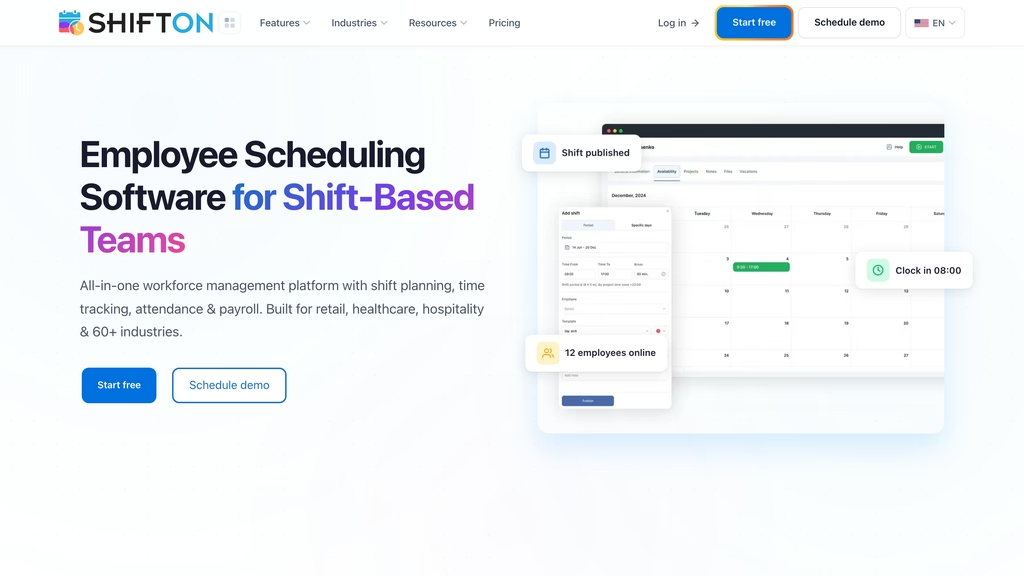
- Free for up to 10 employees with no time limit, and only while no paid module is on; Basic functions then cost $1 per employee a month for everyone
- Attendance, Time off requests and Vacation Management are $1 each; Payroll, Breaks and Employee working hours are $0.50 each; all per employee a month, with trials of up to 60 days
- Ten employees on Basic functions with the Attendance and Payroll modules pay 10 x ($1 + $1 + $0.50) = $25 a month, in US dollars
The limits matter in Australia. The pricing page lists no module for award interpretation, penalty-rate rules or Single Touch Payroll filing, no AUD price list and no GST line. Shifton gives a manager the roster, the clock times and a gross-pay figure by rate, and nothing on the pricing page applies an award to that figure. It fits a team that applies awards in its own payroll tool, and not a team that expects one system to interpret an award.
Best for: a cafe group, a clinic or a retail chain of 10 to 100 that rosters across sites and sends hours to a separate payroll.
Roster every site in its own time zone
Shifton builds the roster, records the clock times against it and shows the hours for payroll. Free for up to 10 employees.
Deputy
Deputy publishes three plans, and its Australian page prints them in US dollars excluding taxes. Lite is $5 per user a month billed annually, or $5.50 monthly, with basic scheduling, timesheets, time clocking and labor law compliance. Core is $6.50 annual or $7.25 monthly and adds advanced scheduling, timesheet auto approval, biometrics time clocking and advanced labor law compliance. Pro is $9 per user on annual billing and adds custom access levels, advanced timesheets, location hierarchies and pay centers.
Payroll is a separate add-on. On the Australian page it is $8 per user a month billed monthly plus a $49 monthly base fee, with regularly updated award templates and a Pay Rate Builder for custom rules and a 30-day free try. HR is $2 per user a month. The home page promises up to 31 days of trial with no credit card, and a limited offer of three months free on the All-in-one annual plan runs to 31 December; the figures here are list prices.
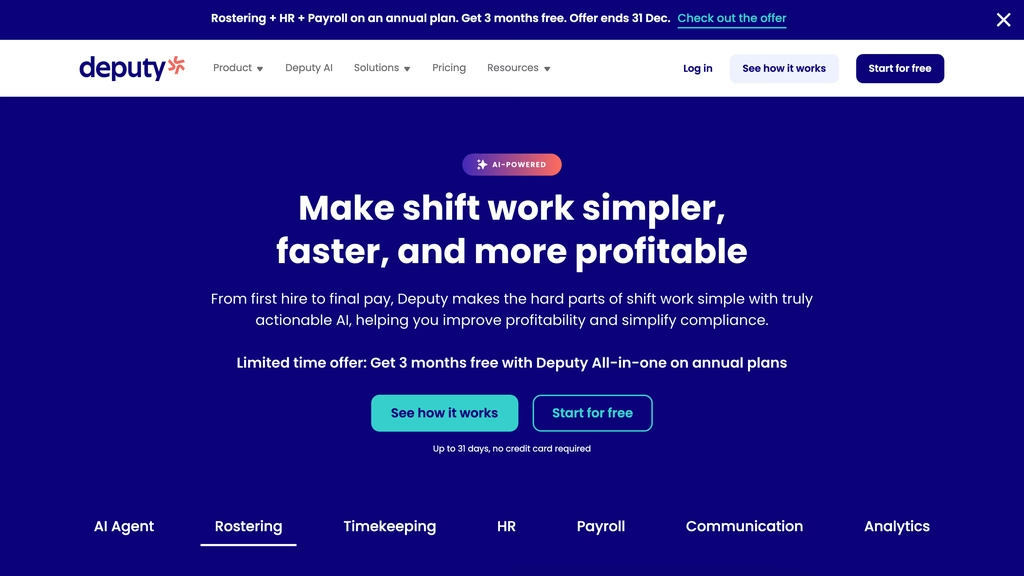
Deputy suits a team that wants to start on rostering and add pay rules later, and the arithmetic matters: payroll for 10 people adds $129 a month before any roster plan. Best for: hospitality and retail businesses that want a published price and an Australian award-aware payroll option on top.
Tanda
Tanda sells one plan with three modules. All-in-one is $12.80 plus GST per user a month and includes Payroll, Workforce Management and HR; each module can also be priced alone on request. Workforce Management is described as building rosters, recording time and attendance and managing leave, with roster efficiency improved from sales data, automatic timesheet calculation and central handling of leave and unavailability.
The Australian pay logic is the selling point. Tanda's compliance team keeps a library of Modern Award pay conditions, and the Modern Award Templates automate calculations from base rates to complex conditions. Pay runs come straight from timesheets with award rates and STP filed from Tanda, and clock-ins check overtime and breaks as they go. A Tanda AI feature drafts the first version of a roster for the manager to approve.
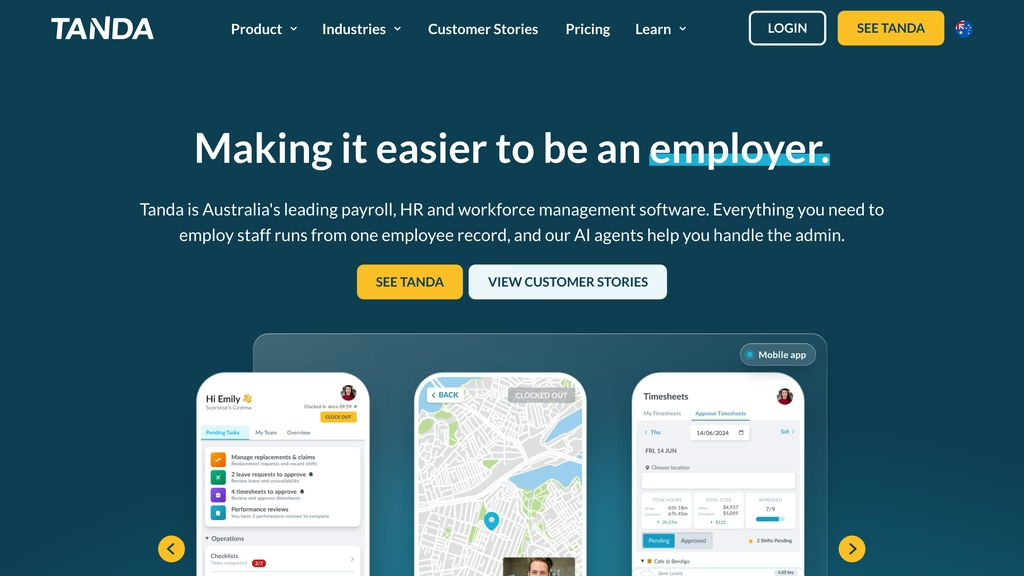
The pricing page prints no free plan or trial, only a Talk to the team button. The page calls Tanda a platform for Australian employers and says it powers 10,000 or more businesses, which is the vendor's own count. Best for: award-covered staff, with rostering and payroll coming from one set of timesheets.
Employment Hero
Employment Hero is an HR and payroll platform whose rostering arrives as an add-on. The pricing page lists HR Essentials at $11 and HR Engage at $15, with HR Elite and Employment Unlimited by quote; Payroll is part of Employment Unlimited. Rostering and Time and Attendance is a separate add-on at $5 per employee a month. It is described as creating rosters, tracking attendance and monitoring labour costs in real time, with shift bidding and swapping, time clocks and timesheets, plus geofencing and award-based costing.
Other add-ons show how the price builds: Chat is $2.50, Managed Payroll $21, HR Advisory $15 and a 10-course learning bundle $9 per employee a month. Each price carries an asterisk that says conditions apply, and the page does not print those conditions beside it.
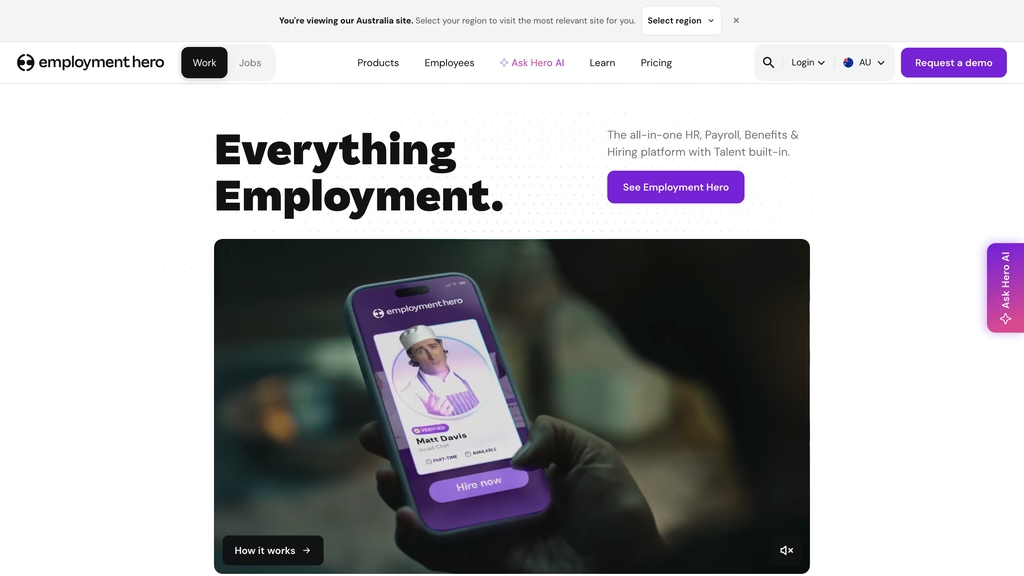
Because the page leaves the base-plan terms open, the cost of rostering alone cannot be read from it, and a buyer should ask whether the $5 add-on needs one of the HR plans first. Best for: growing employers that will price HR, payroll and rostering with a salesperson.
Humanforce
Humanforce sells to organisations where compliance weighs on every shift. Its pricing page offers two tiers for each product, named Core and Pro, and both are custom quotes. Core lists pre-built award interpretation and compliance, templated access levels with SSO and MFA, built-in dashboards and a REST API. Pro adds compliance and work rules (EB, CBA), custom access levels with audit logs, self-service dashboards with AI insights and full API and third-party integrations.
Workforce Management is described as smart rostering with time and attendance and award interpretation in one platform. The suite adds HR and Talent, with Payroll and Benefits; the payroll product lists STP2 reporting and superannuation, with award integration. The site names aged care and healthcare among its industries, with hospitality and retail, and events and stadiums, and its figures are 1,500 or more customers and 1,000,000 or more employees managed.
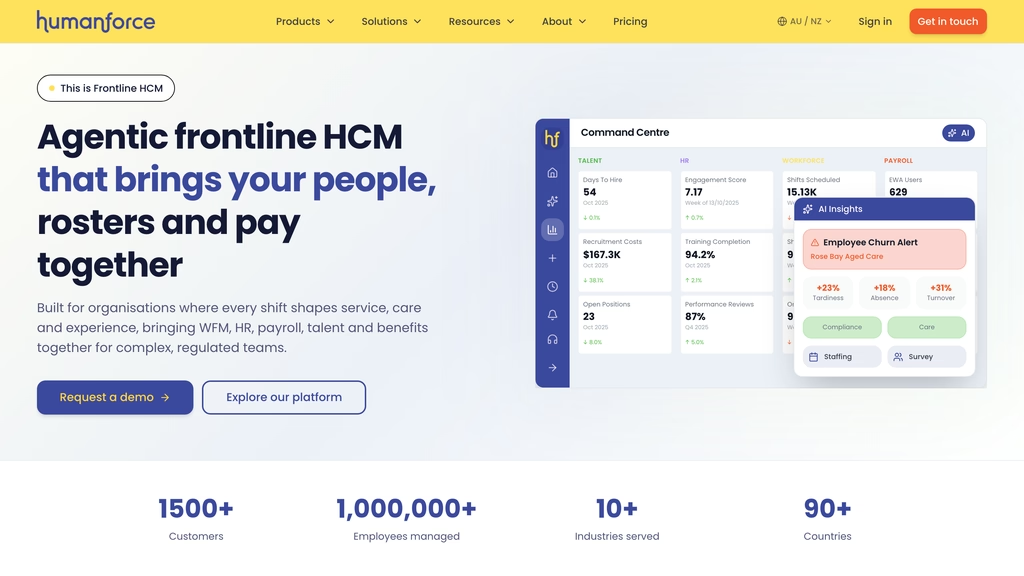
There is no price, free plan or trial: the buttons are Request a demo and Get in touch. A small business that wants a number before a call will not find one. Best for: an aged care or hospital group with enterprise agreements that needs rostering rules beyond a standard award.
Connecteam
Connecteam runs an Australian site with a local Melbourne team and prices in US dollars. Its Small Business plan is free for life for up to 10 users, with all three hubs. Paid plans are priced per hub, and in Operations they run in three steps:
- Basic: $29 a month for the first 30 users on yearly billing, or $35 monthly, with $0.80 or $1 for each extra user
- Advanced: $49 yearly or $59 monthly for the first 30 users, with $2.50 or $3 for each extra user
- Expert: $99 yearly or $119 monthly for the first 30 users, with $4.20 or $5 for each extra user
Basic includes real-time clock in and out with GPS, basic rostering with open shifts and payroll integration. Advanced adds repeating shifts and templates and up to 10 geofence sites, and Expert adds auto-assigned shifts, up to 12 rosters and API access. Xero is among the listed integrations. The trial is 14 days with no credit card.
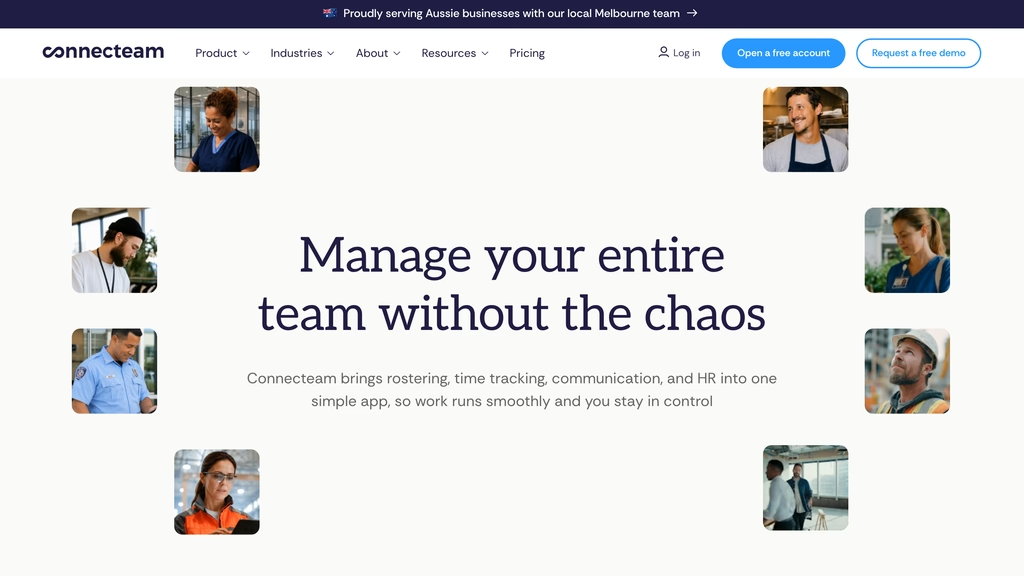
It is a flat-fee model for small teams: a team of 30 pays $29 a month, where a per-user tool at $6.50 would cost $195. Pay rules are outside its scope, and its Small Business plan lists payroll integration as not included. Best for: a team of 10 to 30 that wants rostering and a time clock without per-user fees.
ClockOn
ClockOn is an Australian payroll system with rostering inside the higher package. A free Starter package gives payroll with STP and basic timesheets for up to 12 months or 27 STP submissions, whichever comes first. The Standard package is from $3.25 per employee a month and includes time tracking, the mobile app, payroll, award interpretation and STP. Pro is from $8.80 and adds HR management, a manager portal, document storage and work rights checks; the pricing page marks integrated rostering as optional or limited in Standard and included in Pro.
The roster tools are a drag-and-drop builder with templates, live cost tracking before publishing, availability and leave sync, rostering by role or department and one-click publishing with push notifications through the ClockOn GO app. The app also clocks in and out with GPS geofencing. An on-site time clock and payroll integrations with Xero and MYOB are optional extras, and outsourced payroll starts from $190 a month.

The pages read print no currency code and no tax line, so a buyer should confirm both in the quote. Best for: pharmacies, retail shops and hospitality venues that want the roster, the award rates and the pay run in one Australian system.
Rosterio
Rosterio is a rostering tool built around Australian awards. Its pricing page, set to Australia, prints Roster at A$3 plus GST per person a month and Complete at A$8 plus GST, billed monthly, in Australian dollars, and says yearly billing saves 10%. Roster includes rosters, templates and shift swaps, clock in and out with timesheets, leave requests and announcements, payroll files at each person's own rate, any number of stores and staff apps for iOS and Android. Complete adds award and pay rule checks on every shift, a shift marketplace and budgets, kiosk clock in, and Xero, insights and time off in lieu.
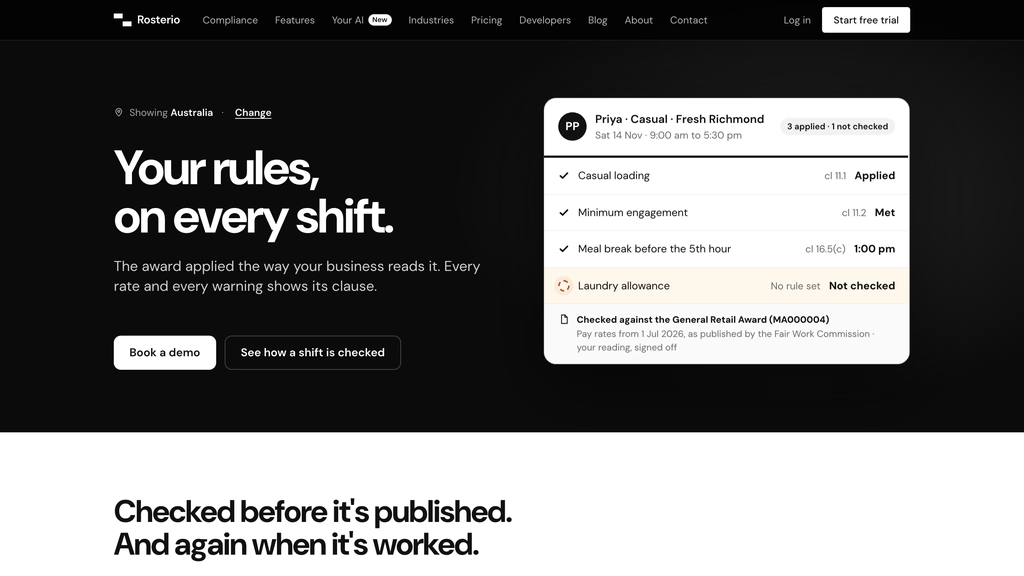
The home page shows how the checks read. A casual shift at a retail venue is checked clause by clause against the General Retail Award (MA000004), with pay rates from 1 July 2026 as published by the Fair Work Commission, and each rate and warning shows its clause. The rules run while the roster is built, at publishing, where a manager can warn or block per rule, and again on the timesheet from actual clock times. Magic Fill builds a week of shifts in one click, staff claim open shifts from their phones and timesheets export for payroll.
- Every plan has a 30-day free trial; a card is needed to start and nothing is charged before it ends
- The award checks sit on Complete, so a business that needs them pays A$8 plus GST a person: 10 staff cost A$80 plus GST a month, 50 staff A$400
- An API plan for building your own staff app starts at A$25 plus GST a month
It prints the one price format an Australian buyer can use as it stands, in Australian dollars with GST named. Best for: cafes, shops and venues whose roster has to show the award clause behind every rate.
How the Eight Tools Build and Change a Roster
The roster itself is where managers spend the week, so the differences are worth reading line by line, taken from each vendor's own pages.
- Shifton: a wizard builds schedules of different difficulty from parameters the manager sets, manual editing covers the changes, free shifts are distributed automatically, and the paid Emergency shifts module notifies employees who have no overlapping shifts.
- Deputy: Core adds advanced scheduling, and Deputy AI, included in every plan, builds rosters faster and answers workforce questions. The plan comparison also lists shift templates, micro-scheduling and auto-scheduling.
- Tanda: rosters are built around demand, leave and availability, and the AI feature writes a first draft for approval.
- Employment Hero: shift bidding and swapping come with the rostering add-on.
- Humanforce describes smart rostering and gives no feature list on its pricing page.
- Connecteam: open shifts in Basic, repeating shifts, templates and a live shareable roster link in Advanced, and auto-assigned shifts with up to 12 rosters in Expert.
- ClockOn: drag-and-drop with templates, a live labour cost before publishing, availability and leave checks, and one-click publishing to staff phones.
- Rosterio: Magic Fill builds a week in one click, rules are checked as the roster is built and can warn or block at publishing, and staff claim open shifts from their phones.
Two features separate them for Australian use. Live cost shown before a roster is published, which ClockOn and Employment Hero list, lets a manager see the wage total of a roster before it goes out. Shift swapping, which Shifton and Employment Hero list, moves part of the rework from the manager to the team.
How Each Tool Records Attendance
Clock-in methods decide how much of the hours record can be trusted without a manager checking it. GPS and geofencing are the common answer, and they sit on different plans.
- Shifton: the paid Attendance module records real clock-in and clock-out times for shifts and breaks and sets them against the plan. Work location control, at $5 per employee a month, adds a route map with the employee's permission.
- Deputy: time clocking is in Lite, biometrics time clocking arrives in Core, and geofencing appears in the plan comparison.
- Tanda: the mobile app clocks staff in against the roster, and timesheets check overtime and breaks as they go.
- Employment Hero: time clocks, timesheets and geofencing sit in the rostering add-on.
- Connecteam: real-time clock in and out with GPS is in Basic, up to 10 geofence sites in Advanced and unlimited sites in Expert.
- ClockOn: ClockOn GO clocks in and out with GPS geofencing, and an on-site time clock is an optional extra.
- Rosterio: clock in and out with timesheets in Roster, and kiosk clock in on Complete, with the actual clock times priced against the award.
- Humanforce lists time and attendance as part of Workforce Management and prints no detail.
A team that wants proof of where hours were worked should price geofencing by plan, because Connecteam moves from none to 10 sites to unlimited across three tiers and Shifton charges for location as a separate module.
What Does Workforce Management Software Cost in Australia for 10 and 50 Employees?
Prices checked on 28 November 2026. Each line uses the cheapest plan that includes rostering, with the billing and currency the vendor prints.
- Shifton: 10 employees on Basic functions with Attendance and Payroll is 10 x $2.50 = $25 a month in US dollars; 50 employees is $125. With no module on, up to 10 employees are free.
- Deputy Lite: 10 users is US$50 a month billed annually, or US$55 monthly; 50 users is US$250 or US$275. Core is US$65 and US$325 annually.
- Tanda All-in-one: 10 users is $128 a month plus GST; 50 users is $640 plus GST. It includes payroll and HR.
- Employment Hero: the rostering add-on alone is $50 a month for 10 employees and $250 for 50, before the base plan and any conditions behind the asterisk.
- Humanforce: no price published; Core and Pro are custom.
- Connecteam Basic: $29 a month for up to 30 users on yearly billing, or $35 monthly, in US dollars; 50 users is $29 + 20 x $0.80 = $45 yearly or $35 + 20 x $1 = $55 monthly. Free for up to 10 users.
- ClockOn Pro: 10 employees is $88 a month at the from-price, and 50 employees is $440; Standard from $3.25 is $32.50 and $162.50.
- Rosterio, in Australian dollars: Roster is A$30 plus GST a month for 10 people and A$150 for 50; Complete, with award checks, is A$80 and A$400.
At 50 employees the range runs from $45 at Connecteam to $640 at Tanda, but the plans buy different things. Connecteam and Shifton price the roster and the clock. Tanda and ClockOn include payroll with award rates in the price, and Rosterio charges A$400 plus GST for award checks on rosters and timesheets. Deputy's payroll add-on is not in the Lite figure: with it, 10 people cost a further $129 a month.
Free Plans and Trials for Australian Rostering Software
Two of the eight are free for small teams: Shifton for up to 10 employees on Basic functions, and Connecteam for up to 10 users on every hub. ClockOn offers a free Starter package, which is payroll with STP and basic timesheets for a limited term, not rostering. Deputy gives up to 31 days with no credit card, Connecteam 14 days, Rosterio 30 days with a card needed to start, and Shifton's paid modules come with trials of up to 60 days. Tanda, Employment Hero and Humanforce print demo or contact buttons and no trial.
How to Choose Workforce Management Software for an Australian Team
Choose by how much of the pay run you want the software to own. If a payroll provider already applies the award, a roster and clock tool is enough, and tools such as Shifton and Connecteam, or Deputy Lite, price that at $2.50 to US$5.50 per person or less. If the award should be applied from the timesheet, shortlist Tanda and ClockOn, then Rosterio and Humanforce, and Deputy with its payroll add-on, and ask each to run one of your real rosters through an award.
Size and sector narrow the list. For a venue or restaurant group, the page on hospitality scheduling software shows how Shifton handles opening hours, and retail workforce scheduling covers multi-store rosters. Clinics and care providers should read about healthcare staff scheduling before they weigh enterprise tools. A business with fewer than 15 people may find the employee scheduling software for small business comparison more useful than any of the payroll-led tools here.
Compare
Prices checked on 28 November 2026 on each vendor's own site. "Not stated": the page is silent on it.
| Tool | Free plan or trial | Paid from, and billing | Awards and payroll | Best for |
|---|---|---|---|---|
| Shifton | Free plan, up to 10 employees; modules trial up to 60 days | $1 per employee a month for Basic functions, US dollars; Attendance $1, Payroll $0.50 | Gross pay by rate and overtime; no award interpretation or STP listed | Rosters and hours across sites |
| Deputy | Up to 31 days, no card | US$5 per user a month annual, US$5.50 monthly (Lite), excluding tax | Payroll add-on $8 plus $49 base, with award templates | Hospitality and retail |
| Tanda | None printed; Talk to the team | $12.80 plus GST per user a month (All-in-one) | Modern Award Templates; STP filed from Tanda | Award-covered staff |
| Employment Hero | None printed; Request a demo | Rostering add-on $5 per employee a month; HR plans from $11; conditions apply | Award-based costing in rostering; Payroll in the top plan | HR with payroll and rostering |
| Humanforce | Demo only | Not published; custom quote | Award interpretation in Core; STP2 in Payroll | Aged care and healthcare |
| Connecteam | Free for up to 10 users; 14-day trial | $29 a month for 30 users yearly, $35 monthly (Operations Basic), US dollars | Payroll integration; no award rules listed | Teams of 10 to 30 |
| ClockOn | Free Starter package for payroll: 12 months or 27 STP submissions | From $3.25 per employee a month (Standard); Pro from $8.80; currency not stated | Award interpretation and STP in both paid packages | Pharmacy and retail |
| Rosterio | 30-day trial, card needed to start | A$3 plus GST per person a month (Roster); Complete A$8 plus GST; billed monthly | Award and pay rule checks on Complete; payroll files on every plan | Cafes, shops and venues |
FAQ
What is the best workforce management software in Australia?
It depends on pay rules. For rostering and hours, Shifton is free for up to 10 employees and Connecteam for up to 10 users. For award-based payroll with rostering, Tanda is $12.80 plus GST per user and ClockOn starts at $8.80. Deputy starts at US$5 per user, with payroll as an add-on.
How much does rostering software cost in Australia?
Among the eight, published plans run from $1 per employee at Shifton for Basic functions to $12.80 plus GST at Tanda, which includes payroll. Rosterio is A$3 plus GST, Deputy Lite US$5, ClockOn Pro from $8.80 and Connecteam $29 a month for 30 users. Humanforce is by quote, and Employment Hero's rostering add-on is $5 per employee with conditions.
Is there free rostering software in Australia?
Yes, for small teams. Shifton is free for up to 10 employees on scheduling and Basic reports, and Connecteam is free for life for up to 10 users. ClockOn has a free Starter package, but it covers payroll, STP and basic timesheets rather than rostering, and it lasts 12 months or 27 STP submissions.
Does workforce management software handle Australian awards?
Some does. Tanda lists Modern Award Templates, Rosterio checks each shift against the award clause, while ClockOn and Humanforce list award interpretation, and Deputy's payroll add-on lists award templates for Australia. Shifton and Connecteam do not list award interpretation: Shifton computes gross pay from rates and overtime, and Connecteam integrates with payroll tools.
What is the difference between rostering software and workforce management software?
Rostering software builds and publishes shifts. Workforce management software adds time and attendance and leave, and often pay rules with payroll output, on top. Where pay follows an award, hours have to become award-correct pay, which is why Tanda sells payroll in the same product, as do ClockOn and Humanforce.
Can one tool roster teams in several time zones?
Shifton lists Time Zones among its free Basic functions, so a roster can be created in each required time zone. The other seven pages read do not describe time zone handling, so a multi-state business should test it on a trial before it commits.




Start making changes today!
Optimize processes, improve team management, and increase efficiency.