

Software for Siding, Cladding and Facade Contractors
Siding, cladding, soffits and trim planned by elevation, with the weather and the hidden damage behind the old boards taken into account.
What is behind the old siding
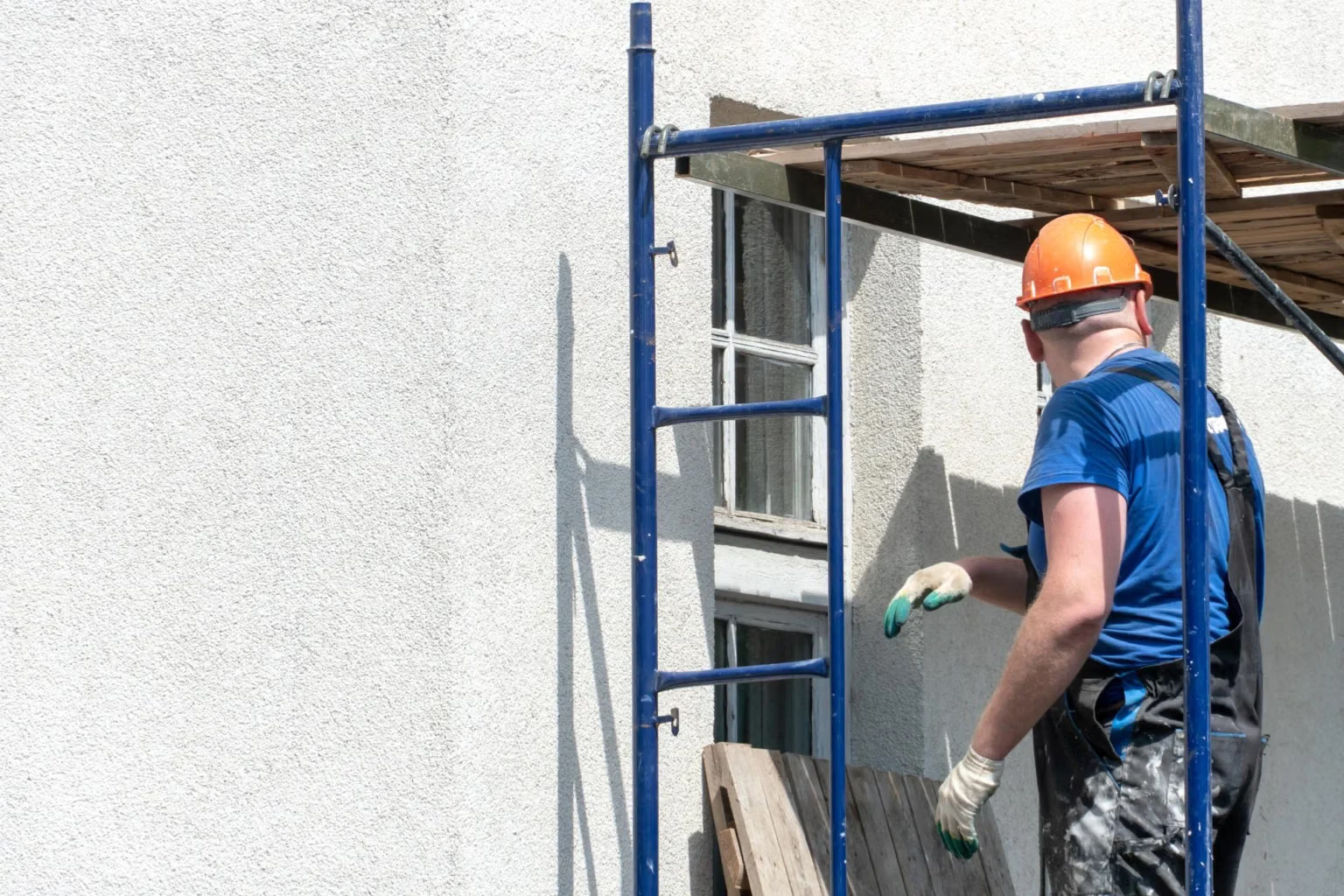
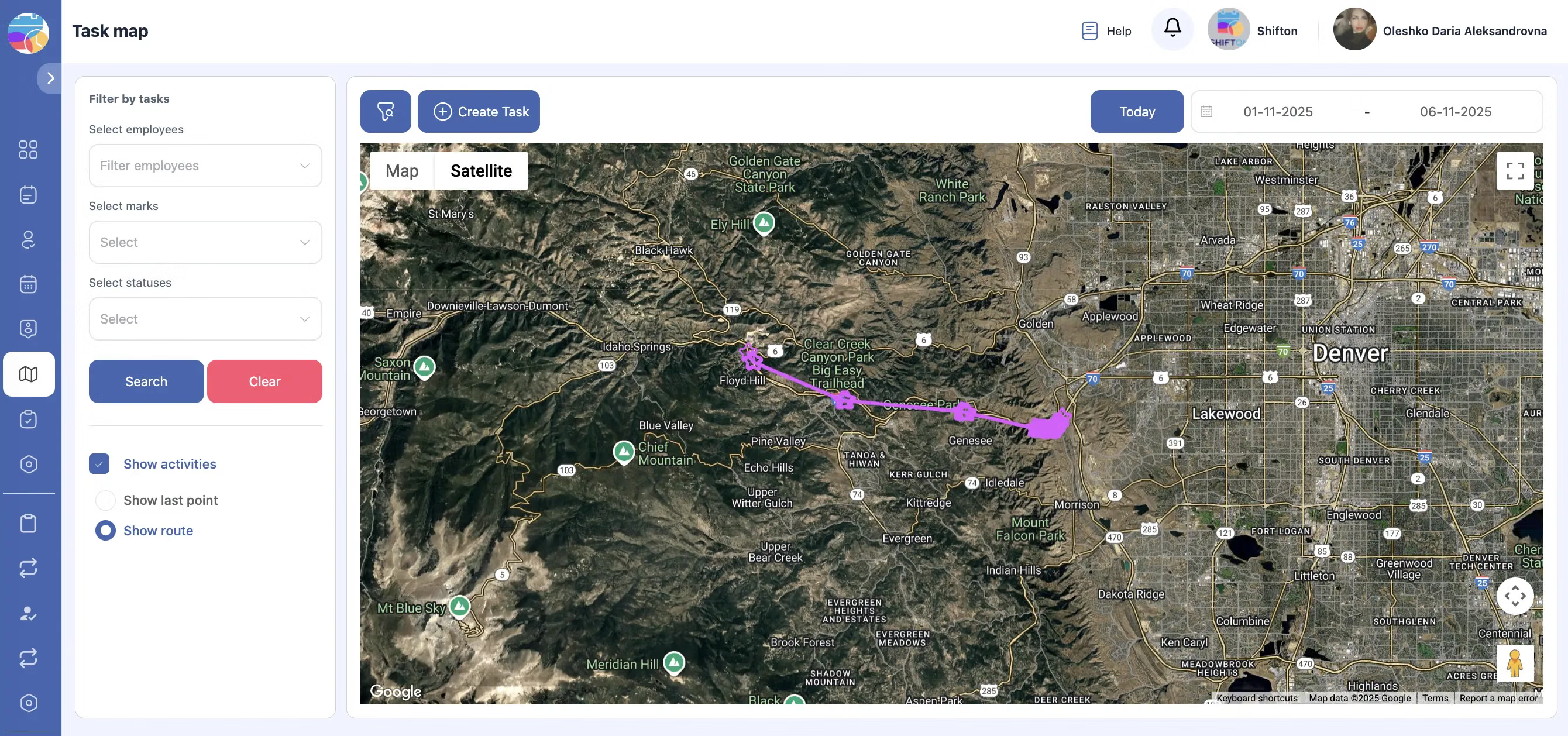
Nobody knows the condition of the sheathing until the old boards come off. Rot around windows, missing house wrap, insect damage: each one changes the price and the schedule, and each one needs the homeowner's agreement before the crew covers it up.
Weather decides the week
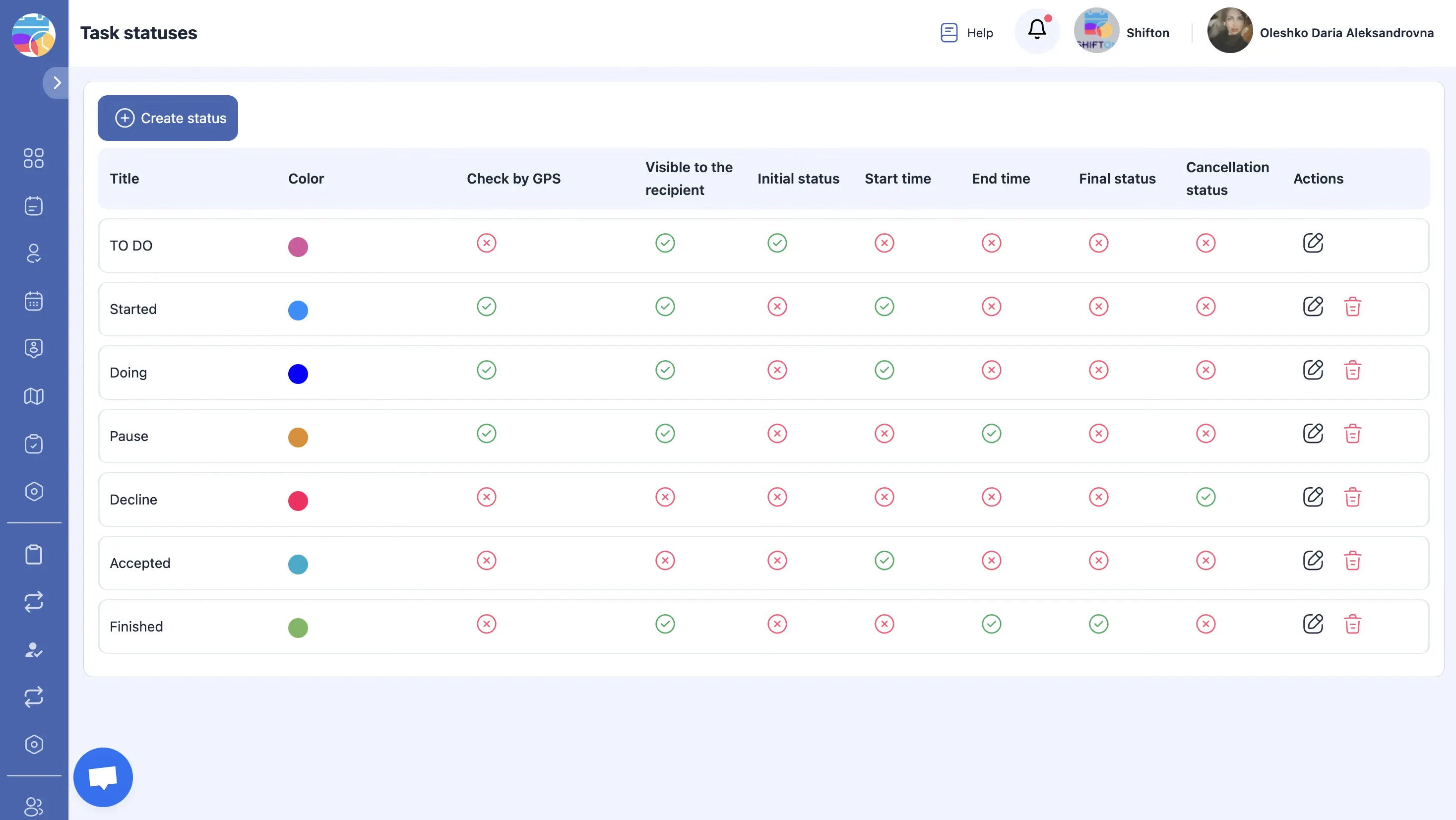
Exterior work is at the mercy of rain, wind and temperature. Sealants and paints have minimum temperatures, tall walls are unsafe in high wind, and an open wall cannot be left overnight before rain.
Material by elevation
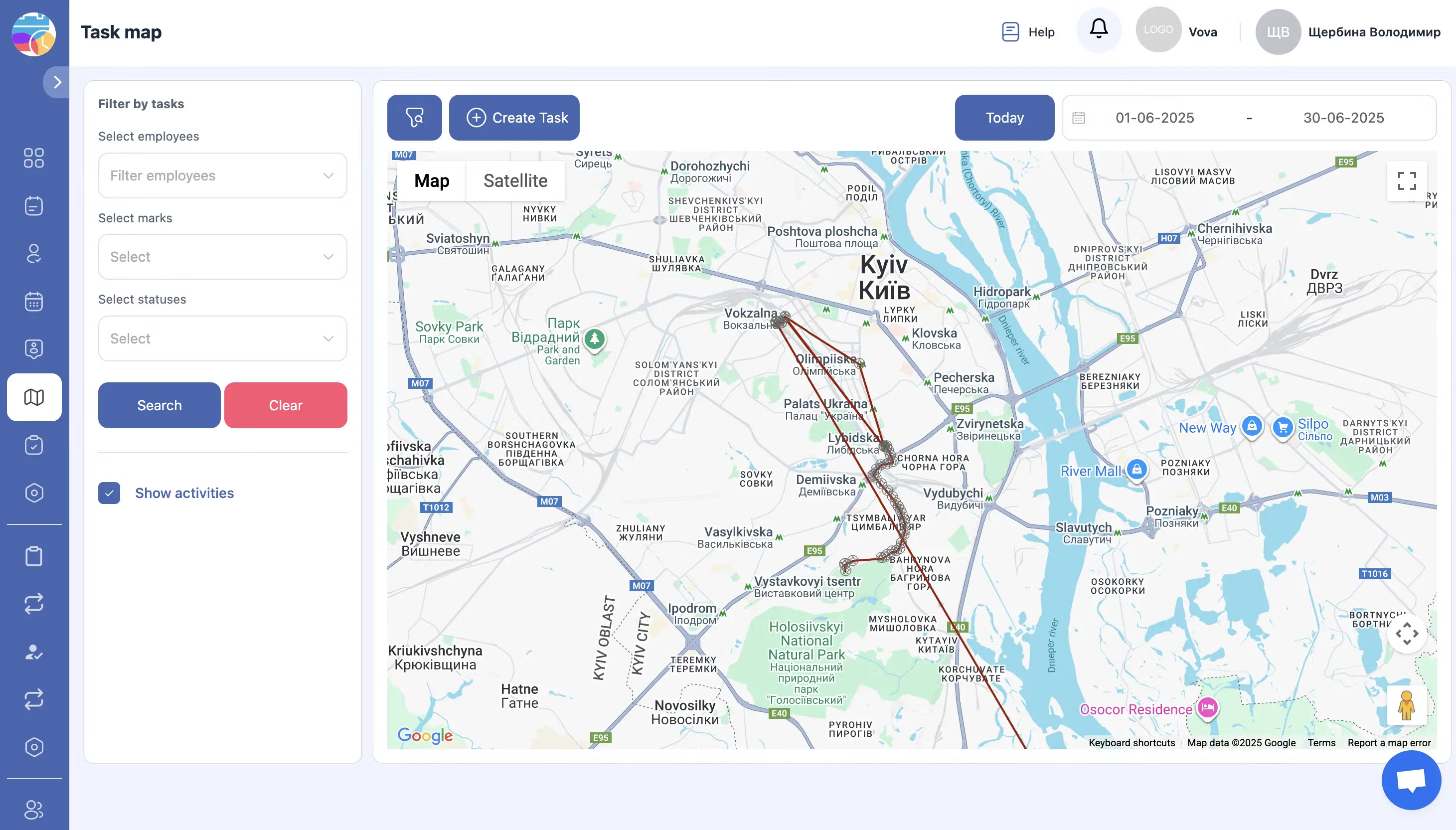
Siding is ordered by the square, trim by the length, and colours come in production lots that do not always match. A shortage on the last wall of the house is a delay; a mismatched batch on the front elevation is a callback.
Neighbours, access and cleanup
Exterior crews work on property lines, over flower beds and next to parked cars. Complaints come from debris, nails in the driveway and ladders on the neighbour's side.
Start with the Free Plan
No time limits. Get full access to core features and upgrade when you're ready.
Read how exterior crews plan weather, hidden damage and material lots
What siding contractor software should track
Siding contractor software is useful when it follows the job as the crew experiences it: tear-off, surprises in the wall, weather stops, material problems and cleanup. Most exterior jobs run late for the same few reasons, and nearly all of them can be seen early if the crew leader's information reaches the office the same day.
Tear-off and surprises
The quote was written for the walls the estimator could see. Once the old siding is off, the crew finds what was hidden: rot, gaps in the wrap, damaged sheathing, old wiring. A photo and a signed change on the day keeps the job moving and avoids an argument over the final bill.
Older homes
Older houses bring their own rules: painted surfaces that may contain lead, historic districts with material restrictions, homeowner associations that approve colours. Those conditions belong on the job so the crew follows them from the first day.
Permits and inspections
Some towns require a permit for re-siding and an inspection of the wrap or the flashing before the wall is closed. That inspection is a date the crew has to work around. Putting it on the board as its own step stops the crew from covering a wall the inspector has not seen yet.
The crew leader's daily report
At the end of each day the office wants to know three things: how much of the house is done, what was found, and what is needed tomorrow. A short closing checklist with photos of each elevation answers all three. Over a season, those daily reports show which kinds of houses take longer than quoted, which is the most practical use of siding contractor software for the owner who prices the jobs.
Exterior contractor software for multi-trade work
Many siding companies also handle soffits, fascia, gutters, trim and sometimes windows. Each trade has its own crew and its own sequence. Planning them on one board shows who is on which house, and keeps the gutter crew from arriving before the fascia is finished.
Facade maintenance and cleaning
Commercial facades need cleaning, sealing and repairs on a schedule. Those are recurring visits with checklists and photos, and the building manager will want to see the record of what was done on each elevation. Pressure washing and graffiti removal follow the same pattern: a site, a scope, photos before and after.
Heights and access equipment
Pump jacks, scaffolds and lifts need to be booked, delivered and inspected. Noting the equipment and its inspection on the job gives the crew leader one place to check before anyone goes up.
Keeping crews busy between jobs
A siding company loses money on crews waiting for material or weather. A board that shows every job's stage makes it easier to move a crew to a small repair or a trim job while the main job waits. Hours per crew and per job show where time is going and what to charge next season.
Measuring output by squares per crew day is common in siding. The hours recorded on each job, set against the size of the house from your quote, give that figure without anyone keeping a separate spreadsheet. It also shows which crews are strong on complex trim and which are fastest on long plain walls, which helps when you assign the next job.
Callbacks
Loose boards, gaps at corners and leaks around windows come back months later. A callback linked to the original job shows the crew what was installed and how, which usually makes the fix quick. It also shows whether the problem is workmanship or material, and that decides who pays for the visit.
What Shifton Field Service does for exterior crews
It plans tear-offs, installs, trim work and callbacks on one board, gives crew leaders their jobs with checklists and notes, and brings back photos, signatures and hours. An exterior business with no more than two users plans crews and keeps job records without cost, indefinitely. Material stock, invoicing, customer portal access and location control carry a charge.
It is not an estimating or measuring tool, it does not read aerial images and it does not handle manufacturer warranty registration. It plans the crews and keeps the evidence of what they built.
Frequently Asked Questions
How do we get homeowner approval for rot found under old siding?
The crew leader photographs the damage, adds a note of the extra work and gets the homeowner's signature on the screen. The approval is saved on the job before the wall is closed up.
Can we plan crews around rain and cold days?
The board shows every job and crew, so moving a wall or a whole job to a dry day is one change on the board. The weather forecast itself you check as usual; the software shows what moves.
Can we record the colour lot of siding delivered to each job?
Add the lot to the delivery checklist and the crew records it on arrival. If a later wall needs extra material, you know which lot to ask for.
Does the crew leader need to call the office at the end of each day?
The day's checklist, photos and hours come back from the phone, so the office sees what was finished and what is still open without a call.
Is this exterior contractor software for estimating?
It does not produce estimates or measurements from aerial images. Jobs are created from your quote, and the software plans and records the work.
Can we keep photos for warranty claims later?
Before, during and after photos stay on the job with dates. If a board fails or a leak appears, you can show exactly how the wall was built.
What do we pay if the business is one owner and one installer?
An owner and one installer run jobs, the crew app, forms and reports without paying anything, and there is no end date. Invoicing, material stock, location control and a customer portal are paid for when you need them.


Ready to transform your field operations?
Join thousands of field service companies that trust Shifton to run smarter every day.