

The 6 Best Employee Location Tracking Apps for 2026
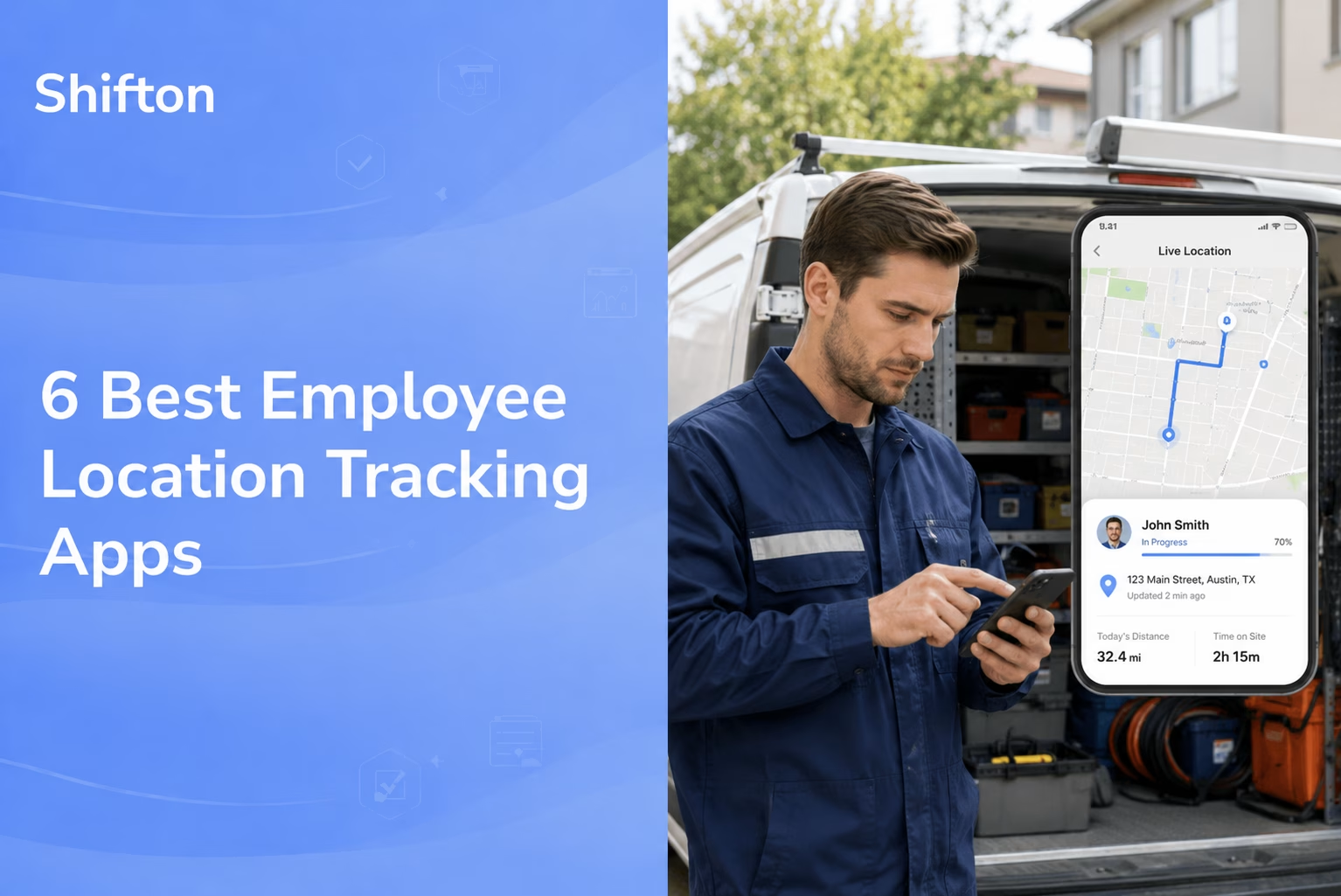
When your team works off-site, the hardest question to answer is the simplest one: who is where, right now? A missed appointment, a timesheet that does not match the route, a client asking why nobody showed up – all of it traces back to not knowing where your people actually are. An employee location tracking app closes that gap by putting real-time location next to the work, so a dispatcher can see a shift started on site and a manager can stop guessing.
This guide ranks the 6 best employee location tracking apps for 2026. We looked at GPS accuracy, geofencing, the privacy controls that keep staff comfortable, and how cleanly each tool turns location data into something useful: a payroll-ready timesheet, a job record, a route. Whether you need a full employee tracking app for a field crew, a lean staff tracking app for a handful of drivers, an app to track employees location across sites, or employee gps tracking software that feeds a payroll run, there is a fit below. Some of these are built as a dedicated employee gps tracking app; others bundle location into a wider workforce platform.
A quick word on how we chose. Every tool here does genuine location tracking on iOS and Android, not a stopwatch with a map sticker, and every price or free tier is verifiable on the vendor’s own site. We favored apps a non-technical manager can roll out without a training week, and we weighed how each one handles the trust question, because the fastest way to kill an employee tracking app is to make it feel like surveillance.
Our Top Picks
Six apps made the list. If you want the short version, these three cover most situations.
Shifton
Field teams that want the schedule and the map on one screen. Free for 10 people; location control is a $5 module.
Jibble
Small crews that want GPS and a kiosk without paying for either
Workyard
Construction and trades that need location precise enough to cost a job
Why trust us?
Shifton is our own product, and we ranked it first. Worth saying plainly before you read anything below it.
What we can stand behind is the other five. Every user cap, geofence limit and price on this page was read off the vendor’s own site rather than lifted from an older roundup, and where a vendor keeps its pricing behind a sales call, we say so instead of printing a guess. Six apps are here because six cleared that bar: anything that called a stopwatch with a map “location tracking”, or hid the geofence behind a demo, did not.
What Makes a Good Employee Location Tracking App
Plenty of software calls itself an employee tracking app, an employee tracker system, or an employee monitoring app while doing very little. Whether you searched for the best employee monitoring app, the best employee time tracking app, or simply a way to track employees location, the same handful of features decide whether it works. You might type an app to track employees, an app to track employee location, apps to track employee location, an app for tracking employee location, even an app to track employee performance, and land on the same shortlist. Before the list, here is what separates a real employee location tracking system from a glorified timer.
- Accurate, honest location: A good app records where someone is at clock-in and clock-out, not a constant breadcrumb trail. You want proof of attendance from employee gps tracking, not a map that follows people all day. The best tools let you track employee location only during working hours.
- Geofencing that acts: Drawing a boundary is the easy part. The value is the rule behind it – block an out-of-bounds punch, warn a manager, auto clock-out when a worker leaves. Without that, gps tracking of employees is just a dot.
- Privacy controls: The strongest employee monitoring app gives staff visibility into what is tracked and switches off after hours. This is the difference between a tool people accept and one they fight.
- Something useful at the end: Location is raw material. A real time employee tracking setup should feed a timesheet, a job record, or a payroll export, not just a heat map nobody reads.
- Offline capture: Field staff hit dead zones. The app should let someone clock in with no signal and sync the location later, so a field employee tracking app does not lose the visit.
Keep those in mind and most of the noise around any app to track employees sorts itself out fast.
How Employee Location Tracking Apps Work
The mechanics are simpler than the marketing. When someone taps clock-in, the phone hands over a GPS reading and the system pins it to the timestamp. That single point is what turns a plain time card into a record you can defend. Most employee location tracking software reads location at the punch rather than streaming it, which is both lighter on the battery and easier to justify to the team.
You will see the same idea sold under a dozen labels. One vendor’s employee tracker app is another’s field tracking app, a workforce tracking app, a job tracker app, or a plain location tracking app for employees. The heavier ones brand themselves field tracking software, field staff tracking software, position tracking software, or a staff tracking system; lighter ones just say gps tracking app for staff. The engine behind employee tracking gps does not change.
A gps tracker for employees reads the phone’s position at the punch, so today’s gps employee tracking app is really mobile employee tracking in a pocket, and gps location tracking software replaced the old employee tracking device and wall hardware. The searches blur together too: tracking employees, tracking staff, tracking employee location, tracking employees with gps, even track your employees location all point at the same tool. So do the product variants – an employee gps tracker, a gps employee tracker, employee gps monitoring, or a full gps tracking system. The category is thick with near-twins: employee monitoring apps, employee tracking devices, an employee tracking application, employee time tracking apps, gps employee tracking apps, and gps tracking employees in the plural or gps tracking employee in the singular.
Geofencing layers a rule on top. Draw a boundary around a client address or a yard, and the app watches whether punches land inside it. If that rule is your real question – whether the punch itself is honest, and how tightly a fence can enforce it – our roundup of the best GPS time clock apps covers that ground properly. Here the fence earns its keep for a narrower reason: it tells you when someone left a site without saying so, which is where most day-to-day payroll leakage hides.
One honest note on accuracy. Phone GPS is good to a few meters outdoors and far weaker indoors, so employee location tracking in a building is unreliable; that is a job for badges, not a tracking app. For outdoor field work, where these tools earn their keep, accuracy is rarely the problem.
Who Needs an Employee Tracking App
Any business that earns its money away from a desk is the core audience. Construction leads the way: construction employee tracking and a field employee tracking app tie labor to the right job site, and field crew tracking stops crews logging hours from the parking lot. Small builders often start with a field employee tracking app free of charge and upgrade only when the geofence count bites.
Delivery and logistics use delivery driver tracking, route tracking, and a sales team tracking app to prove a drop happened. Cleaning companies, security patrols, and home care lean on a staff location tracking app and crew location tracking so a dispatcher gets real time location the moment a visit starts.
It is not only trades. A sales employee tracking app keeps reps honest about field visits, warehouse employee tracking helps with large-site coverage, and remote teams use lighter remote employee tracking for accountability without a clipboard. Field service tracking and job site tracking give office managers workforce visibility they never had on paper, and employee attendance tracking turns worker location tracking into a clean record instead of a guess; the best attendance tracking apps compare which plans record lateness and absence. For all of them, the point of tracking employees is the same: proof the work happened where it was booked.
The phrasing shifts – some search for how to track employee location, others for how to track employees work, an attendance tracking app, a staff monitoring app, or just a tracking system for employees – but the need does not. At root it is mobile workforce tracking: knowing employee whereabouts during the shift, and nothing after it. Under the hood it is the same staff time tracking and worker time tracking, an employee time clock with a map, plus tracking employees location across sites – workforce location tracking by another name.
The 6 Best Employee Location Tracking Apps
Shifton
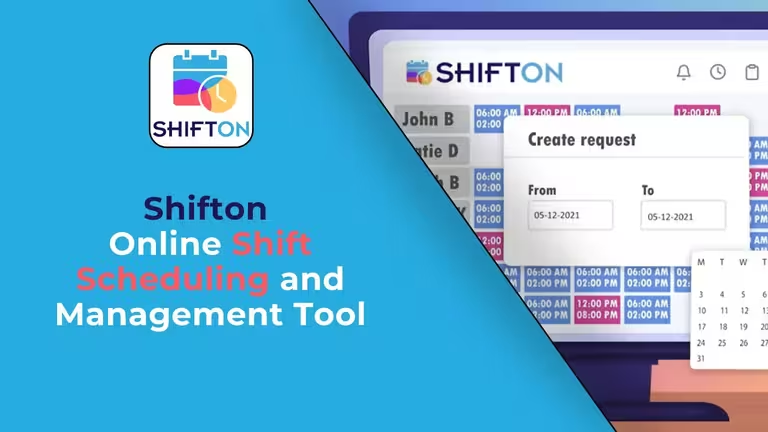
Shifton is our top pick because it treats location as part of the whole workflow, not a bolt-on. It is a workforce platform first – scheduling in the free plan, with time tracking, payroll and location as paid modules – and the location layer rides inside it. A worker opens the app, sees their shift, clocks in, and the route of the shift shows on the map. That makes Shifton less of a standalone employee tracker and more of a system where employee location tracking actually connects to the schedule and the paycheck.
The Work Location Control module ($5 per employee a month, 10-day trial) is the heart of it. Rather than a generic dot, managers see the GPS route of the shift on a map with movement statistics, which turns it into a practical employee gps tracking app for field crews, cleaners, security routes, and any team whose job site changes by the hour. Because scheduling, real time employee tracking, and the paid Payroll module sit together, the trip from a tracked location to pay data is short. You get time and location tracking in one system, with each employee gps location tied to a shift – and tracking runs only with the employee's permission during the shift, which is what keeps staff on board.
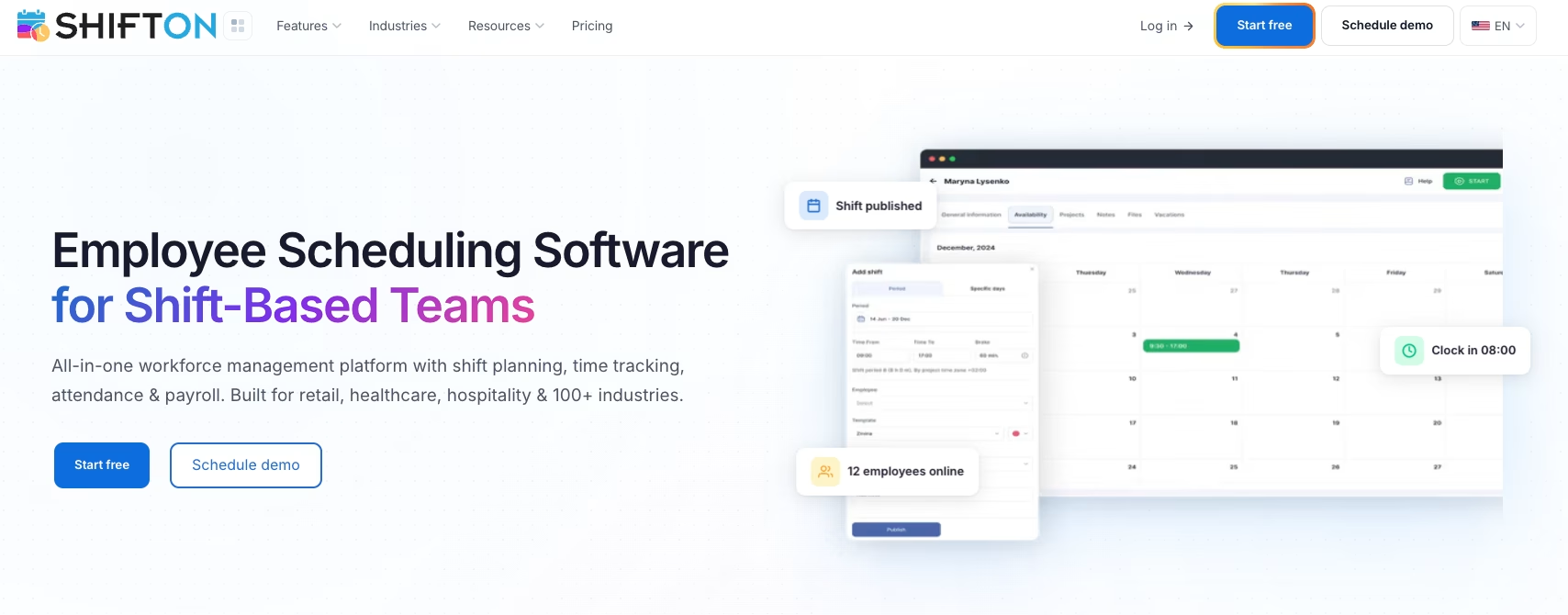
- Work Location Control: a GPS route map of the shift
- The GPS route tied to the schedule, not a separate tracker
- Time tracking in the paid Attendance module, overtime control in the free plan
- Work location control inside the schedule
- Payroll as a paid module ($0.50 per employee a month) with hours, rates and gross salary per period
Pricing starts with a real free plan, and the location and payroll features come as paid per-employee modules instead of a forced jump to an enterprise tier. Best for: field and shift crews that run scheduling, location tracking, and payroll under one roof rather than three subscriptions stitched together.
See where your team is, without the guesswork
Send hours to payroll with the paid Attendance and Payroll modules. Shift routes come with the Work location module ($5 per employee, 10-day trial).
Jibble
Jibble is the strongest free option in this roundup, and it is not close. Time tracking, GPS, a kiosk, facial recognition, and gps attendance come at no cost with no user cap, which makes it a rare free employee tracking app that does not gut the location features the moment your team grows. For a business that wants employee gps tracking or simple gps based attendance without a bill, this is the default starting point.
- Free plan with GPS, kiosk, facial recognition, and gps attendance app, no user limit
- Geofencing advertised on the free plan, with no cap on the number of geofences stated
- No paid prices published on its site, so confirm them before you budget
Jibble publishes no paid prices, and its own pages are not fully consistent about what the free plan holds, so test geofencing in a free account first. The catch: Jibble is first of all a time tracking and attendance tool, so check its scheduling and payroll depth against what you need. Best for: teams that need a capable employee location tracker for free and do not need a full scheduling and payroll platform.
Hubstaff
Hubstaff goes beyond location into proof-of-work. Alongside the GPS, it records optional screenshots, app usage, and activity levels, so it is really an employee monitoring app as much as a location tool. For a mix of field and remote staff, that breadth is the appeal – you see where the field crew is and what the desk team is doing in one dashboard.
- GPS location plus geofences that can start and stop the timer
- Activity monitoring (screenshots, app and URL tracking) for hybrid teams
- Payroll and invoicing add-ons on the higher plans
Hubstaff offers a 14-day free trial rather than a displayed free plan. Starter is $4.99 per seat per month billed annually ($7 monthly, two-seat minimum). GPS and geofencing are not on Starter or Grow; on Team they are an add-on at $3.33 per seat per month billed annually ($4 monthly), and Enterprise includes them. Worth knowing: the activity monitoring is powerful but can feel heavy-handed if you only wanted location. Best for: companies after real time employee tracking and productivity data in the same place.
Connecteam
Connecteam is a broad deskless-workforce app, and its employee location tracking is one piece of a kit that also covers chat, checklists, and training. The geofencing is solid – you can require staff to be inside a boundary before the clock-in is accepted, which kills most buddy-punching. Geofencing is not part of the paid Basic tier. If you want a tracking app for employees that doubles as a comms hub, it is a strong fit.
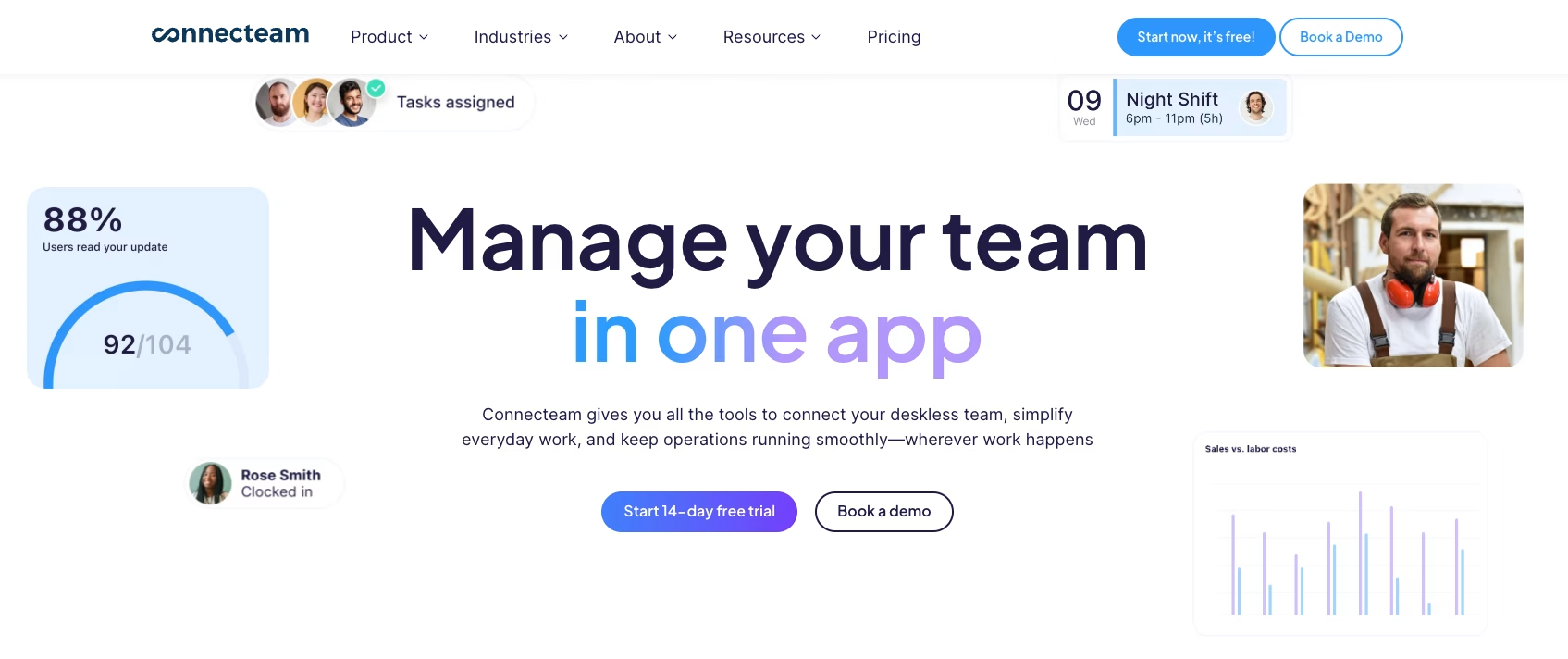
- Geofenced clock-ins with GPS stamps on every punch, from the Advanced plan up
- Free Small Business plan for up to 10 users
- Extra modules (comms, HR, training) beyond location tracking
The free plan covers up to 10 users, and paid bands are priced as flat tiers that include the first block of users before per-user charges start. Best for: small businesses that need a staff tracking app bundled with broader employee-app features in one subscription.
QuickBooks Time
QuickBooks Time, the tool formerly known as TSheets, is the natural pick if you already live in the QuickBooks ecosystem. Its gps tracking app for employees feeds hours straight into QuickBooks payroll with no export dance, and that tight accounting link is the whole reason to choose it over a standalone employee tracking app. In practice it combines mobile time tracking and gps tracking software in one place, so time tracking with gps and the books never drift apart.
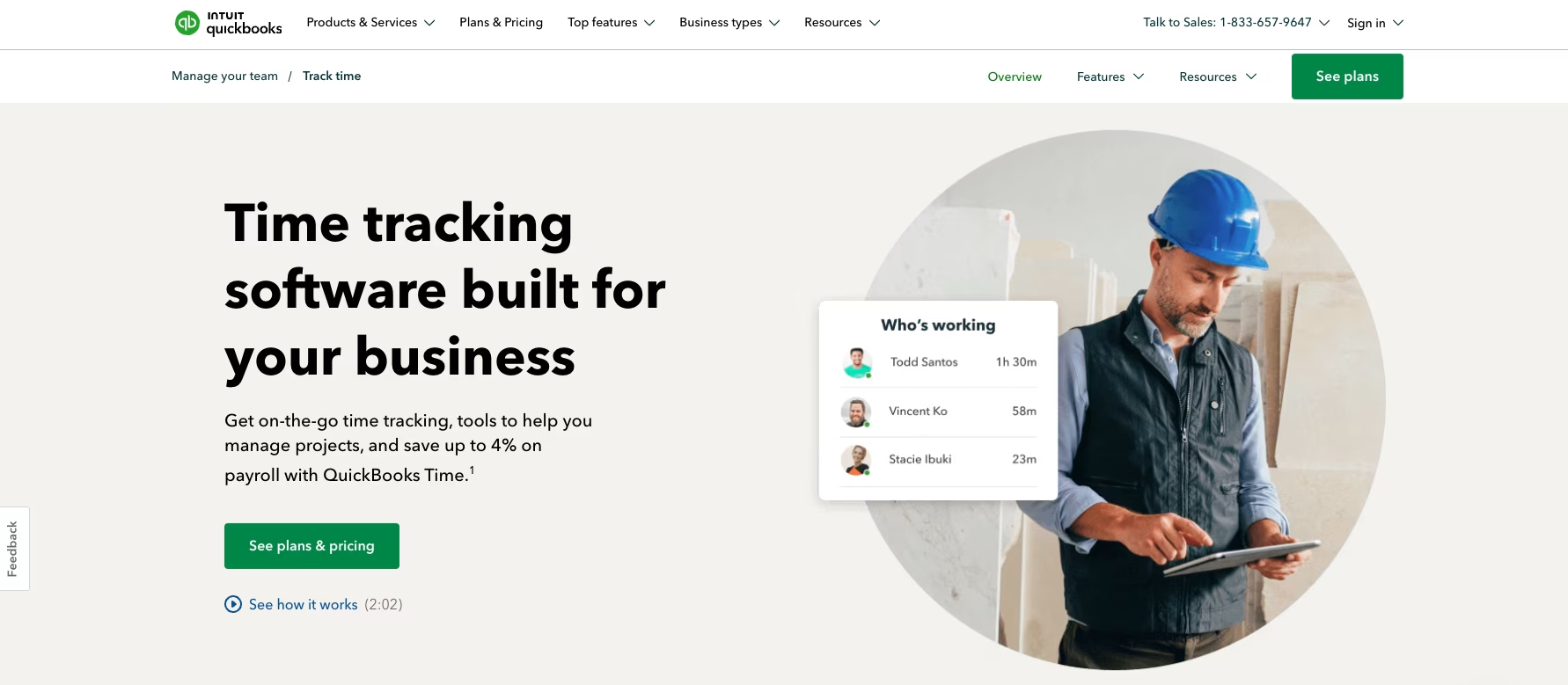
- Mobile time tracking that feeds QuickBooks, with geofencing listed only under Workforce Elite
- Tight, native integration with QuickBooks payroll and accounting
- Mobile clock-in with location for field and remote teams
There is no free plan. Pricing uses a monthly base fee plus a per-user rate: Time Premium is a $20 base plus $10 per user and Time Elite a $40 base plus $12 per user, and the first three months are half price on the base fee. Intuit's pricing page lists geofencing only under Workforce Elite, not under Time Premium or Time Elite. Best for: businesses already running QuickBooks that need gps tracking for employees wired into the books.
Workyard
Workyard was built for construction and trades, and the GPS accuracy reflects it. The field staff tracking app is tuned for job-site reality – it favors precise location and clean job costing over generic features, so contractors can tie every labor hour to the right project. As a field worker tracking app it doubles as a contractor tracking app and a crew tracking app, and field team tracking across multiple sites is exactly what it was built for. If your main pain is tracking field staff with a mobile app, this is the specialist.
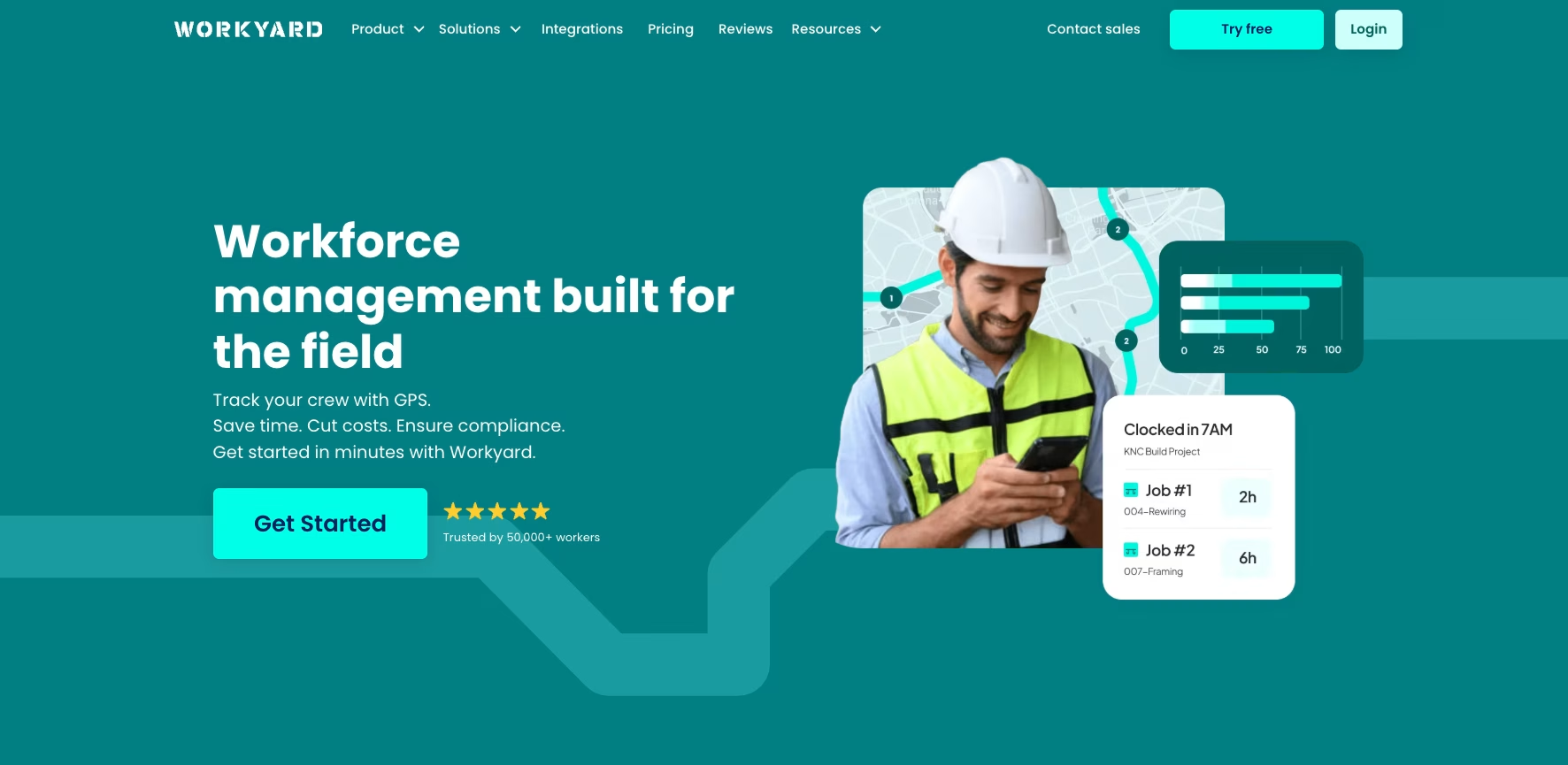
- High-accuracy GPS tuned for construction job sites
- Job costing that ties labor hours to specific projects
- Geofenced clock-in built for field crews
There is no free plan; the vendor's page says plans start at $6 per user per month billed annually, with monthly billing also available. Restricting clock-in to a geofence is listed from the Pro tier up, and no other prices are published. Best for: construction and field service businesses that want a field employee tracking software focused on accuracy and job costing.
Compare the Best Employee Tracking Apps at a Glance
Prices and free tiers shift, so use this as a starting map and confirm the current numbers on each vendor’s site before you commit.
| App | Free plan | Paid from | Location / geofencing | Best for |
|---|---|---|---|---|
| Shifton | Yes, real free plan | Low per-employee modules | Paid Work location control, $5 per employee | Scheduling free; location and payroll are paid modules |
| Jibble | Yes, unlimited users | Not published | GPS and geofencing advertised as free; no geofence cap stated | Free employee location tracking |
| Hubstaff | No, 14-day trial | $4.99/user/mo (annual) | Geofencing is a Team add-on; not on Starter or Grow | Location plus activity monitoring |
| Connecteam | Yes, up to 10 users | Flat band, first users included | Geofenced clock-ins on the free plan and from Advanced | Small deskless teams |
| QuickBooks Time | No | $20/mo base + $10/user | Geofencing listed only under Workforce Elite | QuickBooks payroll users |
| Workyard | No | From $6/user/mo (annual) | Geofenced clock-in from Pro | Construction and trades |
Is It Legal to Track Employees
In most places, yes – when the tracking is limited to working hours, tied to a real business need, and disclosed to staff. The cleaner tools record a location only at clock-in and clock-out rather than following someone all day, which keeps employee gps tracking on the right side of privacy law and, just as important, employee trust. The fastest way to wreck morale is a tracking system for employees that runs off the clock; the fastest way to get buy-in is a short written policy that spells out exactly what gets tracked.
Staff ask two versions of the same question – can my employer track my location, and is it legal to track employees location – and both deserve a straight answer in that policy. Employer tracking employee location during paid hours is normally fine; live employee tracking after the shift ends is where it stops being fine. Rules vary by region, so check yours before rollout.
Which Employee Location Tracking App Is Right for You
The right pick comes down to what the location has to connect to. If you mostly need to know hours and where they happened, a lean staff tracking app like Jibble or Hubstaff does the job, and any solid employee time tracking app covers the basics. If location is really shorthand for “did the crew reach the site and get paid correctly,” you want it wired into scheduling and payroll – that is where Shifton fits, and it is why teams that start with a basic employee tracker tend to graduate to it. When location is just one piece of a wider need, a broader team management tool can serve better than a pure tracker.
Construction crews leaning on job costing will feel at home in Workyard, QuickBooks shops get the cleanest payroll link from QuickBooks Time, and a small team that wants a tracking app for employees alongside chat and checklists gets more from Connecteam. Behind the buzzwords – workforce tracking app, work tracking app, worker tracking app, team tracking app, even a position tracker or a list of top tracking apps – the value is one thing: accurate hours tied to a real place. That is all. Call it team tracking, staff gps tracking, work location tracking, or shift location tracking; whether you want to track staff location, track field employees, monitor employee location, or simply monitor field staff, the job is identical.
And if your real need is punching in and out for payroll rather than seeing a map, a dedicated gps time clock or gps timesheet fits better. Our roundup of the best GPS time clock apps covers that ground. None of these are wrong answers. They are built around different versions of that single problem.
FAQ
What is the best employee location tracking app in 2026?
There is no single winner for every team. Shifton is the strongest all-in-one pick because it pairs employee location tracking with scheduling and payroll, so the data does not sit in a silo. Jibble wins on a genuinely free tier, Hubstaff if you also want activity monitoring, Connecteam for bundled deskless features, QuickBooks Time for QuickBooks payroll users, and Workyard for construction job costing.
Can an employer track an employee’s location?
In most regions an employer can use a gps tracking app for employees during working hours, on company business, with disclosure to staff. What you generally cannot do is track personal devices off the clock or hide that tracking is happening. A good employee monitoring app limits location capture to shift hours and tells the team what is recorded, which keeps gps tracking of employees both legal and accepted.
Is there a free employee tracking app?
Yes. Jibble advertises GPS and geofencing on a free plan with no user cap, Shifton has a free scheduling plan (location control is a paid module), and Connecteam’s free Small Business plan covers up to 10 users. The common catch is that some location features sit on a paid level, so check what the free version of any free employee tracking app actually includes – especially the geofence limit – before you roll it out. A truly free employee location tracking app free of caps, with live location tracking and real time staff tracking built in, is rarer than the marketing suggests.
How accurate is the GPS in these employee tracking apps?
Outdoors, modern phone GPS is accurate to a few meters, which is plenty for confirming a field worker reached a job site. Indoors it degrades fast, so employee location tracking in a large building is unreliable and better handled by badge systems. For the field work these apps are built around, accuracy is rarely the limiting factor; battery use and honest clock-in habits matter more.
How do employee tracking apps affect team morale?
Badly, if they feel like surveillance; fine, if they are framed as proof of work. The teams that adopt real time employee tracking without friction are the ones whose managers explain what is tracked, limit it to working hours, and use it to settle disputes rather than to micromanage. Tools that show staff their own location data and switch off after the shift make the difference between a tool people accept and one they quietly sabotage.

Start making changes today!
Optimize processes, improve team management, and increase efficiency.