

10 Best Overtime Tracking Software for Hourly Teams in 2026

The best overtime tracking software depends on where the overtime has to be caught. Shifton leads for shift schedules: overtime and night-hours control is free for up to 10 employees. Buddy Punch fits state-specific rules and alerts, from $4.99 per user a month plus a $19 base fee on annual billing. Jibble is the free pick for unlimited users. Prices checked on October 31, 2026.
Overtime is cheapest to stop before the shift starts and most expensive to find on payday. For employees covered by the FLSA, each workweek counts on its own and overtime is paid at not less than one and one-half times the regular rate, so a short week does not offset a long one.
Ten tools are compared below, from the rules each one calculates to what a 15-person team pays. The list is written for owners and managers of small businesses that work in shifts.
Our Top Picks
Ten overtime tracking apps made the list, and three of them cover most situations.
Shifton
Best for planning overtime out of the schedule: overtime and night-hours control is in the free Basic functions for up to 10 employees, and a $0.50 module reports normal and overtime hours.
Buddy Punch
Best for state-specific overtime rules: pre-set 40-hour and California policies, with an alert by email or push when an employee nears overtime.
Jibble
Best free overtime tracker: unlimited users, with daily, weekly and public holiday overtime set per group.
Why trust us?
Shifton is our own product, and we put it first. Read the rest of the list with that in mind: its overtime control works in the schedule and in reports, and its pricing and feature pages list no overtime alert.
Nine others were checked on October 31, 2026 against their pricing, feature and help pages: plan prices with the billing period, base fees, trials and the plan that carries each overtime function. Where a page does not say which plan includes a function, the text says so.
How Does Overtime Tracking Software Catch Overtime?
Overtime can be caught in the schedule, at the clock or in the timesheet. In the schedule, planned hours above the limit show up before anyone clocks in, which is where Shifton and When I Work act. At the clock, an alert or a punch limit acts while the shift is still running, as in Buddy Punch. In the timesheet, overtime is split out at approval, the last moment to change a punch before payroll, which is where Jibble and Clockify sit.
Whichever point is used, hours are counted inside a fixed workweek, so the start day has to be set once and kept. Shifton's side of this sits on its shift schedule page, which covers overtime and night-hours control, and its time tracking page, which covers planned versus actual hours. Our guide to avoiding overtime costs with scheduling software goes deeper on the planning side.
The 10 Best Overtime Tracking Software for Hourly Teams
Shifton
Up to 10 employees run free with no time limit, as long as no paid module is on, and overtime and night-hours control is part of that free set: schedules take the standard working hours of each employee into account. A Minimum Weekly Hours Report and a Budget Report come in the same set. Hours that were actually worked arrive with paid modules. Employee working hours, $0.50 per employee a month, lists shift start and finish, duration, breaks and the number of normal and overtime hours worked. Payroll, also $0.50, turns hours and pay rates into a gross salary figure that includes overtime work, holidays and days off. Attendance, $1, adds real clock-in and clock-out times next to the planned ones.
Turning on any paid module also switches on the $1 Basic functions charge for every employee, and annual billing saves 20%. The pricing and feature pages list no overtime alert, and no direct payroll-system integration either, though each report has its own export button. A business that needs a warning before the threshold should look at Buddy Punch or When I Work.
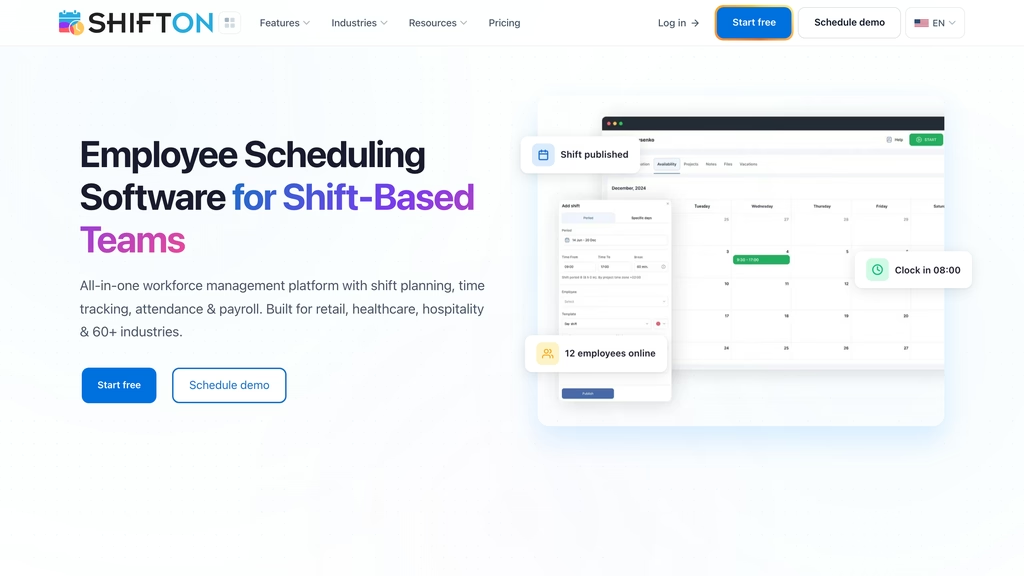
- Overtime and night-hours control in the free Basic functions
- Normal and overtime hours per employee from the Employee working hours module
- Gross salary with overtime work in the Payroll module
- Open shifts, shift swaps, API and mobile app on the free plan
Best for: rota-first teams of up to 10 employees, with overtime and night-hours control in the free schedule.
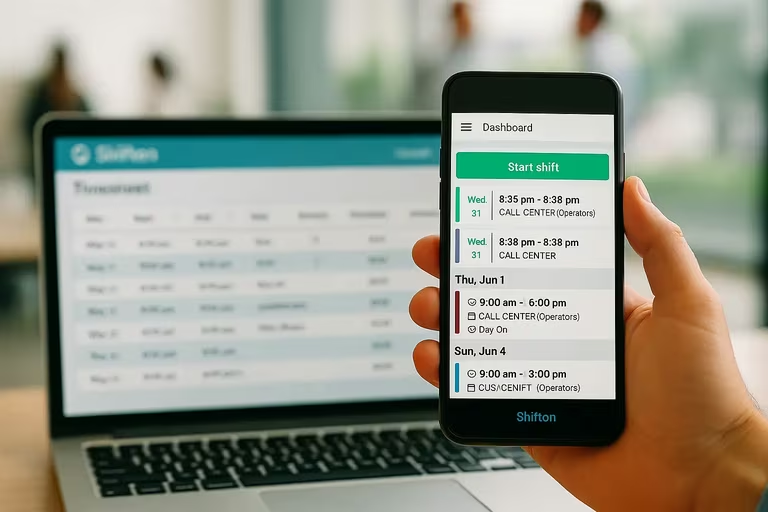
Plan the week without overtime surprises
Shifton builds the schedule with overtime and night-hours control and reports normal and overtime hours once modules are on.
Buddy Punch
Buddy Punch assigns overtime rules person by person. Two ready-made policies are listed on the overtime page, a 40-hour work week and California overtime, and anything else is a custom policy; one policy can cover every employee, or each employee can get a different one. The pricing table ticks Automatic Overtime Calculations, which tracks federal and state overtime separately, on Starter, Pro and Advanced alike.
Warnings come before the threshold, by email, push or both, as an employee approaches overtime. Punch limiting keeps people from clocking in ahead of the schedule and can end a shift on its own at the scheduled finish, and timesheet approvals sit ahead of the payroll run. On annual billing Starter costs $4.99 per user a month, Pro $6.99 and Advanced $12.99; monthly prices are $5.99, $7.99 and $13.99. Every plan carries a $19 base fee on top.
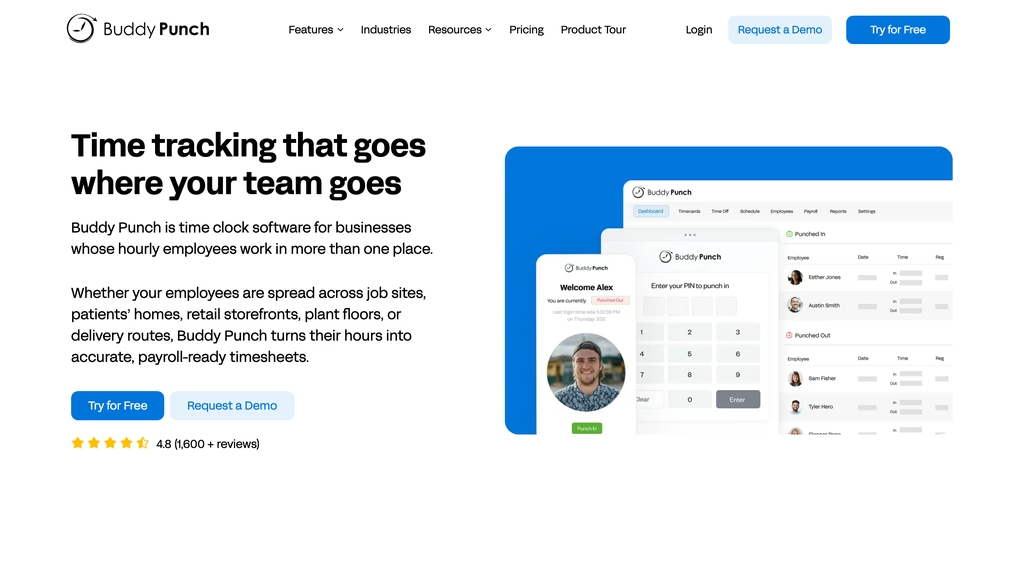
- No free plan: every plan is paid once the trial ends
- 14-day free trial that asks for no credit card
Best for: federal and state overtime tracked separately, with a California policy ready-made.
Jibble
Five overtime types are named on Jibble's page: daily, daily double, rest day, weekly and public holiday, with the start point and the rate adjustable for each. Groups hold their own work schedule and their own overtime rules. It is the only tool in this list whose overtime tracker is free for unlimited users, and the rules are not trimmed to match.
Timesheets show regular and overtime hours apart, and the same split feeds a dashboard and reports. Once a manager approves a pay period, earlier logs are locked. Export goes to Excel, CSV or payroll software, with QuickBooks Online, Deel and Xero named as integrations. Jibble's pricing address redirects to its home page, where only the free offer is printed, so no paid price is quoted.
- No alert ahead of the threshold on the overtime page
- Reminders and automatic clock out are listed there
Best for: unlimited headcount at no cost, with overtime rules set per group.
Workyard
Each Workyard time card splits hours three ways, into regular, overtime and double time, for non-exempt team members. The starting rule behind that split is set automatically from the US state of the account, and anyone given a rule of their own is handled apart from it. The help center spells out policies for California, with a 4/10 variant, Minnesota and a standard 8/40 week.
Four tiers exist: Starter, Pro, Autopilot and Enterprise. Break and overtime compliance is listed on Starter, with overtime calculated by state, federal or custom rules. Prices begin at $6 per user a month on annual billing, monthly billing is offered too, and a 14-day free trial is advertised; no figure is printed beside each tier. Pro adds a limit on the hours one time card can hold, Autopilot alerts cover missed breaks and incidents, and no overtime warning is listed on the pages checked.
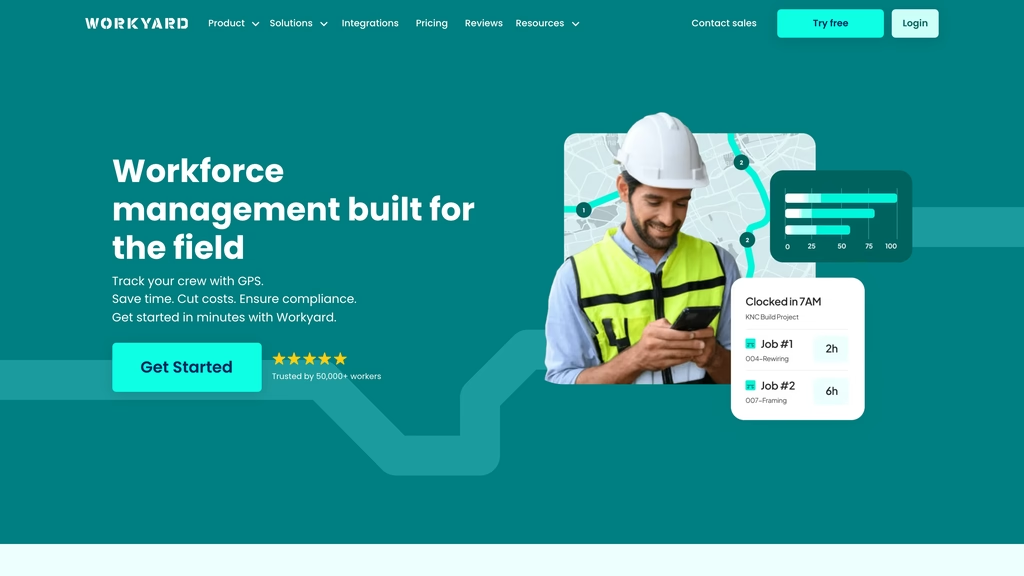
- Daily thresholds of 8 hours for overtime and 12 for double time in the California and standard 8/40 policies, per the help center table
- Describes itself as workforce management software built for the field
Best for: contractors and field crews working under state overtime rules.
Homebase
Homebase prices per location, not per person, which changes the arithmetic for a business with one site. Basic is $0 for one location and up to 10 employees. Essentials is $24 per location a month on annual billing ($30 monthly) with unlimited employees, and its time tracking section includes customizing overtime and break preferences. The overtime page describes rules based on 40+ hours a week or 8+ hours a day.
Alerts when employees approach or reach overtime are listed under Labor Cost Management, which is the All-in-One plan: $96 per location a month on annual billing, $120 monthly. The top plan comes with a 14-day free trial.
- Digital overtime records kept for up to 6 years, per the overtime page
- Basic stores timesheets for up to 90 days
Best for: a single location of up to 10 employees; start free, and move to the top plan only when alerts are needed.
Deputy
Meal and rest breaks and fair workweek rules sit beside overtime and premium pay on Deputy's labor compliance page. The page says timesheets can carry overtime flags, and that the tool can suggest staff whose hours for a shift would not add overtime pay. A warning feature covers staff approaching overtime or premium pay, but it is not stated which plan includes it.
On annual billing Lite is $5 per user a month, Core $6.50 and Pro $9, in US dollars excluding taxes. Lite lists labor law compliance and Core adds advanced labor law compliance, demand forecasting and wage and labor budgets. Monthly plans carry a minimum spend of USD $30 a month per invoice.
- Replacement suggestions that avoid overtime pay
- USD $30 minimum monthly spend on monthly plans
Best for: fair workweek and meal and rest break compliance alongside overtime.
When I Work
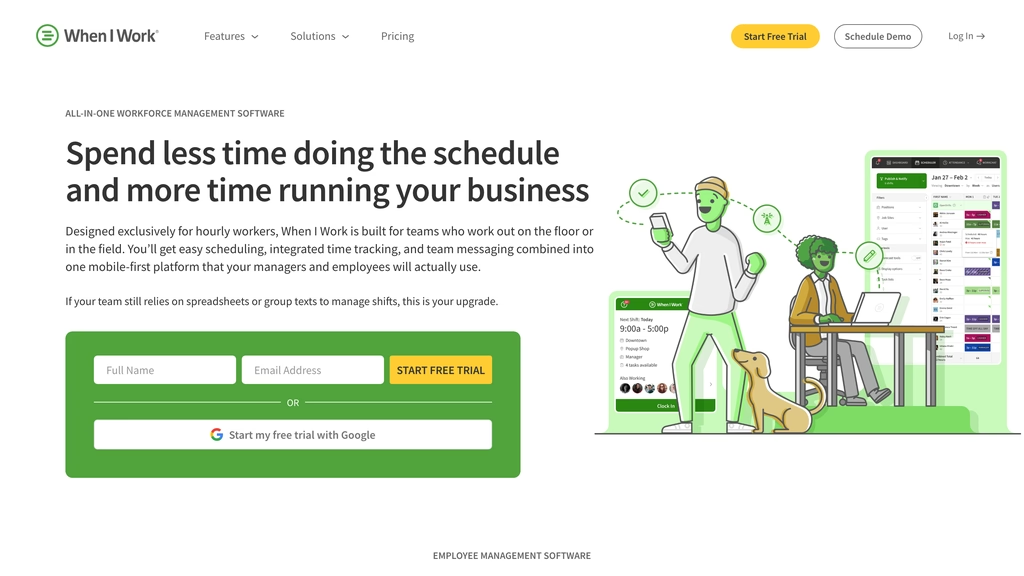
Two warnings come from When I Work, at different stages. While the schedule is being built, anyone placed into overtime triggers an alert; during the week, a second notice follows the hours worked and fires ahead of the threshold.
Listed prices are $2.50 per user a month for a single location or schedule and $5 for several locations or schedules, with no free plan.
- Overtime and break tracking listed in every plan
- Free for 14 days, then paid
Best for: weekly rota building, with the warning raised as the schedule is assembled.
Hubstaff
Overtime policies at Hubstaff exist only on the Team and Enterprise plans. Setting one up takes a threshold, a multiplier and a start date, plus the people it covers, who need pay rates first. The multiplier applies to hours past a weekly threshold, so daily overtime is not part of the description.
Only an email after the threshold is crossed is described; the help page mentions nothing earlier. On annual billing Team costs $10 per seat a month ($12 monthly), and Enterprise $25.
- Overtime visible in timesheet approvals and the amounts owed report
- Free 14-day trial without a credit card; 2-seat minimum on Team
Best for: a weekly threshold with a pay multiplier on Team or Enterprise, if an email after the fact is warning enough.
Clockify
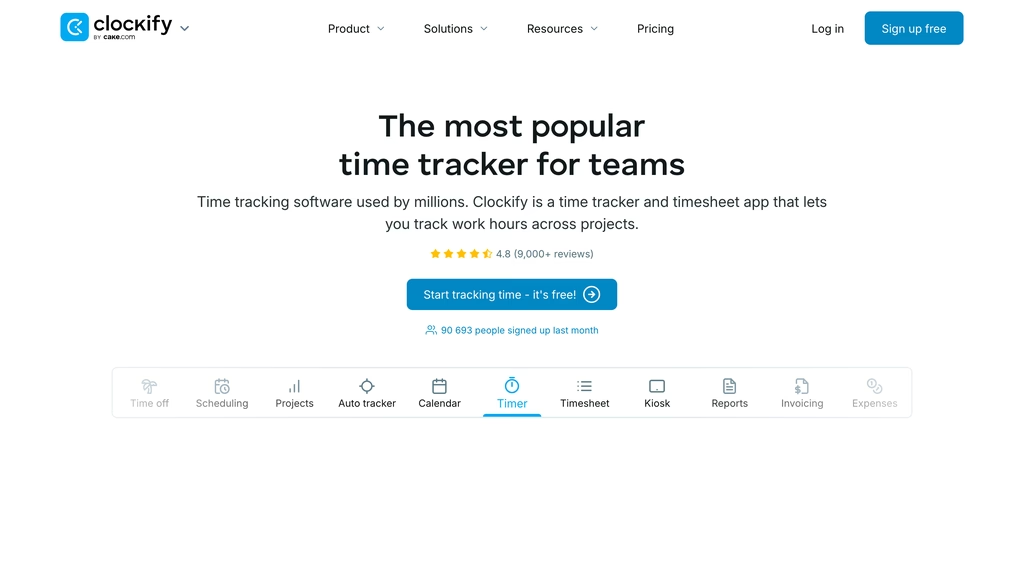
Overtime does not arrive until the Standard plan at Clockify, a timesheet product first. Its pricing table lists Attendance and overtime, along with rounding, from Standard: $5.49 per seat a month on annual billing, $6.99 monthly. Pro is $7.99 annually and Enterprise $11.99.
Its attendance page shows a report with start, break, work, capacity and overtime columns for each user. A team on the free plan can track unlimited time and invite up to 4 people, and a 7-day trial of Pro needs no card. The overtime page says a team gets 5 users free and more at $3.99 per user, which does not match the plan table; the table figures apply.
- Reports export to PDF, CSV and Excel, per the overtime page
- Free plan: unlimited time, up to 4 invited people
Best for: Clockify timesheet users adding overtime through the Standard plan.
OnTheClock
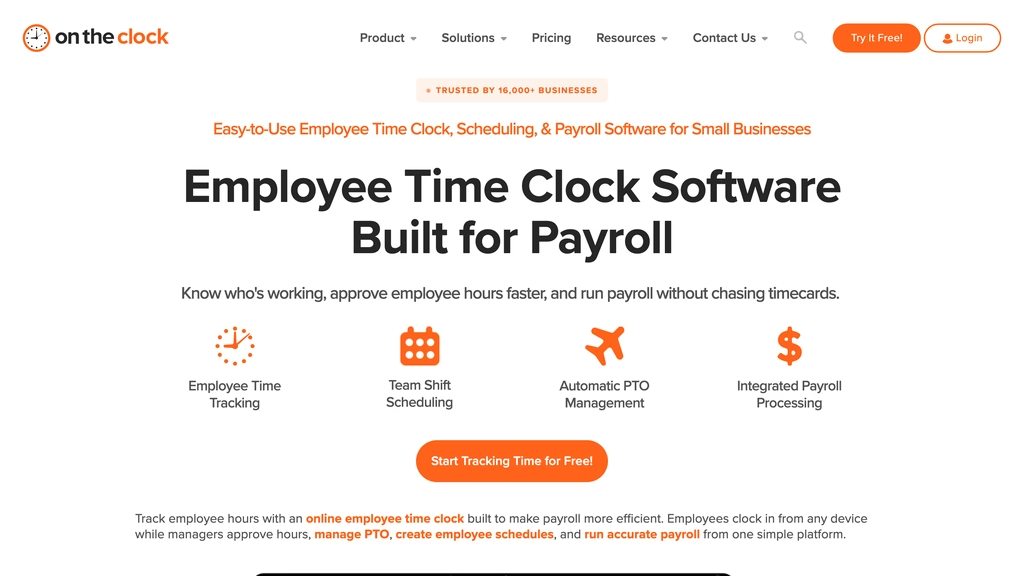
One plan, one formula: $4 per employee a month plus a $5 base fee, billed monthly after a free 30-day trial. Overtime calculations are in the plan list, and the features page names overtime tracking, overtime alerts and an overtime report. Enterprise is for businesses with more than 100 employees and has no printed price.
Less is published about overtime here than for the others, so rule types and thresholds are not described. A price calculator shows $13.00 a month for two employees.
- Overtime alerts named on the features page
- Payroll add-on at $6 per employee plus a $40 base fee
- GPS punch recording
Best for: one flat price and no tiers, for businesses under 100 employees.
What Does Overtime Tracking Software Cost for 15 Employees?
Per-user prices hide base fees, location pricing and minimum seats, so the list below works each one out for 15 employees at one location, from the lowest total to the highest. It uses list prices, with no add-ons beyond those named. Prices checked on October 31, 2026.
- Jibble: free for unlimited users, so $0 a month.
- Shifton: Basic functions $1 x 15 plus Employee working hours $0.50 x 15 = $22.50 a month.
- Homebase (Essentials): $24 per location a month on annual billing ($30 monthly) for unlimited employees, so $24 ($30) a month.
- When I Work: listed $2.50 x 15 at a single location = $37.50 a month.
- OnTheClock: $5 base fee plus $4 x 15 = $65 a month.
- Deputy (Lite): $5 x 15 on annual billing = $75 a month.
- Clockify (Standard): $5.49 x 15 on annual billing = $82.35 a month ($6.99 x 15 = $104.85 monthly).
- Workyard (from): $6 x 15 on annual billing = $90 a month; its monthly price is not printed.
- Buddy Punch (Starter): $19 base fee plus $4.99 x 15 on annual billing = $93.85 a month ($5.99 x 15 plus the base = $108.85 monthly).
- Hubstaff (Team): $10 x 15 on annual billing = $150 a month ($12 x 15 = $180 monthly).
Shifton's $22.50 buys the hours report only; adding Attendance for real clock-in times brings it to $37.50, and Payroll for gross pay to $45. The cheapest rows are not the ones with the most overtime function: Homebase Essentials at $24 ($30 monthly) lists overtime preferences but puts alerts on a plan at $96 ($120 monthly).
How to Choose Overtime Tracking Software
Start from the rules. Federal law counts the workweek; Workyard describes daily thresholds in its California and standard 8/40 policies, Homebase prints an 8-hour daily threshold, and Buddy Punch lists a California policy. A weekly-only threshold, as Hubstaff describes, will not cover a daily rule.
Then confirm the plan that carries the function: Hubstaff overtime policies start at Team, Clockify overtime at Standard, Homebase alerts at All-in-One. The overtime calculator checks the sum a tool produces against a manual figure.
Last, price the whole bill, including base fees and minimums, for the real headcount. Timekeeping habits matter as much as the tool, and the guide to employee timekeeping best practices covers edits, missed punches and approvals. For project and team use, see the best employee time tracking apps.
FLSA Rules for the Workweek and the Overtime Rate
Part 778 of 29 CFR sets the ground rules for the workweek and the overtime rate. The workweek is a fixed and regularly recurring period of 168 hours that may begin on any day, and its beginning may be changed if the change is intended to be permanent and is not designed to evade the overtime requirements of the Act. Each week stands alone, and averaging over two or more weeks is not permitted: 30 hours one week and 50 the next means overtime in the second week.
The rate is not less than one and one-half times the regular rate. These sections apply to employees covered by the FLSA and do not reach exempt employees; state rules can differ, as the California policies above show.
Compare
Prices checked on October 31, 2026 on each vendor's pricing page. Annual billing is shown first, monthly in brackets, where the vendor prints both. "Not described" and "None listed" mean the vendor's page says nothing on the point.
| Software | Free plan | Paid from | Overtime rules | Alert before the threshold | Best for |
|---|---|---|---|---|---|
| Shifton | Up to 10 employees, schedule only | $1 Basic functions from the 11th employee; Employee working hours $0.50 | Overtime and night-hours control in the schedule; normal and overtime hours report | None listed | Rota-first teams of up to 10 employees |
| Buddy Punch | None; 14-day trial | $4.99 ($5.99) plus $19 base | 40-hour week, California, custom policies | Yes, email or push | Federal and state overtime tracked separately |
| Jibble | Unlimited users | Not found on the pages checked | Daily, daily double, rest day, weekly, holiday; per group | Not described | Unlimited headcount at no cost |
| Workyard | None listed; 14-day trial | From $6 per user, annual | State, federal or custom rules; double time | None listed | Contractors and field crews under state rules |
| Homebase | 1 location, up to 10 employees | $24 ($30) per location (Essentials) | 40+ weekly or 8+ daily hours | All-in-One plan, $96 ($120) per location | One location of up to 10 employees |
| Deputy | None; free trial | $5 per user, annual | Overtime flagged on timesheets | Yes, plan not stated | Fair workweek and break compliance |
| When I Work | None; 14-day trial | $2.50 per user, listed | Overtime and break tracking, all plans | Yes, at scheduling and on worked hours | Weekly rota building with a warning while scheduling |
| Hubstaff | None; 14-day trial | $10 ($12) per seat, Team plan | Weekly threshold with multiplier | After the threshold, by email | Weekly threshold with a pay multiplier |
| Clockify | Up to 4 invited people | $5.49 ($6.99) per seat, Standard | Attendance and overtime from Standard | Not described | Teams already on Clockify timesheets |
| OnTheClock | None; 30-day trial | $4 per employee plus $5 base | Overtime calculations; overtime report | Overtime alerts listed | One flat price, under 100 employees |
FAQ
What is the best app for tracking overtime?
Buddy Punch for state rules and alerts, Jibble for a free plan with unlimited users, Shifton for overtime controlled in the schedule. Buddy Punch has pre-set 40-hour and California policies plus email or push alerts, from $4.99 per user a month with a $19 base fee on annual billing. Shifton is free for up to 10 employees, and its pricing and feature pages list no overtime alert. Workyard suits field crews that need state overtime rules.
Is Clockify actually free?
Partly. Clockify's FAQ says a team can track as much time as it wants and invite up to 4 people for free. Attendance and overtime are listed from the Standard plan, which costs $5.49 per seat a month on annual billing or $6.99 monthly. A 15-person team on Standard pays $82.35 a month annually, or $104.85 monthly.
What is the best free software to track employee hours?
Jibble is free for unlimited users and describes daily, weekly and holiday overtime on that free offer. Homebase Basic is free for one location with up to 10 employees, but overtime preferences are listed from Essentials at $24 per location a month on annual billing ($30 monthly). Shifton's free plan is a schedule for up to 10 employees with overtime control, without clock-in.
What is overtime tracking?
Overtime tracking records the hours each person works, groups them into a fixed workweek and separates regular hours from overtime hours so payroll can pay the higher rate. The workweek is 168 hours that need not match the calendar week. For employees covered by the FLSA, federal rules require overtime at not less than one and one-half times the regular rate.
How do I keep track of my employees' hours?
Record the start and stop of every shift in one place, then total the hours by a fixed workweek. For employees covered by the FLSA each workweek stands alone, so a 35-hour week cannot offset a 45-hour week. Software adds the regular and overtime split and a report for payroll; a spreadsheet leaves that arithmetic to whoever totals it.
How do I calculate my OT hours?
Total the hours worked inside one fixed workweek and subtract the overtime threshold: Homebase, for example, lets a business set 40+ hours a week. Hours above it are overtime. At a regular rate of $20, a 46-hour week is 40 hours at $20 plus 6 hours at $30, which is $980. Where a daily threshold applies, as in Workyard's California policy, the same subtraction runs per day.



Start making changes today!
Optimize processes, improve team management, and increase efficiency.