

The 5 Best GPS Time Clock Apps With Geofencing for 2026
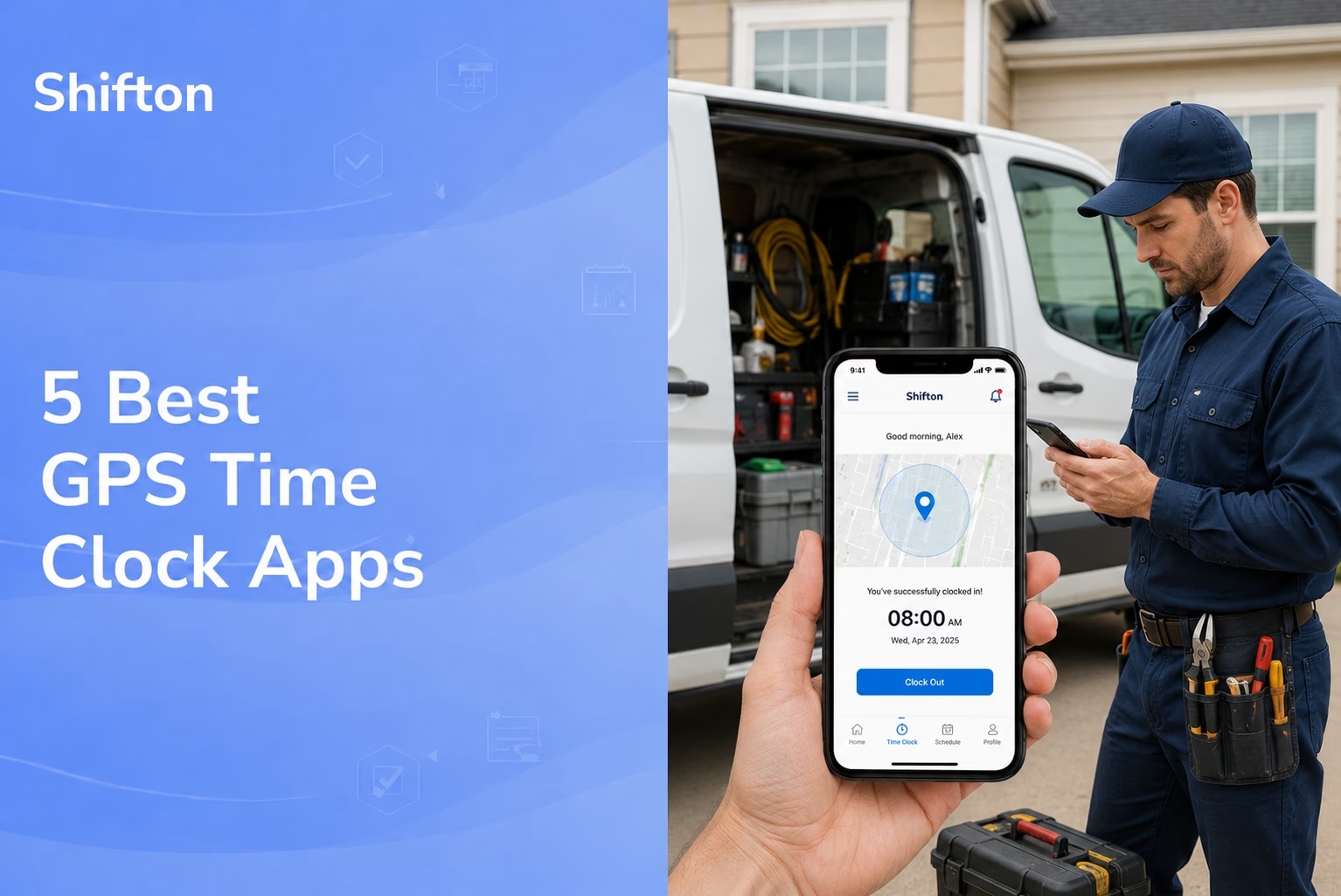
Paper timesheets and honor-system clock-ins fall apart the moment your crew leaves the office. Start times get disputed, and managers reconcile payroll gaps by hand. That is the exact problem a GPS time clock app was built to solve: it stamps every punch with a location, so the hours you pay for line up with where the work actually happened.
Time tracking is only one piece of field work – our roundup of the best free field service management software covers tools that bundle scheduling, jobs and more for free.
This guide walks through the 5 best GPS time clock apps for 2026, from full workforce platforms to lean gps time clock software for small crews. A couple are pitched as the best gps time clock app outright; others bury a time clock software with gps inside a bigger suite. We looked at how each one handles geofencing, location-based time tracking, and the messy handoff from clock-out to payroll. Whether you need a simple gps clock in app for a two-person team or a mobile time clock that scales across dozens of sites, there is a fit below.
A quick note on how we picked: every tool here actually does location tracking (not just a stopwatch with a logo), runs on iOS and Android, and has pricing or a free tier you can verify on the vendor’s own site. We leaned toward apps that field managers can hand to a non-technical crew without a training day. If you want the wider category that includes punch clocks without location features, our roundup of the best free time clock apps covers that ground.
Our Top Picks
Five apps made the list. If you want the short version, these three cover most crews.
Shifton
Teams that want the schedule, the punch and payroll in one system. The schedule is free for 10 people; the punch is the paid Attendance module ($1 per employee a month) and GPS clock-in is a $5 module with a 10-day trial.
ClockShark
Trades that want GPS clock-in tied to job costing
Clockify
Tight budgets that can live with GPS as a paid upgrade on a free plan for up to 5 users
Why trust us?
Shifton is our own product, and we ranked it first. Say that up front, then judge the rest on what follows.
The other four we can defend line by line. Every geofence limit, free tier and price here came off the vendor’s own pricing page, not a competitor’s roundup, and where a vendor only quotes on a call, we print that rather than a number we made up. Five apps cleared the bar we set: real location on both iOS and Android, geofencing you can actually configure, and a punch that survives the trip to payroll.
What Makes a Good GPS Time Clock App
The label “GPS time tracking” gets stuck on a lot of software that barely earns it. Before comparing tools, it helps to know what separates a real employee gps time tracking system from a basic timer with a map thumbnail.
- Geofencing that does something: Drawing a circle around a job site is table stakes. The useful part is what happens at the edge – auto clock-out when someone drives away, a warning when they punch in two miles from the site, a flag for the manager. Geofence time tracking is only worth it if the fence triggers an action.
- Honest location logging: A good time clock with gps tracking records a point at punch-in and punch-out, not a constant breadcrumb trail that drains the battery and spooks the team. You want proof of attendance, not surveillance.
- Offline punches: Crews work in basements, rural sites, and dead zones. The app should let someone clock in with no signal and sync the location the moment bars come back.
- A clean path to payroll: Captured hours are only half the job. The strongest gps time tracking software turns approved timesheets into an export your payroll provider can read, without a copy-paste step.
Keep those four in mind and most of the marketing noise around any gps time clock app sorts itself out fast.
How GPS Time Clocks Actually Work
Mechanically, a gps time clock is simple. When an employee taps “clock in” on the mobile app, their phone hands over a single location reading, which the system pins to the timestamp. Clock out, and it grabs a second point. That pair of coordinates is what turns a plain time card into a gps time card you can defend.
You will see the same idea sold under a dozen names: a time clock app with location, a clock in app with location, a timeclock app with gps, even a time card app with gps or a plain location time clock. The mechanics behind gps clocking do not change. A real time tracking app reads the phone’s position at the punch, so today’s gps tracking time clock is just a time clock app gps setup in your pocket: a gps enabled time clock with location tracking built in. Phones replaced the old time tracking devices and wall-mounted hardware.
Geofencing adds a rule on top. You draw a boundary around a client address or a yard, and the location based time tracking engine watches whether punches land inside or outside it. This is what people mean by geofencing time tracking, and a dedicated geofencing time tracking app or geo time clock enforces it automatically; heavier geo time tracking software layers reporting on top. The best ones use the fence to remind a worker who forgot to clock out, which is where most of the day-to-day payroll leakage actually hides.
Who Needs a GPS Time Clock App
Any team that earns its money away from a fixed desk is the core audience. Construction is the obvious one. A construction gps time clock – a gps time clock for construction, same thing – paired with a job site time clock keeps labor tied to the right project, and crew time tracking stops hours drifting between sites. Field service runs on the same logic: field service time tracking and field employee time tracking turn a day of scattered visits into clean, billable records.
It is not only trades. Cleaning companies, security patrols, home care, and delivery use apps to track employee location so a dispatcher knows a shift actually started on site. For them an employee tracker app, or any GPS tracking employee feature, is less about suspicion and more about proof.
A mobile time card app on each phone replaces the clipboard, and the visit is logged where it happened. Office-light teams lean on a staff time tracking app for the same reason, and a mobile workforce time tracking setup keeps a roaming field team time tracking honest. Some buyers search for an employee location tracking app or simple gps based attendance, but it is the same gps attendance app idea under another name.
From GPS Timesheet to Payroll
The real payoff sits after the punch. A gps timesheet is only useful if it pays people correctly, so a good gps timecard rolls approved hours into payroll without retyping. Call it a gps timesheet app, a timesheet app with gps, a timesheet with gps, or a timesheet app with geofencing; the job is the same.
Whether your team says gps employee time clock, gps time clock for employees, or just gps time clock system, the export is what matters. An employee time clock with gps that drops clean hours into payroll saves more admin time than any fancy map ever will.
The 5 Best GPS Time Clock Apps
Shifton
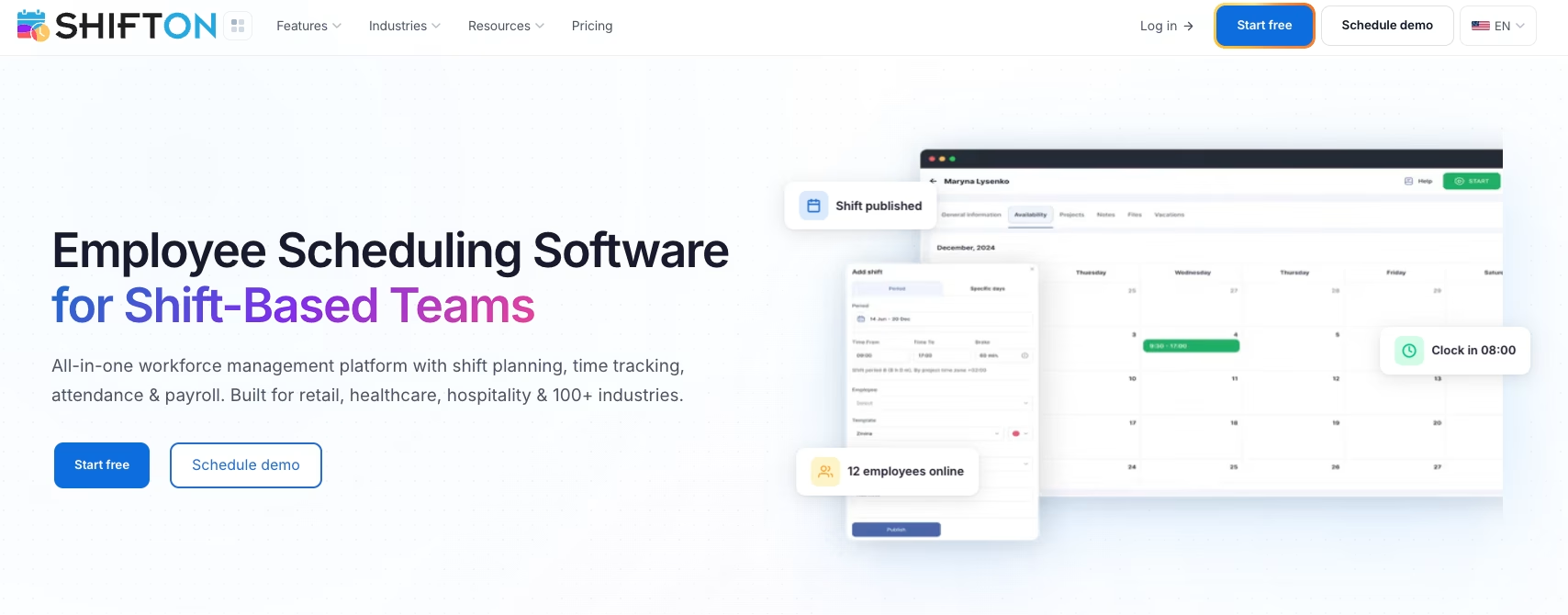
Shifton is built for managers who schedule, track, and pay a mobile workforce in one place, which makes it our top pick for teams that want a gps time clock app without bolting three separate products together. The clock-in (the paid Attendance module) lives inside the same system as the schedule, so a worker opens the app, sees their shift, and punches in – and with Work location control on, the location gets stamped right there.
Where Shifton pulls ahead is the Work Location Control module. Instead of a generic dot on a map, you get a real location based time clock app: managers define where a shift should happen, and the system records whether the punch matched. That makes it a practical employee time tracking with gps option for field crews, cleaning teams, security routes, and anyone whose “office” changes by the hour. Because attendance, scheduling and the paid Payroll module sit together, the trip from a clocked hour to a gross pay report is short.
- GPS-stamped punches tied to each scheduled shift, not a separate tracker
- Work Location Control to confirm a clock-in happened where the job is ($5 per employee a month, on top of Attendance)
- Built-in time tracking through the paid Attendance module ($1 per employee a month), plus overtime control on the free plan
- Work location oversight across multiple sites from one screen
- Report exports for payroll, plus a paid Payroll module ($0.50 per employee a month)
Pricing starts with a free scheduling plan for up to 10 employees, and the clock and location features come as per-employee modules (Attendance $1, Work location control $5 on top of it) rather than a forced jump to an enterprise tier. Best for: growing field and shift teams that want scheduling, a gps clock app, and payroll under one roof instead of three subscriptions.
Put your timesheets where the work happens
Plan the shift and see where it was worked. The Work location module is $5 per employee with a 10-day trial, on top of Attendance.
Hubstaff
Hubstaff leans hard into proof-of-work. Alongside the gps time tracker, it records optional screenshots, app usage, and activity levels, so it appeals to teams that want location plus a window into what happened during the hours. For a mix of field and remote staff, that breadth is the draw.
- GPS location plus geofences that can auto start and stop the timer
- Activity monitoring (screenshots, app and URL tracking) for hybrid teams
- Payments and scheduling on the Team plan and up
There is no free plan, only a 14-day free trial. Plans start at $4.99 per seat a month on annual billing ($7 monthly), and GPS and geofencing need the Locations add-on, which starts on the Team plan ($3.33 per seat a month on annual billing) and comes with Enterprise. Best for: companies that want gps time tracking and productivity monitoring in the same dashboard and do not mind the heavier footprint that comes with it.
Clockify
Clockify earns its spot on price. It has a free plan for up to 5 users, and even its paid tiers stay cheap, which makes it the budget answer for anyone who needs a time tracker with gps without a big monthly bill. The catch worth knowing up front: GPS lives on the Pro plan, not the free one.
- Free plan covers up to 5 users (no GPS at this level)
- GPS location unlocks on the Pro tier
- Clean timesheets, reports, and a kiosk mode for shared devices
Paid plans run from $3.99 per seat a month on annual billing ($4.99 monthly), and the location-based features sit at the Pro level ($7.99 annual). Best for: budget-conscious teams that mainly need straightforward time tracking and can treat gps as an upgrade rather than the main event.
Connecteam
Connecteam is a broad deskless-workforce app, and its time clock with geofencing is one piece of a larger toolkit that also covers chat, checklists, and training. The geofencing is solid: you can require employees to be inside a set boundary before the clock in app with gps will accept a punch, which kills a lot of buddy-punching.
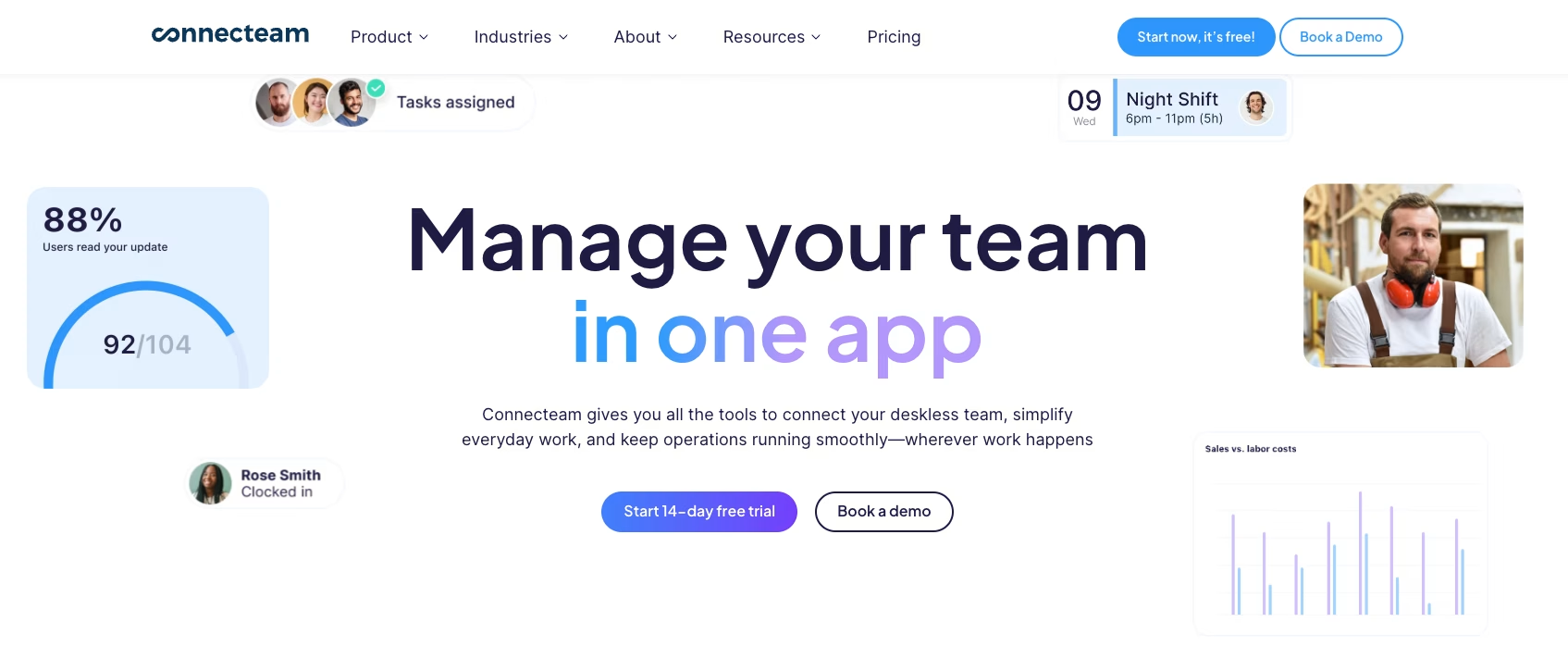
- Geofenced clock-ins with live GPS on the mobile app
- Free plan for small businesses, with paid tiers billed in user bands
- Extra modules (comms, HR, training) if you want more than time tracking
The free Small Business plan covers up to 10 users, and paid bands are priced as flat tiers that include the first block of users before per-user charges kick in. Best for: small businesses that want a geofencing time clock bundled with broader employee-app features in one subscription.
ClockShark
ClockShark was built with construction and field service in mind, and it shows. The gps time card app handles crew clock-ins, job and task tracking, and scheduling, with GPS clock-ins tied to jobs and crews.
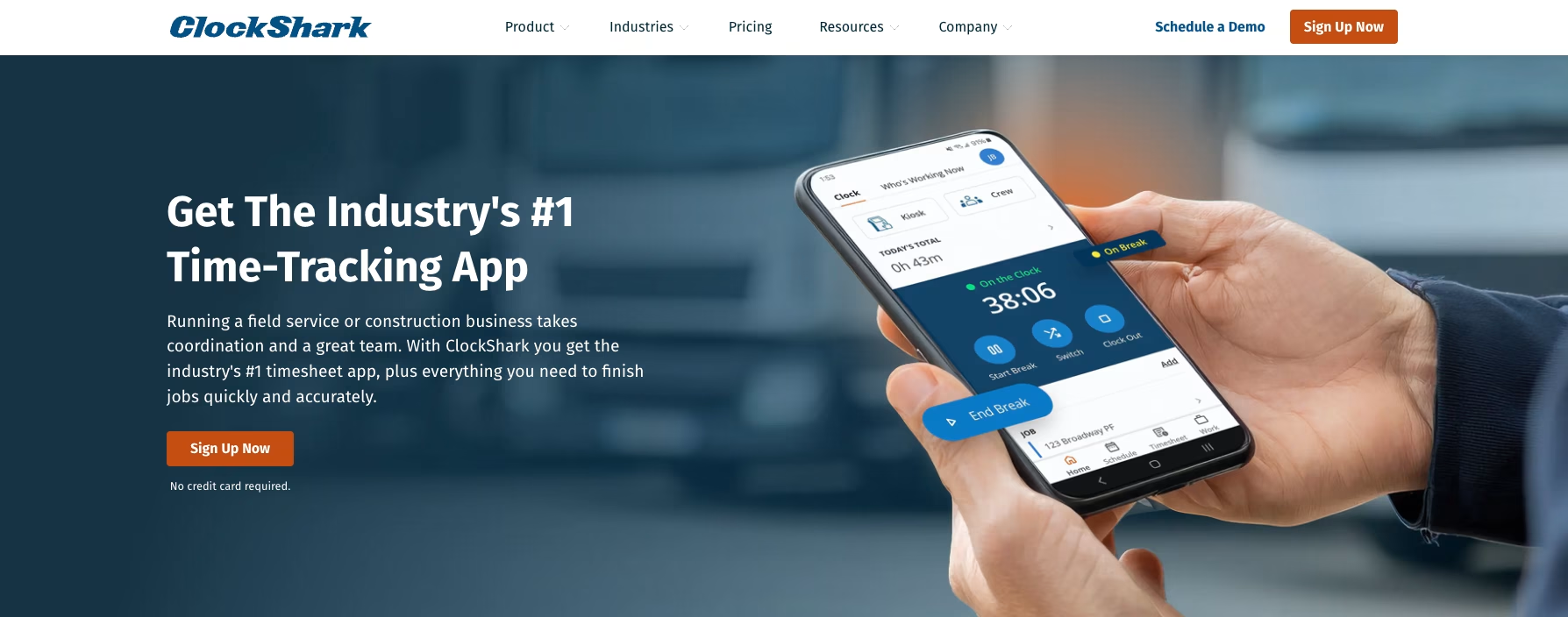
- GPS clock-ins tied to jobs and crews
- Crew clock-in, job costing, and drag-and-drop scheduling
- Built for contractors tracking labor across multiple job sites
ClockShark’s help center names Standard and Pro plans and a 14-day trial with all Pro features, but the pricing page was not readable when we checked, so we print no price; confirm the current rates with the vendor. Best for: construction and trade businesses that want location-based time tracking tied directly to job costing.
Buddy Punching: What a Geofence Actually Stops
Buddy punching is the oldest trick on an hourly team: one person taps in for another who is still asleep. A few minutes here and there, and then you multiply it by a crew of twenty and a full year.
A geofence time clock kills the easy version. If a punch only counts inside a boundary you drew, a phone three towns away gets rejected, and geofencing attendance stops running on trust. That is the pitch behind geofence clock in: location is the proof, not the promise.
Be honest about the limit, though. A geofence cannot tell you who is holding the phone. Someone already on site can still punch for a mate parking around the corner, and no boundary catches that. To prevent buddy punching properly you need a second signal – a selfie at clock-in, facial recognition – and it pays to check which tier that sits on before you assume it is bundled.
Geofence Precision: How Small a Zone Each App Can Hold
Most apps here draw geofences. The number that decides whether they are useful on your sites is the smallest circle the app will accept, and the vendors are far apart on it.
| App | Zone shape | Smallest zone | Largest zone |
|---|---|---|---|
| Shifton | Circle around an address | 50 m default radius, adjustable | No published cap |
| Hubstaff | Circle | 50 m radius | No published cap |
| Connecteam | Circle | 150 m radius (500 ft) | 750 m radius (2500 ft) |
| ClockShark | Not published | Not published | Not published |
| Clockify | Not published | Not published | Not published |
Two things follow from that column. Where sites sit close together, several units in one industrial park or two tenants in one building, a 150 m floor makes the zones overlap and a clock-in lands on whichever site the phone decided it was nearest. And a yard is rarely round. A long depot, a stretch of road, a campus with the car park on the far side: only a drawn polygon covers those without swallowing the street.
Radius is not accuracy, either. A phone reports its position to within 5 to 20 metres in the open and much worse between tall buildings, so a tight circle in a dense block will still catch the pavement outside. What separates the apps is what they do with that wobble. Shifton waits: by default the departure notice fires after five minutes outside and ten metres past the edge (both adjustable), so a reading that jumps once does not raise anything. Clockify describes recording the clock-in location rather than blocking a punch, names no geofencing on its pages, and puts GPS tracking on the Pro plan.
Ask a vendor for the minimum radius before you sign. It is a one-line answer and it tells you whether the tool fits your sites or only the ones in the marketing screenshots.
Compare the Best GPS Time Clock Apps at a Glance
Prices and free tiers shift, so treat this as a starting map and confirm current numbers on each vendor’s site before you commit.
| App | Free plan | Paid from | GPS / geofencing | Best for |
|---|---|---|---|---|
| Shifton | Yes, scheduling for up to 10 employees | Per-employee modules: Attendance $1, Work location control $5 | Work Location Control + geofencing (paid, $5) | Scheduling + GPS + payroll in one |
| Hubstaff | No, 14-day trial | From $4.99/seat/mo (annual) | GPS and geofencing via the Locations add-on (Team plan and up) | Location plus activity monitoring |
| Clockify | Yes, up to 5 users | From $3.99/seat/mo (annual) | GPS from the Pro plan | Budget time tracking |
| Connecteam | Yes, up to 10 users | Flat band, first users included | Geofencing from the Advanced plan; included on the free plan | Small deskless teams |
| ClockShark | No free plan published; 14-day trial | Not published | GPS clock-in; plan split not confirmed | Construction and trades |
Which GPS Time Tracking App Is Right for You
The right pick comes down to what the location data has to connect to. If you just need to know hours and where they happened, a lean time clock gps app like Clockify or Hubstaff does the job, and any decent time tracking app with gps covers the basics. If your real focus is seeing where staff are rather than clocking in for payroll, our guide to the best employee location tracking apps digs into that side.
There is no single best time clock app with gps for everyone; the top gps time tracking software on one team’s list is overkill on another’s. If GPS is really a stand-in for “did the crew get to the site and get paid correctly,” you want the location layer wired into scheduling and payroll – that is where Shifton fits, and it is why teams that started with a basic mobile time clock app tend to graduate to it.
Construction crews leaning on job costing will feel at home in ClockShark, while a small shop that wants a geofencing time clock alongside team chat and checklists gets more from Connecteam. Behind the buzzwords – gps work clock, gps shift tracking, gps time logging, even time tracker app with gps – the value is one thing: accurate hours tied to a place. None of these are wrong answers; they are built around different versions of that single problem.
FAQ
What is the best GPS time clock app in 2026?
There is no single winner for every team. Shifton is the strongest all-in-one pick because it pairs a gps time clock (paid modules) with scheduling and a paid Payroll module, so location data does not live in a silo. Clockify wins on price, Connecteam on bundled deskless features, ClockShark on construction job costing, and Hubstaff if you also want activity monitoring.
How does a time clock app with geofencing work?
You draw a virtual boundary around a job site or office. When an employee tries to punch in, the clock in app with gps checks whether their phone is inside that fence. Depending on the tool, it can block an out-of-bounds punch, flag it for a manager, or auto clock someone out when they leave – which is how geofence time tracking cuts down on buddy-punching and forgotten clock-outs.
Is there a free GPS time clock app?
Yes, but few. Connecteam’s free Small Business plan covers up to 10 users and includes GPS stamps and geofencing. Clockify has a free tier without GPS, and Hubstaff has no free plan, only a 14-day trial. Shifton’s free plan covers scheduling only: GPS is a paid module at $5 per employee a month, with a 10-day trial. The common catch is that the gps and geofencing features often sit on a paid level. A truly free time clock app with gps, or a free time clock app with geofencing, is rare; many label themselves a gps time clock app free or gps time tracking app free but cap the location features, and a genuine time clock app with gps free of those limits is rarer still, so check what the free version of any free clock in app with gps actually includes before you roll it out.
Is it legal to track employees with a GPS time clock?
In most places, yes, when the tracking is limited to working hours, tied to a legitimate business need, and disclosed to staff. The cleaner tools record a location only at clock-in and clock-out rather than following someone all day, which keeps employee gps time tracking on the right side of privacy expectations. Shifton’s Work location control records the route during the shift only, and only with the employee’s permission. Always check the rules for your region and tell your team how it works.
What happens if an employee forgets to clock in or out?
Good gps time tracking software gives managers a way to add or correct a punch, with an audit trail so the edit is visible. Geofencing helps prevent the problem in the first place: a location based time tracking app can nudge a worker who left the site without clocking out, so the timesheet stays accurate without a manual chase.



Start making changes today!
Optimize processes, improve team management, and increase efficiency.