

Top 6 Workforce Planning Tools for Shift-Based Teams in 2026

The best workforce planning tools for shift-based teams turn expected demand into a headcount for each hour and then into a schedule that stays inside budget. Deputy lists demand forecasting and labor budgets from its Core plan at $6.50 per user a month on annual billing. When I Work prints $2.50 per user, Shifton adds Forecasting at $2 per employee to a free plan for up to 10 employees, and Legion sells by quote. Prices checked on 22 November 2026.
This is operational planning for hourly and shift teams, not the multi-year headcount modelling that the guide to headcount planning covers. Six tools are compared on where forecasting starts, what each plan costs for 10 and 50 people, and what the forecast is built from. Shifton is our own product and is listed first; it builds shift schedules from a headcount-per-hour table that you supply, and it does not predict demand by itself.
Our Top Picks
Six workforce planning tools made the list. The three below cover a team that supplies its own demand numbers, a team that wants forecasting at a published price and a large frontline employer.
Shifton
Best for hourly teams that already know how many people each hour needs: upload or type a headcount-per-hour table and the wizard builds shifts against it. Free for up to 10 employees; Forecasting is $2 per employee a month, plus $1 for Basic functions.
Deputy
Best forecasting at a published price: demand forecasting, labor optimization and wage budgets arrive with Core at $6.50 per user a month billed annually.
Legion
Best for large frontline employers: labor planning with forecasts, weekly allocation and what-if scenarios, sold by demo only.
Why trust us?
Shifton is our own product, and it is first. Its forecasting works from numbers you give it, so where a rival predicts demand from sales data, the section says so.
Five more follow, from the cheapest published price to the vendor that publishes none. Every figure comes from the vendor's own site and was read on 22 November 2026; a price that is not printed is not guessed.
What Workforce Planning Tools Have to Do
A plan starts from demand: customers per hour, orders per shift, patients per ward. The tool needs a way to hold that number, whether it arrives as a file, a typed table or a feed from the till. From it comes the second step, the headcount per hour, and the third, a schedule that meets it without breaking labor rules or the wage budget. Tools differ most on the first step. Some forecast demand themselves from sales history, and others only accept the number you already trust.
Three checks separate the tools in practice. Does the plan compare forecast with actual, so next week's numbers improve? Does it hold a wage or hours budget that the schedule is measured against? And at which price does each of these begin? The older guide to workforce demand forecasting explains the forecasting step in more depth.
Where Each Workforce Planning Tool Gets the Demand Number
Input decides how much work the forecast saves. Six sources appear in the vendors' own descriptions, and three of them need no typing from the manager.
- Shifton takes a table of people needed per hour and day, typed by hand or uploaded as a file, and tests changes to it as scenarios.
- Deputy pulls sales data from a POS integration and compares forecasts with actual data inside the schedule.
- When I Work lists labor forecasting tools on every plan and integrates with POS systems; it does not describe the model.
- Homebase builds a sales forecast from the average of the same weekday over the prior two weeks, lets a manager edit it, and syncs connected POS sales.
- Planday's Plus plan integrates revenue, and Pro adds custom planning metrics.
- Legion builds interval-level demand forecasts and turns them into labor requirements with productivity standards and labor rules.
Legion, Deputy and Homebase describe a forecast that the system computes from sales or demand data. A tool that accepts your numbers, as Shifton does, leaves the judgment with the manager, which suits a team that knows its week and costs less.
Top 6 Workforce Planning Tools for Shift-Based Teams
Shifton first, then five others.
Shifton
Shifton plans labor in two layers. The Schedule Creation Wizard builds a schedule in Basic, By Availability or Advanced mode from the parameters you set. With the paid Forecasting module the wizard gains a Load Demand step: you give it the number of people each hour or each day needs, either typed by hand or uploaded as a file, and it builds shifts against that table. A scenario view lets you change the traffic and set an allowed deviation to see how many people each version needs.
Around that sit the cost reports. Budget and pay rate reports show time worked and cost per project, and base pay, overtime, night rates and adjustments per employee. Overtime and night-hours control come with the Basic functions. Schedules export to Excel or PDF, and each report has its own export button.
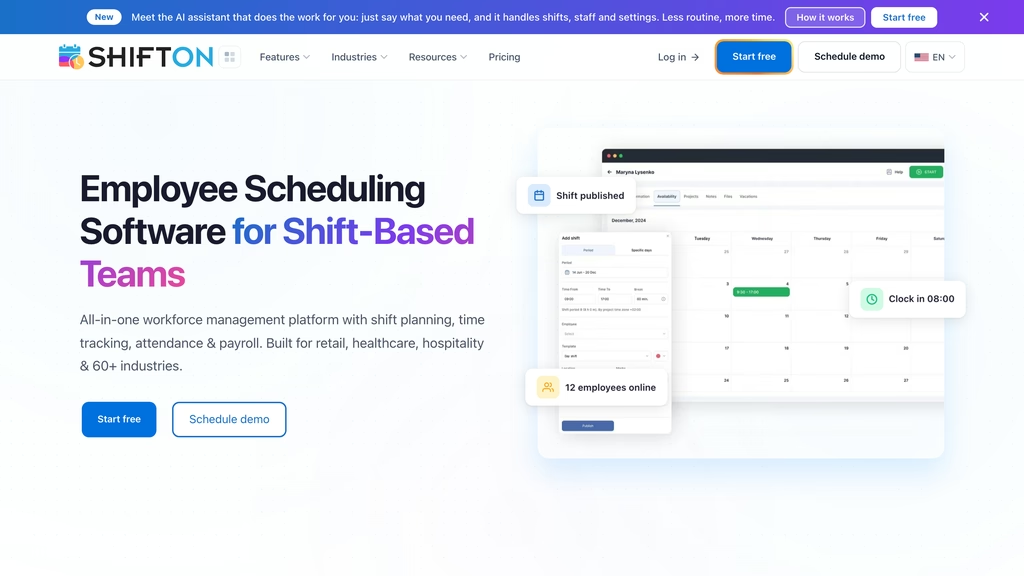
- Free for up to 10 employees with no time limit, and only while no paid module is on; Basic functions then cost $1 per employee a month for everyone
- Forecasting is $2, Attendance $1 and Employee working hours $0.50 per employee a month, with trials of up to 60 days
- Time off requests are $1 and GPS Work location control $5 per employee a month
Its forecasting does not read sales data or predict demand: the headcount table is yours. It does not do multi-year headcount scenarios or skills-based planning either. For a team that knows its busy hours and needs the schedule to follow them, that is enough; for a retailer that wants the tool to forecast from the till, it is not.
Best for: an hourly team of 10 to 100 that sets its own demand table and wants the schedule and the cost report in one place.
Build the schedule from a headcount table
Shifton turns the number of people each hour needs into shifts, then reports what they cost. Free for up to 10 employees.
Deputy
Deputy draws the line between plans at forecasting. Lite is $5 per user a month on annual billing and covers basic scheduling, timesheets and clocking. Core is $6.50 and adds auto-scheduling, micro-scheduling, demand forecasting, labor optimization and wage and labor budgets. Pro is $9 and adds custom access levels, location hierarchies and single sign-on, and its button reads Contact us. Billed monthly the same plans are $5.50, $7.25 and $10, and the page marks account size limits.
Its demand forecasting page describes demand-based automation: forecasts are compared with actual data to find gaps, minimum coverage is held while the schedule stays inside budget, and a POS integration brings sales data into the schedule. Add-ons are priced apart: payroll is $8 per user plus a $49 monthly base fee in the US, HR is $2, and Analytics+ is $1.50 and included on Pro. The hero says up to 31 days of trial, with no credit card.
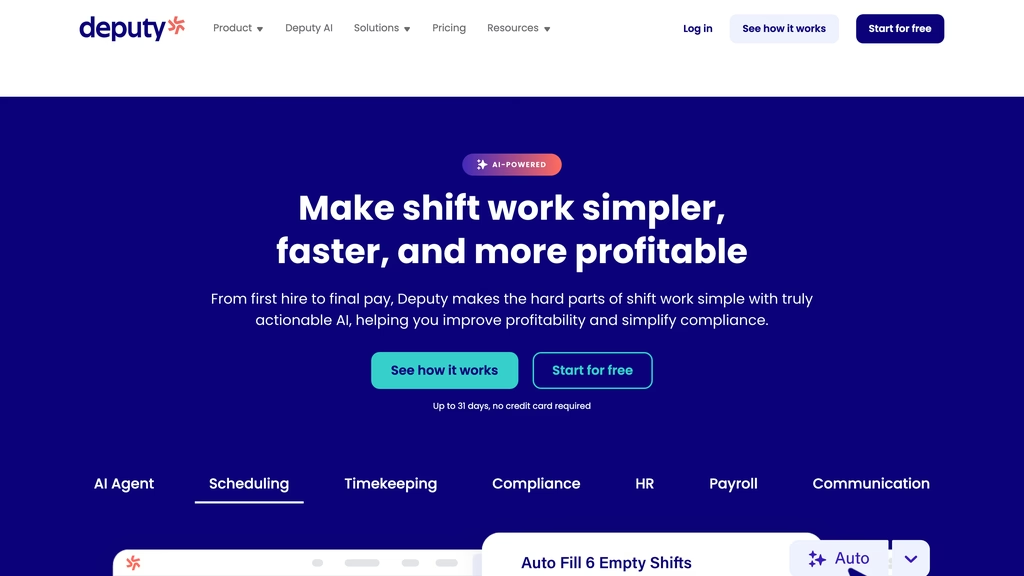
Lite has no forecasting, so the step from $5 to $6.50 is the price of the forecast. Best for: a multi-site team in retail, hospitality or healthcare that wants forecasts compared with actuals and a wage budget on a published per-user price.
When I Work
When I Work sells on two prices: $2.50 per user a month for a single location or schedule, and $5 for multiple locations or schedules. The page does not say whether the figure assumes monthly or annual billing, only that both are available. A 14-day trial is free. The plans differ by structure, not by features: the list of what is included in every plan names workforce analytics, budgeting and labor forecasting tools, auto scheduling, shift swapping, overtime and break tracking and GPS clock-in.
The multi-location plan adds unlimited job sites and locations, labor sharing between departments and locations, custom reporting and role permissions, and multiple time zones. The single-location plan lists standard labor reports and forecasts. It integrates with payroll and POS systems, and Rippling is its preferred partner. Its home page says it is designed exclusively for hourly workers.
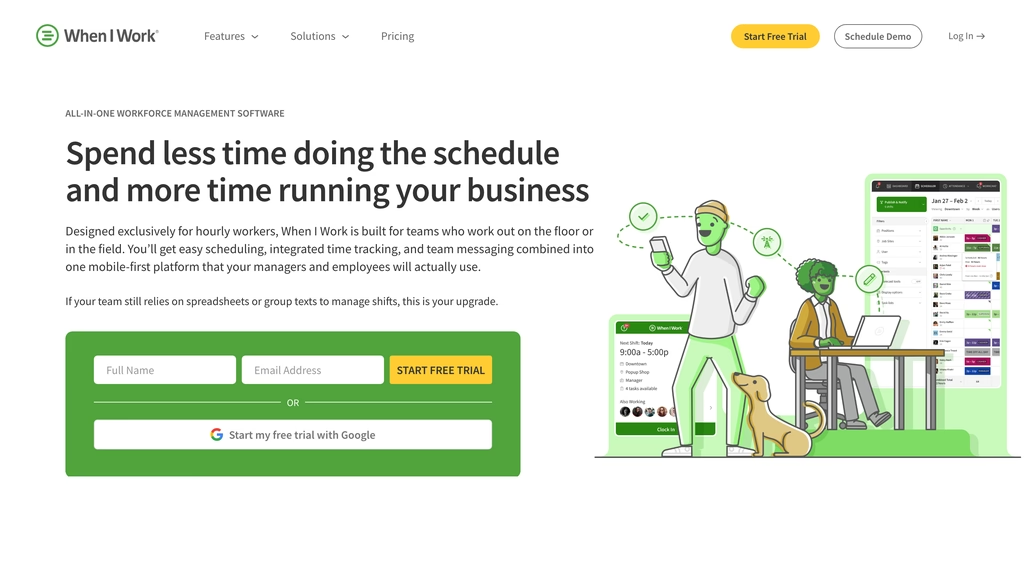
There is no separate planning tier to climb to, which is simple to buy and hard to compare, since the forecasting depth is not described beyond the phrase. Best for: a small hourly team with one or two sites that wants forecasting named in the plan without paying for a higher tier.
Homebase
Homebase prices per location rather than per person. Basic is $0 for one location with up to 10 employees. Essentials is $30 per location a month with unlimited employees, Plus is $70 and All-in-One is $120 as the pricing page prints them; the page has a switch between annual and monthly billing, and the $70 for Plus matches the monthly price quoted elsewhere on the site. A promotion currently shows Plus at $0 for six months when payroll is added. The payroll add-on is $49 a month base plus $6 per employee paid, and the trial is 14 days of All-in-One with no credit card.
Forecasting starts at Plus. Homebase's labor forecasting page says it is included from Plus, $56 per location a month billed annually or $70 billed monthly, with unlimited employees. The sales forecast comes from past sales, using the average for the same weekday over the prior two weeks, and a manager can edit any day for holidays or promotions; connected POS sales sync into it, and a labor percentage target can be set. The Business Insights row of the plan comparison lists the same idea, a schedule built from forecasted sales and custom labor targets. Per-location pricing favours a site with many staff and punishes a business of many small sites.
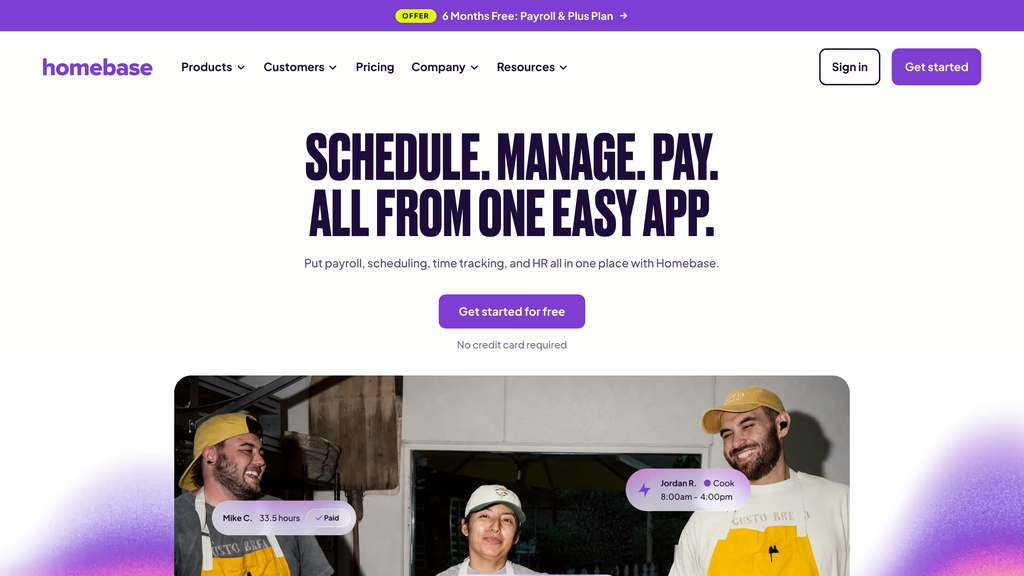
Best for: a single restaurant, salon or shop with more than 10 people that wants a per-location price whatever the headcount.
Planday
Planday prices in euros and keeps its planning features for the upper plans. Starter is €2.99 per user a month with at least 5 users and covers scheduling, simple time tracking, working-time rules and basic payroll reporting. Plus is €4.99 per user plus a €25 monthly subscription fee, with at least 10 users, and adds advanced scheduling, leave and absence management, revenue integration and reporting, and API access. Pro is custom: custom planning metrics, auto-scheduling and a configurable organizational structure. The trial is 30 days, with no credit card.
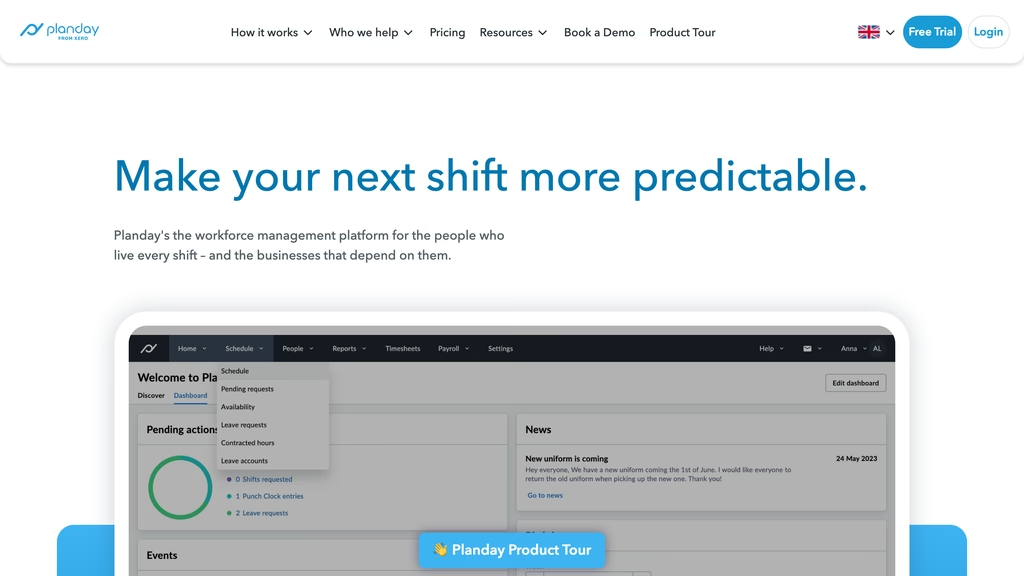
The revenue integration on Plus lets a manager see labor against takings; auto-scheduling and custom planning metrics wait on Pro, whose price is by quote. A buyer who wants the forecast-led features pays at the top of the range. Best for: a multi-site operator in food service, retail or care that buys in euros and wants revenue next to the roster.
Legion
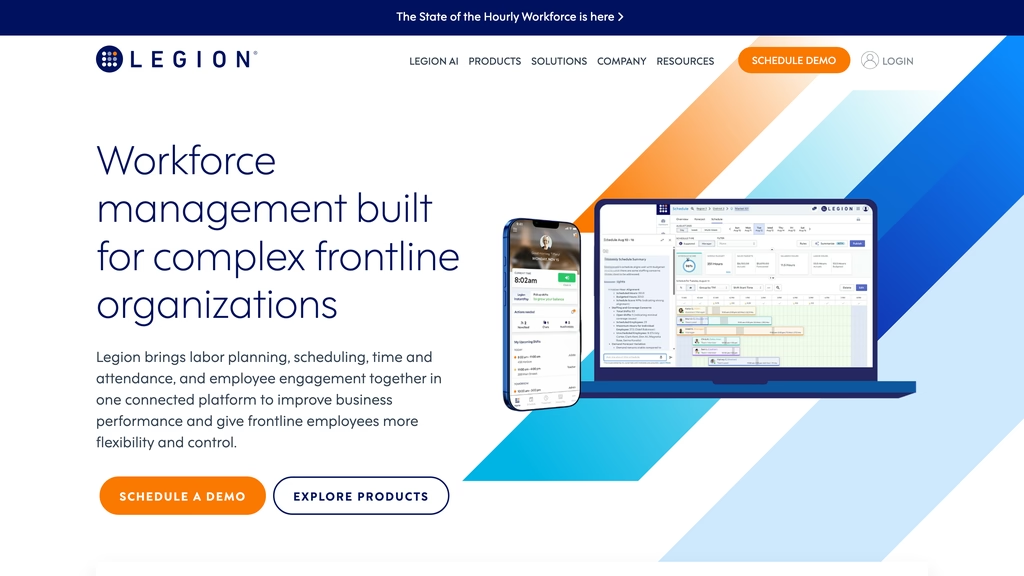
Legion is the planning specialist of the six, and its labor planning product treats planning as a cycle. Interval-level demand forecasts become labor requirements through productivity standards and labor rules. An annual plan fixes hours, cost and headcount. Each week the plan is spread across locations, roles and periods while the annual baseline stays untouched, and managers can test changes to wages, opening hours or headcount in a separate scenario before anything goes live. Approved plans pass into scheduling, which enforces them.
It sells to complex frontline organizations, its solutions menu lists convenience stores, grocery, healthcare, hospitality and retail, and it shows no price. The address /pricing returns "page not found", and every button reads Schedule Demo. Nothing states a free plan, a trial or a minimum size.
Best for: a chain with hundreds of staff and a finance team that wants the annual labor plan enforced in the schedule.
What Does Workforce Planning Software Cost for 10 and 50 Employees?
Prices checked on 22 November 2026. Each line uses the cheapest plan that lists forecasting or planning, with the billing the vendor prints.
- Shifton: 10 employees on Basic functions with Forecasting is 10 x ($1 + $2) = $30 a month; 50 employees is $150. Without Forecasting, 10 employees are free.
- Deputy Core: 10 users is $65 a month billed annually, or $72.50 monthly; 50 users is $325 annually, or $362.50 monthly.
- When I Work: 10 users is $25 a month on the single-location price and $50 on the multi-location price; 50 users is $125 or $250. The billing term is not stated.
- Homebase Plus, where forecasting starts: $56 per location a month billed annually or $70 billed monthly, with unlimited employees, so 10 and 50 employees cost the same.
- Planday Plus: 10 users is 10 x €4.99 + €25 = €74.90 a month; 50 users is €274.50. Billing term not stated.
- Legion: no price published, demo first.
Per-user pricing hurts as the team grows.
Four of these scale with headcount. Homebase charges by site, so one location of 60 costs the same as one of 12, and Legion and Planday Pro are quotes. At 50 employees the per-user tools run from When I Work's $125 to Deputy's $325 a month, and the nature of the forecast, supplied or computed, accounts for much of the gap.
Which Workforce Planning Tools Have a Free Plan or Trial?
Shifton and Homebase are the two with a free plan: up to 10 employees at Shifton, and one location with up to 10 employees at Homebase. Deputy, When I Work and Planday offer trials of up to 31, 14 and 30 days, and Homebase offers 14 days of All-in-One. Legion offers a demo. Free here means free scheduling. Shifton's free plan leaves out the Forecasting module, and Homebase's free Basic plan leaves out forecasting, which starts at Plus.
How to Choose Workforce Planning Tools for Shift-Based Teams
Decide first where the demand number comes from. If it comes from the till or a booking system, shortlist Deputy, Homebase and Legion, which describe sales or demand data feeding the forecast. If it comes from the manager's knowledge of the week, Shifton's headcount table is enough and cheaper. Then check which plan holds the forecast, because Deputy's sits on Core, Planday's on its upper plans and Shifton's in a paid module.
Size decides the rest. Under 15 people, a free plan with a manual demand table can be enough, and the choice between Shifton and Homebase is a choice between a per-person price after 10 employees and a per-location price. Between 15 and 100, the gap in per-user price is small money against the hours a manager spends rebuilding the week, so the budget feature and the forecast-versus-actual comparison matter more than the monthly figure; at 50 employees the gap between the cheapest and the dearest per-user tool is $200 a month. Above that, a labor plan with scenarios becomes worth a quote, which is Legion's ground. The comparison of employee scheduling software for small business covers the cheaper end in more detail, and the page for workforce reporting software shows the Shifton reports used in the cost step.
Compare
Prices checked on 22 November 2026 on each vendor's own site. "Not published": no price is printed. "Not stated": the site is silent on it.
| Tool | Free plan or trial | Paid from, and billing | Forecasting or planning starts at | Best for |
|---|---|---|---|---|
| Shifton | Free plan, up to 10 employees; modules trial up to 60 days | $1 per employee a month for Basic functions, plus $2 for Forecasting | Forecasting module; demand table you supply | Hourly teams that set their own demand numbers |
| Deputy | Trial up to 31 days, no card | $5 per user a month billed annually, $5.50 monthly (Lite) | Core, $6.50 annual: demand forecasting, labor optimization, wage budgets | Multi-site teams wanting forecasts against actuals |
| When I Work | 14-day free trial | $2.50 per user a month, one location; $5, multiple; billing not stated | Every plan lists labor forecasting tools | Small hourly teams on one or two sites |
| Homebase | Free plan, 1 location, up to 10 employees; 14-day trial of All-in-One | $30 per location a month (Essentials), as printed; Plus is $56 annual, $70 monthly | Plus: labor forecasting from past sales | Single sites with more than 10 staff |
| Planday | 30-day trial, no card | €2.99 per user a month, minimum 5 users (Starter) | Plus, €4.99 plus €25 a month: revenue integration; auto-scheduling on Pro | Multi-site operators buying in euros |
| Legion | Demo only | Not published | Labor Planning product: forecasts, allocation, scenarios | Chains with hundreds of staff |
FAQ
What are workforce planning tools?
They turn expected demand into a headcount for each period and then into a schedule. For shift-based teams that means a demand forecast or table, a schedule built against it and a budget it is measured against. Strategic headcount planning across years is a different job.
What is the best workforce planning software for a small business?
For a small hourly team, Shifton is free for up to 10 employees and adds Forecasting at $2 per employee, Homebase is free for one location of up to 10 and adds labor forecasting from Plus at $56 per location, and When I Work is $2.50 per user with labor forecasting listed on every plan. Deputy adds demand forecasting from its Core plan at $6.50 per user.
Are there free workforce planning tools?
Two of the six: Shifton for up to 10 employees and Homebase for one location with up to 10 employees. Both are free scheduling: Shifton's Forecasting is a paid module, and Homebase's labor forecasting starts at its Plus plan. Deputy, When I Work and Planday offer free trials of 14 to 31 days.
Can Excel be used for workforce planning?
For one site with steady demand, a spreadsheet works, and Shifton exports a schedule to Excel or PDF. The cost appears when demand shifts weekly: someone must rebuild the headcount table, compare it with hours worked and keep the budget in sync, which is what the tools above hold in one place.
What is the difference between workforce planning and workforce management software?
Planning sets how many people each period needs and what that costs. Management software runs the shifts: clocking in, swaps, time off and payroll export. The six tools here do both and differ in how far planning goes. Legion describes an annual labor plan, while the others describe planning at the level of the schedule.




Start making changes today!
Optimize processes, improve team management, and increase efficiency.