

 English
  Español
  Português
  Deutsch
  Français
  Italiano
  日本語
日本語  中文
中文  हिन्दी
  עברית
עברית  العربية
  한국어
한국어  Nederlands
  Polski
  Türkçe
  Українська
  Русский
  Magyar
  Română
  Български
  Čeština
  Ελληνικά
  Svenska
  Dansk
Dansk  Norsk
Norsk  Suomi
Suomi  Bahasa Indonesia
  Tiếng Việt
  Tagalog
  ไทย
ไทย  Latviešu
  Lietuvių
  Eesti
Eesti  Slovenčina
  Slovenščina
  Hrvatski
  Македонски
  Қазақша
  Azərbaycan
  Afrikaans
  বাংলা
বাংলা Smart IT Scheduling for Tech Teams
Optimize Workforce & Automate Scheduling with the Best Tech Scheduling Software!

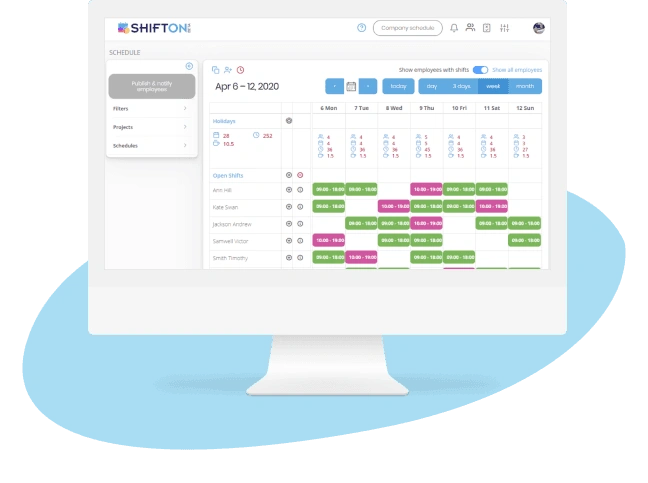
On-Call and Rotation Scheduling for IT Support Teams
IT departments run 24/7 help desks, NOC rotations, and on-call escalation tiers that must be staffed without gaps. Manual scheduling in spreadsheets leads to burnout from uneven on-call distribution and missed handoffs between shifts.
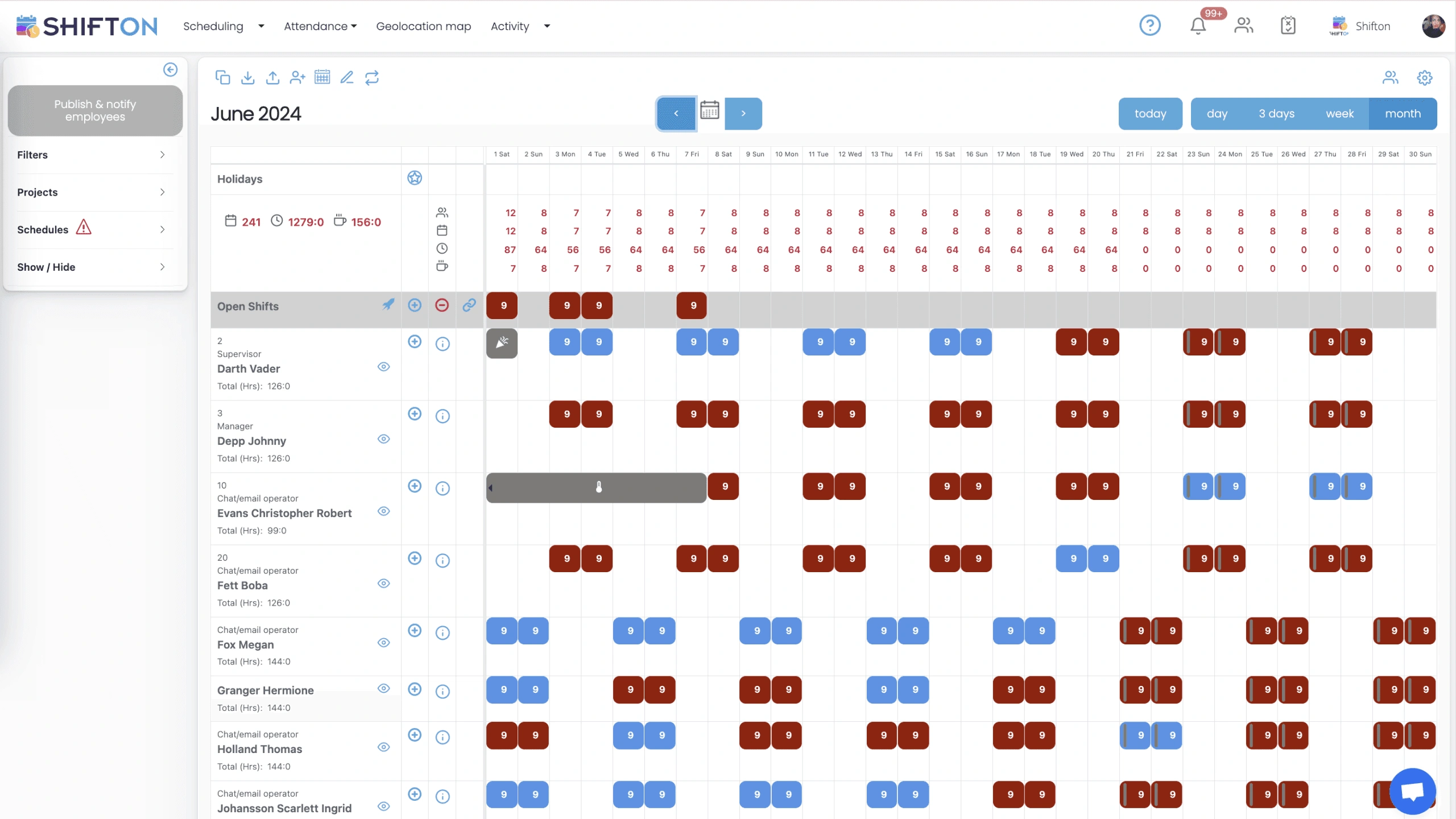
Accurate Time Tracking for IT Contractors and In-House Staff
IT teams often blend full-time employees with contractors and freelancers, each with different billing rates and hour limits. Inaccurate time logs create billing disputes, blow project budgets, and complicate compliance with contractor agreements.
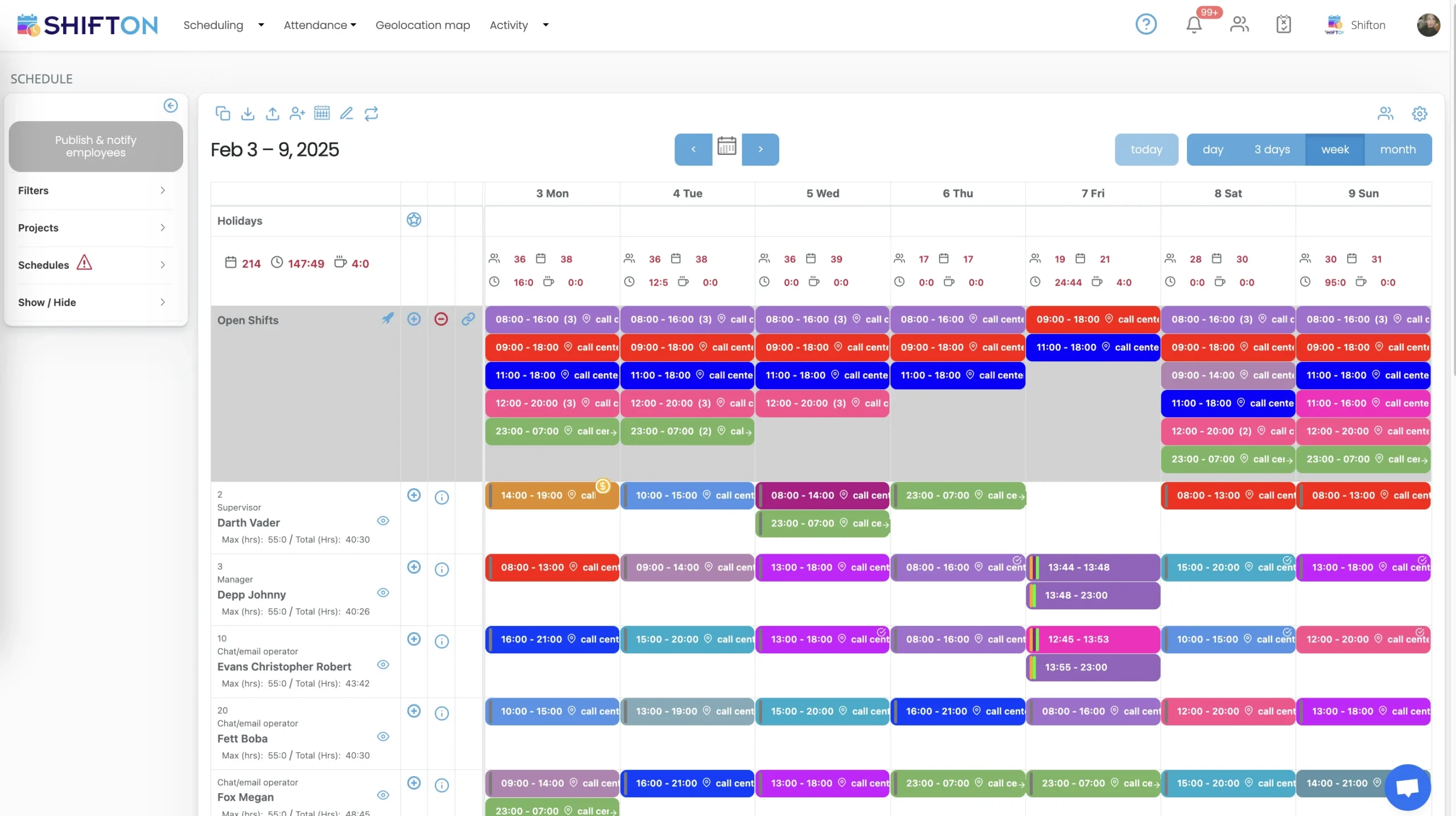
Real-Time Shift Visibility Across IT Operations
When a critical system goes down at 2 AM, the incident commander needs to know instantly who is on-call, who is already working, and who can be escalated. Digging through outdated rosters during an outage wastes precious minutes.
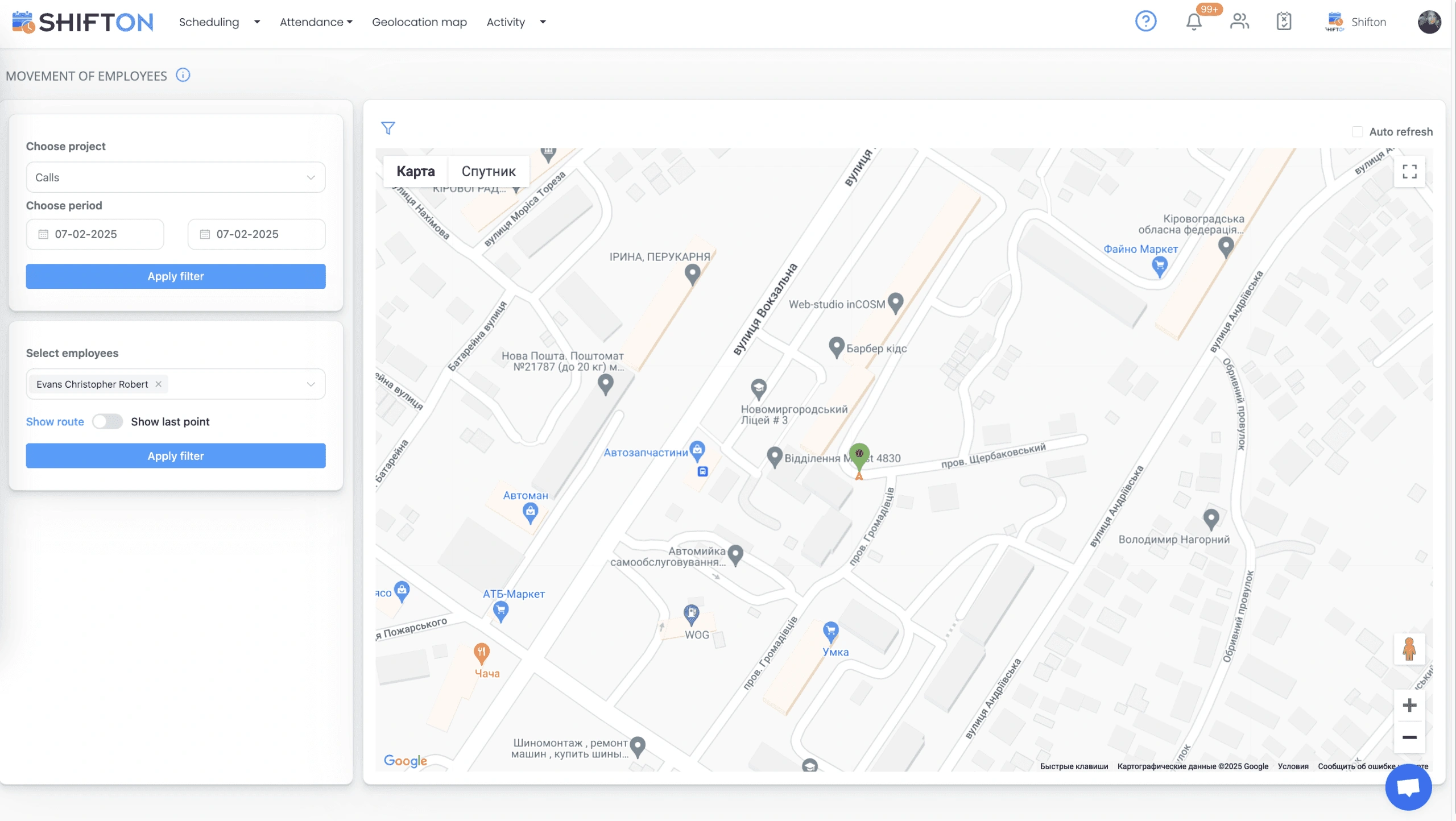
Workforce Reports for IT Capacity Planning
IT managers must justify headcount requests, balance workloads across teams, and forecast hiring needs as infrastructure scales. Without workforce data tied to shift patterns and incident volumes, capacity planning becomes guesswork.
Start with the Free Plan
No time limits. Get full access to core features and upgrade when you're ready.
Frequently Asked Questions
Can I schedule IT support techs by skill - networking, hardware, security?
Yes. Tag techs with certifications and specialties. Dispatch the right tech for each ticket type.
Does Shifton handle on-call rotations for IT after-hours support?
Yes. Build weekly or biweekly on-call rotations. After-hours tickets route to the on-call tech automatically.
Can IT techs see ticket details and client history before site visits?
Yes. Job cards show ticket description, client equipment list, previous visits, and resolution notes.
Does Shifton track SLA response times per client tier?
Yes. Assign SLA tiers. Alerts trigger when response time approaches the deadline for each priority level.
Can remote and on-site IT support be scheduled together?
Yes. Mix remote sessions and on-site visits in one schedule. Track time per ticket regardless of location.






Ready to transform your field operations?
Join thousands of field service companies that trust Shifton to run smarter every day.